
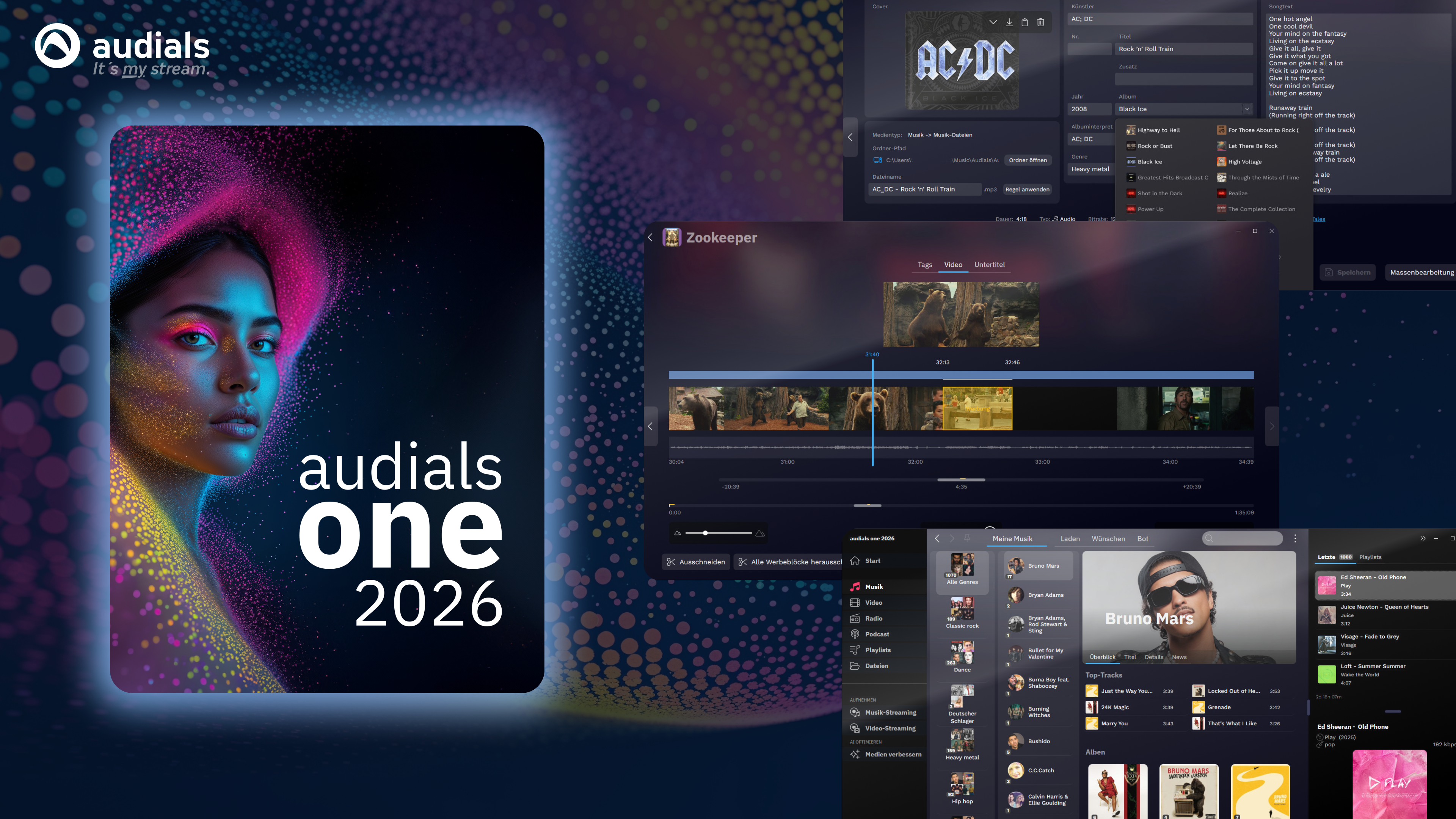
- Name Audials One 2026
- Category Photo & video
- Developer Audials AG
- Available on PC
- OS Windows 10 version 0.0 or higher
- Keyboard Integrated Keyboard
- Mouse Integrated Mouse
- Memory 2 GB
- languages Chinese, Danish, Dutch, English, French, German, Italian, Japanese, Portuguese, Spanish, Swedish, Romanian, Polish
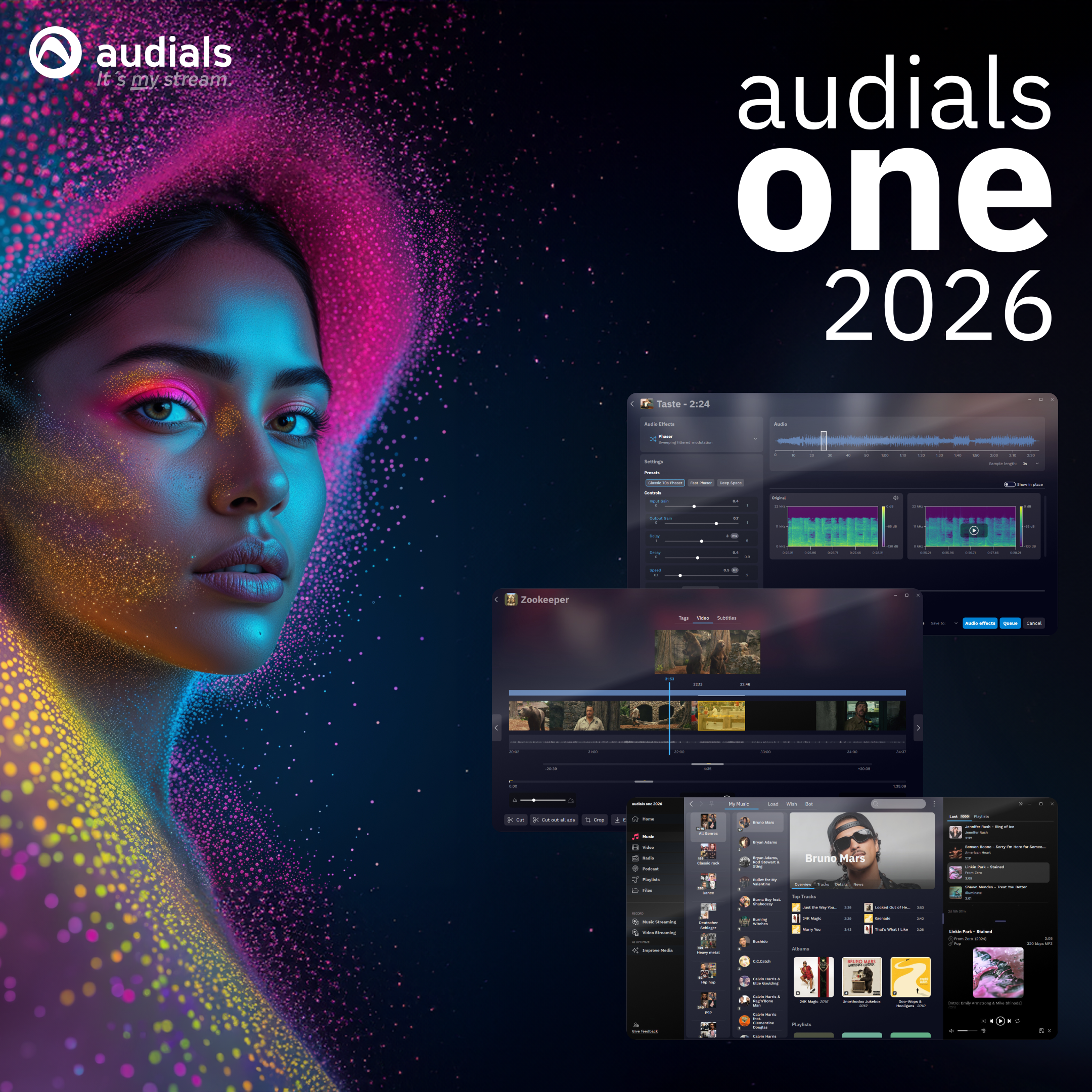
Audials One 2026 for Windows: The All-in-One Media Companion
Audials One 2026 is a comprehensive media management application designed to help users discover, record, and organize digital entertainment seamlessly on Windows. Perfectly balancing power and simplicity, it aims to serve media enthusiasts who crave an efficient way to access their favorite music, radio stations, podcasts, and videos without the clutter and complexity often associated with similar tools.
About the Developer and Core Features
Developed and published by Audials AG, a reputable name in digital entertainment solutions, Audials One 2026 builds upon years of experience in media recording and management. Its main strengths lie in four key areas:
- Universal Media Recorder: Capture music streams, internet radio, podcasts, and videos from various sources effortlessly.
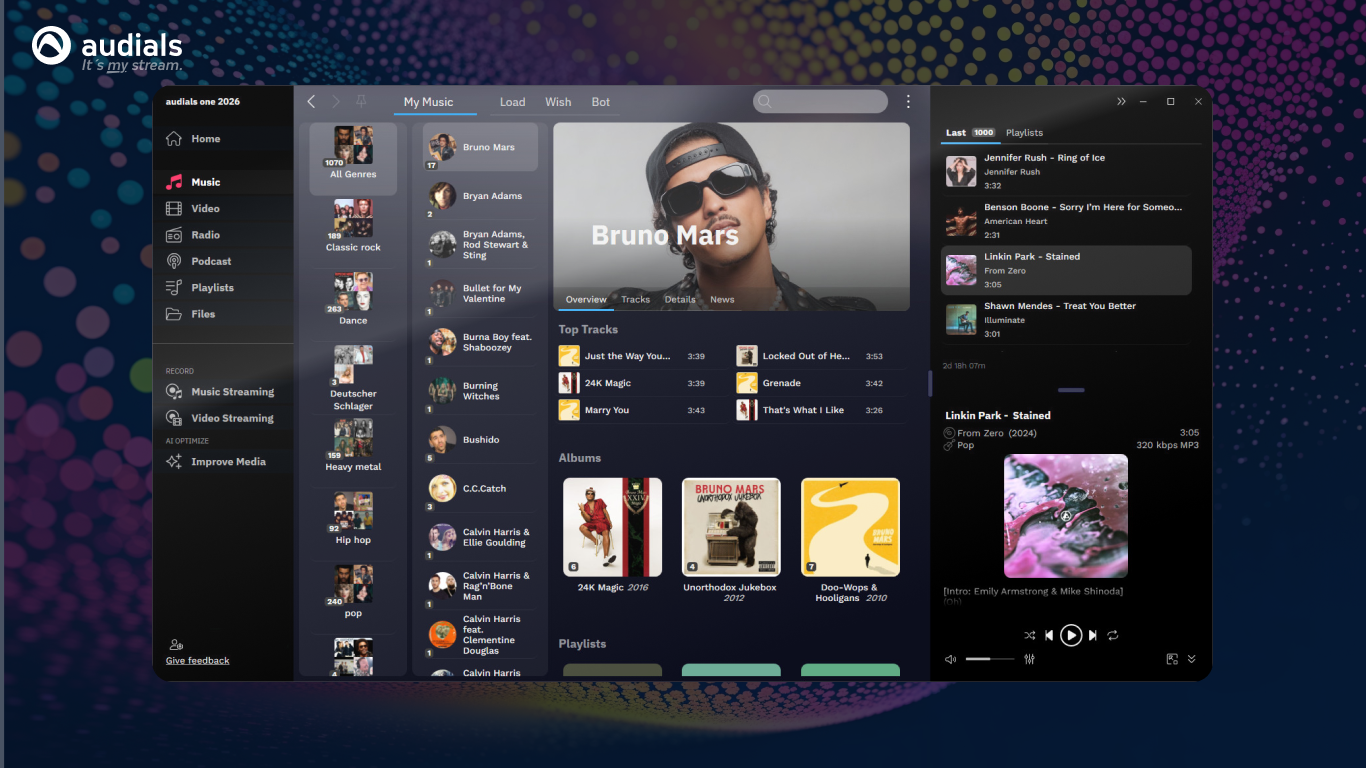
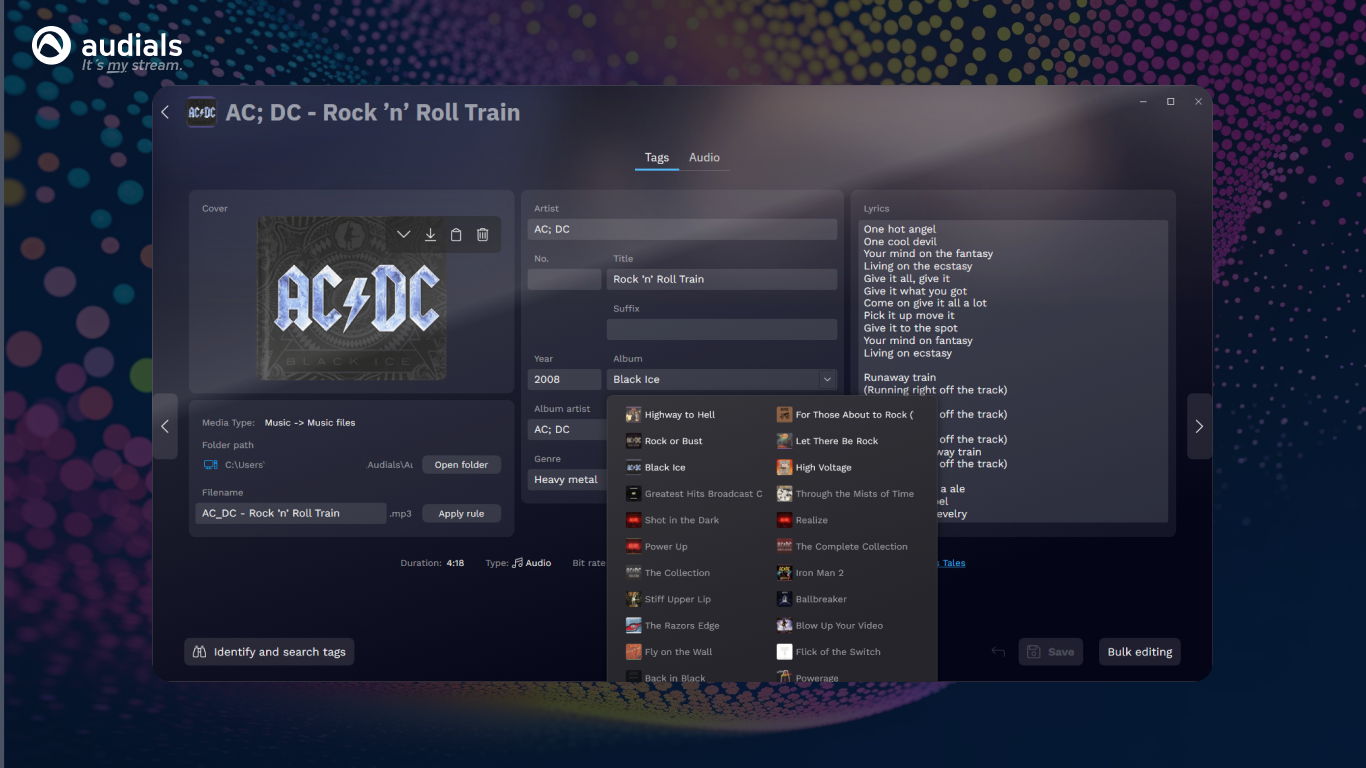
- Smart Media Library: Organize and personalize your collection with intelligent tagging, filtering, and playlist features.
- Streaming and Downloading Integration: Seamlessly access and save content from multiple streaming platforms with minimal hassle.
- automation and Quality Control: Auto-record shows at scheduled times and select the best quality recordings automatically, reducing manual oversight.
The target audience primarily includes digital content consumers, music aficionados, podcasters, and even casual users who want a one-stop tool to manage their media universe efficiently while maintaining good quality and accurate organization.
Immersive User Experience and Interface Design
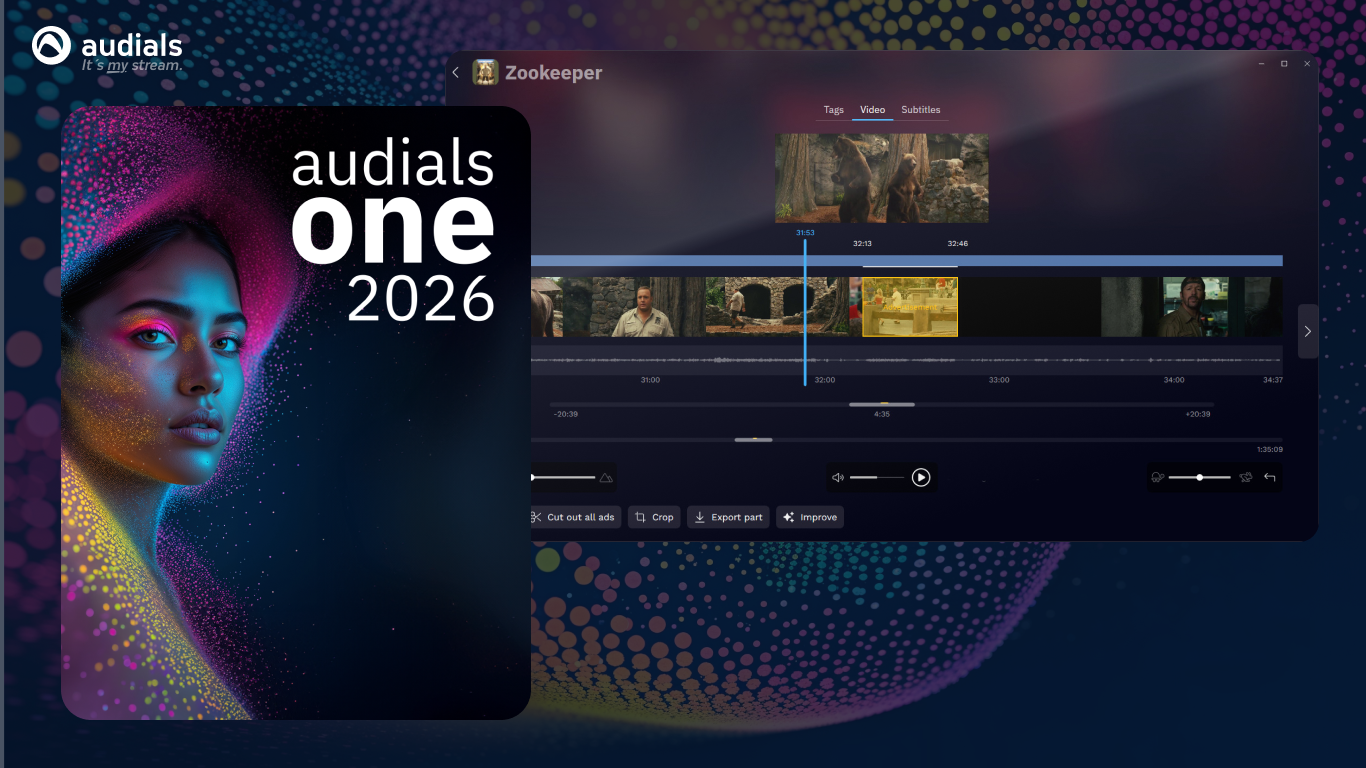
Stepping into Audials One 2026 feels like entering a well-organized digital smartphone—clean, intuitive, and welcoming. The interface combines elegant dark themes with easy-to-navigate menus, making it less intimidating for newcomers and familiar for seasoned users. Users can quickly access streaming options, recording controls, and library functions from the main dashboard, which feels akin to having a personal media command center at your fingertips.
Operation flow is smooth; loading streams, scheduling recordings, and managing files happen swiftly, thanks to optimized performance. The learning curve is gentle—principally, the app provides straightforward prompts and tooltips, making it accessible even to those new to digital media tools. Advanced features like batch recording and auto-tagging are just a few clicks away once familiarized, further streamlining the user experience.
What Makes Audials One 2026 Stand Out?
Compared to other media recording and management apps, Audials One 2026's standout feature is its integrated “Automated Recording Scheduler” powered by intelligent algorithms. This allows users to set up complex recording routines—say, capturing your favorite morning radio show or new music releases—without constantly juggling settings. The app's ability to identify and save high-quality streams automatically means less time fiddling with parameters and more time enjoying your media.
Additionally, its multi-source downloading and streaming features genuinely simplify the content acquisition process, making it a unique hub for diverse media types. This sets it apart from niche applications that only focus on one or two media formats or specific platforms. Users no longer need multiple apps to record, organize, and access content—Audials One 2026 turns this into a cohesive experience.
Final Thoughts: Who Should Use It and Why?
For anyone tired of juggling several media tools or struggling with disorganized collections, Audials One 2026 offers a balanced, professional-grade yet user-friendly solution. I'd rate it as highly recommended for everyday users, media enthusiasts, and even semi-professional content creators seeking reliable recording and management tools. Its unique automation features and multi-format support make it particularly suitable for those who want to automate their media routines while maintaining quality and organization.
While it may not be the lightest app on resources or the simplest for absolute beginners, its robust features and thoughtful design justify a dedicated setup. If your digital media habits involve regular streaming, recording, or content curation, Audials One 2026 is definitely worth considering as your media command center—like having a smart assistant tailored for your entertainment needs.
Pros
- Comprehensive music and video downloading capabilities
- High-quality audio and video conversion features
- Automatic tagging and organization of media files
- Built-in radio and podcast streaming options
- Regular updates with new features and improvements
Cons
- Learning curve for new users
- Occasional stability issues during large downloads
- Limited free trial duration
- Resource usage can be high on older PCs
- Interface could be more user-friendly











