

- Name AI Video Faceswap
- Category Photo & video
- Developer Tuguoba
- Available on PC
- OS Windows 10 version 17763.0 or higher
- Keyboard Integrated Keyboard
- Mouse Integrated Mouse
- Memory 6 GB
- DirectX Not specified
- languages Chinese (Simplified), Chinese (Traditional), Dutch, English (United States), French, German, Japanese, Korean, Portuguese (Brazil), Russian, Spanish
An Intuitive and Powerful Faceswap Tool for Windows
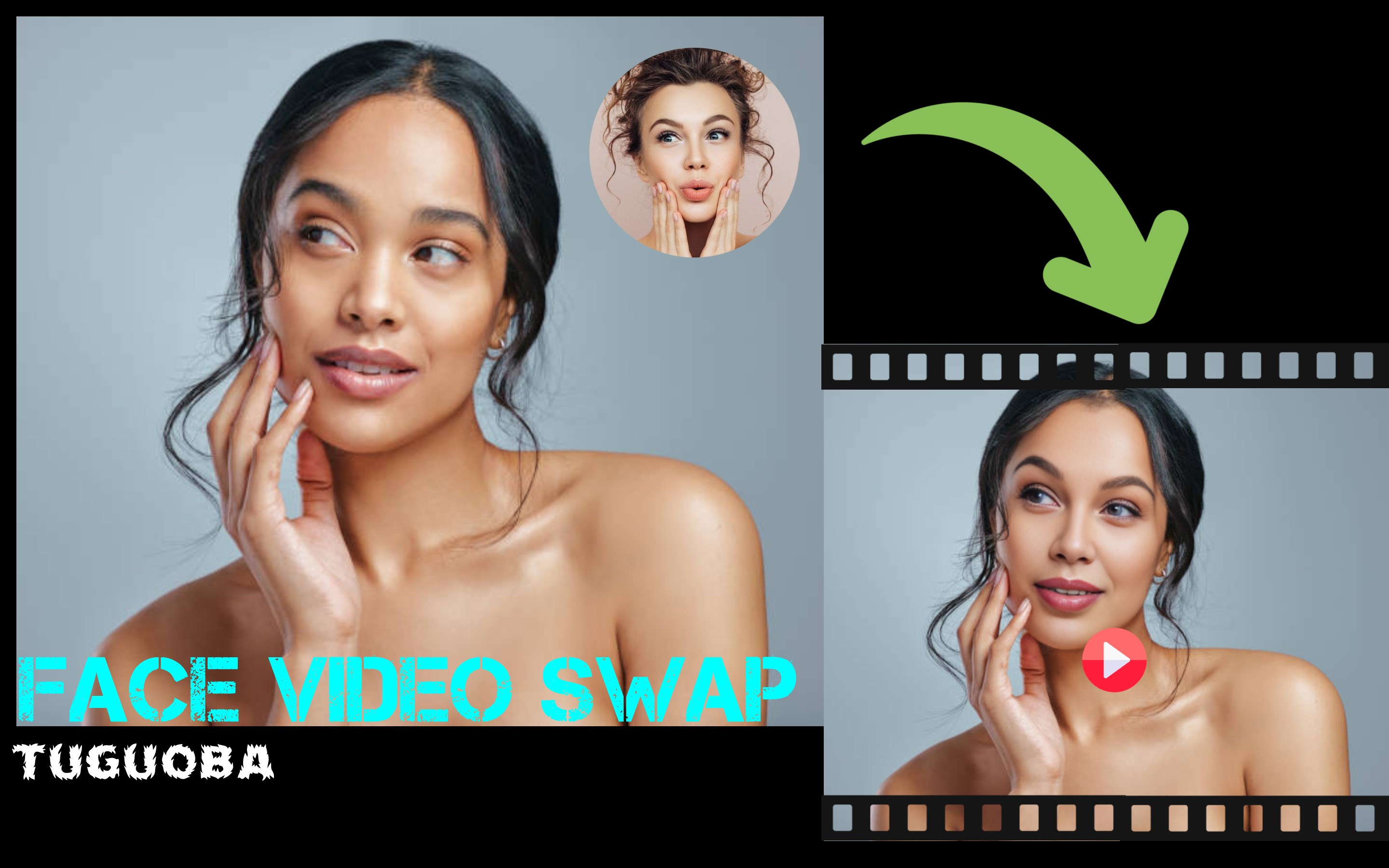
AI Video Faceswap for Windows by Tuguoba stands out as a dedicated application designed to seamlessly replace faces in videos with remarkable accuracy, making it a handy tool for content creators, hobbyists, or anyone interested in video editing involving face swapping technology.
Basic Information and Highlights
Positioning and Purpose
This app offers a specialized solution for high-quality face swapping in videos, emphasizing ease of use and realistic results for both casual users and professionals.
Developer and Publisher
Developed and published by Tuguoba, a team committed to delivering accessible AI-based multimedia tools.
Key Features
- High-Resolution Face Replacement: Enables swapping faces in videos with exceptional clarity and natural blending.
- Automatic Face Detection and Tracking: Utilizes AI to automatically identify and follow facial features throughout the video, reducing manual work.
- Intuitive User Interface: Designed for ease of use, allowing users to quickly import media, apply swaps, and export results.
- Supports Video in Multiple Formats: Compatible with a wide range of video file types for versatile usability.
Target User Group
This app caters to content creators, video editors, social media enthusiasts, and anyone interested in exploring facial animation—whether for entertainment, parody, or creative projects.
A Joyful Dive into Face Swapping: First Impressions
Imagine sitting down with your favorite movie or a hilarious TikTok clip, wondering what it would look like if your face replaced the star's—welcome to the fun of AI Video Faceswap! As soon as you launch the app, it greets you with a clean, straightforward interface that feels more like a friendly workshop than a complicated digital arena. Whether you're a beginner or an experienced editor, the app promises an enriching experience, balancing simplicity with professional-grade results.
Core Functionality Deep Dive
Seamless Face Detection and Tracking
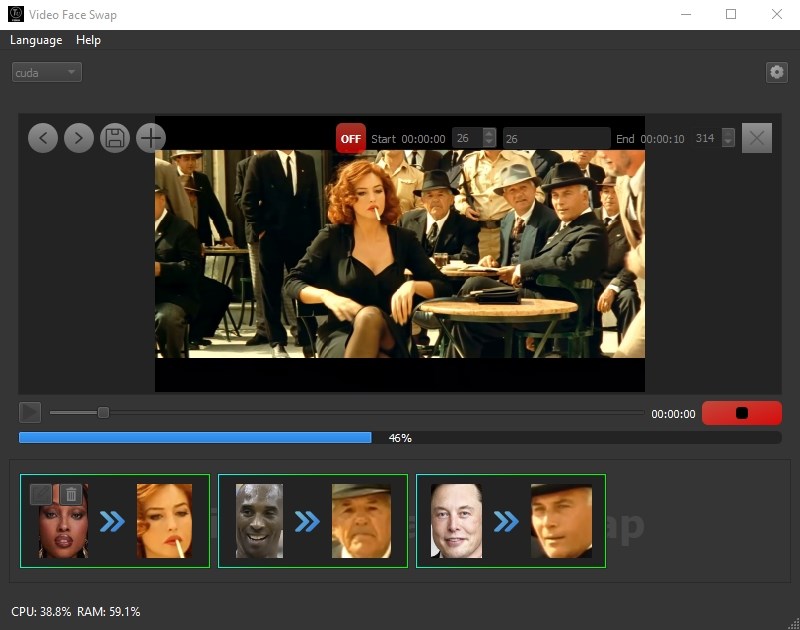
The app's most striking feature is its ability to automatically detect faces within a video. After uploading your footage, it swiftly analyzes and tracks facial movements frame by frame. This process is akin to having a vigilant camera operator marking every smile, wink, and frown without you lifting a finger. The AI's precision minimizes unnatural edges or distortions, resulting in a convincing swap that looks genuinely like the person was in front of the camera the whole time.
High-Quality Face Swapping
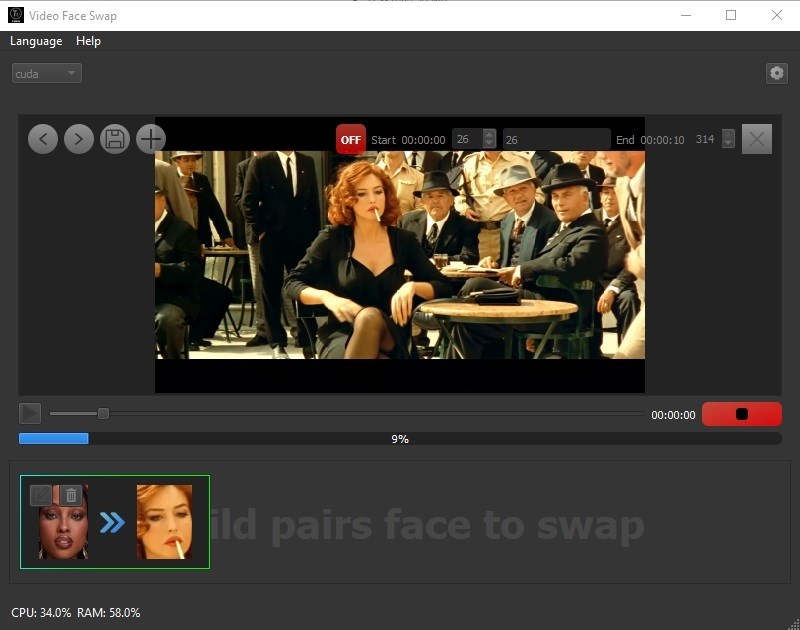
Once the face is identified, replacing it with another image or face is incredibly intuitive. You simply select the source face, and the algorithm blends it onto the target seamlessly. The tool excels in maintaining skin tones, facial expressions, and lighting conditions, which is critical for realism. This feature shines brightest when working with close-up footage, where small inaccuracies often spoil the illusion. Here, Tuguoba's AI leverages advanced neural networks to ensure the swap appears natural and smooth—even during rapid movements or changing angles.
User Experience and Performance
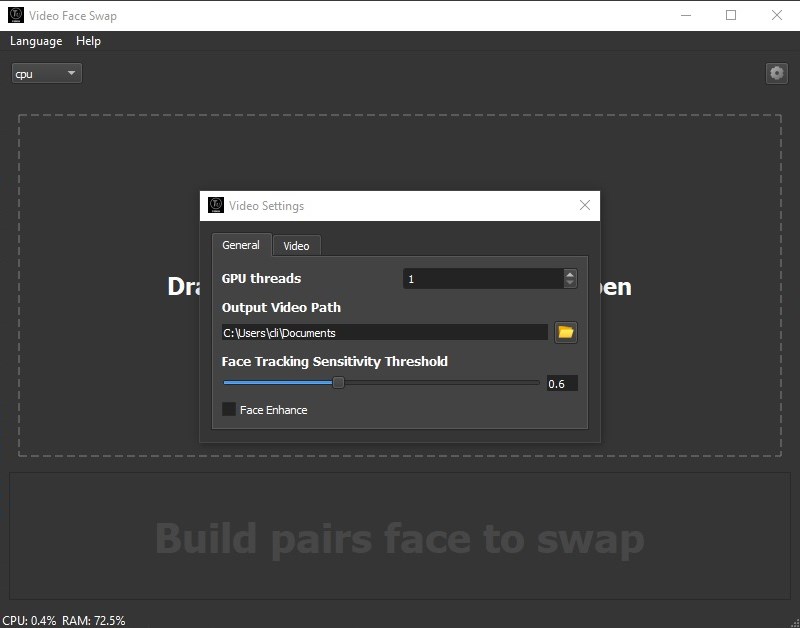
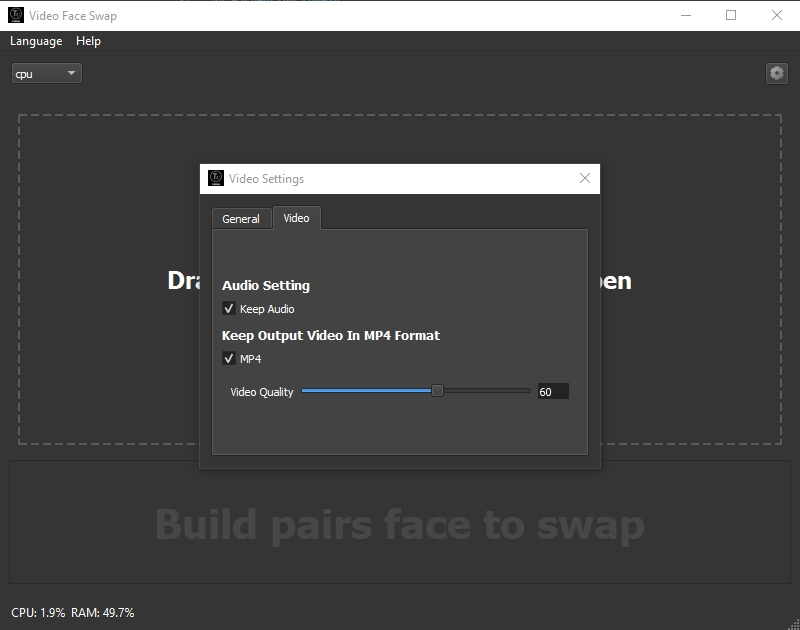
Interface-wise, the app adopts a minimalistic yet functional layout, presenting controls that are easy to grasp. Drag-and-drop functionality simplifies media import, while real-time preview windows let you see changes instantly. Performance-wise, the app handles standard video resolutions efficiently, although processing times may vary with video length and complexity. The workflow feels smooth, with most users finding the learning curve gentle, even if they're new to video editing. The balance of automation and manual adjustments offers both beginners and seasoned editors an accommodating environment.
What Sets It Apart from Similar Applications?
Many face swapping apps lean heavily on either complex interfaces or limited scope, but Tuguoba's AI Video Faceswap strikes a commendable balance. Its standout feature is the AI's capacity for detailed tracking and blending, making the swapped faces look remarkably natural—almost as if the actor themselves was wearing a mask designed for their face. Unlike some apps that struggle with facial expressions or lighting mismatches, this tool's neural network handles these nuances gracefully. Moreover, its support for various video formats and quick processing times make it versatile for different projects, setting it apart from more specialized or less user-friendly tools.
Final Verdict and Recommendations
All in all, AI Video Faceswap for Windows is a robust, user-friendly tool that offers high-quality face swapping with impressive automation. For hobbyists looking to create fun content or professionals aiming for quick mock-ups, this app provides a reliable solution without steep learning curves. I recommend it especially for users who prioritize realistic results and ease of use over overly complex features. Its standout face detection and blending capabilities make it a noteworthy choice in a crowded field of video editing apps. For anyone interested in exploring face swapping or adding a fun twist to their videos, this application deserves a spot in your toolkit.
Pros
- User-friendly Interface
- High-Quality Face Swapping
- Fast Processing Speed
- Wide Compatibility
- Regular Updates and Improvements
Cons
- Limited Editing Controls
- Occasional Face Misalignment
- Watermark in Free Version
- Performance Varies with Device
- Privacy Concerns











