

- Name Advanced SystemCare Ultimate
- Category Security
- Developer IObit
- Available on PC
- OS Windows 10 version 0.0 or higher
- languages Arabic, Bulgarian, Chinese (Simplified), Chinese (Traditional Chinese), Croatian, Czech, Danish, Dutch, English, Finnish, French, Georgian, German, Greek, Hebrew, Hungarian, Indonesian, Italian, Japanese, Korean, Malay, Norwegian, Polish, Portuguese (Brazil), Portuguese (Portugal), Romanian, Russian, Serbian (Cyrillic), Serbian (Latin), Slovak, Slovenian, Spanish, Swedish, Turkish, Ukrainian, Vietnamese
Unveiling the Power of Advanced SystemCare Ultimate for Windows
Imagine having a vigilant digital guardian that quietly keeps your PC in top shape—fast, secure, and hassle-free. That's exactly what Advanced SystemCare Ultimate offers, promising to streamline your Windows experience with its all-in-one toolkit.
A Brief Overview: Who and What is Advanced SystemCare Ultimate?
Developed by IObit, a renowned leader in PC optimization and security software, Advanced SystemCare Ultimate for Windows combines top-tier security features with comprehensive system optimization tools. Designed for everyday users who want a straightforward yet powerful solution, it aims to enhance system performance while safeguarding against threats. Some of its standout features include real-time malware protection, deep system cleanup, and performance acceleration—all wrapped into an intuitive interface. Targeting a diverse user base—from casual PC users to small business operators—it provides an accessible entry point into maintaining a healthy and secure Windows environment.
Key Features That Make It Stand Out
Dual Shield: Security Meets Optimization
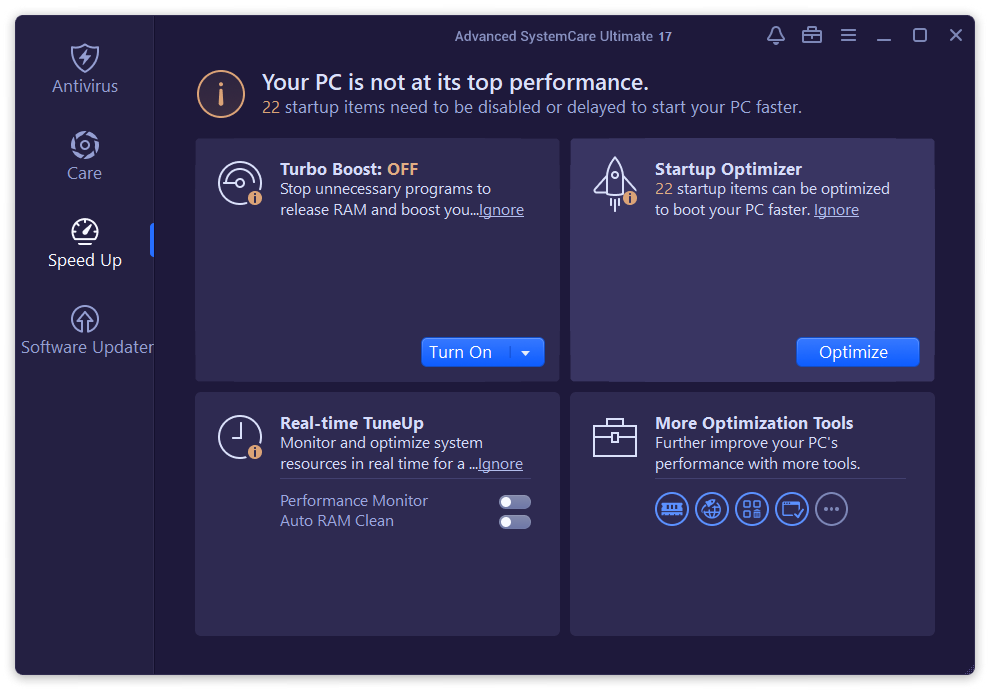
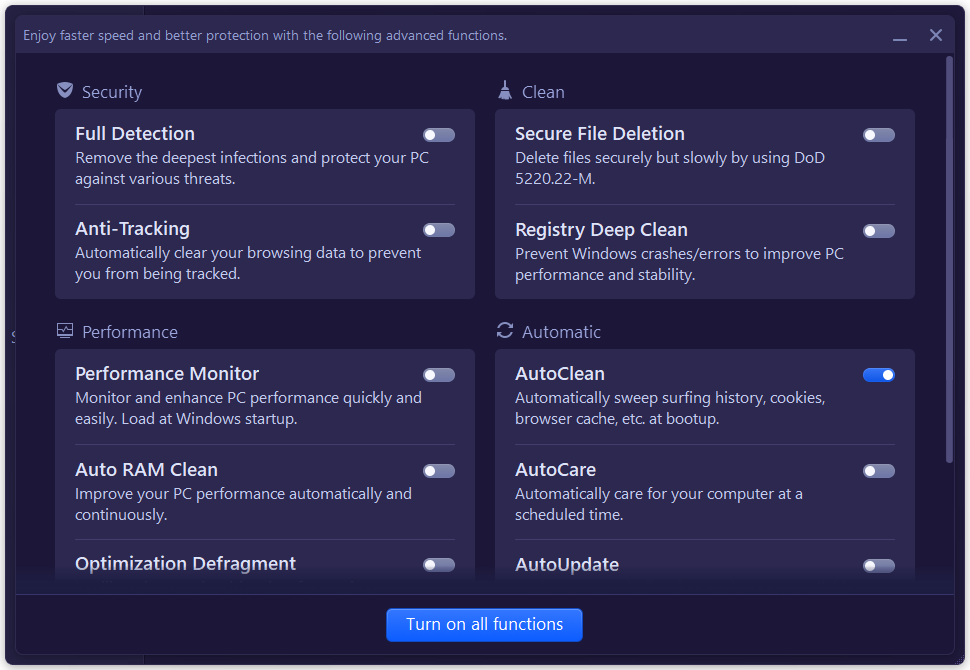
Unlike many security tools that solely focus on antivirus scans, Advanced SystemCare Ultimate offers a dual approach. It seamlessly integrates advanced anti-malware protection with system tuning capabilities. This means you're not just guarding against generic threats but also fine-tuning your PC for optimal speed and stability. It's like having a digital bodyguard and personal trainer in one package, ensuring your computer stays fit and secure.
One-Click System Optimization
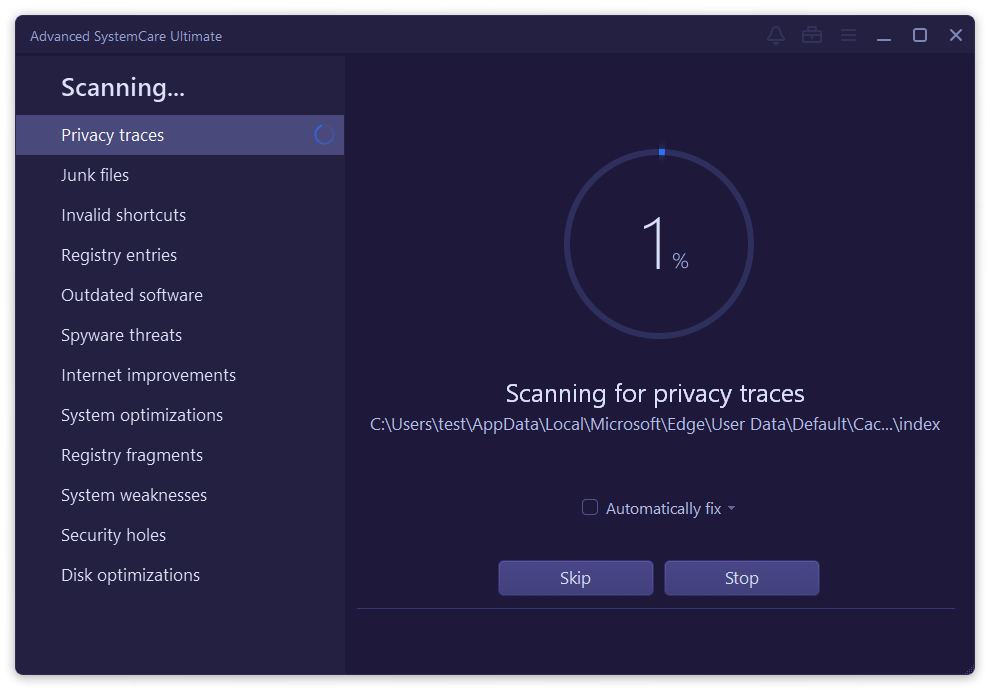
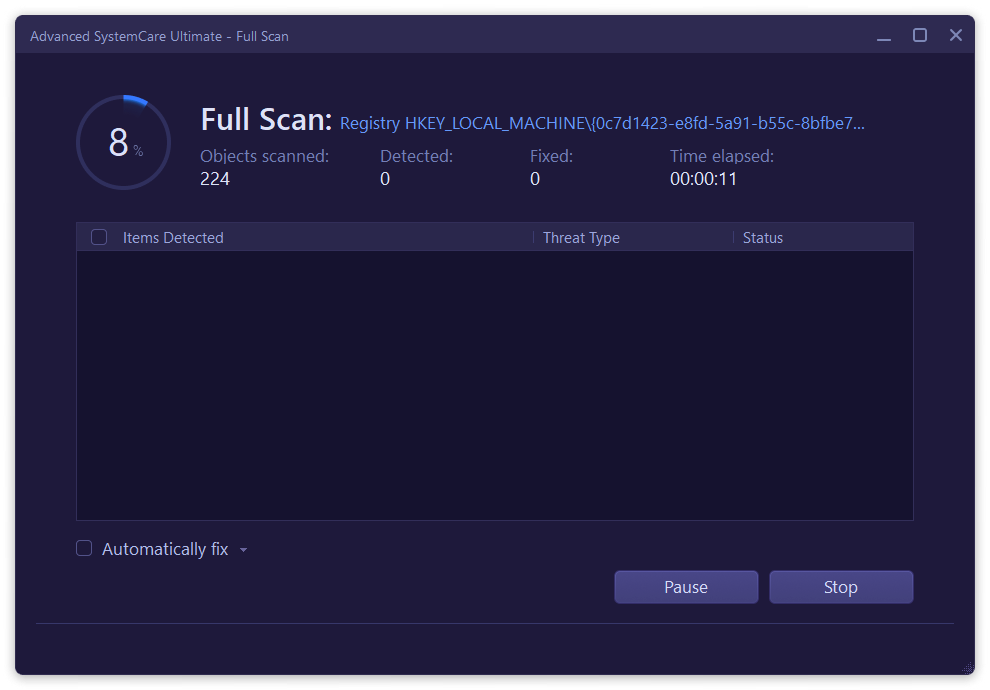
Picture this: walking into a cluttered, dusty room and with a single click, everything is cleaned and organized. That's the magic of the one-click optimization feature. It scans for unnecessary files, invalid registry entries, and background processes that slow down your PC. The process is smooth and fast, making it accessible even for users who aren't tech-savvy. The interface displays clear progress and suggestions, reducing the daunting feeling often associated with more complex utilities.
Real-Time Threat Detection and Removal
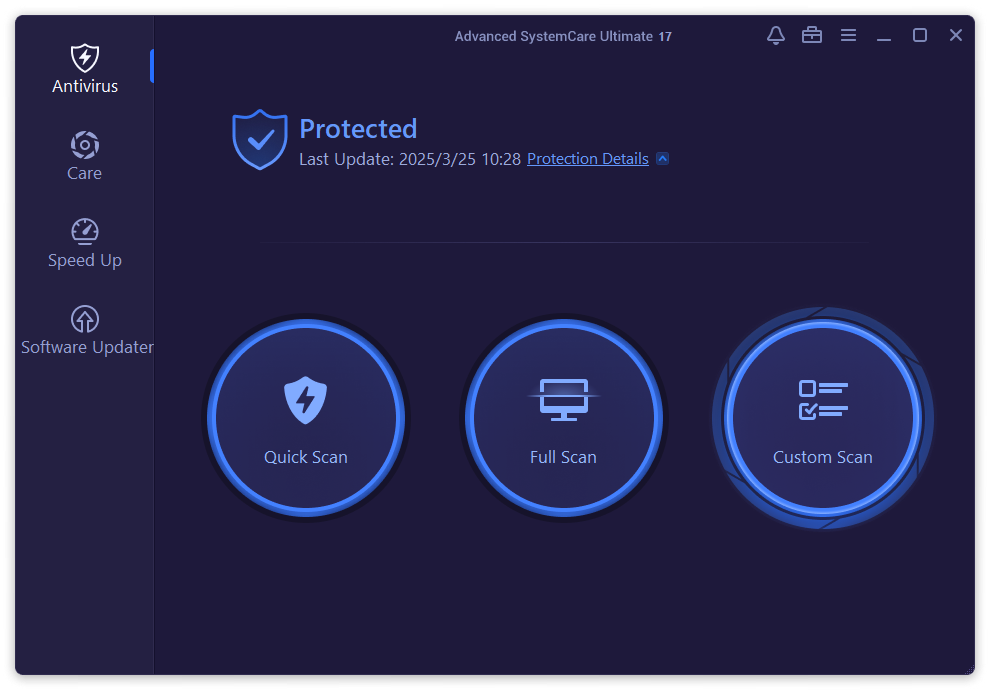
The standout feature of Advanced SystemCare Ultimate is its real-time malware detection. It acts like an ever-watchful sentinel, constantly monitoring your system for malicious activities without slowing down your workflow. This proactive defense sets it apart from many competitors that only scan periodically. It's like having a virus scanner that never sleeps, ensuring your sensitive data stays protected at all times.
Design, Usability, and User Experience
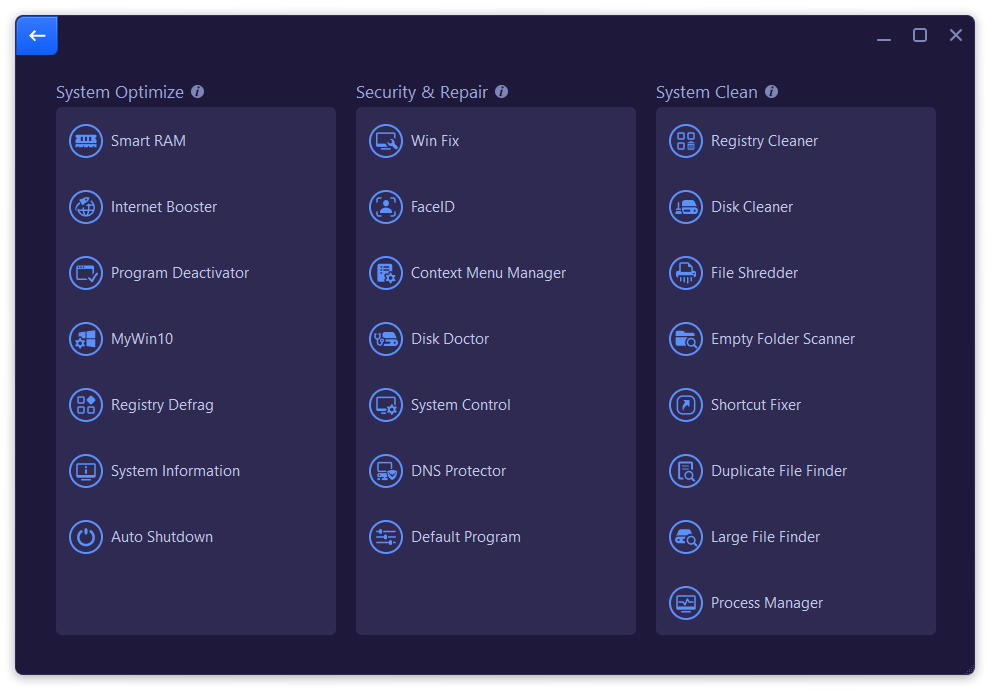
The user interface is sleek and visually inviting, reminiscent of a well-organized control center. Icons are intuitive, and the layout guides users comfortably through each function without overwhelming. Operation feels fluid—a breeze for seasoned users, yet approachable enough for beginners. The learning curve is gentle; even those unfamiliar with PC maintenance will find it straightforward to navigate and utilize all features effectively.
Differentiating Factors: What Sets It Apart?
While many security suites emphasize either safety or optimization, Advanced SystemCare Ultimate excels in blending both seamlessly. Its standout feature is the integration of deep security measures with advanced system tuning in one package, reducing the need for multiple tools. Moreover, its real-time malware shield provides an extra layer of reassurance, catching threats before they manifest into problems. Unlike generic security apps, IObit's solution is optimized to minimize resource consumption during scans, keeping your system responsive even when performing intensive checks. This balance of protection, speed, and user-friendliness is its particular strength.
Should You Give It a Try?
If you're in search of a well-rounded, reliable, and easy-to-use PC utility that keeps your system running smoothly while guarding against cyber threats, Advanced SystemCare Ultimate warrants serious consideration. It's particularly suited for users who prefer a “set it and forget it” approach, trusting the software to handle the tidying and safeguarding. However, like any security tool, it works best when complemented with good digital hygiene. For casual users and professionals alike, this software is a solid choice for maintaining a secure and efficient Windows environment.
Pros
- Comprehensive Security Suite
- Effective System Optimization
- User-Friendly Interface
- Automatic Updates
- Additional Utilities
Cons
- High System Resource Usage
- Occasional False Positives
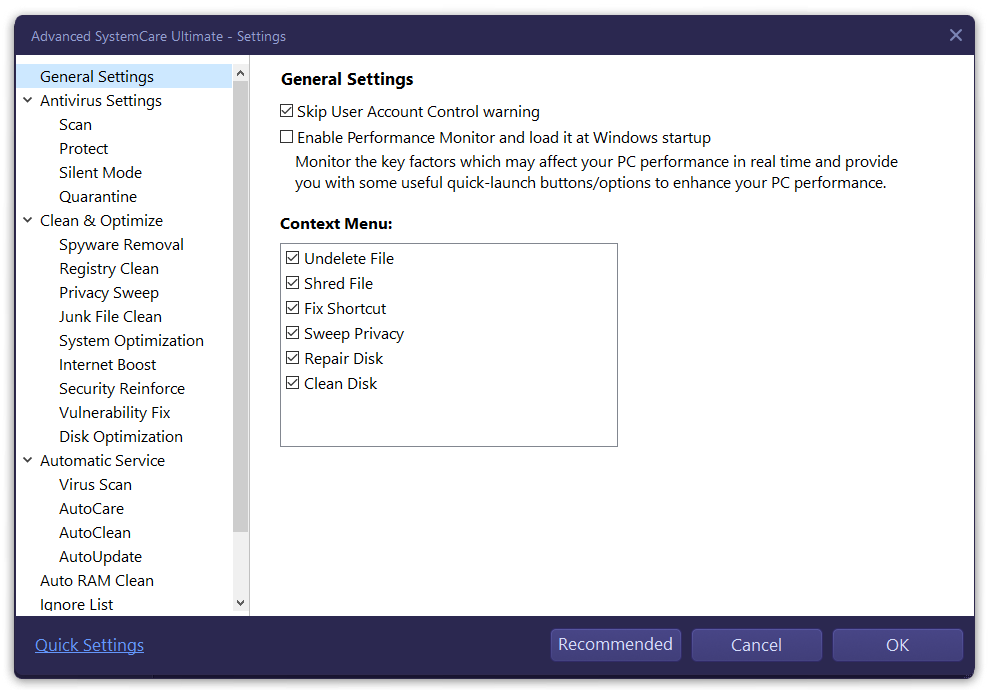
- Limited Customization Options
- Scanning Speed
- Occasional Interface Freezes











