


- Name AdGuard — adblock&privacy
- Category Security
- Developer Adguard Software Limited
- Available on PC
- OS Windows 10 version 0.0 or higher
- Keyboard Integrated Keyboard
- Mouse Integrated Mouse
- languages English, Finnish, French, German, Greek, Hebrew, Hungarian, Danish, Dutch, Czech, Croatian, Chinese (Simplified), Chinese, Bulgarian, Belarusian, Armenian, Arabic, Indonesian, Italian, Japanese, Korean, Macedonian, Norwegian, Persian/Farsi, Polish, Portuguese (Brazil), Portuguese (Portugal), Romanian, Russian, Serbian, Slovenian, Slovak, Spanish, Swedish, Turkish, Ukrainian, Vietnamese
AdGuard — Adblock & Privacy for Windows: A Comprehensive Review
If you're tired of intrusive ads slowing down your browsing and worried about online privacy, AdGuard offers a robust solution designed to keep your digital experience smooth and secure. Think of it as having a vigilant guard dog, always alert, quietly working behind the scenes to ensure your online environment is clean and private.
About the Developer and Core Features
Developed by Adguard Software Limited and published by AdGuard, this application aims to provide an all-in-one ad-blocking and privacy protection tool tailored for Windows users. Its primary features include intelligent ad filtering that blocks intrusive ads across browsers and apps, enhanced privacy controls to thwart trackers and malicious sites, and a system-wide filtering capability that extends protection beyond just the browser. The target audience primarily comprises privacy-conscious internet users, families, and professionals seeking a seamless online experience free from clutter and data collection nuisances.
A Fun Yet Serious Look at AdGuard's Core Functionalities
Ad Blocking Made Easy and Effective
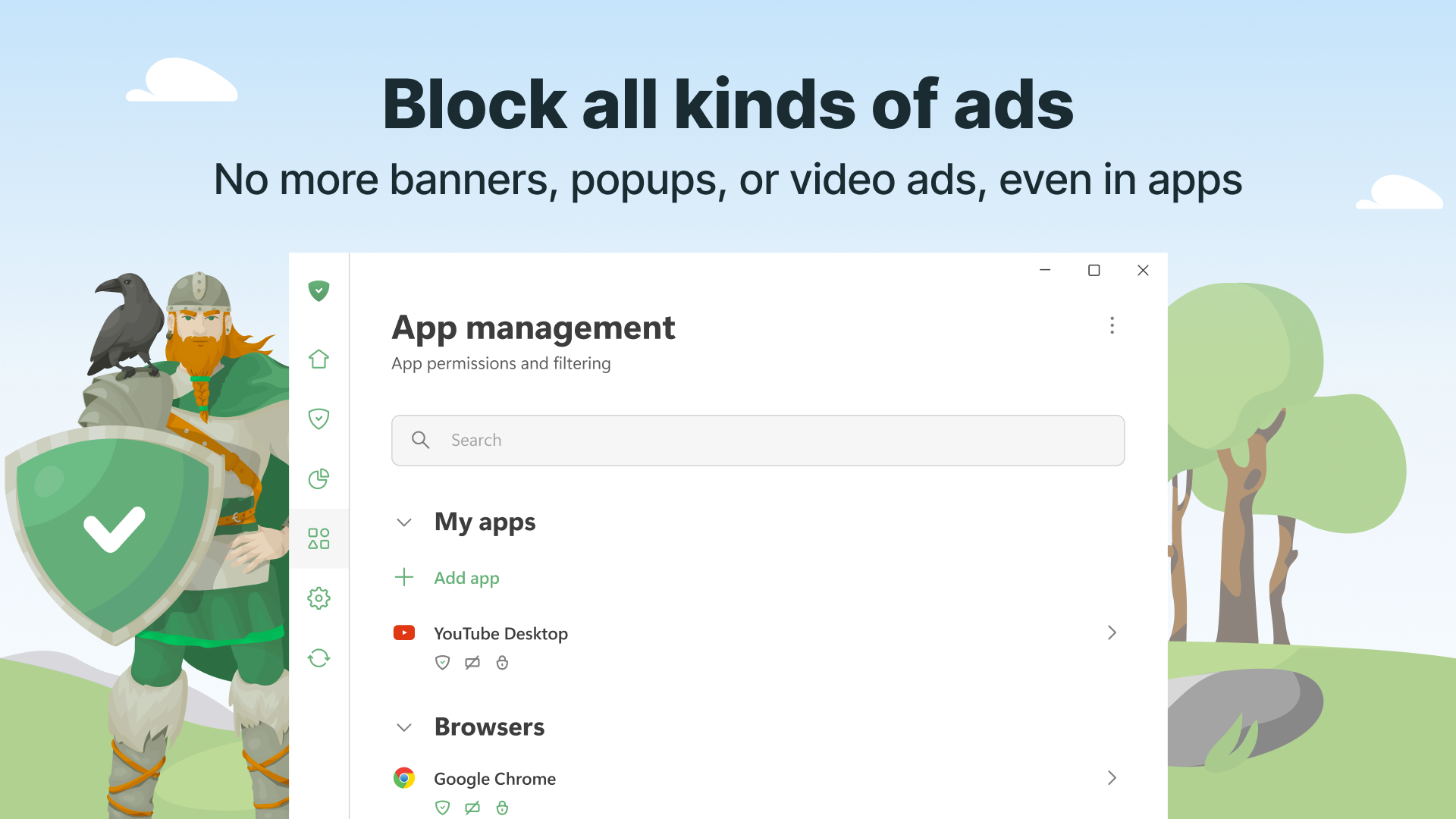
Imagine cruising down a busy street where billboards and distractions abound. AdGuard acts like a vigilant traffic cop, selectively removing the visual noise—pop-up ads, banners, autoplay videos—so that your browsing feels like driving through a scenic route rather than a chaotic traffic jam. Its ad filtering engine leverages a regularly updated filter list, ensuring that new ad formats are swiftly blocked without you needing to lift a finger. This results in a cleaner, faster browsing experience, even on resource-heavy websites.
Privacy Protection — Your Digital Shield
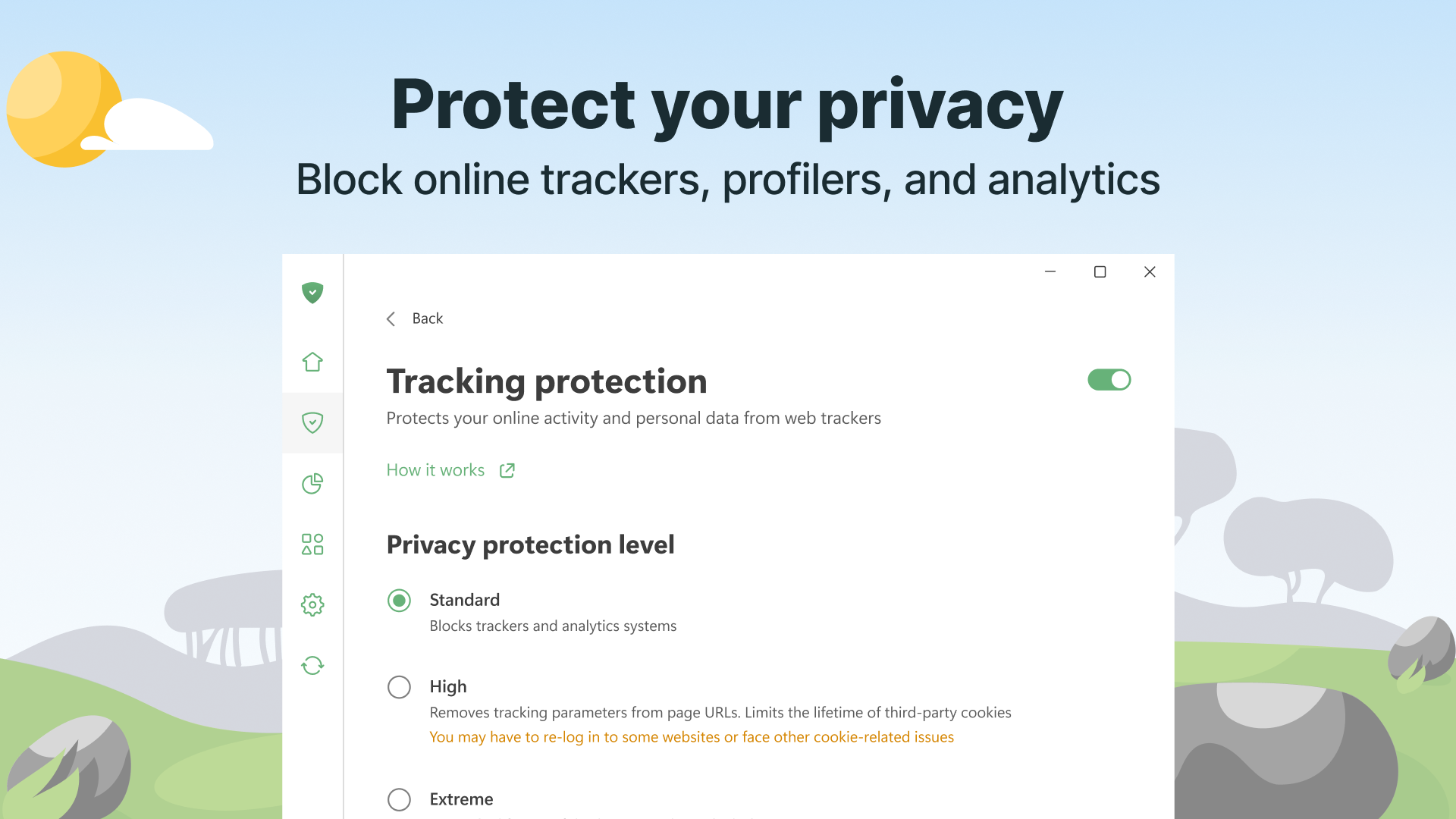
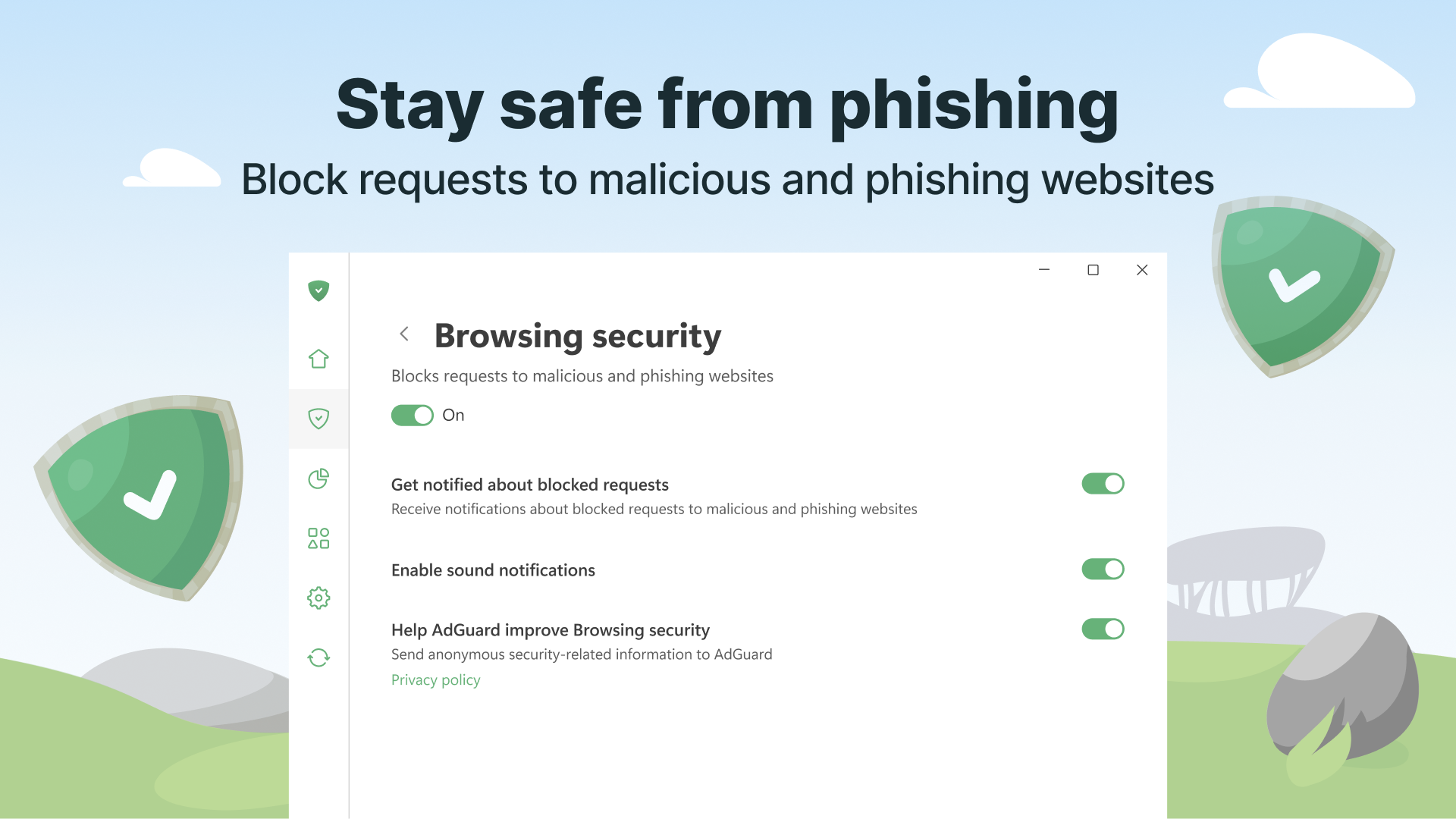
Think of your online presence as a secret garden; you wouldn't want malicious pests or prying eyes to spoil it. AdGuard's privacy features act like a sturdy fence and vigilant gatekeeper, blocking trackers, cookies, and malicious sites that seek to monitor your activities or steal data. Its anti-tracking mechanisms are sophisticated enough to detect and neutralize a wide array of tracking scripts, ensuring that your personal data stays confidential. For users concerned about online security, this layer of protection transforms regular browsing into a private sanctuary.
System-Wide Filtering and User Experience
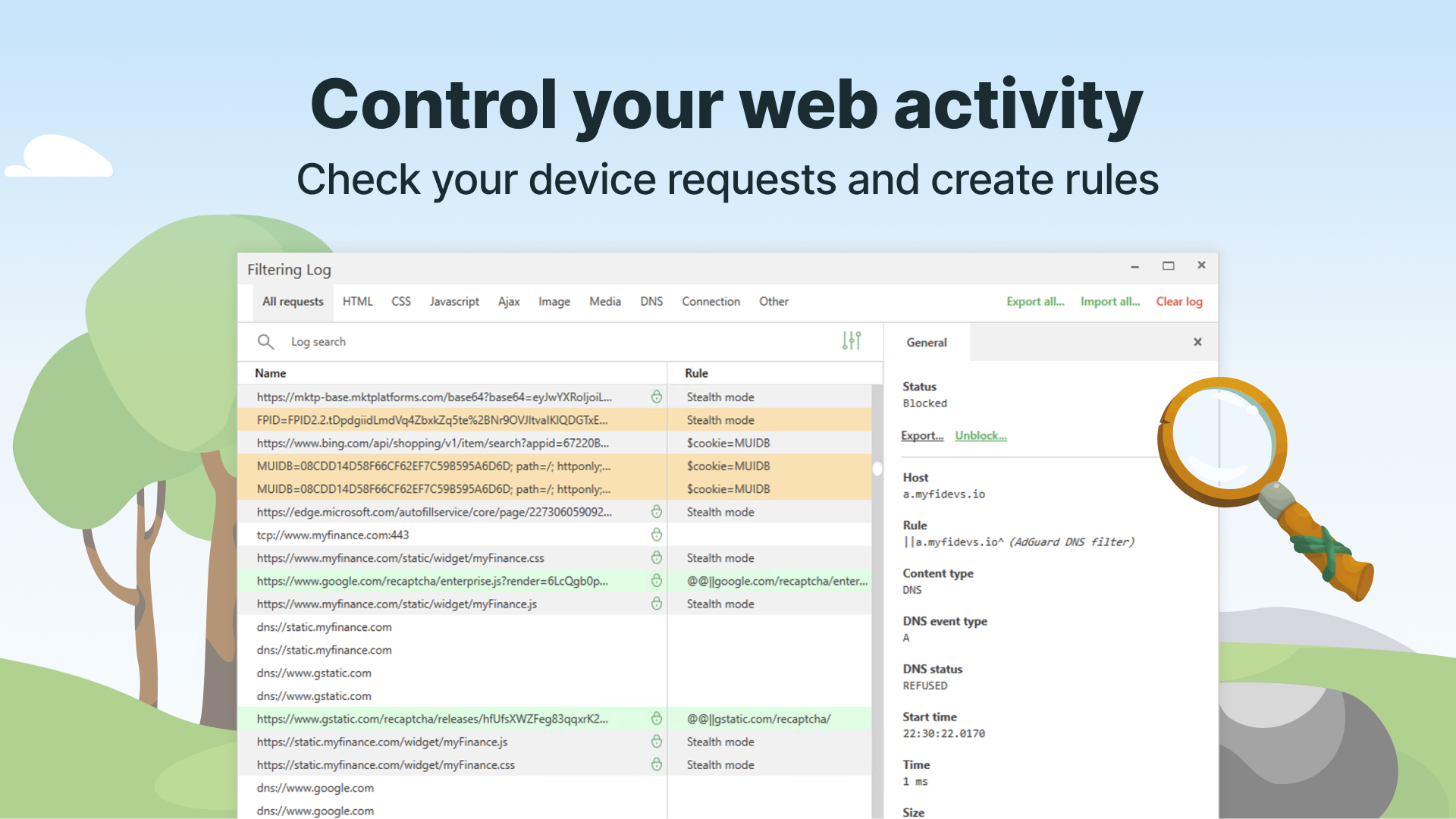
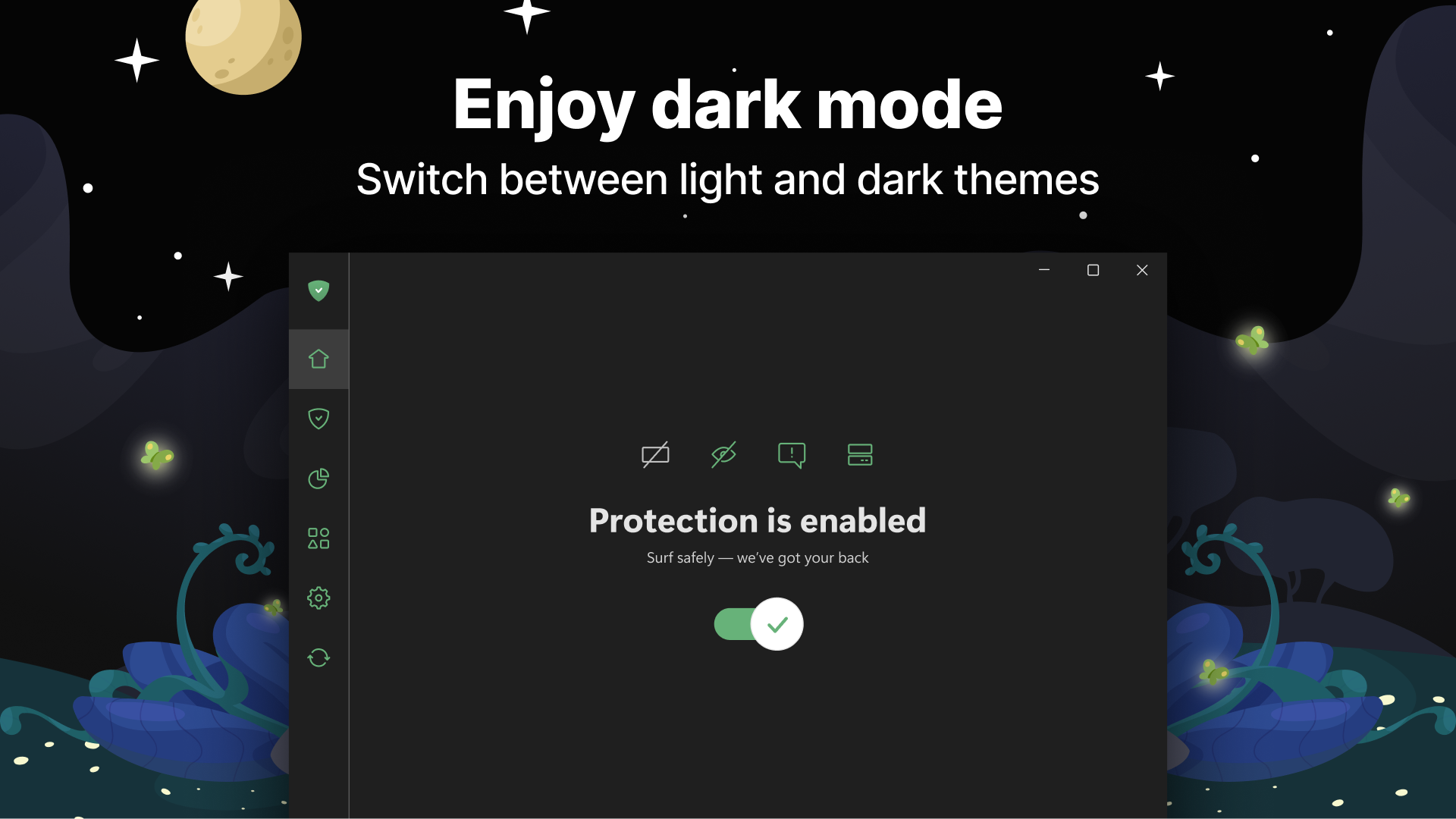
The application boasts an intuitive interface that resembles a neatly organized toolbox—accessible but not overwhelming. Setting up is straightforward, making it suitable for both tech-savvy users and beginners. The app's real-time filtering results in a fluid browsing experience, with ads disappearing seamlessly without lag or interruption. Learning curves are gentle, thanks to clear menu options and helpful prompts that guide users towards customizing their filters according to personal preferences.
What Sets AdGuard Apart?
Unlike many antivirus security applications that rely solely on signature-based detections, AdGuard combines ad-blocking with proactive privacy measures, presenting a multi-layered approach to security. Its ability to filter system-wide traffic—not just web browsers—is a significant advantage, providing comprehensive coverage across all applications on the device. Additionally, the app's regular filter updates and privacy protection features make it stand out as a versatile, easy-to-use tool that doesn't compromise performance for protection. Its unobtrusive design ensures it works silently in the background, much like a dependable guardian who never intrudes but always watches over your digital backyard.
Final Verdict: Is AdGuard a Must-Have?
For users seeking a reliable, user-friendly utility that elevates browsing speed and privacy, AdGuard is a commendable choice. I'd recommend it particularly if you're tired of bombardments of ads or concerned about online trackers. While it excels at system-wide filtering and privacy enforcement, newcomers may need a brief period to familiarize themselves with customization options. Overall, it's a balanced, professional tool delivering tangible benefits without unnecessary frills or inflated claims.
In conclusion, AdGuard stands out as a practical, efficient, and respectful solution for enhancing your digital life. For those valuing both performance and privacy, it's worth considering as your digital shield—trust me, it's like having an invisible bodyguard keeping your online journey smooth and secure.
Pros
- Effective ad blocking
- Strong privacy protection
- Customizable filters
- Easy to use interface
- Cross-platform support
Cons
- Initial setup can be complex
- Occasional website compatibility issues
- Battery consumption
- Limited free features
- False positives in ad blocking











