
- Name Acellus
- Category Education
- Available on PC, Mobile, Surface Hub, HoloLens
- OS Windows 10 version 17763.0 or higher
- languages English (United States)
Acellus for Windows: A Comprehensive Tool for Personalized Learning
Developed by GoldKey Corporation, Acellus for Windows presents itself as a versatile educational platform designed to support learners through customized pathways and rich content, making it an appealing choice for students, educators, and homeschooling communities alike.
Fundamental Information: What Sets Acellus Apart
Locating the App in a Single Sentence
Acellus for Windows is an interactive, curriculum-aligned educational app that offers personalized e-learning experiences tailored to individual student needs and levels.
Developer and Team
GoldKey Corporation, a dedicated player in digital education solutions, develops Acellus, focusing on harnessing technology to improve teaching and learning outcomes.
Main Features Highlights
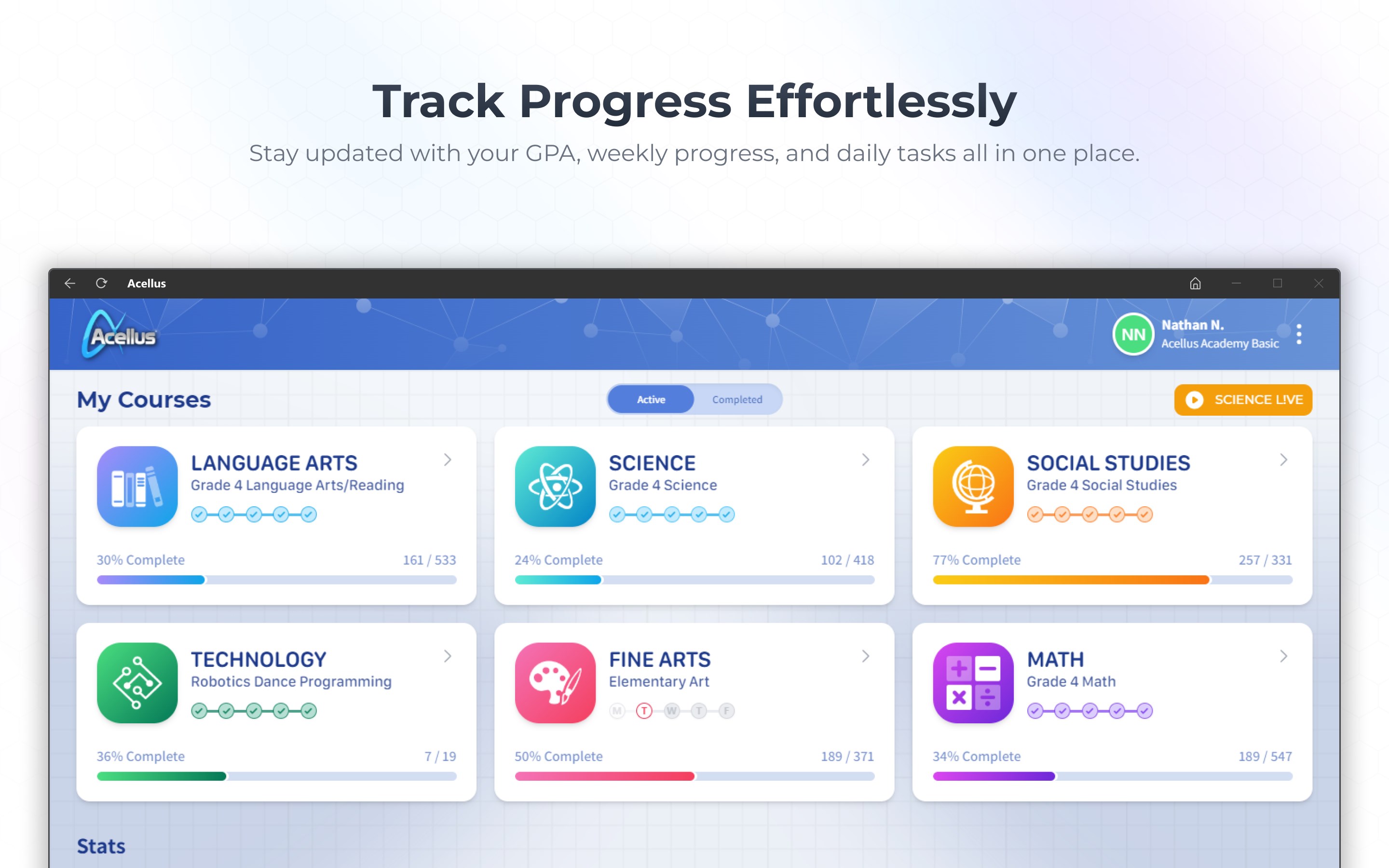
- Personalized Learning Paths: Adaptive programs that assess student progress and adjust content difficulty accordingly.
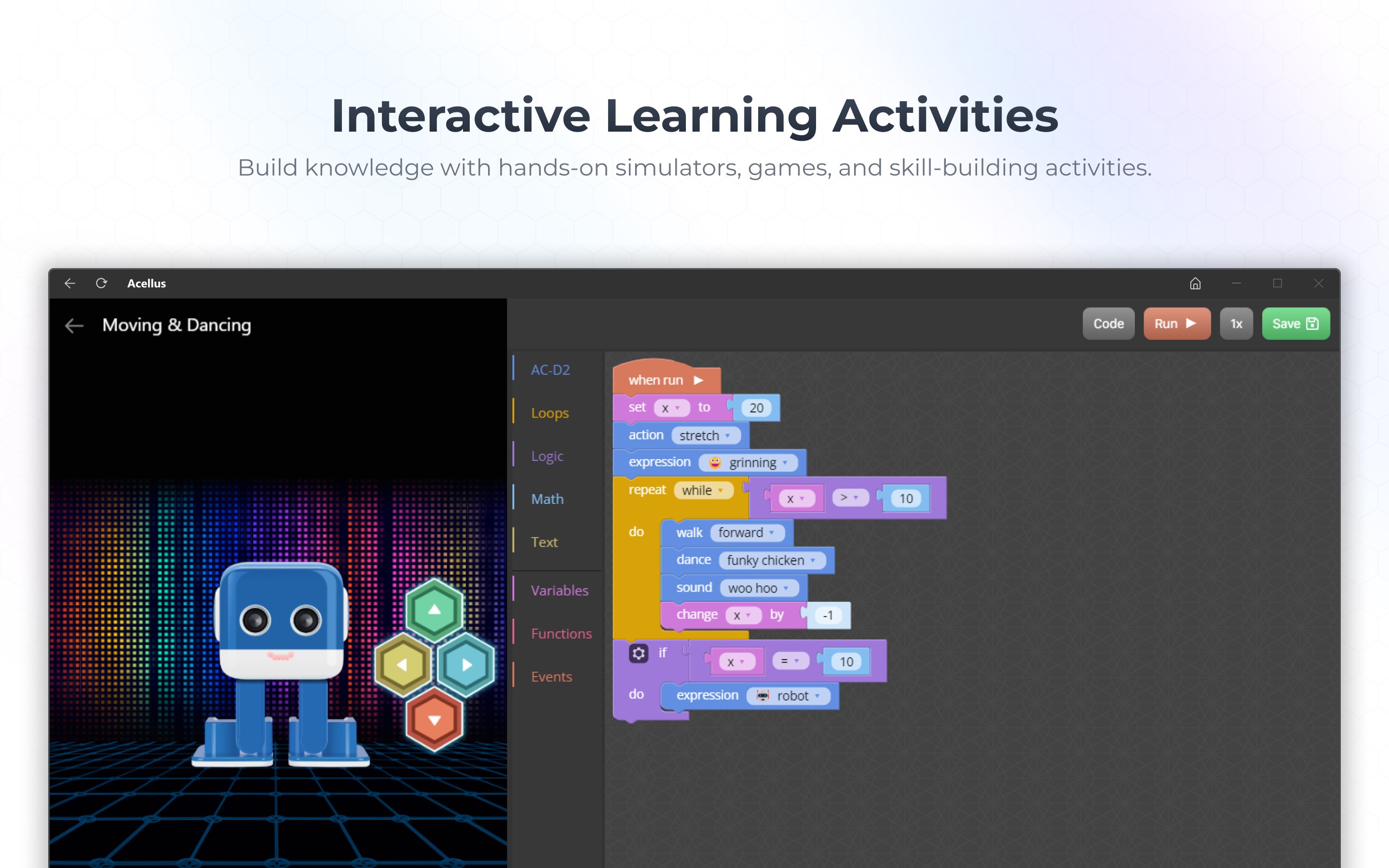
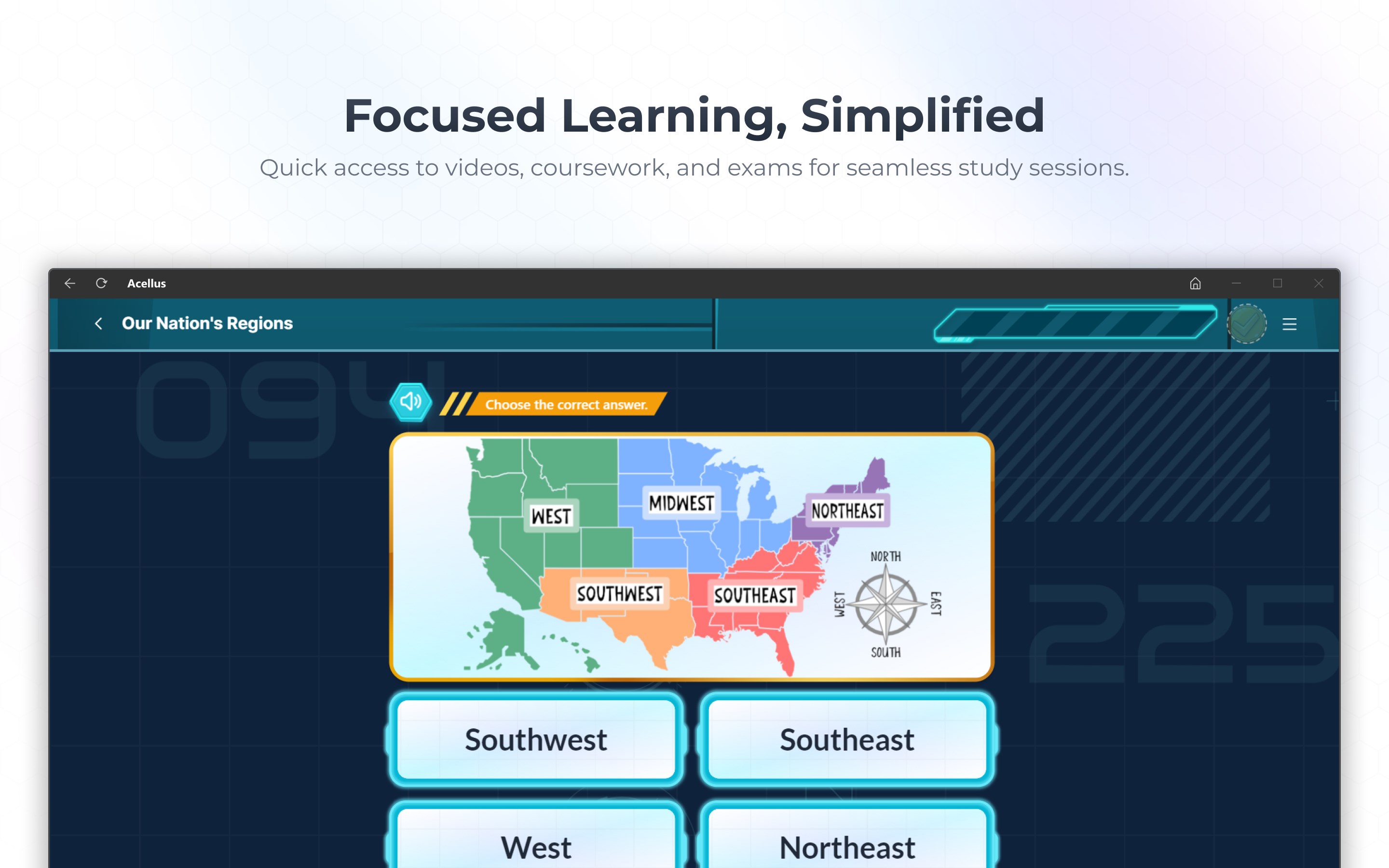
- Rich Multimedia Content: Engaging videos, interactive quizzes, and dynamic visuals to deepen understanding.
- Curriculum Alignment: Designed to synchronize with standard educational frameworks, ensuring relevance and comprehensiveness.
- Offline Accessibility: Seamless functionality on Windows devices, allowing learning anytime without constant internet connection.
Target User Base
The app primarily targets K-12 students, educators seeking supplemental tools, and homeschooling families aiming for a structured yet flexible curriculum delivery.
Vivid Insights: Diving into Acellus's Learning Experience
Imagine a lively classroom mapped onto your computer—a space where lessons adapt instantaneously to your pace like a seasoned coach guiding your progress. That's what makes Acellus an engaging yet straightforward platform. It balances technology and education, serving as a reliable companion in your learning journey.
Core Functionality Breakdown: What Makes Acellus Valuable
1. Personalized Learning Paths that Fit Like a Glove
One of Acellus's standout features is its ability to tailor educational content based on each learner's strengths and weaknesses. The platform employs intelligent assessments to gauge where students stand, then dynamically constructs a learning pathway that is neither too easy nor overwhelming. It's akin to having a personal tutor who understands your unique rhythm—this targeted approach helps maintain motivation and accelerates mastery across subjects.
2. Interactive Multimedia Content that Keeps Engagement High
Gone are the days of passive reading or boring lectures. Acellus integrates vivid videos, interactive exercises, and quizzes into its modules, transforming each lesson into an engaging experience. Students don't just watch or listen—they actively participate, which helps cement concepts more effectively. This multimedia approach caters to various learning styles, making difficult topics more digestible, like seasoning to a bland dish.
3. User Experience: Intuitive Design and Smooth Operation
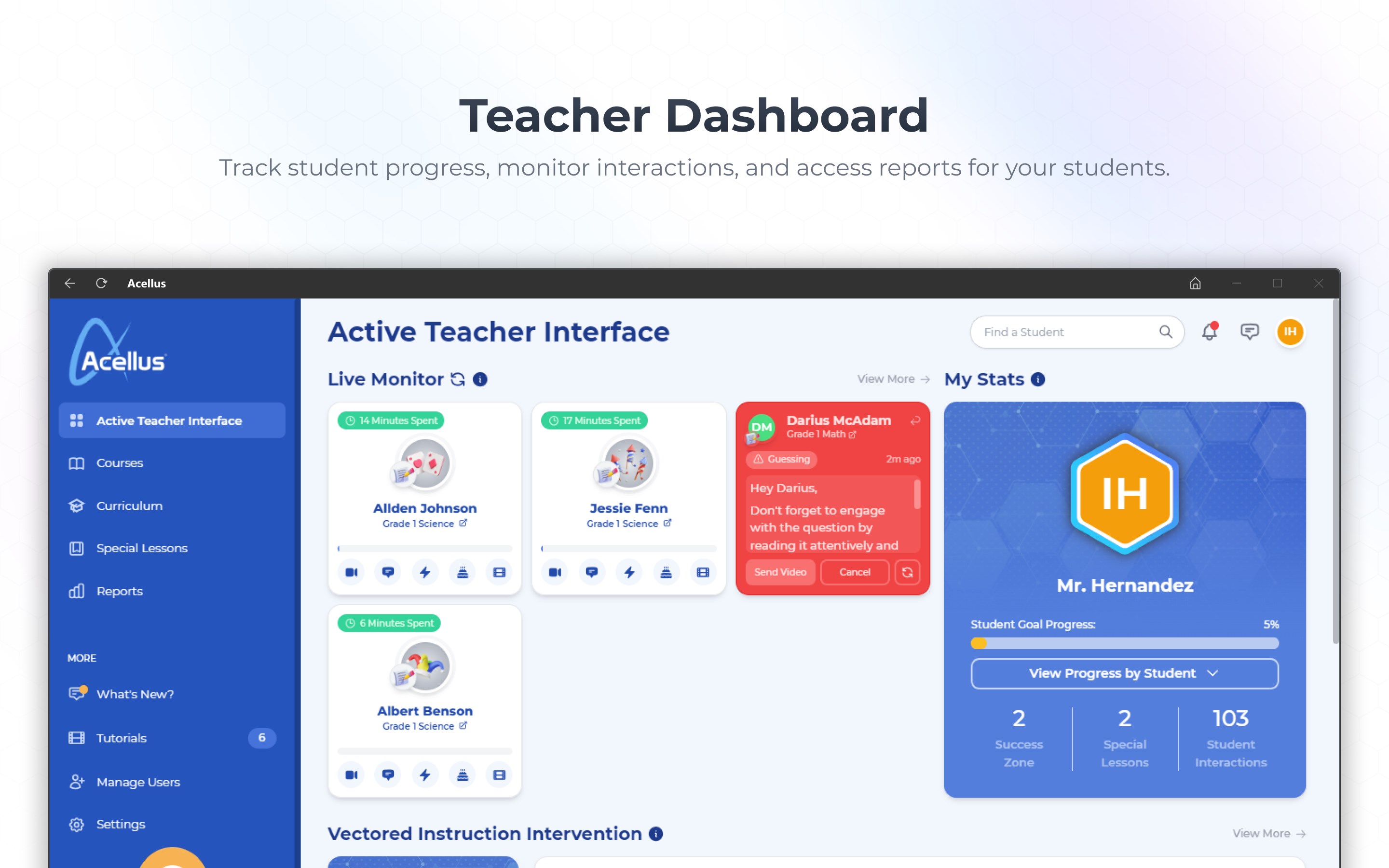
The app sports a clean, user-friendly interface that feels familiar and approachable—easy to navigate even for first-time users. The design emphasizes clarity, with organized menus and straightforward controls, making the learning process smooth like gliding on a well-paved road. Response times are swift, and the content loads seamlessly, ensuring minimal frustration. The learning curve is gentle, allowing users to focus on understanding rather than deciphering how the app works.
What Makes It Stand Out Among Peers?
Unlike some traditional educational apps, Acellus emphasizes content authority and personalized adaptation, leveraging real-time assessments to custom-build paths that fit each student's evolving needs. Its ability to combine curriculum alignment with engaging multimedia content makes it more than just a digital textbook—it transforms learning into an interactive adventure. This focus on personalized learning routes is particularly beneficial, ensuring each learner moves forward at their optimal pace while keeping motivation high.
Final Thoughts: Who Should Use Acellus and Why
In summary, Acellus for Windows is highly recommended for students seeking a tailored, accessible, and engaging educational tool. Its core strength in creating personalized learning pathways and delivering interactive content sets it apart from many peers. Whether used as a primary curriculum supplement or a homeschooling aid, it provides meaningful support to learners aiming to grasp concepts effectively in a flexible environment.
For educators and parents looking for a comprehensive platform that adapts gracefully to varied learning needs, Acellus offers a reliable and enriching experience. While it requires some initial familiarization, its intuitive interface and adaptive features make it a worthwhile investment in fostering academic growth.
Pros
- Interactive Learning Modules
- Comprehensive Curriculum Coverage
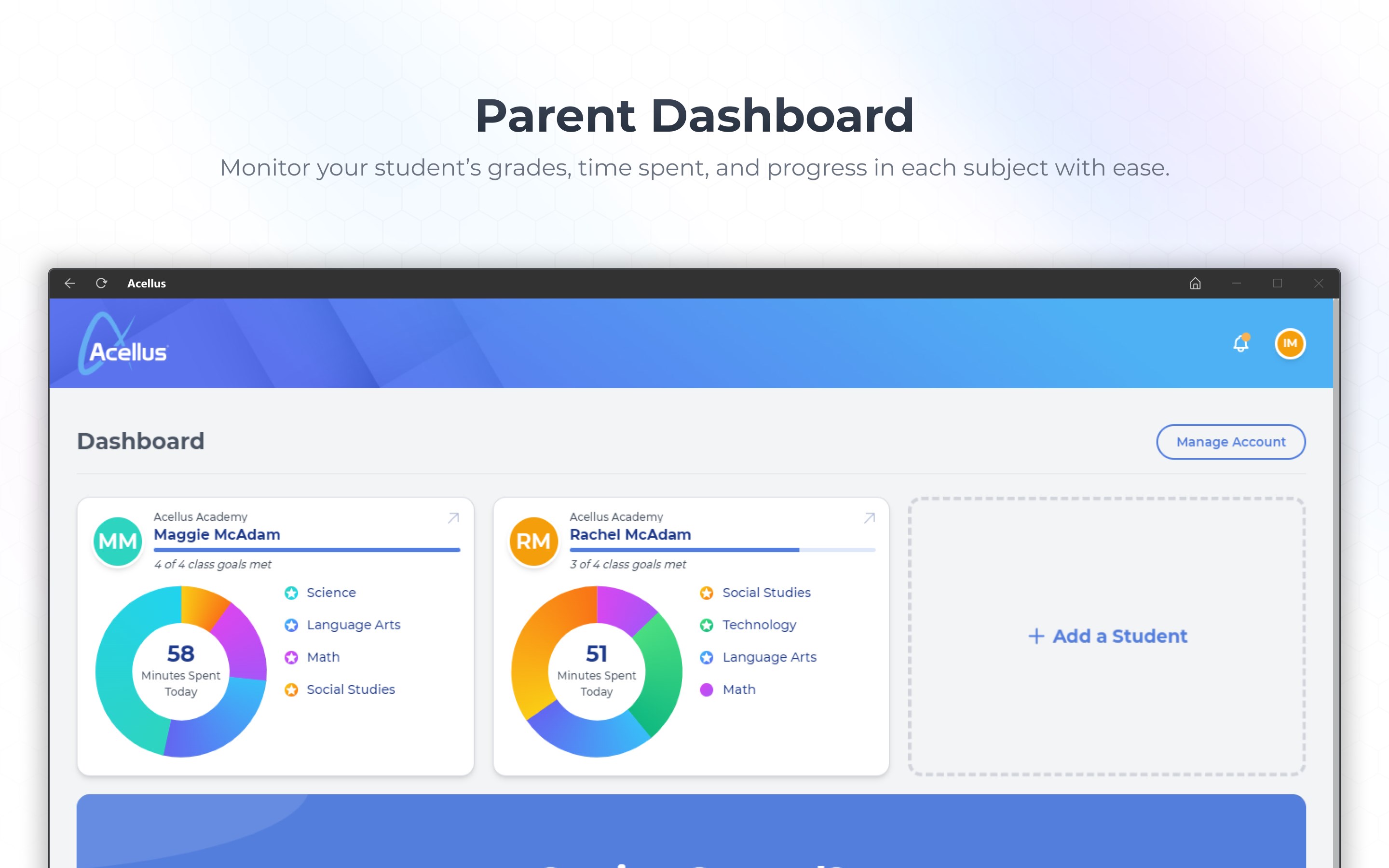
- Progress Tracking and Assessments
- Offline Access
- User-Friendly Interface
Cons
- Limited Customization Options
- Occasional Content Loading Delays
- Assessment Feedback Slightly Delayed
- Limited Advanced Features for Educators
- Requires Stable Internet for Full Functionality