

- Name 1Password
- Category Security
- Developer AgileBits, Inc. dba 1Password
- Available on PC
- OS Windows 10 version 19041.0 or higher
- languages English (United States)
1Password for Windows: Your Digital Vault with a Modern Twist
In the ever-expanding universe of cybersecurity tools, 1Password for Windows positions itself as a comprehensive password manager designed for both everyday users and security enthusiasts, offering a sleek and efficient solution to digital credential management.
Who's Behind the Magic?
Developed by AgileBits, Inc., a company renowned for its focus on secure and user-friendly password management solutions, 1Password's team combines expertise in cybersecurity, UX design, and software development to create a trusted platform that simplifies complex security tasks.
Key Features that Make 1Password Stand Out
- End-to-End Encryption: All your passwords and sensitive data are securely encrypted locally before syncing, ensuring only you can access your information.
- Robust Security Measures: Incorporates multi-factor authentication, biometric login options, and security breach monitoring to stay ahead of evolving cyber threats.
- Intelligent Password Generation: Automatically suggests strong, unique passwords tailored to different sites, reducing vulnerability stemming from reused passwords.
- Cross-Platform Synchronization: Seamlessly syncs your vault across devices, providing consistent access whether on Windows, mobile, or other supported platforms.
Journey Through the User Experience
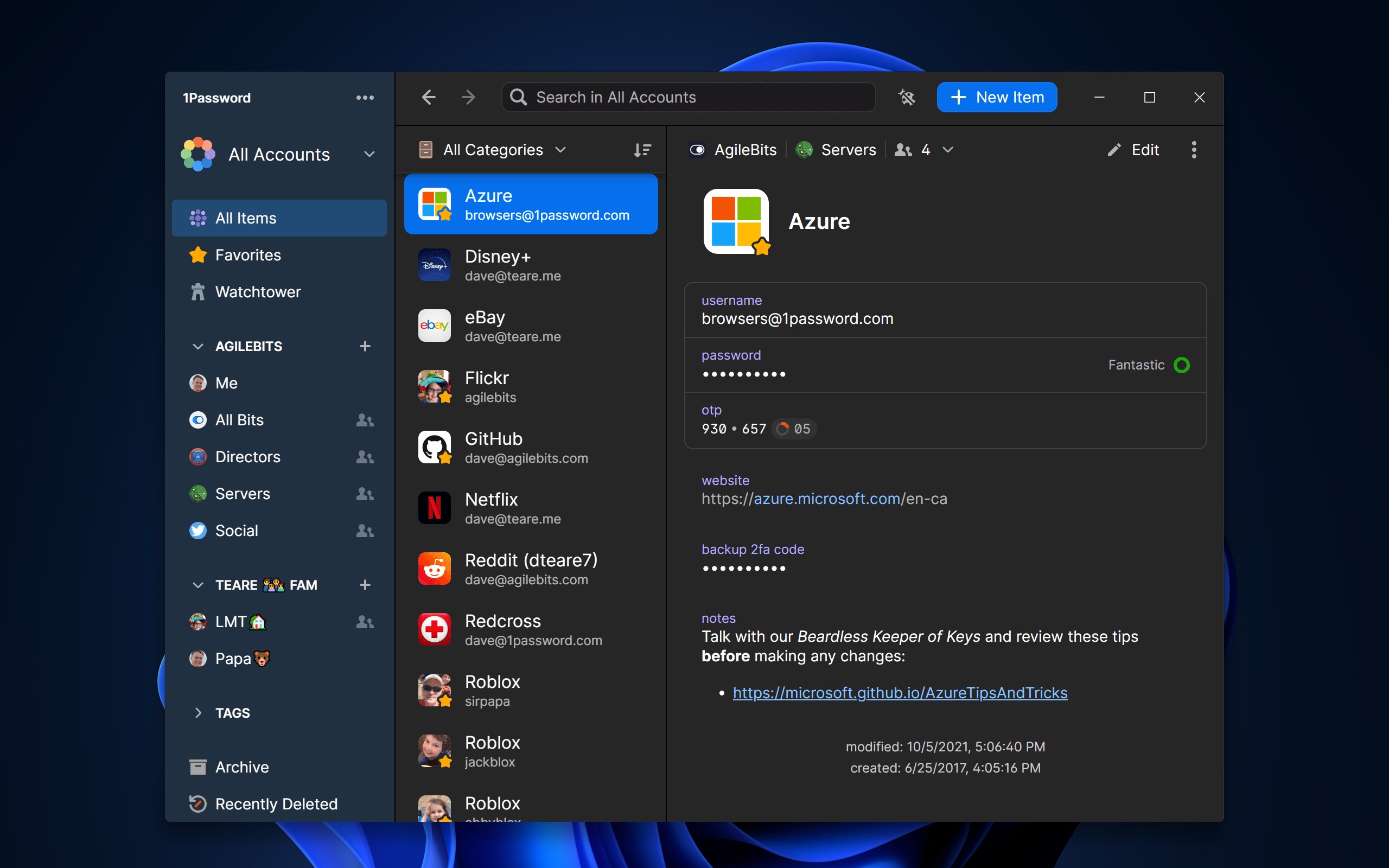
Upon launching 1Password on Windows, you're greeted with a clean, intuitive interface that feels more like an elegant desk organizer than a digital security tool. Navigating through the vault is akin to flipping through a well-organized file cabinet—everything is where you'd expect it to be, making high-level security accessible to both tech-savvy users and newcomers.
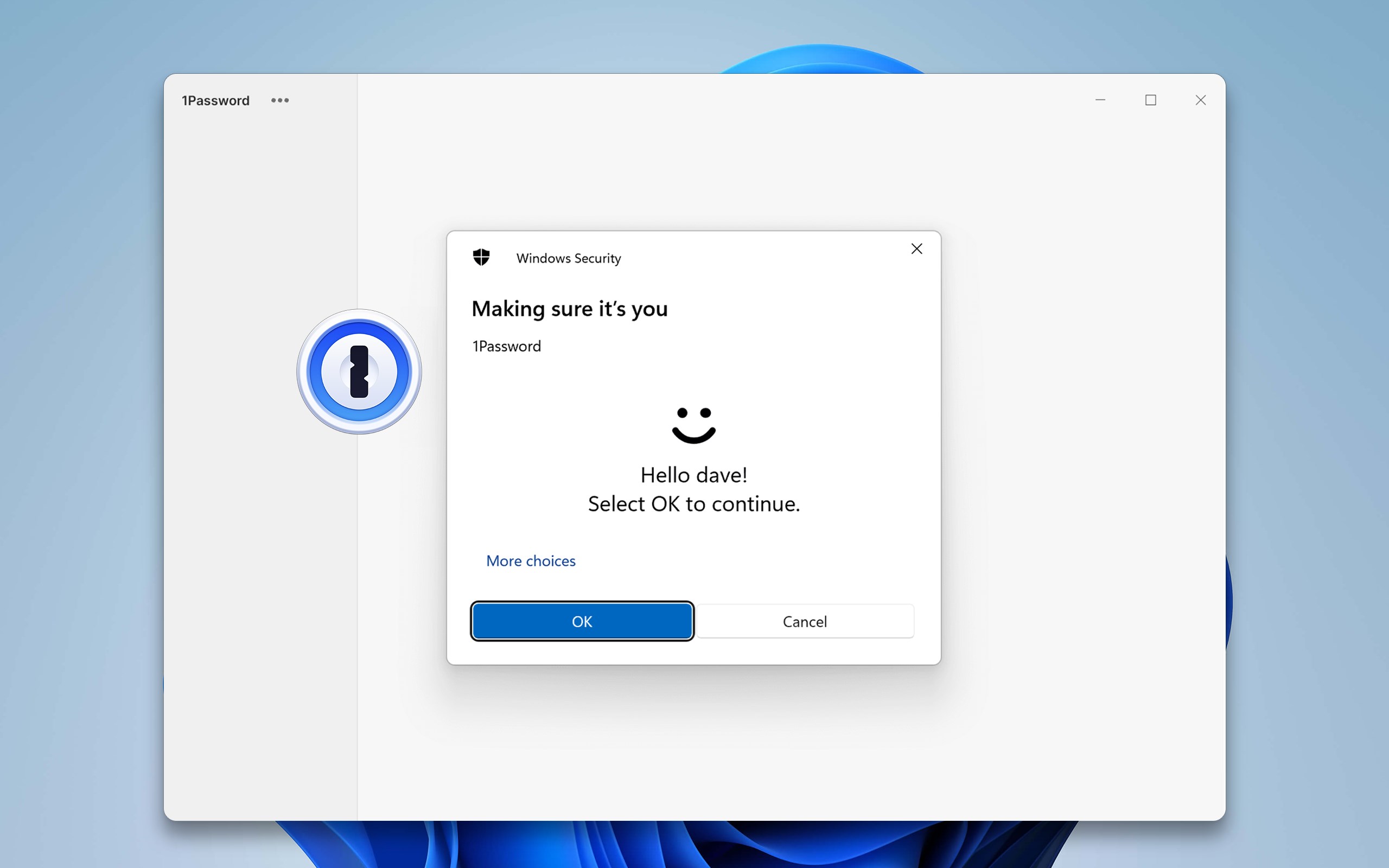
The operation flow is smooth; entering your master password unlocks quick access to your stored credentials. The app's integration with Windows Hello and other biometric options streamlines login procedures without sacrificing security. Learning curve-wise, the app strikes a fine balance—power users can dive into advanced options, while newcomers can start with basic password storage within minutes.
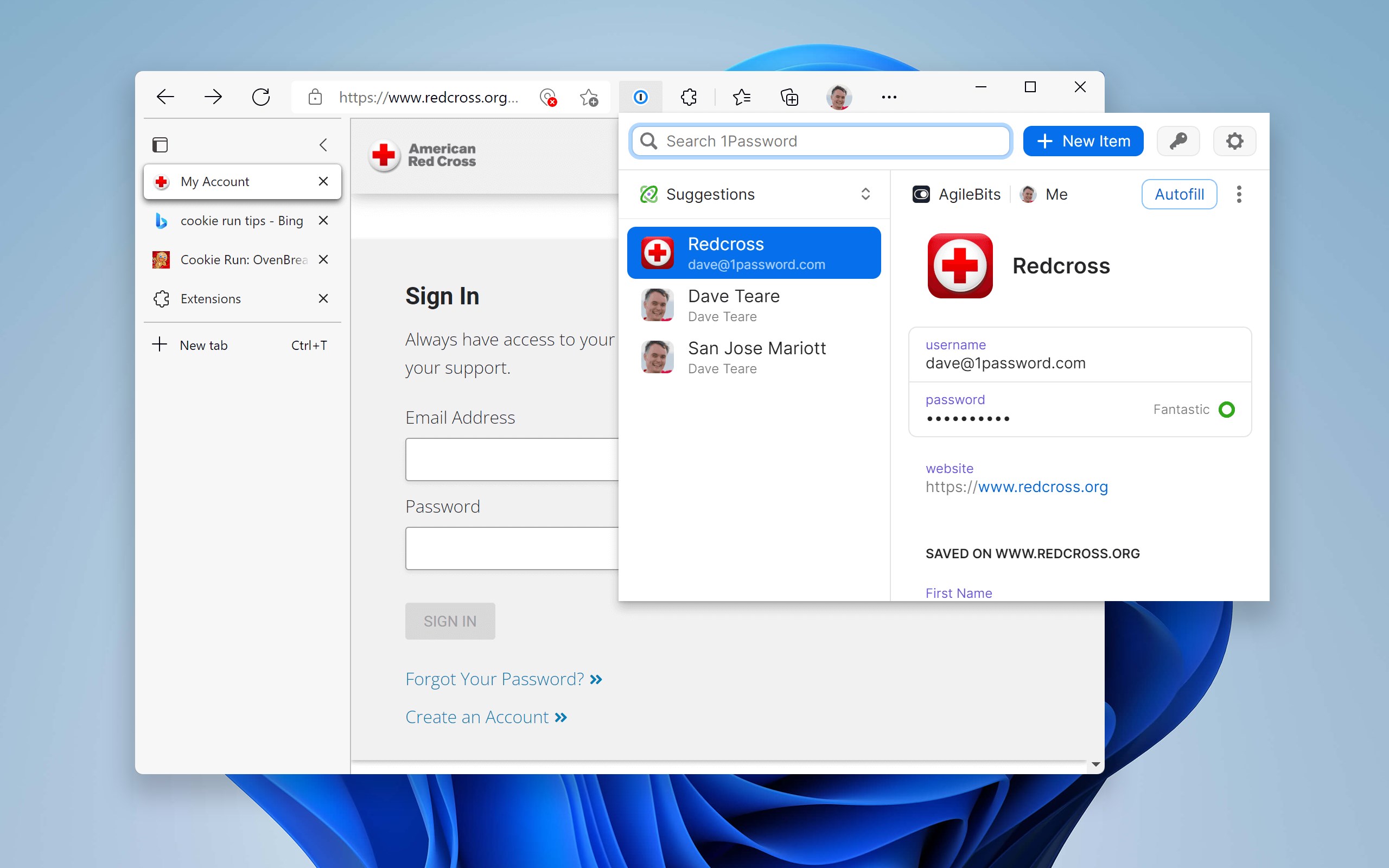
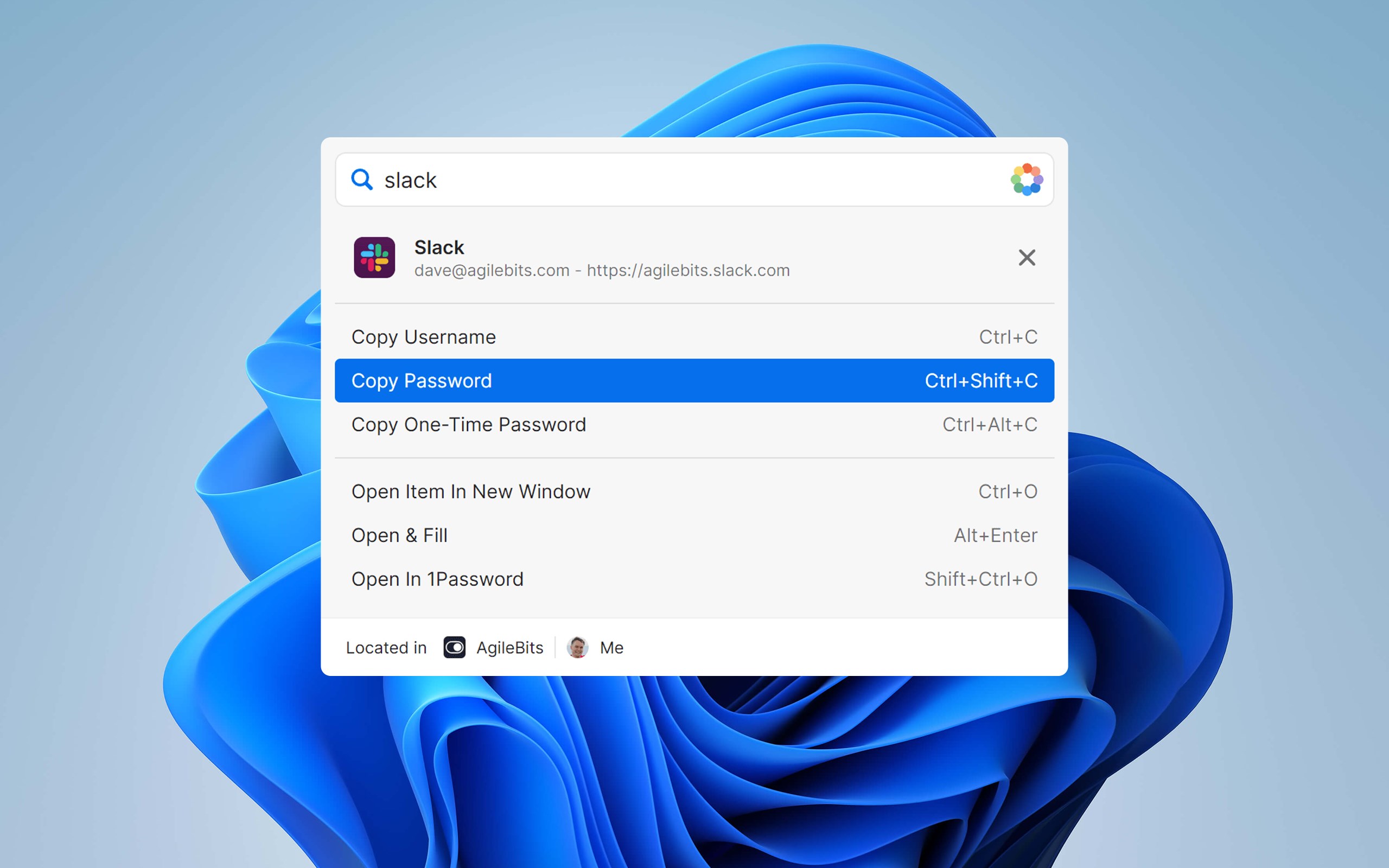
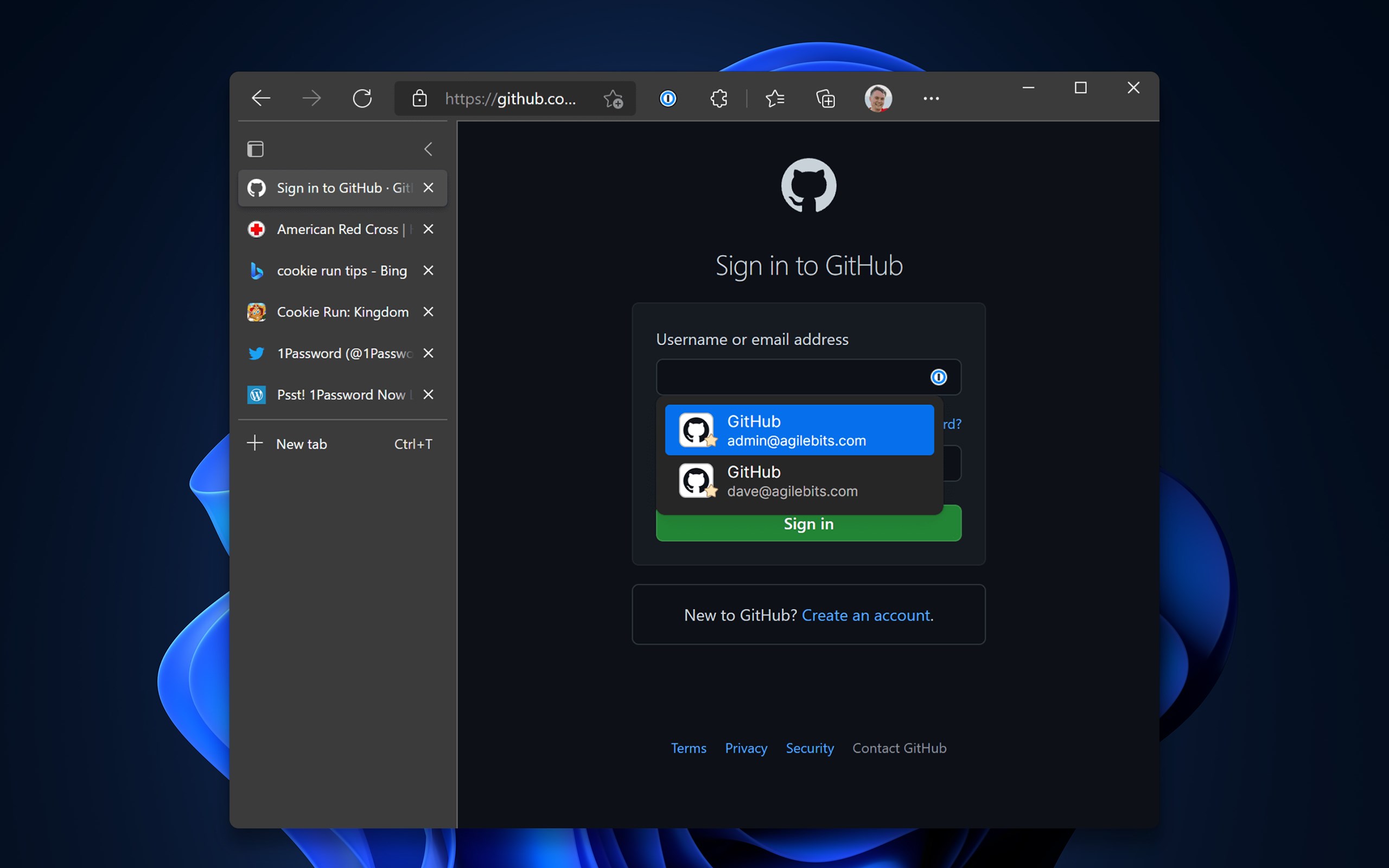
One of the most delightful aspects is how the app's search functionality swiftly locates credentials, and the autofill capabilities—especially when paired with Microsoft Edge—speed up login processes, much like a trusted assistant completing your digital errands.
What Sets 1Password Apart?
While many password managers exist, 1Password's standout feature lies in its meticulous attention to user security paired with a user-centric design. Its Brave New Password Generation tool is particularly noteworthy: it doesn't just generate long strings of characters but does so with contextual suggestions, making even complex passwords feel like simple, memorable phrases. This combination of security and usability acts as a critical advantage over competitors that often compromise one for the other.
Moreover, its security breach monitoring provides proactive alerts about compromised credentials, a feature that feels like having an alert system for your digital safety, which is not universally present in similar apps.
Final Verdict and Recommendations
Overall, 1Password for Windows stands out as a trustworthy, refined, and quite user-friendly password manager. Its particularly strong security features, combined with seamless integration across devices and user-friendly workflows, make it suitable for a broad spectrum of users—from busy professionals juggling multiple accounts to casual users seeking peace of mind.
If you're looking for a solution that prioritizes security without sacrificing ease of use, and you value a polished interface that feels like a digital safe rather than a complicated app, 1Password is highly recommended. For best results, pair it with biometric authentication options available on Windows devices to streamline your login experience even further.
Pros
- Strong Security Features
- Cross-platform Compatibility
- User-Friendly Interface
- Secure Sharing Options
- Additional Security Features
Cons
- Premium Pricing
- Limited Free Tier
- Initial Setup Complexity
- Offline Access Issues
- Limited Customization











