

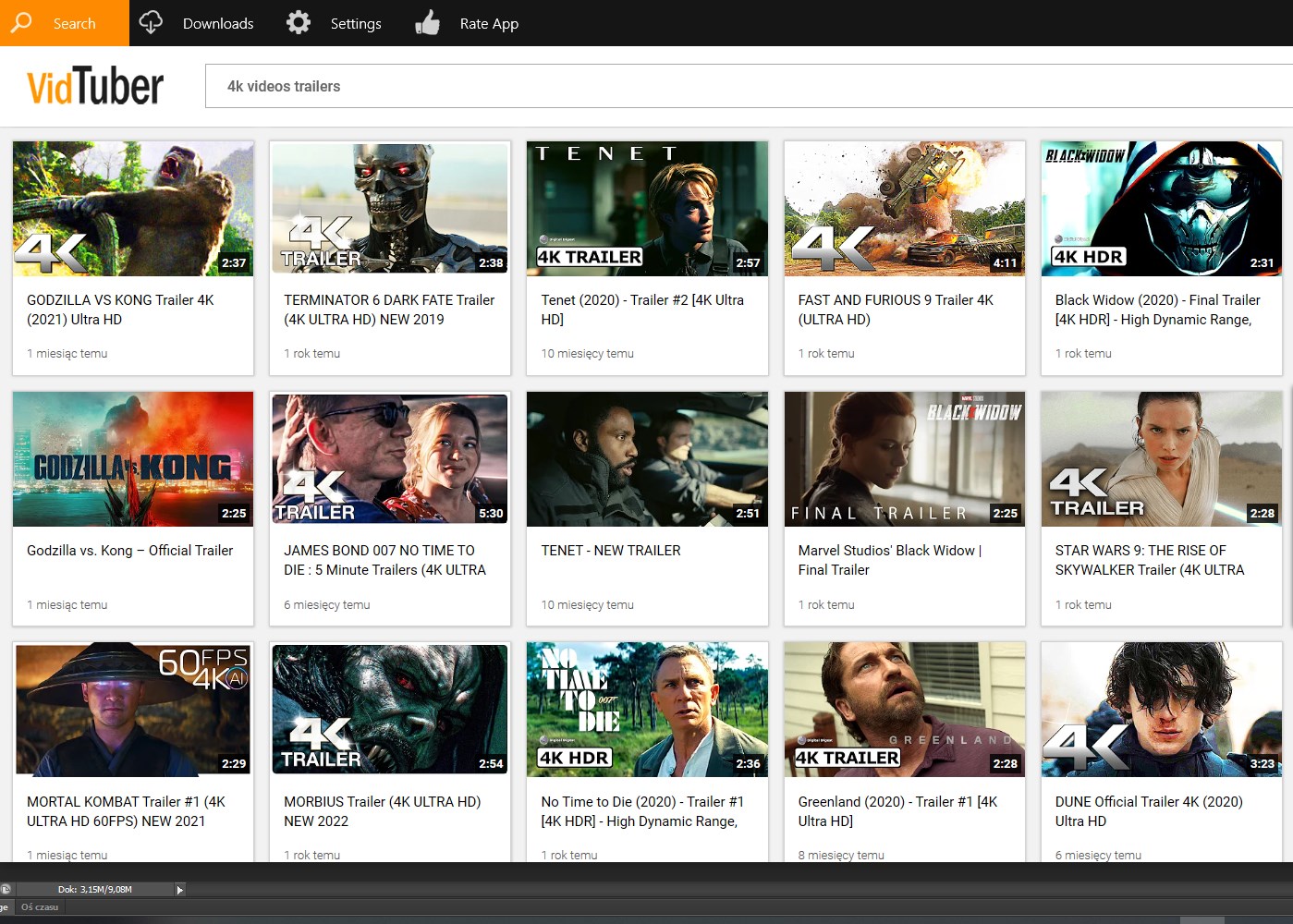
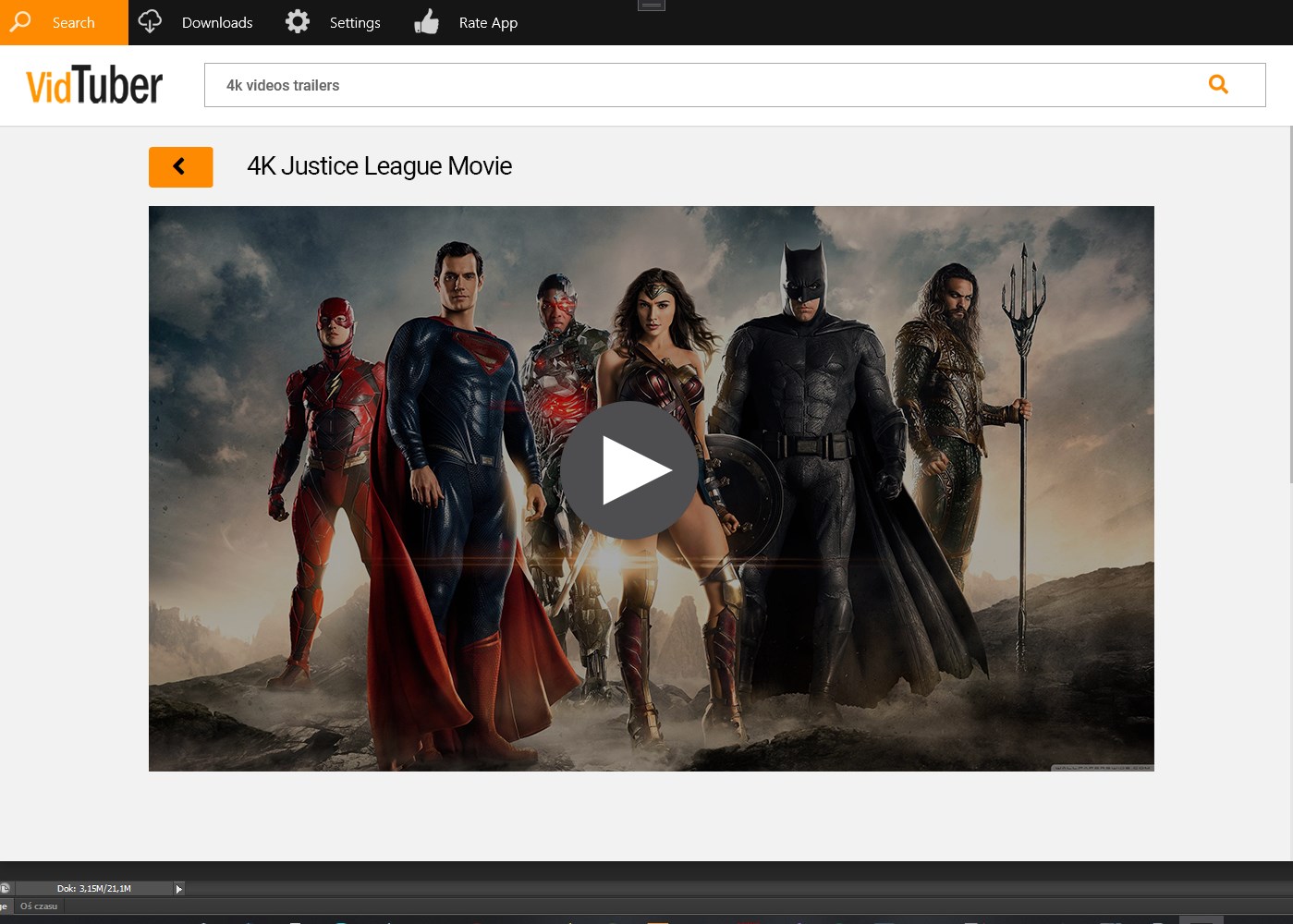
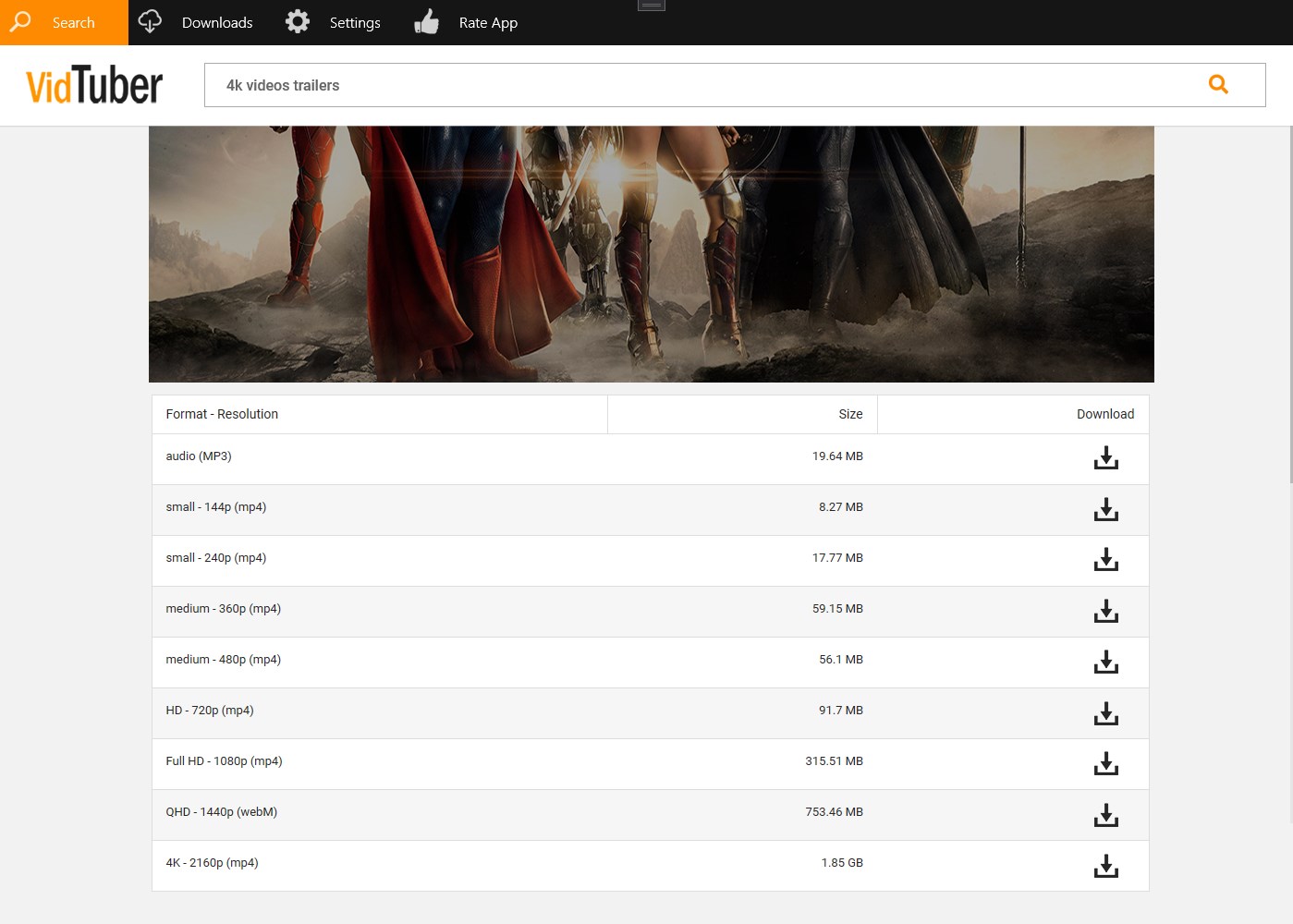
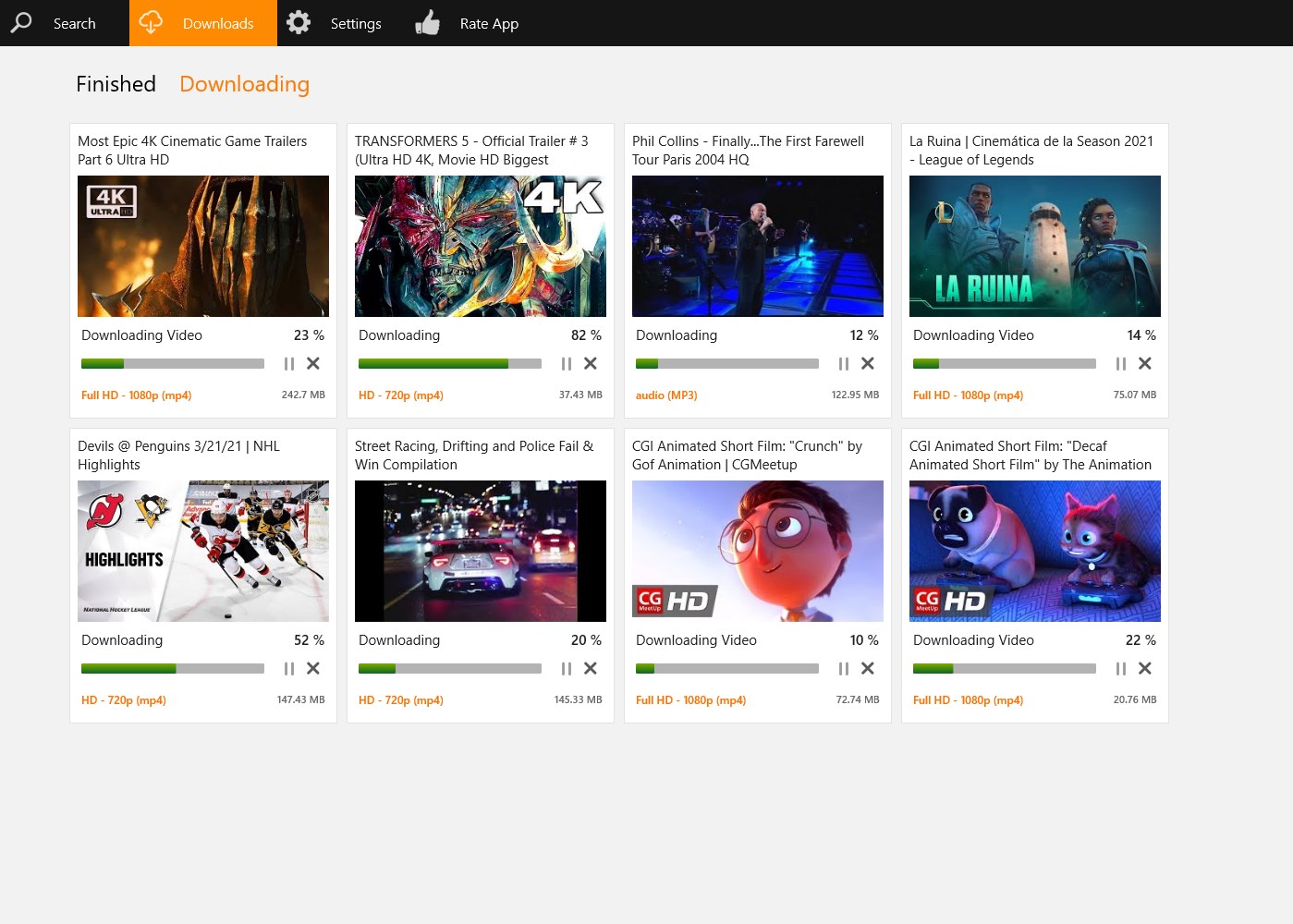
- Name YT Video & MP3 Downloader for VidTuber
- Category Music
- Available on PC, Mobile, Surface Hub, HoloLens
- OS Windows 10 version 14393.0 or higher
- languages English (United States)
Introducing the YT Video & MP3 Downloader for VidTuber for Windows
This application serves as an all-in-one tool designed for content creators and casual users alike who want to seamlessly download YouTube videos and convert them into MP3 files on Windows. It aims to streamline the process of saving multimedia content from the internet, making it accessible for offline enjoyment or editing.
About the Developer and Main Features
Developed by Musically World, a team specializing in multimedia applications, this software focuses on providing a straightforward and efficient downloading experience. Its standout features include high-speed downloads, flexible format conversion, and batch processing capabilities. The app also offers options for adjusting download quality and supports various video and audio formats, catering to diverse user needs.
Intended Audience
This app targets a broad spectrum of users, from casual fans wanting offline access to favorite videos, to content creators who need a quick way to gather multimedia assets for their projects. It's particularly useful for those who prefer Windows for their daily multimedia tasks and seek a user-friendly, reliable solution.
An Engaging Introduction to Power-Packed Downloading
Imagine a rainy Sunday afternoon where your favorite YouTube musician releases a new song—what if you could instantly grab that track and listen to it through your favorite MP3 player, anytime, anywhere? This is where the YT Video & MP3 Downloader for VidTuber comes into play. Instead of patiently waiting for buffering or switching between apps, you can get those videos and audio files in just a few clicks. With its intuitive interface and robust core functions, this application promises to be your trusted companion in the digital media realm.
Core Functionality That Stands Out
Seamless Video and Audio Downloading
The primary allure of this app lies in its ability to effortlessly download videos directly from YouTube and convert them into MP3 format. Its high-speed processing ensures that even lengthy videos are wrapped up quickly—saving you precious time. The batch download feature adds another layer of convenience, allowing you to select multiple files simultaneously, almost like organizing your digital playlist effortlessly. Whether you're grabbing music for a workout or saving tutorials, this app handles it with finesse.
Flexible Format and Quality Options
While many downloader tools provide a one-size-fits-all approach, this application lets you choose the quality of your downloads. Want a high-definition MP4 for viewing on a large screen or just an optimized MP3 for portable devices? The app offers a variety of format options, giving you control over file size and clarity. This flexibility is akin to having a professional chef tailoring each dish to your taste—customized for your specific needs.
Optimized User Experience and Unique Differentiators
The interface design resembles a well-organized digital workspace—clean, minimalistic, yet intuitively mapped out. Navigating through the app feels like a stroll through a friendly neighborhood, where each feature is accessible without the need for a steep learning curve. It's smooth operation and straightforward controls mean beginners are not overwhelmed, and seasoned users can perform tasks swiftly. One of its standout features, compared to similar apps, is its resilient handling of rhythm pattern variety in audio files, allowing better assessment and playback of complex audio sequences—helpful for musicians or rhythm analysis enthusiasts.
Final Verdict and Recommendations
Considering its robust core functions, user-friendly design, and unique strengths such as efficient rhythm pattern assessment and format flexibility, this app is a noteworthy tool in the multimedia downloading landscape. It's particularly recommended for Windows users who value ease of use paired with performance. While it doesn't boast flashy marketing slogans, it reliably performs what it promises—making it a solid choice for everyday media needs.
In summary, if you're searching for a practical, straightforward downloader that balances functionality and simplicity, the YT Video & MP3 Downloader for VidTuber is worth trying. It's like having a reliable toolkit in your digital workshop, ready to bring your multimedia desires to life without fuss or frustration.
Pros
- User-Friendly Interface
- Wide Format Support
- Fast Download Speeds
- Multiple Video Quality Options
- No Registration Required
Cons
- Limited Download Slots
- Occasional Download Failures
- Limited Video Source Support
- No Built-in Editing Tools
- Potential Legal Restrictions











