

- Name RapidComposer
- Category Music
- Available on PC
- OS Windows 10 version 0.0 or higher
- Keyboard Integrated Keyboard
- Mouse Integrated Mouse
- Memory 1 GB
- languages English
RapidComposer for Windows: Your Creative Partner in Music Composition
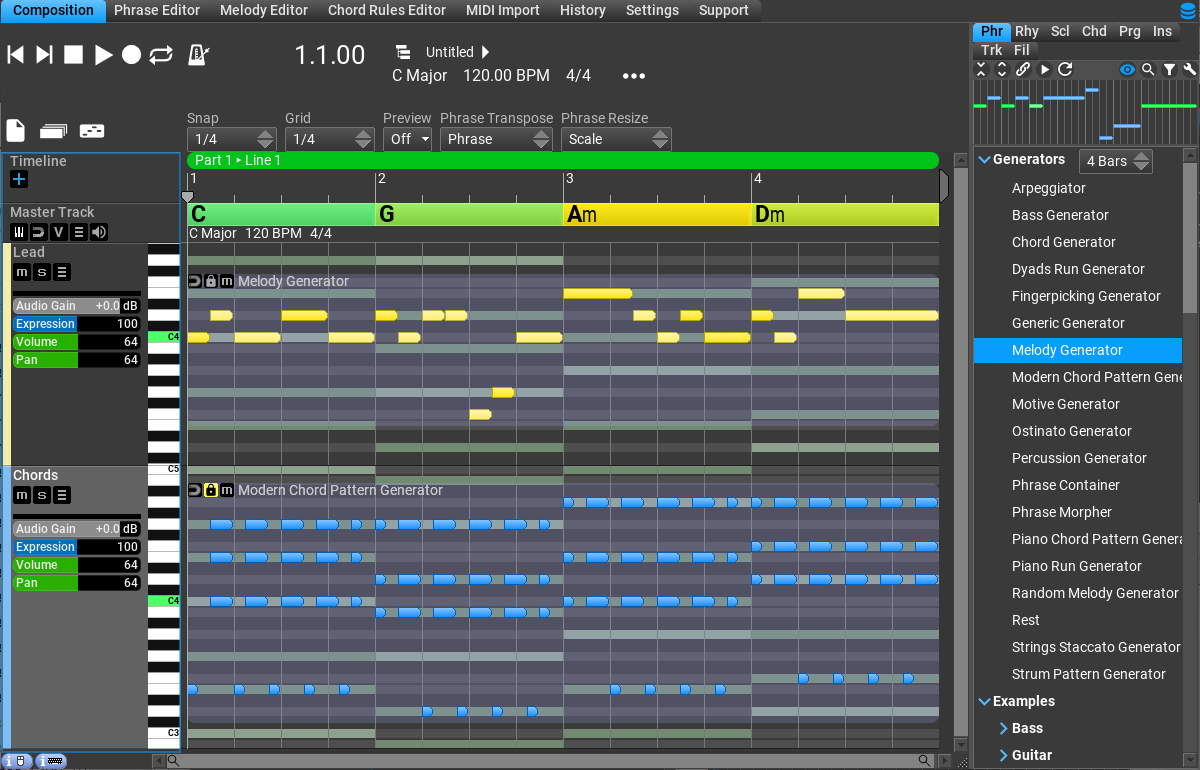
RapidComposer is a powerful yet approachable music composition tool designed to streamline the creative process for composers, songwriters, and music producers alike. Combining intelligent algorithms with an intuitive interface, it helps users generate, arrange, and refine musical ideas efficiently.
Who's Behind the Music? A Brief Introduction
Developed by MusicDevelopments, a team renowned for creating innovative music software solutions, RapidComposer aims to bridge the gap between idea and realization. With a focus on enhancing productivity and creative expression, the developers have crafted a tool that's both feature-rich and user-friendly. Its main strengths lie in fast pattern generation, flexible harmonic controls, and sophisticated rhythm management. The primary audience ranges from seasoned composers seeking quick drafting tools to hobbyists eager to experiment with musical ideas without getting bogged down in technical complexity.
Unleashing Creativity: An Engaging Dive into the Core Features
Smart Pattern Generation and Variations
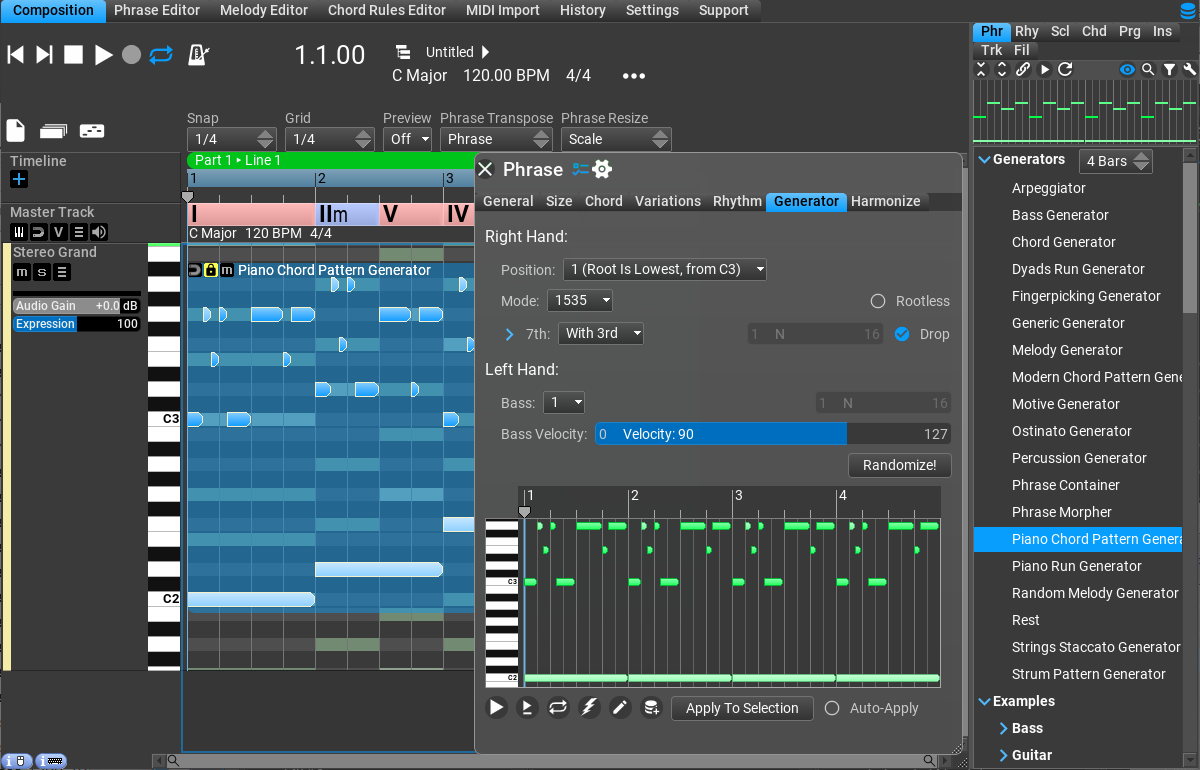
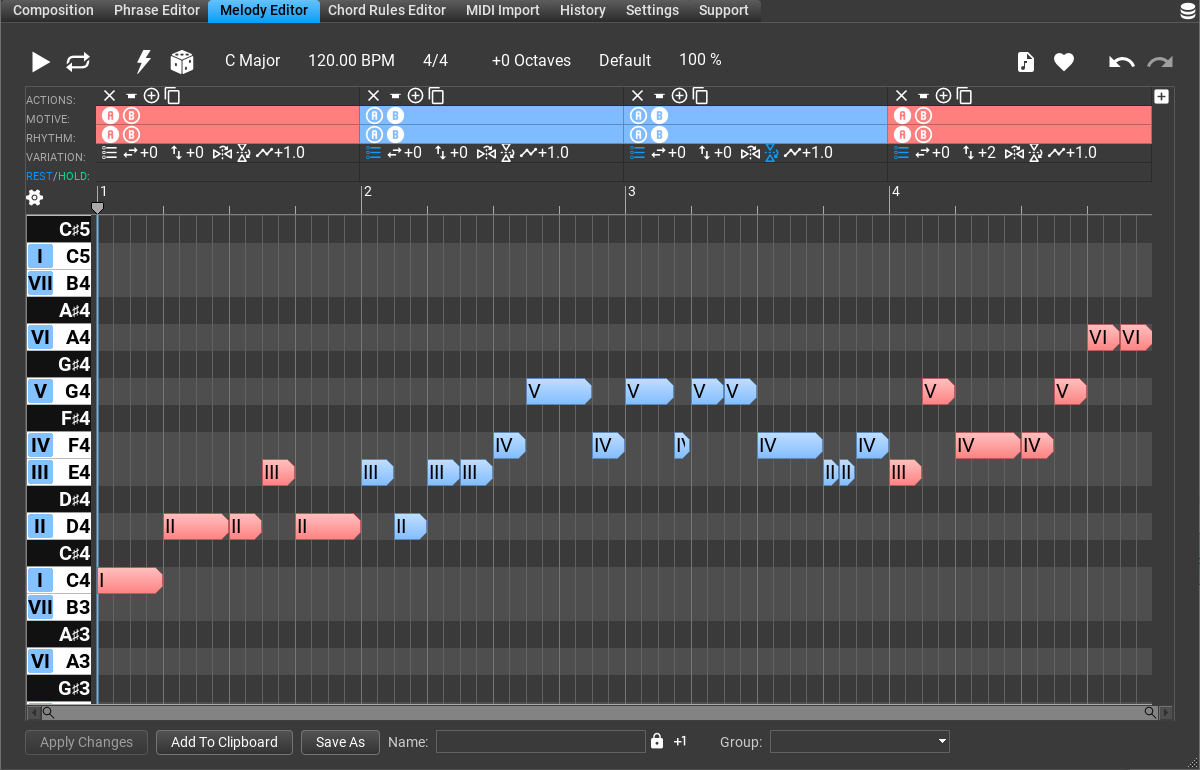
Imagine having a talented assistant who constantly sketches out fresh musical ideas—RapidComposer's core strength lies in its intelligent pattern generation. Its algorithmic engine allows users to create compelling melodies and rhythmic motifs quickly, with options to introduce variations that keep the musical narrative interesting. Unlike traditional sequencers, this feature helps break creative blocks by offering a plethora of variations—so your compositions never feel stale, and each idea can evolve organically. This is especially valuable when trying to assess different rhythm pattern varieties, as the software encourages experimentation without the tedium of manual adjustments.
Advanced Harmony and Chord Manipulation
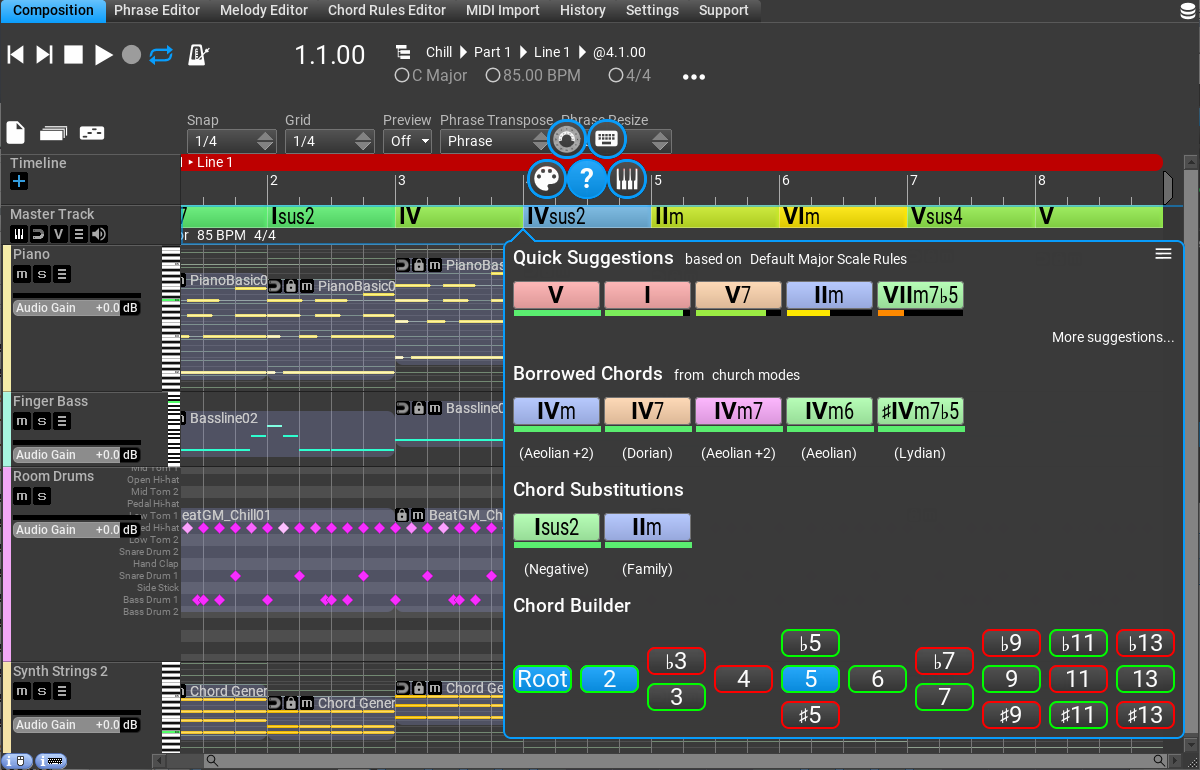
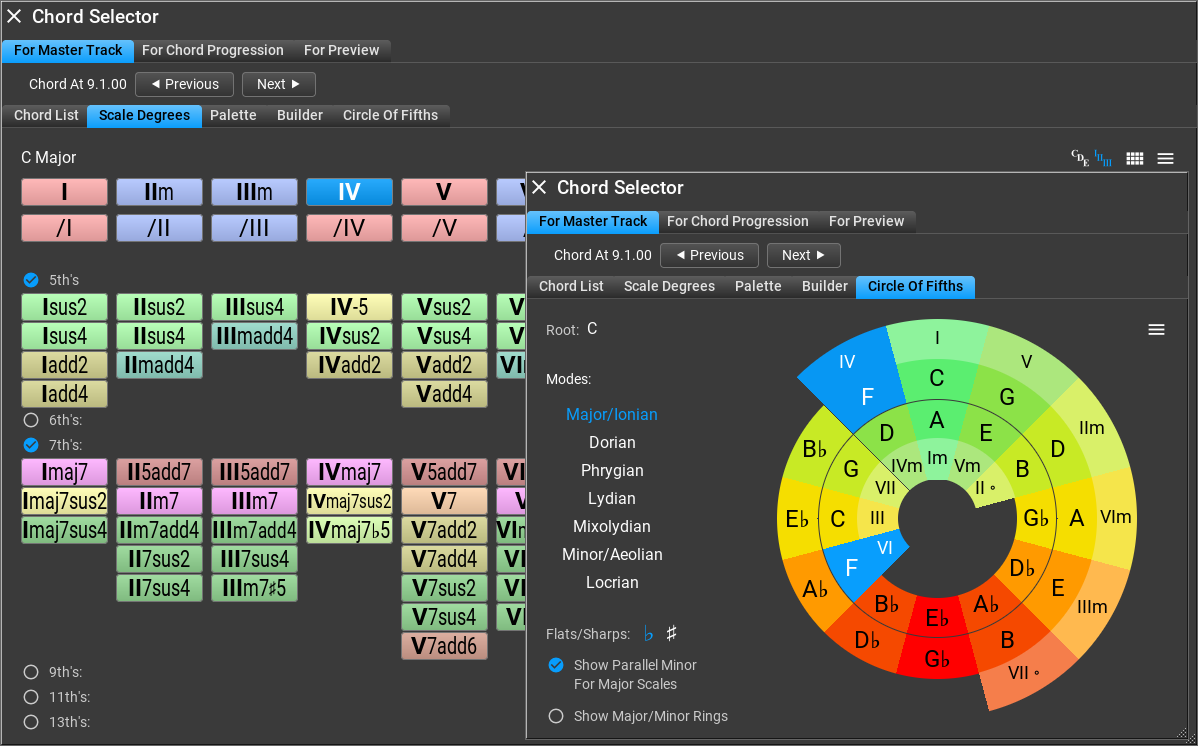
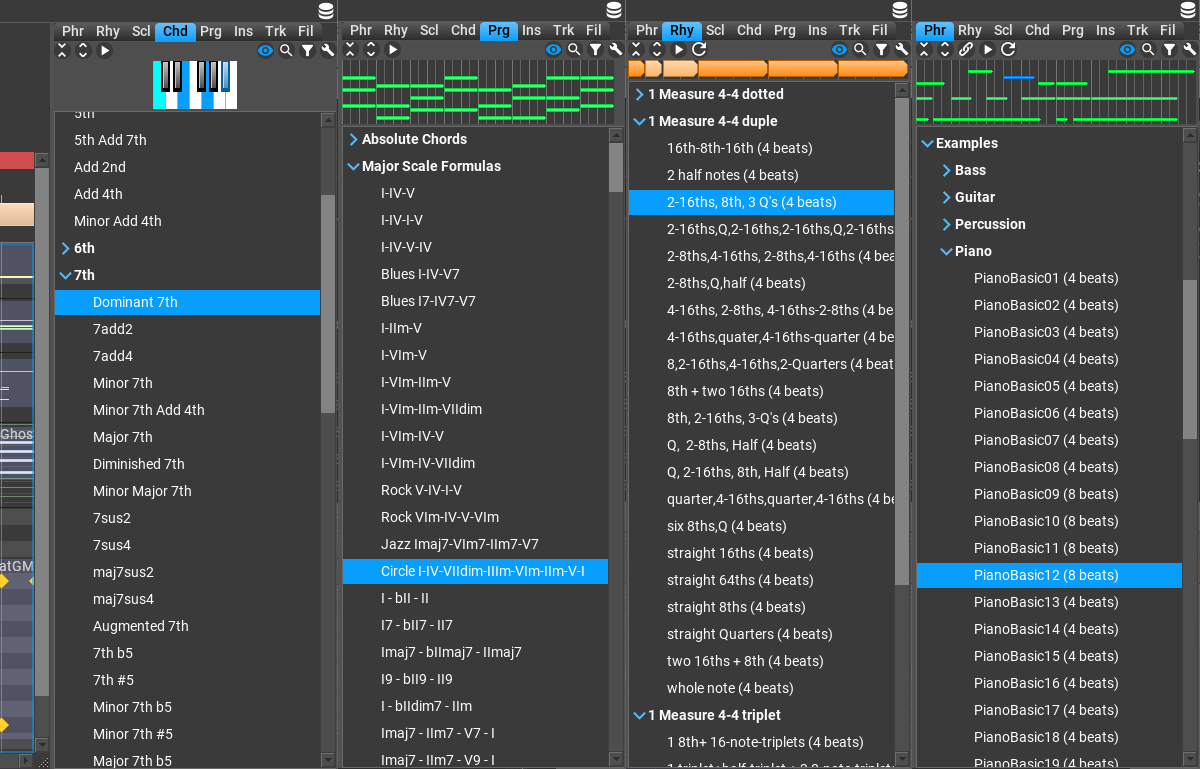
Harmonization is at the heart of musical richness, and RapidComposer provides a sophisticated system for exploring harmonic ideas. With intuitive controls, users can experiment with complex chord progressions, modal interchange, and scale options—all within a single interface. The software's intelligent suggestions can guide you toward interesting harmonic choices, acting as a creative brainstorming partner. The flexibility in manipulating harmonic content helps musicians craft unique sounds, making it stand out from other DAWs or composition tools that may delay this process or restrict variations.
Rhythm Pattern Variety and Evaluate Test Input Latency Tolerance
One of the standout capabilities of RapidComposer is its ability to assess rhythm pattern variety, ensuring your rhythmic ideas are both diverse and fitting for your musical style. With its built-in testing features, composers can evaluate how different rhythmic patterns interact with harmonic and melodic elements—crucial for genres that rely on groove, syncopation, or polyrhythm. Additionally, it's designed to tolerate test input latency effectively, meaning you experience minimal lag even as you experiment rapidly with complex rhythmic arrangements. This smooth, responsive performance makes it an ideal tool whether you're sketching out a quick groove or refining intricate rhythmic textures.
Design, Usability, and Unique Strengths
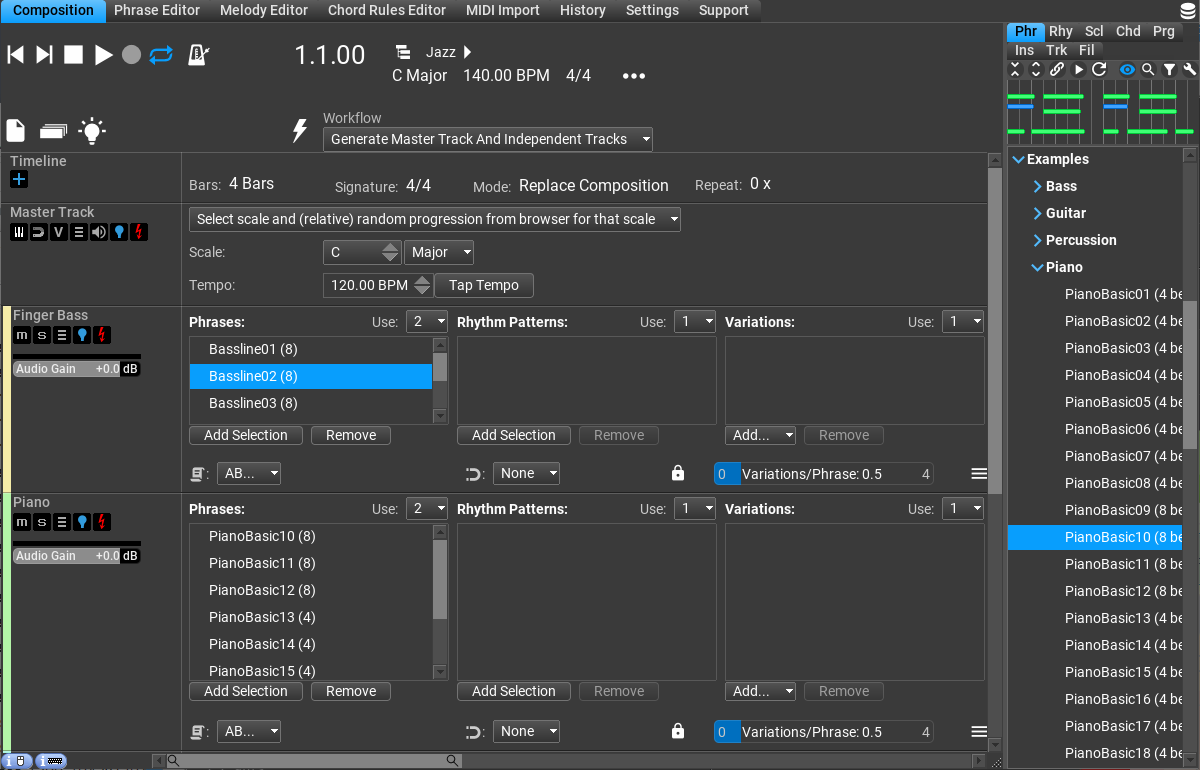
The interface of RapidComposer is clean yet visually engaging, with an organized workspace that resembles a well-stocked creative studio. Navigation feels natural, with drag-and-drop functionalities and customizable panels that cater to personalized workflows. Users praise its operation for being fluid and responsive, allowing seamless transitions between idea generation and fine-tuning. While there is a learning curve—especially for beginners—it's manageable thanks to helpful tooltips and comprehensive documentation. Compared to other music apps, RapidComposer's real advantage is its focus on pattern variation and rhythmic testing, empowering users to dive into complex musical scenarios without sacrificing ease of use.
Should You Use It? Our Verdict and Recommendations
If you're looking for a tool that acts as an intelligent sketchpad for your musical ideas—particularly one that excels at providing diverse rhythmic and harmonic options—RapidComposer deserves serious consideration. Its standout features, especially the rhythm pattern variety assessment and the ability to evaluate test input latency, make it a unique companion for experimenting and refining musical motifs efficiently. While it may not replace full DAWs for mixing or production, it serves as an invaluable creative engine early in the composition process. We recommend it to composers seeking a sensible, focused, and innovative approach to musical experimentation. Whether you're crafting a catchy pop tune, a complex jazz harmony, or an experimental groove, RapidComposer offers a reliable, inspiring platform to bring your ideas to life.
Pros
- Intuitive MIDI Composition Tools
- Extensive Sound Libraries
- Real-time Audio Preview
- Advanced Chord Progression Features
- Customizable Templates
Cons
- Steep Learning Curve for Advanced Features
- Limited Compatibility with External VST Plugins
- Resource Intensive on Older Computers
- Occasional Crashes with Large Projects
- Limited Export Formats










