

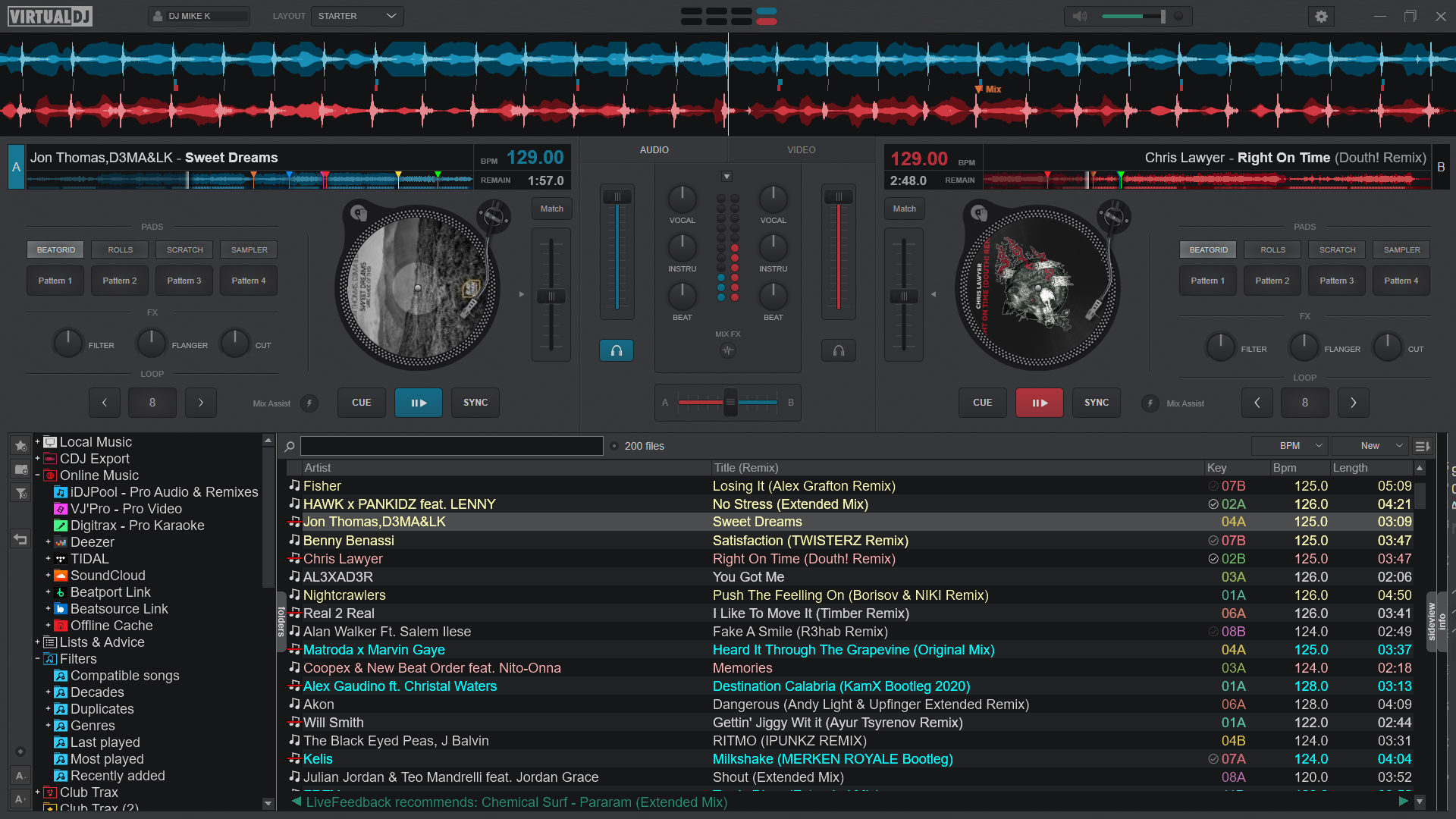
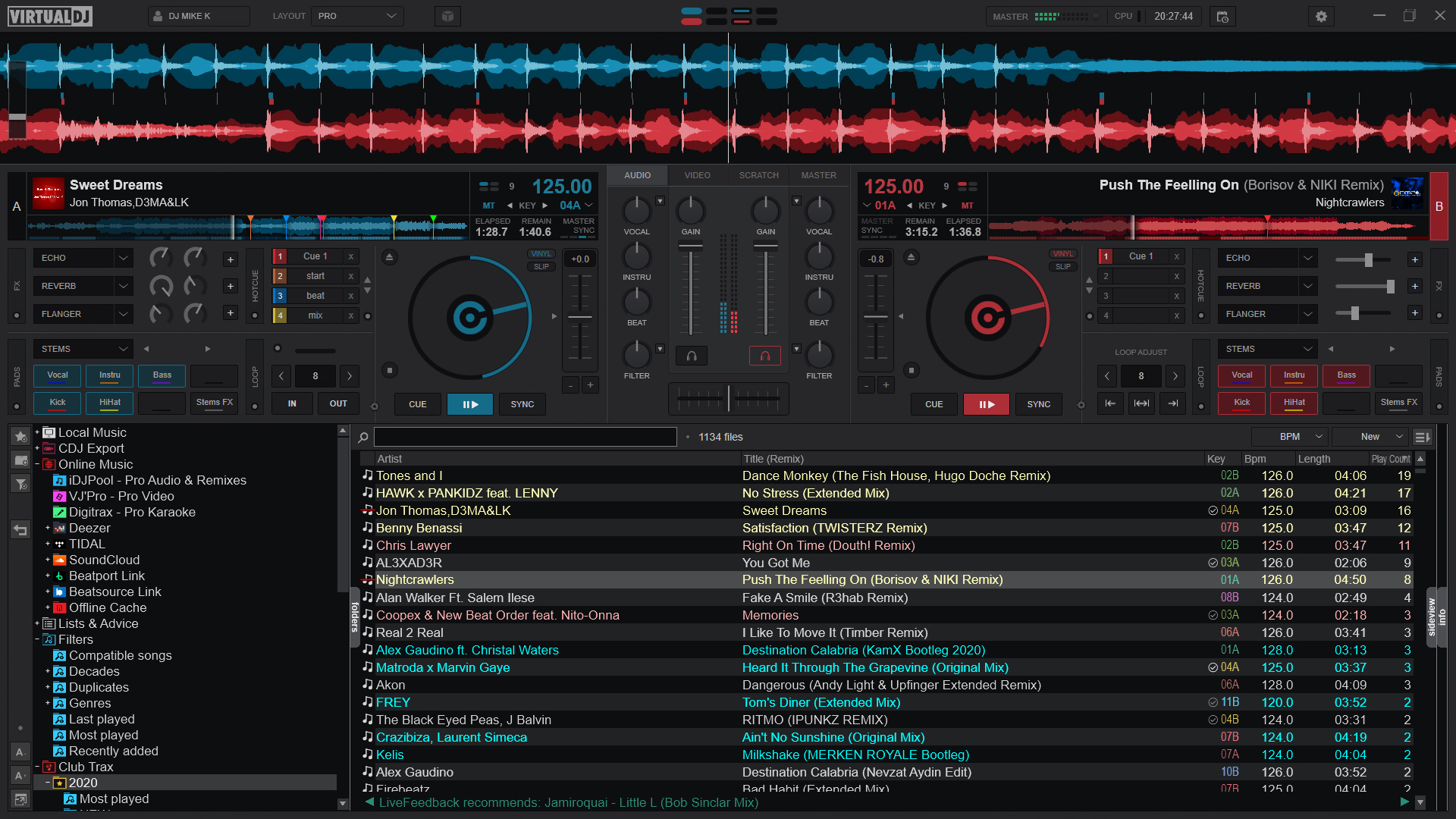
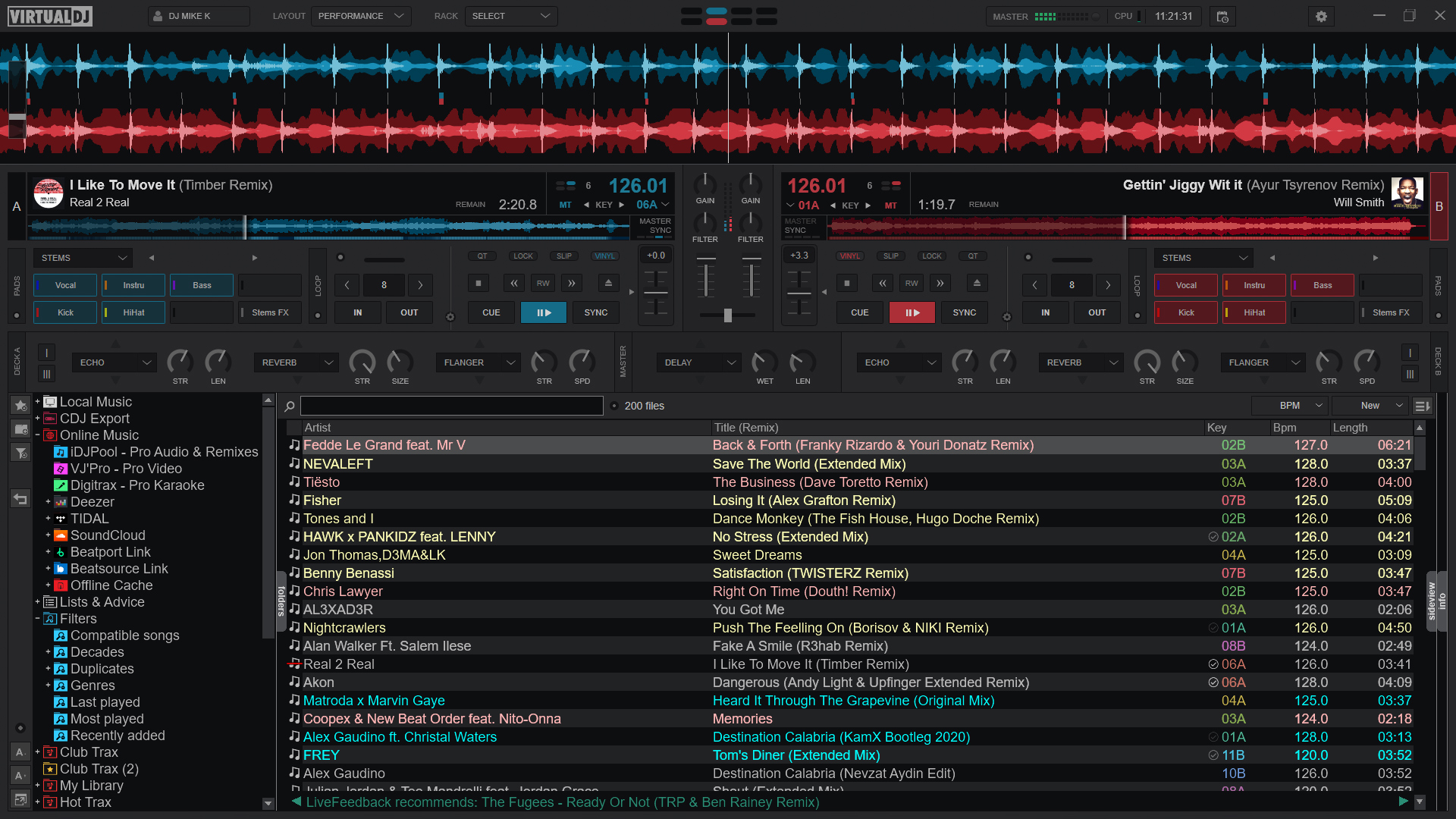
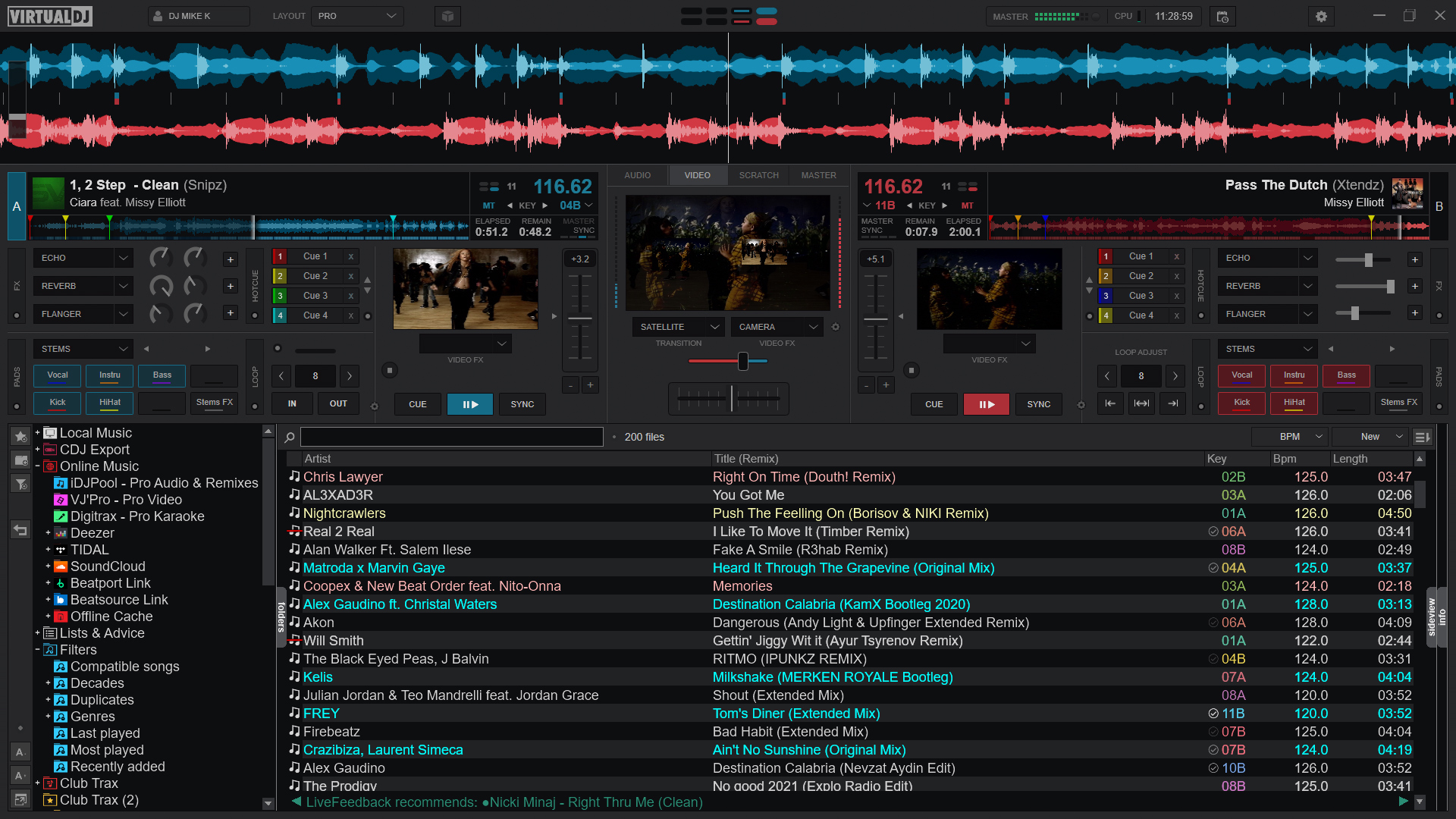
- Name VirtualDJ
- Category Music
- Available on PC
- OS Windows 10 version 0.0 or higher
- DirectX Version 9
- languages English, Spanish, French, Portuguese, Dutch, Greek, German, Italian, Russian, Japanese, Arabic, Chinese
VirtualDJ for Windows: A Professional DJ Mixing Companion
VirtualDJ for Windows stands out as a comprehensive DJ software tailored for both budding enthusiasts and seasoned professionals, offering a seamless platform to craft captivating mixes with precision and creativity.
About the Developer and Core Features
Developed by Atomix International, S.A., VirtualDJ boasts a rich history rooted in professional-grade DJ solutions. Its main features include intuitive track management, real-time effects and mixing capabilities, and advanced beat synchronization, enabling DJs to effortlessly craft seamless transitions. Additionally, its sizable library compatibility and versatile interface make it adaptable to various performance styles. The primary target audience comprises amateur DJs seeking a user-friendly platform to hone their craft and professional DJs looking for reliable, feature-rich software for live performances.
Immersive and Intuitive User Experience
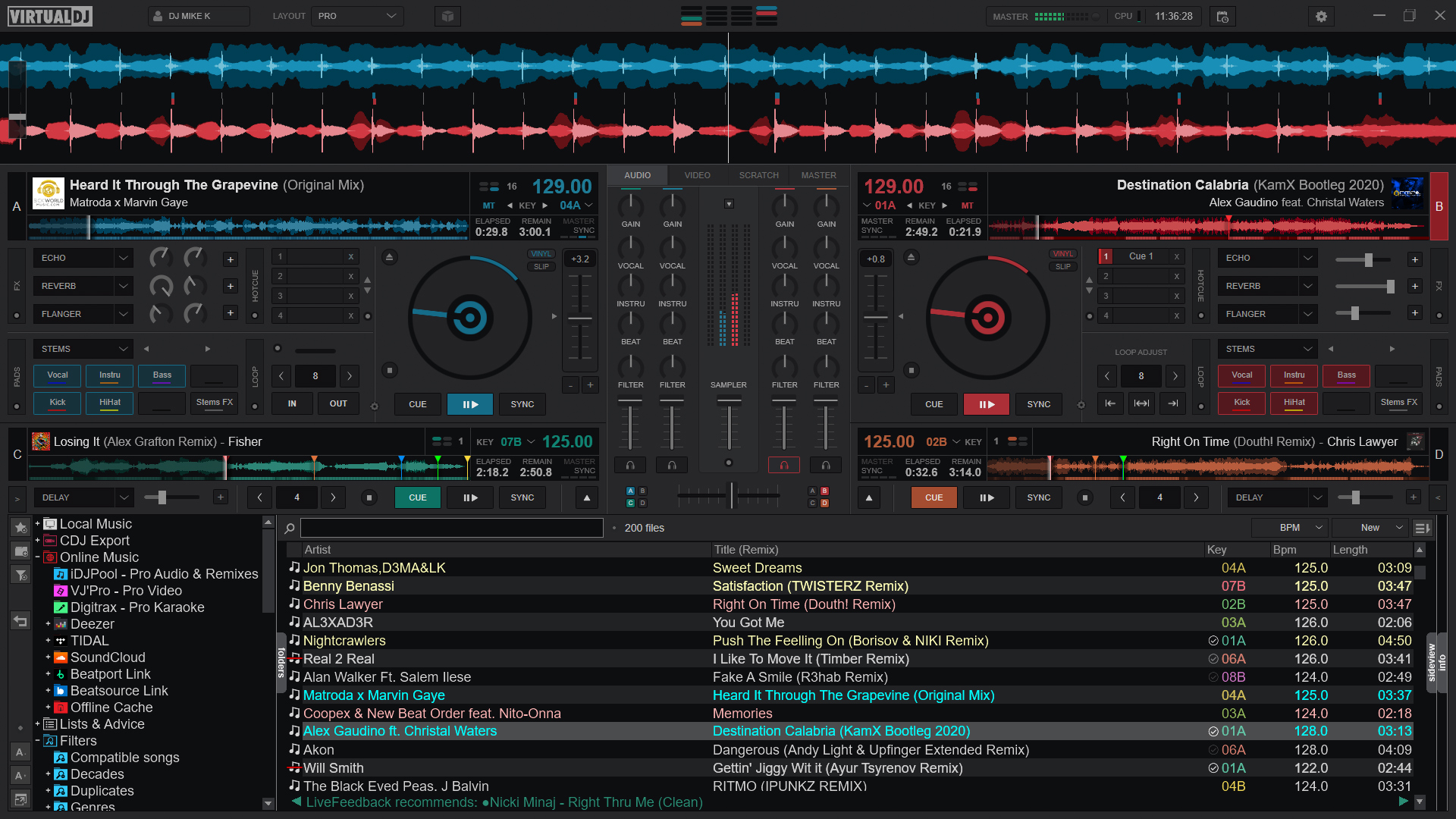
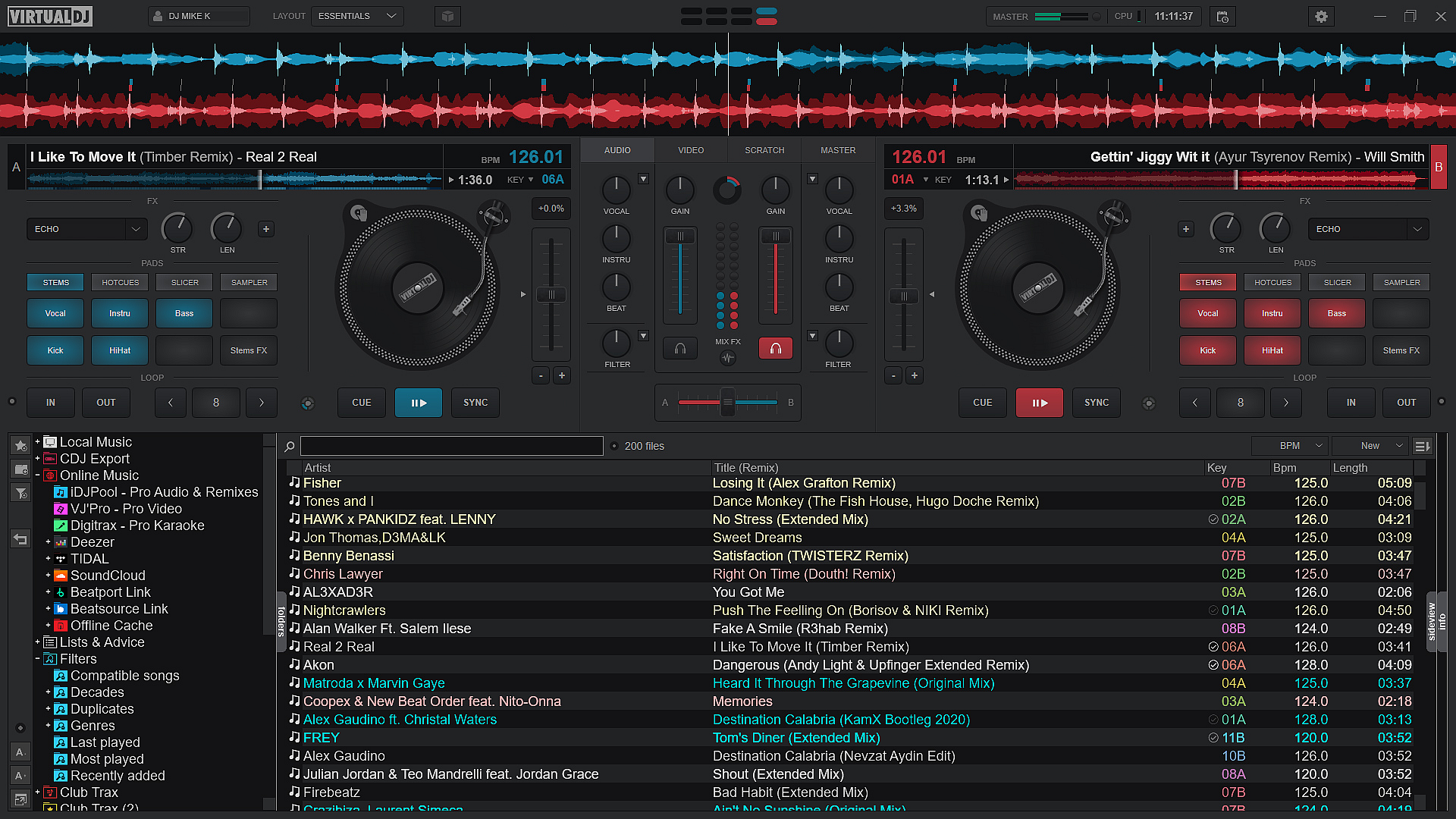
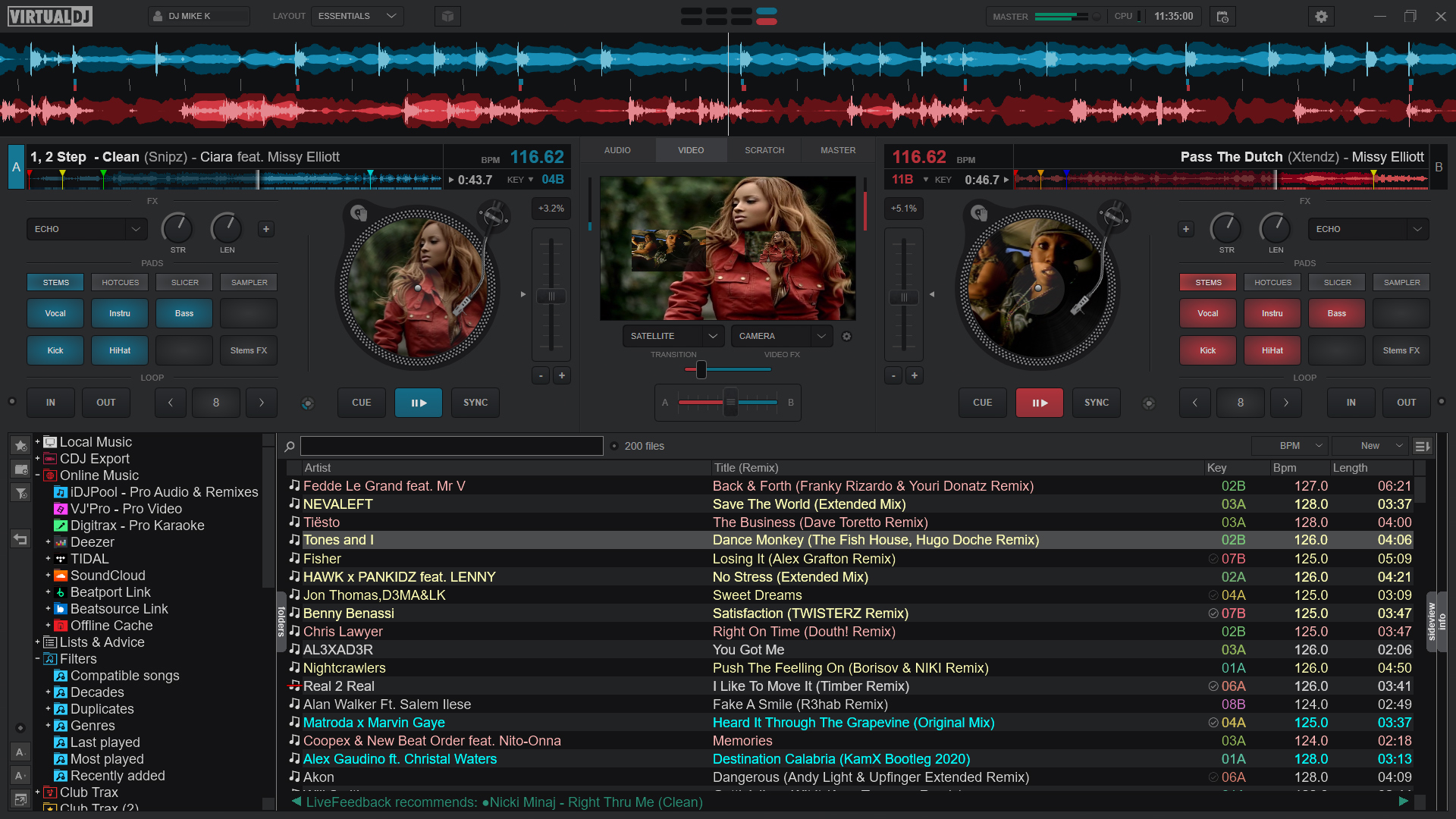
Launching VirtualDJ feels akin to entering a well-equipped studio where everything is precisely where you need it. The interface is a balanced blend of modern aesthetics and functional clarity—crisp waveforms, clear controls, and easily navigable menus. Operating the software is remarkably smooth; from loading tracks to applying effects, responses are instantaneous, ensuring the creative flow remains uninterrupted. For beginners, the learning curve is gentle, with intuitive controls that don't overwhelm but still offer depth for advanced users to explore. The software's design makes it feel like a trusted musical partner guiding your hands effortlessly across the decks.
Core Functionalities: Powerhouses for Seamless Mixing
Beat Sync and Rhythm Pattern Variety
One of VirtualDJ's standout features is its sophisticated beat synchronization engine, which keeps tracks perfectly in time—even amidst complex mixes. Its ability to assess rhythm patterns with precision ensures transitions are smooth, preventing that awkward timing slip often found in lesser applications. This feature is particularly useful for live performances where maintaining groove is paramount. The software intelligently detects various rhythm styles, allowing DJs to experiment confidently across genres without worrying about timing issues, making it a reliable partner in maintaining the dance floor's energy.
Real-Time Effects and Customization
The application offers an impressive suite of real-time effects—from echo and reverb to filter sweeps—adding personality and flair to each mix. Users can tweak parameters on the fly, enriching their performance with creative sounds. Modeled like a professional studio setup, VirtualDJ's effect controls are easily accessible yet deeply customizable, empowering DJs to craft unique soundscapes without feeling overwhelmed. This flexibility ensures that whether you're mixing at a small party or a large event, your sound can be polished and distinctive.
Unique Selling Points and Comparison
Compared to other music applications, VirtualDJ's most remarkable advantage lies in its robust rhythm pattern assessment and tolerance for input latency. Its intelligent algorithms can adapt to various tempo changes swiftly, maintaining tight synchronization even in challenging scenarios. This sets it apart as a reliable companion for live DJing, where precise timing is everything. Moreover, its ability to handle diverse rhythm styles means DJs can confidently experiment with different genres, from electronic dance beats to classic rock, all within a single platform.
Final Recommendation and Usage Suggestions
All considered, VirtualDJ for Windows is a well-rounded, dependable DJ software well-suited for users who value stability, flexibility, and professional-grade features. Its standout rhythm pattern recognition and input latency management are particularly commendable, making it a top choice for live performances. Beginners will find its intuitive interface welcoming, while professional DJs will appreciate the depth of customization available. For anyone serious about digital DJing or looking to elevate their performances with reliable technology, VirtualDJ deserves a strong recommendation. As a friend, I'd say: give it a try—you might just find your new favorite groove partner.
Pros
- Intuitive User Interface
- Extensive Sound Library
- Advanced Mixing Features
- Multi-Device Compatibility
- Regular Updates and Support
Cons
- High System Requirements
- Limited Free Features
- Learning Curve for Advanced Tools
- Occasional Audio Glitches
- Limited Customization Options










