

- Name Pandora
- Category Music
- Available on Mobile, PC, Xbox console
- OS Windows 10 version 14316.0 or higher
- languages English (United States)
Pandora for Windows: A Fresh Take on Personalized Music Streaming
Designed to bring curated musical experiences directly to your desktop, Pandora for Windows offers a seamless way to enjoy your favorite tunes with intelligent personalization and user-friendly features. Whether you're commuting, working, or relaxing at home, this app aims to be your portable DJ with a touch of sophistication.
Basic Information
Positioning: A personalized music streaming app delivering tailored playlists and stations to Windows users.
Developer/Team: Pandora Media Inc, a well-established leader in music streaming with a history of innovative personalized listening solutions.
Main Features & Highlights:
- Intelligent Music Curation: Based on your listening habits, Pandora creates stations that evolve with your tastes.
- Offline Listening: Download stations and playlists for music on the go, even without internet access.
- Rich Customization Options: Fine-tune stations and discover new genres with intuitive controls.
- Elegant Interface & Smooth Operation: Designed for ease of use while delivering high-quality audio experience.
Target Audience: Music lovers eager for personalized playlists, busy professionals who want quick access to their favorite music, and casual listeners exploring new genres on their Windows PCs.
Engaging and User-Friendly Interface
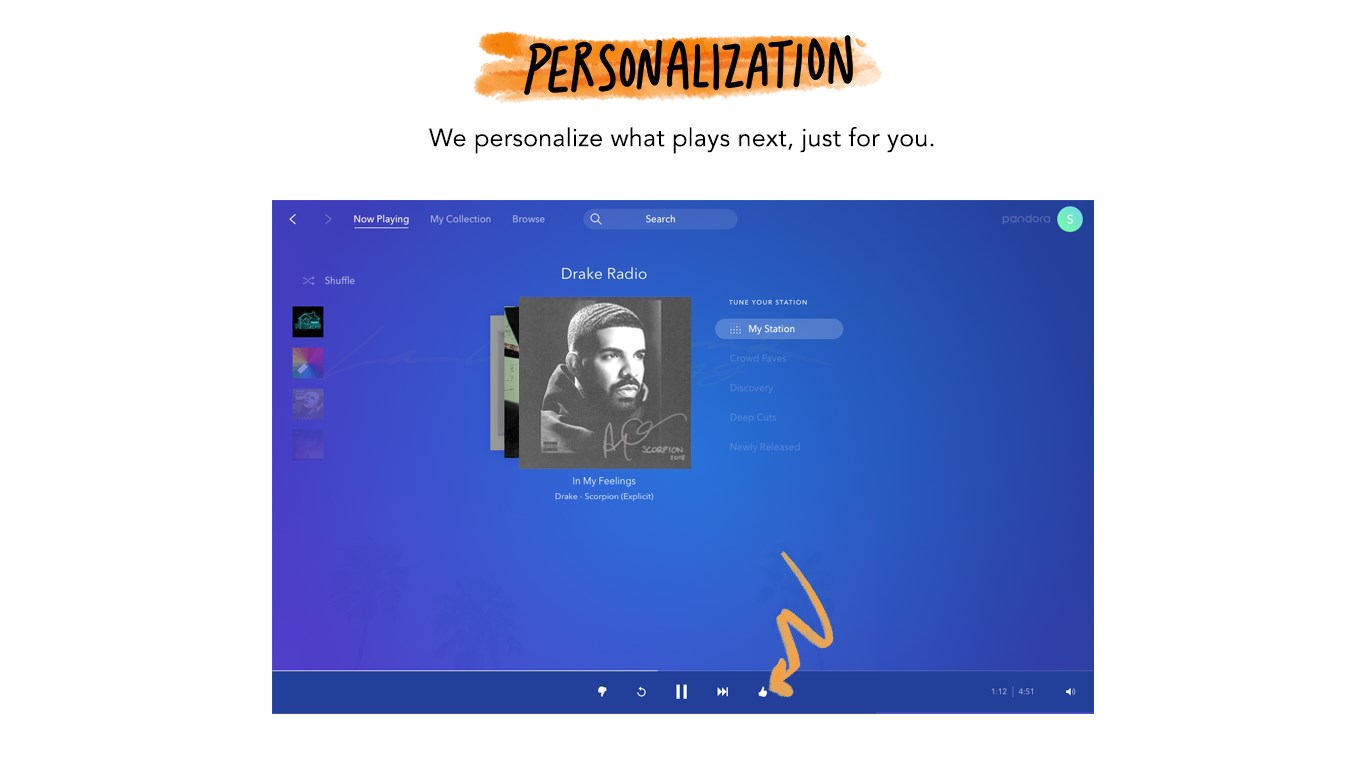
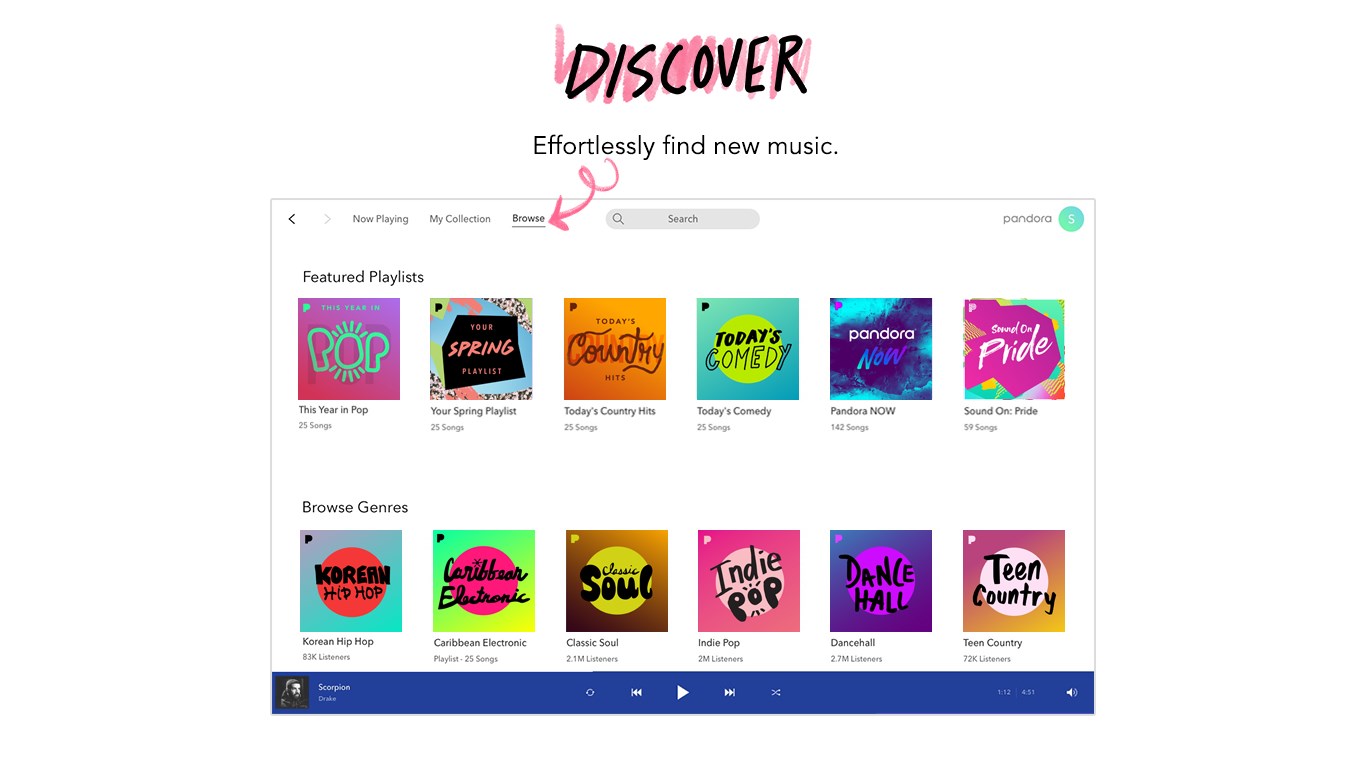
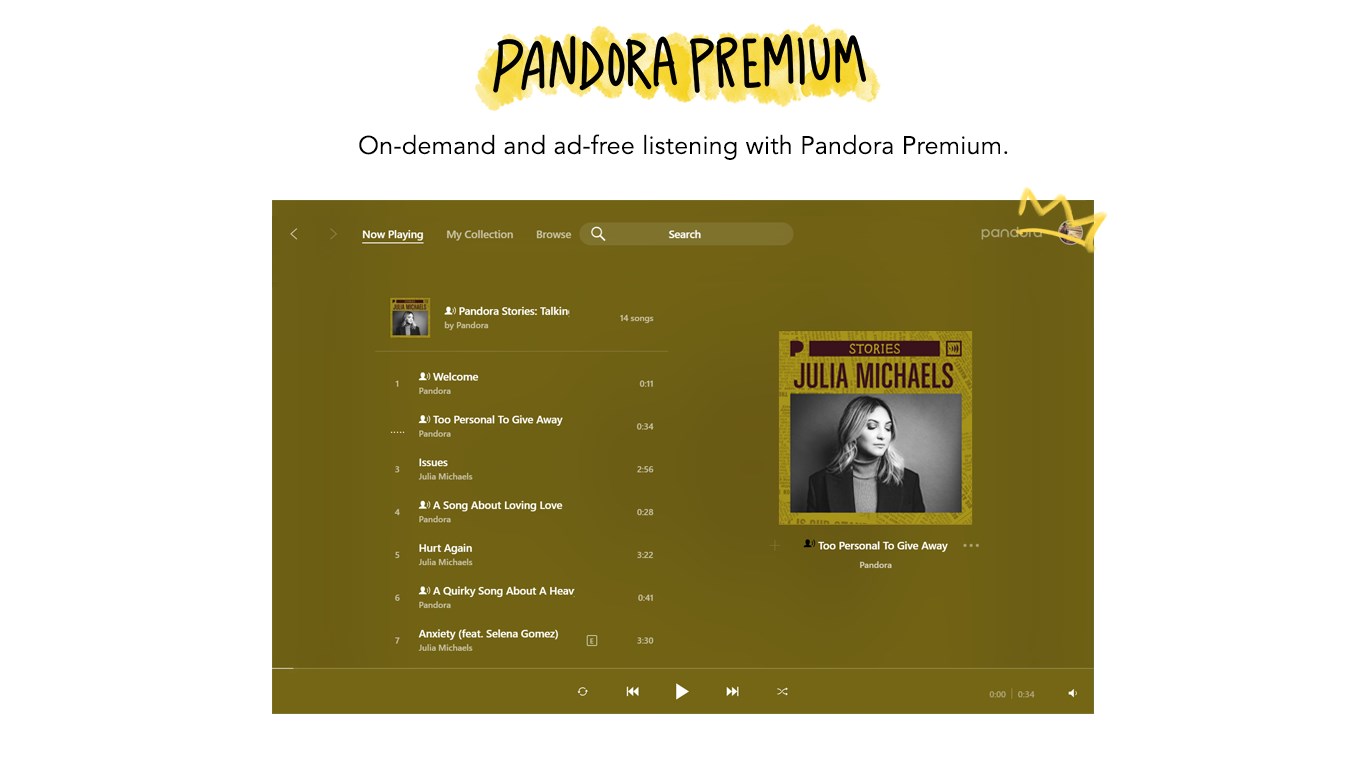
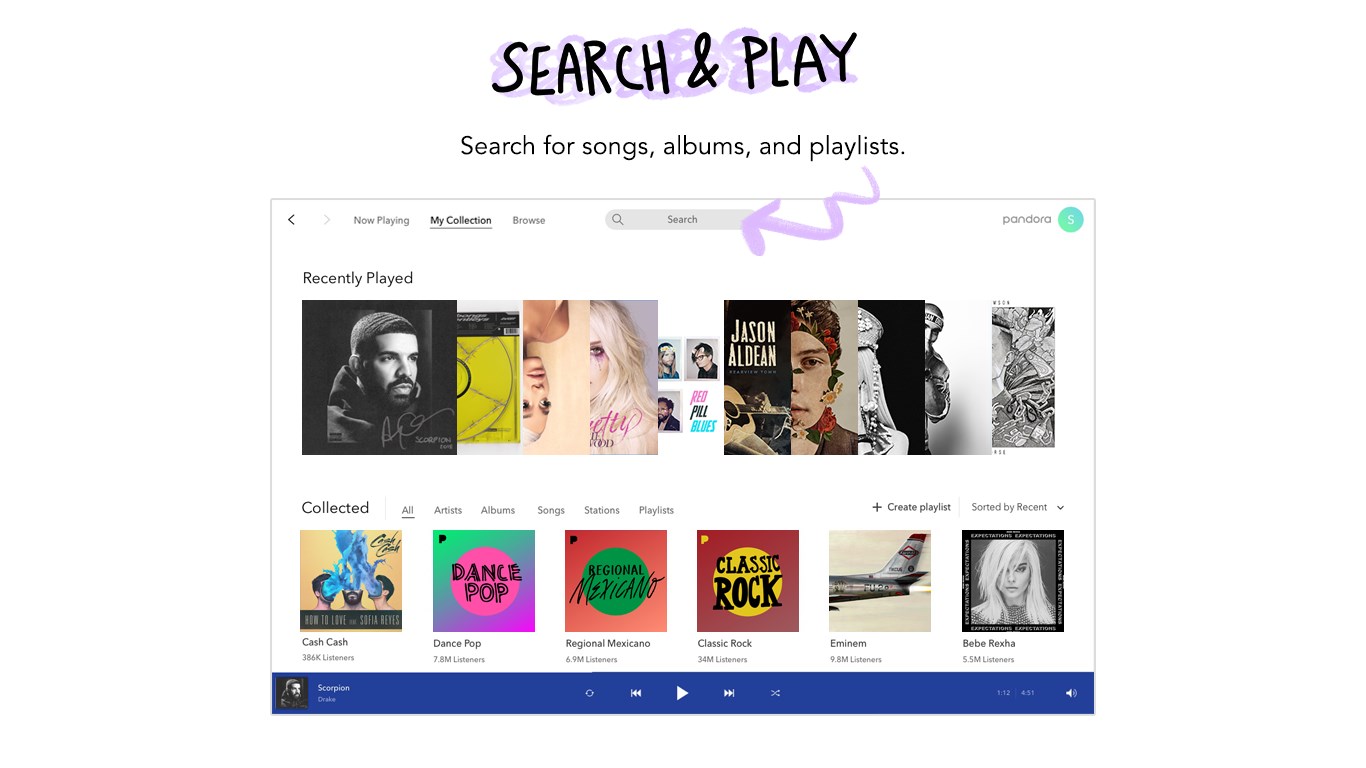
Upon launching Pandora for Windows, you're greeted with a sleek, modern interface that feels familiar yet fresh. The layout guides you effortlessly through browsing stations, creating new playlists, or exploring recommended tracks. The design employs soft color schemes and intuitive icons, which make navigation a breeze even for less tech-savvy users. Transitioning between different sections is seamless, thanks to optimized animations that don't distract but enhance the overall experience. Whether you're managing multiple stations or adjusting preferences, the app's responsive controls ensure your actions feel natural and instant, making it feel like you're working with a dedicated DJ rather than a clunky software.
Personalized Music Streams & Intelligent Rhythm Detection
The core strength of Pandora lies in its sophisticated recommendation engine that learns your musical preferences over time. The app excels in assessing rhythm pattern variety, ensuring your stations stay dynamic and engaging. Unlike many competitors that stick to predictable playlists, Pandora intelligently detects subtle shifts in your listening habits, adjusting the rhythm, genre, and complexity accordingly. This results in a musical journey that feels both familiar and pleasantly surprising—perfect for users who crave variety without the hassle of manual playlist management.
Furthermore, Pandora's low input latency tolerance means that your commands—like skipping a track or adding a song to your favorites—are processed swiftly. This responsiveness makes the user experience feel snappy and frictionless, encouraging longer, more engaging listening sessions. It's as if the app has its finger on the pulse of your mood, all while maintaining a rich, rhythmic variety that keeps boredom at bay.
Performance & Differentiation from Competitors
In terms of performance, Pandora for Windows demonstrates robust stability and minimal lag, allowing music to flow smoothly even during intensive tasks. The app's operation remains fluid on a range of hardware configurations, which is impressive given its complex recommendation algorithms. Compared to other music apps, Pandora's standout feature is its ability to assess rhythm pattern variety effectively, offering a more immersive listening experience that adapts seamlessly to your preferences. The app's rating system and station adjustments feel natural and unobtrusive, enabling you to fine-tune your musical world effortlessly.
While many streaming platforms focus on vast catalogues, Pandora sets itself apart with its personalized “smart” stations that evolve with your taste and its precise rhythm pattern assessment, making every listening session feel uniquely tailored. The offline listening capability further enhances its utility, especially for users who want music without interruptions dependent on connectivity.
Final Verdict and Recommendations
I would recommend Pandora for Windows to anyone seeking a reliable, intuitive, and personally tailored music experience. Its standout features—especially the intelligent rhythm pattern assessment and adaptive station curation—make it a compelling choice for those who desire music that feels alive and responsive. If you're a listener who appreciates subtle musical nuances and prefers gradual, personalized evolution of your playlists, Pandora will not disappoint. However, for users expecting a vast library without deep personalization, exploring multiple platforms might still be worthwhile.
Overall, Pandora for Windows offers a refined listening environment that balances elegance with intelligent functionality—making it a worthy addition to your desktop music toolkit.
Pros
- User-Friendly Interface
- Personalized Music Recommendations
- Wide Music Library
- Offline Listening Feature
- Integration with Smart Devices
Cons
- Limited Free Tier Features
- Occasional Advertisement Interruptions
- Regional Content Restrictions
- Limited Customization Options
- Initial Setup Might Be Lengthy










