

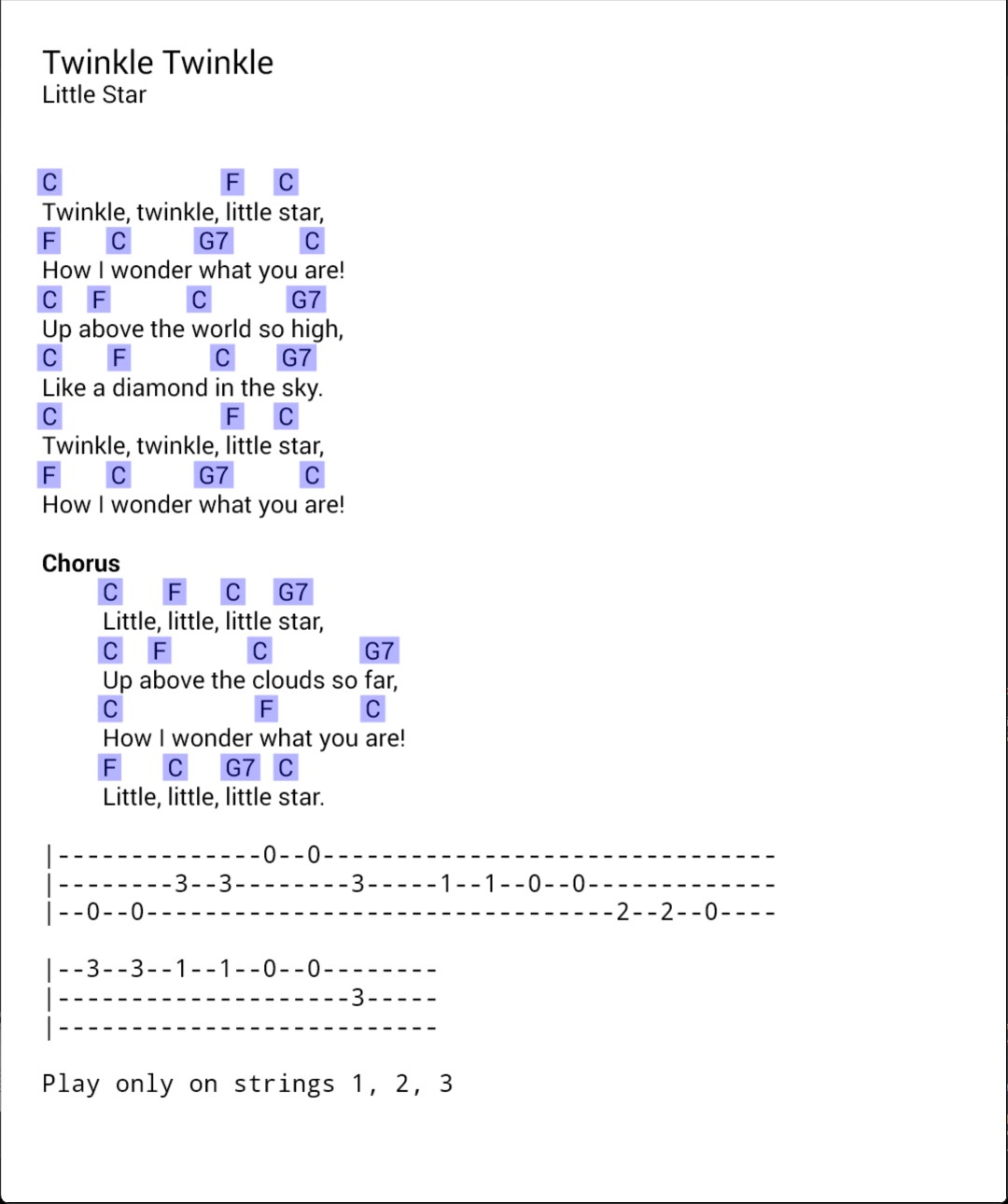
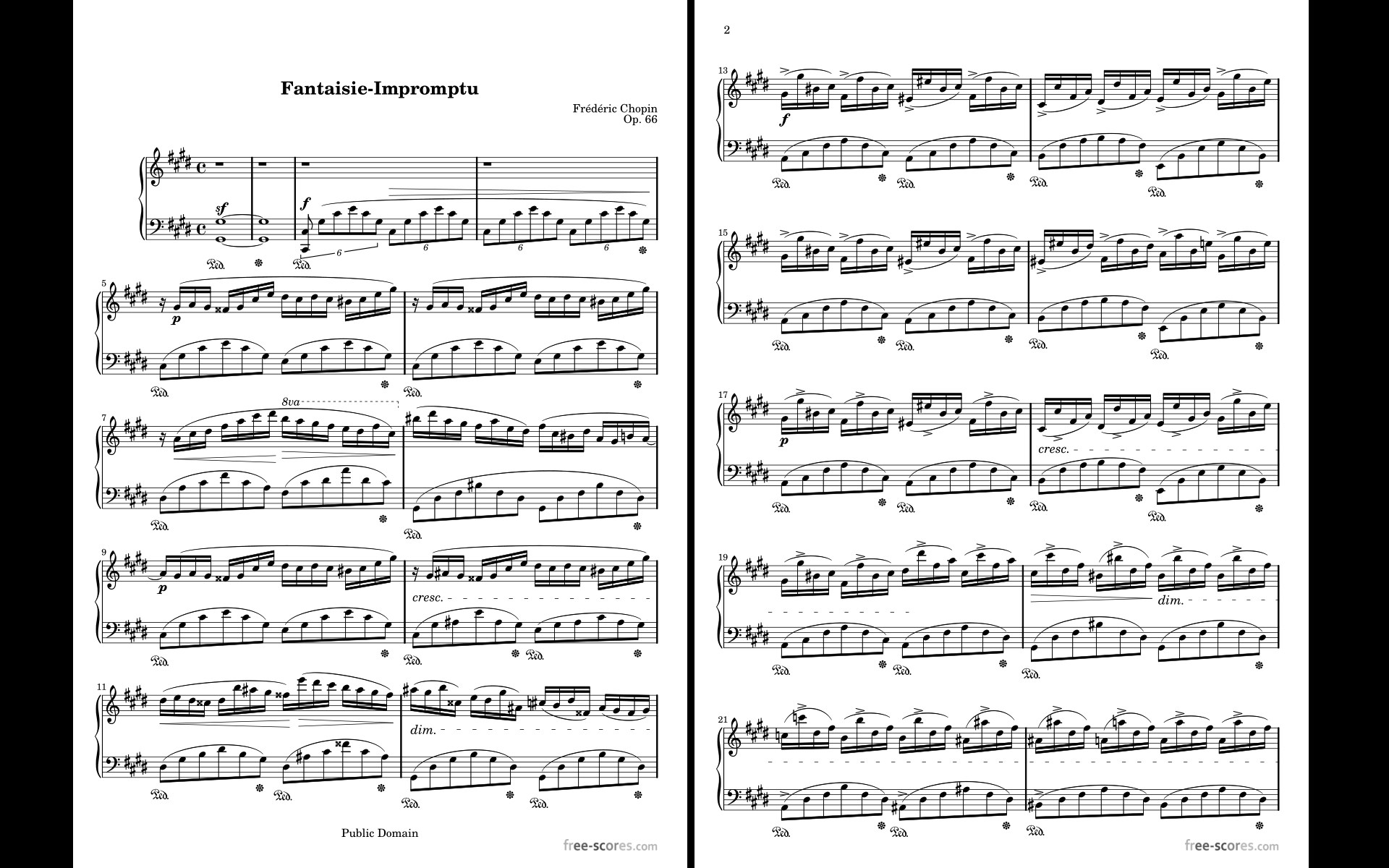
- Name MobileSheets
- Category Music
- Developer Zubersoft, LLC
- Available on PC, Mobile, Surface Hub, HoloLens
- OS Windows 10 version 17763.0 or higher
- languages Catalan, Chinese (Simplified), Chinese (Traditional Chinese), Czech, Danish, Dutch, English (Belize), English (United States), Finnish, French, German, Greek, Italian, Japanese, Korean, Korean , Norwegian (Bokmål), Polish, Portuguese (Brazil), Romanian, Russian, Slovak, Spanish, Spanish (Spain), Turkish, Ukrainian
Introducing MobileSheets for Windows: A Comprehensive Sheet Music Management Tool
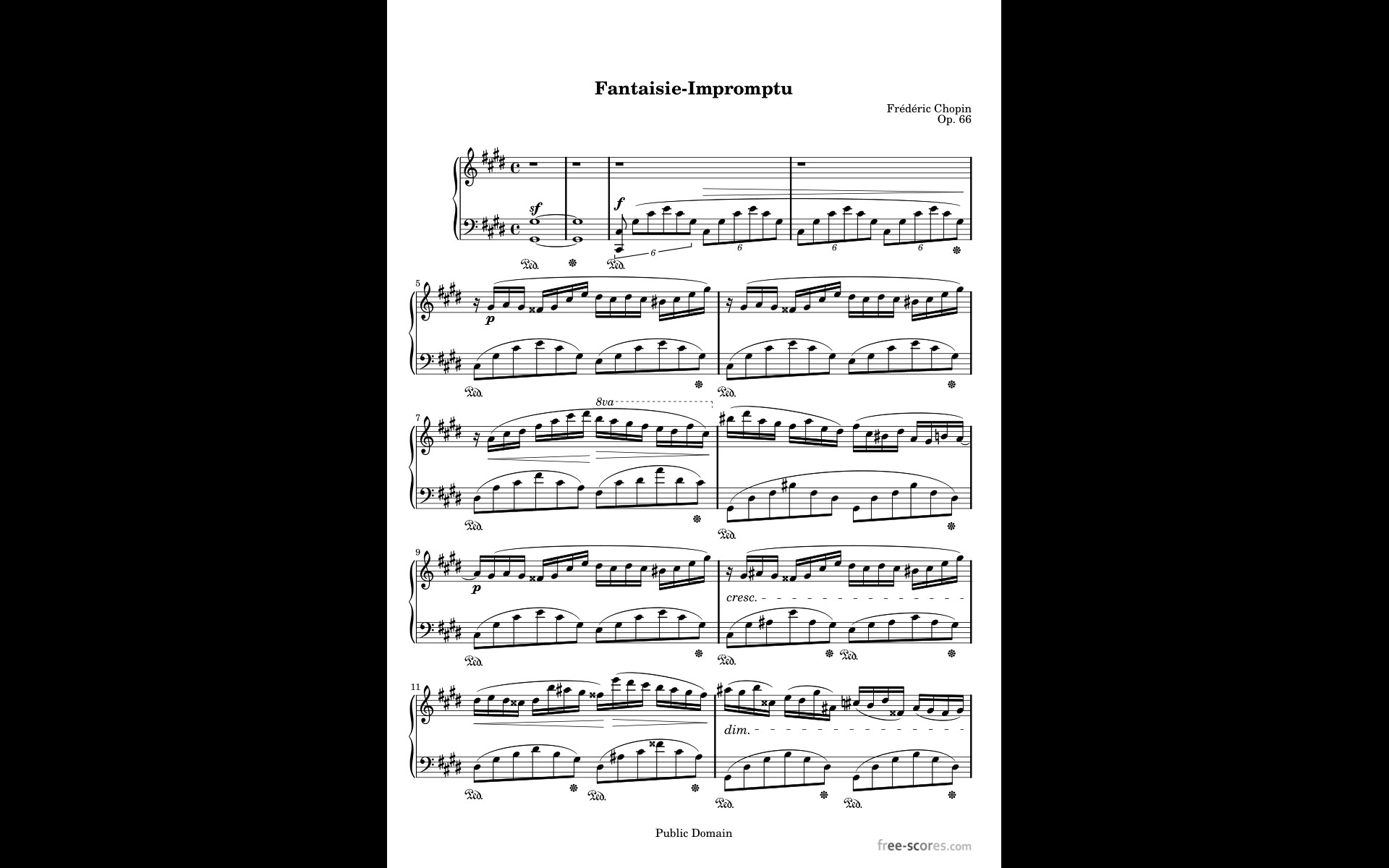
MobileSheets for Windows stands out as a robust digital sheet music organizer, designed to streamline practice, performance, and music collection management for musicians of all levels. Developed by Zubersoft, LLC, this app transforms how musicians access and interact with their sheet music library, making it an invaluable tool for performers, music students, and music educators alike.
About the Developer and Core Features
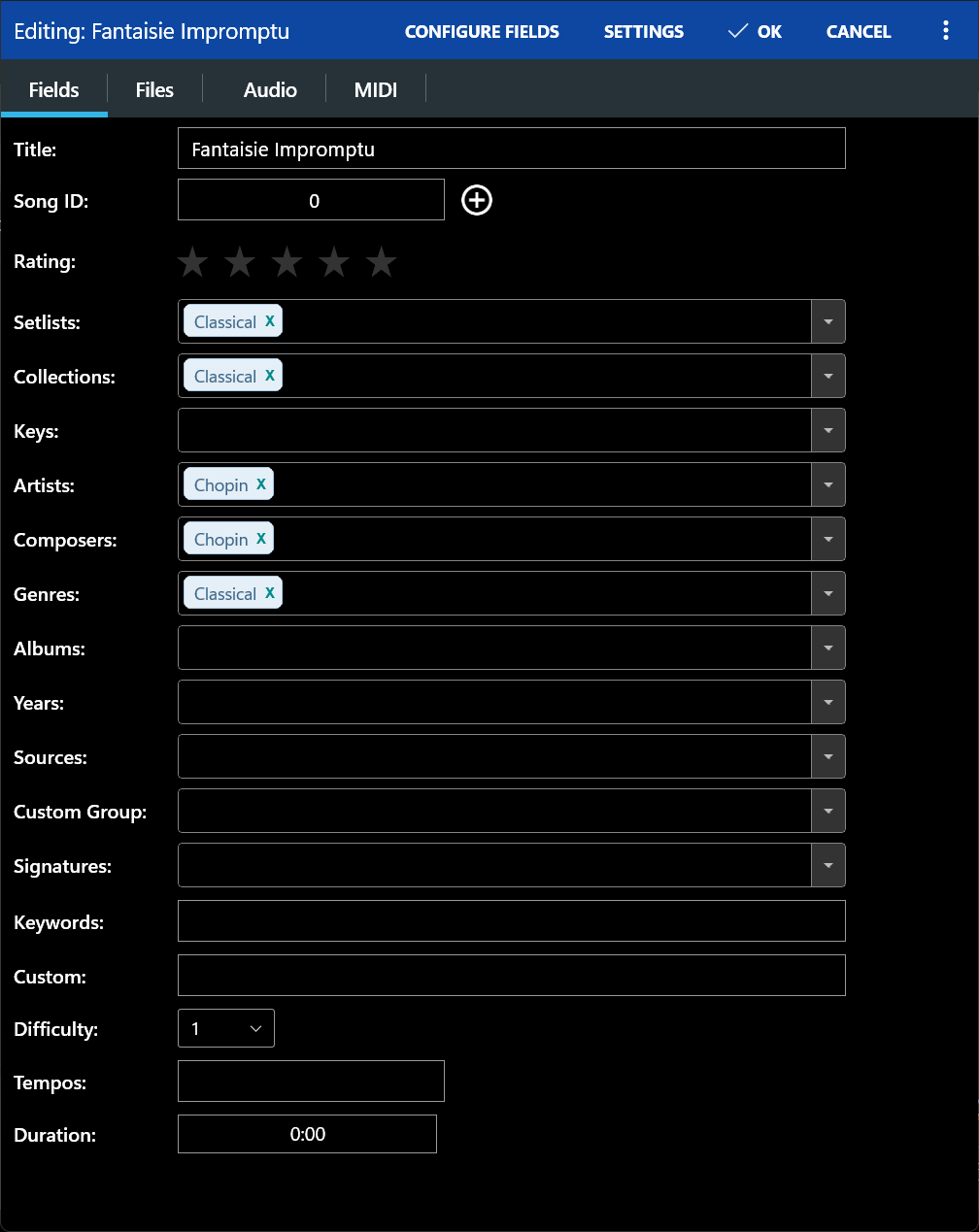
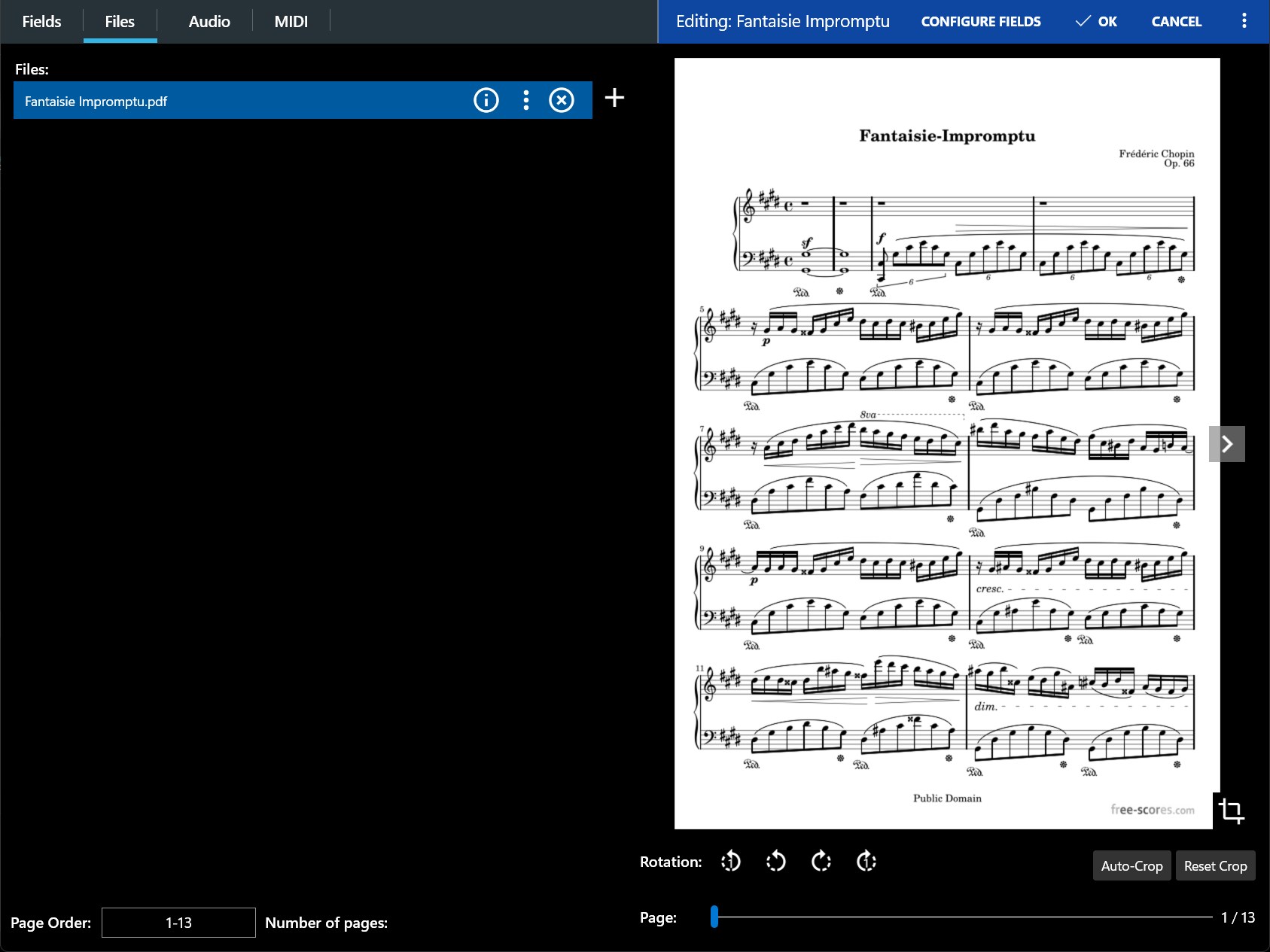
Created by Zubersoft, LLC, a company renowned for its focus on high-quality digital sheet music solutions, MobileSheets for Windows offers a seamless experience tailored for Windows users. Its primary features include multi-page viewing, annotation capabilities, flexible setlist management, and support for a wide variety of file formats. These functionalities ensure that musicians can organize their music efficiently, annotate with precision, and effortlessly navigate through their performances. The app's intuitive interface and powerful tools are designed with musicians' needs in mind, aiming for a professional yet user-friendly experience.
A Fresh Approach to Digital Sheet Music: A Spirited Introduction
If you've ever been caught flipping through endless paper stacks or struggled with unstable sheet music setups during a gig, you'll appreciate how MobileSheets for Windows acts like a trusty digital maestro at your side. Imagine a music library that fits in your pocket, yet offers all the versatility of a grand concert hall—fast, flexible, and ready to accompany your every musical pursuit. Whether practicing at home or performing on stage, this app promises to be your reliable companion, transforming the often mundane task of sheet music management into an enjoyable, even creative journey.
Core Functionality 1: Advanced Navigation and Setlist Management
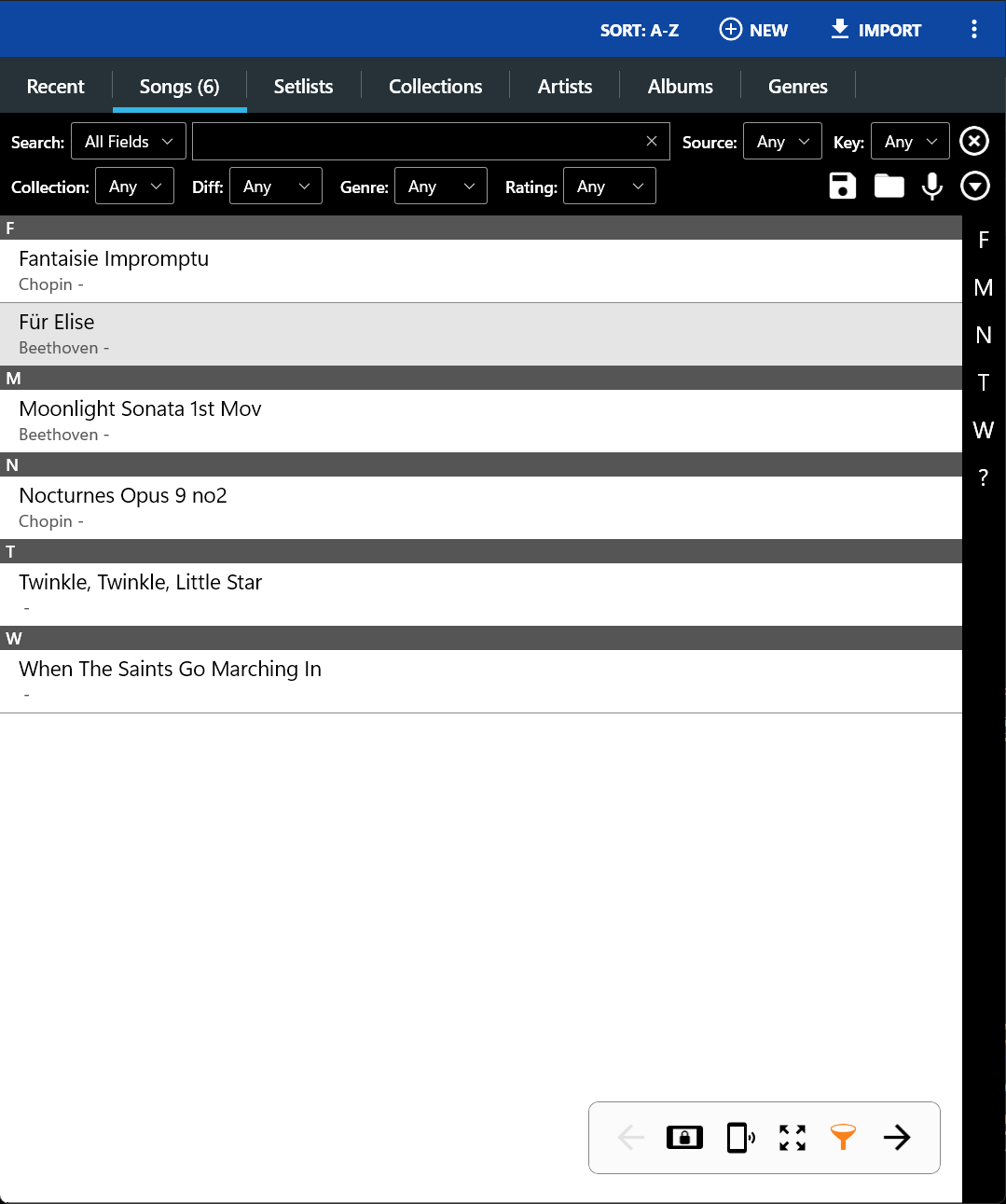
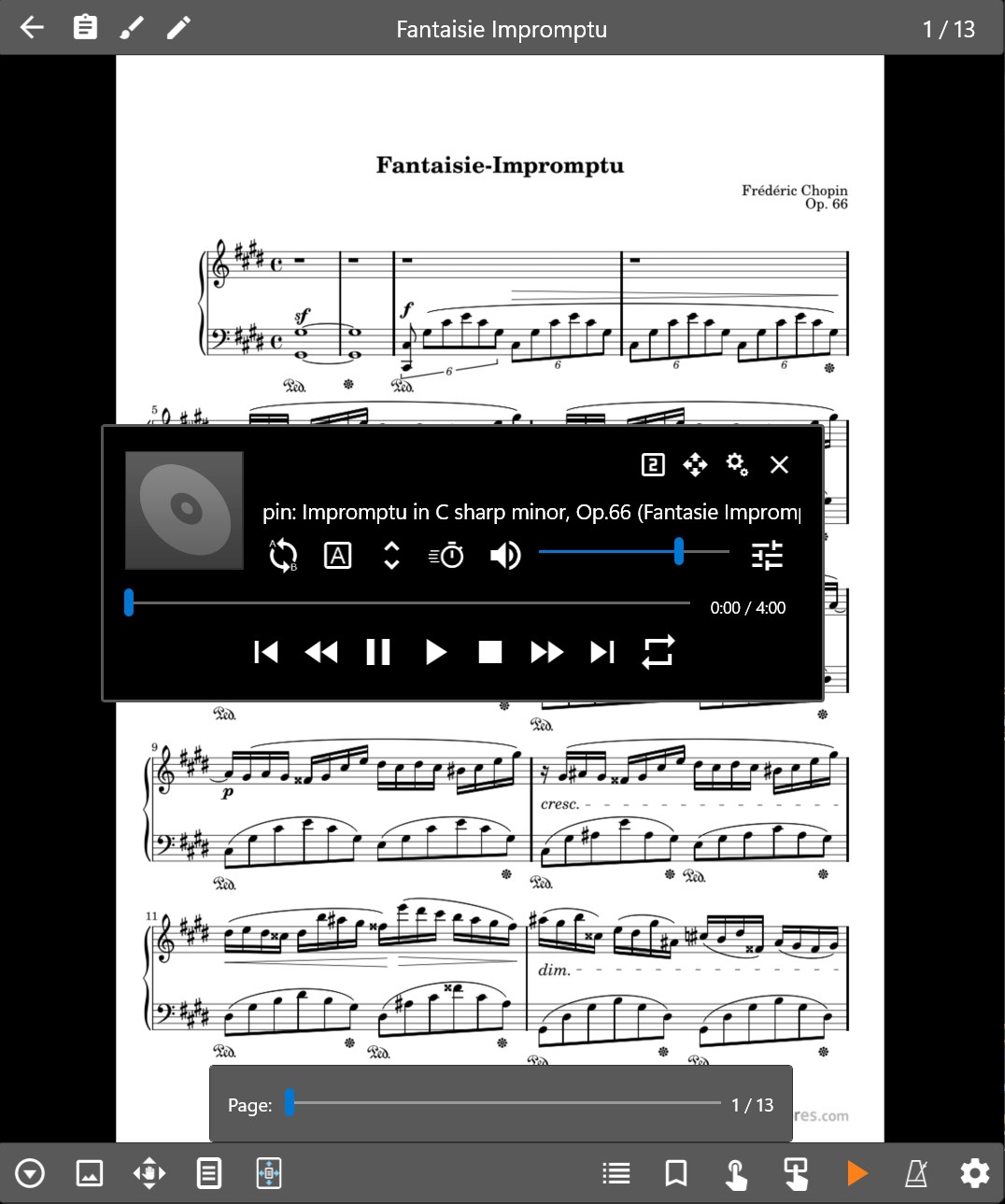
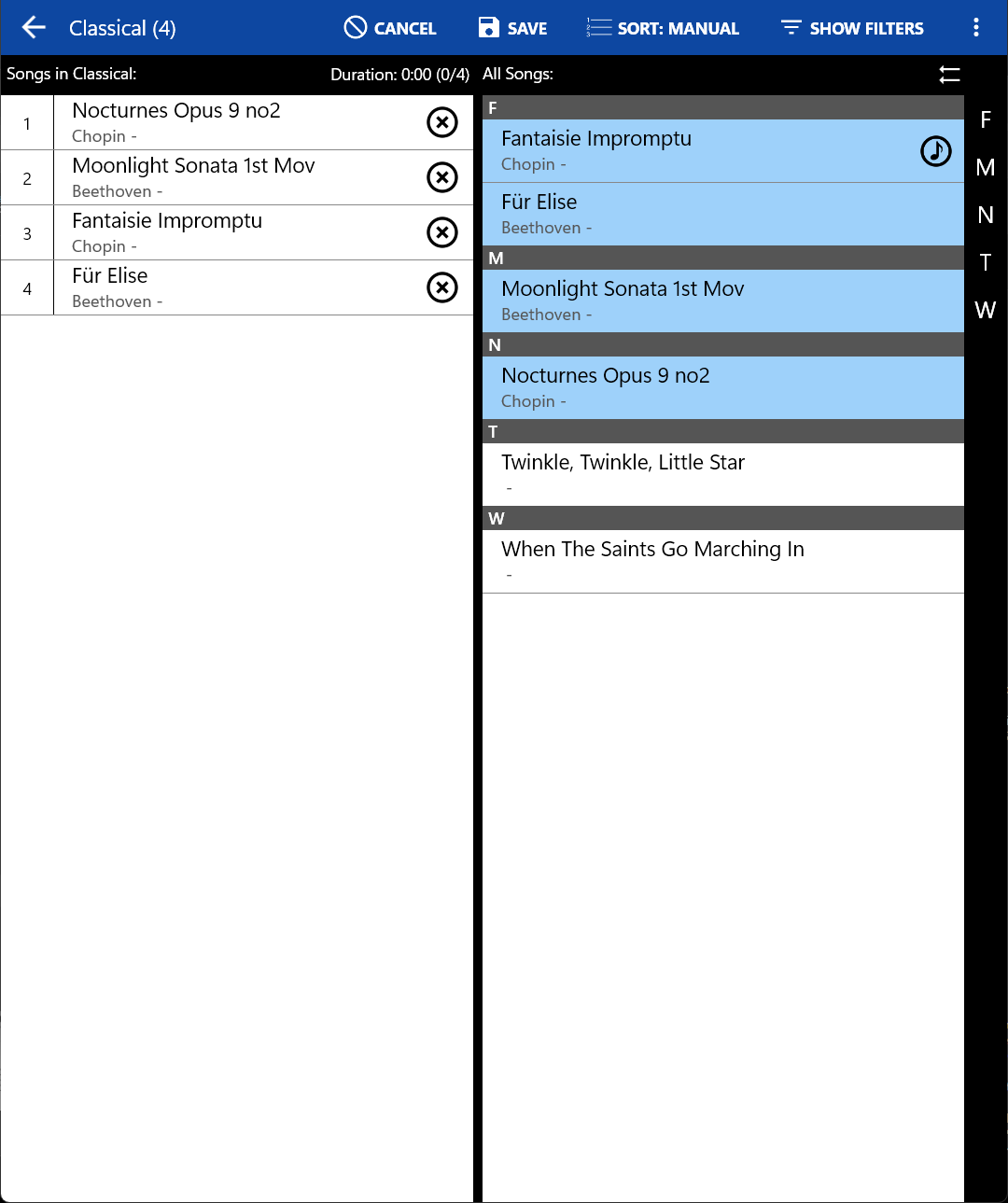
One of MobileSheets's most impressive strengths is its capacity to help users organize their music into custom setlists and navigate effortlessly during performances. The intuitive drag-and-drop interface allows you to assemble performance order, while features like page-turning presets and automatic page scrolling ensure you stay focused on your music rather than fumbling with controls. The app supports multiple pages per song, intelligently adjusting to your performance pace, and allowing smooth transitions between pieces. What sets it apart here is its robust support for fast switching between songs, which is particularly useful during demanding live gigs or lengthy rehearsals.
Core Functionality 2: Rich Annotation and Note-Taking Tools
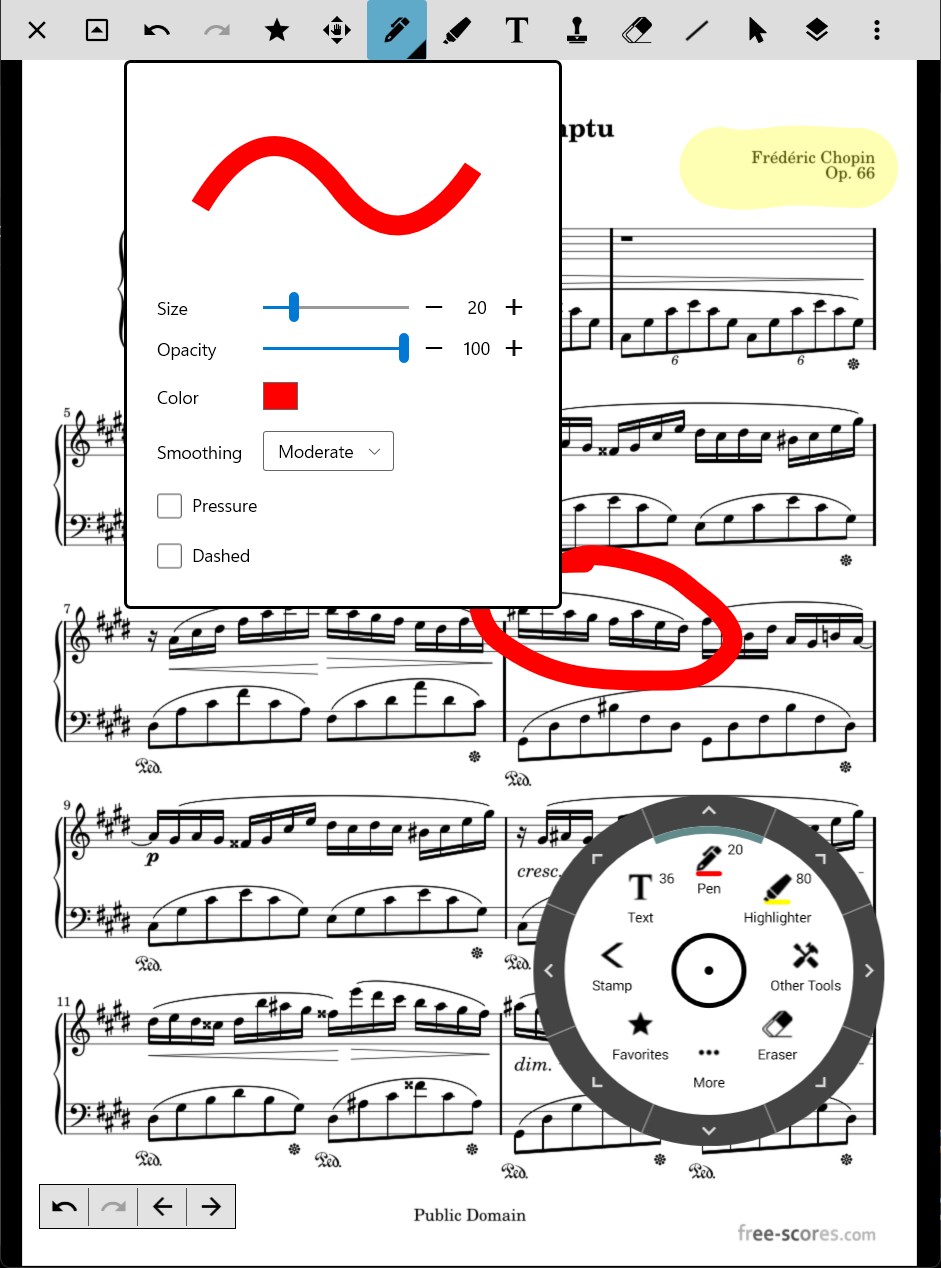
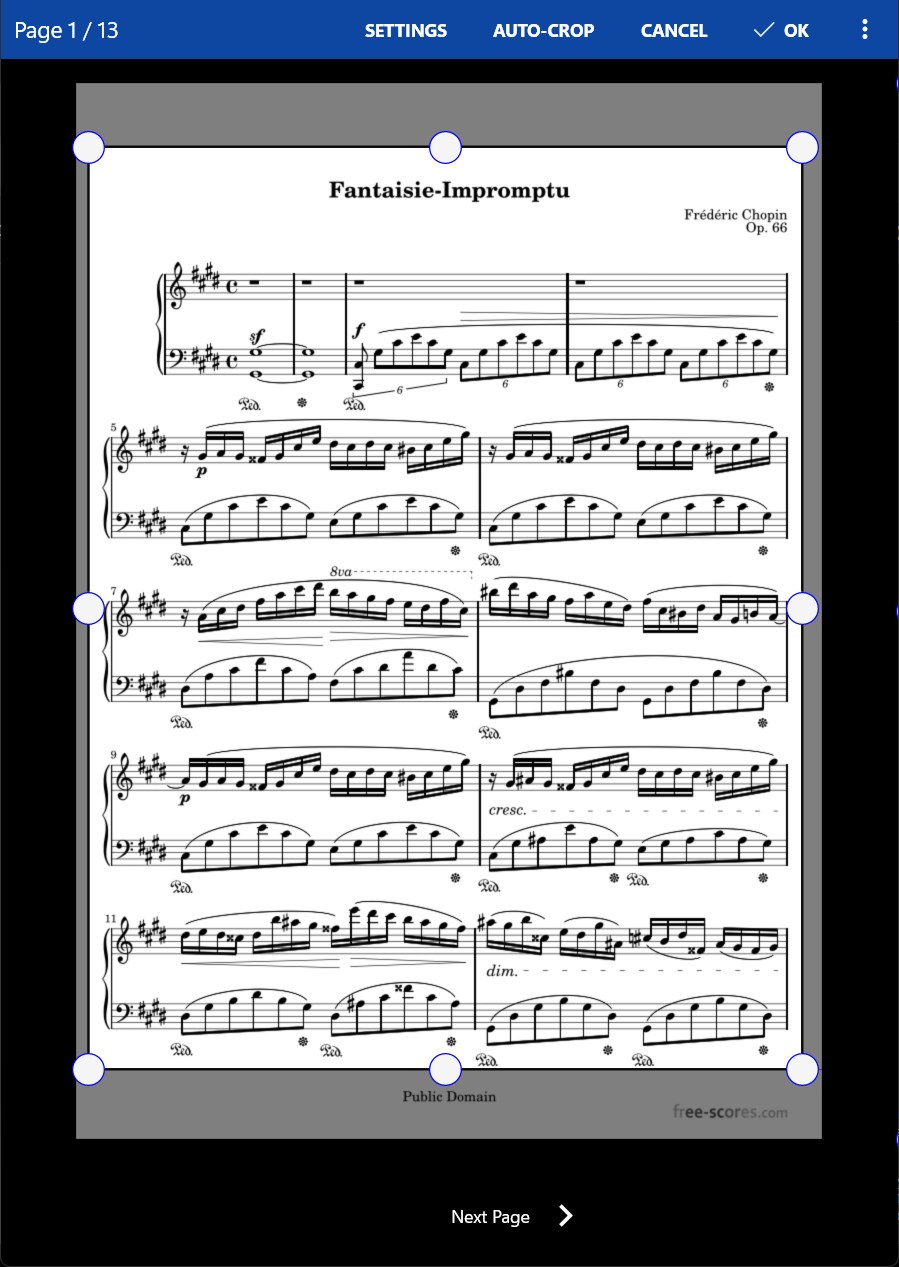
Imagine having a virtual staff paper on steroids—highlight, draw, or write directly on your sheet music. MobileSheets for Windows excels in its annotation features, enabling musicians to add markings, fingerings, or notes that can be saved for future reference. These annotations can be color-coded or styled to stand out, and their flexibility surpasses traditional paper in clarity and ease of editing. During practice, these tools facilitate quick markings without interrupting the flow, making it easier to learn complex passages or memorize tricky rhythms.
User Experience: Design, Speed, and Learning Curve
The interface of MobileSheets is both modern and practical, reminiscent of a well-organized music library. The layout ensures that essential tools are just a tap away, making it easy for both tech-savvy musicians and newcomers to get started. Operation feels smooth, with responsive page turns and fluid zooming capabilities, creating a natural feel akin to flipping pages in a physical book. While some advanced features might require a brief period of exploration, overall, the app boasts a gentle learning curve, especially appreciated by those transitioning from traditional sheet music to digital platforms.
Unique Selling Points: Rhythm Pattern and Latency Tolerance
What truly elevates MobileSheets from its competitors is its attention to performance nuances that matter during live playing. Notably, the app demonstrates excellent test input latency tolerance, meaning your commands for page turns or annotations are executed promptly, minimizing distractions. Furthermore, MobileSheets shines in assessing rhythm pattern variety, supporting a wide array of practice tools such as metronome integration and rhythm pattern display. These features make it especially appealing to percussionists, rhythm section players, and anyone seeking to improve timing and groove—features that are often overlooked in other sheet music apps.
Final Recommendation and Usage Suggestions
All things considered, MobileSheets for Windows is a solid choice for dedicated musicians seeking a reliable, feature-rich digital sheet music solution. Its standout capabilities in rapid navigation, flexible annotations, and performance-oriented responsiveness make it particularly suitable for performers who need quick access and seamless control over their music during practice or stage time. For users willing to invest some time exploring its features, the app offers a highly customizable experience that can adapt to various musical styles and workflows.
While it may have a slight learning curve for complete beginners, experienced musicians will find it indispensable. I recommend it for serious performers, music educators managing large collections, or anyone looking to modernize their sheet music handling with a professional-grade tool. If your priority is a digital application that minimizes latency and maximizes practice efficiency, MobileSheets for Windows surely deserves a place in your digital toolkit.
Pros
- User-friendly interface
- Robust annotation features
- Wide format support
- Customizable playback options
- Cloud synchronization capabilities
Cons
- Limited annotation tools in free version
- Occasional app crashes during large file loads
- Search feature could be more advanced
- Less comprehensive library management options
- Limited customization for interface themes










