



- Name Yatzy Free
- Category Card & board
- Developer Card Guru Game Studios
- Available on PC
- OS Windows 10 version 14393.0 or higher
- DirectX Version 10
- languages English (United States)
Yatzy Free for Windows: A Classic Dice Game with a Fresh Digital Twist
Yatzy Free for Windows is a digital rendition of the beloved dice game, designed to bring the familiar thrill of classic gameplay to your PC with sleek visuals and smooth mechanics. Perfect for casual gamers and seasoned players alike, it offers a compelling way to enjoy a timeless game right at your fingertips.
About the Developer and Main Features
Developed by Card Guru Game Studios, a team known for crafting engaging card and board game experiences, Yatzy Free for Windows stands out with its user-friendly design and polished gameplay. The app highlights include intuitive touch and mouse controls, adaptive difficulty levels, and seamless gameplay that caters to both beginners and experienced players. Its primary audience comprises casual gamers, family players, and anyone looking to enjoy a quick, fun challenge of strategic dice rolling.
Engaging Yet Familiar: Setting the Scene for Players
Imagine sitting comfortably on a cozy Sunday afternoon, a cup of coffee in hand, ready to roll the dice and chase that perfect score. That's exactly the vibe Yatzy Free captures—familiar yet invigorating. Whether you're new to dice games or a seasoned Yatzy enthusiast, this app promises accessible entertainment with a touch of competitive spirit. The clean visuals and responsive controls make every roll feel satisfying, turning a simple game into an engaging mental exercise that's easy to pick up but challenging to master.
Core Feature Highlights: Dive Into the Details
1. Simplified, Intuitive Interface
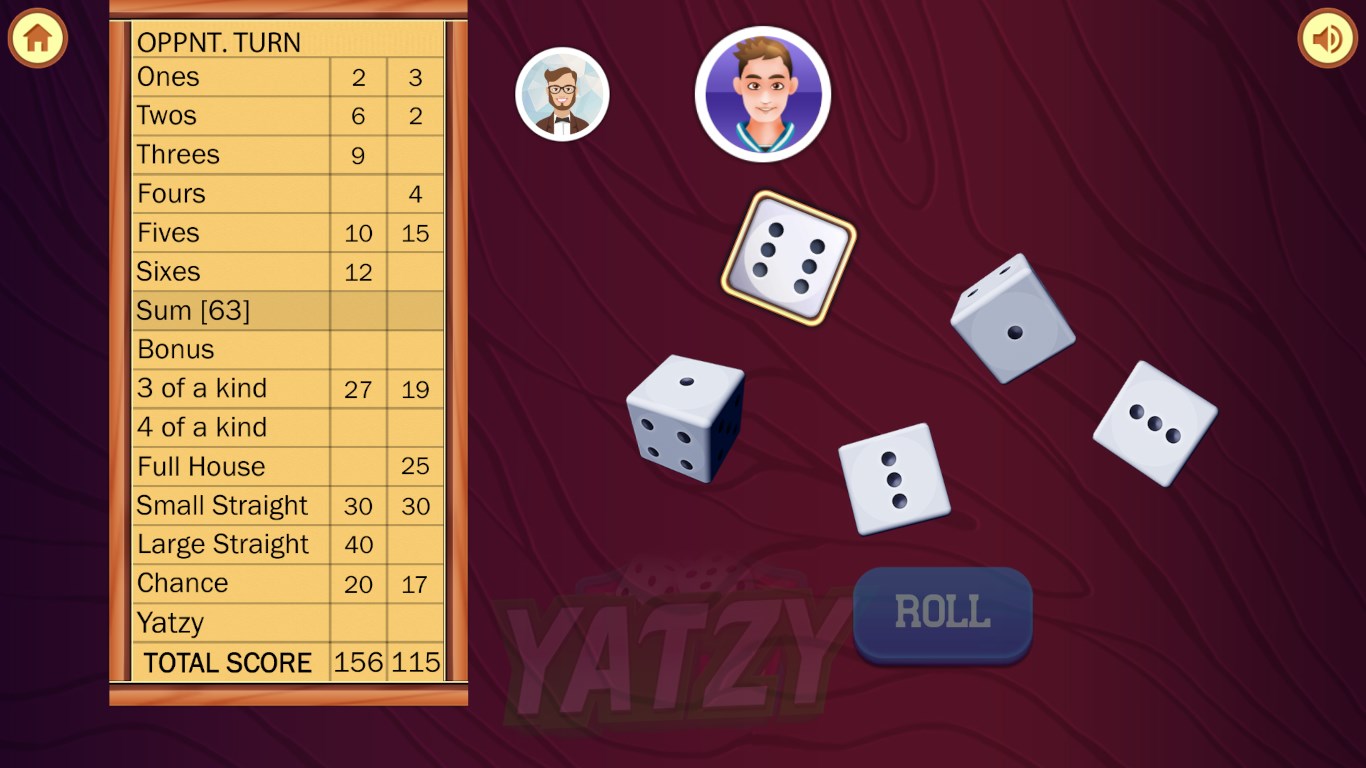
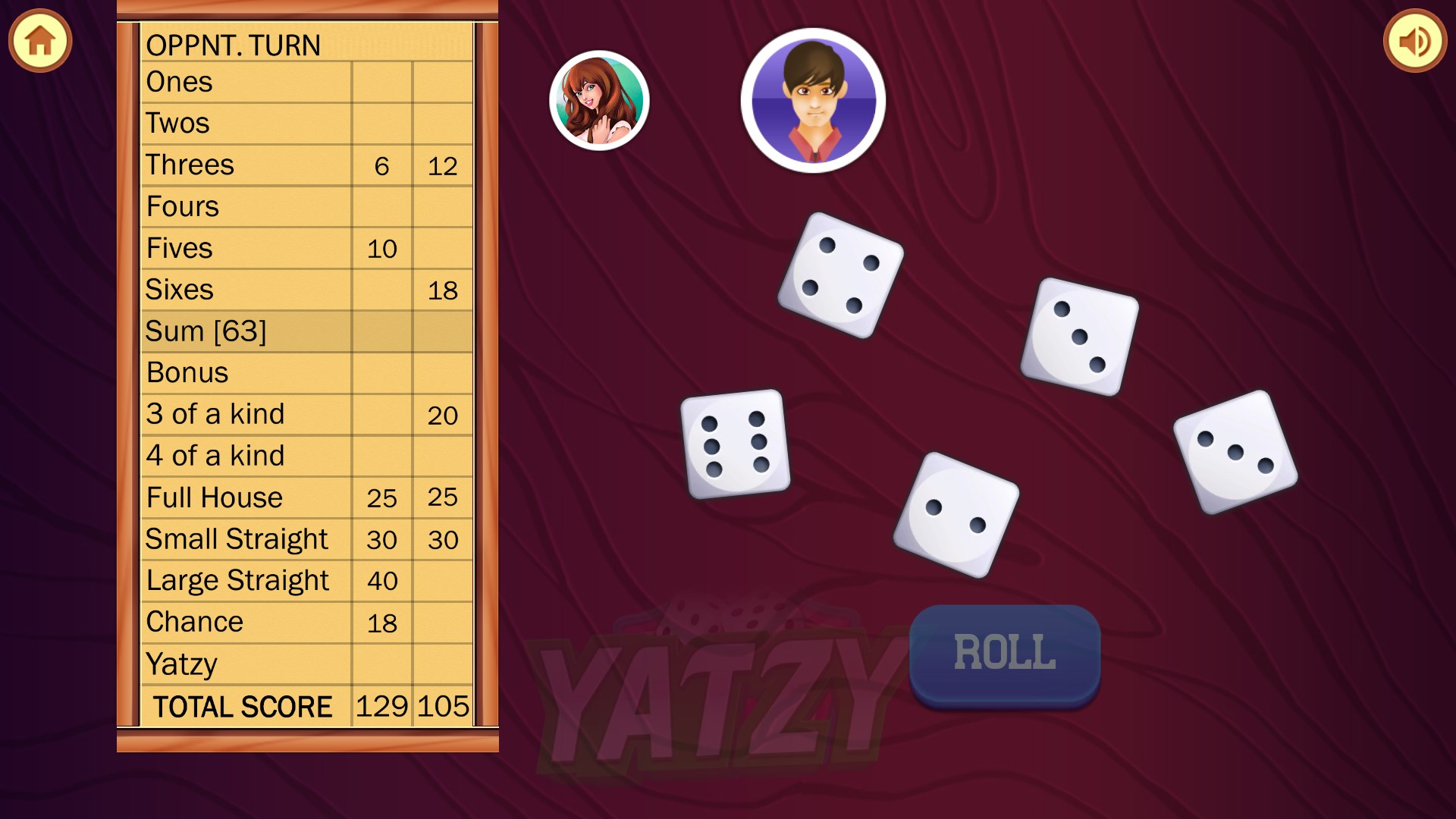
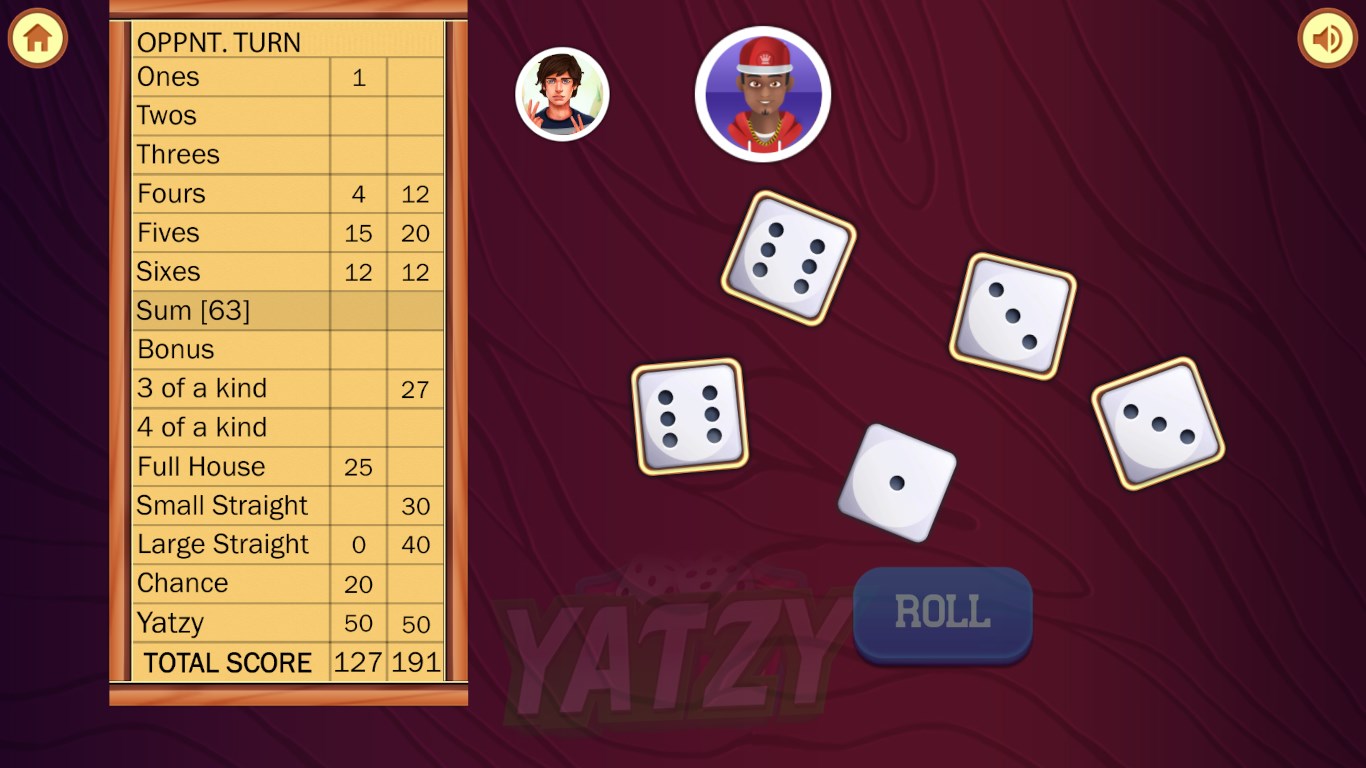
The app boasts a clean, visually appealing interface that invites players to jump right in. The straightforward layout minimizes clutter, allowing focus to stay on gameplay rather than menu navigation. Large, clear buttons for rolling dice and selecting scores make it an easy game to play, even for newcomers or those with limited device familiarity. Icons and feedback are thoughtfully designed to ensure quick understanding, reducing the learning curve to mere minutes.
2. Dynamic Gameplay and Scoring System
Yatzy Free keeps things fresh with its flexible scoring mechanisms, accommodating different game styles and house rules. The game automatically tracks your scores and provides instant feedback after each roll, fostering a smooth flow of play. Additionally, it offers options for single-player practice or competitive multiplayer modes, so you can challenge friends or refine your skills independently. The game's adaptive difficulty adjusts to your proficiency, keeping the challenge engaging but not overwhelming.
3. The Unique Digital Twist: Saving and Replaying Rounds
What sets Yatzy Free apart from traditional paper-and-pencil versions is its ability to save game states and replay rounds, making it easier to review your strategies or share progress with friends. This feature is particularly handy for those who wish to analyze their moves or learn from their previous games, adding an educational layer that enhances overall engagement. It's akin to having a digital scrapbook of your best (or worst!) rolls, encouraging continuous improvement.
Performance, User Experience, and Differentiation
The application feels surprisingly swift and responsive, with minimal lag even during intense scoring sessions. Transitioning between game modes or menus is seamless, thanks to optimized code and well-thought-out navigation. The aesthetic design leans towards a modern, minimalistic style, making the game pleasing to the eye without distractions. Learning to play is a breeze—plug in, play, and enjoy—making it accessible to players of all levels.
Compared to other card and board apps, Yatzy Free clearly emphasizes ease of use and accessibility, avoiding overly complex features or cluttered interfaces seen elsewhere. Its unique selling point lies in the combination of classic gameplay with smart digital features like save-and-replay, which add a layer of strategic reflection rare in similar free apps.
Final Thoughts & Recommendations
Overall, Yatzy Free for Windows deserves a solid recommendation for anyone looking to enjoy a familiar game with some modern enhancements. Its straightforward design, customizable options, and unique features make it suitable for quick sessions or more serious practice. It's an ideal pick for families, friends, or solo players eager to test their luck and strategy without fuss.
If you're seeking a reliable, fun, and thoughtfully designed digital Yatzy experience, this app delivers enough charm and functionality to keep you rolling for hours. Just keep in mind that like any classic game, mastery comes with practice—but even casual players will find plenty to enjoy from their very first throw!
Pros
- Intuitive Gameplay
- Free to Play
- Smooth Performance
- Engaging Graphics and Sound Effects
- Multiple Game Modes
Cons
- Limited Customization Options
- Ads Interrupt Gameplay Occasionally
- Lack of Online Multiplayer
- No Achievements or Leaderboards
- Basic Tutorial System











