


- Name Microsoft Solitaire Collection
- Category Card & board
- Available on PC
- OS Windows 10 version 19041.0 or higher
- Keyboard Not specified
- Mouse Not specified
- languages Afrikaans, Albanian, Amharic, Arabic, Azerbaijani, Basque, Bulgarian, Catalan, Chinese (Simplified), Chinese (Traditional), Chinese (Traditional, Hong Kong SAR), Croatian, Czech, Danish, Dutch, English (United Kingdom), English (United States), Estonian, Filipino, Finnish, French, French (Canada), Galician , German, Greek, Hebrew, Hindi, Hungarian, Icelandic, Indonesian, Italian, Japanese, Kannada, Kazakh, Khmer, Korean , Latvian, Lithuanian, Macedonian, Malay, Malayalam, Norwegian (Bokmål), Persian, Polish , Portuguese (Brazil), Portuguese (Portugal), Romanian, Russian, Serbian (Latin, Serbia), Slovak, Slovenian (Slovenia), Spanish (Mexico), Spanish (Spain), Swedish, Tamil, Telugu, Thai, Turkish, Ukrainian, Vietnamese
A Classic Puzzle Arcade at Your Fingertips
Microsoft Solitaire Collection for Windows is a thoughtfully crafted digital take on the timeless card games, bringing the familiar comfort of solitaire to modern devices with a sleek interface and seamless gameplay. Developed by Xbox Game Studios, this app aims to deliver a smooth, engaging, and versatile card gaming experience suitable for casual players and dedicated enthusiasts alike.
What Makes it Stand Out?
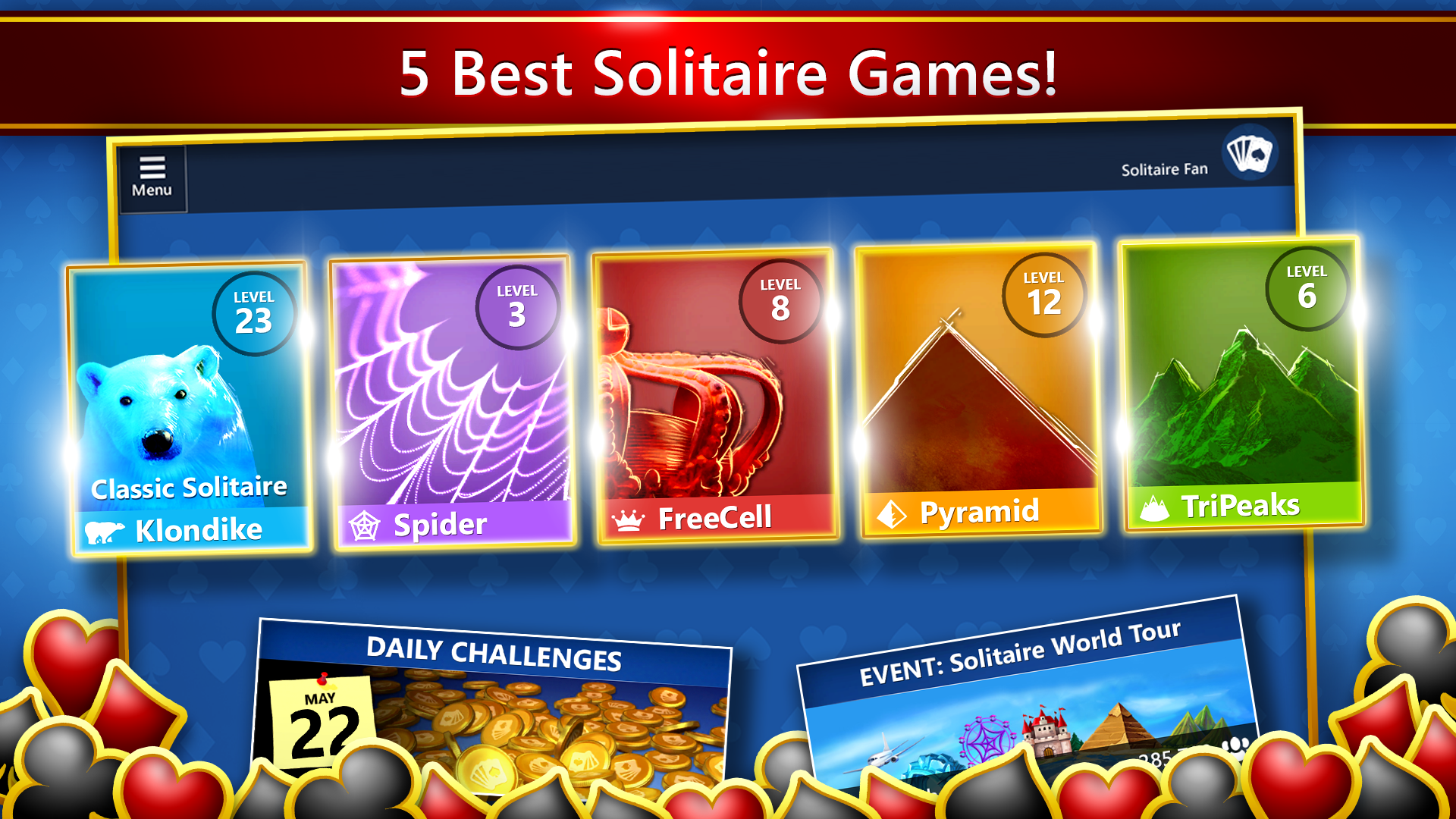
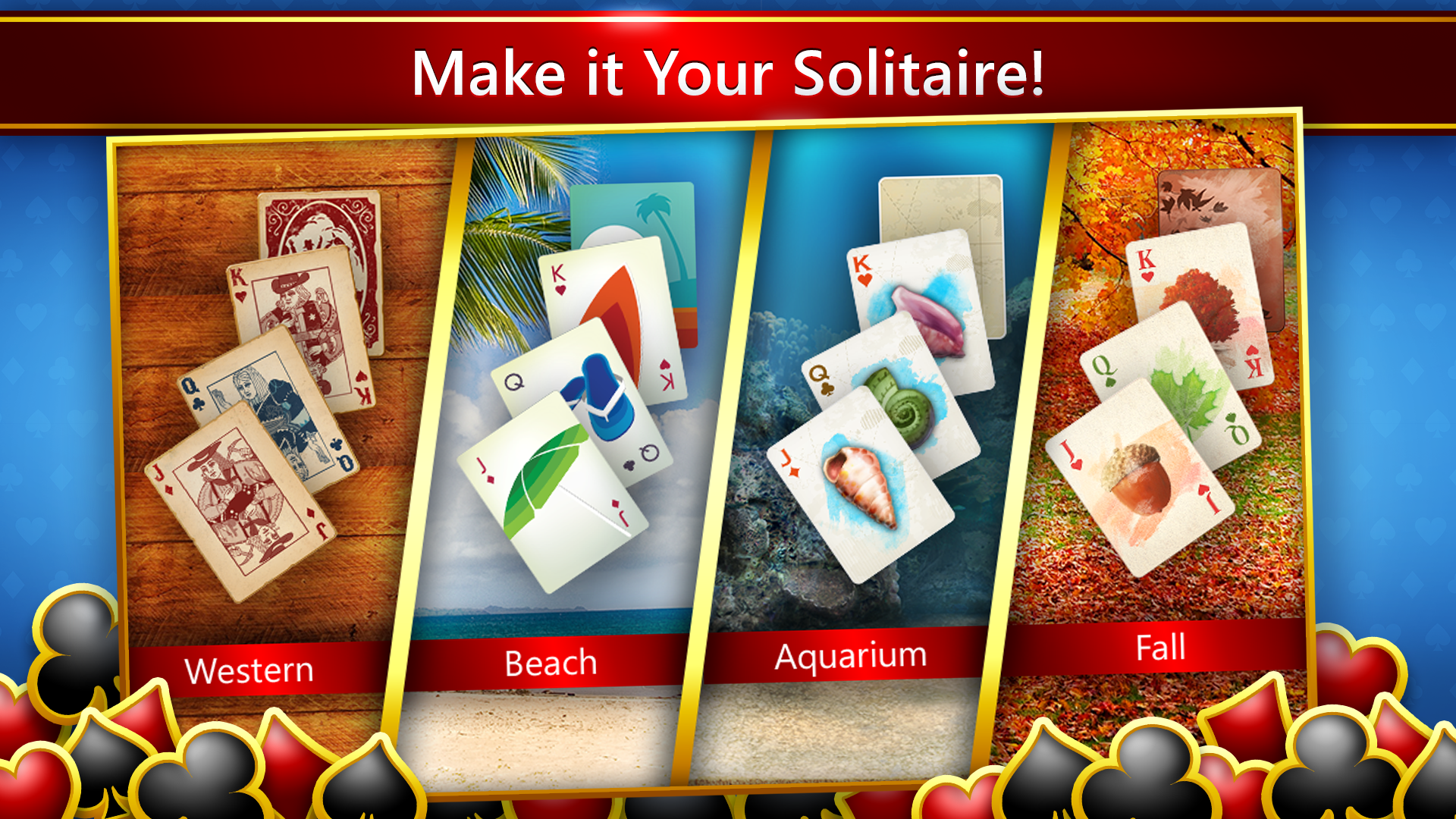
The Microsoft Solitaire Collection prides itself on offering more than just traditional solitaire. Its standout features include a rich collection of five classic solitaire variants, daily challenges that keep the game engaging, and customizable card themes and backgrounds to personalize your experience. These elements ensure there's always a new twist to keep players coming back.
Streamlined Interface with a Touch of Elegance
One of the most immediate impressions upon opening the app is its clean, intuitive interface. The minimalist design aesthetic simplifies navigation, allowing players to jump straight into the game without distractions. Bright card visuals and smooth animations make the gameplay enjoyable and easy on the eyes. The layout adapts well to different screen sizes, whether you're on a desktop or a tablet, providing a cohesive experience across devices.
Gameplay and Core Features: A Trio of Playing Modes
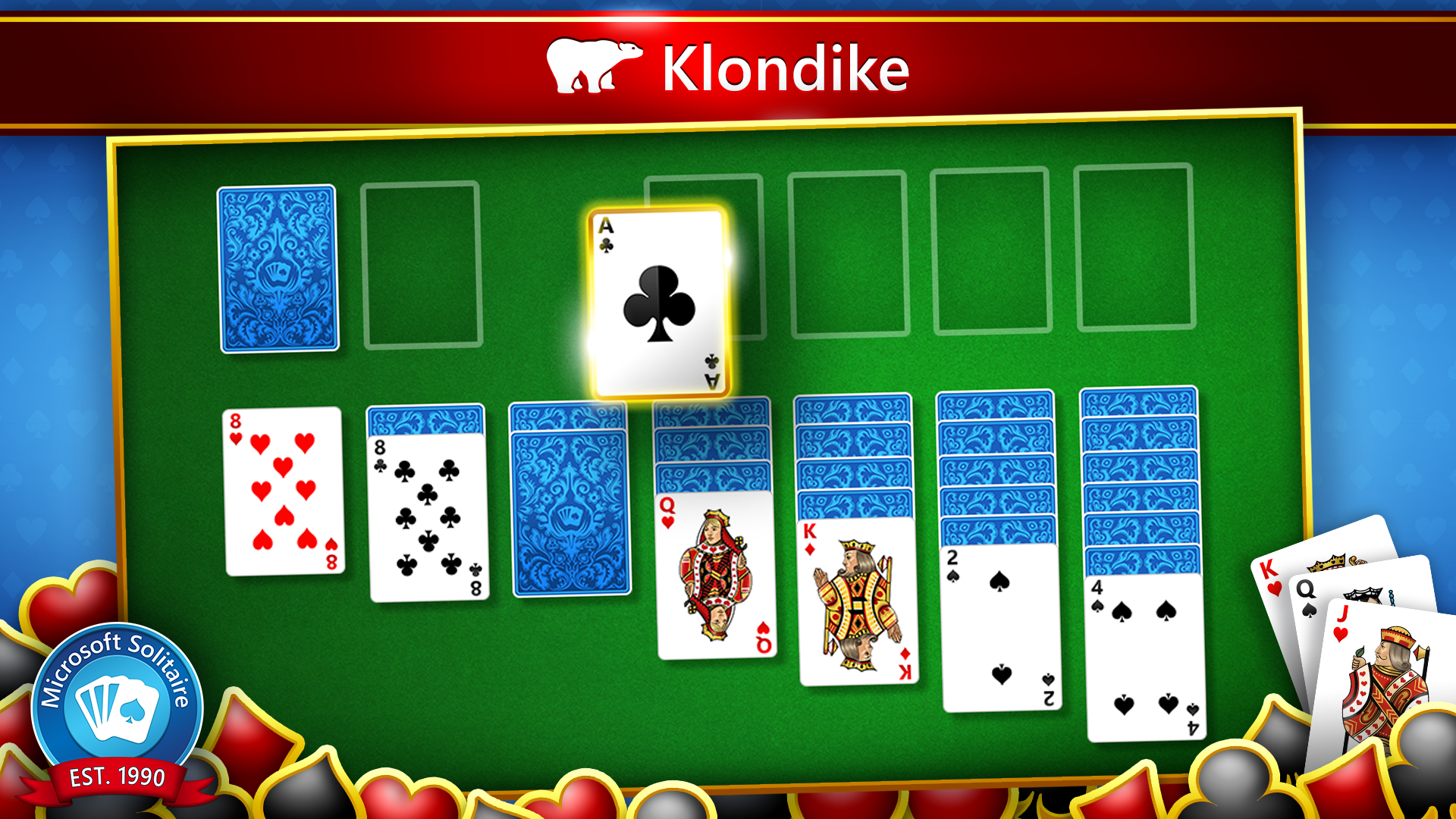
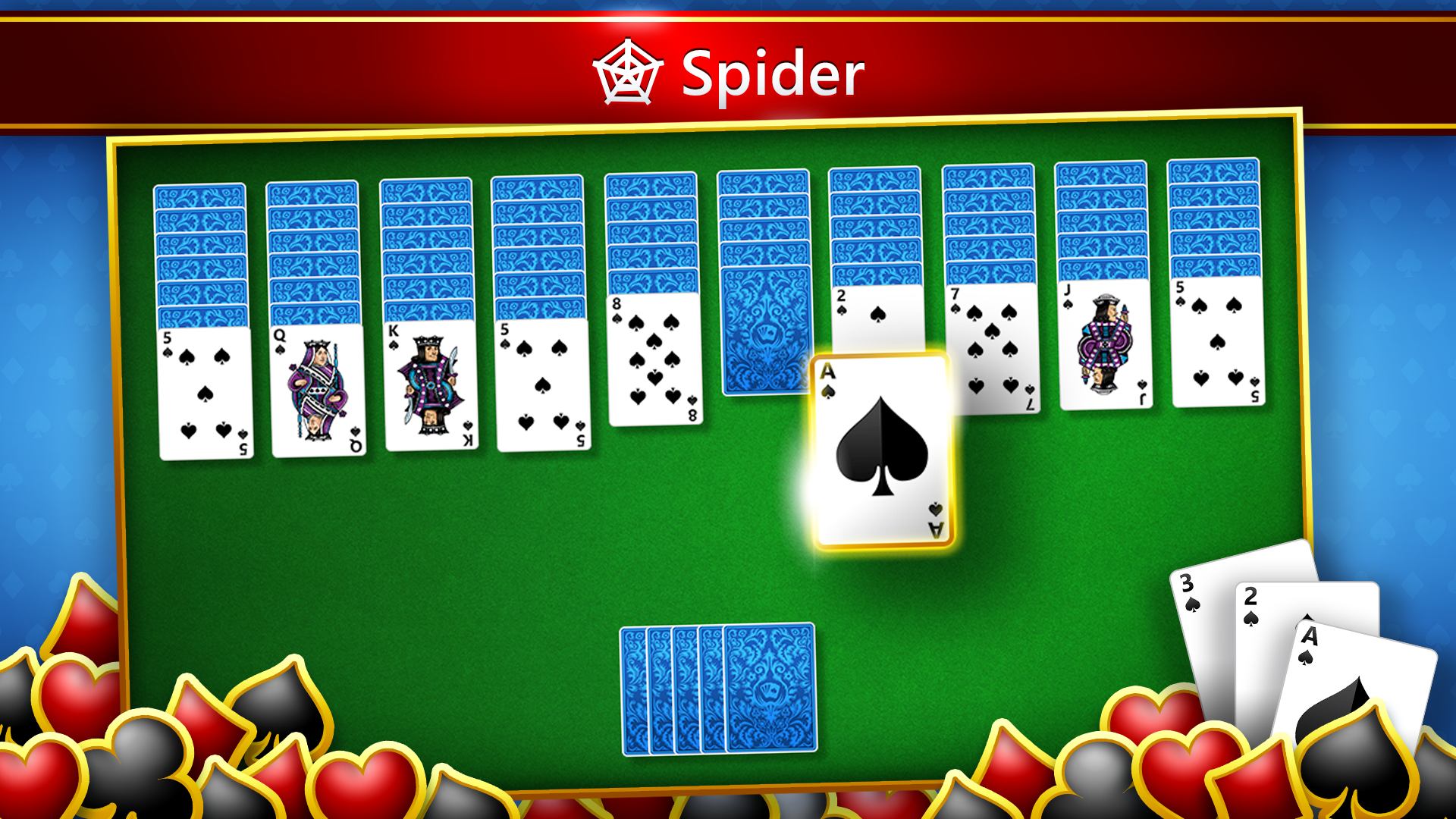
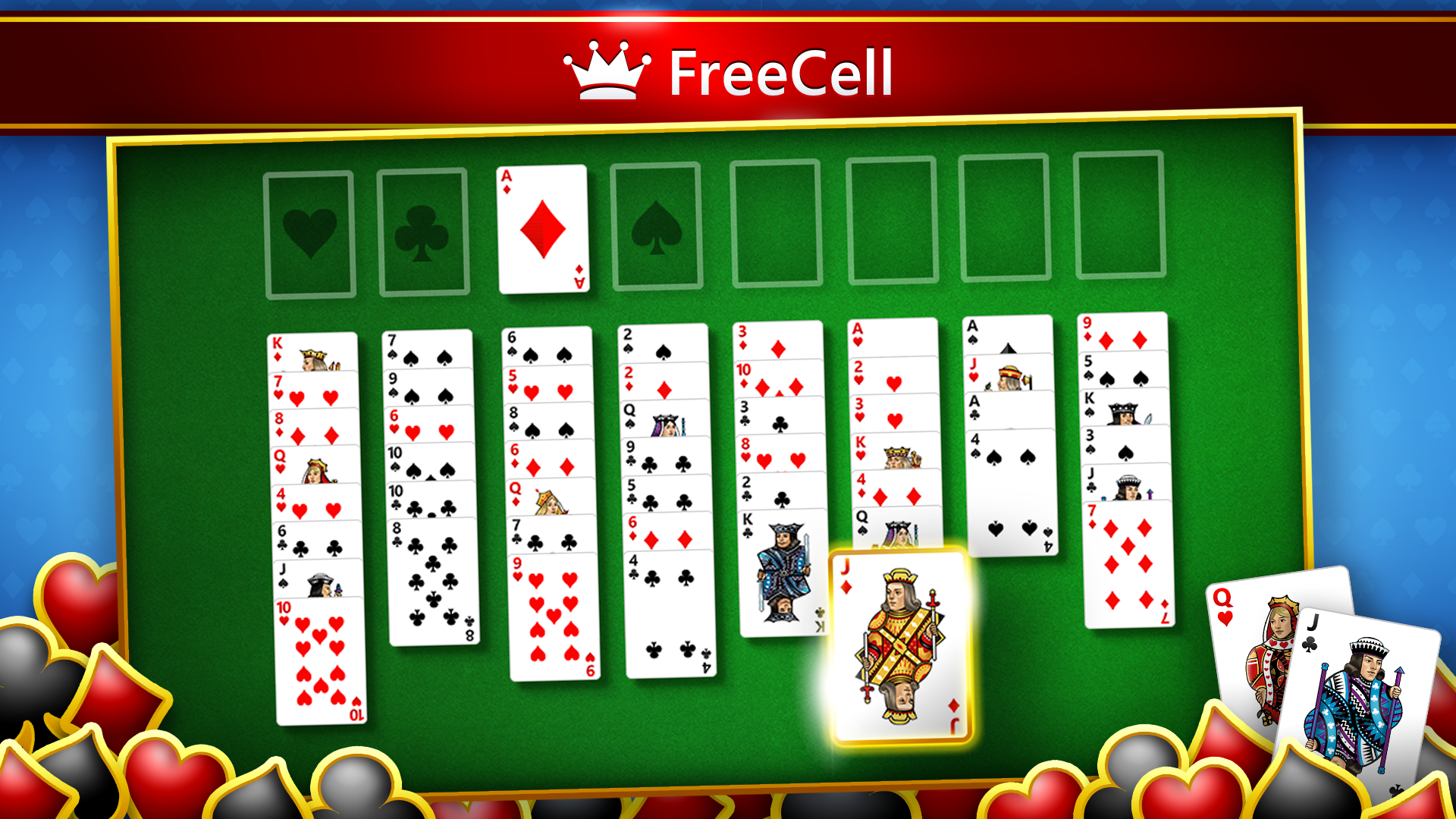
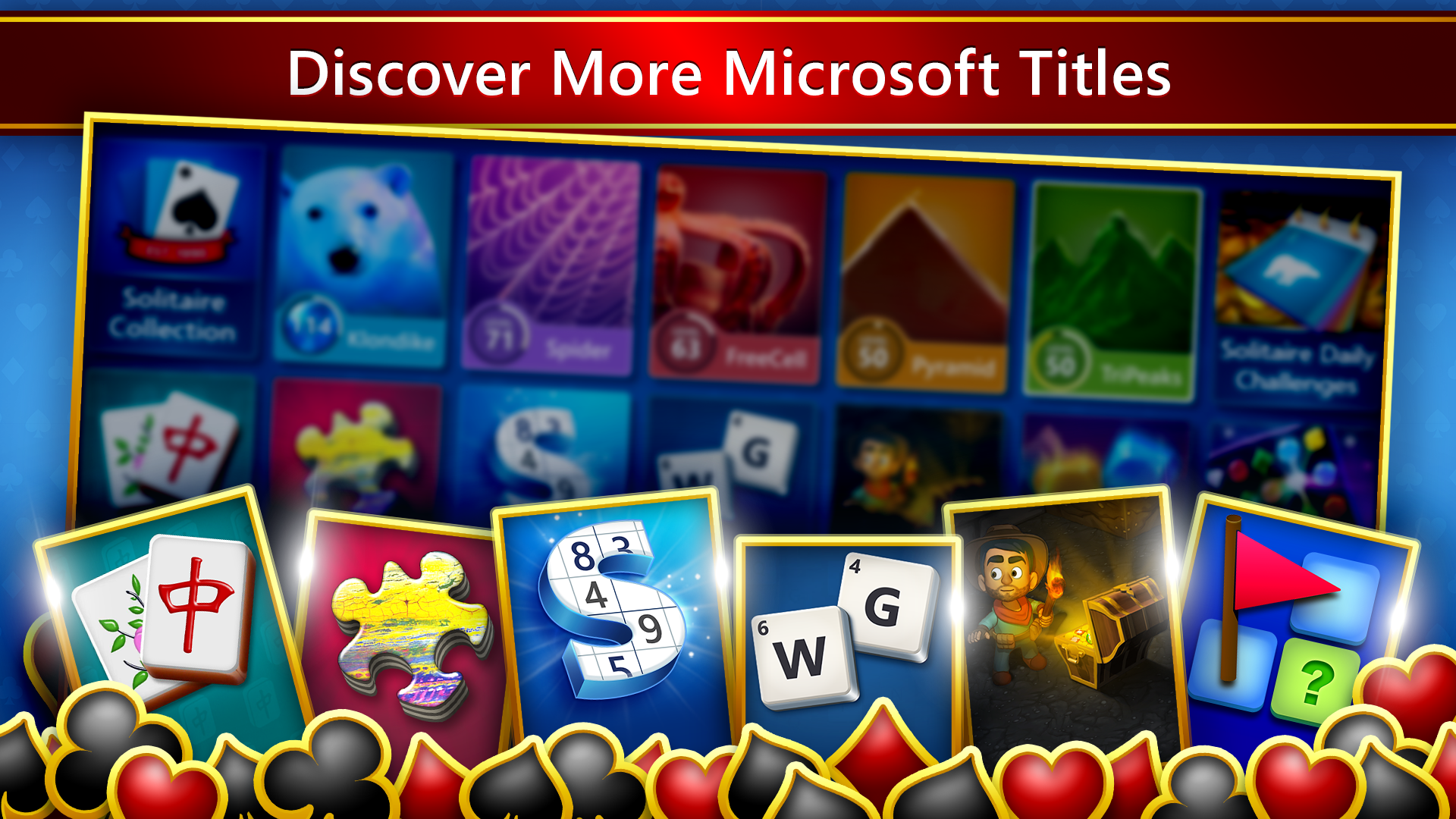
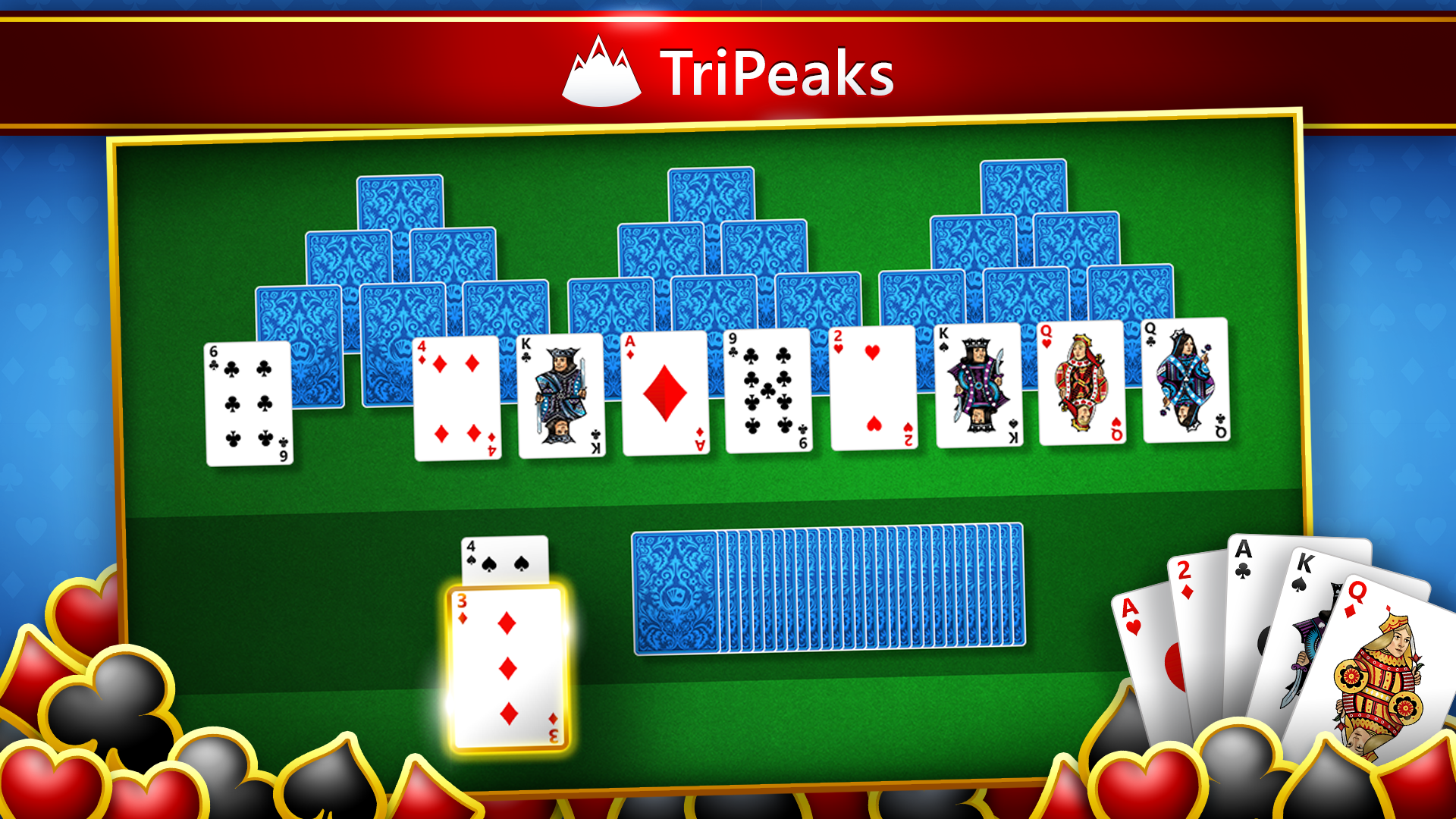
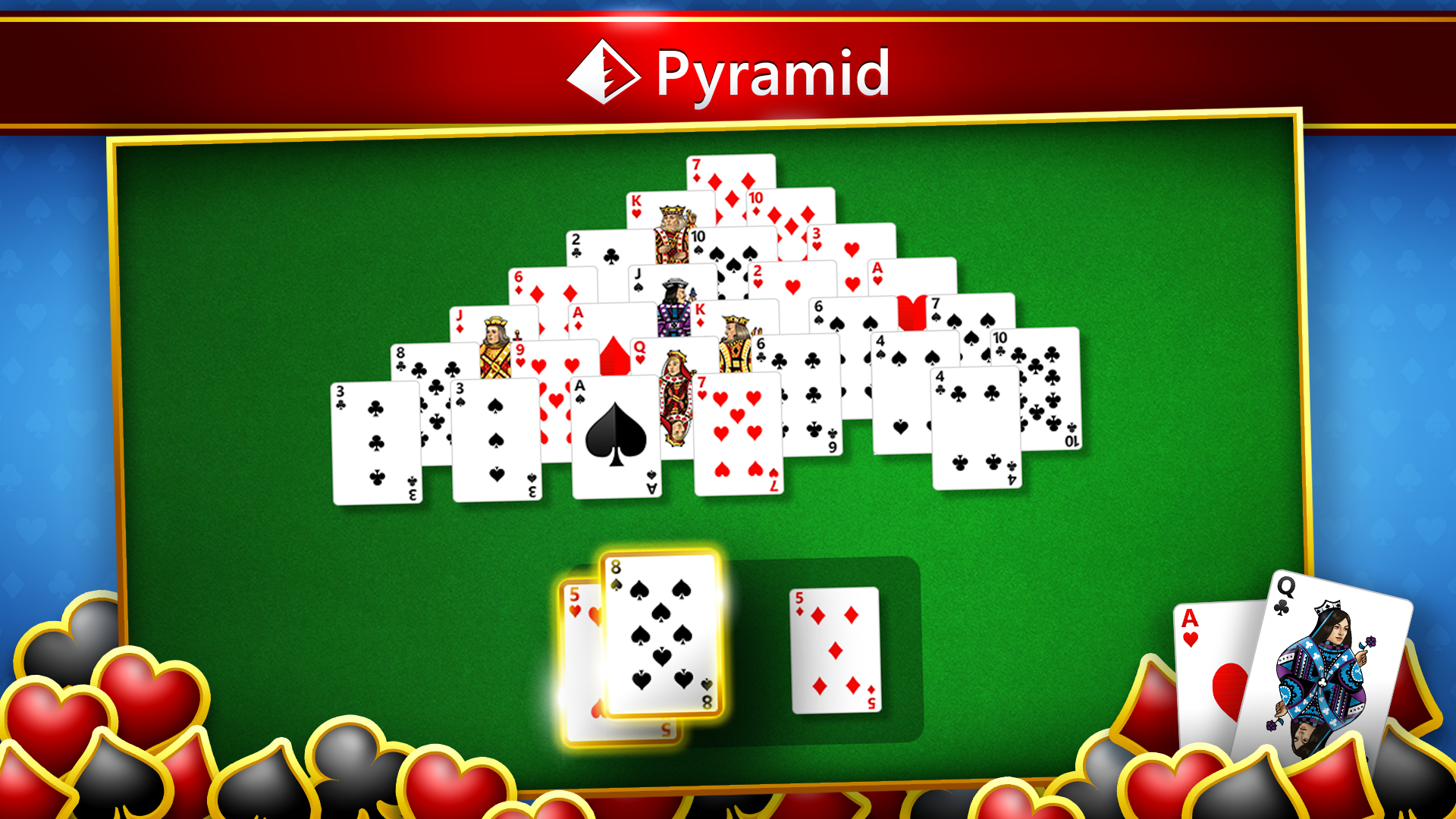
The app includes five popular solitaire variants: Klondike, Spider, FreeCell, Pyramid, and TriPeaks, each thoughtfully optimized. Klondike remains the classic staple for traditionalists, while Spider offers a challenging multi-suit experience for seasoned players. FreeCell stands out with its strategic depth, and Pyramid and TriPeaks bring faster, puzzle-like fun. The smooth transition between modes, accompanied by responsive drag-and-drop mechanics, makes gameplay feel effortless.
Additionally, the daily challenges introduce new goals each day, rewarding players with achievements and unlocking new themes. This feature effectively gamifies the experience, incentivizing regular play without feeling overwhelming. Casual players will appreciate the option to take a break at any time, with easy-to-access undo buttons and hints for when the roadblocks appear.
Enhanced User Experience: Learning Curve and Customization
The app's user experience is designed with accessibility in mind. The interface is straightforward enough for absolute beginners, with optional tutorials and hints to ease newcomers into each game. More experienced players will find the customization options satisfying—changing card backs, backgrounds, and even adjusting game difficulty levels. These personalization choices allow players to craft their ideal solitaire environment, making each session uniquely theirs.
The game runs smoothly on supported hardware, with quick load times and fluid animations that add to the game's polished feel. It strikes a nice balance—neither overly simplified nor excessively complicated—making it suitable for quick breaks or longer gaming sessions.
What Sets It Apart from the Crowd?
While there are many card applications available, Microsoft Solitaire Collection distinguishes itself with a comprehensive suite of classic games bundled into one app, combined with Microsoft's focus on polish and user convenience. Its integration with Windows allows for native notifications, gameplay progress saving across devices, and optional achievements that tie into Xbox Live, adding a social dimension. Furthermore, its commitment to a clutter-free, ad-free experience makes it a go-to choice for those who seek a clean, uninterrupted gaming environment.
Would I Recommend It?
Absolutely. If you're a fan of solitaire or casual card games, this collection is a versatile, accessible, and reliable choice. Beginners can learn and enjoy at their own pace, while seasoned players will appreciate the depth and customization options. It's particularly appealing for anyone looking for a relaxing yet engaging way to pass the time, whether on a quick coffee break or during long commutes.
Overall, Microsoft Solitaire Collection for Windows offers a refined puzzle experience rooted in familiarity but enriched with enough new features and polish to keep traditionalists and modern gamers pleased. It's a solid app worth having in your digital game library—friendly, refined, and endlessly approachable.
Pros
- Intuitive user interface
- Wide variety of solitaire games
- Seamless synchronization across devices
- Daily challenges and achievements
- Offline mode support
Cons
- Limited customization options
- Occasional ads interruption
- No multiplayer features
- Performance issues on older devices
- Limited game statistics










