





- Name Jigsaw Puzzle Journey
- Category Card & board
- Developer Frenzy Games
- Available on PC
- OS Windows 10 version 17763.0 or higher
- languages English (United States)
Introducing Jigsaw Puzzle Journey for Windows
Imagine immersing yourself in a captivating world of vibrant images and intricate puzzles—this is exactly what Jigsaw Puzzle Journey offers, transforming the mundane into a delightful brain-teasing adventure. Developed by Frenzy Games, this app aims to provide puzzle enthusiasts with a seamless, engaging experience right on their Windows devices. Whether you're a casual gamer looking to unwind or a dedicated puzzle lover seeking new challenges, Jigsaw Puzzle Journey positions itself as a versatile choice to satisfy your cognitive curiosity.
What Makes It Stand Out?
Core features that truly shine include diverse and high-quality image collections, adjustable difficulty levels, and an intuitive, user-friendly interface. The game's ability to cater to various skill levels ensures that both beginners and experts can find their sweet spot. Additionally, its smooth drag-and-drop mechanics and real-time piece snapping make puzzle assembly feel natural, almost like assembling a physical jigsaw on your desk—just with the ability to undo and redo at will.
An Engaging and Well-Designed Interface
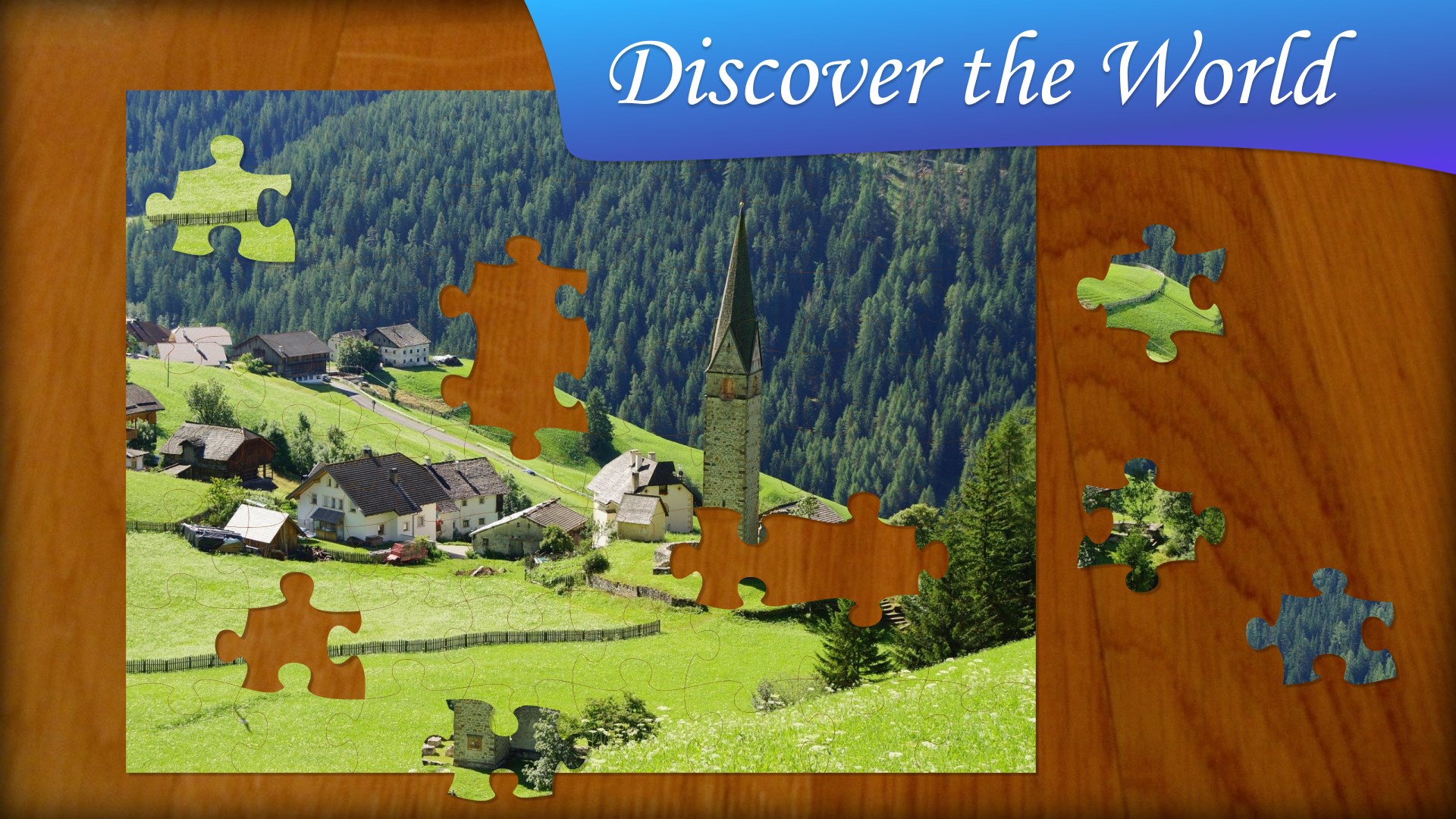
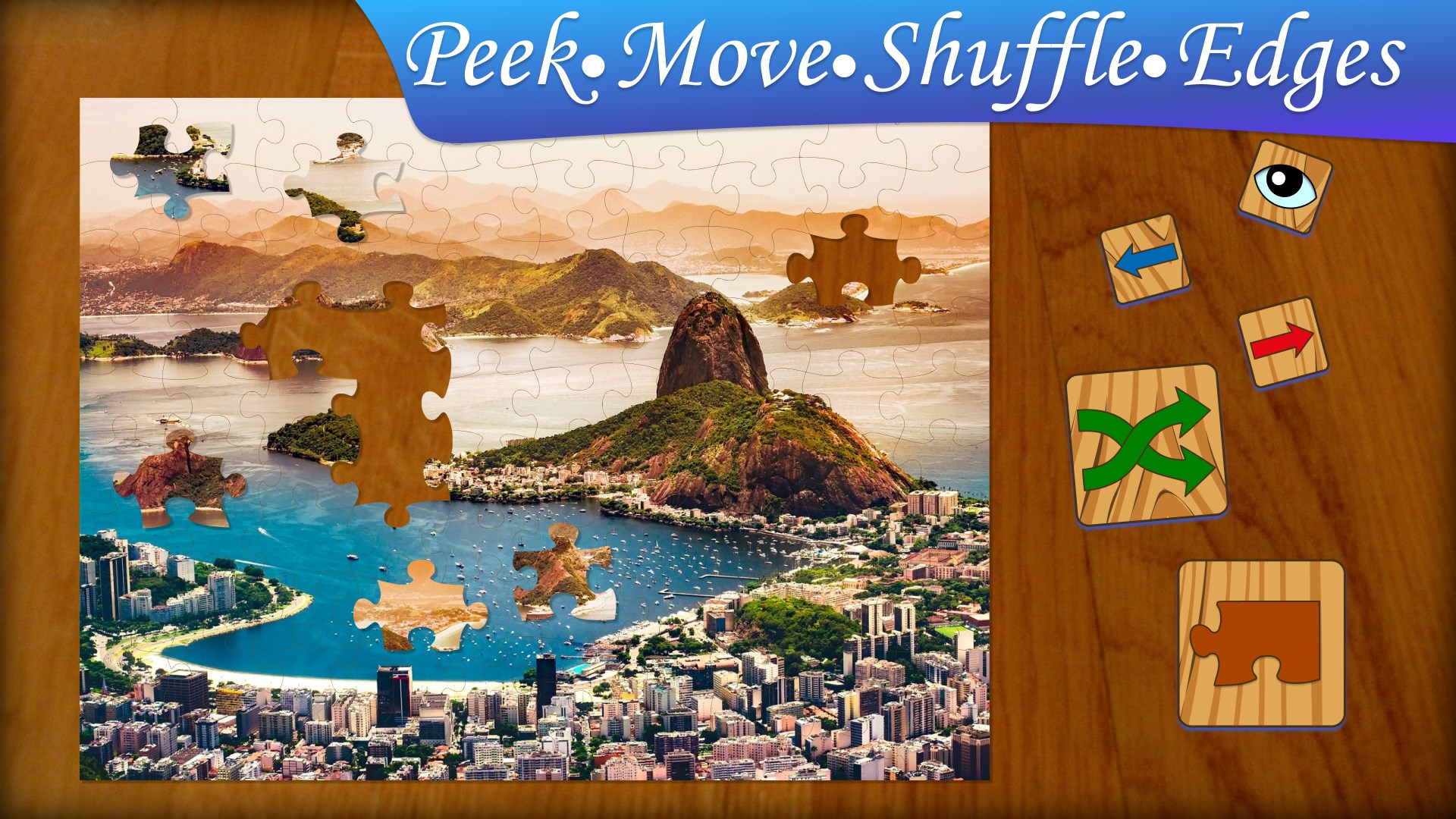
The visual design of Jigsaw Puzzle Journey is both cheerful and sleek, featuring a vibrant color palette that makes each puzzle invitation irresistible. The main menu is thoughtfully organized, allowing quick access to different puzzle categories and difficulty settings. As you dive into gameplay, the interface remains clutter-free, with clearly labeled tools and options that don't overwhelm. The overall layout supports an easy learning curve, so new players can jump right in without a steep initialization process.
Seamless Gameplay and User Experience
Operating the app feels smooth and responsive, thanks to well-optimized graphics and fluid drag mechanics. Moving puzzle pieces is akin to shuffling physical pieces across a table—light, intuitive, and precise. The game responds instantaneously to touch or mouse input, making assembly remarkably satisfying. The app also offers helpful features like auto-fit and snap-to-grid, reducing frustration and allowing players to focus on the fun of solving puzzles. Whether you're working on small 24-piece puzzles or tackling the more complex 1000-piece challenges, the experience remains steady and pleasurable.
Unique Selling Points and Advantages Over Competitors
Where Jigsaw Puzzle Journey truly distinguishes itself is in its curated collection of stunning images—from scenic landscapes to artistic masterpieces—and the adaptive difficulty settings. Unlike many puzzle apps that keep the same static approach, this app allows users to select puzzles based on themes and complexity, catering to a broad spectrum of tastes and skills. Moreover, the app's ability to save and resume unfinished puzzles offers convenience that serious puzzle fans will appreciate. While many similar apps focus solely on quantity, Frenzy Games emphasizes quality, with thoughtfully chosen images and smooth mechanics that enhance the overall experience. The inclusion of new puzzles regularly ensures the content remains fresh, encouraging long-term engagement.
Final Thoughts and Recommendations
Jigsaw Puzzle Journey for Windows is a well-crafted, enjoyable puzzle app that combines aesthetic appeal with user-friendly design. Its unique virtues—most notably, the rich selection of images and the seamless, intuitive gameplay—make it a worthy addition to any puzzle enthusiast's collection. I would recommend this app to casual players seeking relaxing entertainment, as well as dedicated puzzle solvers looking for a high-quality, adaptable experience. Whether you're aiming to pass time on a rainy day or challenge yourself with intricate images, Jigsaw Puzzle Journey deserves a spot on your desktop. It's a soothing, engaging journey into the world of jigsaw puzzles, all from the comfort of your PC."
Pros
- Engaging and visually appealing puzzles
- User-friendly interface
- Multiple difficulty levels
- Regular updates with new puzzles
- Offline mode support
Cons
- Limited customization options
- In-app purchases can be intrusive
- Occasional app crashes observed
- Sound effects can be repetitive
- Difficulty in locating certain features










