

- Name Hardwood Hearts
- Category Card & board
- Available on PC, Mobile, Surface Hub, HoloLens
- OS Windows 10 version 19041.0 or higher
- languages English, English (United States)
Introducing Hardwood Hearts for Windows: A Fresh Spin on Classic Card Play
Hardwood Hearts for Windows is a thoughtfully designed digital rendition of the classic Hearts card game, blending traditional gameplay with modern aesthetics and seamless functionality.
About the Developer and Core Features
Developer: Silver Creek Entertainment
Silver Creek Entertainment, renowned for their polished and user-friendly digital card and board games, brings their expertise to this project, ensuring a reliable and engaging experience for players.
Key Highlights:
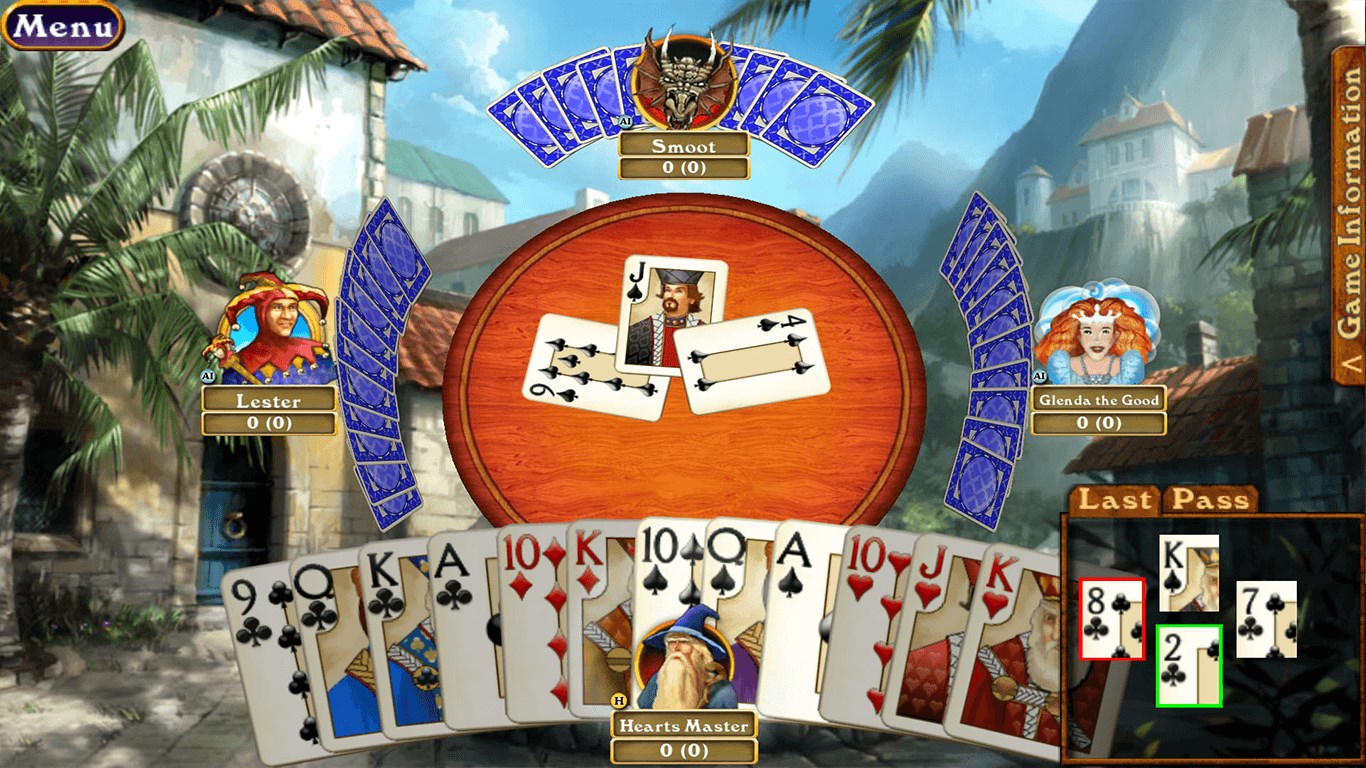
- Elegant Hardwood-Themed Interface: Immerse yourself in a beautifully crafted, vintage hardwood table setting that elevates the gaming atmosphere.
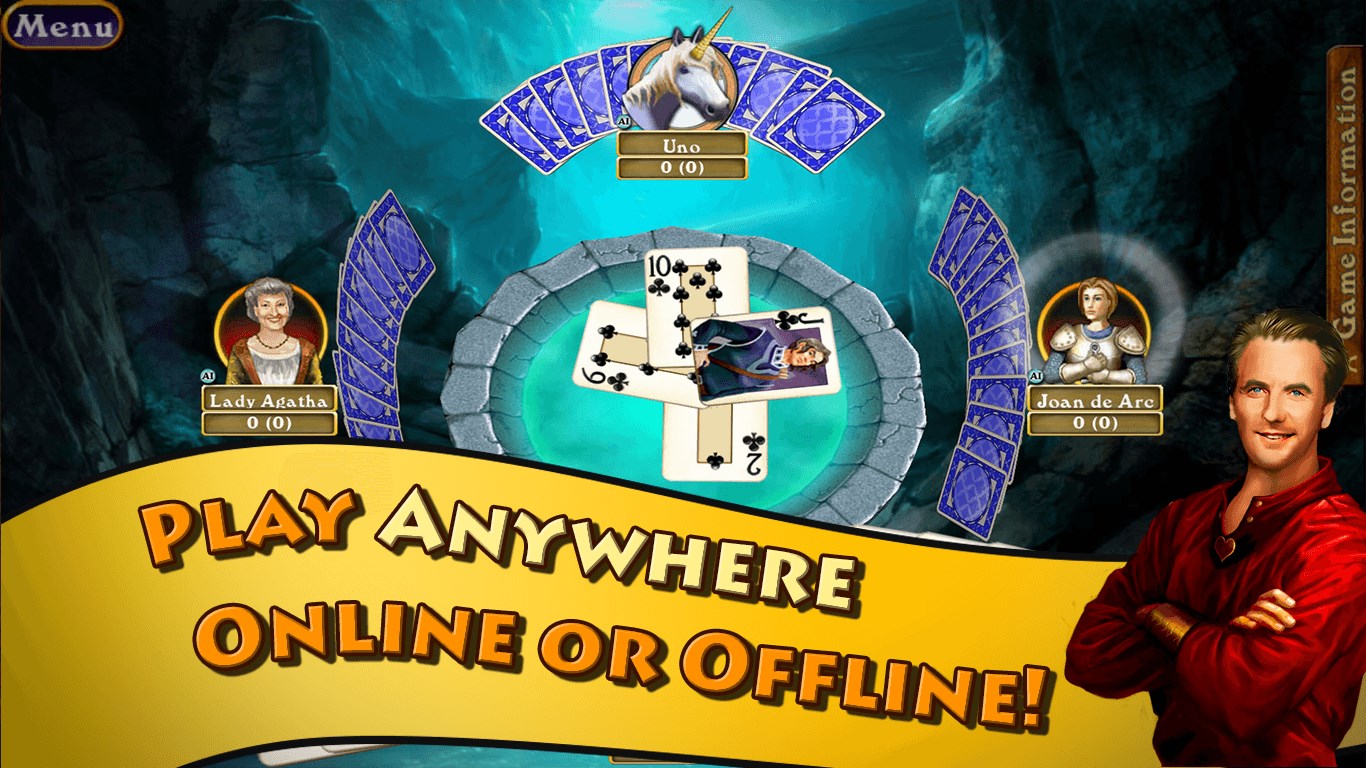
- Intelligent Multiplayer Options: Play offline against AI or challenge friends and online opponents, with smooth matchmaking features.
- Varied Game Modes & Customizations: Multiple difficulty levels and customizable rules enable tailored gameplay to suit different skill levels.
- Comprehensive Tutorial & Help System: Newcomers can easily grasp the rules through guided tutorials, making it accessible for beginners.
Target Audience
This app caters to casual players seeking a friendly, visually appealing Hearts game, as well as more seasoned card enthusiasts wanting a reliable digital version for quick matches or extended play.
Playful Introduction to Hardwood Hearts
Imagine settling into an inviting living room, a warm cup in hand, ready to face a friendly challenge. Hardwood Hearts for Windows transports you into that cozy space with its refined design and seamless gameplay. Whether you're reliving nostalgic card nights or discovering Hearts for the first time, this app makes the experience inviting and engaging—without the clutter or fuss of other digital platforms.
Core Features in Focus
Luxurious Interface & Visual Design
The standout feature of Hardwood Hearts is undoubtedly its visual charm. The hardwood table background and vintage card designs conjure an ambiance reminiscent of old pubs and game rooms. This aesthetic detail creates a sense of tradition and comfort, setting it apart from more minimalistic or cartoonish counterparts. The interface is intuitive: cards are laid out naturally, menus are straightforward, and transitions between game states are smooth, allowing players to focus solely on their game without distractions.
Multiplayer & AI Gameplay: Flexibility at Your Fingertips
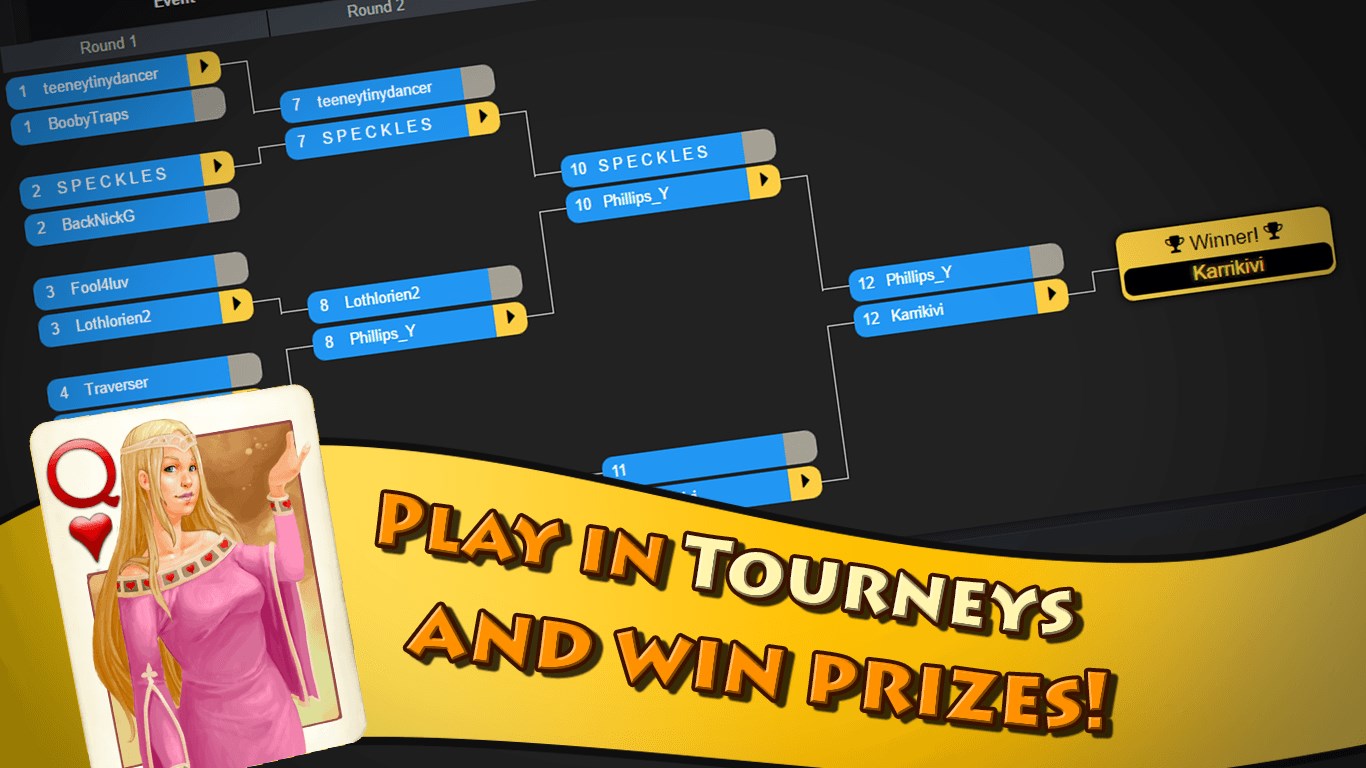
One of Hardwood Hearts' most appealing aspects is the versatility in gameplay modes. You can challenge the intelligent AI opponents that offer a range of difficulty levels—from casual players to seasoned strategists—making it suitable for learning or honing your skills. For those seeking real competition, the app facilitates online multiplayer matches with friends or other players around the world. Its matchmaking system pairs players efficiently, ensuring quick start-ups and minimal lag. Playing against real opponents introduces the unpredictability and social element that keep Hearts compelling over time, and the app's room for customization ensures each match feels fresh and tailored.
Ease of Learning and Personalization
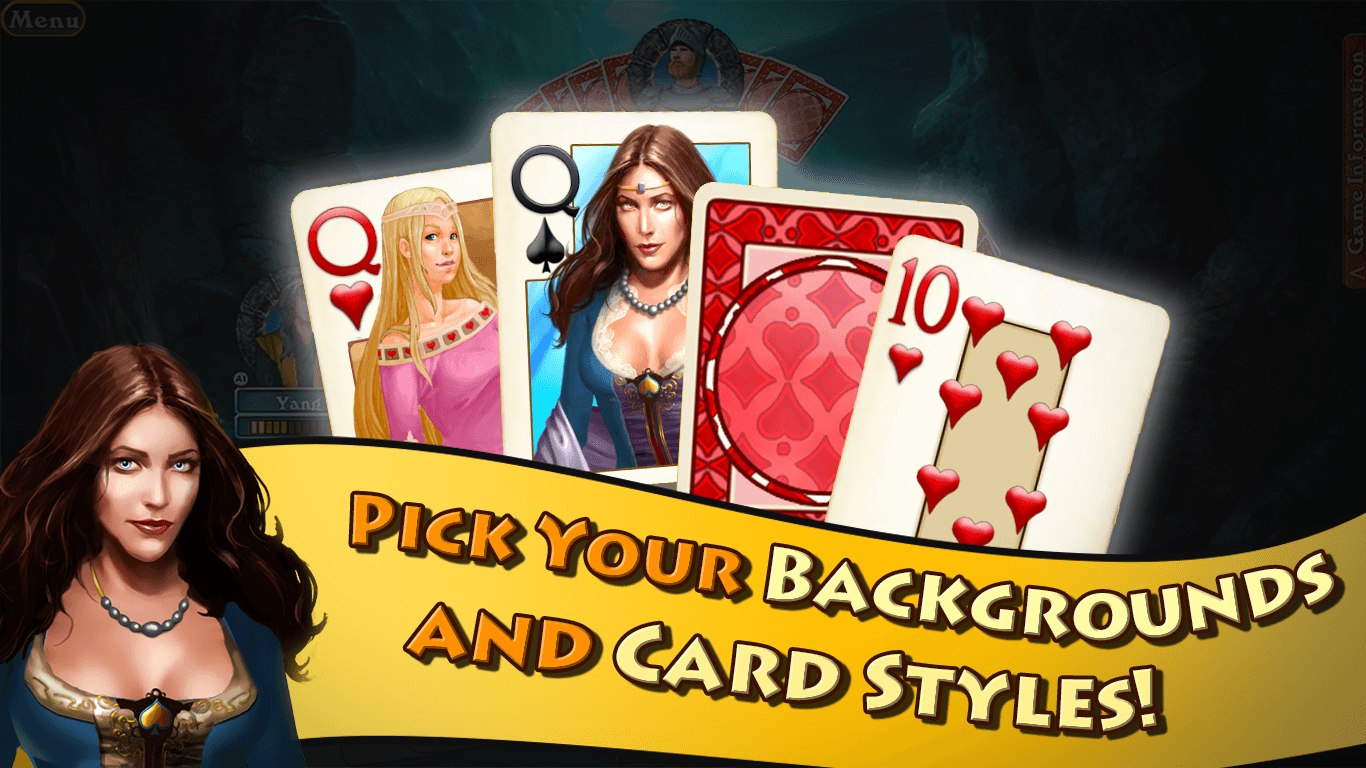
For beginners, Hardwood Hearts shines with its integrated tutorial system, guiding new players through the rules and strategies in clear, engaging lessons. Even seasoned players can benefit from optional rule customizations, such as adjusting the penalty points or enabling house rules, which enrich the gaming experience. This adaptability makes it a versatile choice for a broad spectrum of users and keeps the game fresh even after repeated plays.
What Sets It Apart?
While many card apps try to mimic the digital experience—often sacrificing visual appeal or user-friendliness—Hardwood Hearts strikes a compelling balance. Its craftsmanship in visual design is not just superficial; it enhances immersion, making each game feel like a timeless pastime. Additionally, the thoughtful inclusion of both AI and multiplayer options, coupled with easy customization, gives it a flexible edge over many competitors, which might focus solely on one mode or have less appealing interfaces.
Recommendation & Final Thoughts
Based on my experience, Hardwood Hearts for Windows is a well-executed digital card game that appeals to a wide audience—from casual players to enthusiastic card gamers. Its standout feature—the elegant hardwood visual theme—adds a layer of charm that elevates the traditional Hearts game. The smooth gameplay, intuitive controls, and variety of options make it a reliable choice for relaxing, competitive, or social play.
I would recommend this app for anyone seeking a visually pleasing, straightforward Hearts experience, especially if aesthetics matter as much as gameplay. It's suitable for quick matches or longer gaming sessions, and its friendly onboarding process makes it accessible for newcomers. If you value a classic game perfected with modern touches, Hardwood Hearts is worth trying out.
Pros
- User-friendly interface
- Engaging gameplay with multiple difficulty levels
- Beautiful graphics and animations
- Offline mode support
- Regular updates and bug fixes
Cons
- Limited multiplayer options
- In-app advertisements
- Some advanced features are locked behind in-app purchases
- Occasionally slow loading times on older devices
- Limited tutorial for new players










