

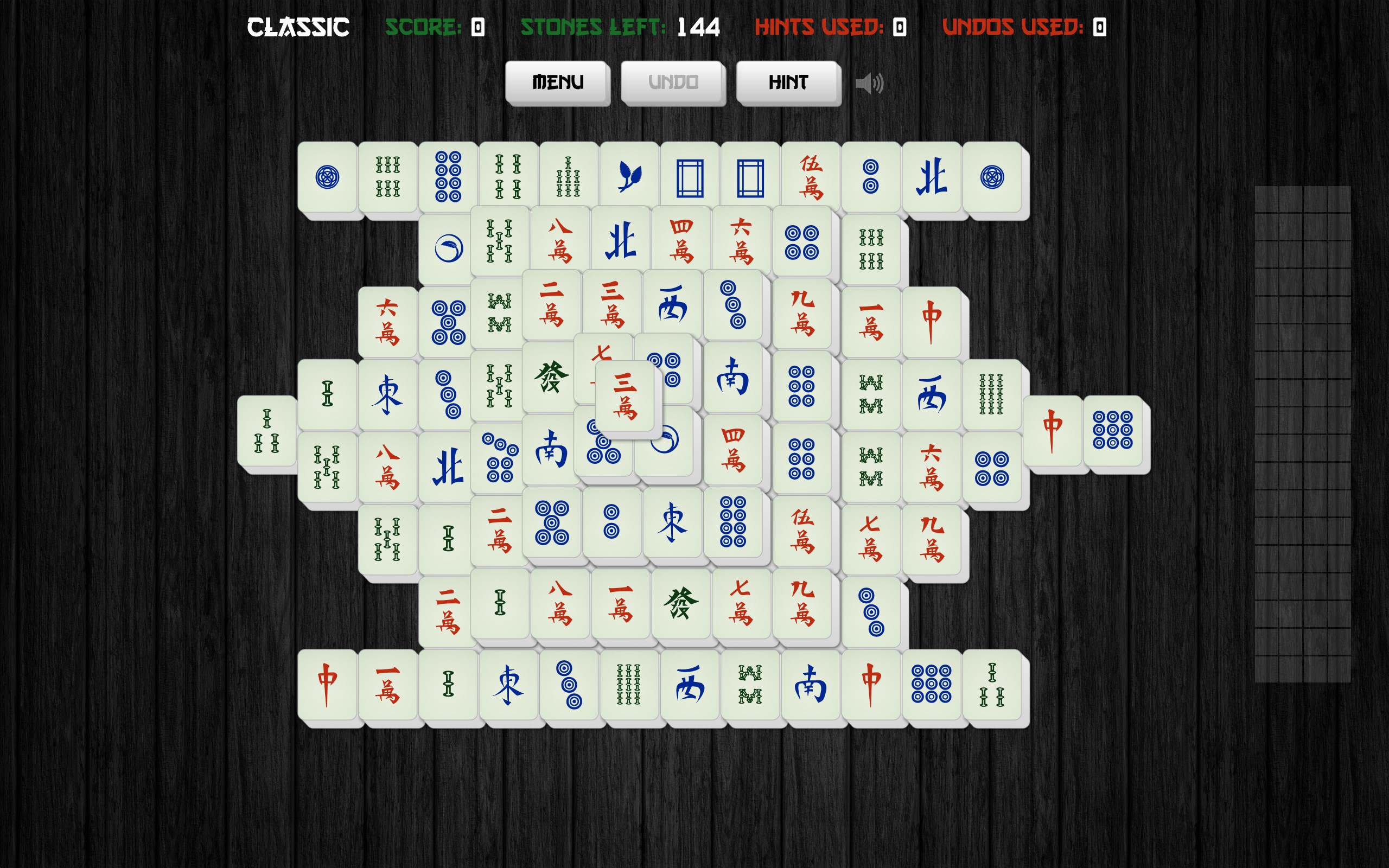
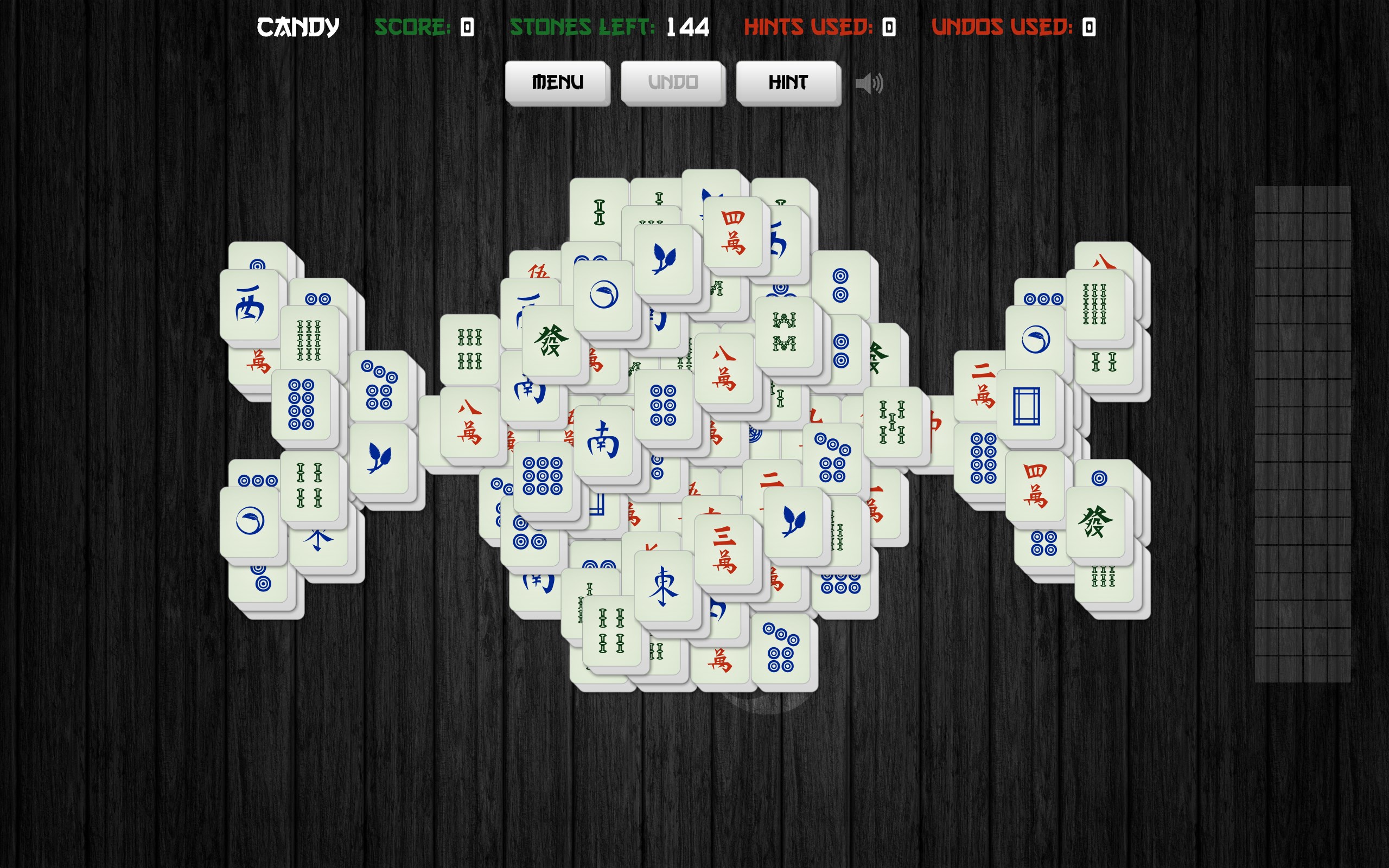
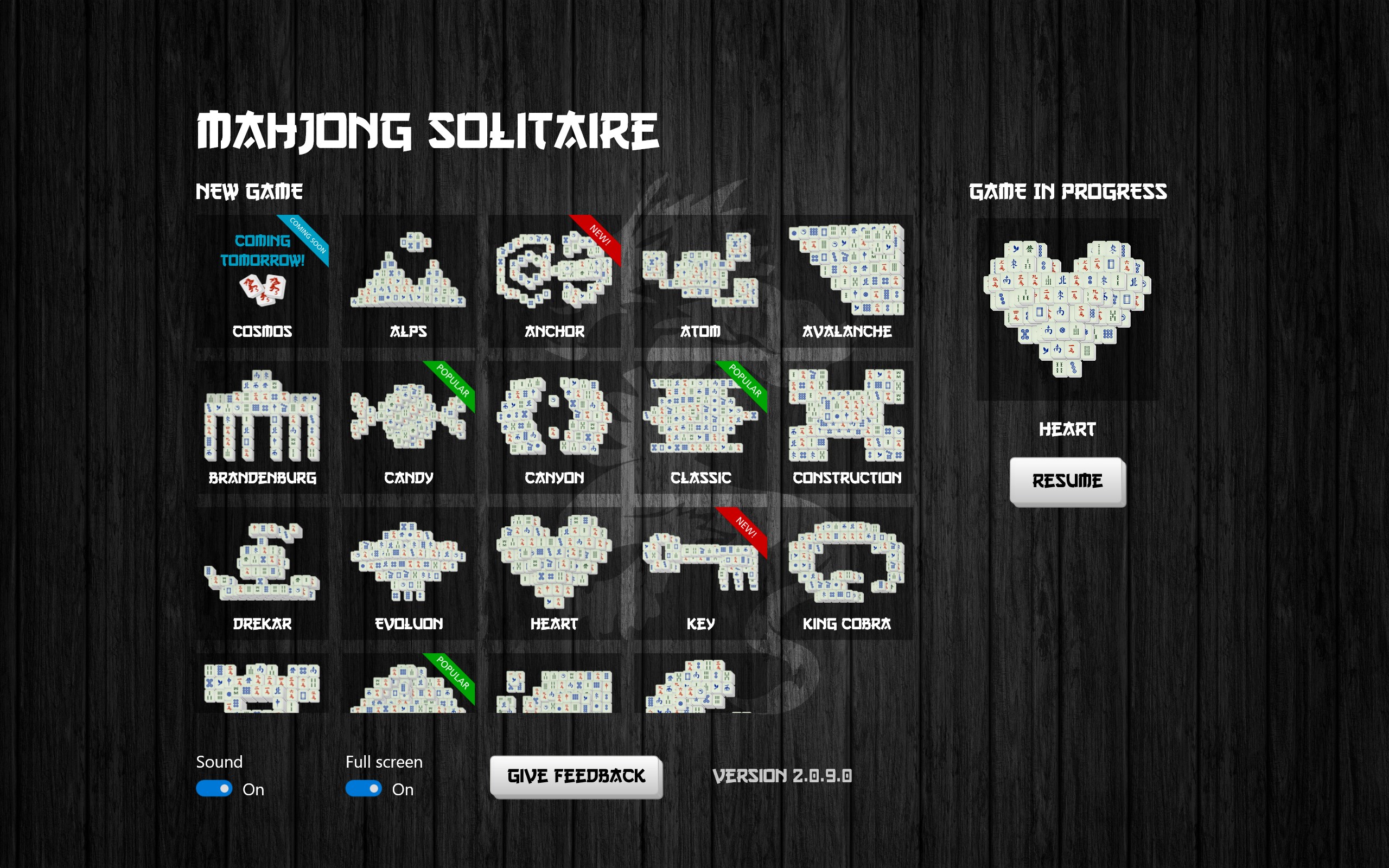
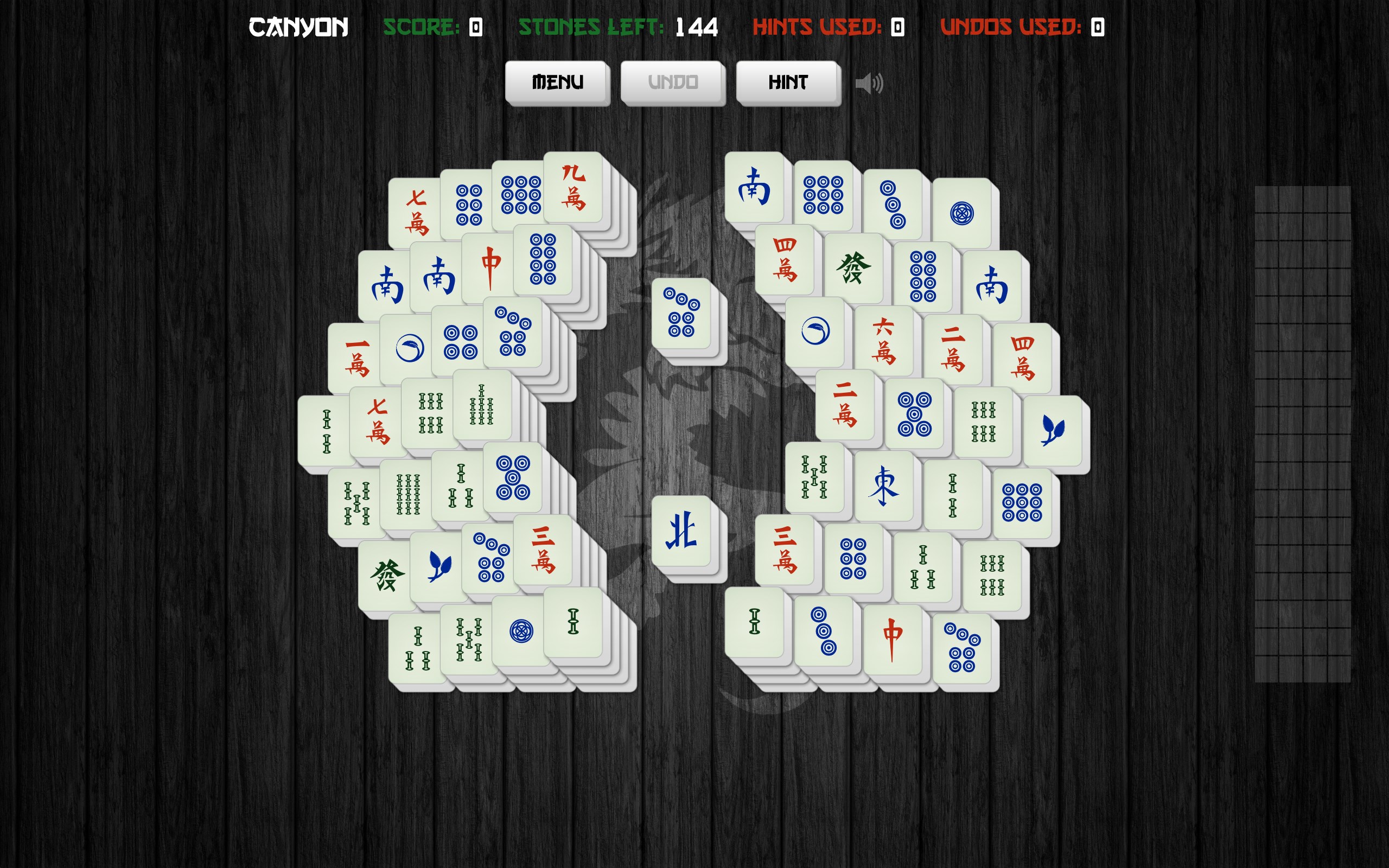
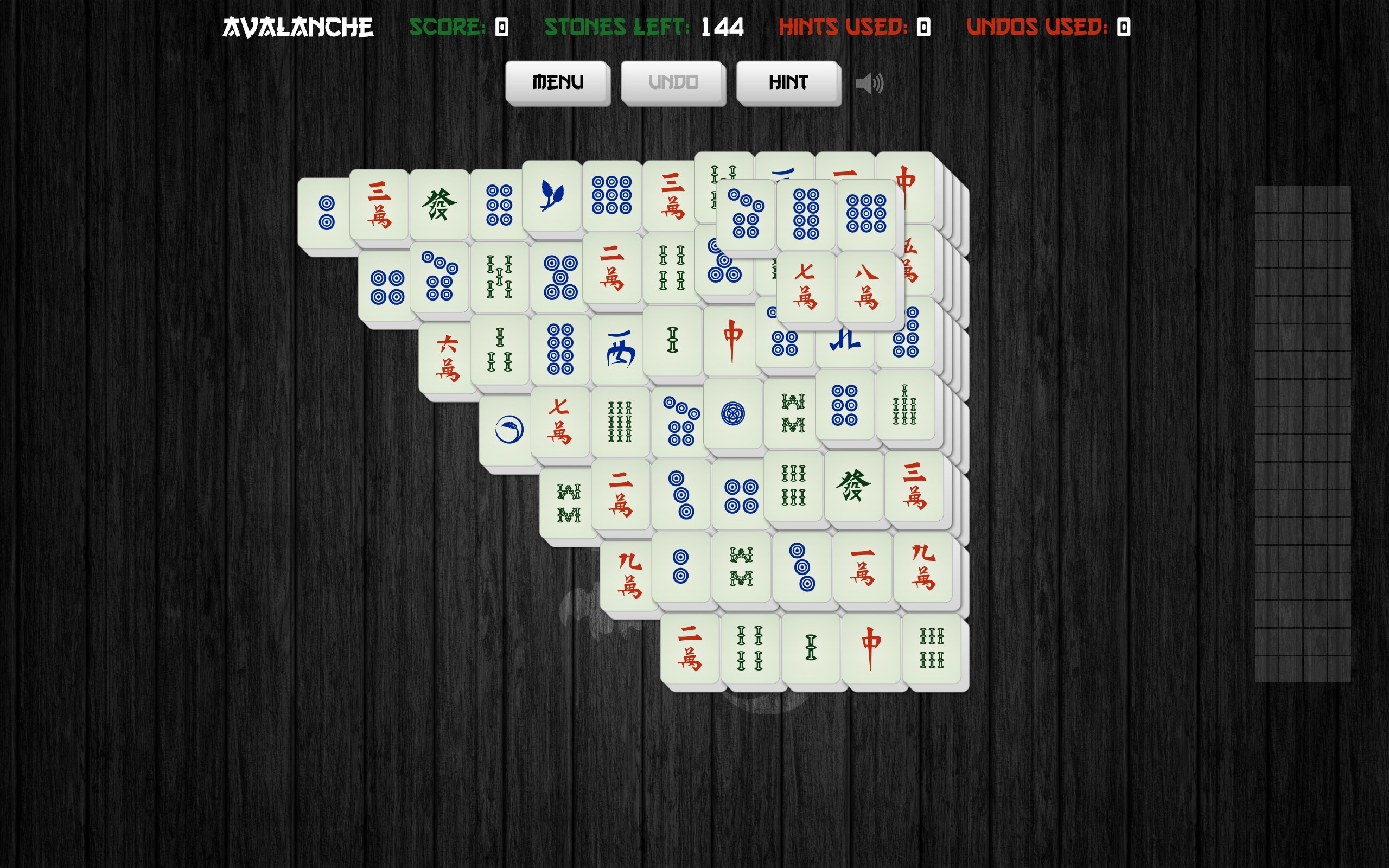
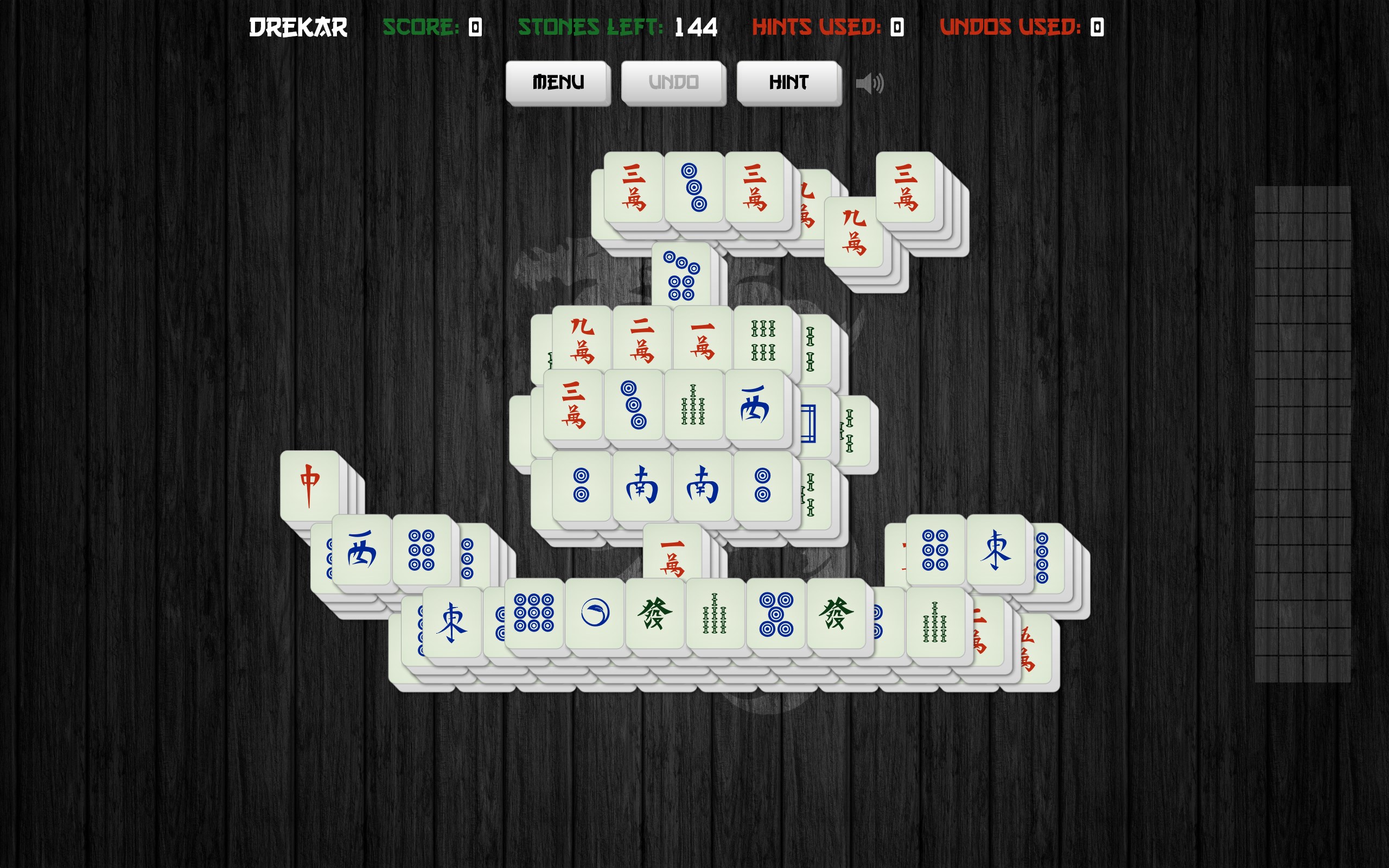
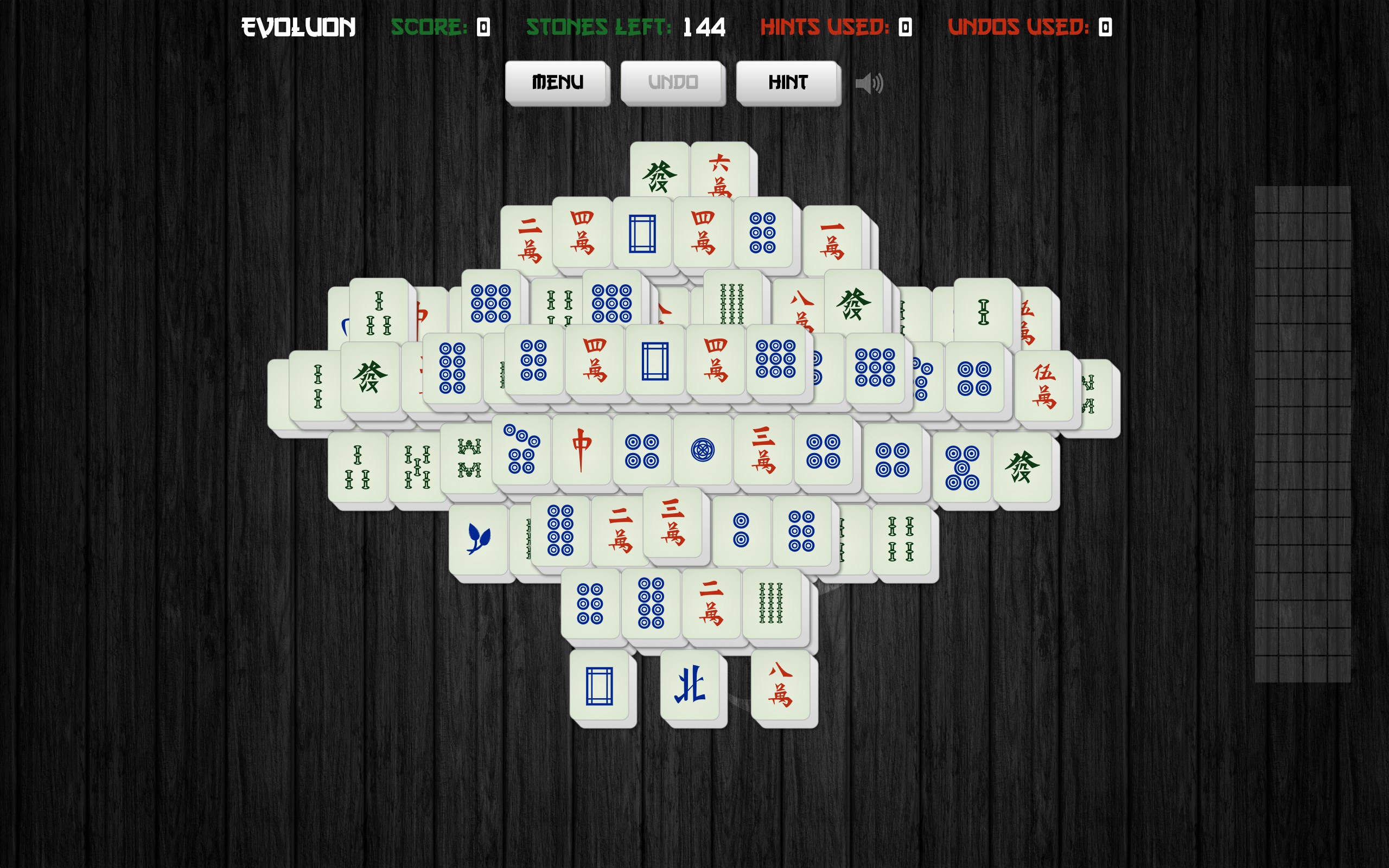
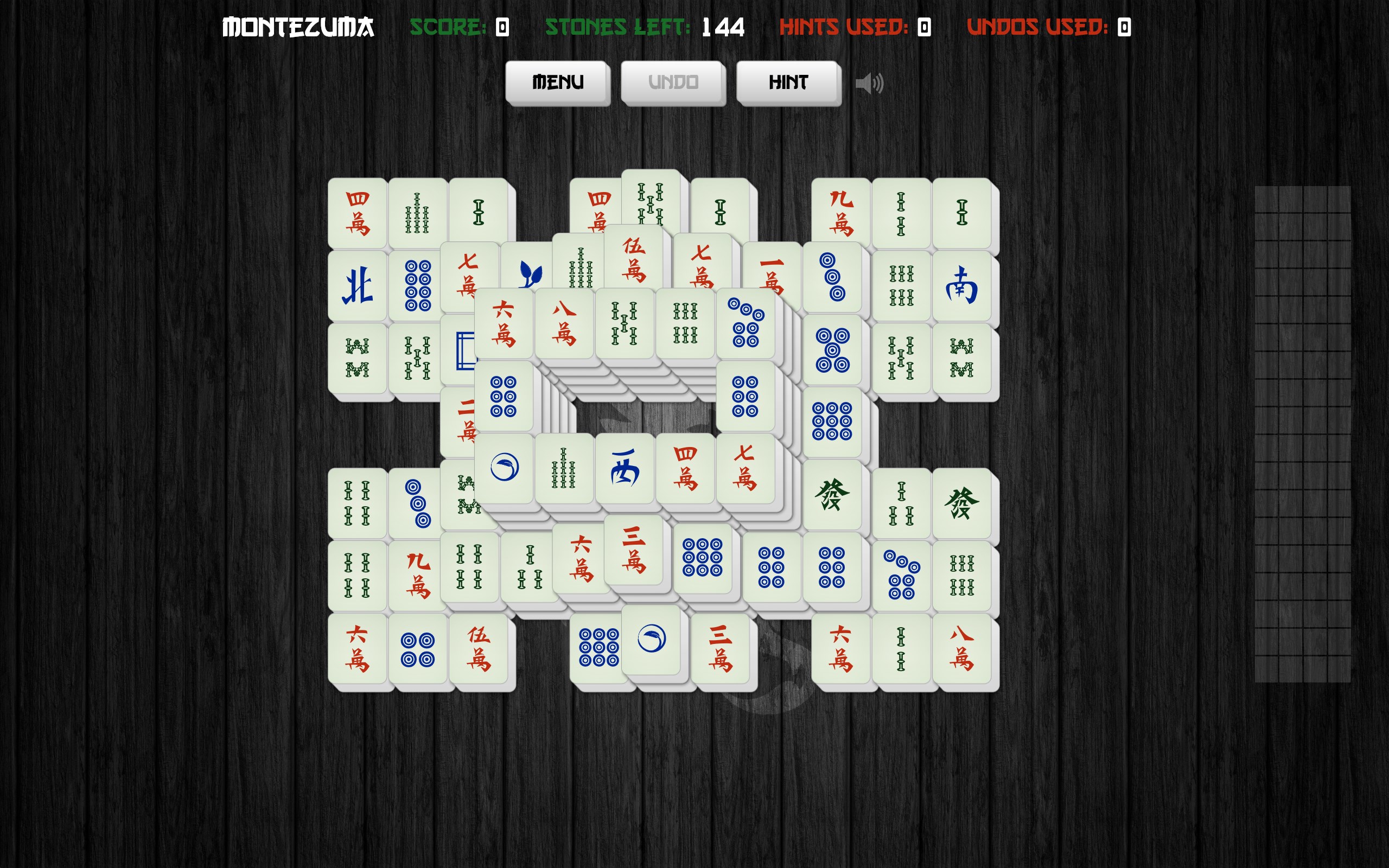
- Name Mahjong Solitair
- Category Card & board
- Available on PC, Mobile, Surface Hub
- OS Windows 10 version 19041.0 or higher
- languages English (United States)
Introducing Mahjong Solitair for Windows: A Fresh Spin on Classic Mahjong
Mahjong Solitair for Windows, developed by Aliens Bring Change, offers a modern reinterpretation of traditional Mahjong tile games with engaging visuals and smooth gameplay—designed for both casual players and Mahjong enthusiasts eager for a relaxing challenge.
A Brief Overview: Who's Behind the Tiles?
Created by the innovative team at Aliens Bring Change, this application aims to revive classic Mahjong in a digital setting optimized for Windows devices. Its core strengths lie in a sleek interface, intuitive controls, and thoughtful game mechanics that cater to various skill levels.
- Key Features:
- Clean, visually appealing design with dynamic backgrounds.
- Multiple game modes to suit different player preferences.
- Auto-save and undo options for a pain-free gaming experience.
- Progress tracking with daily challenges to keep players returning.
Targeted at casual gamers, Mahjong novices, and seasoned Mahjong players alike, it provides a relaxing digital environment for anyone interested in the timeless game of tiles.
A Playful Dive into the Game Experience
If you've ever been captivated by the Zen-like rhythm of uncovering tiles in Mahjong, this app offers a soothing yet engaging experience that's akin to solving a calming puzzle—each move revealing a bit more of the ancient mystery. Its charming visuals combined with gentle animations evoke the feeling of a tranquil afternoon spent in a cozy game corner.
Design and User Interface: Elegance Meets Simplicity
Mahjong Solitair's interface strikes a harmonious balance of minimalism and charm. The clean layout ensures that players are never overwhelmed, with clear tile designs and an unobtrusive menu system. The backgrounds are customizable, allowing users to create a personalized oasis suited to their mood—whether that's a rustic Zen garden or a vibrant tropical paradise. Navigation is straightforward; even new players can jump right in without a steep learning curve, thanks to intuitive icons and step-by-step tutorials integrated seamlessly into the first few games.
Gameplay and Functionality: Smooth as a Well-Played Hand
One of this app's standout features is its buttery smooth gameplay flow—fueled by well-optimized controls that respond instantly to clicks and drags. The game offers various difficulty levels, making it accessible for beginners while keeping challenging for veterans. The inclusion of features like auto-undo, hints, and auto-completion ensures that players remain engaged without frustration. Furthermore, the game's progress auto-save function allows players to pause and resume at their convenience, accommodating fleeting play sessions with ease.
Unique Selling Points: Beyond the Ordinary
Unlike many Mahjong apps that tend to emphasize flashy visuals over core mechanics, Mahjong Solitair stands out with its focus on thoughtful game design. Most notably, it introduces a "Daily Challenge" mode that offers a new puzzle each day—encouraging routine play that gradually enhances your skills. Additionally, its multi-mode option lets players switch between standard Mahjong solitaire, timed challenges, and even a relaxing zen mode, giving it a broader appeal. The app's smooth, customizable backgrounds and soundscapes elevate the gaming environment, transforming it from a mere pastime into a soothing ritual.
Final Thoughts: A Charming Addition to Your Game Library
Overall, Mahjong Solitair for Windows scores high in creating an elegant, user-friendly, and engaging Mahjong experience. Its standout features—especially the daily challenges and the beautifully crafted interfaces—add a layer of freshness to an age-old game. If you're seeking a relaxing yet stimulating game that feels both familiar and new, this app is worth exploring. I'd recommend it to casual players looking for a serene pastime as well as seasoned Mahjong fans wanting a well-crafted digital version. Its blend of aesthetic finesse and practical functionality makes it a delightful companion for those quiet moments between tasks or during a break—verifying that sometimes, simplicity and grace make the best game.
Pros
- Intuitive User Interface
- Variety of Mahjong Styles
- Offline Mode Support
- Daily Challenges and Rewards
- Smooth Performance
Cons
- Limited Difficulty Levels
- Presence of Ads
- Basic Graphics
- Limited Customization Options
- No Multiplayer Mode










