





- Name Jigsaw Puzzle Quest
- Category Card & board
- Developer Frenzy Games AB
- Available on PC
- OS Windows 10 version 17763.0 or higher
- languages English (United States)
Jigsaw Puzzle Quest for Windows: A Delightful Spin on Classic Puzzle Gaming
If you're a fan of relaxing yet mentally stimulating games, Jigsaw Puzzle Quest offers a charming twist that combines traditional jigsaw puzzles with engaging quest elements, perfect for unwinding or passing the time on your Windows device.
About the Developer and Core Features
Developed and published by Frenzy Games AB, a studio known for crafting accessible and enjoyable casual games, Jigsaw Puzzle Quest aims to bring a fresh experience to puzzle enthusiasts. The app's standout features include a vast library of high-quality images, smooth drag-and-drop puzzle assembly, and a rewarding quest-based progression system that keeps players motivated.
Engaging and immersive gameplay experience
Imagine diving into a vibrant world where each puzzle completed unlocks new adventures—this is what Jigsaw Puzzle Quest delivers. Its alluring visuals and gentle background music create a cozy atmosphere, inviting you to lose yourself in hours of relaxing entertainment. The game cleverly integrates storytelling elements, transforming simple jigsaw assembly into an engaging journey, unlike typical static puzzle apps.
Intuitive Design and User-Friendly Interface
The interface is designed with clarity and ease of use at its core. Navigating through categories or selecting images feels seamless; the layout resembles a well-organized gallery, allowing players of all ages to pick up and start puzzling without a steep learning curve. The drag-and-drop mechanics are smooth and responsive, making piece placement satisfying and frustration-free. Even newcomers to digital puzzles will find the app accessible, thanks to helpful hints and easy zoom controls.
Core Functionalities That Stand Out
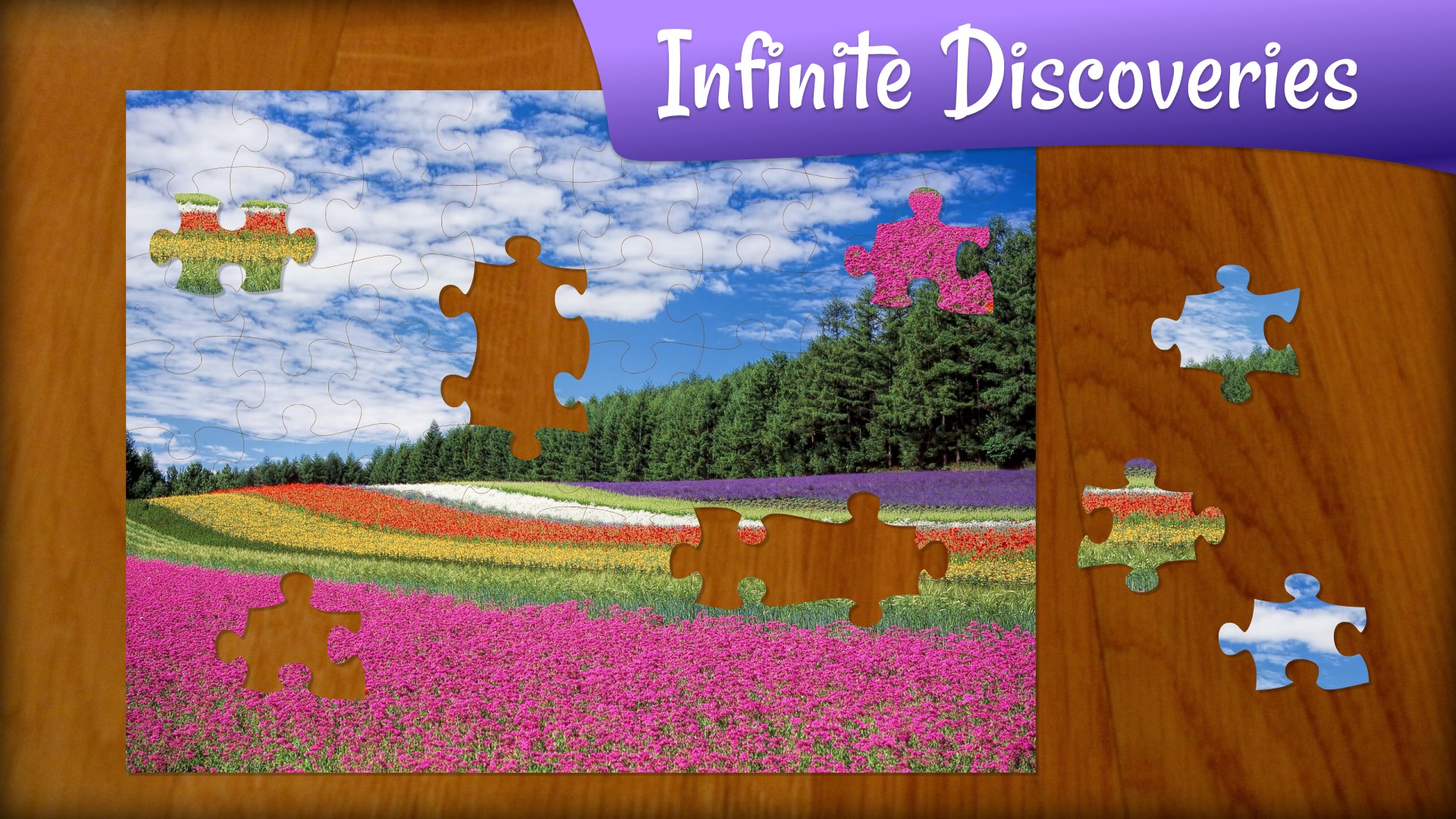
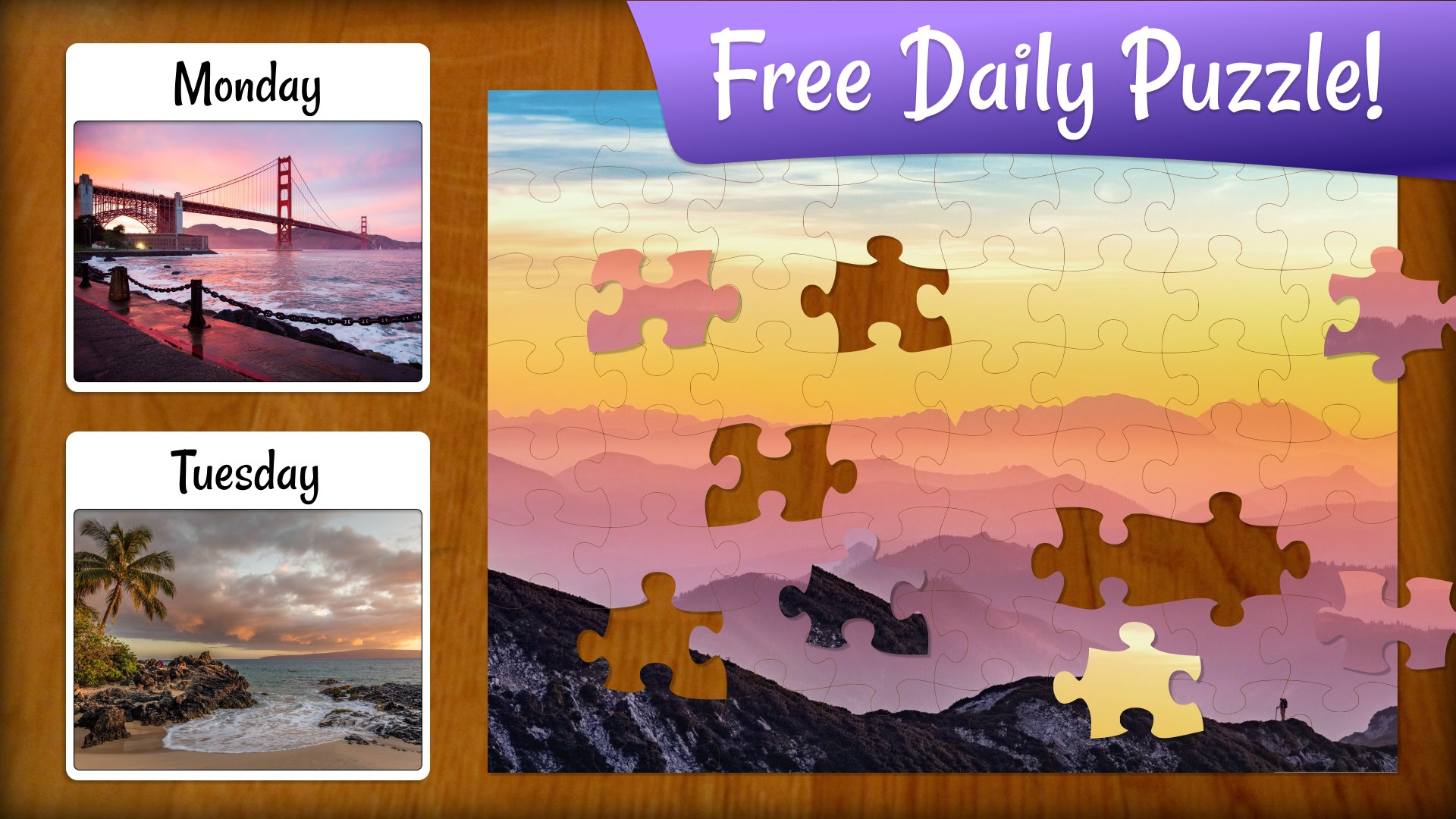
- Extensive Image Library: The game boasts a diverse collection of puzzles, ranging from stunning landscapes and adorable animals to famous artworks. This variety caters to different tastes and enhances replay value, as you can always find something new to challenge your eyes and mind.
- Quest and Power-Up System: Unlike conventional puzzles, Jigsaw Puzzle Quest integrates a quest-based progression system. Completing puzzles earns you rewards, unlocks new story chapters, and introduces power-ups that make the experience more dynamic. This feature adds a layer of purpose and achievement, transforming a passive activity into an adventurous pursuit.
- Custom Puzzle Creation: Another highlight is the ability to turn your own photos into puzzles, fostering a personalized gaming experience. Imagine turning a cherished family photo into a puzzle—this feature broadens the app's appeal and allows for unique keepsakes.
Quality of User Experience and Differentiation
From a user experience standpoint, Jigsaw Puzzle Quest excels with its clean, inviting visuals and smooth performance. The interface handles transitions gracefully, and the puzzle pieces snap together reliably, reducing user frustration. The learning curve is gentle, making it suitable for casual players or those new to digital puzzles.
Compared to similar card and board applications that often focus solely on competitive or strategic elements, this app's strength lies in its blend of puzzle-solving with adventure storytelling. Its quest progression and unlocking system differentiate it from typical jigsaw apps, which often lack an overarching narrative. Moreover, the inclusion of personalized puzzles elevates the experience, making it not just a game but a customizable pastime.
Final Recommendation and Usage Suggestions
If you enjoy puzzle games that combine relaxing gameplay with a sense of achievement and discovery, Jigsaw Puzzle Quest is a worthwhile addition to your digital collection. It's especially recommended for players looking for a casual yet engaging experience that evolves through progression. We suggest exploring its diverse image library and trying out the personalized puzzle feature to maximize enjoyment. For those seeking purely competitive or highly challenging puzzle apps, this might not satisfy all needs, but for a cozy, rewarding journey—it's a solid choice.
Pros
- Intuitive and immersive gameplay
- High-quality graphics and visuals
- Progressive difficulty levels
- In-game hints and tutorials
- Regular updates with new puzzles
Cons
- Limited customization options
- Occasional app crashes during gameplay
- Ads interrupt gameplay periodically
- Puzzles may become repetitive over time
- Limited social features and sharing options










