

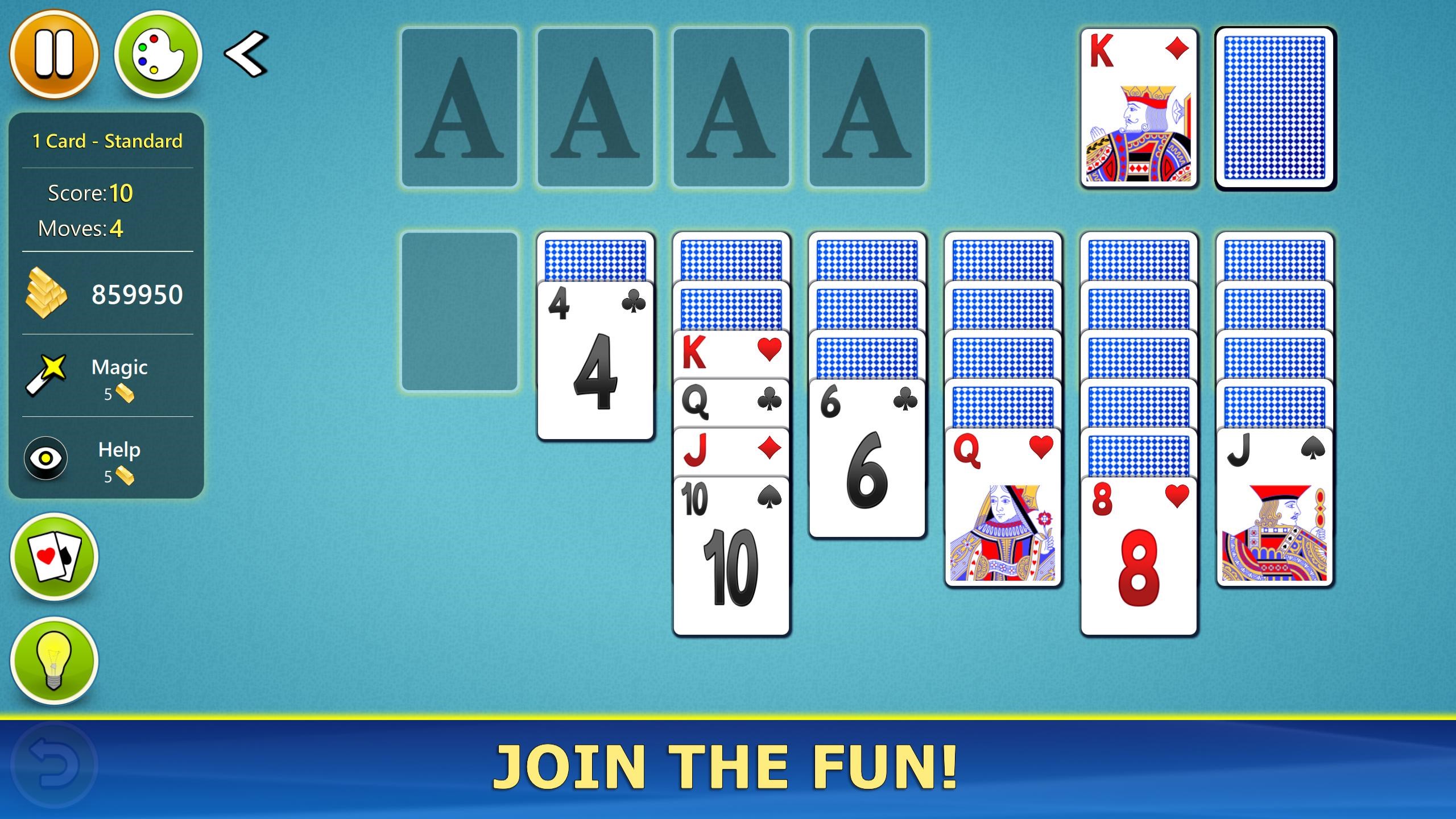
- Name Solitaire Mobile.
- Category Card & board
- Developer © 2012-2022 G Soft Team. All rights reserved.
- Available on PC, Mobile, Surface Hub, HoloLens
- OS Windows 10 version 10240.0 or higher
- languages English
Solitaire Mobile for Windows: A Classic Card Game with a Modern Touch
If you're seeking a straightforward yet engaging digital version of the timeless Solitaire card game, Solitaire Mobile for Windows offers a tidy and accessible experience. Its simplicity allows players to unwind with familiar gameplay, all within a sleek interface designed for Windows users.
Developed by G Soft Team, a Reliable Name in Casual Gaming
Created by G Soft Team, a dedicated development team with a focus on casual and classic games, Solitaire Mobile for Windows benefits from years of experience in delivering user-friendly entertainment. Their commitment shines through in the app's crisp design and thoughtful functionality.
Key Features That Make Solitaire Mobile Stand Out
- Multiple Solitaire Variants: Offers popular versions like Klondike, Freecell, and Pyramid, catering to various player preferences.
- Accessible and Free: Completely free to download and play, removing barriers for casual gamers and Solitaire enthusiasts alike.
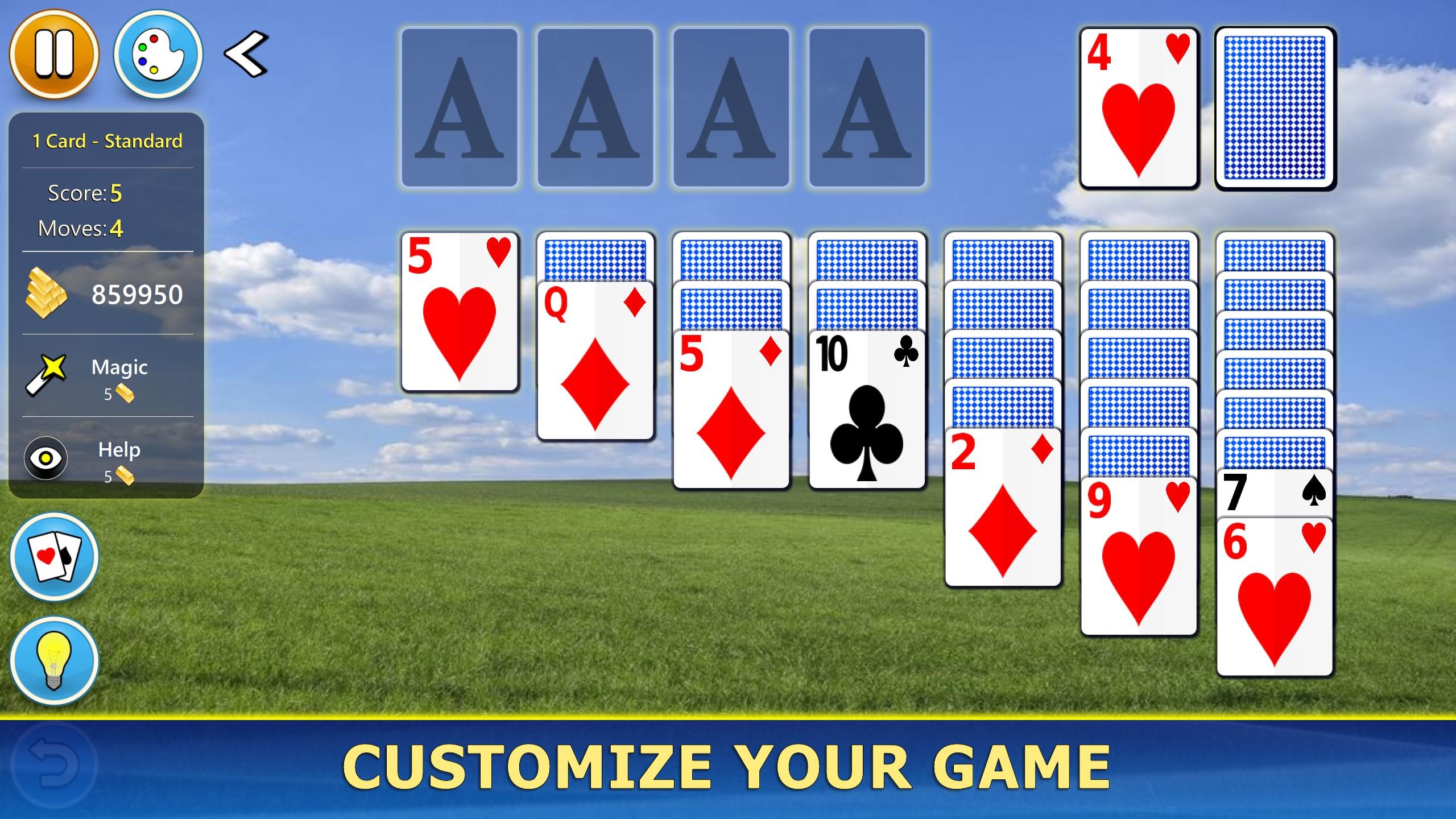
- Intuitive Interface and Customization: Clean design with options for customizing backgrounds and card styles, enhancing visual appeal and user personalization.
- Cloud Save & Progress Tracking: Syncs your scores and progress across devices, ensuring seamless gameplay continuity.
Experience the Game: What Makes Solitaire Mobile Engaging
As someone who appreciates classic games, I found Solitaire Mobile for Windows to be an inviting digital playground that respects the game's heritage while embracing some modern conveniences. It plays like a well-worn deck of cards—familiar, trustworthy, and always ready to entertain when you have a few quiet moments.
User Interface: Sleek, Simple, and User-Friendly
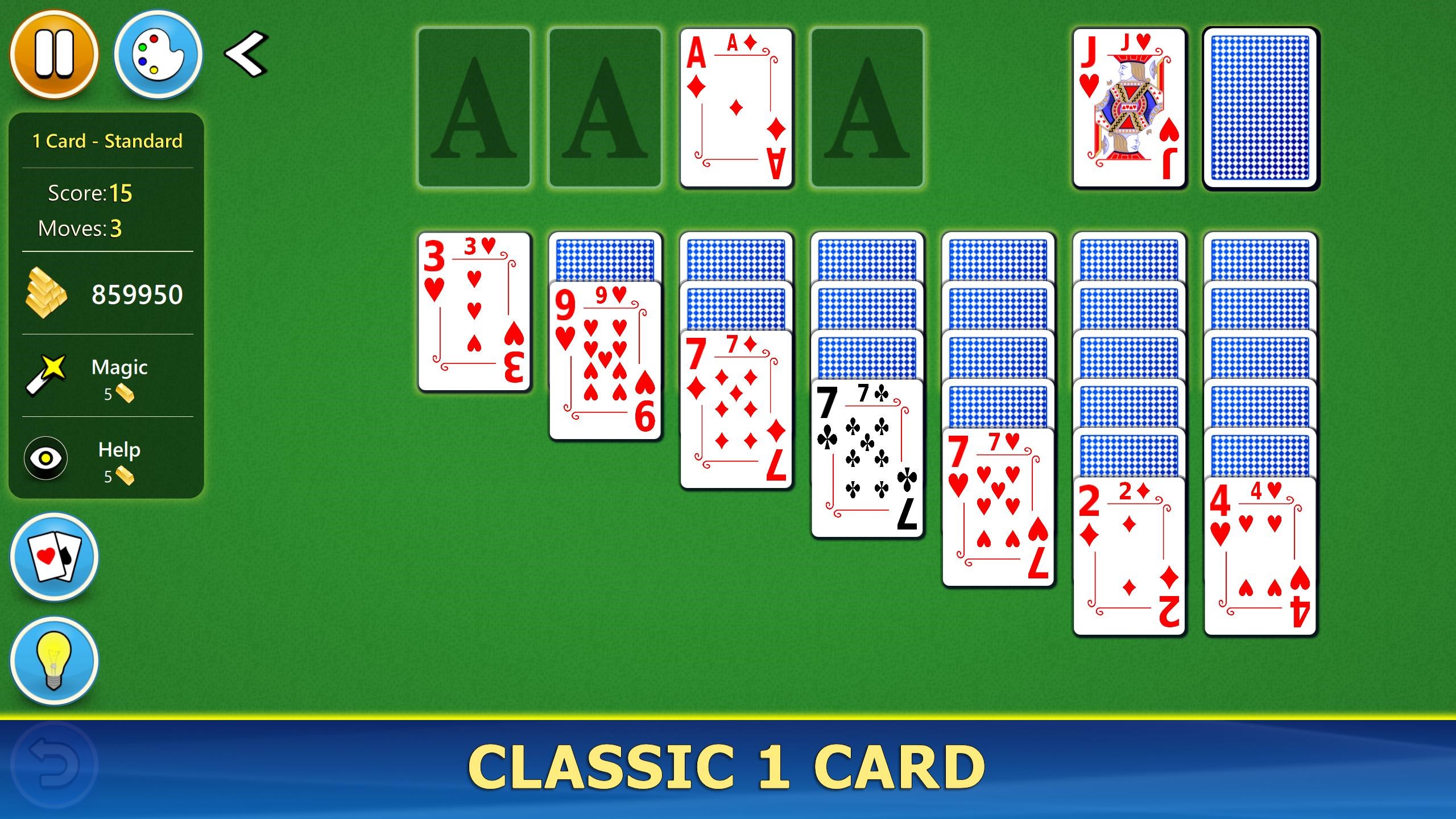
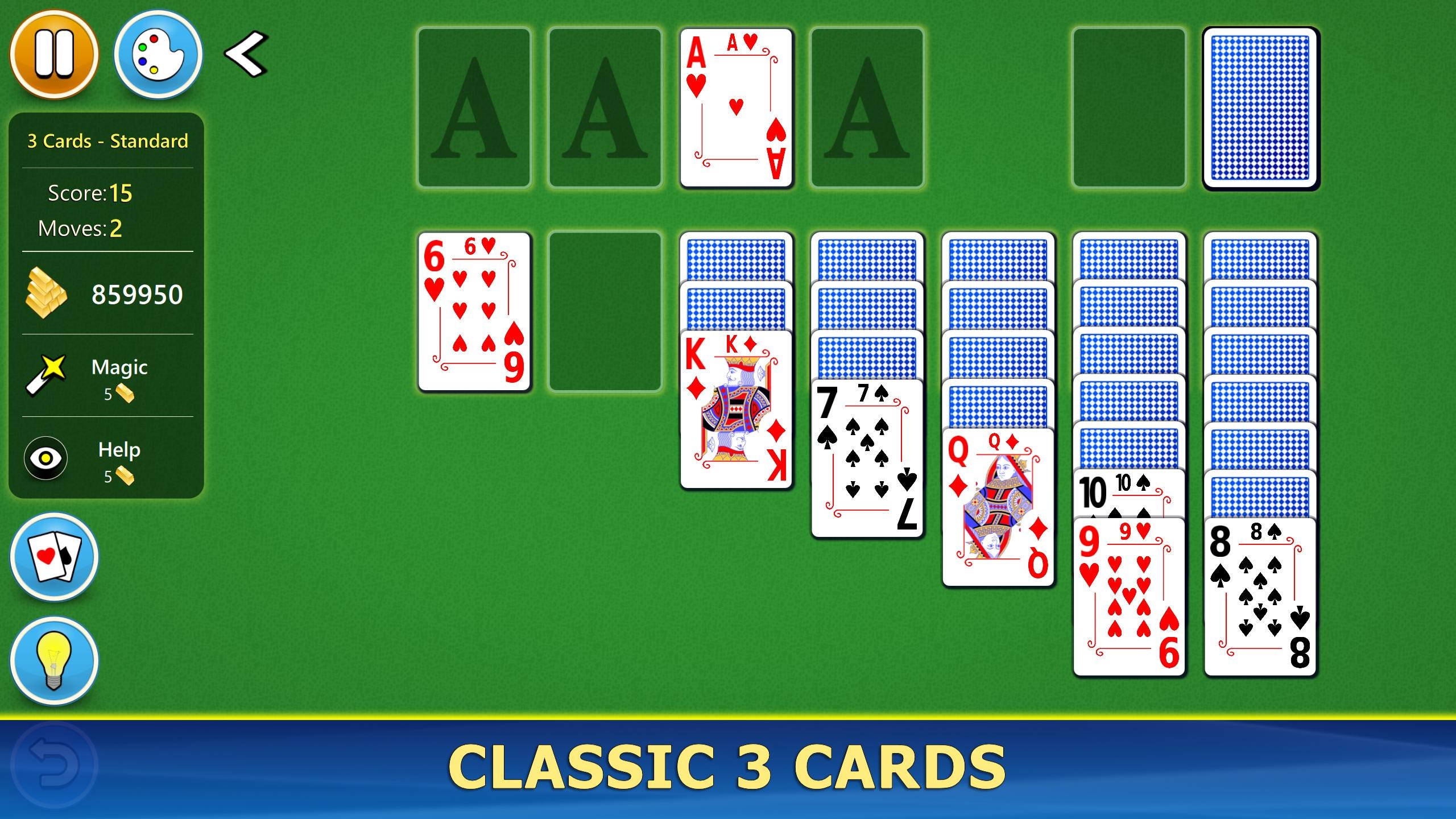
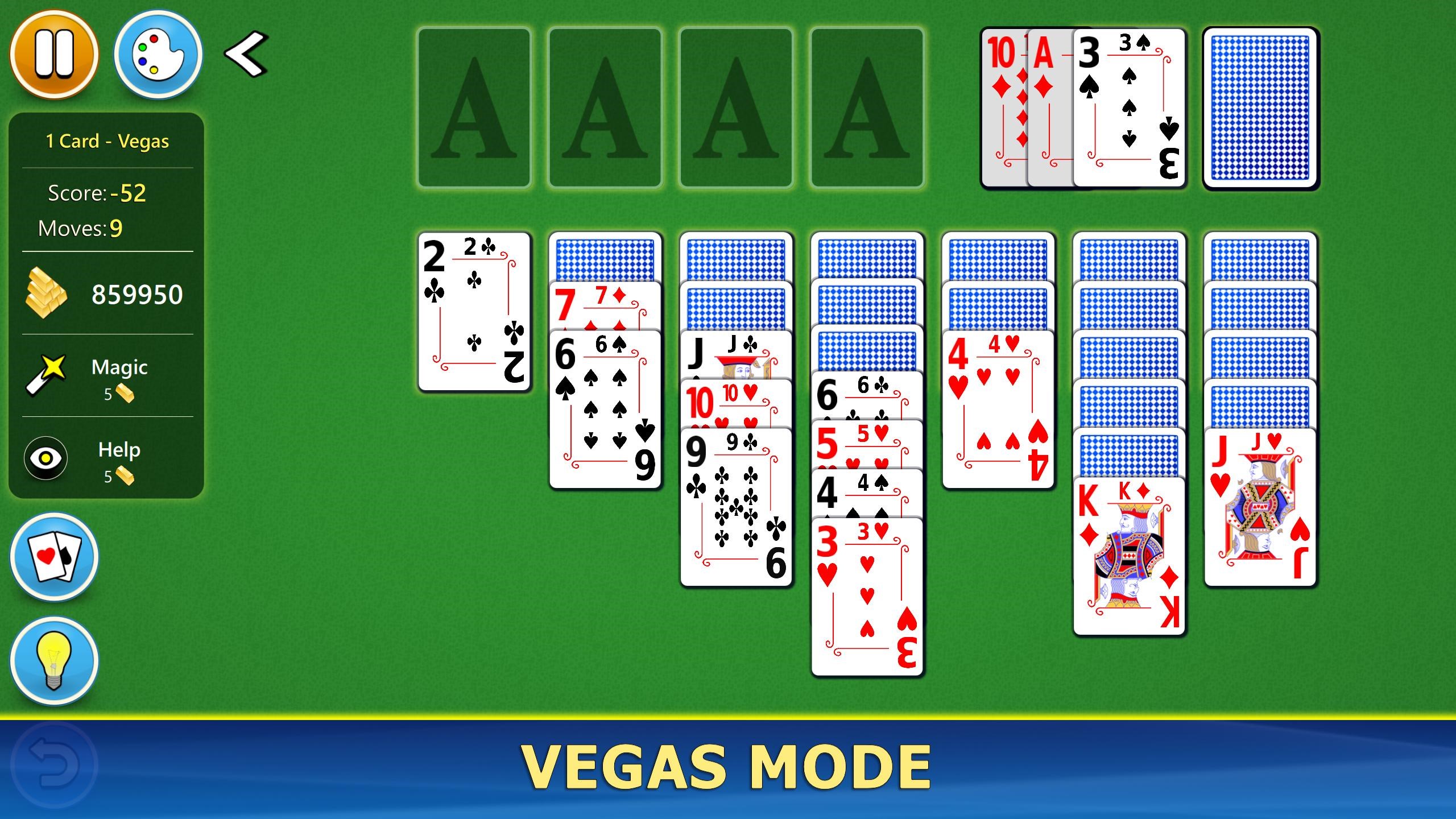
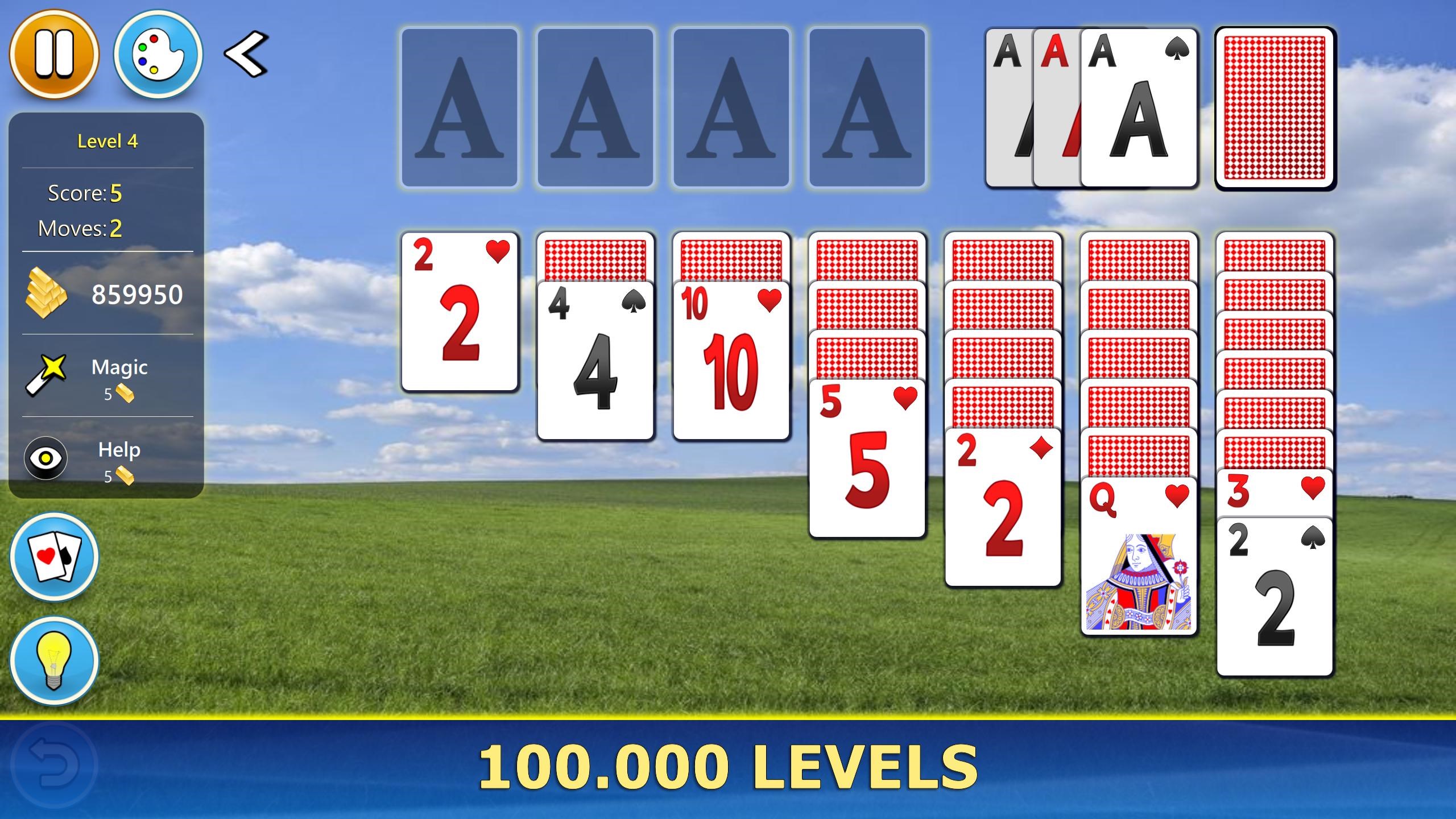
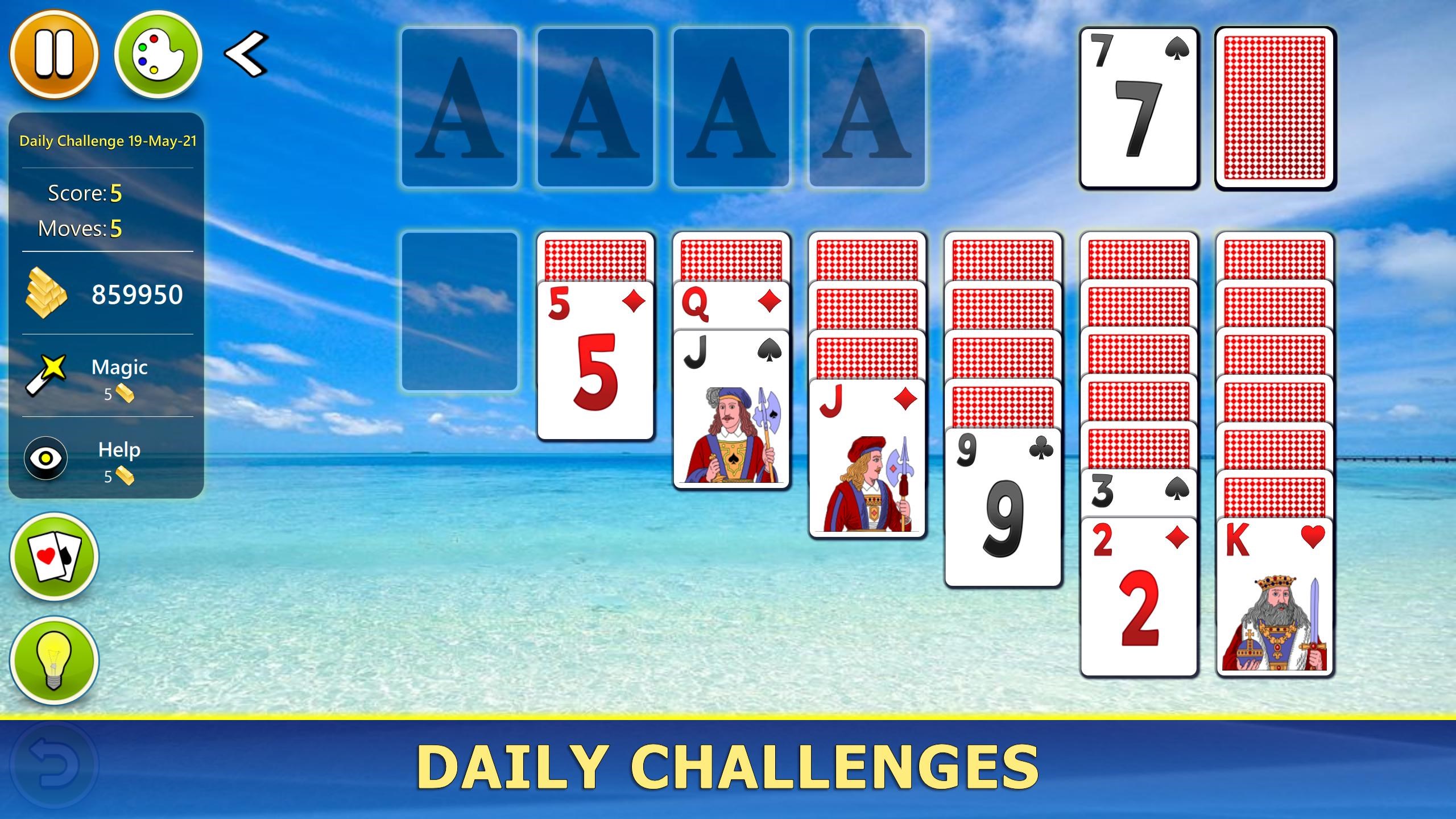
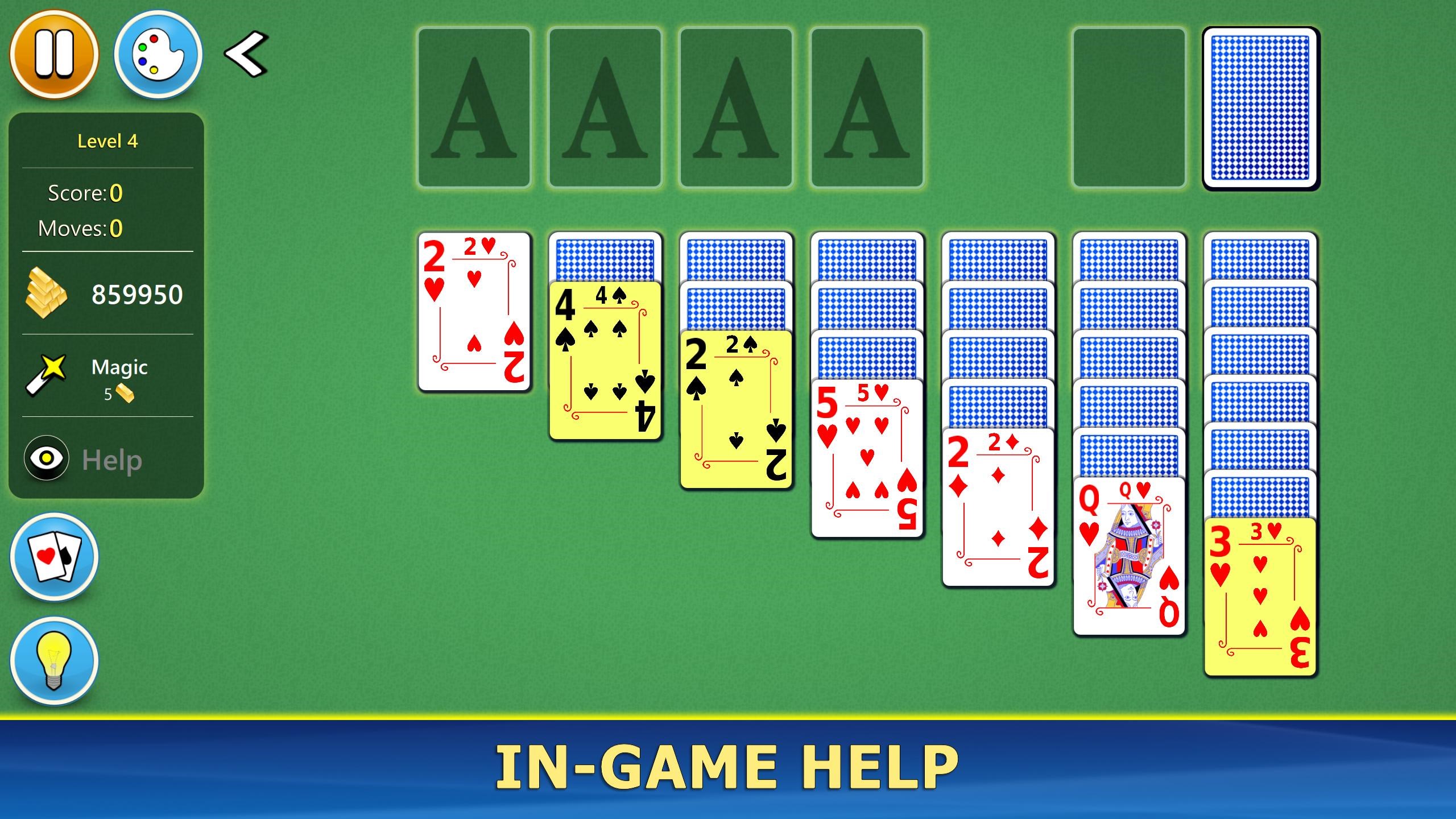
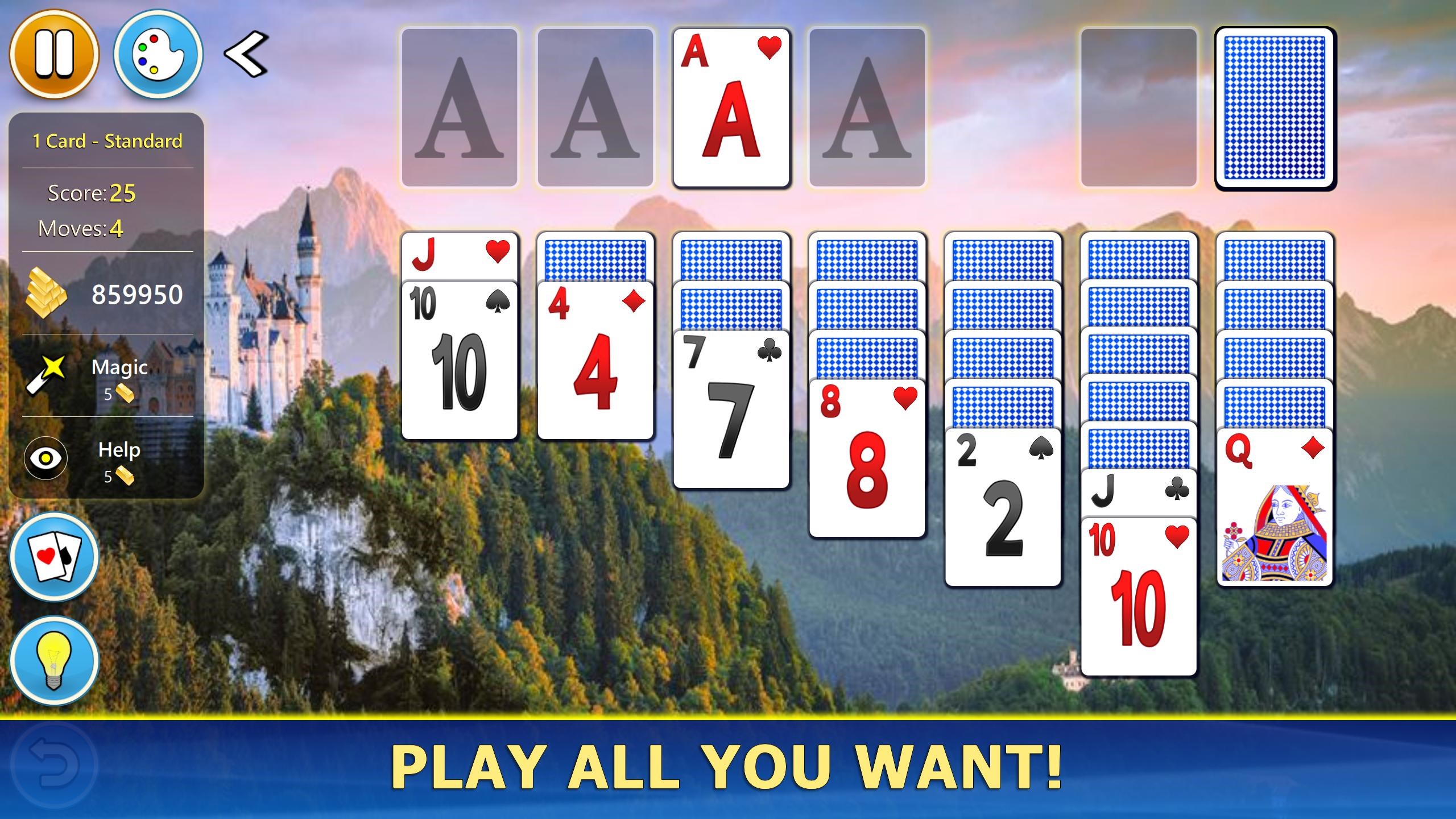
The app's interface is akin to a crisp, well-laid tabletop: uncluttered, neat, and easy on the eyes. The main menu provides direct access to different game modes and customization options without any confusing menus. The cards are visually distinct with clear suits and numbers, making it easy for both seasoned players and newcomers. Background themes and card designs are customizable, allowing personalization that can match your mood or décor—like swapping out a traditional tablecloth for a more vibrant pattern. Overall, the design promotes a seamless experience that's almost as satisfying as flipping over a fresh deck of cards in real life.
Gameplay & Performance: Smooth, Responsive, and Inviting
Operations are fluid—the cards slide smoothly across the screen with satisfying animations that make gameplay feel natural. With no noticeable lag, even on modest hardware, the app demonstrates solid performance. The learning curve is gentle; players familiar with Solitaire will find the controls intuitive, with tap and drag gestures that mimic real card handling. For new players, a simple tutorial and hints help reduce entry barriers. The game's difficulty levels are balanced well, giving enough challenge without frustrating players, making it suitable for casual players and seasoned Solitaire fans alike.
What Sets It Apart: Simplicity with Personal Touches & Cross-Platform Sync
While many solitaire apps tend to focus on flashy effects or complex features, Solitaire Mobile strikes a commendable balance by emphasizing core gameplay and personalization. Its standout feature—the synchronization of game progress and scores across devices via cloud save—is particularly beneficial for players who switch between PCs and tablets. Additionally, the variety of card styles and backgrounds ensures each session feels fresh, helping to distinguish it from more generic counterparts.
Final Recommendations: A Solid Choice for Classic Card Enthusiasts
All considered, Solitaire Mobile for Windows is a well-executed app that respects tradition while providing enough modern tweaks to keep it engaging. It's especially recommended for casual players seeking a no-fuss game they can pick up anytime, anywhere. If you value a clean interface, smooth gameplay, and the convenience of cross-device syncing, this app deserves a spot in your collection. Whether you're waiting in line or relaxing at home, Solitaire Mobile offers reliable entertainment without unnecessary complications.
Pros
- Intuitive and user-friendly interface
- Smooth gameplay with minimal lag
- Various difficulty levels and game modes
- Offline access for uninterrupted play
- Daily challenges and achievement system
Cons
- Limited customization options
- In-app advertisements
- Lack of multiplayer features
- Limited sound and music customization
- No cloud save option for progress synchronization










