

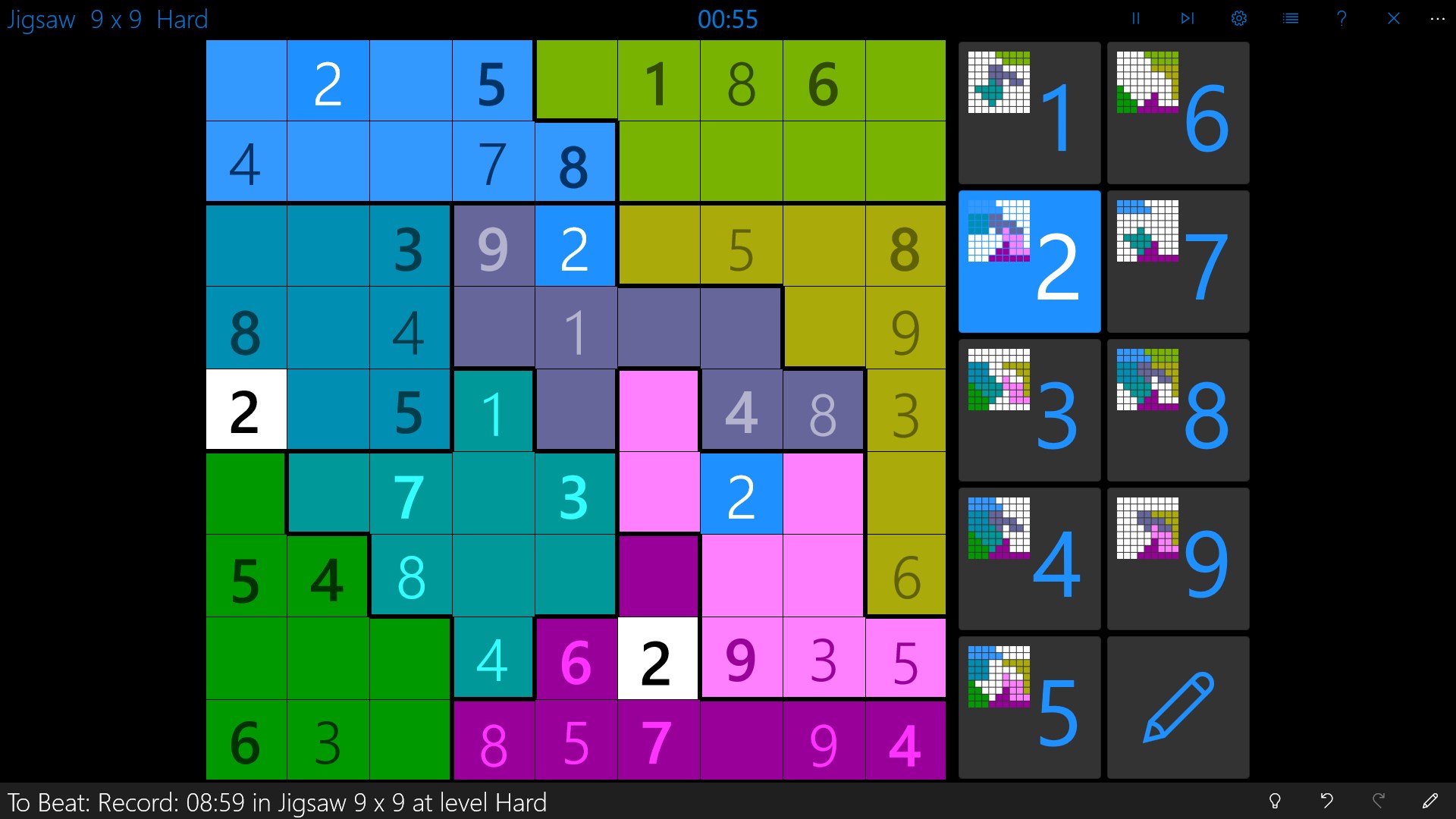
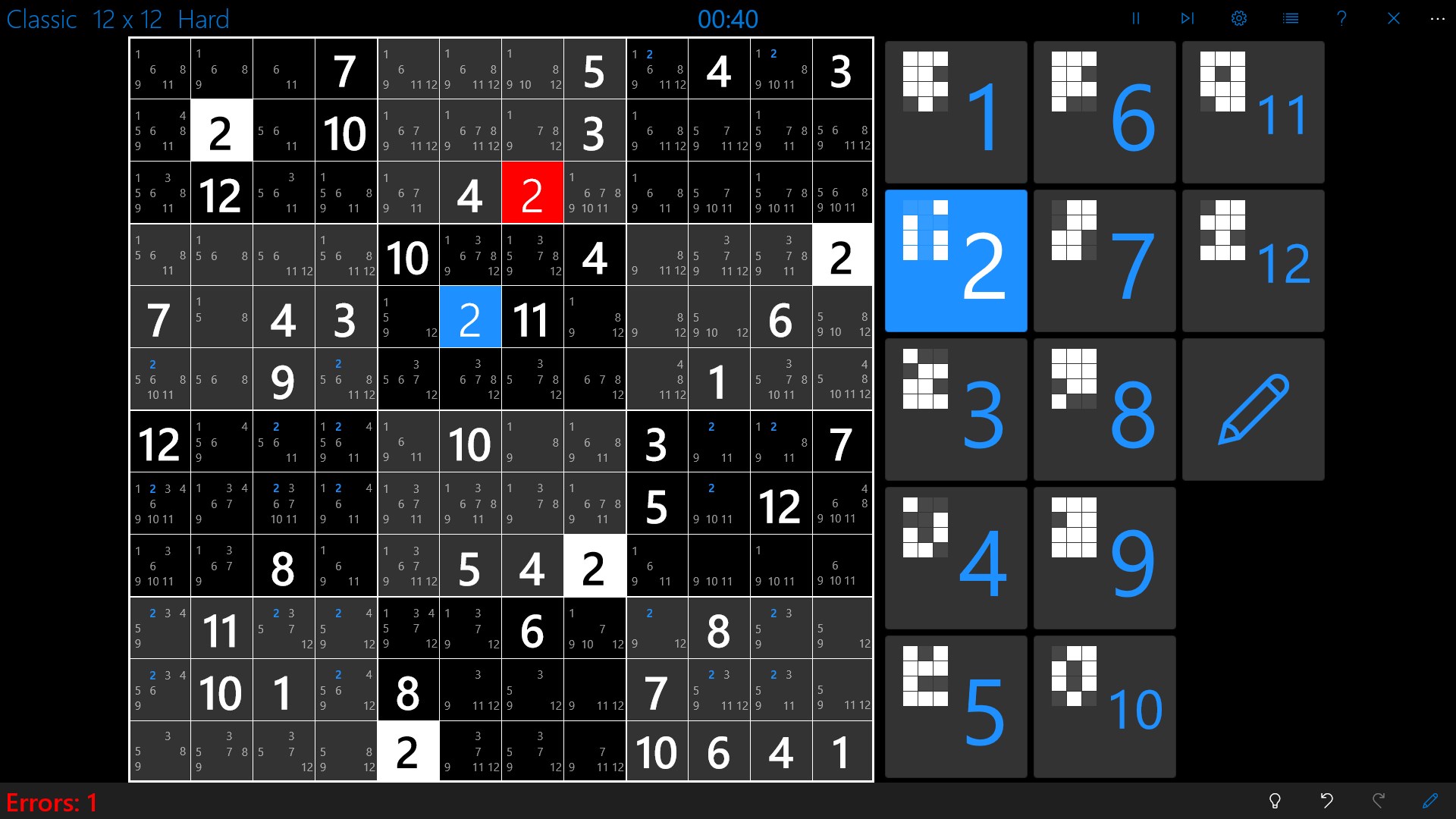
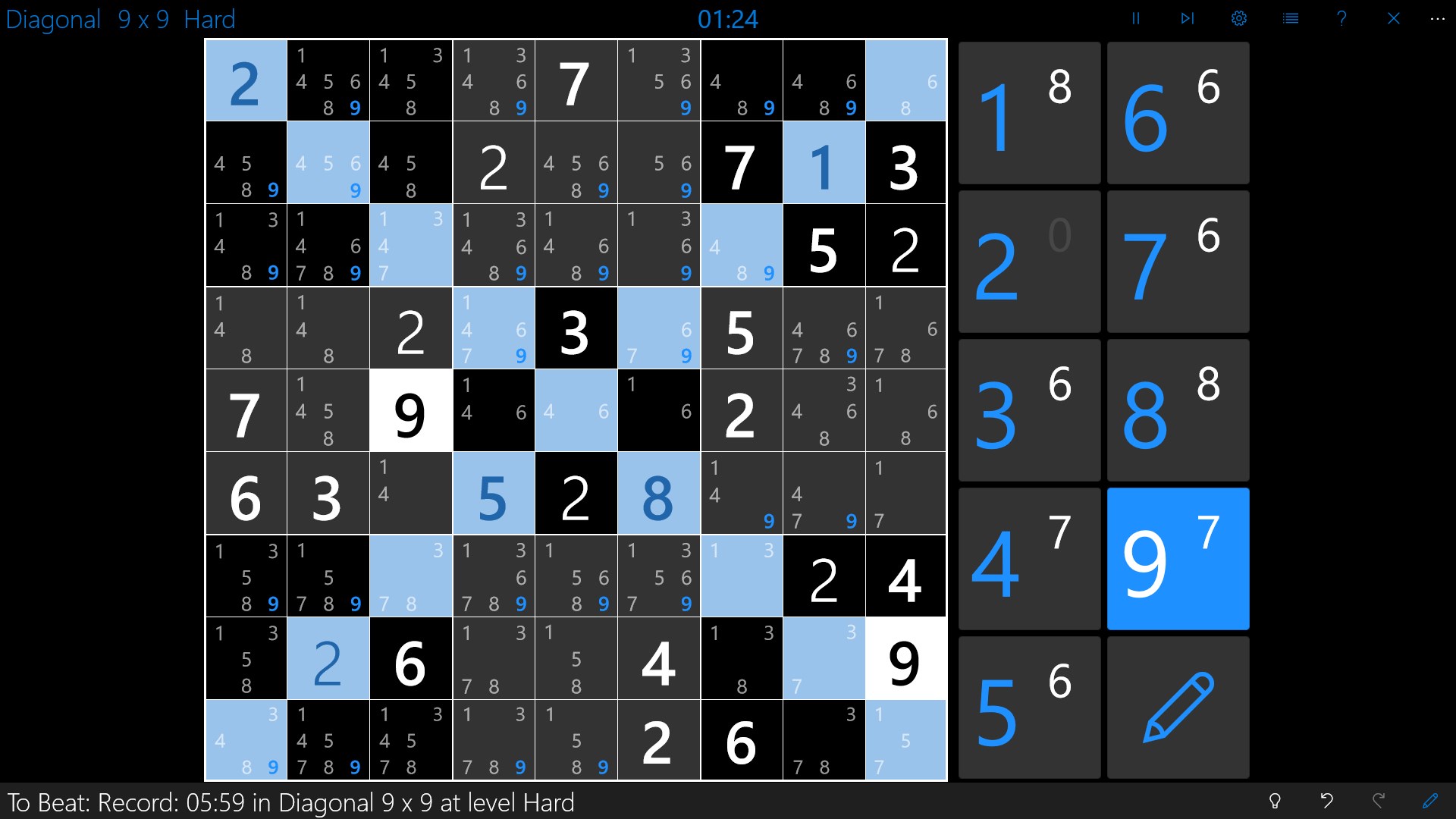
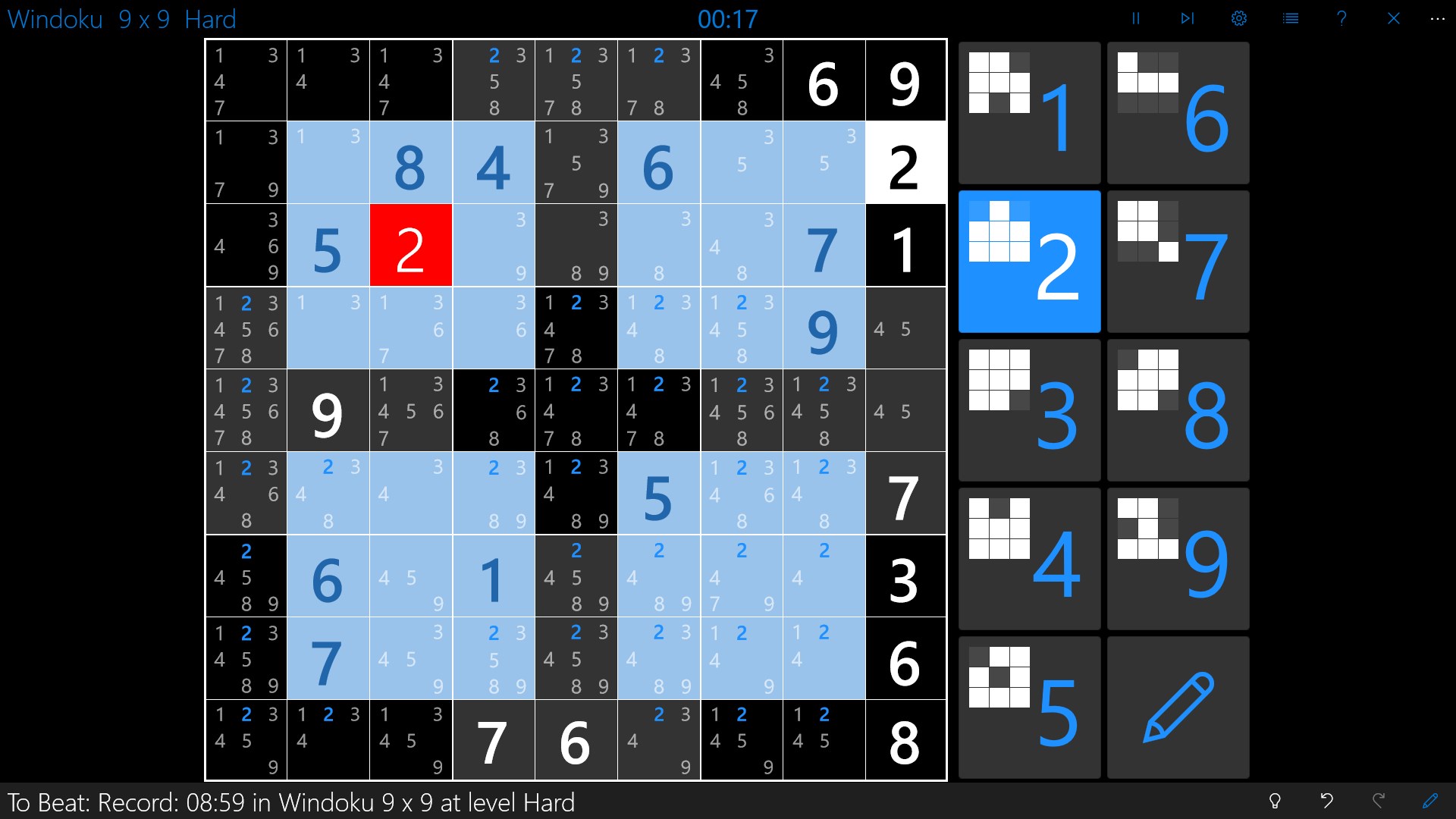
- Name Sudoku Central
- Category Card & board
- Available on PC, Mobile, Surface Hub, HoloLens
- OS Windows 10 version 16299.0 or higher
- languages English (United States), Spanish (Spain)
Introducing Sudoku Central for Windows: A Fresh Take on a Classic Puzzle
Sudoku Central for Windows is a thoughtfully designed application that brings the timeless puzzle game to your desktop with modern elegance and user-friendly features. Perfect for Sudoku enthusiasts or casual players alike, this app offers a seamless experience that balances challenge and accessibility.
Developers and Core Highlights
Developed by Fasung Design, a team committed to creating intuitive and engaging digital puzzles, Sudoku Central aims to elevate your Sudoku experience beyond traditional paper versions. The app's main features include customizable difficulty levels, intuitive interface design, and a variety of puzzle modes, ensuring there's something for everyone—from beginners to seasoned solvers. Its target audience spans casual puzzle fans, students seeking brain-teasers, and Sudoku lovers eager for a high-quality digital experience.
A Playful Dive into Sudoku Central's Features
Vibrant Interface and User Experience
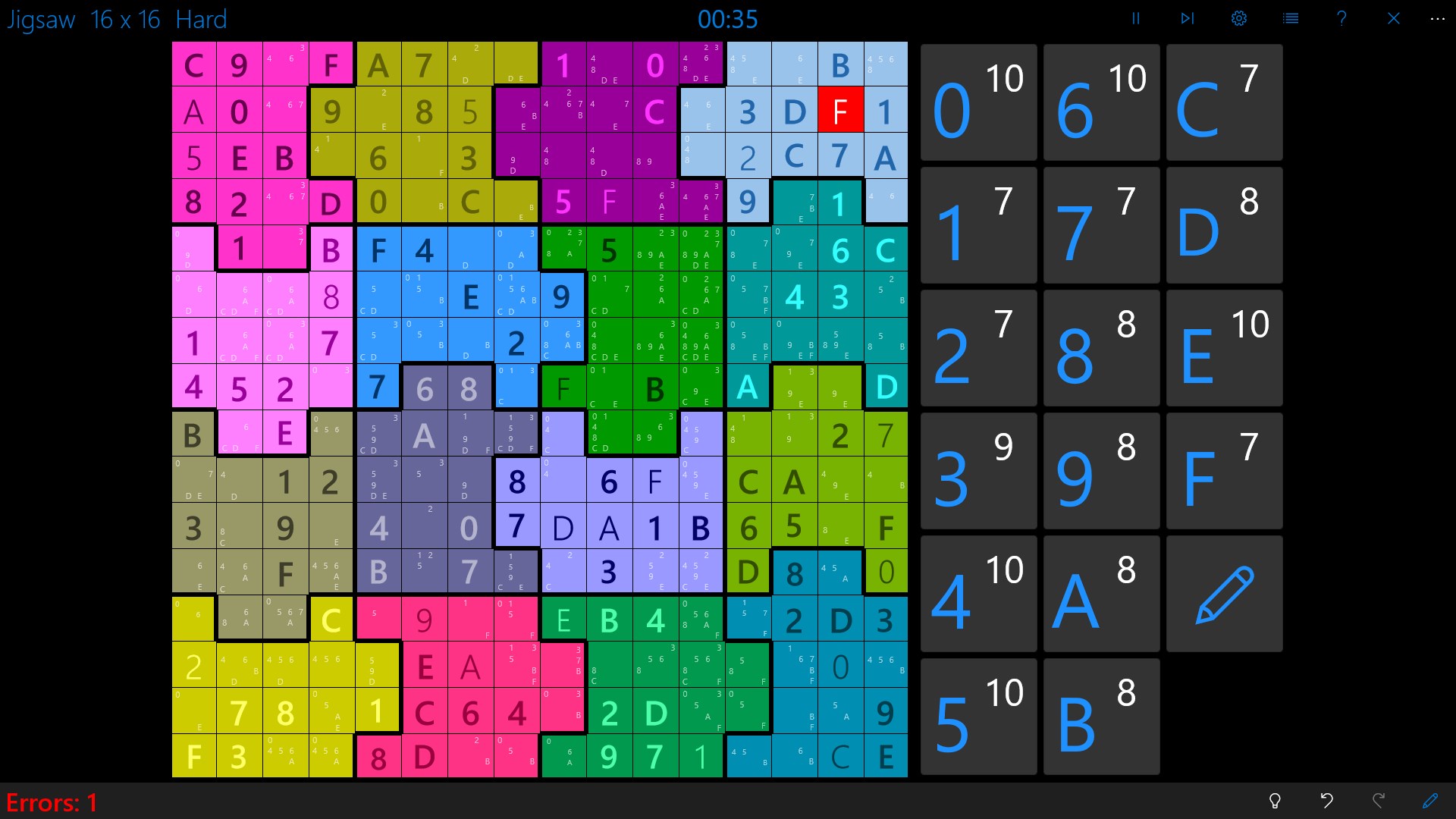
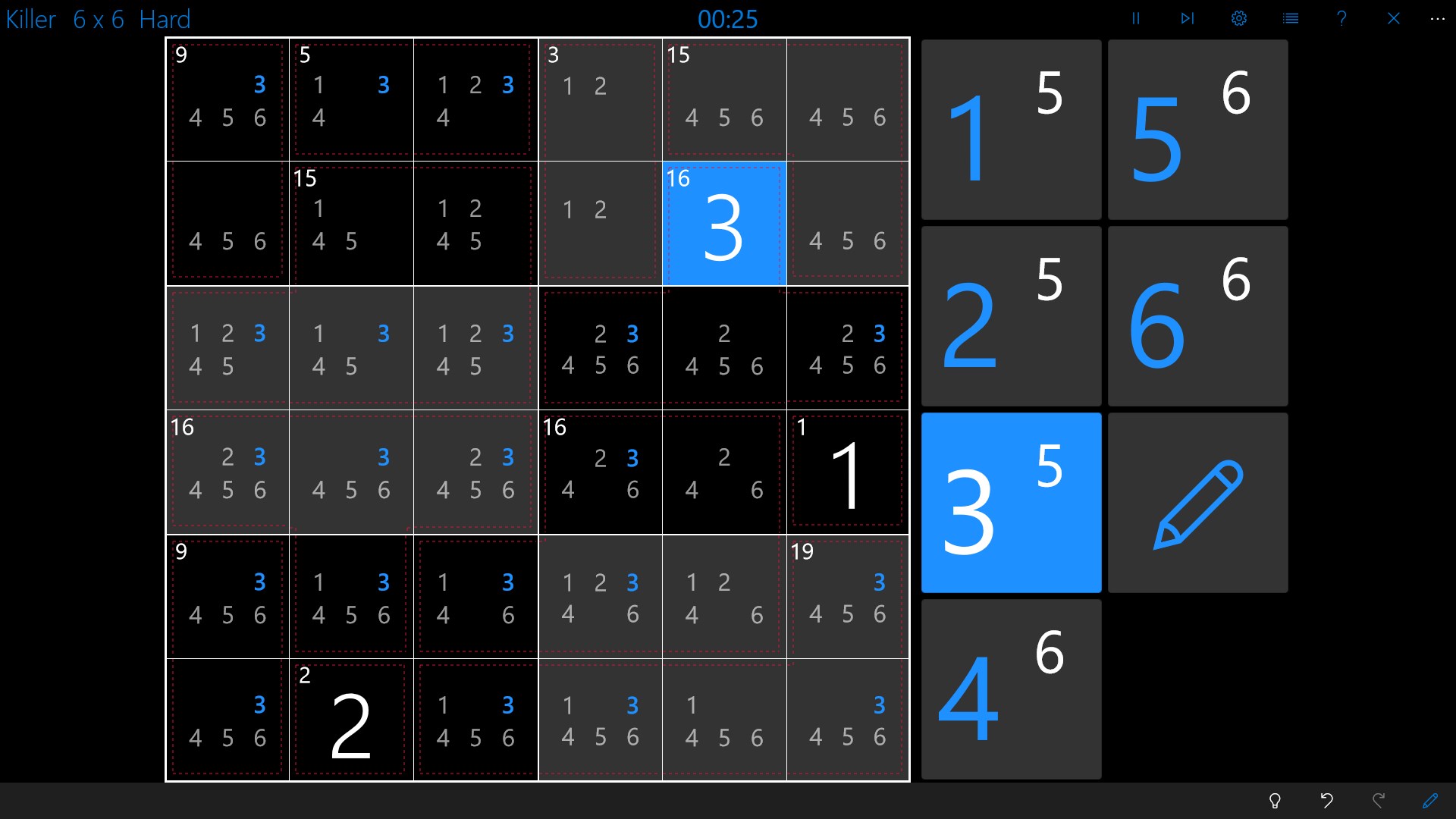
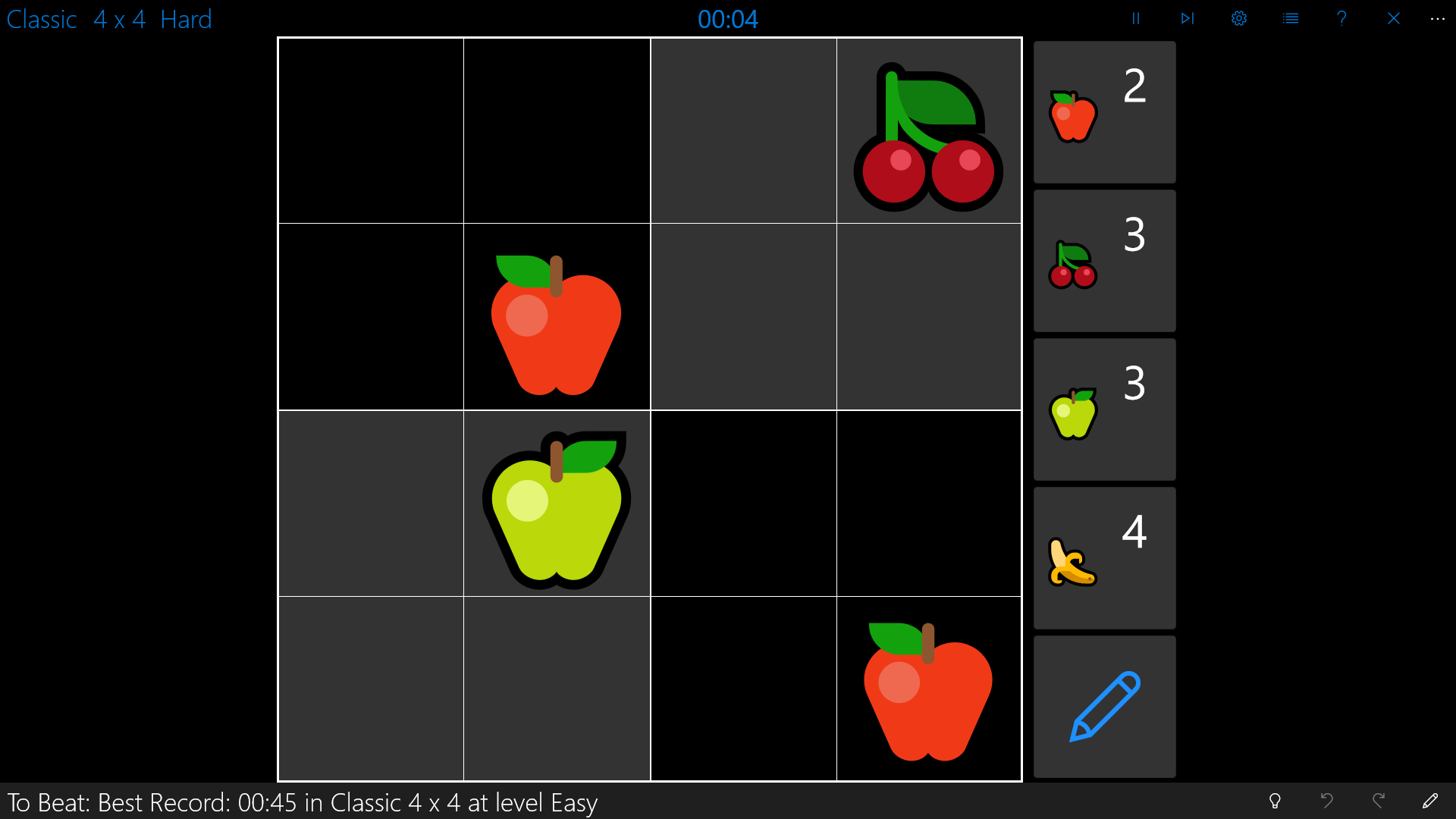
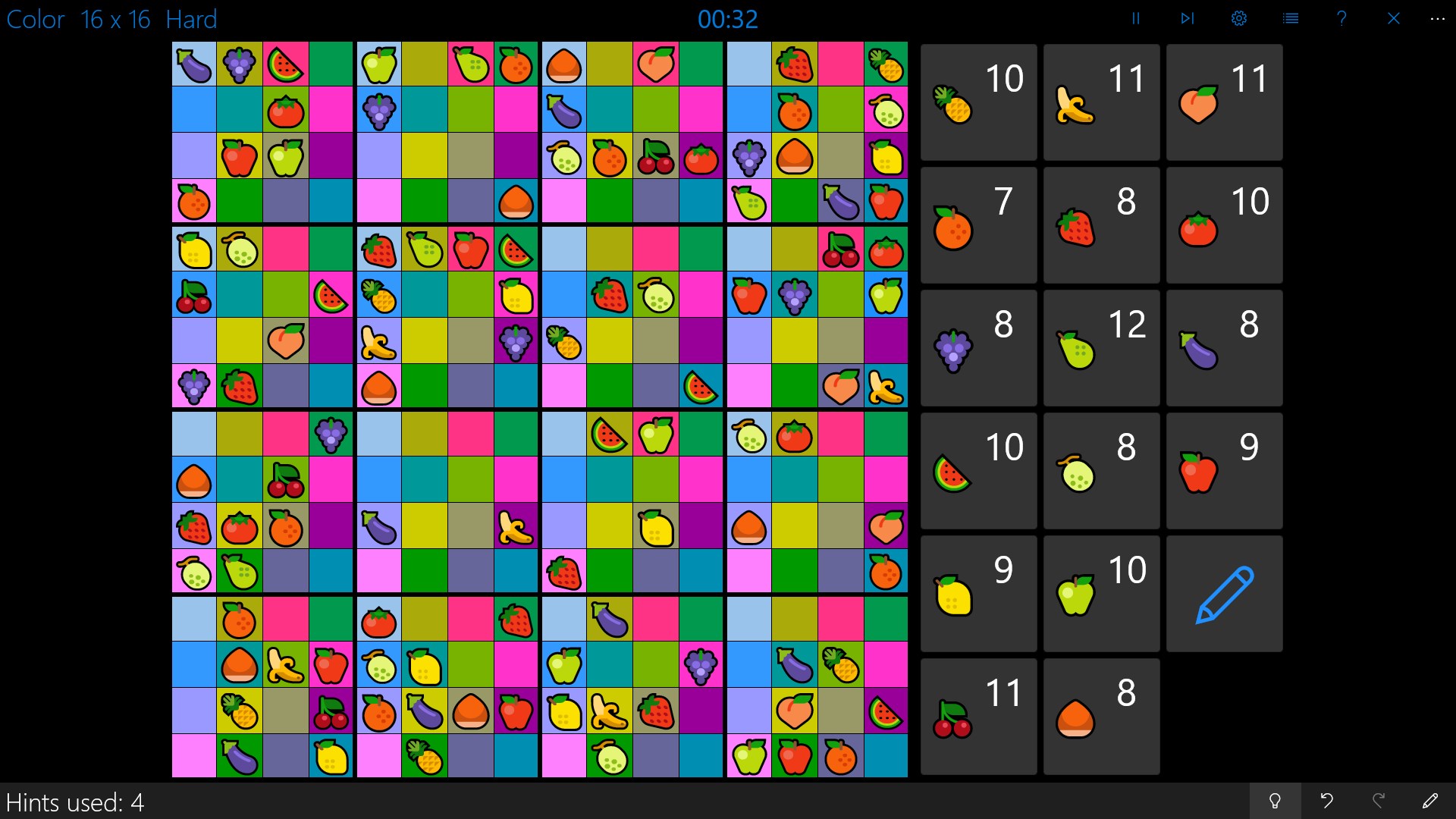
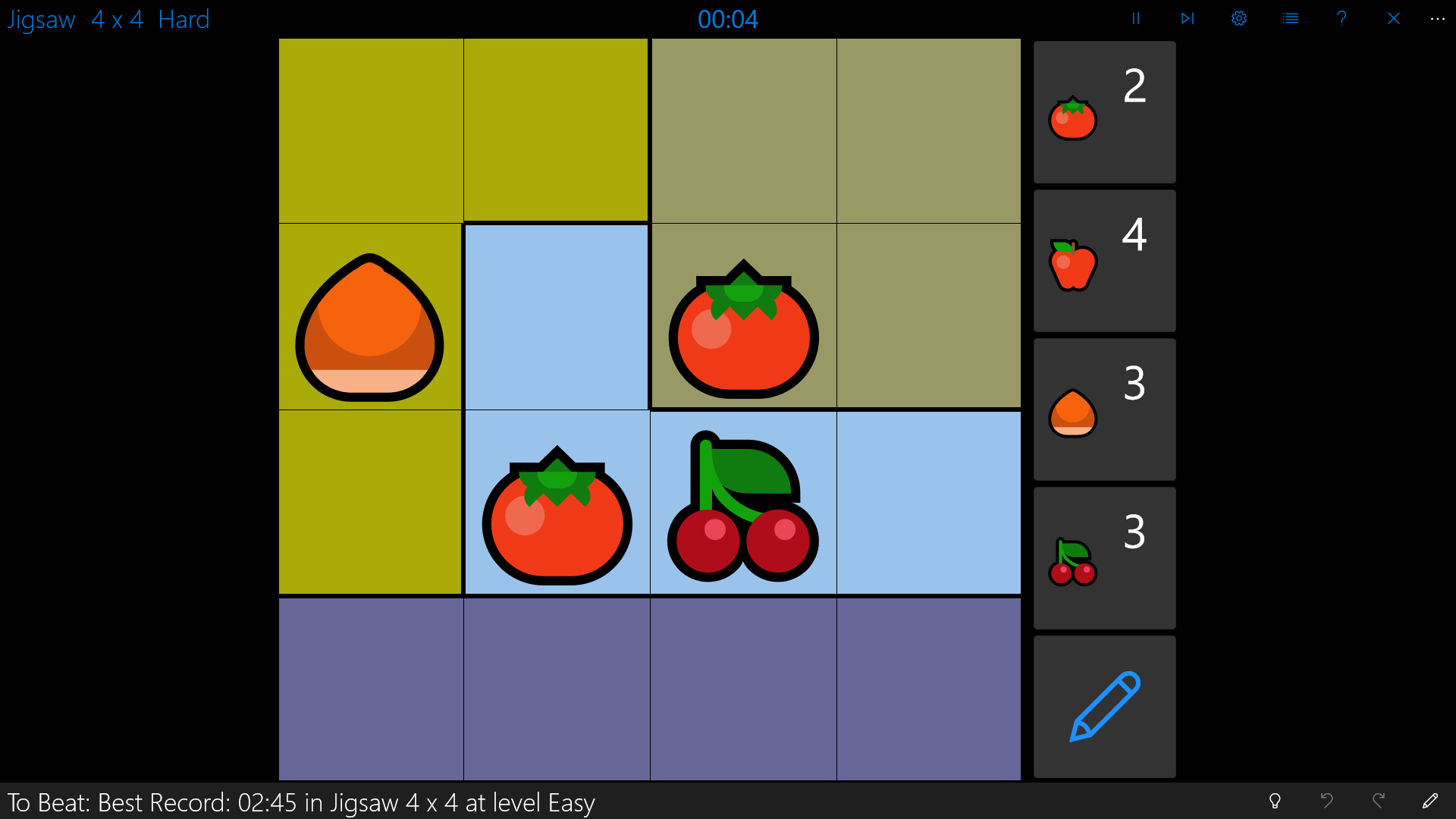
Imagine opening a puzzle book where every page feels inviting yet organized—Sudoku Central's interface captures this essence perfectly. The vibrant yet minimalistic design makes the game inviting without overwhelming the eyes. The grid is clean, with clear numbers and easy-to-read fonts, making it a delight to focus on the problem at hand. Navigation is smooth with responsive controls, ensuring that whether you're Zooming into small cells or switching puzzles, the experience remains fluid. The learning curve is gentle; new players find it easy to start, while seasoned Sudoku fans can jump right into complex puzzles without fuss.
Core Functionality: A Puzzle Galore
The app shines most in its core functionalities. First, the customizable difficulty levels—from easy starter puzzles to challenging expert grids—are a standout, allowing users to tailor their gameplay. The difficulty progression feels logical and rewarding, helping players to build confidence or push their limits. Second, Sudoku Central hosts multiple puzzle modes, including classic Sudoku, variants like Semi-Progressive Sudoku, and even daily challenges, which keep boredom at bay and provide reasons to return daily. Lastly, an insightful hint system is integrated, giving gentle nudges rather than spoiled answers, which fosters learning and improvement.
Unique Features and Differentiators
What truly sets Sudoku Central apart from generic puzzle apps is its emphasis on user customization and puzzle variety. While many Sudoku apps offer static puzzles, this app provides an ever-updating pool of challenges, incorporating a mode that tracks your performance over time and suggests puzzles that match your skill level. Additionally, its adaptive difficulty adjustment for hints and puzzle hints is a subtle but powerful feature—making it suitable for users who want a gentle learning curve or a tough mental workout. These aspects make Sudoku Central not just another digital Sudoku, but a personalized puzzle companion.
Final Thoughts and Recommendations
For Sudoku fans seeking a reliable, well-crafted app that combines classic gameplay with modern touches, Sudoku Central for Windows is a commendable choice. Its user-friendly design, rich puzzle variety, and thoughtful features make it a strong contender in the realm of digital puzzles. I'd recommend it especially to those who enjoy customizing their puzzle experience and appreciate a smooth, distraction-free environment. Whether you're waiting on a bus or relaxing at home, this app is a handy companion to sharpen your mind in a structured yet enjoyable way.
Pros
- Intuitive User Interface
- Wide Range of Difficulty Levels
- Daily Challenges and Rewards
- Offline Play Support
- Additional Puzzle Variants
Cons
- Limited Customization Options
- Ads Occasionally Interrupt Gameplay
- Hints System Could Be More Advanced
- Progress Saving Might Require Manual Input
- Limited Social Sharing Features










