

- Name Wizard of Bingo
- Category Card & board
- Developer Dynamic Games Ltd.
- Available on Mobile, PC
- OS Windows 8.1 or higher
- languages English (United States)
A Fresh Take on Bingo: Wizard of Bingo for Windows
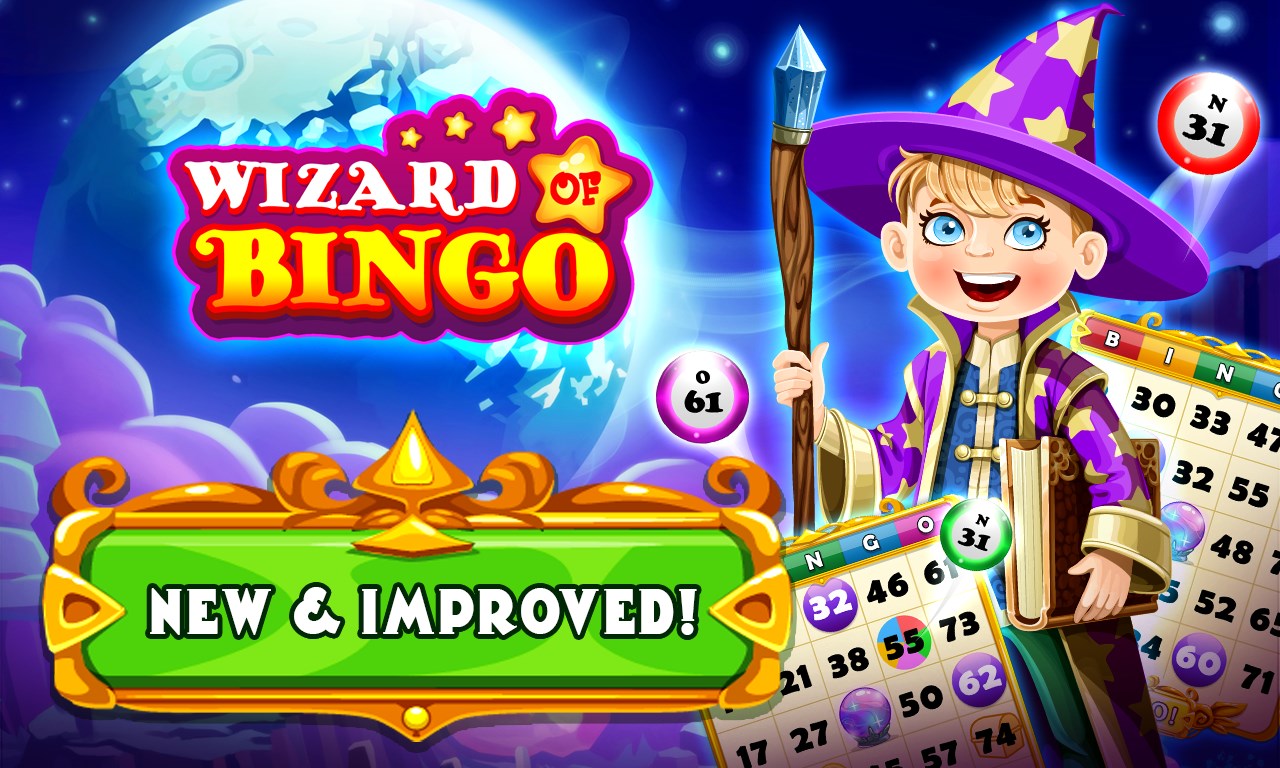
If you're a fan of classic games with a touch of digital magic, Wizard of Bingo for Windows offers a cozy, thoughtfully designed spin on the beloved pastime. Developed by Dynamic Games Ltd., this app aims to bring the traditional excitement of bingo into your modern device while adding unique features that set it apart from other card games.
Meet the Developers: Dynamic Games Ltd.
Based in the UK, Dynamic Games Ltd. specializes in creating engaging, user-friendly digital card and board games. Their goal is to combine nostalgia with contemporary gaming experiences, making classic games accessible and enjoyable for players of all ages.
Key Features That Make Wizard of Bingo Stand Out
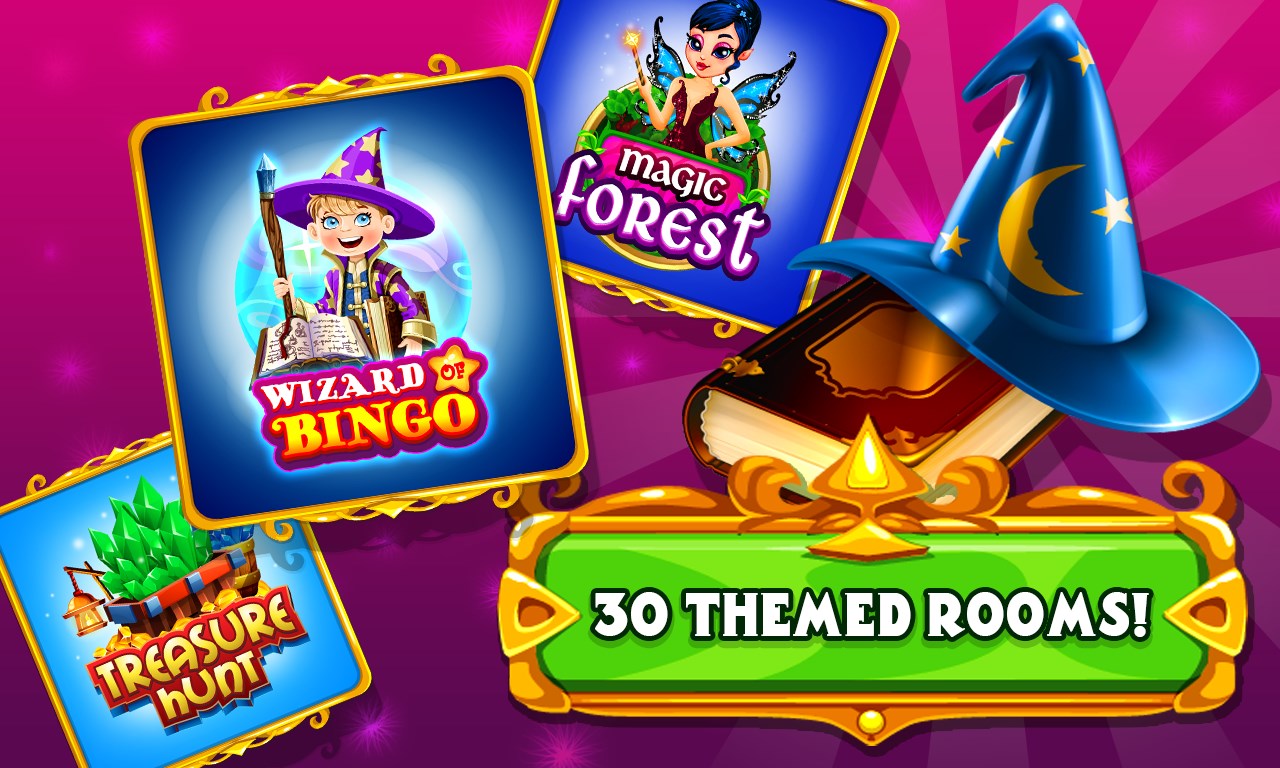
- Customizable Bingo Rooms: Create and personalize your own bingo rooms with themes, sounds, and settings, allowing a more tailored gaming experience.
- Interactive Power-Ups and Bonuses: Unique in-game boosts that spice up gameplay—think of them as your digital "magic spells" to enhance your chances of winning.
- Solo and Multiplayer Modes: Whether you want relaxing solo sessions or competitive multiplayer battles, the app caters to both preferences seamlessly.
- Smooth Gameplay with Intuitive Interface: Designed to be accessible for newcomers yet rich enough for seasoned bingo fans.
Immersing in the Game: A User-Friendly Experience
Stepping into Wizard of Bingo is like entering a friendly gaming parlor—the interface greets you with vibrant colors and intuitive buttons that make navigation feel like a breeze. The main lobby is well-organized, with clearly labeled sections for solo, multiplayer, and custom games, meaning you'll spend less time figuring out controls and more time having fun.
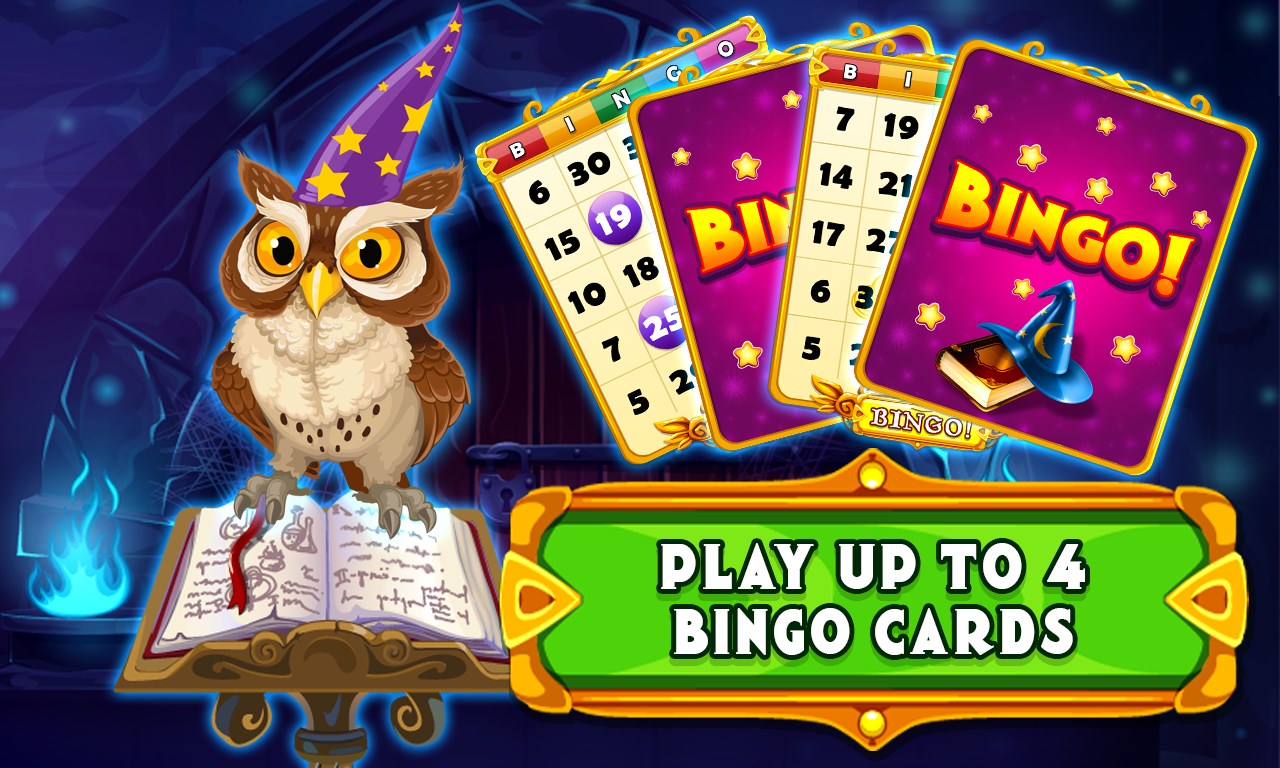
The gameplay itself runs smoothly, with animated numbers that pop up with a satisfying click and sound effects that evoke a traditional bingo hall. The controls are straightforward: tap to join a game, select your cards, and use power-ups with a simple click. This ease of use ensures a gentle learning curve, making it accessible to players of varying ages and skill levels.
Distinctive Features: A Magic Touch in the Card Realm
While many bingo apps stick to the basics, Wizard of Bingo introduces its "Magic Mode," a standout feature. Think of it as summoning a friendly wizard who, at random intervals, offers bonuses or challenges—adding a playful strategic layer. This feature makes each session unpredictable and lively, encouraging players to stay engaged and experiment with different tactics.
Additionally, the ability to customize rooms with themes—whether spooky, festive, or classic—adds a personal flair that isn't common in similar apps. Plus, the integration of social features such as chat rooms and friend invites fosters a community spirit, making it feel less like a game and more like a lively social gathering.
My Take: Is It Worth Giving a Spin?
Overall, Wizard of Bingo for Windows stands out as a well-crafted, enjoyable digital bingo experience. Its most appealing feature—the "Magic Mode"—provides an innovative twist that keeps gameplay fresh and exciting without overcomplicating the core mechanics. The straightforward interface and smooth operation make it suitable for casual gamers and bingo aficionados alike.
While it maintains traditional bingo's charm, its customizable rooms and fun power-ups give it a contemporary edge. I'd recommend it to anyone looking for a friendly, accessible game that balances nostalgia with new features. Whether you want a relaxing solo session or lively multiplayer competition, Wizard of Bingo is a worthy addition to your casual game rotation.
In conclusion, if you're searching for a digital bingo game that offers a few delightful surprises without losing sight of its roots, this app deserves a spot on your desktop. Just imagine it as bringing the classic bingo hall into your own living room—only with a dash of wizardry to make things interesting.
Pros
- User-Friendly Interface
- Engaging Gameplay Mechanics
- Variety of Themes and Rewards
- Offline Play Support
- Regular Updates and New Levels
Cons
- Limited Customer Support Options
- Occasional App Crashes
- In-App Purchases Are Not Transparent
- Graphics Quality Varies on Different Devices
- Limited Social Features










