

- Name Microsoft Ultimate Word Games
- Category Card & board
- Available on PC
- OS Windows 10 version 19041.0 or higher
- languages Chinese (Simplified), Chinese (Traditional), Czech, Danish, Dutch, English (United Kingdom), English (United States), Finnish, French, German, Greek, Hungarian, Indonesian, Italian, Japanese, Korean , Norwegian (Bokmål), Polish , Portuguese (Brazil), Portuguese (Portugal), Russian, Spanish (Spain), Swedish
An Introduction to Microsoft Ultimate Word Games
If you're a fan of word puzzles that challenge your vocabulary while providing a relaxing gaming experience, Microsoft Ultimate Word Games for Windows offers a delightful digital playground. Developed by Xbox Game Studios, this app gathers several beloved word-based puzzles into one cohesive package. It's designed to entertain casual players and word enthusiasts alike, serving as an accessible yet deeply engaging way to sharpen your language skills and enjoy some quality leisure time.
Key Features That Make It Stand Out
Multiple Classic Games in One Place
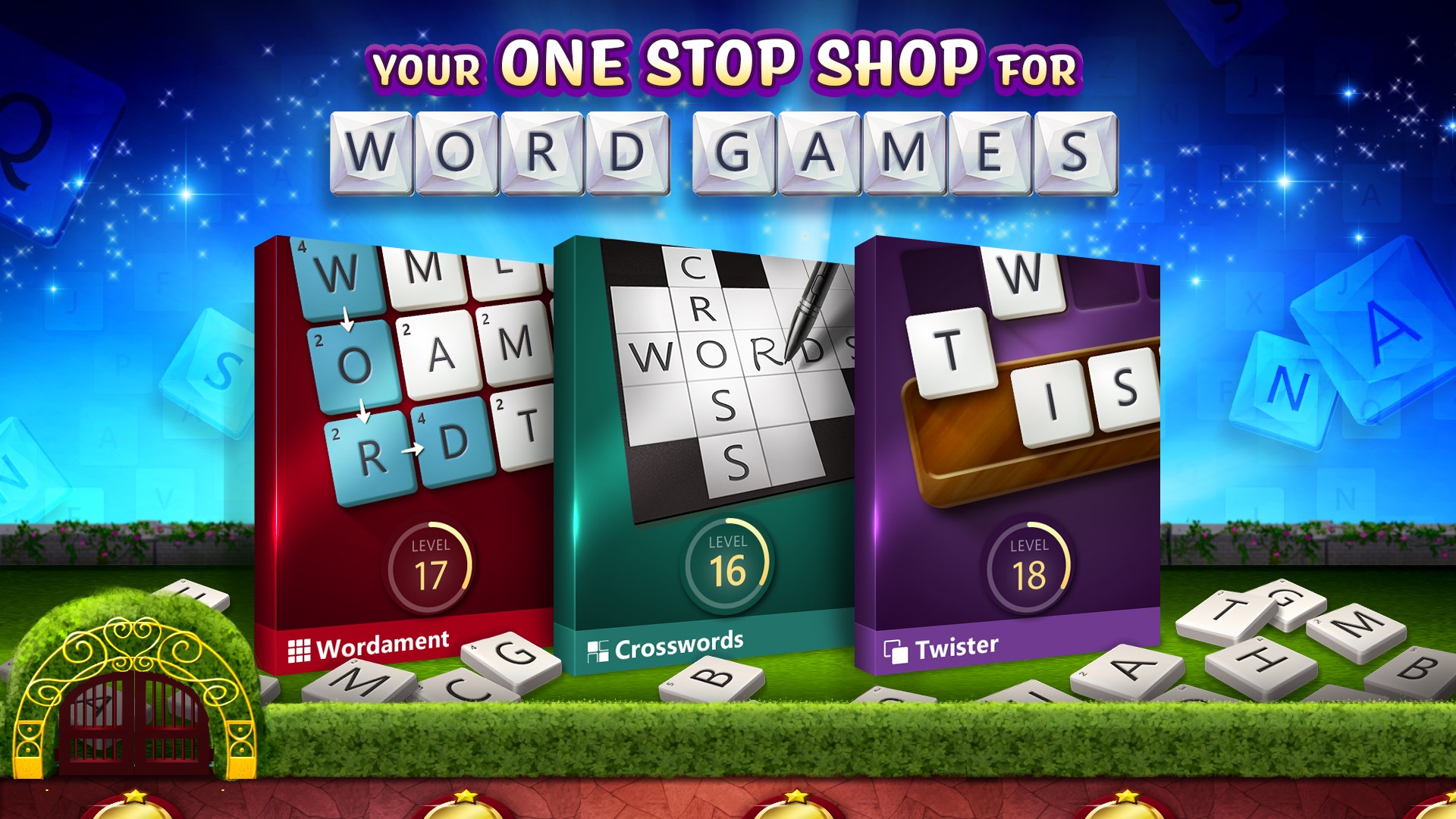
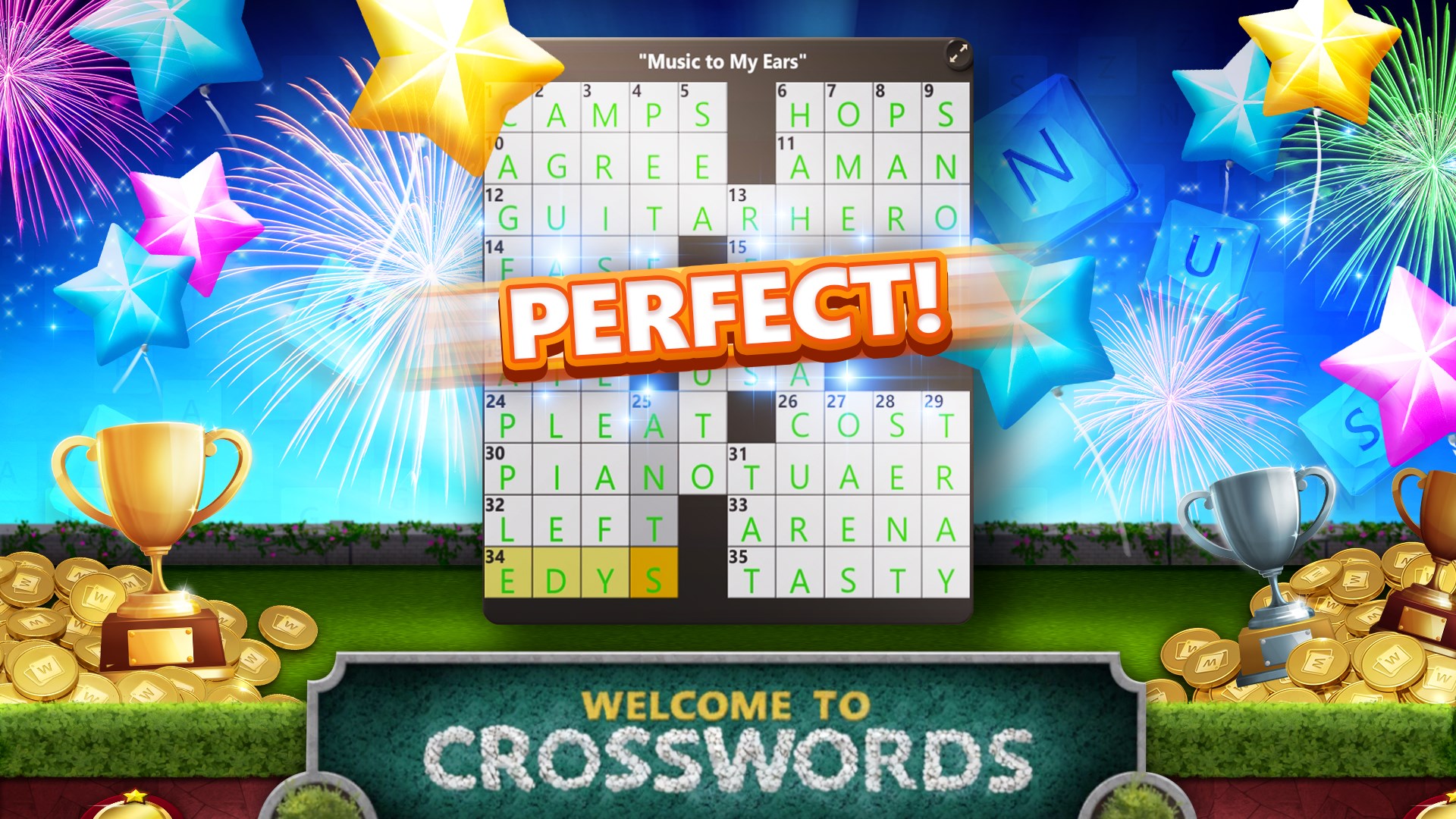
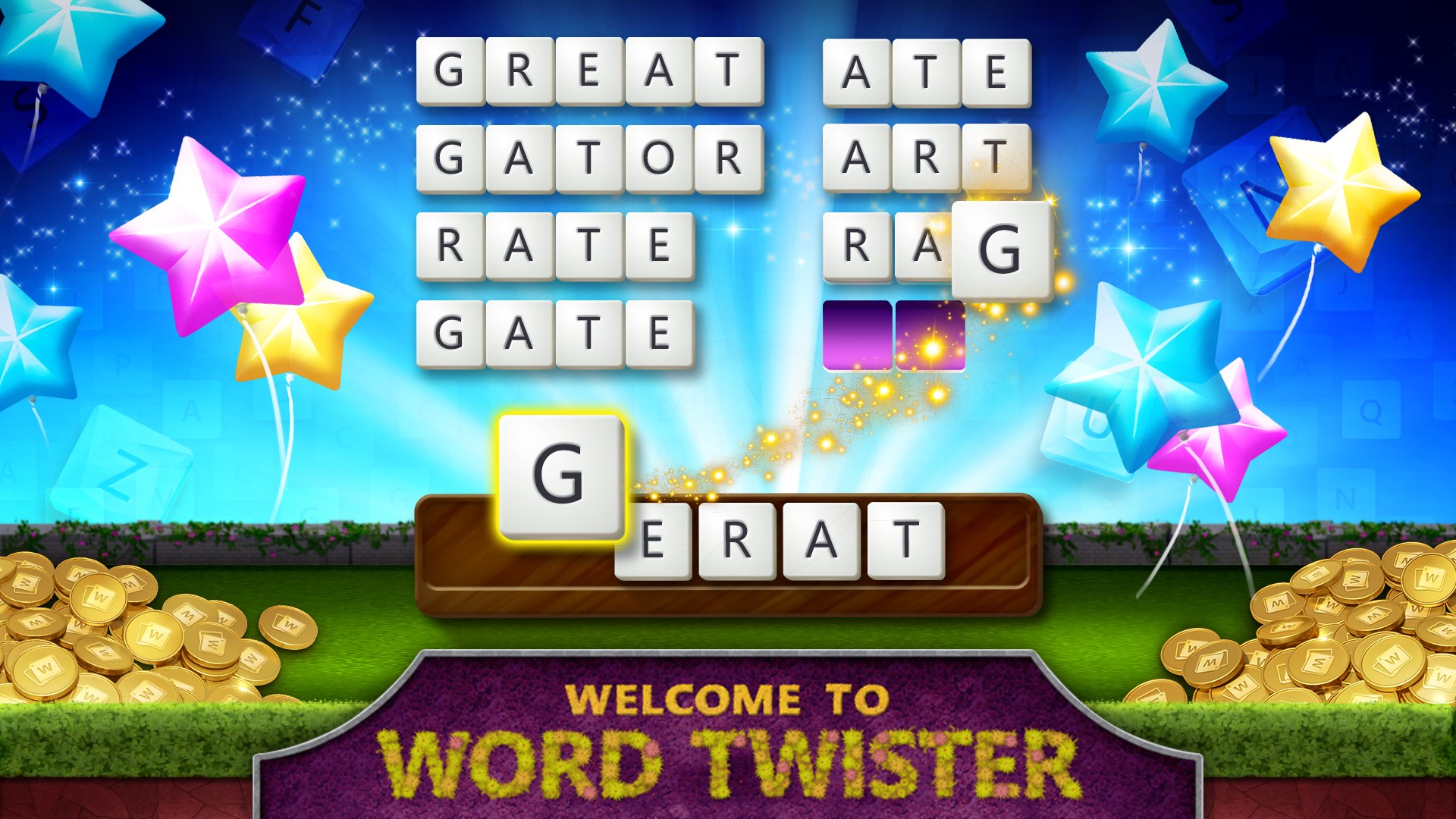
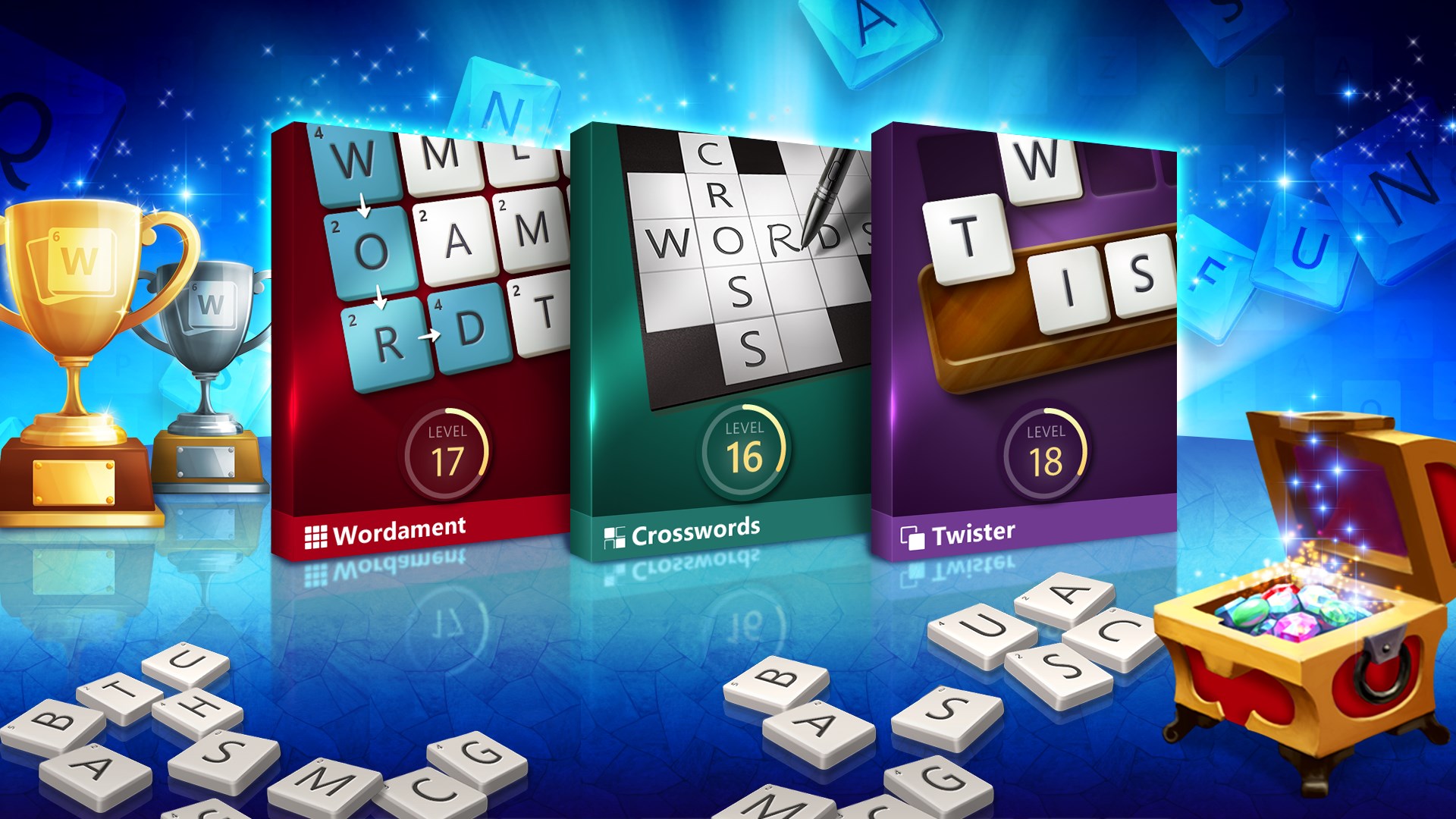
The app combines popular titles like Wordament, crosswords, and anagrams, allowing players to switch seamlessly between puzzle styles without switching apps. This variety caters to different moods and skill levels, ensuring that boredom is never an issue. Whether you enjoy quick, timed challenges or more relaxed, thoughtful puzzles, this collection has you covered.
Progressive Difficulty and Global Leaderboards
One of the app's most compelling features is its adaptive difficulty level, which adjusts based on your performance, helping to keep the challenge engaging without becoming overwhelming. Coupled with real-time, global leaderboards, players can compete with friends or the wider community, adding a layer of social motivation—like a friendly competition at a cozy café, but on your screen.
User-Friendly Interface & Smooth Gameplay
The interface presents a clean, vibrant design that resembles a well-organized desk where each game is a neatly labeled folder. Navigating through the app is fluid, with quick load times and responsive touch controls that feel as smooth as sliding puzzle pieces into place. The learning curve is gentle; even newcomers can jump in quickly, thanks to clear instructions and intuitive controls that feel natural from the start.
Deep Dive into Core Functionalities
Variety and Customization in Gaming Experience
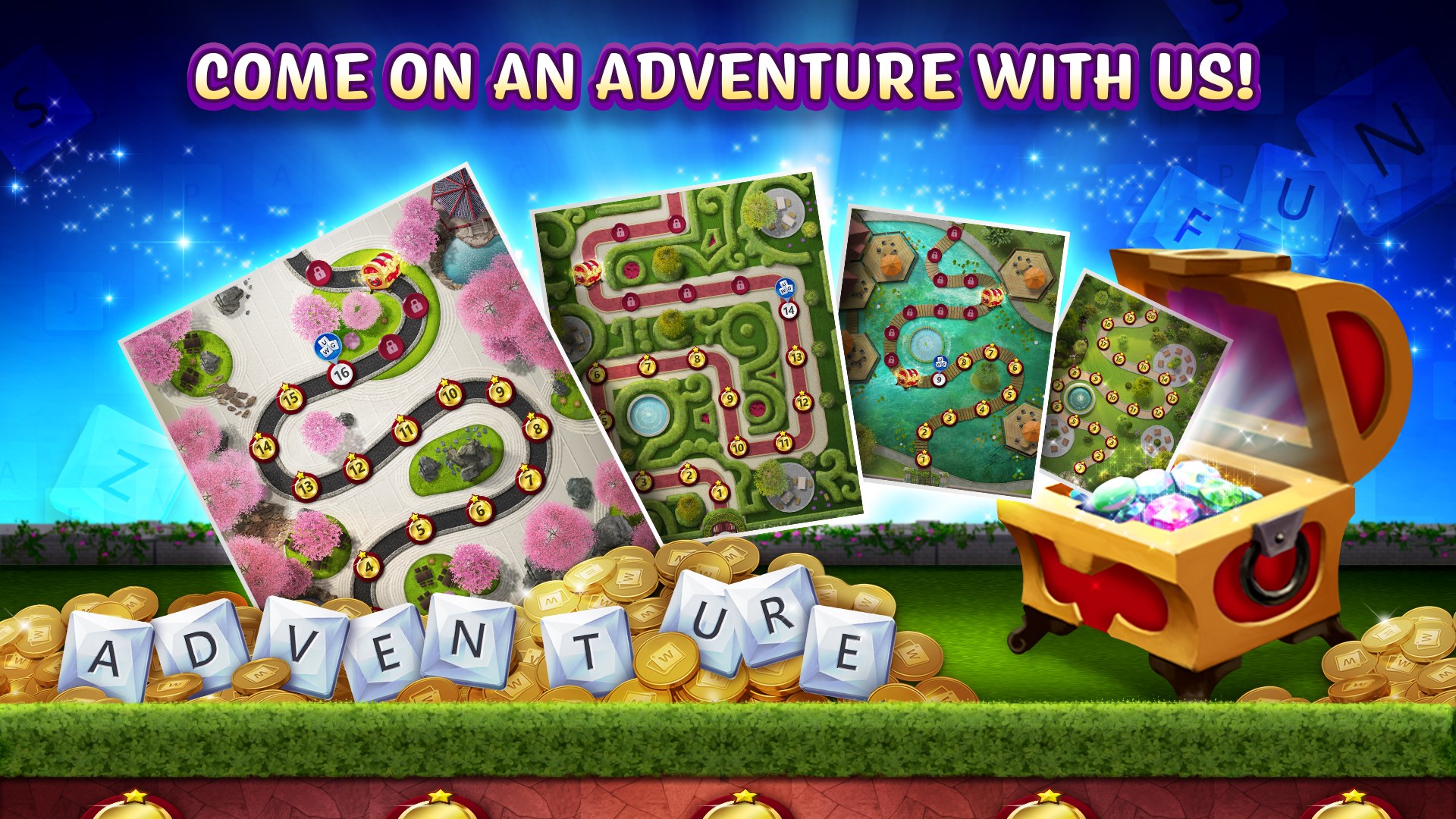
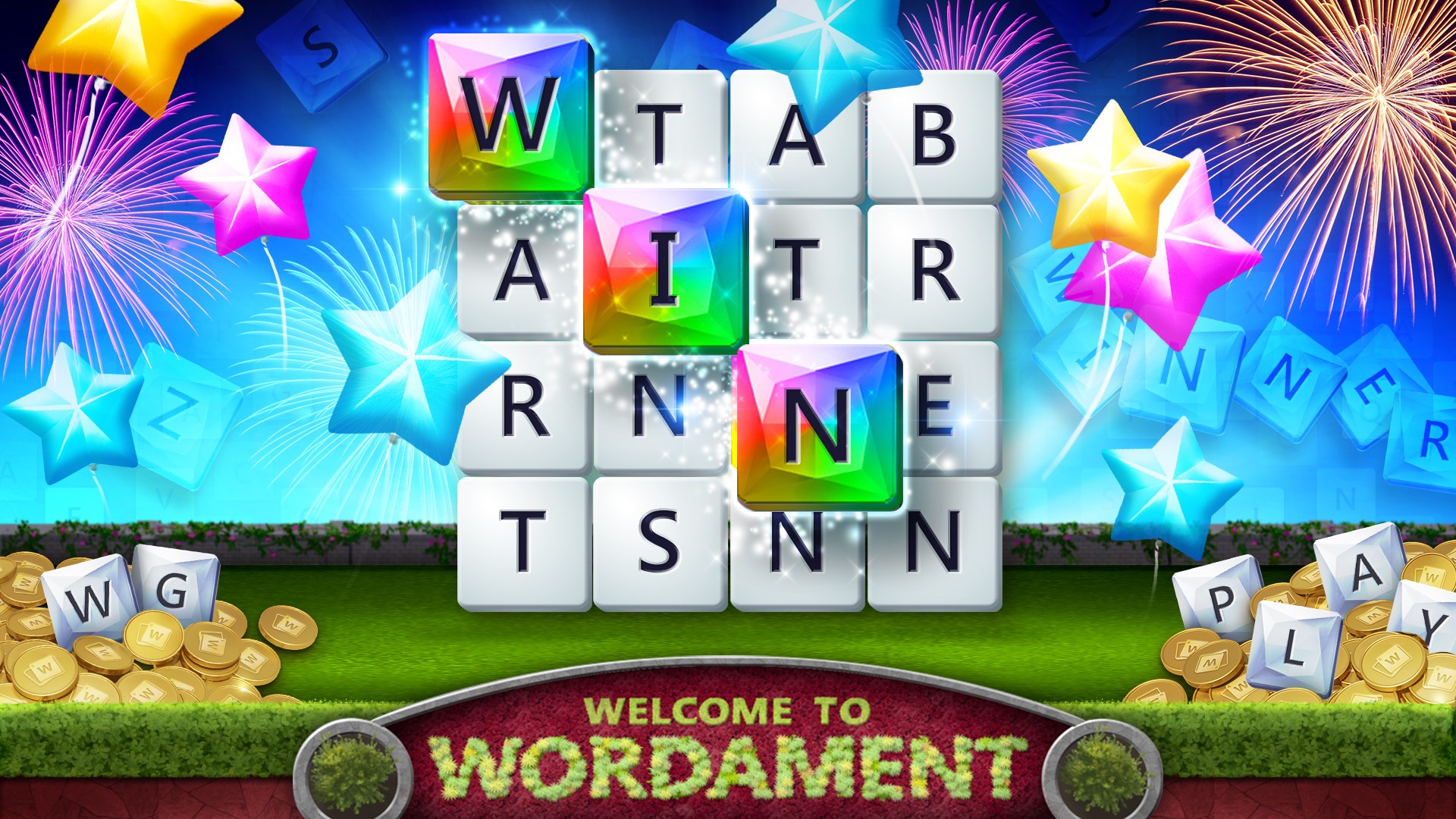
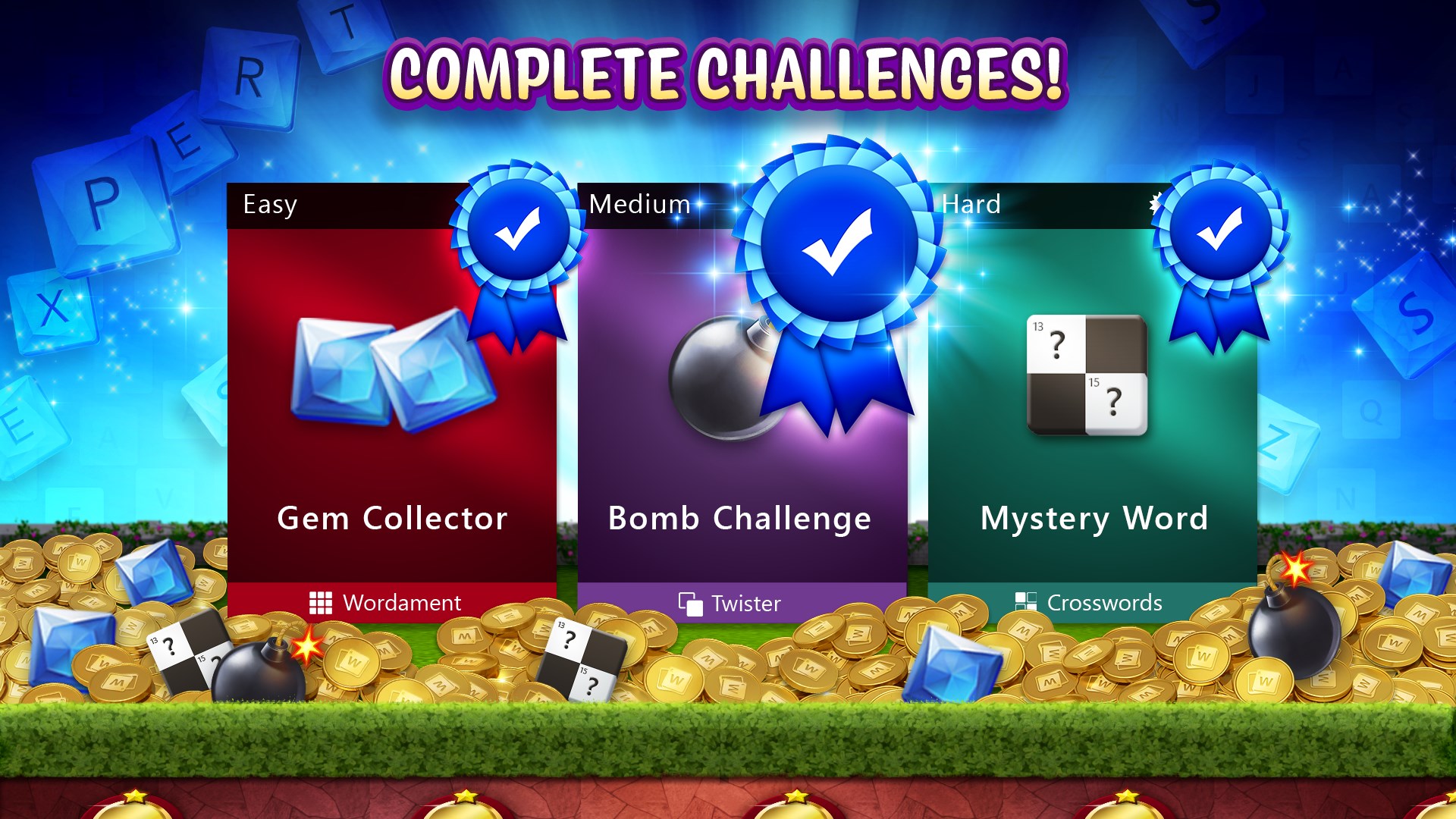
What truly sets Microsoft Ultimate Word Games apart is the carefully curated mix of game modes. Wordament, for example, is a fast-paced, multiplayer game that tests your ability to find as many words as possible within a grid. Crosswords invite slower, more contemplative play, with hints and fill-in-the-blank puzzles that gradually increase in complexity. The app also offers daily challenges, fostering a routine that's easy to get into, like reading a new chapter every day.
Community and Progress Tracking
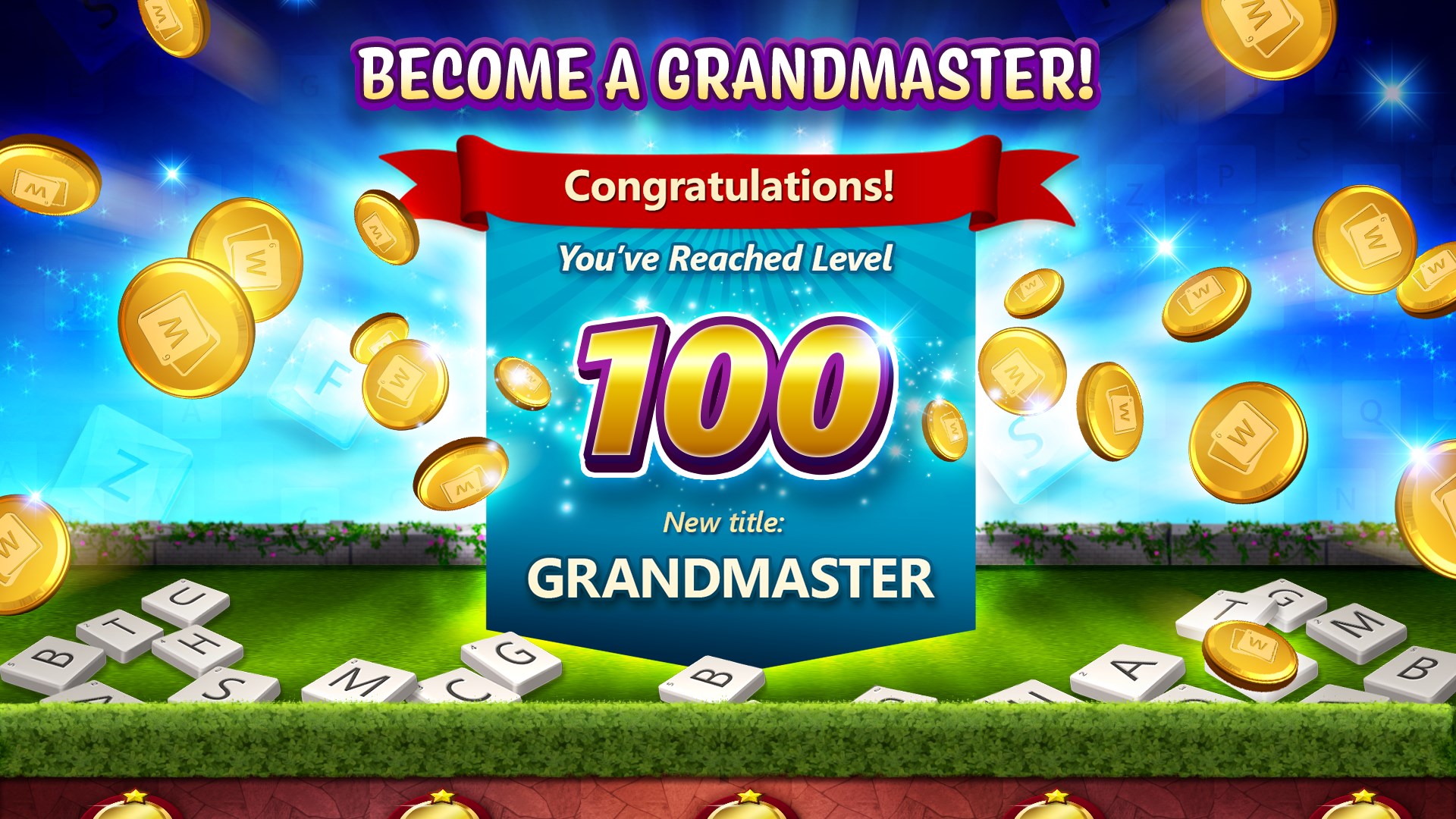
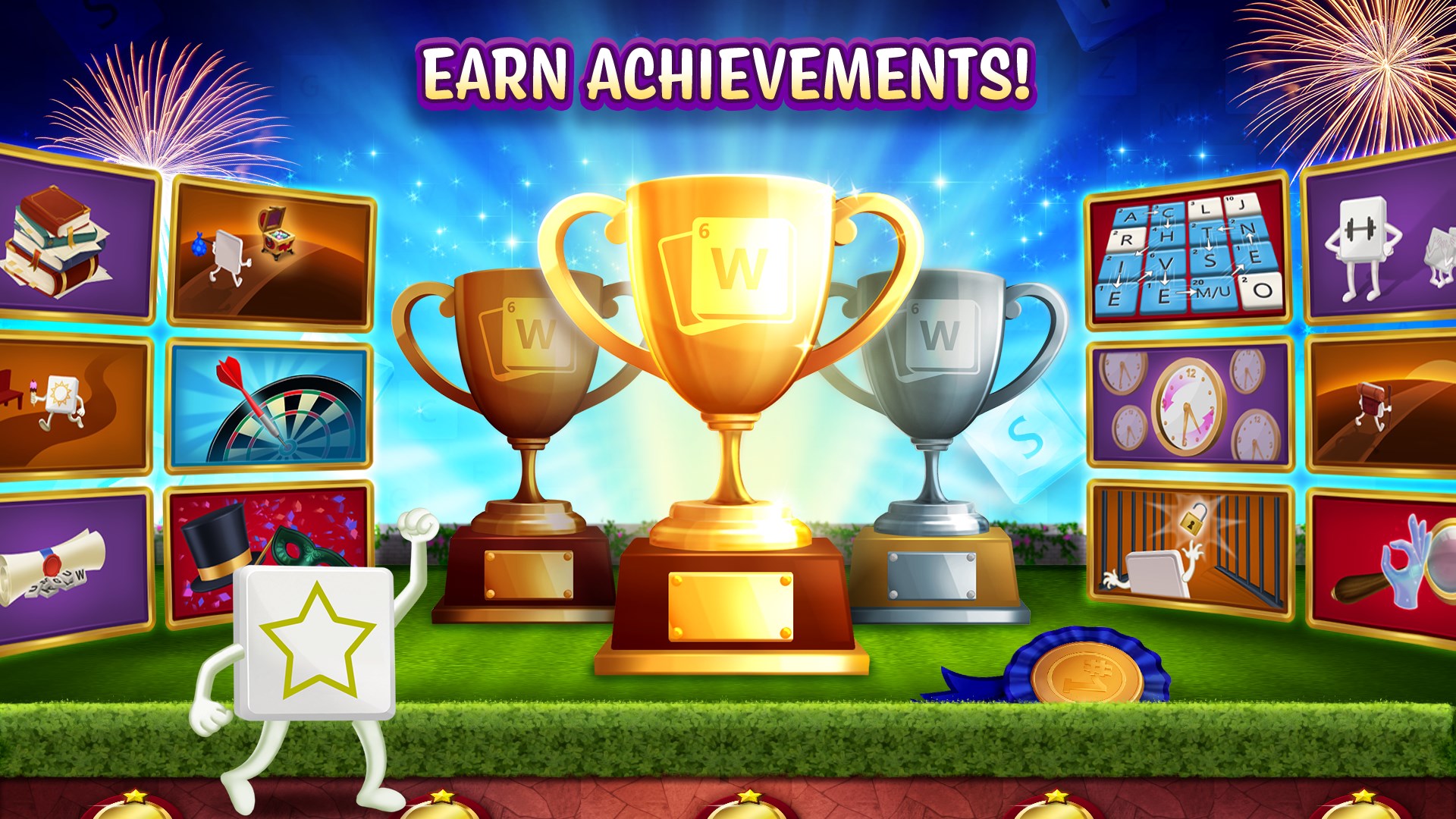
The integration of leaderboards and achievement badges encourages friendly rivalry and personal progress tracking. It's akin to having a personal coach who's always keeping an eye on your improvement, nudging you to beat your own high scores or challenge friends. The app saves your progress seamlessly, allowing you to pause and pick up exactly where you left off, making it perfect for busy schedules.
The User Experience: Design, Ease, and Accessibility
The app's polished interface invites exploration without overwhelming new users. The layout uses soft colors and clear fonts that are easy on the eyes. Operations are instinctive—tapping, dragging, or swiping feel as natural as flipping through a well-loved book. Its responsive design ensures smooth gameplay on various Windows devices, from desktops to tablets. The learning curve is gentle; even if you're new to word puzzles, tutorials and hints help you climb up without frustration, placing enjoyment before pressure.
Unique Selling Points and Differentiation
Compared to other card and board-style applications, Microsoft Ultimate Word Games shines through its thoughtful integration of diverse game modes that cater to different play preferences—from quick brain teasers to leisurely puzzle-solving. Its biggest strength lies in the variety of game styles unified in one app, providing a comprehensive experience for word lovers. The social competitiveness via leaderboards and community features adds a layer of motivation that many similar apps lack. Unlike many puzzle collections that feel disjointed, this app maintains a cohesive experience that feels fresh yet familiar every time you play.
Final Thoughts: Should You Try It?
All in all, Microsoft Ultimate Word Games is a well-crafted, user-friendly collection that balances accessibility with depth. If you enjoy word puzzles and are looking for an app that offers variety, social features, and a clean design, this is a solid choice. I'd recommend it to casual gamers, language enthusiasts, and anyone who appreciates a brain-teasing challenge wrapped in an elegant package. Whether you have five minutes or an hour, it's poised to become your daily companion—like a quiet conversation with an old friend who always keeps your mind on its toes.
Pros
- Engaging gameplay with a variety of word puzzles
- High-quality graphics and smooth animations
- Daily challenges and achievements add motivation
- Offline mode availability
- Regular updates and new content
Cons
- The game can sometimes be too easy for advanced players
- In-app ads can interrupt gameplay
- Limited customization options for themes
- Some puzzle types may feel repetitive over time
- Initial loading times can be slightly long on older devices










