

- Name Yaht 3D
- Category Card & board
- Developer Kelbicom
- Available on PC, Mobile, Surface Hub, HoloLens
- OS Windows 10 version 19041.0 or higher
- Keyboard Integrated Keyboard
- Mouse Integrated Mouse
- languages English (United States)
Introducing Yaht 3D for Windows: A Fresh Take on Classic Card Games
Yaht 3D for Windows by Kelbicom offers a modern, visually engaging twist on the timeless dice and card game, bringing the familiar gameplay into a sleek 3D environment. It's designed to appeal to both casual players and seasoned board game enthusiasts who appreciate a seamless digital experience.
Who's Behind the Deck?
Developed and published by Kelbicom, a team dedicated to creating user-friendly, visually appealing digital card and board games, Yaht 3D benefits from their focus on delivering smooth gameplay and attractive interfaces. Their commitment to quality design shines through in this application, which aims to refresh a traditional game with innovative elements.
Core Highlights of Yaht 3D
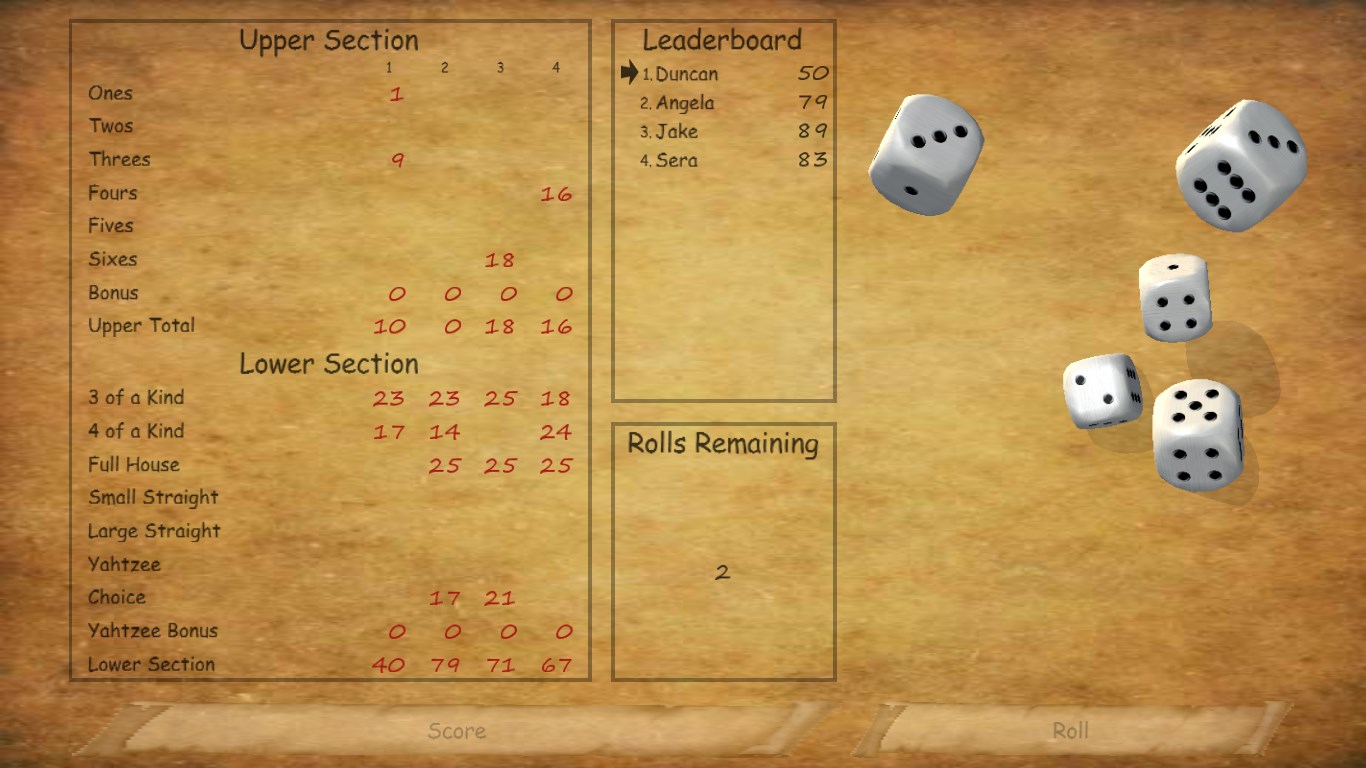
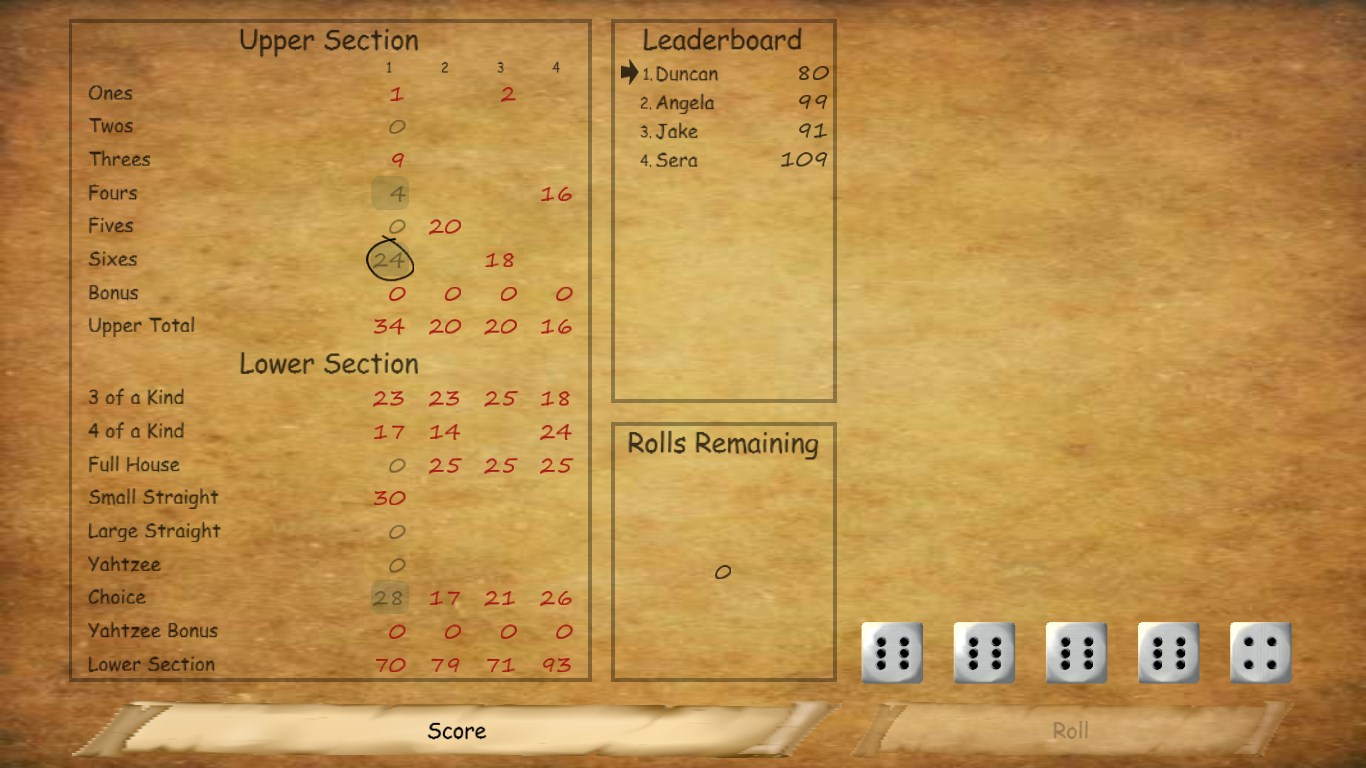
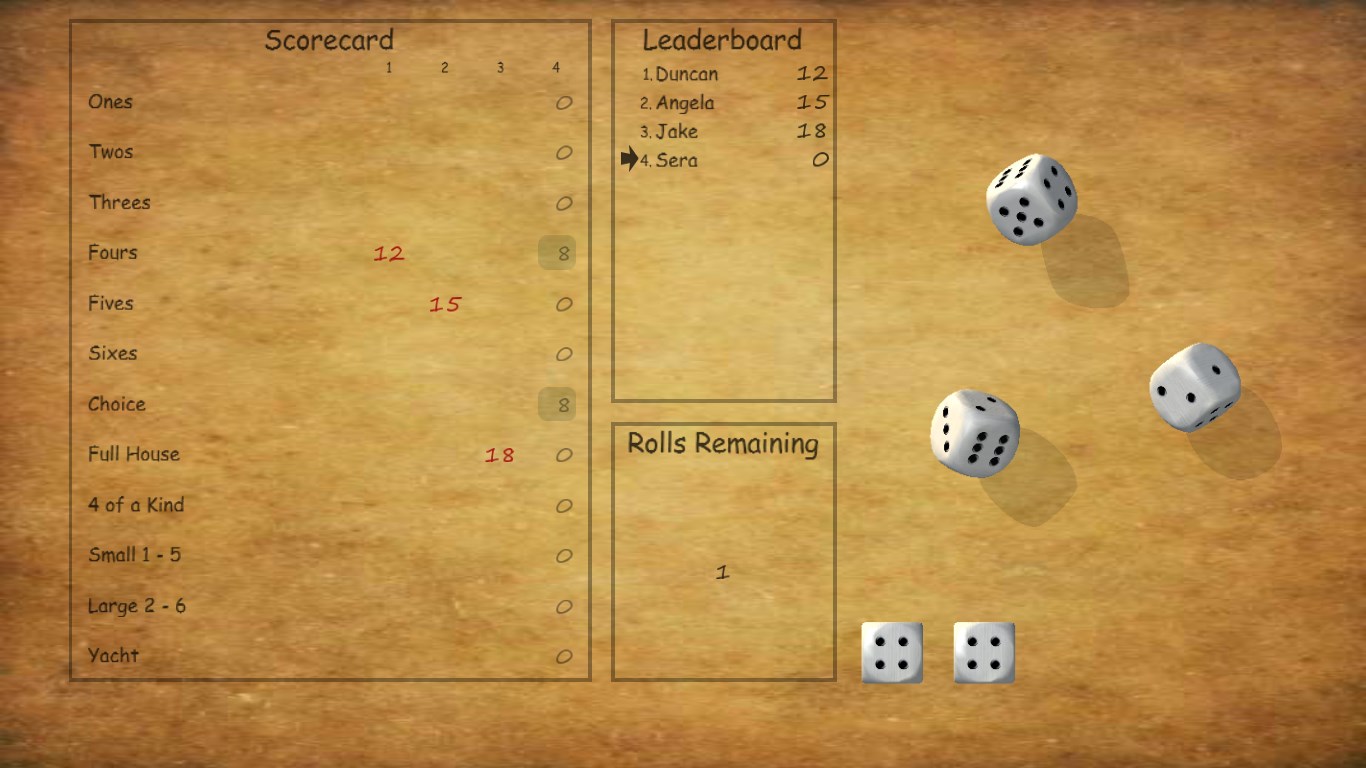
- 3D Visuals and Interactive Environment: Unlike standard 2D counterparts, Yaht 3D immerses players in a vibrant three-dimensional table, with animated dice rolls and lively card shuffles, making gameplay more engaging and intuitive.
- Multiplayer and Solo Modes: The app supports single-player practice against AI opponents, as well as online multiplayer modes, fostering social interaction and competitive fun across distances.
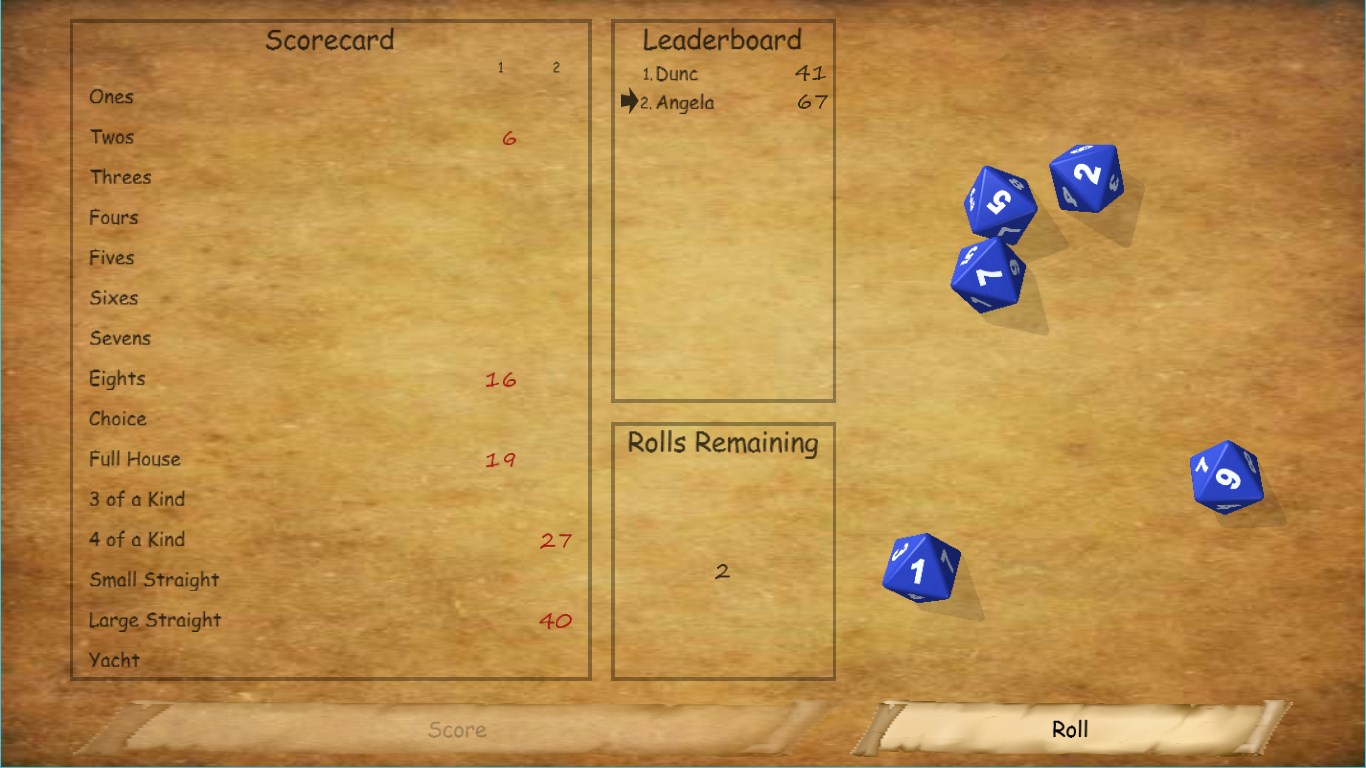
- Customizable Settings & Accessibility: Players can adjust game difficulty, dice sounds, and visual themes, enhancing personalization and accessibility for a broad user base.
An Enthusiastic Dive Into the Gameplay
Imagine sitting at a polished table, sunlight streaming through a window as you reach out to throw dice that clatter convincingly in a virtual space. Yaht 3D transports you into that scene with its slick 3D environment, turning a simple game into an immersive experience. It's like playing in a lively gaming lounge — visually stimulating, engaging, and just a little bit more fun than your average digital card game.
Visual and User Experience: A Feast for the Eyes
The interface is clean and modern, with intuitive controls that allow you to focus on the game rather than struggling with menus. The 3D models are well-designed, providing satisfying visual feedback — think of the dice rolling with physics that mimic real-world dynamics. Navigation feels smooth, with quick response times, making the learning curve gentle even for newcomers. The customization options further empower users, enabling them to tailor the aesthetics and sounds to their liking, which enhances long-term engagement.
Gameplay Mechanics and Core Functionality
The primary feature—the digital rendition of Yahtzee—is executed with precision. Dice rolling animations are responsive and satisfying, adding a tactile feel to the digital interface. The game logic follows standard Yahtzee rules, and the AI opponents display varied strategies, keeping matches unpredictable and challenging. For multiplayer, the real-time online interaction is robust, with low latency that ensures turns flow smoothly, simulating the convivial atmosphere of a physical game night.
What Sets Yaht 3D Apart?
While many card and dice games adopt flat, 2D designs, Yaht 3D's most remarkable trait is its lively 3D environment combined with realistic physics—dice bounce, spin, and settle naturally. This not only enhances immersion but also adds an element of unpredictability and realism that separates it from more static counterparts. Moreover, its emphasis on personalization and diverse game modes caters to both casual players seeking quick fun and dedicated gamers aiming for a competitive edge, making it stand out in a crowded field.
Final Brew: Should You Roll the Dice with Yaht 3D?
Overall, Yaht 3D for Windows presents a noteworthy evolution of the classic game, blending solid gameplay with engaging visuals and user-friendly features. Its standout 3D animations and multiplayer capabilities make it a compelling choice for anyone wanting to enjoy Yahtzee in a rich digital environment.
I'd recommend giving it a try if you value smooth, visually appealing interfaces and enjoy the social aspect of online gaming. Whether you are a casual player or seeking to refine your strategy, Yaht 3D offers a balanced, accessible experience that adds a fresh dimension to this beloved game. So, gather your friends or challenge the AI — the dice are rolling, and the fun awaits!
Pros
- Engaging 3D Graphics
- Intuitive User Interface
- Variety of Game Modes
- Offline Play Capability
- Regular Updates and Improvements
Cons
- Limited Game Customization
- Occasional Performance Lags
- In-app Purchase Prominence
- Sound Effects Are Basic
- Lack of Multiplayer Options











