
- Name Word Cookies!®
- Category Card & board
- Developer BitMango
- Available on PC, Mobile, Surface Hub
- OS Windows 10 version 19041.0 or higher
- DirectX Version 10
- languages English (United States)
An Enchanting Word Puzzle Experience for Windows: Word Cookies!®
If you're a fan of word games that combine fun with a dash of challenge, Word Cookies!® for Windows stands out as a delightful choice. This app brings the beloved puzzle into the desktop realm, offering players an engaging way to sharpen their vocabulary and problem-solving skills while enjoying the cozy thrill of piecing words together. Whether you're waiting for your coffee to brew or unwinding after a long day, this game aims to serve up infinite lexical treats wrapped in a user-friendly package.
About the Developer and Core Features
Developed and published by BitMango, a company known for crafting engaging casual games, Word Cookies!® leverages their experience to deliver a satisfying puzzle experience. Key features include a simple but visually appealing interface, a vast array of levels with increasing difficulty, and intuitive drag-and-drop mechanics. The game emphasizes relaxing gameplay with encouraging feedback, making it suitable for a broad audience. Its primary appeal lies in providing both casual entertainment and brain-teasing challenges, perfect for word puzzle enthusiasts and beginners alike.
A Playful Introduction to Word Cookies!®
Imagine a warm bakery filled with the aroma of freshly baked bread. Now, translate that comforting scene into an app where each puzzle is like discovering a new batch of delicious treats. Word Cookies!® for Windows invites players into a whimsical kitchen where the goal is to bake up as many words as possible from a set of lettered ingredients. The thrill of unearthing hidden words and filling the shelves of your mental pantry keeps players hooked—it's like a culinary adventure for your vocabulary! As you progress, you're greeted with charming animations and friendly sounds that turn a simple puzzle into a heartwarming experience.
Core Functionality and User Experience
Engaging Gameplay Mechanics
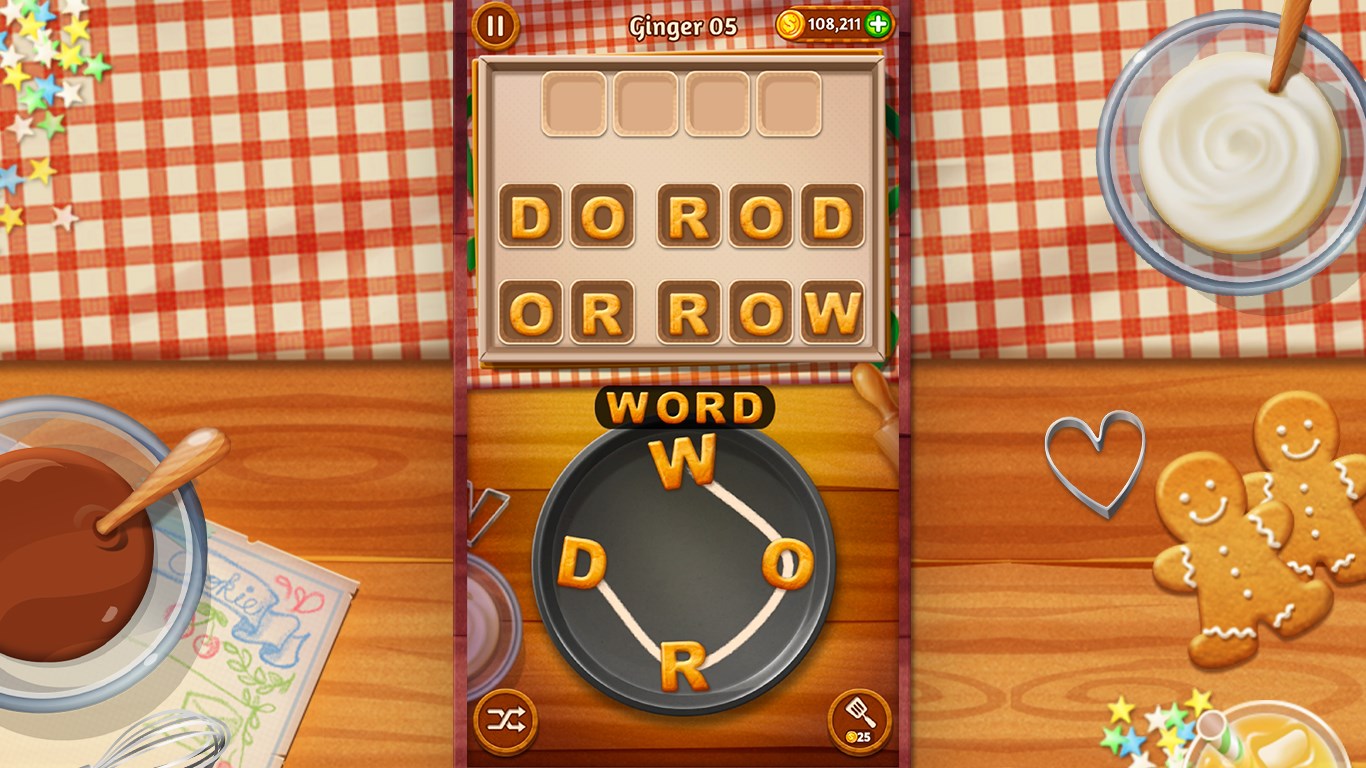
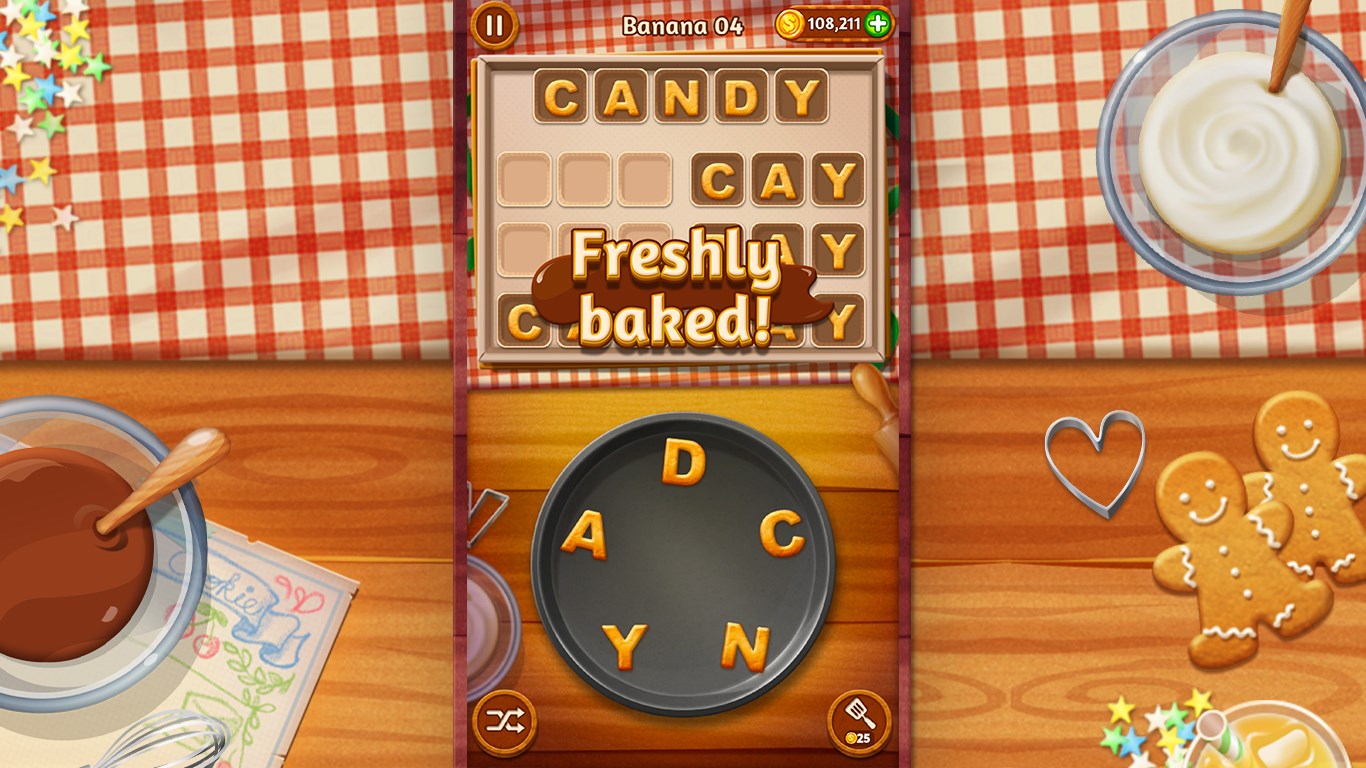
The game's core revolves around rearranging letters to form words, which are then placed into a virtual cookie jar. This straightforward mechanic is executed smoothly, with drag-and-drop gestures feeling responsive and satisfying. The puzzle design consistently balances challenge and reward, encouraging players to think creatively and use hints when needed. The variety of levels—over hundreds—keeps the experience fresh, and special bonus levels introduce unique twists, such as timed challenges or limited guesses, adding layers of complexity for those hungry for more.
Interface & Design
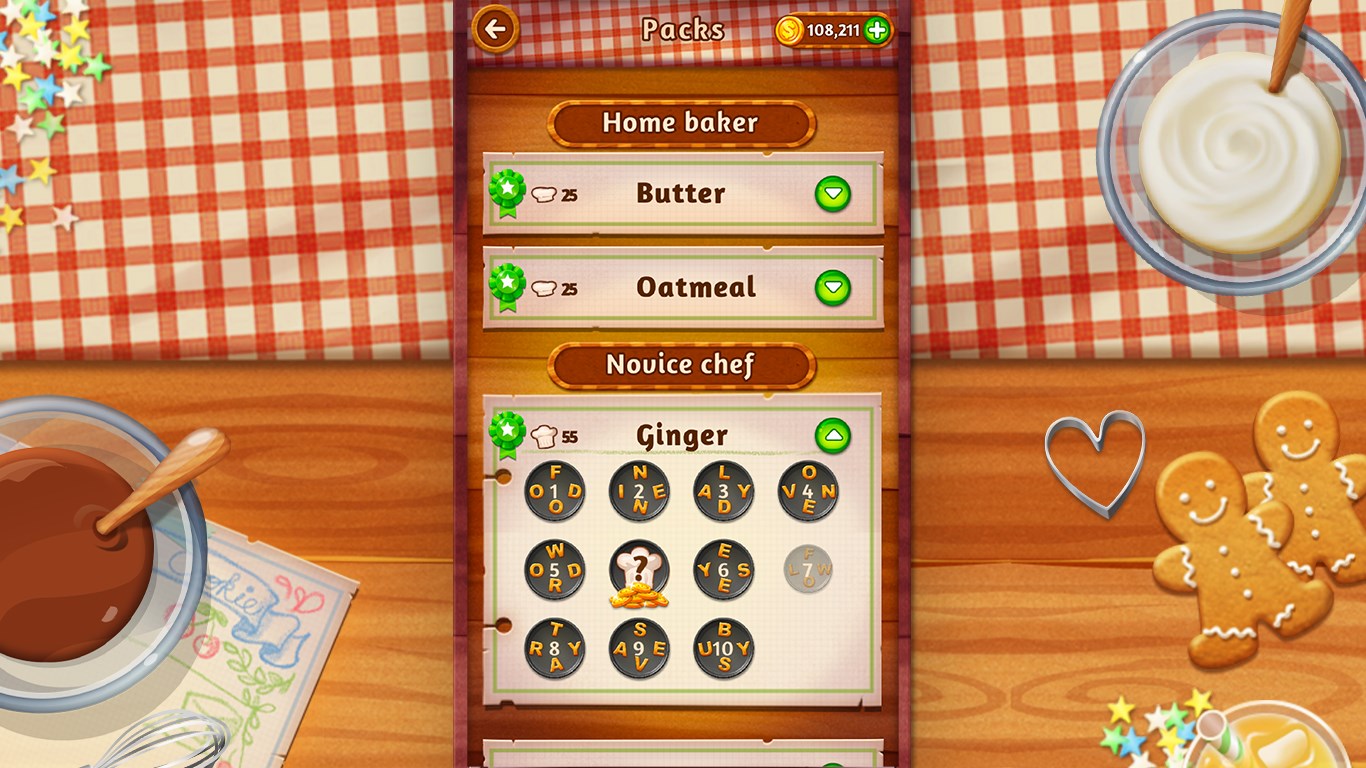
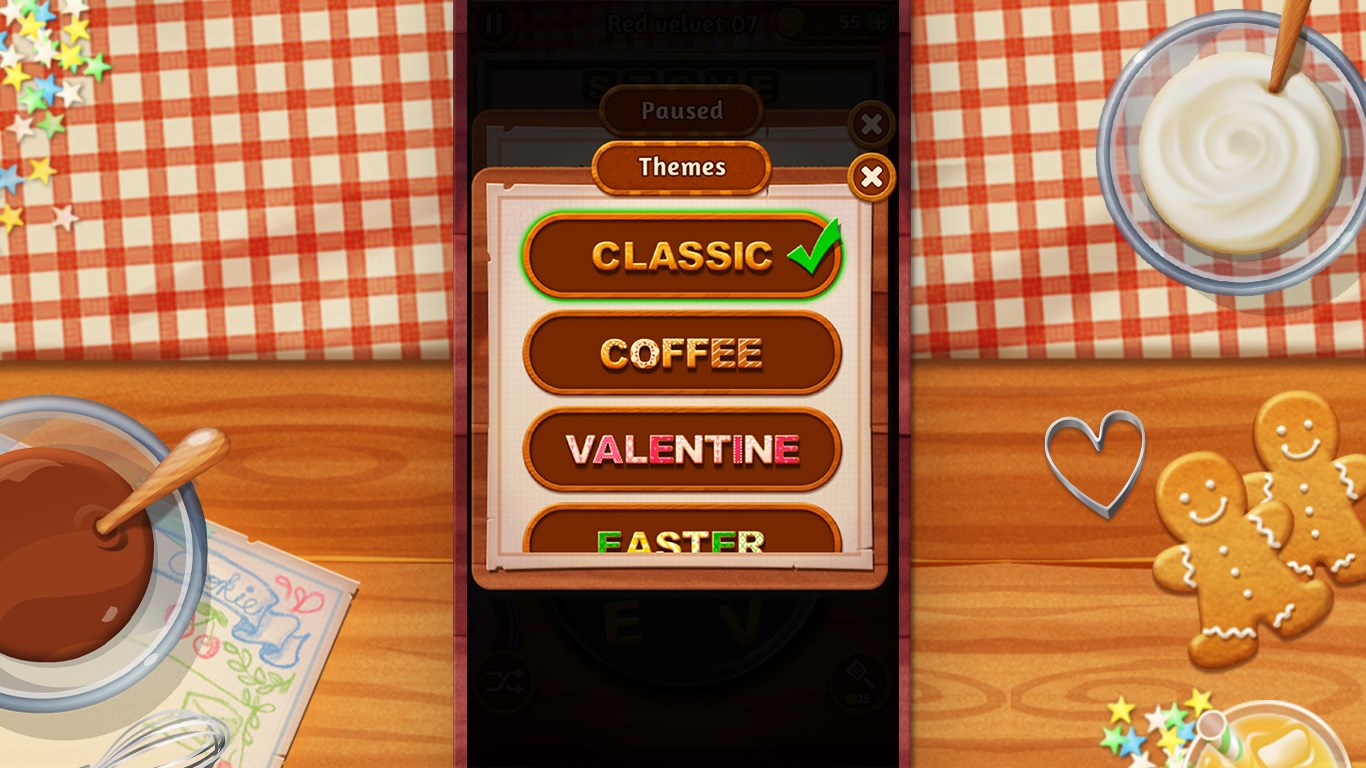
Visually, Word Cookies!® resembles a cozy kitchen scene, with colorful cookie shapes and warm tones that create a friendly atmosphere. The layout is clean, with large, easily tappable buttons and intuitive navigation. The interface's simplicity reduces any learning curve, allowing players to jump right into baking their words. The game runs with fluidity on Windows, with smooth animations and transitions that prevent any jarring interruptions. Additionally, the help section and hints are accessible without cluttering the main interface, making the experience accessible for users of varying ages and skill levels.
User Experience & Learning Curve
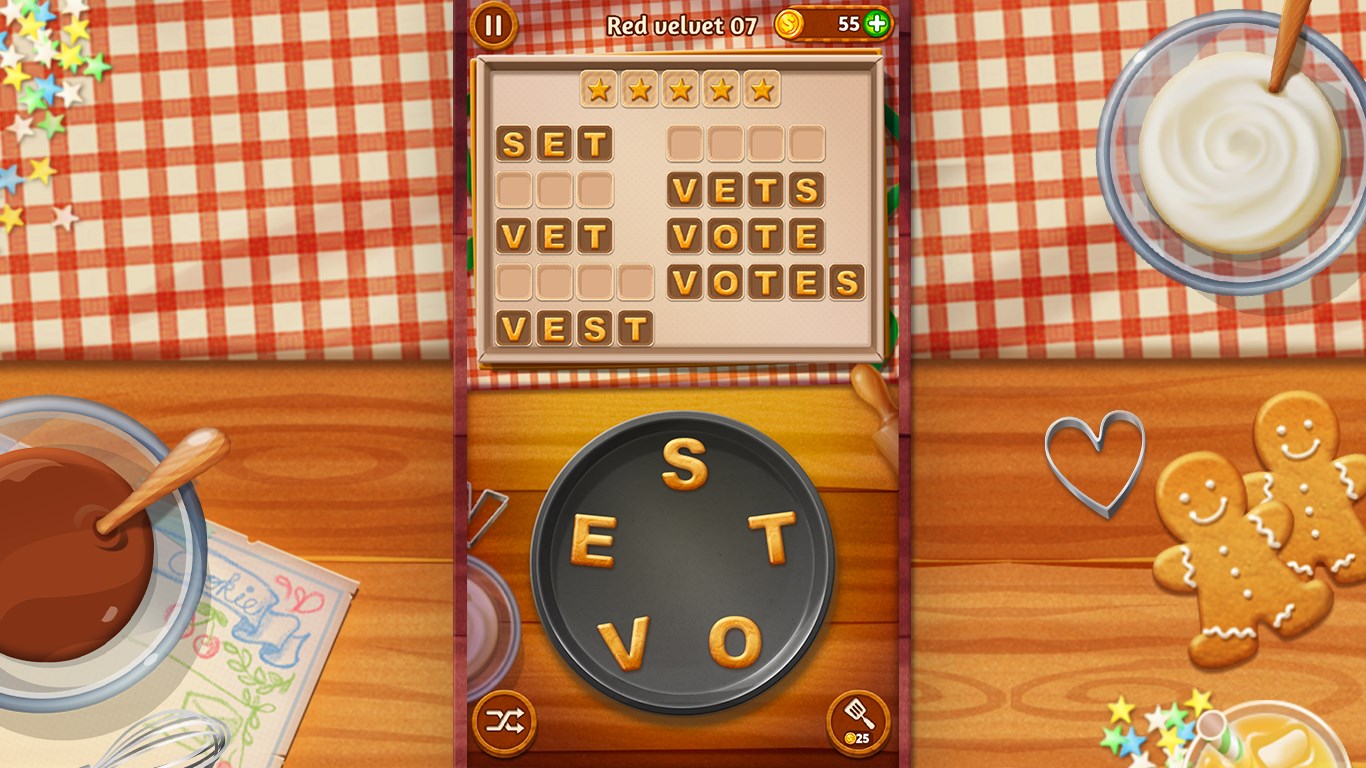
The game is designed to be approachable. Beginners can quickly learn the mechanics through an introductory tutorial, while seasoned puzzle lovers can dive into more complex levels. The difficulty curve rises gradually, ensuring that players are neither overwhelmed nor bored. The game also provides motivational elements such as stars and badges for accomplishing milestones, which further encourages continued play. The overall experience feels polished and thoughtful, making it a pleasure rather than a chore to spend time with.
What Sets Word Cookies!® Apart in the Crowd
While many word puzzles are designed solely around grid-based formats like crosswords or letter matching, Word Cookies!® distinguishes itself by creating a mini "cookie-baking" universe where the process feels warm and welcoming. Its strongest point is the thematic integration—words are baked into cookies, adding a charming narrative layer that turns a typical word game into a delightful thematic experience. The game's relaxing background music harmonizes perfectly with its cozy visual style, creating an environment that's both stimulating and soothing. Its emphasis on gradual progression and unlimited retries ensures players are motivated to improve without feeling punished for mistakes, a feature that many similar apps lack.
Final Thoughts and Recommendations
In summary, Word Cookies!® for Windows offers a blend of casual fun and mental stimulation wrapped in an inviting interface. Its unique baking theme, coupled with straightforward mechanics and smooth performance, makes it a standout in its category. I would recommend it to anyone seeking a relaxing yet challenging word puzzle to keep their mind agile, whether on a quick break or during extended leisure sessions. For those who appreciate a game with a warm aesthetic and gentle progression, this app is certainly worth a try—a perfect digital treat for word lovers.
Pros
- Engaging and addictive gameplay
- Wide variety of puzzle types
- High-quality graphics and sound effects
- Regular updates with new levels
- User-friendly interface
Cons
- Ads can disrupt gameplay experience
- Limited hints for difficult levels
- Requires stable internet connection for some features
- Progression can be slow without in-app purchases
- Some levels may feel repetitive over time











