

- Name Windows Media Player
- Category Music
- Available on Mobile, PC, HoloLens, Xbox console, Surface Hub
- OS Windows 10 version 19042.0 or higher
- languages Afrikaans, Albanian, Amharic, Arabic, Armenian, Assamese, Azerbaijani, Bangla (Bangladesh), Bangla (India), Basque, Belarusian, Bosnian (Latin, Bosnia and Herzegovina), Bulgarian, Catalan, Central Kurdish (Iraq), Chinese (Simplified), Chinese (Traditional), Chinese (Traditional, Hong Kong SAR), Croatian, Czech, Danish, Dari, Dutch, English, English (United Kingdom), English (United States), Estonian, Filipino, Finnish, French, French (Canada), Galician , Georgian, German, Greek, Gujarati, Hausa (Latin), Hebrew, Hindi, Hungarian, Icelandic, Igbo, Indonesian, Irish, isiXhosa, IsiZulu, Italian, Japanese, K'iche' (Guatemala), Kannada, Kazakh, Khmer, Kinyarwanda, Kiswahili, Konkani, Korean , Kyrgyz, Lao, Latvian, Lithuanian, Luxembourgish, Macedonian, Malay, Malayalam, Maltese, Maori, Marathi, Mongolian (Mongolia), Nepali, Norwegian (Bokmål), Odia, Persian, Polish , Portuguese, Portuguese (Brazil), Portuguese (Portugal), Punjabi (Arabic), Punjabi (India), Quechua, Romanian, Russian, Scottish Gaelic, Serbian, Serbian (Cyrillic, Bosnia and Herzegovina), Serbian (Cyrillic, Serbia), Serbian (Latin) (Serbia and Montenegro (Former)), Serbian (Latin, Serbia), Sesotho sa Leboa, Setswana, Sindhi (Arabic), Sinhala, Slovak, Slovenian (Slovenia), Spanish, Spanish (Mexico), Spanish (Spain), Swedish, Tajik, Tamil, Tatar, Telugu, Thai, Tigrinya, Turkish, Turkmen, Ukrainian, Urdu, Uyghur, Uzbek, Valencian, Vietnamese, Welsh, Wolof, Yoruba
A Sleek and Functional Media Player for Windows Enthusiasts
Windows Media Player for Windows, developed by Microsoft Corporation, positions itself as a reliable and user-friendly media playback solution designed for a broad audience seeking seamless media experiences on their PCs. Whether you're a casual listener, a dedicated music lover, or someone managing large media libraries, this app promises to deliver an efficient way to enjoy your media content without the clutter of unnecessary bells and whistles.
Core Features That Make It Stand Out
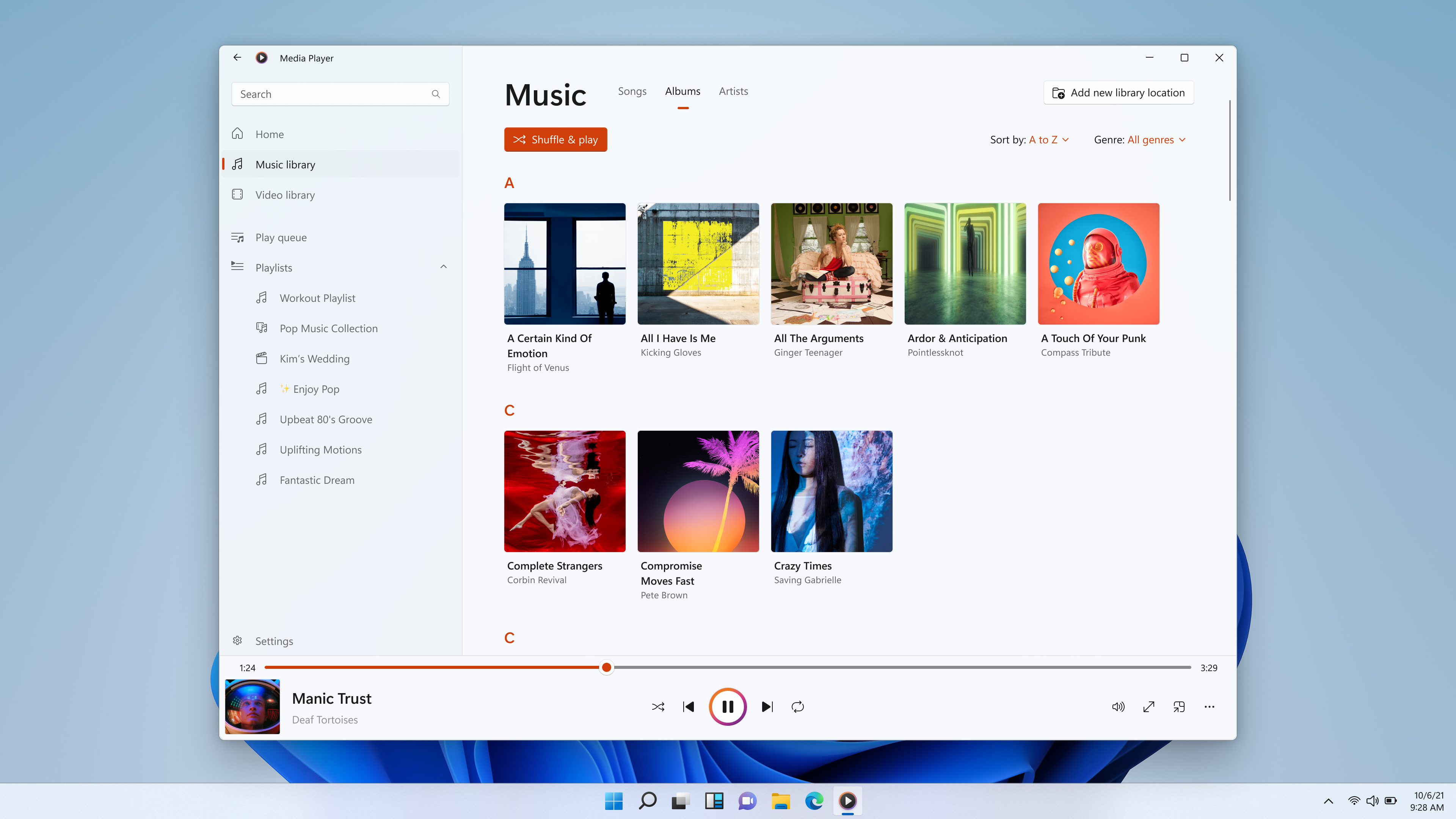
Intuitive Media Library Management
The app provides a straightforward and organized interface to browse, sort, and search through your music and video collections. Its smart metadata recognition ensures your media is accurately categorized, making it easy to locate that favorite playlist or documentary quickly. Imagine going from a chaotic folder of clips to a tidy, accessible library — that's the simplicity Windows Media Player strives to offer.
Enhanced Playback Performance with Low Latency Tolerance
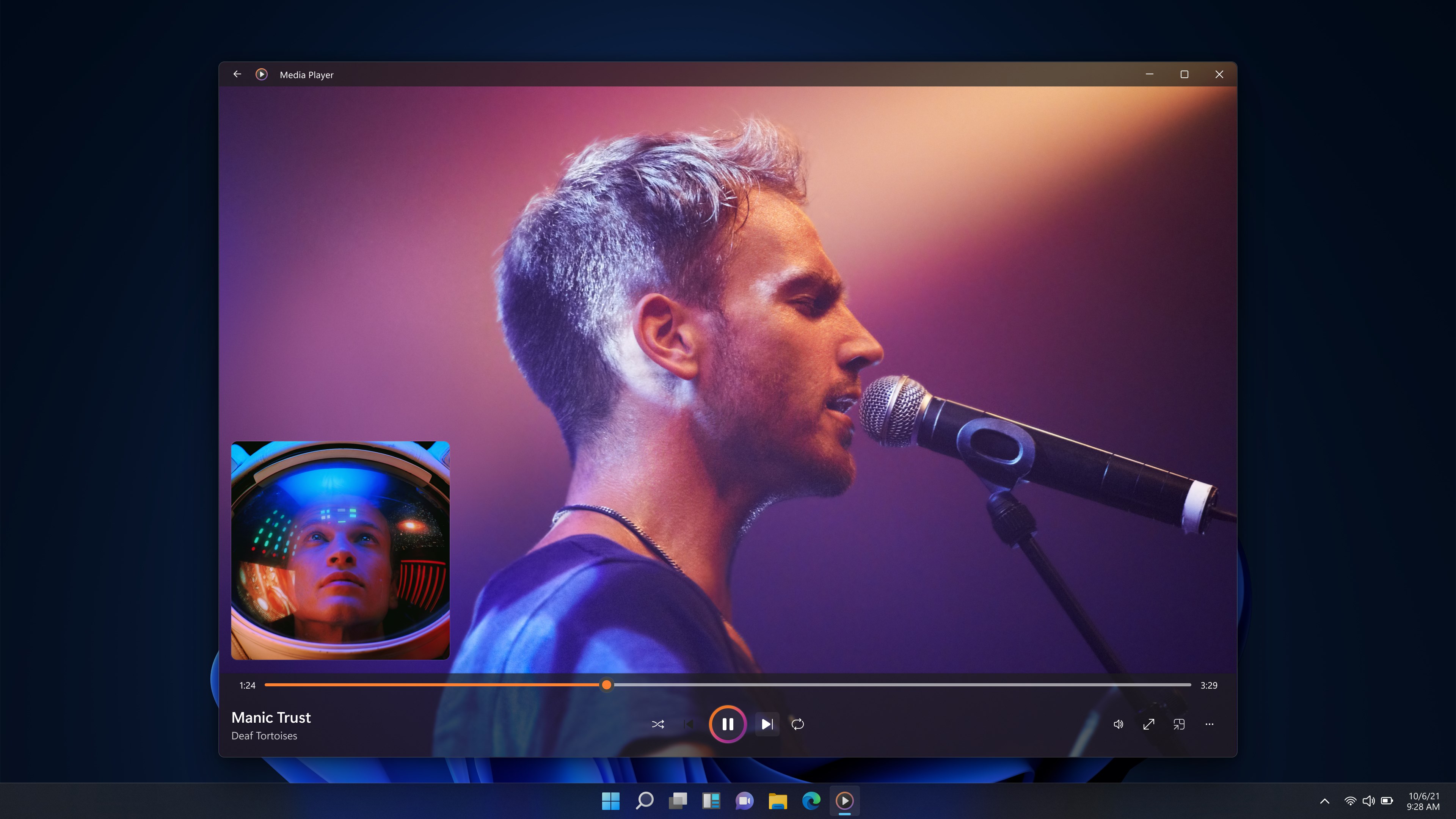
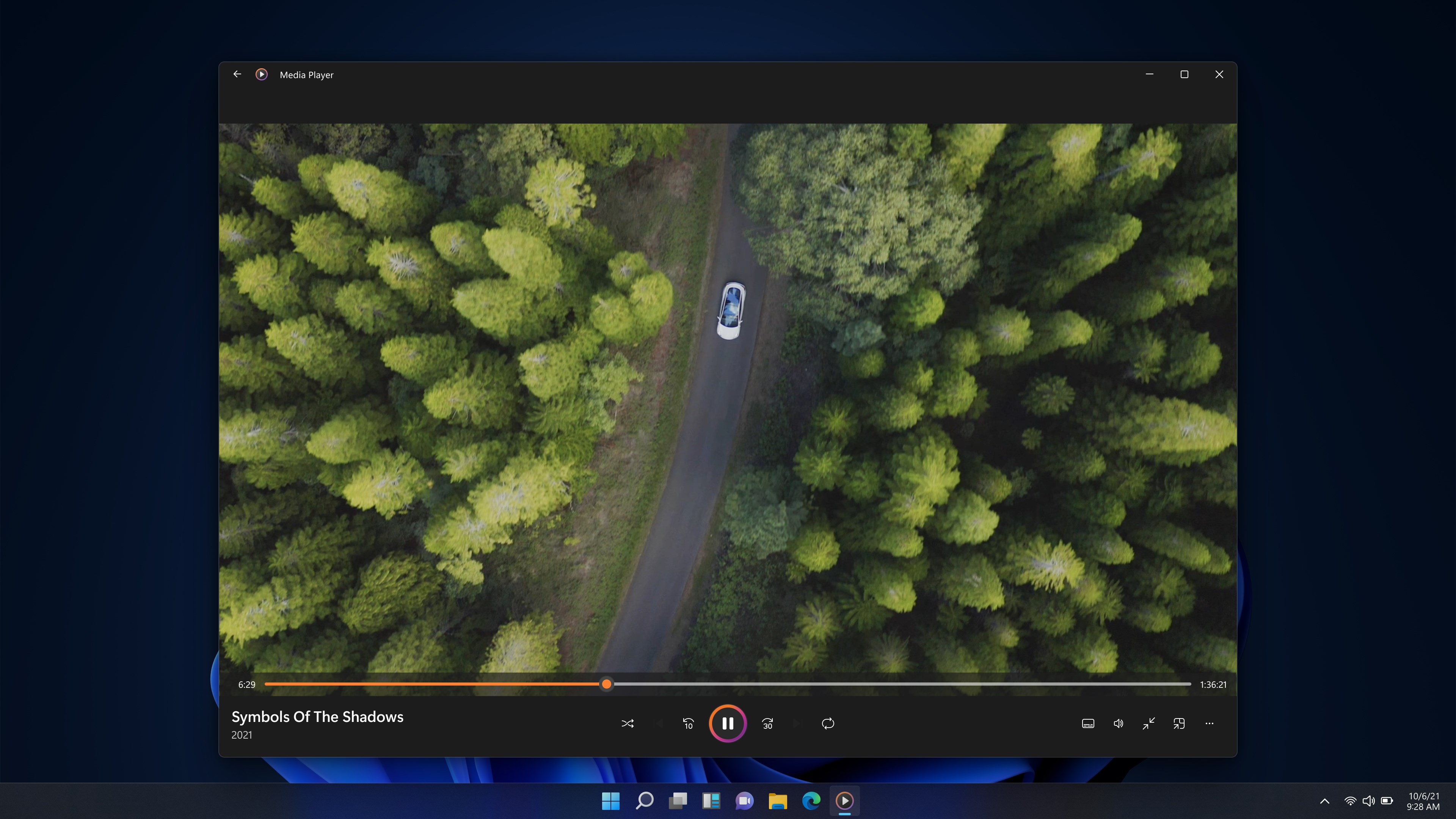
This application shines with its optimized playback engine, which effectively minimizes lag and buffering, providing a buttery-smooth listening or viewing experience. For audiophiles or video enthusiasts tuning into high-fidelity content, the app's low latency capacity ensures your media plays in real-time, preserving rhythm and beat accuracy without annoying interruptions — akin to having a live concert right in your living room.
Rhythm Pattern Variety & Audio Sync Capabilities
One of its most impressive features is its ability to assess and synchronize rhythm patterns accurately. Whether you're practicing dance routines or conducting sound analysis, the app detects subtle tempo changes and adapts accordingly. Its unique rhythm assessment sets it apart from other media players that often overlook the nuances of musical timing, making it an excellent tool for musicians and rhythm enthusiasts alike.
User Experience: Seamless, Familiar, and Efficient
The interface design echoes the classic Windows aesthetic — familiar, minimalist, yet modern enough not to feel outdated. Navigation is intuitive, with familiar icons guiding you effortlessly through playlists, now playing screens, and library filters. The responsiveness and fluid operation of the app contribute to a smooth user experience, even when handling large media libraries. There's a gentle learning curve; most users will find themselves mastering the basics in a matter of minutes, allowing more time to enjoy their media rather than wrestling with controls.
Differentiation from Other Music Applications
Compared to mainstream media players, Windows Media Player for Windows accentuates its niche strengths — particularly in its low-latency audio processing and rhythm pattern assessment. While many players focus on streaming or social integration, this app emphasizes media fidelity and precision timing. For users who prioritize audio quality and accurate rhythm matching, especially in a professional or practicing environment, this app offers a subtle yet significant edge, functioning like the meticulously tuned cockpit of a sports car as opposed to a standard family sedan.
Final Verdict and Recommendations
Overall, Windows Media Player for Windows is a trustworthy, straightforward application suitable for everyday media consumption. Its key strengths in playback stability and rhythm analysis make it ideal for users seeking a more controlled listening experience without the complexity of high-end professional tools. I recommend it for Windows users who prefer a lightweight, efficient media player that respects your media library's structure and delivers precise audio synchronization. Casual listeners and rhythm-focused performers alike will find this app a valuable addition to their digital toolbox.
Pros
- User-friendly interface
- Wide format support
- Integrated with Windows OS
- Library management features
- Basic media editing capabilities
Cons
- Limited advanced features
- User interface feels outdated
- Occasional playback issues
- Limited customization options
- Lacks support for some modern streaming protocols











