

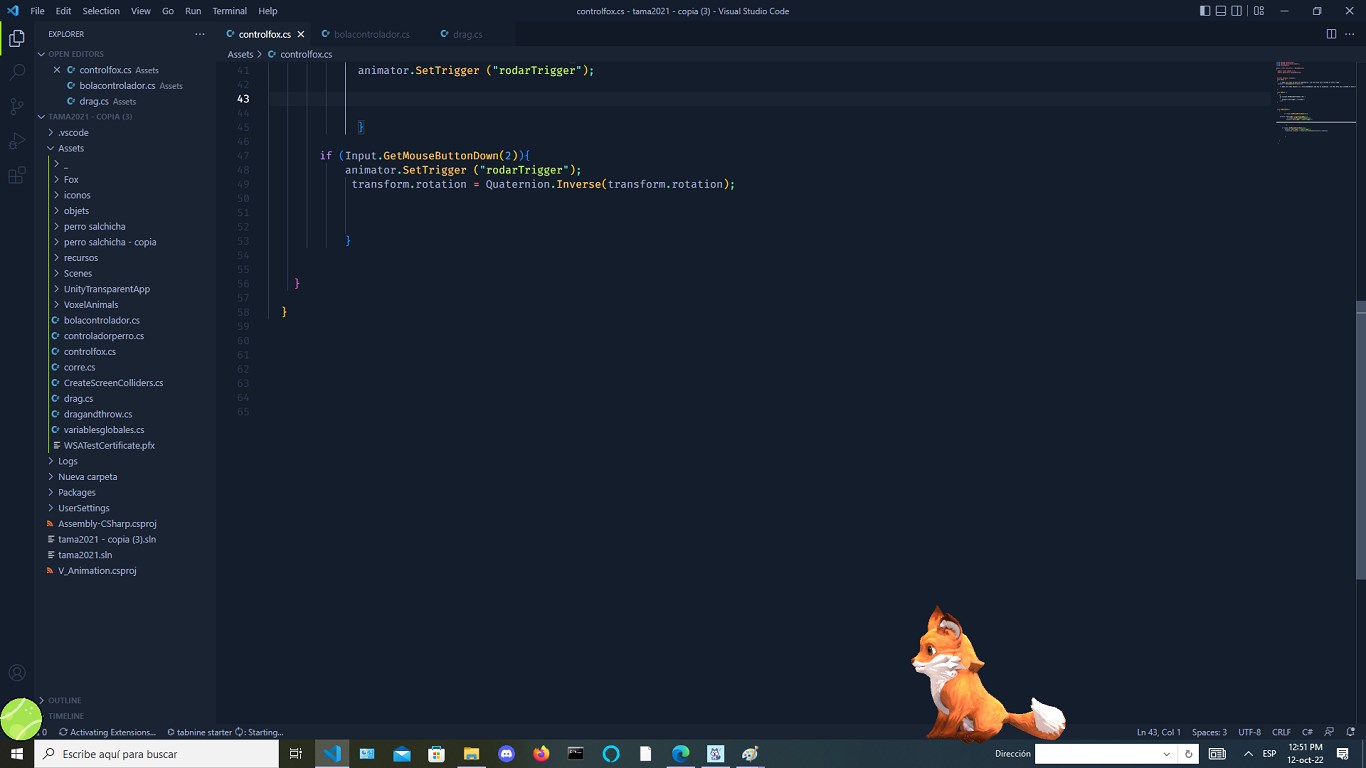

- Name Virtual Pet for windows beta
- Category Entertainment
- Available on PC
- OS Windows 10 version 17763.0 or higher
- languages English (United States)
Introducing Virtual Pet for Windows Beta: Your Digital Companion
Virtual Pet for Windows Beta is an engaging virtual pet simulation designed to bring the joy of caring for a lovable digital creature directly to your desktop. It offers a simplified yet charming experience that appeals to casual users and pet lovers alike, providing a relaxing break amidst busy routines.
About the Developer: Husky Estudio Soft
Produced by Husky Estudio Soft, this European-based developer specializes in creating accessible and entertaining casual applications that foster user engagement through innovative features and approachable interfaces.
Key Features and Highlights
- Interactive pet care with feeding, playing, and grooming activities
- Personalized pet customization options to reflect user preferences
- Mini-games and rewards to encourage regular interaction
- Insightful progress tracking to monitor your pet's well-being
Target Audience
This app targets casual gamers, pet enthusiasts, and users who seek lighthearted entertainment without significant time investment. It's suitable for both younger audiences seeking simple fun and adults craving a relaxing digital companion.
A Playful Introduction: Why Virtual Pet Captures Your Heart
Imagine a tiny, furry friend fluttering onto your desktop, eager for your attention, waiting for a pat, a tasty snack, or a friendly game. Virtual Pet for Windows Beta feels like a window into a miniature world of companionship—a lively pocket-sized pet that fits right into your daily routine. It's more than just a game; it's a delightful pause, a moment to connect with a charming virtual creature and unwind from stress, all from your computer screen.
Core Functionality: A Pet That Loves to Play and Please
The heart of Virtual Pet lies in its interactive care mechanics. You can feed your pet different types of virtual food, which impacts its happiness and health. Playing mini-games like fetch or clickers not only entertains but also plays a crucial role in strengthening your bond. Grooming features such as cleaning, brushing, and petting are simple yet satisfying, adding a layer of realism that keeps users engaged. These elements come together to simulate the responsibilities and joys of pet ownership, but with a digital twist that's hassle-free yet rewarding.
Design and User Experience: Friendly, Intuitive, and Smooth
The interface of Virtual Pet for Windows Beta is clean and colorful, reminiscent of a cheerful pet shop or cartoon world. Navigation is straightforward, with clearly labeled buttons and minimal clutter, making it friendly even for first-time users. The gameplay feels fluid thanks to optimized performance, with animations that are lively but not laggy. The learning curve is gentle; new users quickly grasp the core concepts through brief tutorials. Overall, the app provides a seamless experience—akin to gently petting a soft, responsive plush toy—it's easy to pick up and enjoy from the first click.
Unique Selling Point: Tailored Content Discovery & Relevance
What sets Virtual Pet apart from similar entertainment apps is its subtle yet effective content discovery system. Unlike some pet sims that rely solely on predefined routines, this app adapts to your interaction patterns, offering tailored mini-games and pet care suggestions. Its personalized recommendations help keep the engagement fresh, encouraging ongoing interaction without feeling repetitive. This intelligent approach to content delivery ensures that users remain interested over time and discover new activities suited to their play style, making it feel less like a game and more like a personalized digital friend.
Should You Download? My Recommendation
Given its charming design, smooth user experience, and particularly its unique adaptive content system, I would recommend Virtual Pet for Windows Beta to anyone looking for a relaxing, low-pressure virtual pet experience. It's especially suitable for users who enjoy casual, repetitive interaction and appreciate personalization. The app's simplicity and attention to detail make it a worthwhile addition to your desktop for moments of lighthearted entertainment. While it may not feature complex gameplay or advanced graphics, its focus on personalized interactions and seamless experience genuinely distinguish it from many similar apps.
Pros
- Engaging Virtual Pet Experience
- User-Friendly Interface
- Regular Updates and Content
- Low System Requirements
- Free to Download and Use
Cons
- Limited Pet Customization Options
- Occasional App Glitches
- Lack of Detailed Tutorials
- Advertised Features Not Fully Developed
- Limited Social Interaction Features











