

- Name Crosshair X
- Category Entertainment
- Developer CenterPoint Gaming
- Available on PC
- OS Windows 10 version 14316.0 or higher
- Mouse Integrated Mouse
- Keyboard Not specified
- languages English (United States)
Introducing Crosshair X for Windows: Precision Aiming Assistance at Your Fingertips
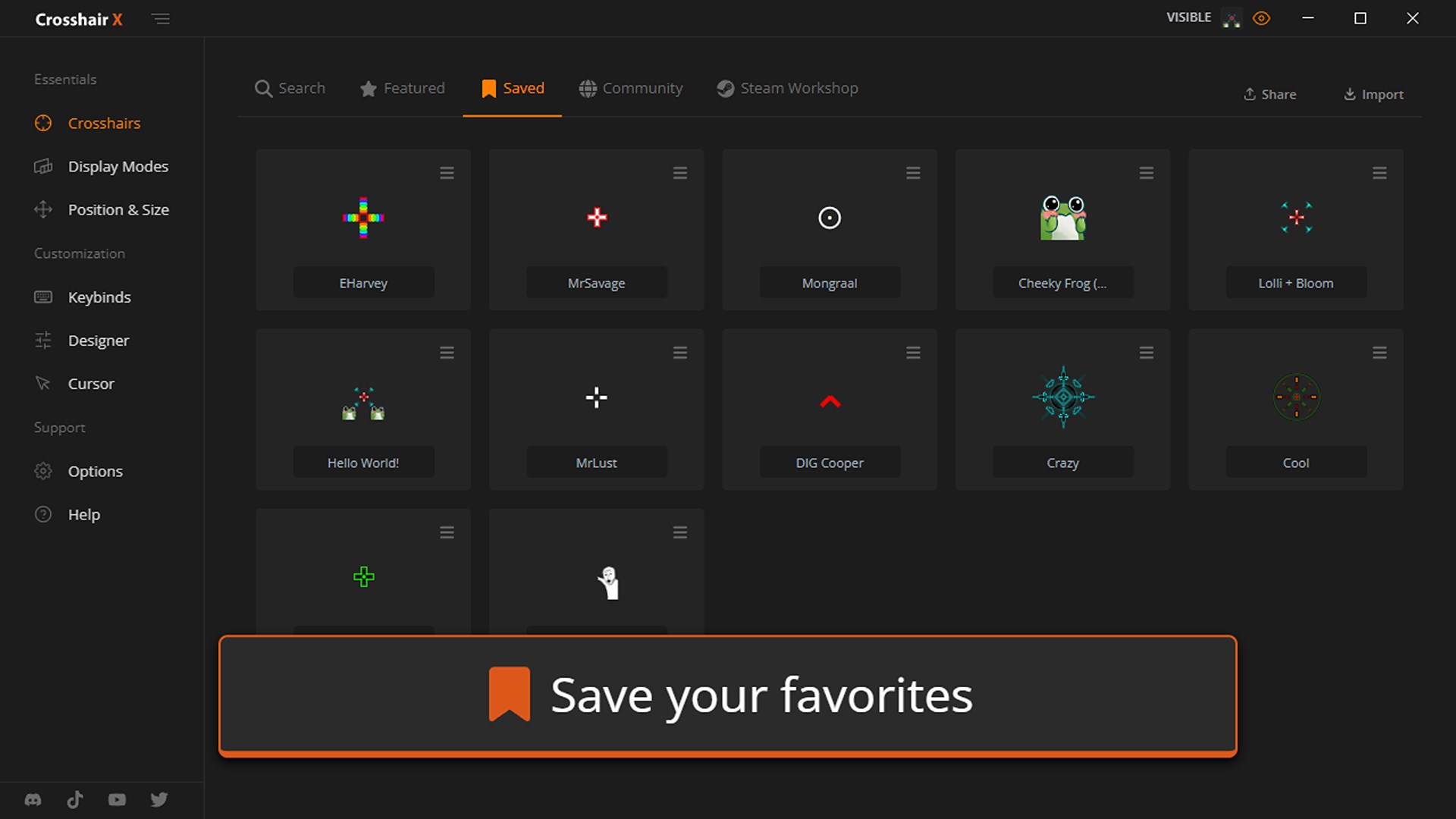
Crosshair X is a specialized app designed to enhance your gaming experience by providing customizable crosshairs directly on your Windows screen, aiming to improve accuracy and reaction time. Developed by CenterPoint Gaming, this tool caters to gamers seeking a straightforward yet effective aiming aid, particularly for first-person and third-person shooter titles.
Development Team and Core Features
CenterPoint Gaming, a dedicated team focusing on gaming performance enhancement tools, crafted Crosshair X with the goal of offering gamers an intuitive way to improve their aim without complicated setups. The application's main features include:
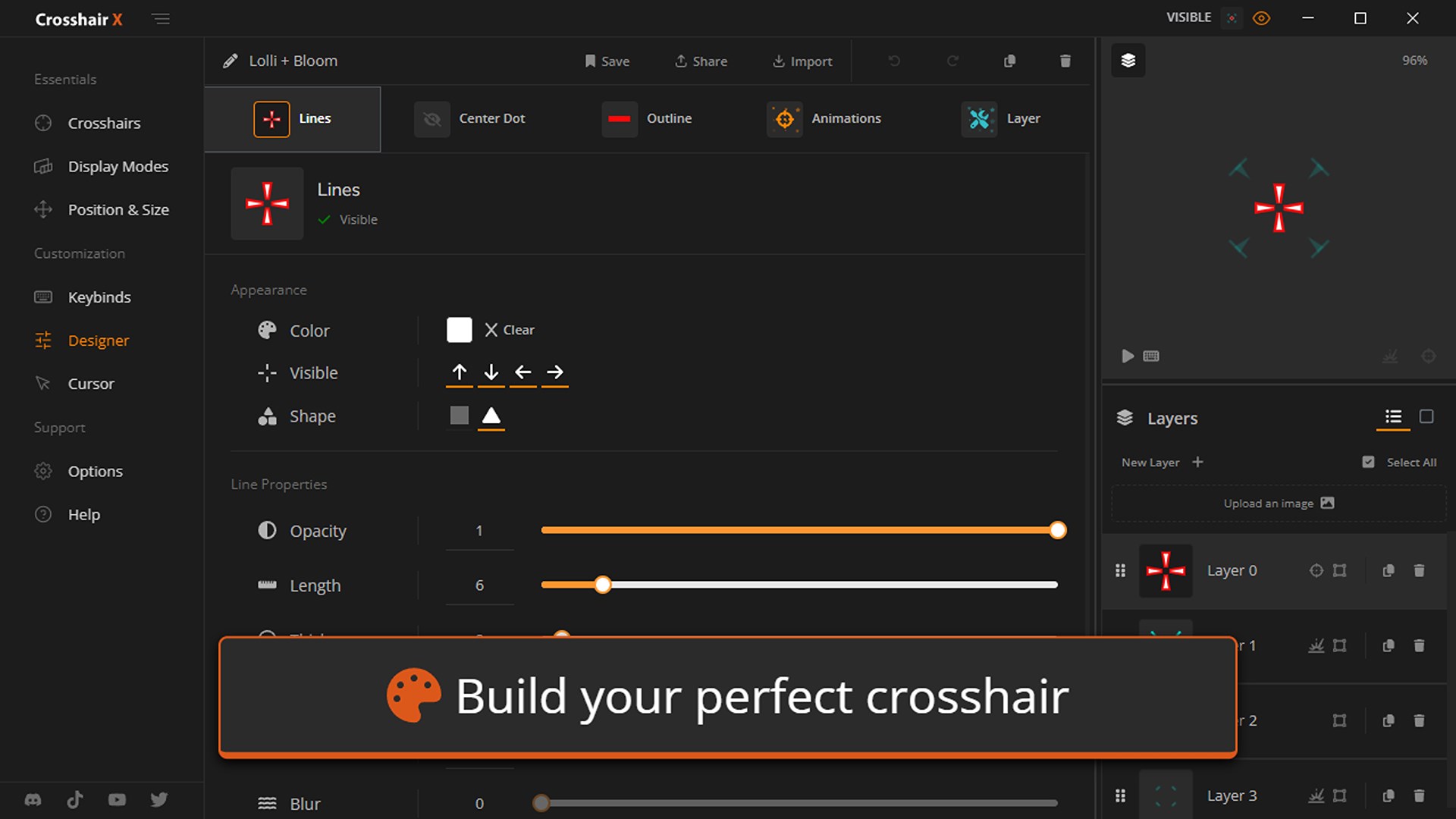
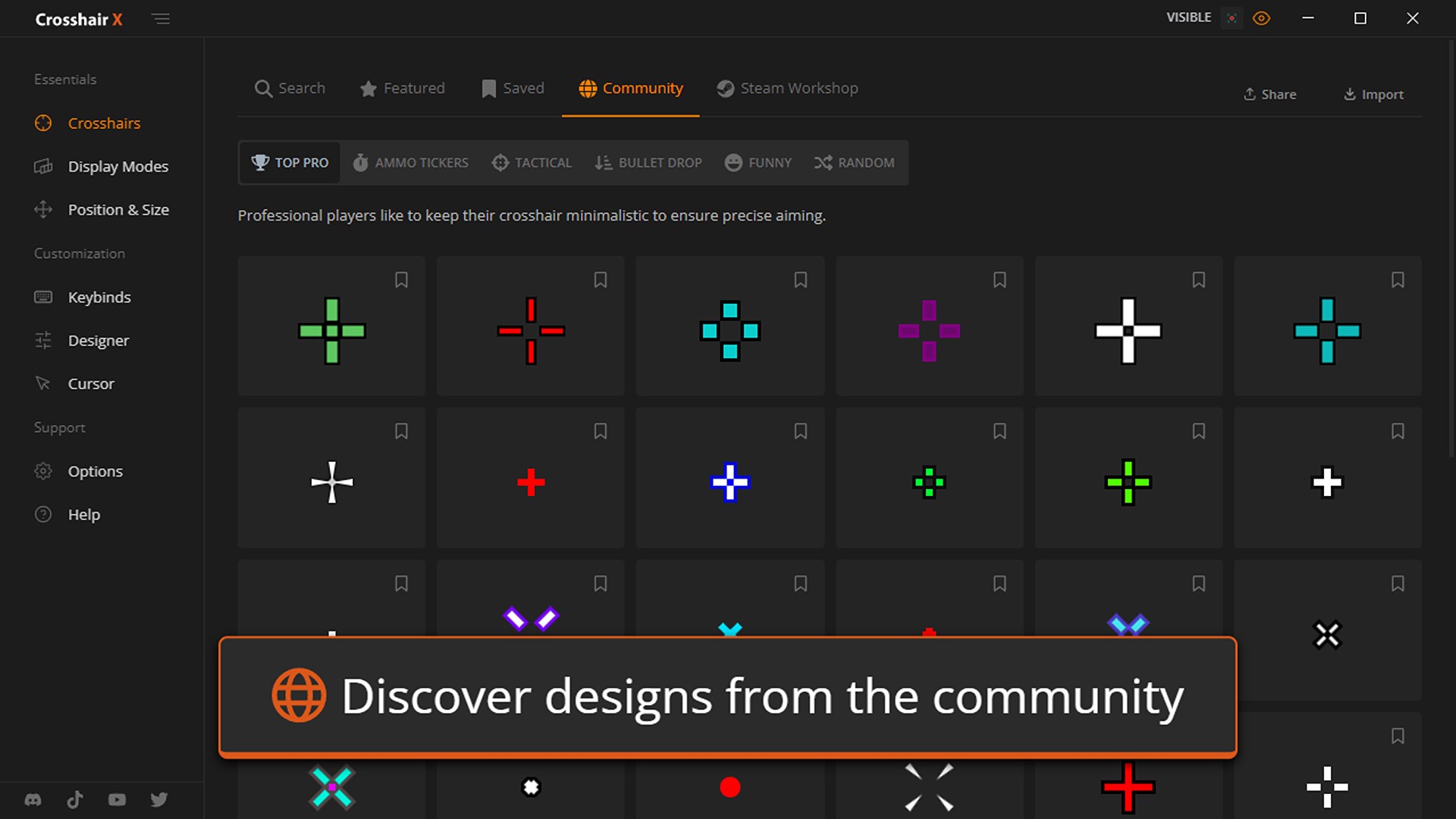
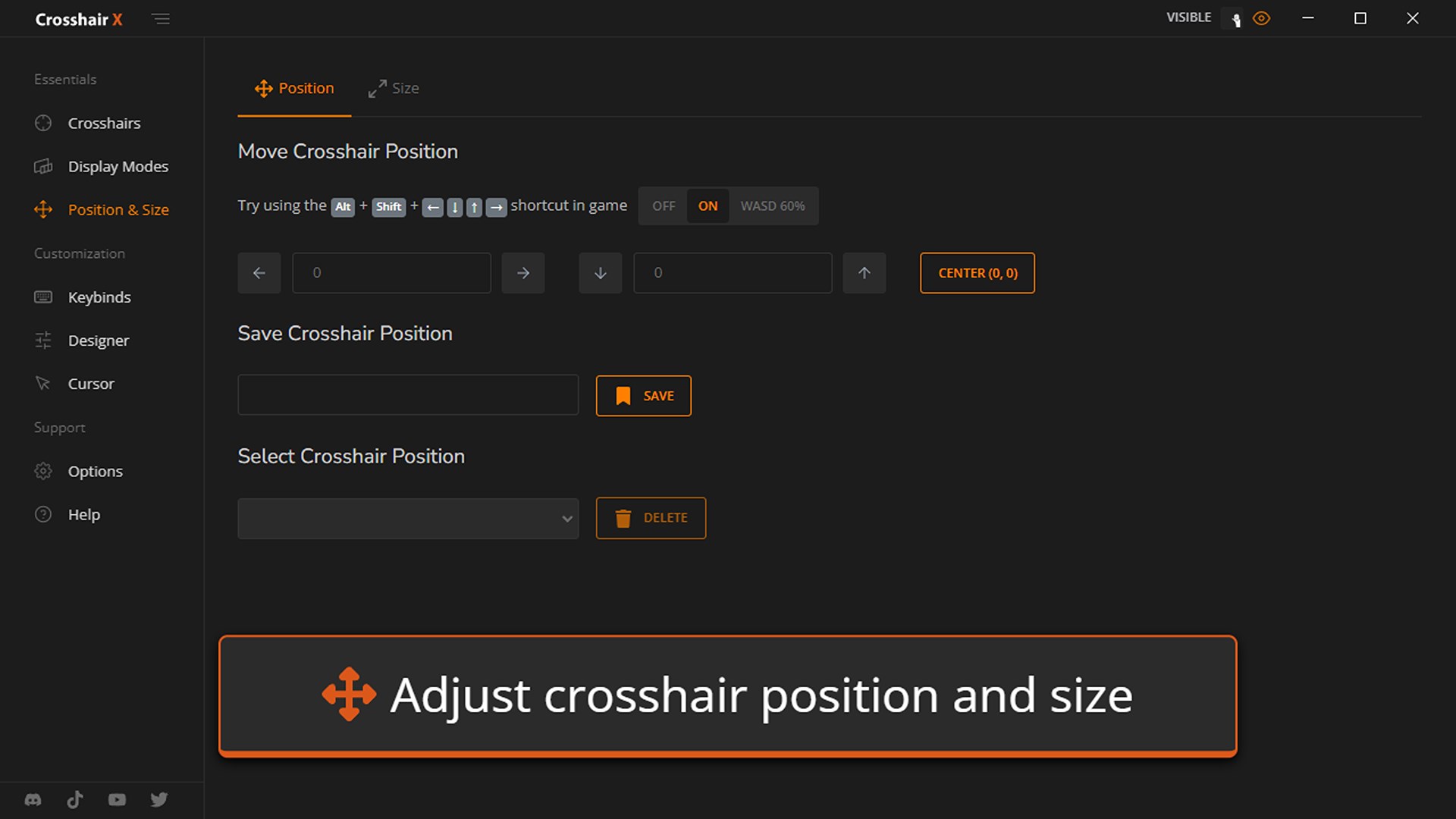
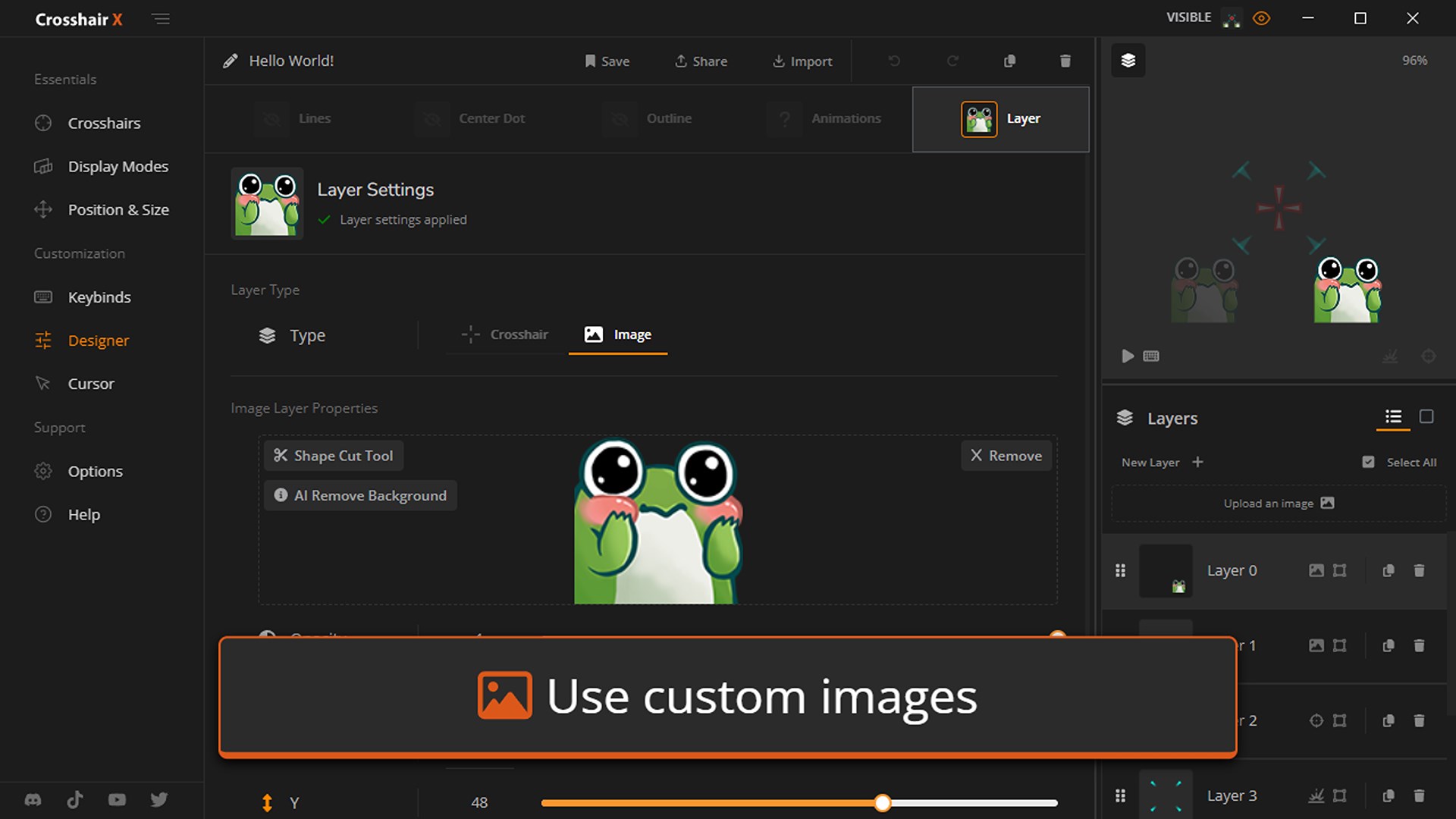
- Customizable Crosshairs: Users can select from a variety of crosshair styles, sizes, and colors, tailoring their aiming aid to personal preference.
- Multiple Display Modes: The app supports static, dynamic, and bouncing crosshairs, catering to various gaming scenarios and user needs.
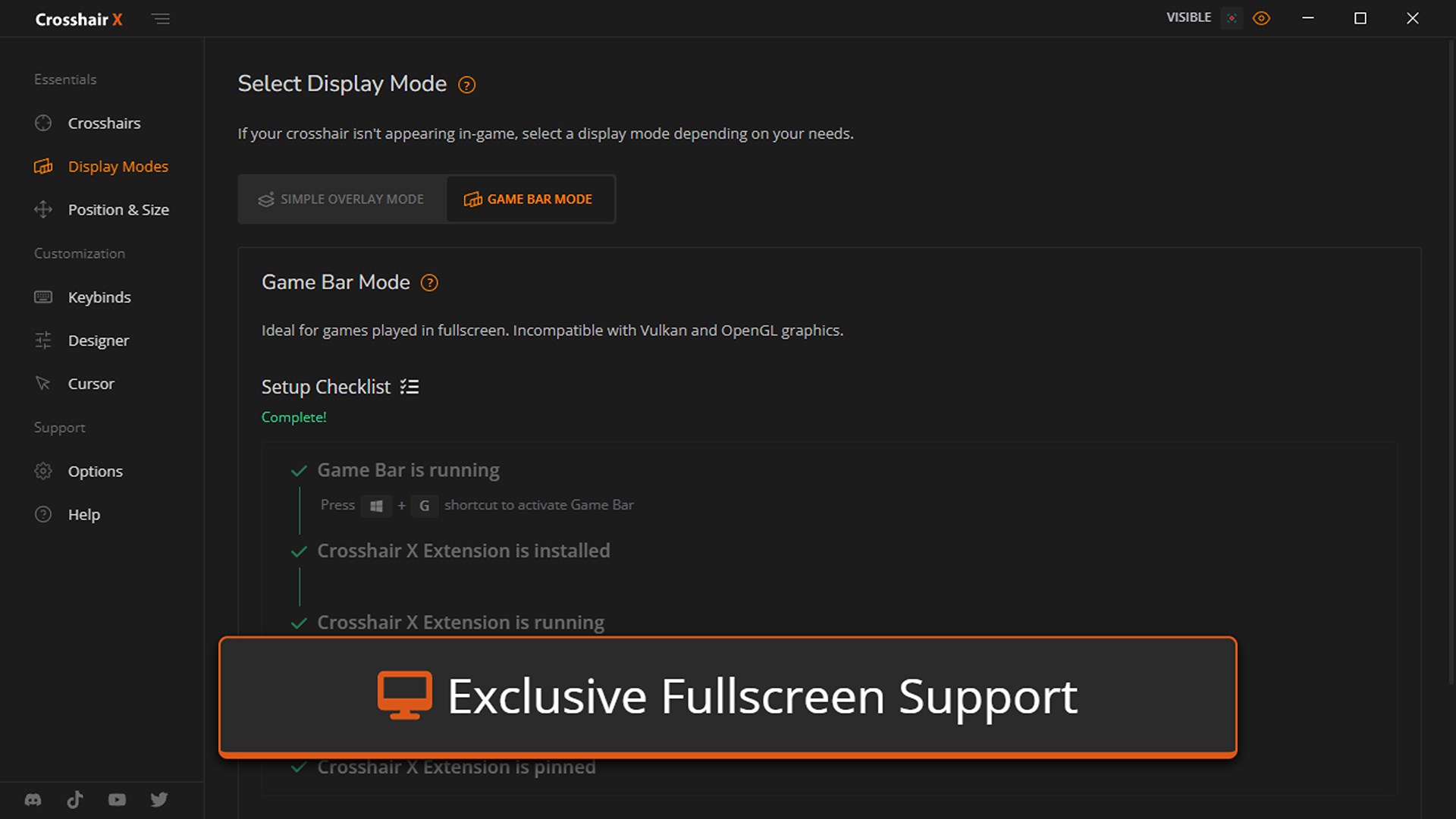
- In-Game Overlay Support: Seamlessly integrates with multiple game titles, ensuring the crosshair remains visible over different in-game environments.
- Performance Optimization: Designed to run smoothly with minimal impact on system resources, maintaining high frame rates during gameplay.
Targeted at amateur and professional gamers alike, Crosshair X appeals to anyone looking to refine their aiming mechanics within the comfort of their favorite games on Windows.
Engaging Evaluation: A Friendly Dive into Features
Imagine sitting at your PC, your favorite shooter game open before you, and a sleek, unobtrusive crosshair overlay guiding your shots with surgical precision. That's the essence of what Crosshair X offers—a subtle yet potent boost to your aiming potential, wrapped in an interface that feels as familiar as slipping into your favorite gaming hoodie.
Customizable Crosshairs: Your Precision Palette
The most immediately noticeable feature is its robust customization options. With a diverse selection of crosshair styles—from simple thin lines to complex multi-tiered targets—users can craft their ideal aiming aid. The color palette is extensive, allowing for visibility in various lighting conditions, and the size adjustments ensure the crosshair doesn't obscure important visual details. Setting up your preferred look is straightforward, akin to picking the perfect pair of glasses that make the world clearer.
Versatile Modes for Different Playstyles
One size doesn't fit all in gaming, and Crosshair X recognizes that. Whether you prefer a static symbol to steady your aim, a bouncing crosshair that mimics real-time recoil adjustments, or dynamic targeting cues, the app has you covered. Think of it as switching between different lenses for different scenes—each mode enhances specific scenarios, from sniping at a distance to rapid-firing in close-quarters combat.
User Interface and Experience: Smooth Sailing
The app's interface is refreshingly clean and intuitive, inviting newcomers and seasoned gamers alike. The setup process takes mere minutes, with clear instructions guiding you through initial customizations. During gameplay, the overlay remains stable, with no lag or jitter—a crucial aspect for fast-paced shooters. The learning curve is gentle; users gradually discover which settings best suit their style, much like tuning a musical instrument until it harmonizes perfectly with your play.
Differentiators: Standing Out in the Crowd
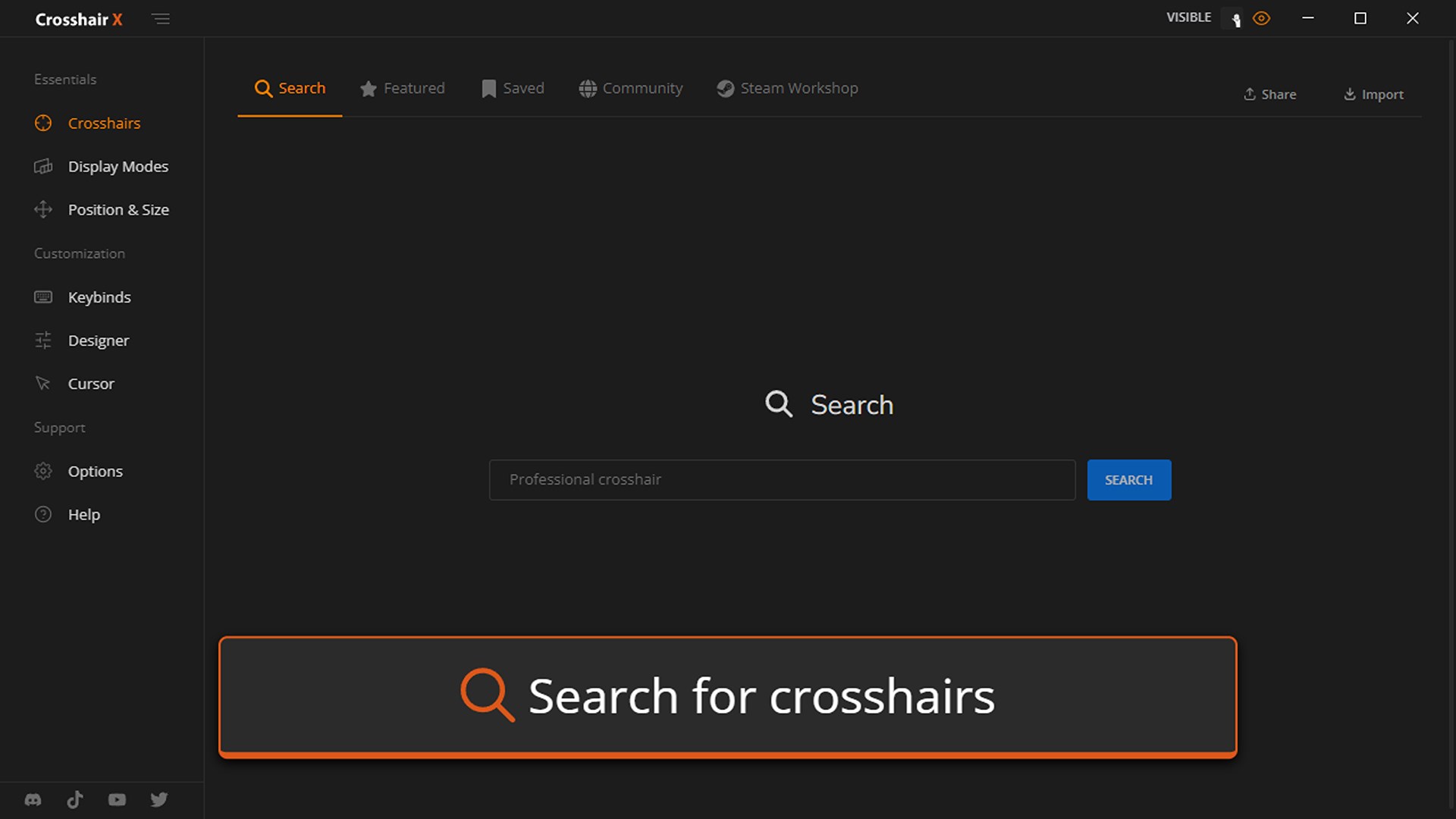
Compared to typical aiming aids or overlay applications, Crosshair X shines with its sophisticated content discovery algorithm and personalized settings. Unlike standard overlays that offer generic visuals, this app assesses your usage patterns to suggest crosshair styles that complement your gameplay habits. Its ability to critique and adjust recommendation relevance means that over time, users receive more tailored suggestions—akin to having a coach who learns your preferred tactics and helps refine your aiming technique.
Moreover, its minimal intrusion and high performance differentiate it from bulkier, resource-heavy solutions. The app's focus on preserving game performance while providing valuable enhancements makes it a dependable tool.
Final Thoughts: Is Crosshair X Worth a Try?
Considering its customization depth, smooth user experience, and smart adaptation features, Crosshair X is a noteworthy tool for gamers seeking a subtle yet effective aiming aid. Its standout ability to analyze and personalize crosshair recommendations sets it apart from more generic overlays, providing a tailored enhancement to your gaming arsenal. If you're looking to improve your aim with minimal hassle and maximum stability, this app certainly deserves a shot.
While it may not revolutionize gameplay on its own, it acts as a reliable sidekick—helping you aim more confidently and consistently. For casual players or competitive enthusiasts eager to fine-tune their precision, Crosshair X is a friendly and practical choice that improves your game without complicating your setup.
Pros
- Intuitive user interface
- Highly customizable crosshair options
- Low latency performance
- Multi-platform compatibility
- Frequent updates and improvements
Cons
- Limited free features
- Occasional overlay flickering
- Compatibility issues with certain games
- Requires ongoing permissions
- Learning curve for advanced features










