

- Name Boom 3D: Audio Enhancer, Equalizer & Bass
- Category Entertainment
- Developer Global Delight Technologies Pvt. Ltd.
- Available on PC
- OS Windows 10 version 17763.0 or higher
- languages English (United States)
Introduction: Elevating Your Audio Experience on Windows
Boom 3D: Audio Enhancer, Equalizer & Bass for Windows by Global Delight Technologies is designed to transform your standard audio playback into a rich, immersive soundscape. Whether you're a casual listener, a die-hard audiophile, or someone who wants their movies and music to sound just a bit more alive, this application promises to deliver clear, punchy, and customized sound with minimal fuss. Its core appeal lies in enhancing the audio quality beyond the default capabilities of Windows, making everyday listening sessions feel like a private concert or cinema experience.
Core Features: Deep Dive into Audio Enhancement
Advanced 3D Surround Sound and Binaural Audio
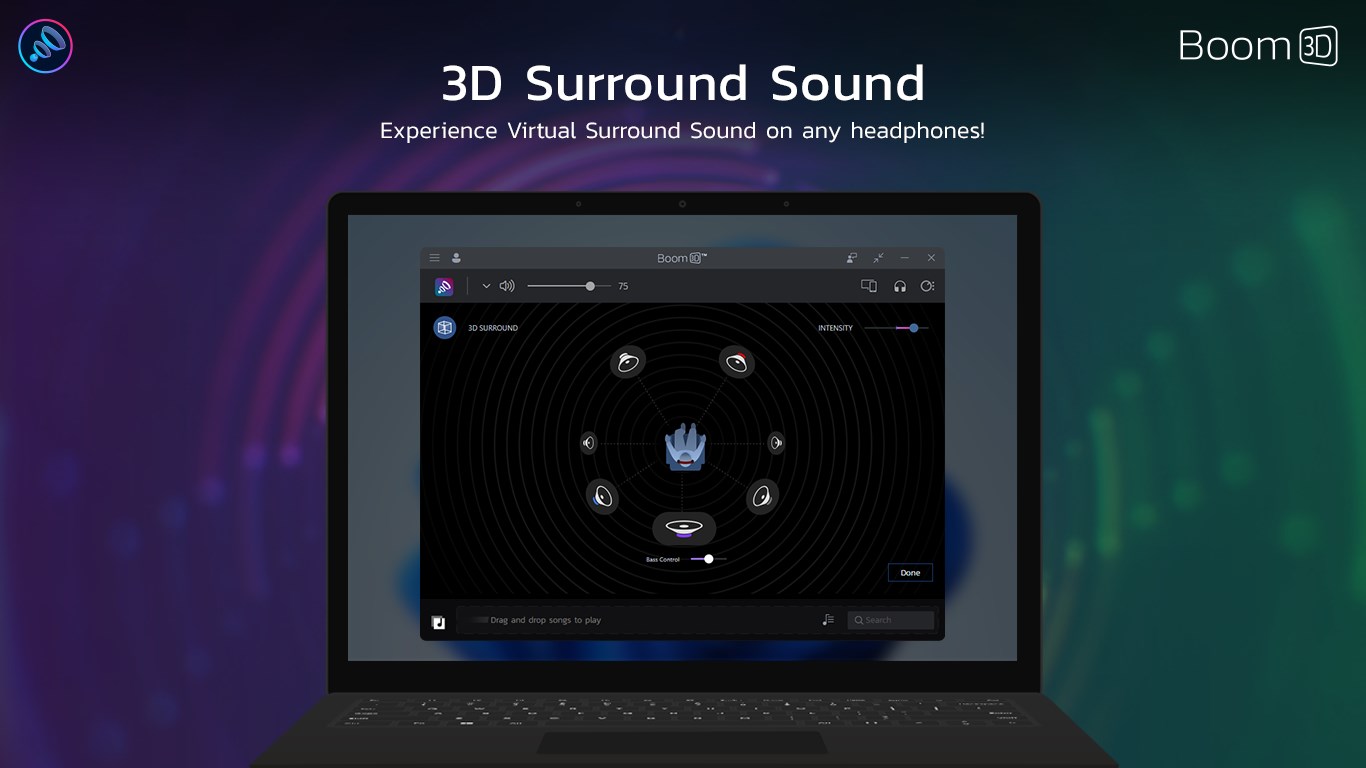
One of Boom 3D's flagship features is its ability to simulate 3D surround sound, giving your speakers and headphones a depth that makes sounds seem to come from specific directions. Imagine watching a suspenseful movie where footsteps creep from behind you or listening to a concert where each instrument feels spatially distinct. The binaural audio simulation creates a "nearby" experience, especially effective when using good-quality headphones. This feature really sets Boom 3D apart from basic equalizers, pushing the immersive experience to a new level.
Powerful Equalizer & Customizable Presets
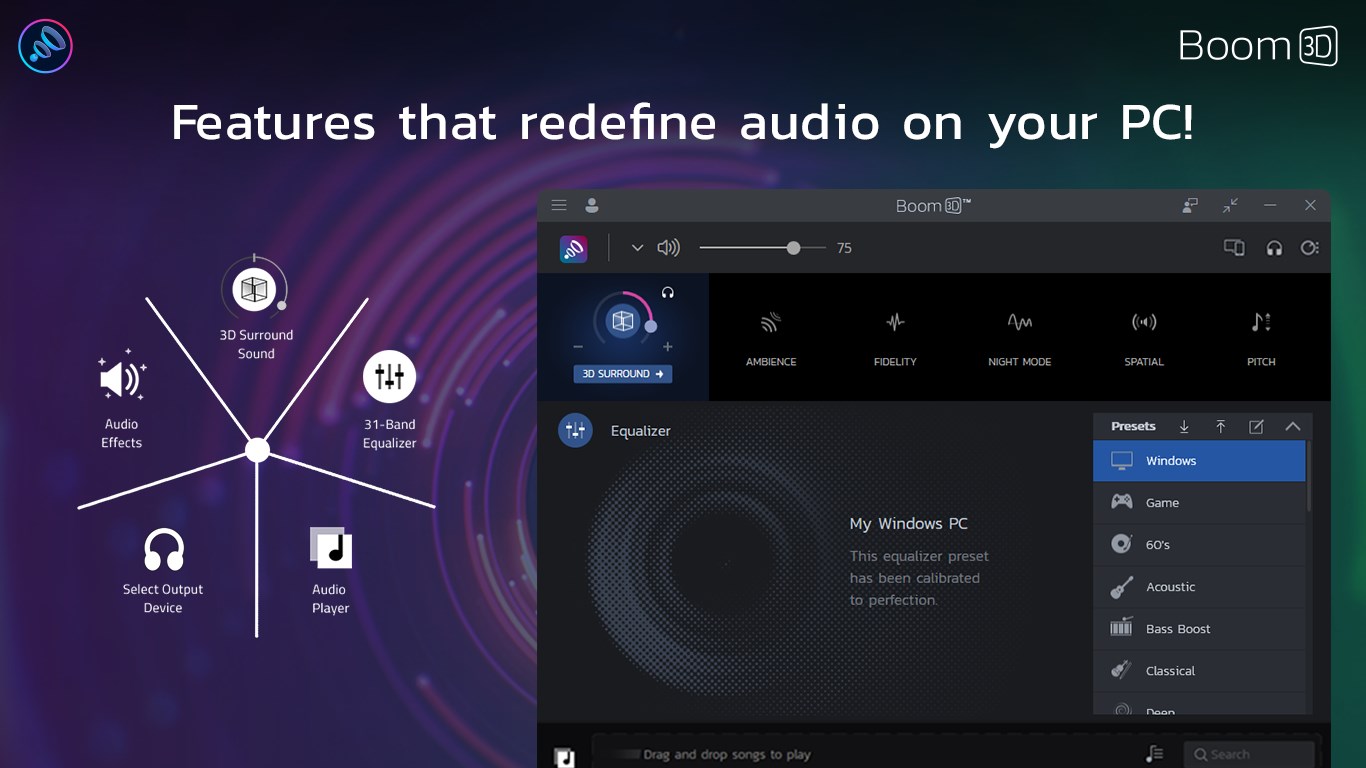
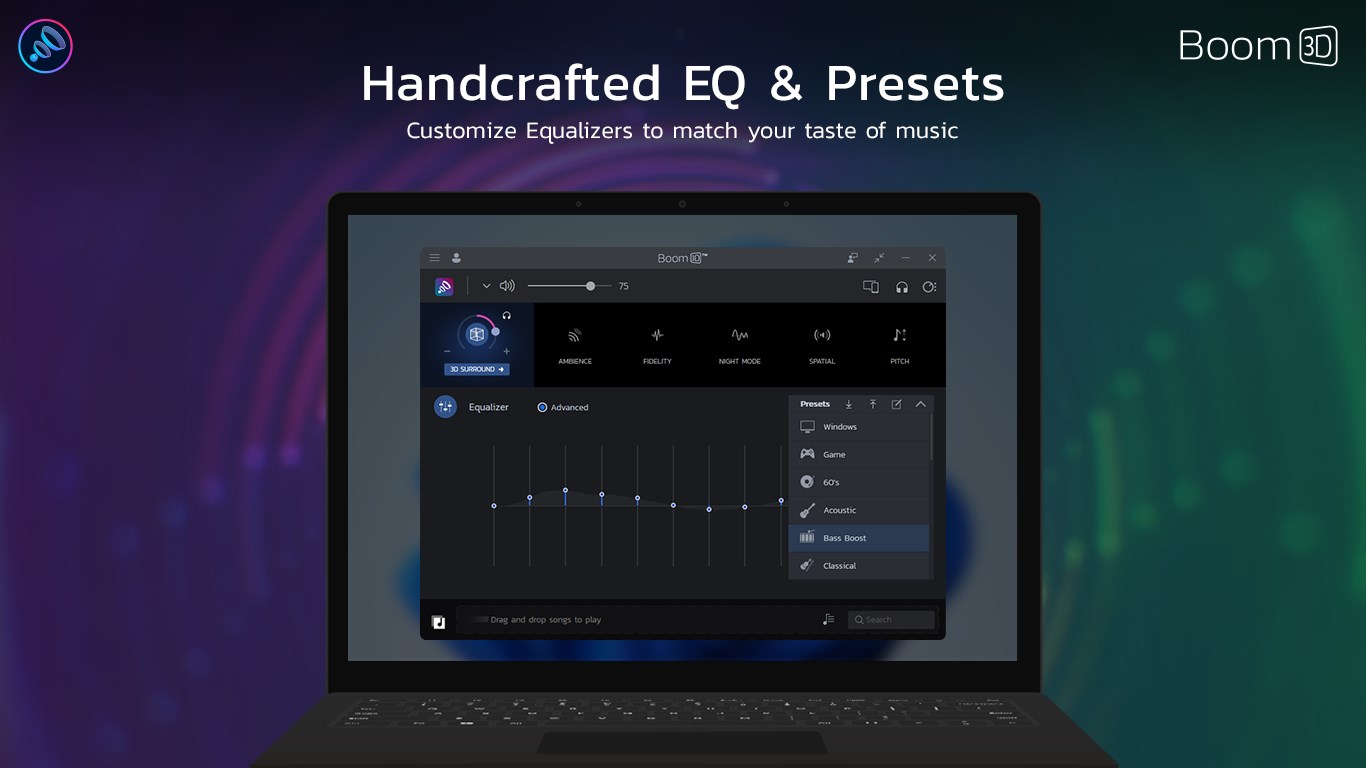
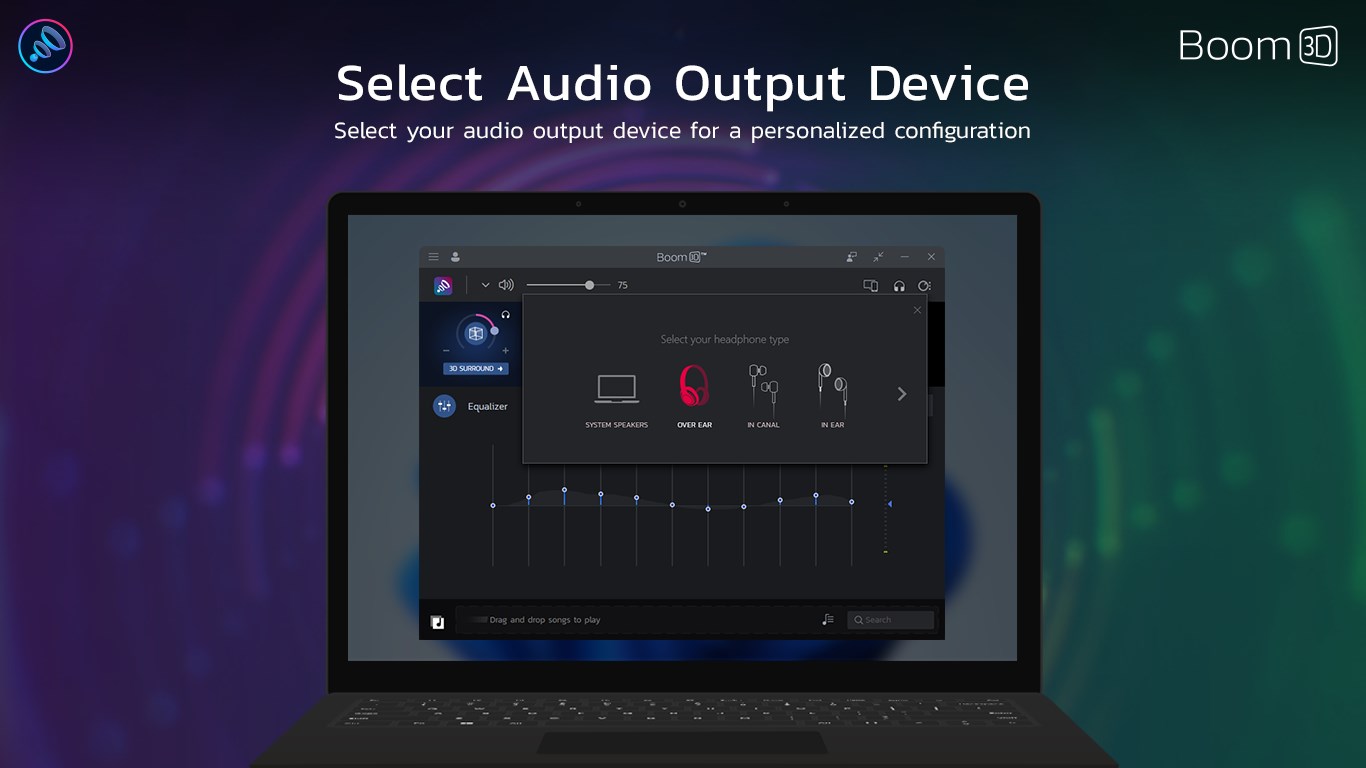
Boasting a robust 31-band equalizer, Boom 3D allows users to fine-tune the audio profile precisely to their liking. Whether boosting the bass for a party vibe or calming the treble for late-night listening, the app provides various presets catering to different genres and environments. Users can also craft their own custom presets, storing perfect setups tailored to their preferences. The interface makes switching between profiles seamless, turning complex audio adjustments into an intuitive task even for novices.
Intelligent Bass and Volume Enhancements
This app's bass enhancement feature provides a significant boost without muddiness, adding fullness to music and sound effects. Additionally, the volume booster ensures that audio remains clear and powerful at higher levels, useful in noisy environments or when watching videos without turning the TV or speakers too loud. These features work harmoniously, making the overall sound output more vibrant, balanced, and engaging.
User Experience: Sleek, Intuitive, and Accessible
From the moment you launch Boom 3D, its sleek interface greets you like a friendly control panel. The design is modern and clutter-free, with all essential controls accessible from a central dashboard. Switching between different sound modes or fiddling with the equalizer feels effortless—like adjusting knobs on a high-end stereo system, but with a digital finesse. The app responds swiftly to inputs, and switching between configurations is instantaneous, limiting any frustration associated with lag or complicated menus.
Moreover, the learning curve is gentle. Even users new to professional audio tweaking can intuitively grasp the settings, thanks to helpful tips and preset options. The app's ability to process high-quality audio in real time ensures that the experience remains smooth, without dropped sounds or glitches—key for binge-watching or extended listening sessions.
What Sets Boom 3D Apart?
While many audio enhancement apps claim similar feats, Boom 3D's standout feature is its combination of immersive 3D sound and intelligent customization. Unlike generic equalizers that only tweak frequencies, Boom 3D layers spatial audio effects that mimic real-world acoustics, making each sound source feel more alive and present. Additionally, its personalized sound profiles are not just preset adjustments; they are dynamically tuned to your listening environment and preferences, thanks to its smart algorithms.
Compared to other entertainment apps that focus primarily on content discovery or recommendations, Boom 3D dives deep into the core of audio quality. This focus on immersive enhancement and precision tuning makes it a unique stand-out for users who crave a richer sound experience, whether on headphones or speakers.
Conclusion: A Harmonious Blend of Power and Ease
Overall, Boom 3D offers a compelling package of high-quality audio enhancement tools wrapped in a user-friendly interface. It's particularly recommended for those who cherish sound fidelity and want to turn their Windows PC into a personal concert hall or cinema. While it may take a little experimenting to find your perfect sound profile, its intuitive controls and powerful features make this process enjoyable rather than daunting. If you're looking for a way to breathe new life into your digital audio, Boom 3D is definitely worth a try.
Pros
- Enhanced audio quality
- Customizable equalizer settings
- Realistic 3D surround sound
- User-friendly interface
- Broad compatibility
Cons
- High CPU usage
- Limited free features
- Occasional latency issues
- Overwhelming for first-time users
- Battery consumption










