

- Name DTS Sound Unbound
- Category Entertainment
- Developer DTS Inc.
- Available on Xbox console, PC
- OS Windows 10 version 18362.0 or higher
- languages Chinese (Simplified), English (United States), German, Spanish
Transform Your Windows Audio Experience with DTS Sound Unbound
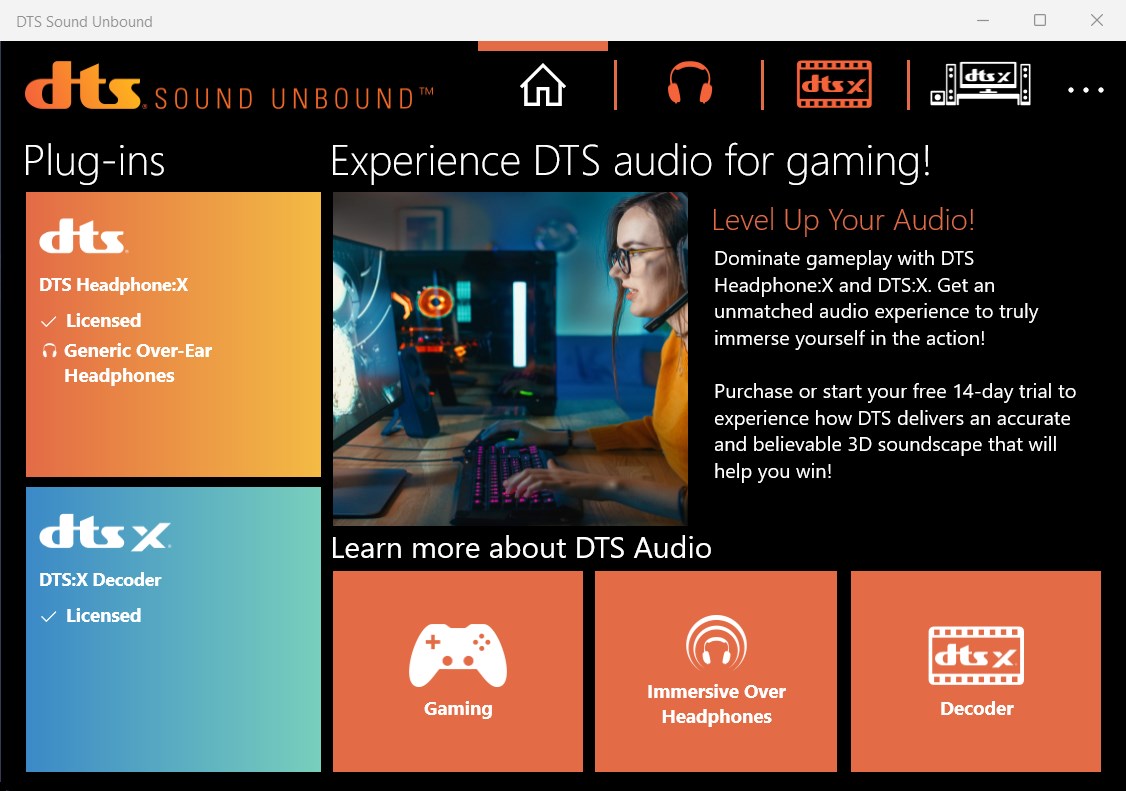
Imagine immersing yourself in a cinematic soundscape right from your desktop—DTS Sound Unbound for Windows aims to deliver just that, elevating your audio experience beyond standard capabilities. Developed by DTS Inc., a leader in audio technology, this application promises to turn plain headphones into portals to a more dynamic, immersive sound environment. Whether you're a gamer, a movie buff, or someone who simply appreciates high-quality audio, DTS Sound Unbound offers a tailored solution to refine your sound journey.
Key Features That Make DTS Sound Unbound Shine
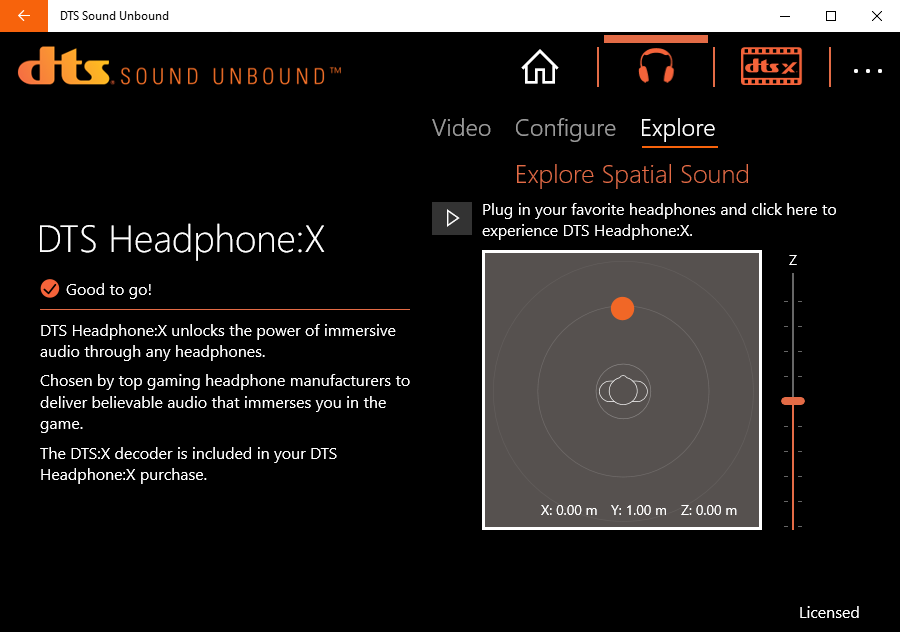
- Object-Based 3D Audio: The core magic of DTS Sound Unbound lies in its ability to render sound in three-dimensional space, providing precise spatial cues that make you feel like you're right in the middle of the action, whether it's a battlefield or a concert hall.
- Seamless Windows Integration: Fully compatible with Windows 10 and 11, it integrates smoothly into your OS, automatically enhancing your existing audio devices without cumbersome setup, creating a consistent sound environment across all your applications.
- Leverage Spatial Audio for Gaming and Media: The app optimizes sound for immersive gaming and 3D media playback, delivering richer sound effects and clearer dialogue—turning your regular listening into an engaging cinematic experience.
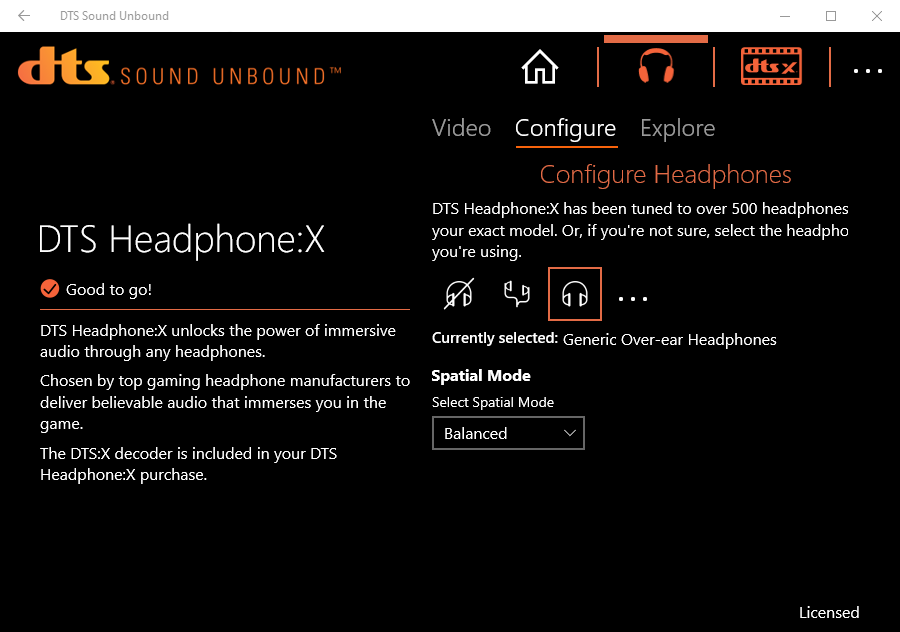
- Personalized Sound Profiles: Users can customize their listening experience through different presets and fine-tune settings, providing a level of individualized control that adapts to different content types and preferences.
Immersive and Intuitive User Experience
Launching DTS Sound Unbound feels like stepping into a high-end audio studio—sleek, modern, and user-friendly. The interface employs intuitive icons and minimal clutter, making navigation feel natural even for newcomers. Managing settings is straightforward; toggling between modes or adjusting volume and sound effects is just a few clicks, akin to fine-tuning a musical instrument.
The experience is notably smooth: audio transitions are seamless, with minimal latency—crucial for gamers and media consumers alike. While some advanced features might initially seem complex, the application's layout is designed with a gentle learning curve in mind, catering well to both tech enthusiasts and casual users.
How DTS Sound Unbound Differentiates Itself
Unlike many competitors that merely enhance audio quality through standard equalization or bass boosts, DTS Sound Unbound leverages cutting-edge object-based spatial audio technology. Its most distinctive strength is in content discovery and personalized recommendation algorithms—it intelligently detects your content type and preferences, automatically optimizing the sound profile for each scenario. This feature ensures that in-game sound effects, dialogue clarity, and environmental cues are consistently relevant, saving users from endless manual adjustments.
Furthermore, its ability to integrate seamlessly with Windows applications and provide a consistent spatial audio experience sets it apart from simpler, standalone sound boosters. The app perceives your listening environment not just as a fixed setting but adapts in real-time, providing a tailored, true-to-life soundscape that pure hardware enhancements often can't match.
Verdict & Usage Suggestions
All in all, DTS Sound Unbound is a commendable application for anyone seeking to elevate their Windows audio—especially those invested in gaming or cinematic media. Its standout feature—the object-based 3D audio—delivers immersive sound that can genuinely change how you experience media. Its intelligent content-aware adjustments make it a more refined choice compared to traditional equalizers or generic audio enhancers.
For best results, users should explore the preset modes and fine-tune settings to suit their individual preferences. While the app shines out of the box, personalization unlocks its full potential. Given its compatibility and ability to improve various applications, I recommend DTS Sound Unbound to anyone eager for more immersive, realistic audio during daily use or leisure time. It's not just an upgrade—it's a whole new way to listen.
Pros
- Immersive spatial sound experience
- Easy integration with compatible devices
- User-friendly interface
- Enhanced audio calibration features
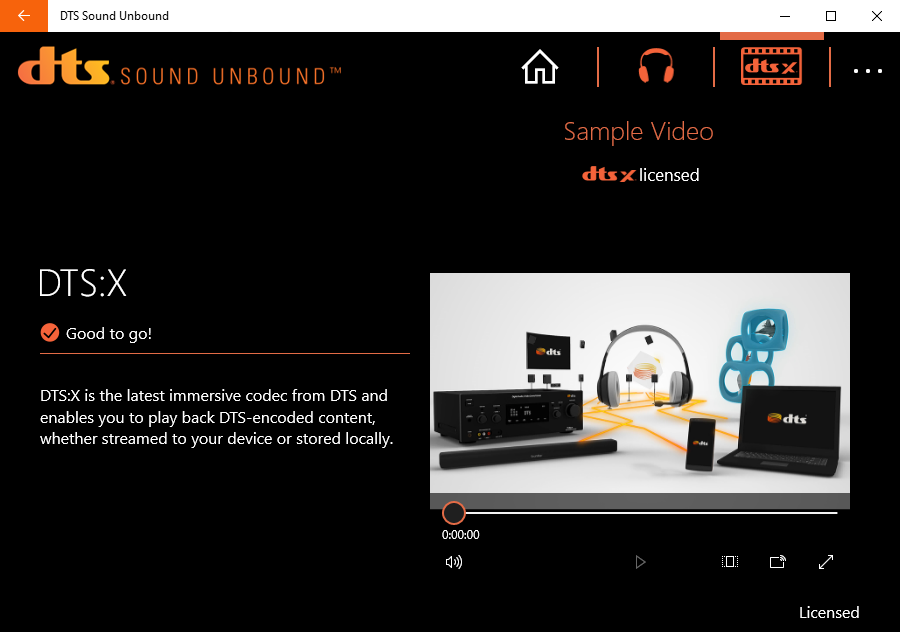
- Supports Dolby Atmos and DTS:X formats
Cons
- Limited device support initially
- Requires Windows 10 or 11 with certain updates
- Initial setup can be complex for some users
- Potential increased latency with certain configurations
- Limited free features; advanced options may require subscription










