

- Name Opera GX
- Category Entertainment
- Developer Opera Norway AS
- Available on PC
- OS Windows 10 version 0.0 or higher
- languages Afrikaans, Bangla, Belarusian, Bulgarian, Catalan, Chinese, Chinese (Simplified), Chinese (Traditional Chinese), Czech, Danish, Dutch, English, Estonian, Filipino, Finnish, French, German, Greek, Hindi, Hungarian, Indonesian, Italian, Japanese, Korean, Latvian, Lithuanian, Malay, Norwegian, Polish, Portuguese, Portuguese (Brazil), Romanian, Russian, Serbian, Slovak, Slovenian, Spanish, Spanish (Americas), Swedish, Thai, Turkish, Ukrainian, Vietnamese
Opera GX for Windows: The Gaming-Oriented Browser Redesign
Opera GX is a specialized web browser crafted for gamers and power users, blending sleek design with customizable features to enhance browsing and gaming experiences on Windows.
About Opera Norway AS and Core Features
Developed by Opera Norway AS, Opera GX positions itself as a gaming-centric browser, offering a suite of unique tools tailored for gamers who demand speed, customization, and content discovery. Its main highlights include resource-limiting controls to optimize system performance, cutting-edge content discovery algorithms, and a vibrant, customizable interface that immerses users into a gaming environment.
This app is ideal for gamers, digital enthusiasts, and anyone seeking a browser that combines performance with entertainment-focused features.
Engaging and Dynamic Introduction
Imagine sitting comfortably in your gaming lair, ready to browse the latest game releases, stream live esports matches, or manage your gaming community—all within a browser that feels like an extension of your gaming world. Opera GX transforms the mundane browsing routine into an immersive experience filled with sleek aesthetics and powerful functionalities. It's like having a personal assistant who keeps your system lean while delivering personalized content and entertainment options at your fingertips.
Resource Control and Performance Optimization
Limit Your System Resources for a Smoother Gaming Experience
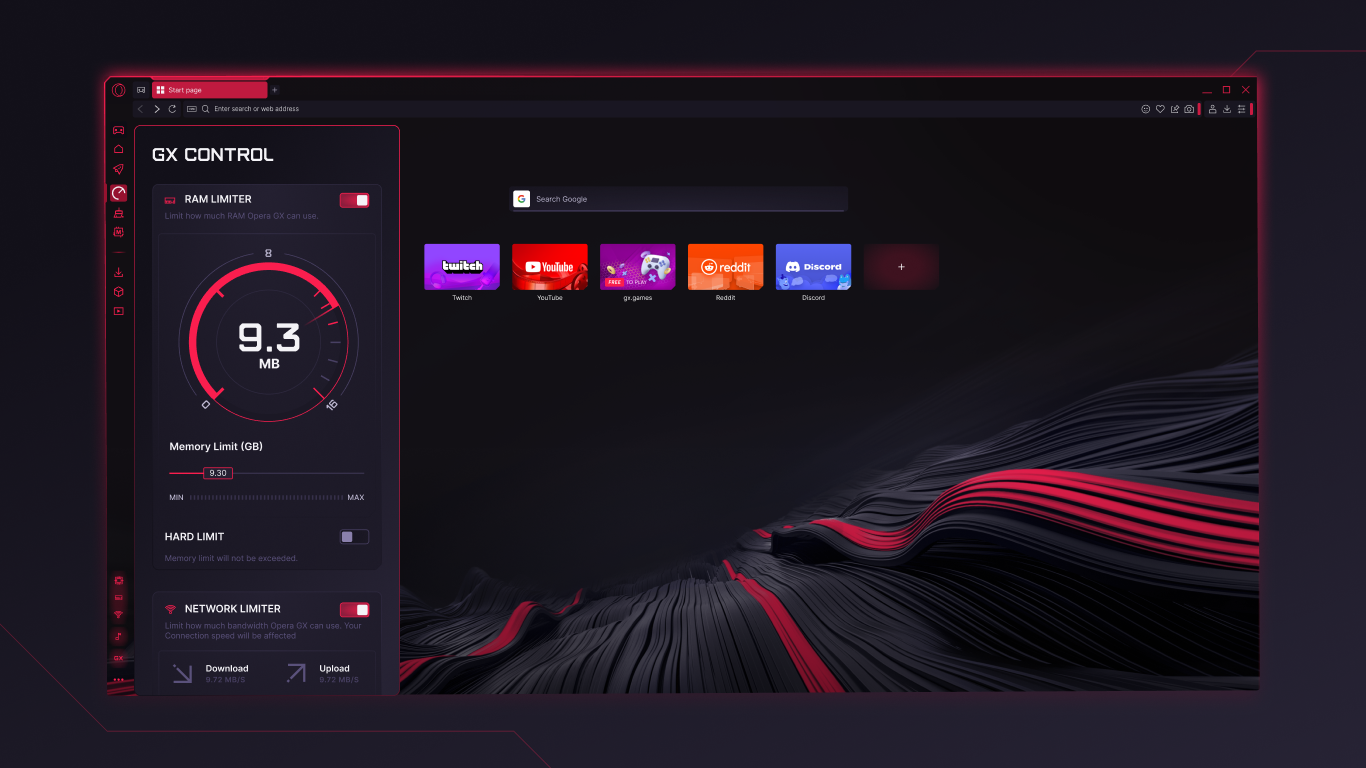
One of Opera GX's standout features is its resource management panel, which allows users to set limits on CPU, RAM, and bandwidth usage directly from the browser. This capability is akin to adjusting a car's fuel and power settings to ensure it runs smoothly without overheating or consuming excessive energy—especially useful when gaming or multitasking. By constraining background processes, the browser minimizes impact on game performance, ensuring your gameplay remains fluid and responsive.
This feature is particularly valuable for gamers running resource-hungry titles or streaming content simultaneously, as it prevents the browser from becoming a system bottleneck.
Content Discovery Tailored for Gamers
Smart Algorithms that Know Your Gaming Interests
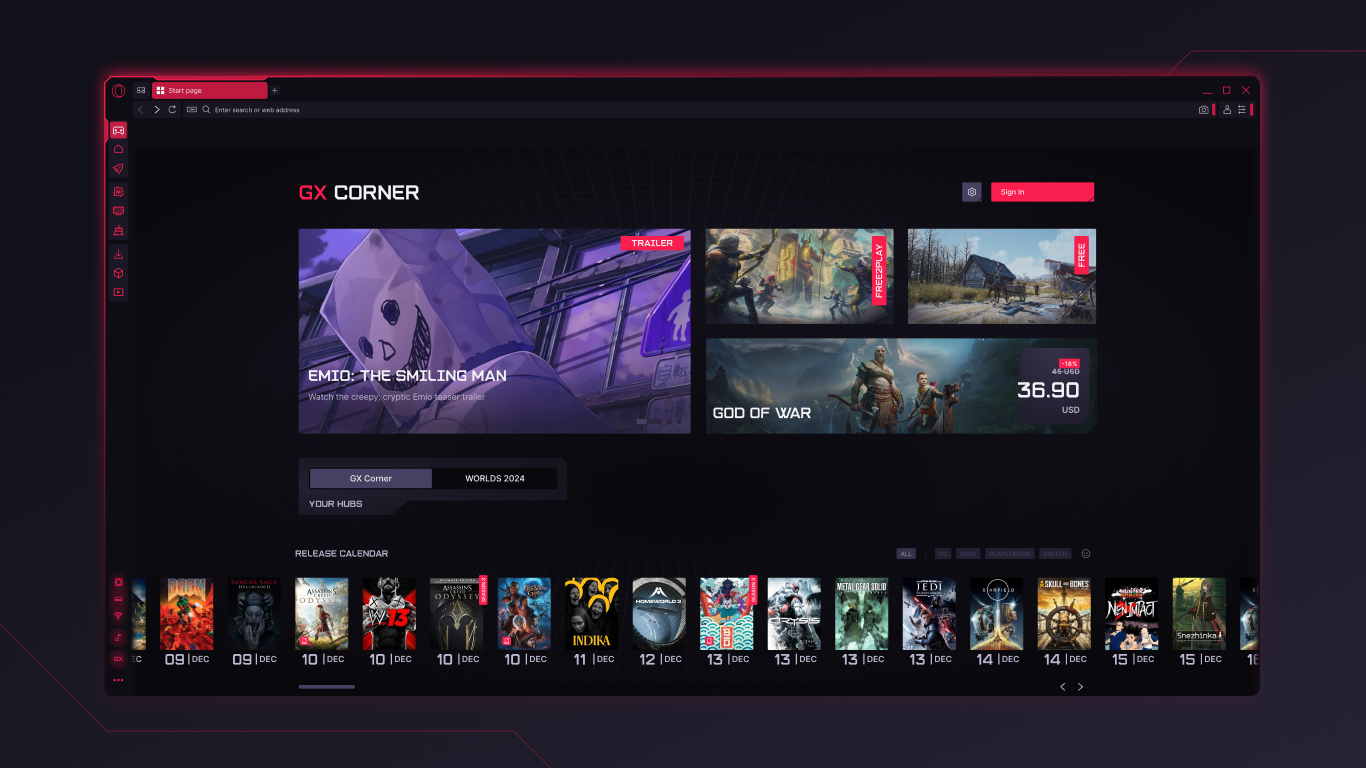
Opera GX distinguishes itself through sophisticated content discovery algorithms that cater specifically to gaming and tech enthusiasts. Unlike generic content feeds, GX curates personalized recommendations on game news, upcoming releases, esports events, and gaming communities. This targeted approach makes it feel as if the browser reads your gaming mind, presenting only the most relevant updates and content.
Furthermore, its integrated Twitch and Discord windows offer instant access to your favorite streams and chats, effectively turning your browsing session into a seamless portal for gaming engagement.
Design, Usability, and User Experience
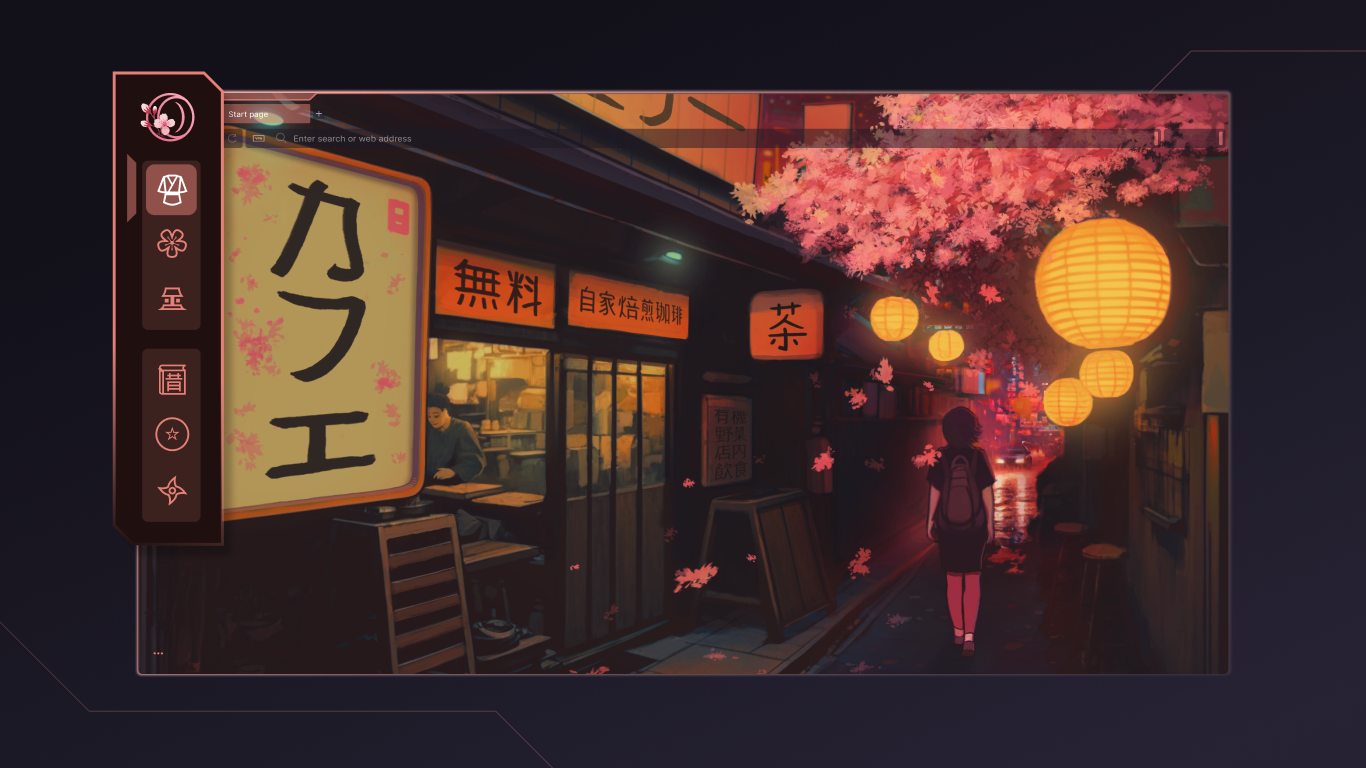
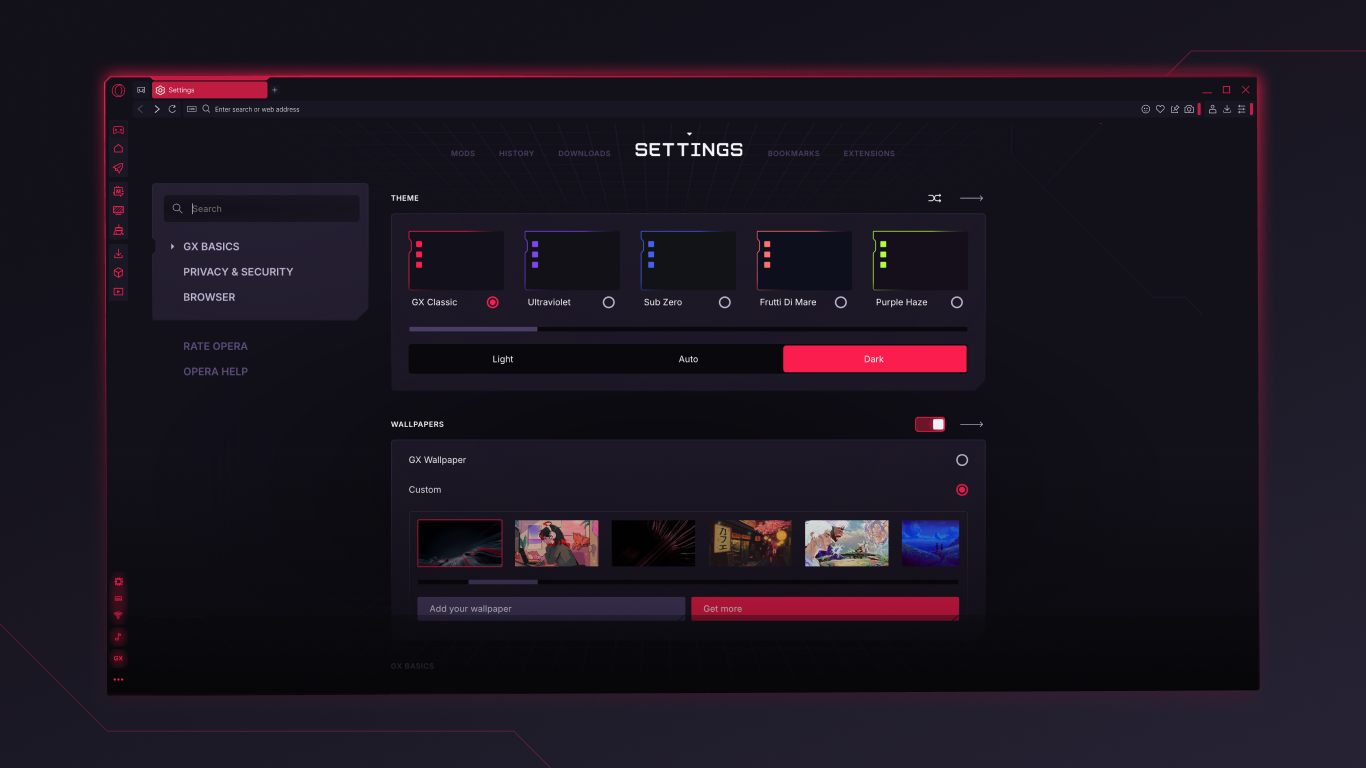
The interface of Opera GX is a visual feast—dark themes complemented by vibrant accents, animated backgrounds, and customizable color schemes that evoke a gaming aesthetic. Navigating the browser is straightforward, with intuitive sidebar menus and a clean layout that minimizes clutter. The customization options allow users to tailor the look and feel to their preferences, making the browser not just functional but also a reflection of personal style.
Operations like opening tabs, accessing settings, or switching between features are smooth and responsive, providing a lag-free experience. The learning curve is gentle—most features are easily discoverable, and existing Opera users will adapt quickly.
Overall, the user experience strikes a balance between style and substance, catering to both tech novices and seasoned gamers alike.
Unique Selling Points and Final Recommendations
What makes Opera GX truly stand out from other entertainment browsers is its focus on resource management combined with personalized content curation. While many browsers offer customization, GX's ability to control system resources empowers gamers to optimize their hardware performance actively. Additionally, its specialized content algorithms craft a browsing experience that feels precisely tailored to gaming interests.
This focus on gamers' specific needs makes Opera GX highly recommended for those who want a performance-efficient browser that enhances their gaming lifestyle without disrupting their workflow. It's especially suitable for users who juggle gaming, streaming, and browsing regularly and need a tool that adapts accordingly.
In conclusion, Opera GX is a compelling choice for users seeking a browser crafted with gaming and multimedia consumption in mind. Its innovative features, combined with an engaging interface, make it more than just a browser—it's a gaming companion wrapped in a sleek package.
Pros
- Customizable Gaming Focus
- Designed for Gamers
- Flexible Themes and Colors
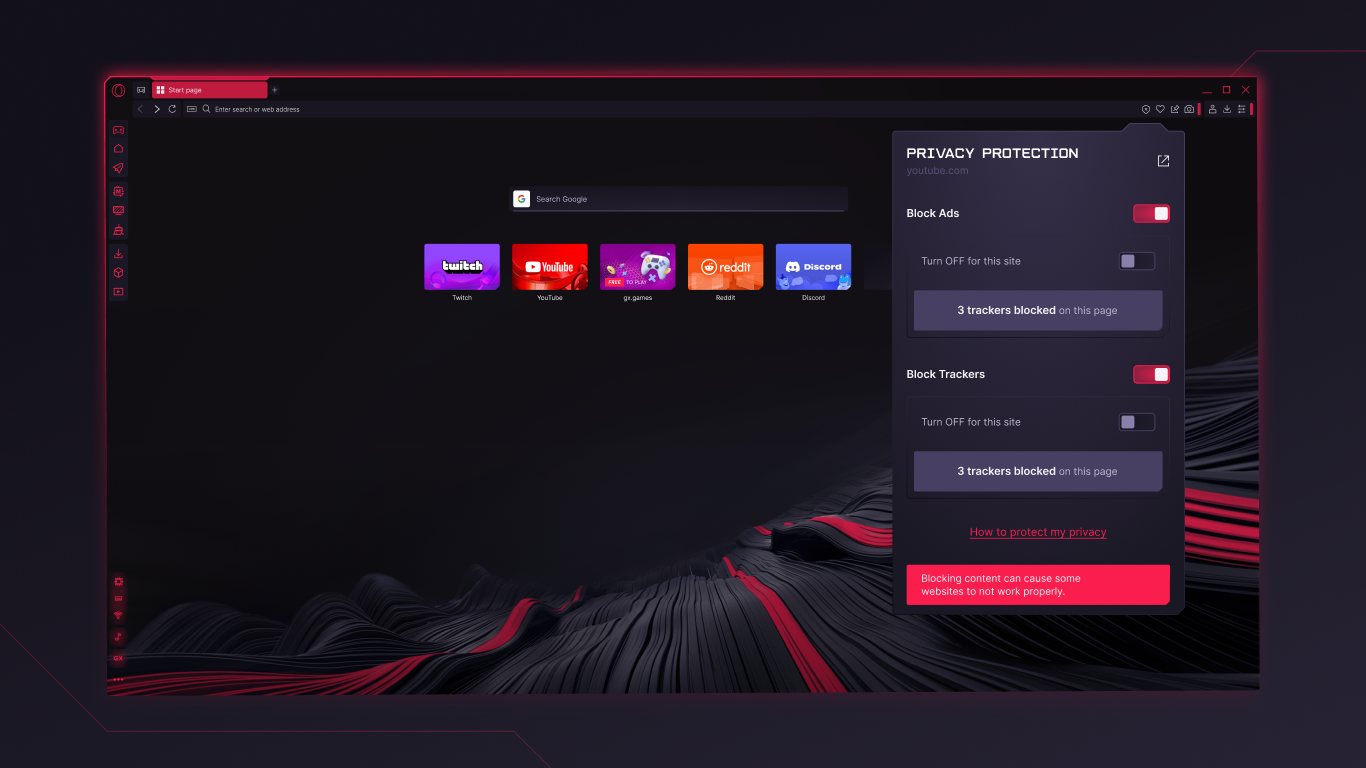
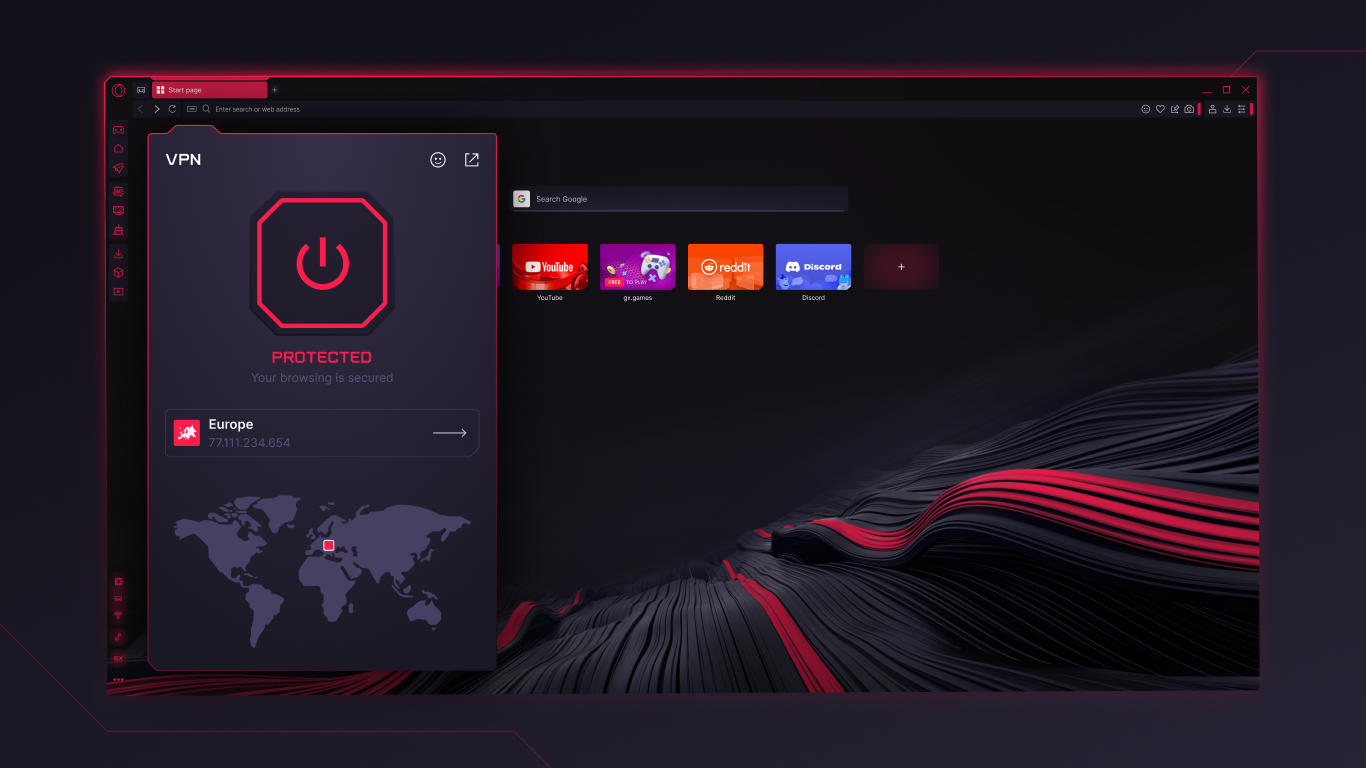
- Built-in Ad Blocker and VPN
- Efficient Resource Management
Cons
- Limited Extension Compatibility
- Occasional Performance Glitches
- Steeper Learning Curve for New Users
- Limited Privacy Settings in VPN
- Some Features Are Still in Beta










