

- Name TW PLAY
- Category Entertainment
- Developer TW Play for Twitch
- Available on PC, Xbox console, Surface Hub, HoloLens
- OS Windows 10 version 20348.0 or higher
- languages Czech, Danish, English, Finnish, French, German, Greek, Italian, Japanese, Norwegian, Norwegian (Bokmål), Norwegian (Nynorsk), Portuguese, Russian, Spanish, Swedish, Turkish
Introducing TW PLAY for Windows: Your Gateway to Enhanced Twitch Entertainment
TW PLAY for Windows is a dedicated application designed to elevate your Twitch viewing experience by offering streamlined navigation, personalized content, and seamless integration—all in a user-friendly package tailored for Windows users who crave more than just standard streaming.
About the Developer and Core Features
Developed by TW Play for Twitch and published by Good Media Group, this app embodies a commitment to delivering tailored Twitch content to Windows audiences. Its standout features include intelligent content discovery algorithms that refine your viewing suggestions, an intuitive interface that makes browsing effortless, and in-app notifications that keep you engaged with your favorite streamers. These elements work together to transform passive viewing into an interactive and personalized entertainment journey.
Vibrant & User-Friendly Interface
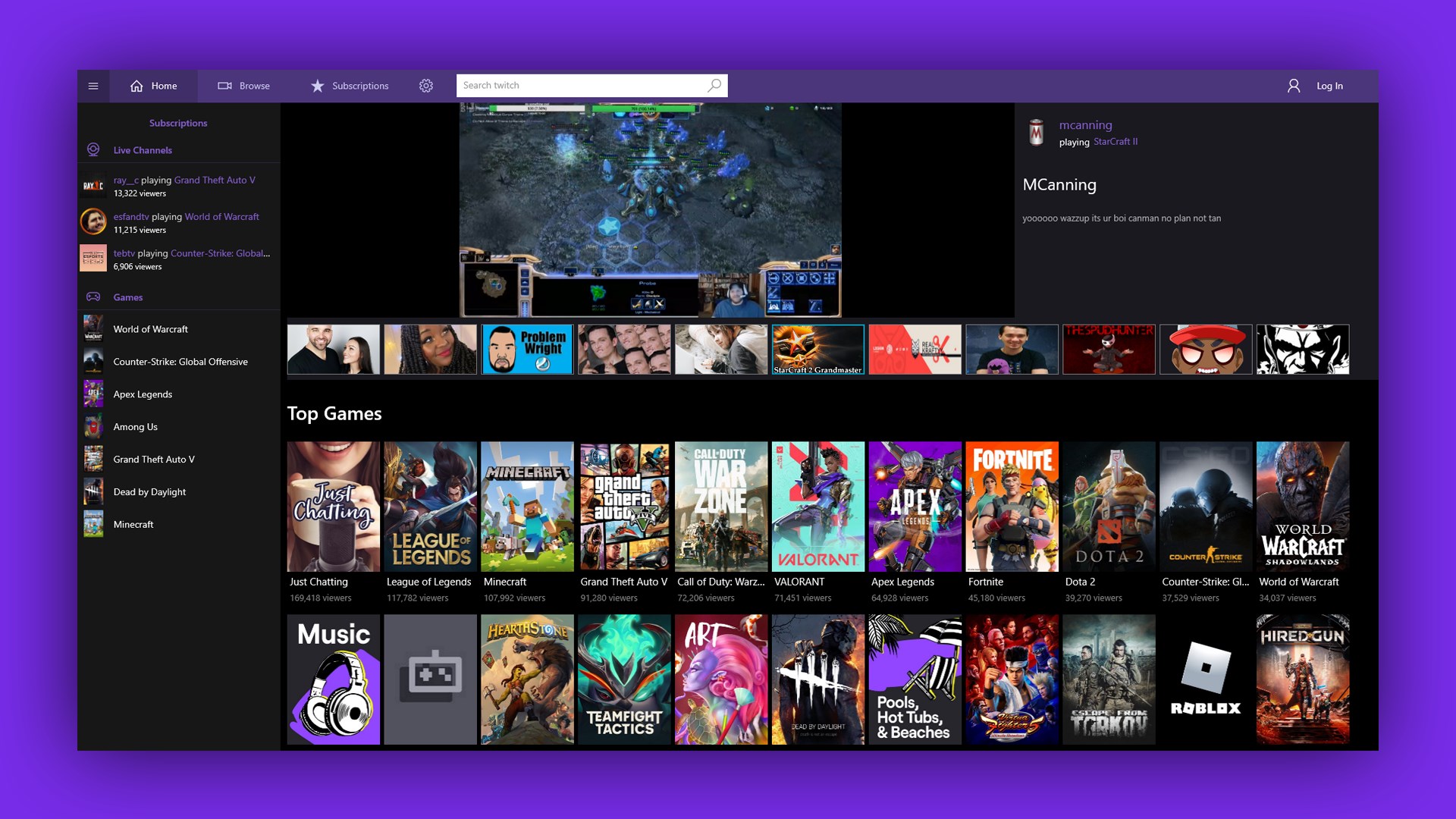
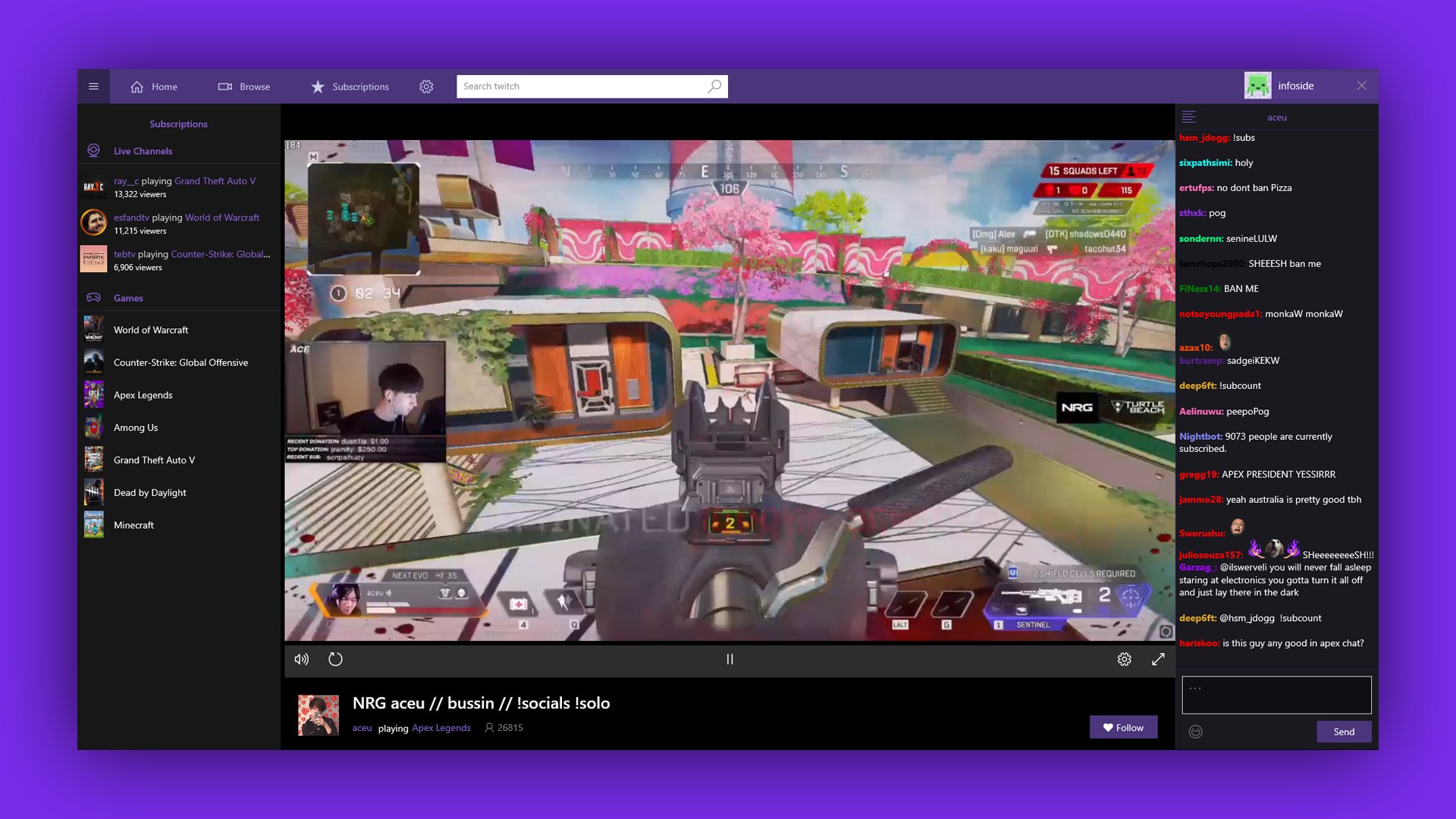
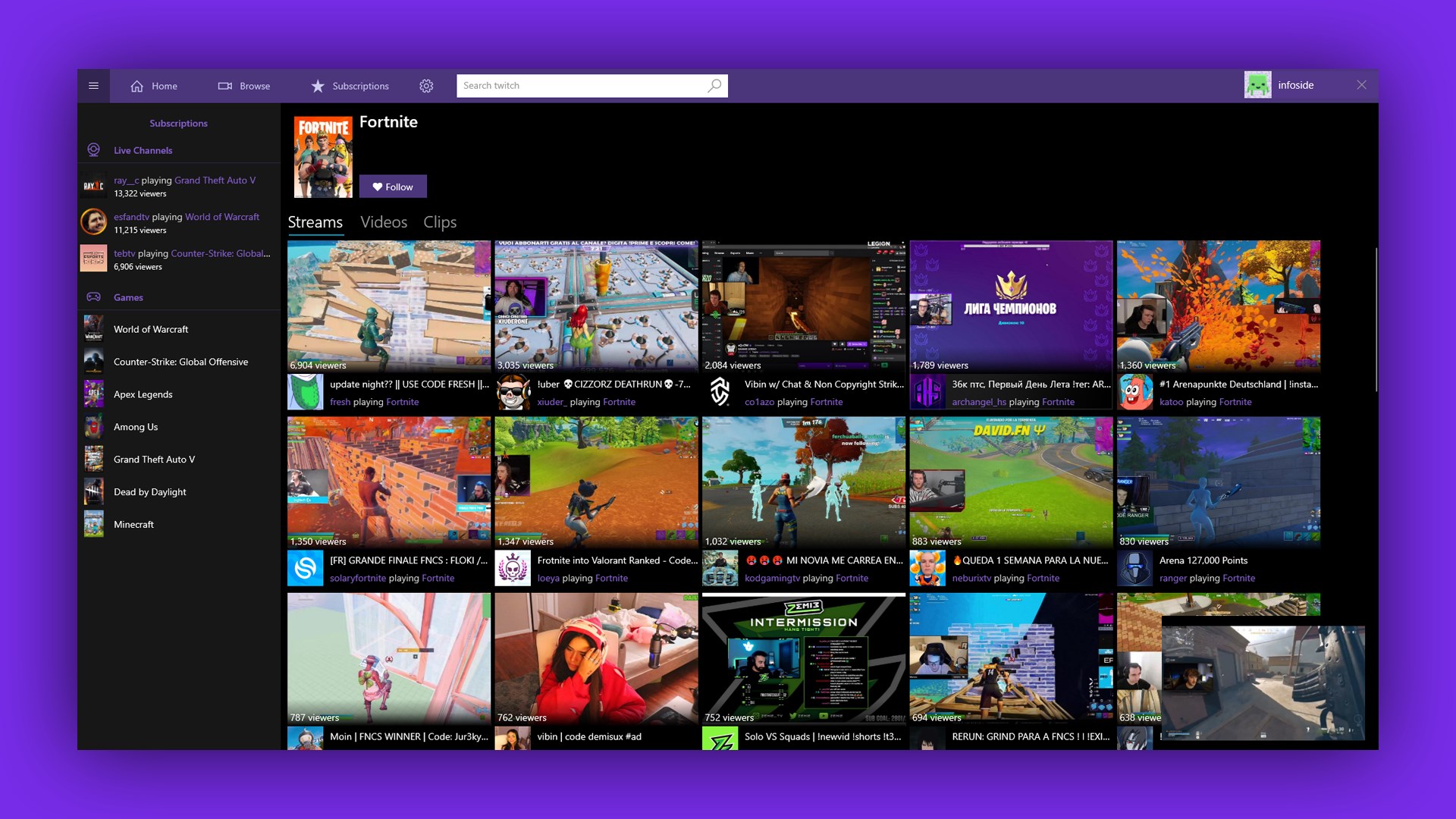
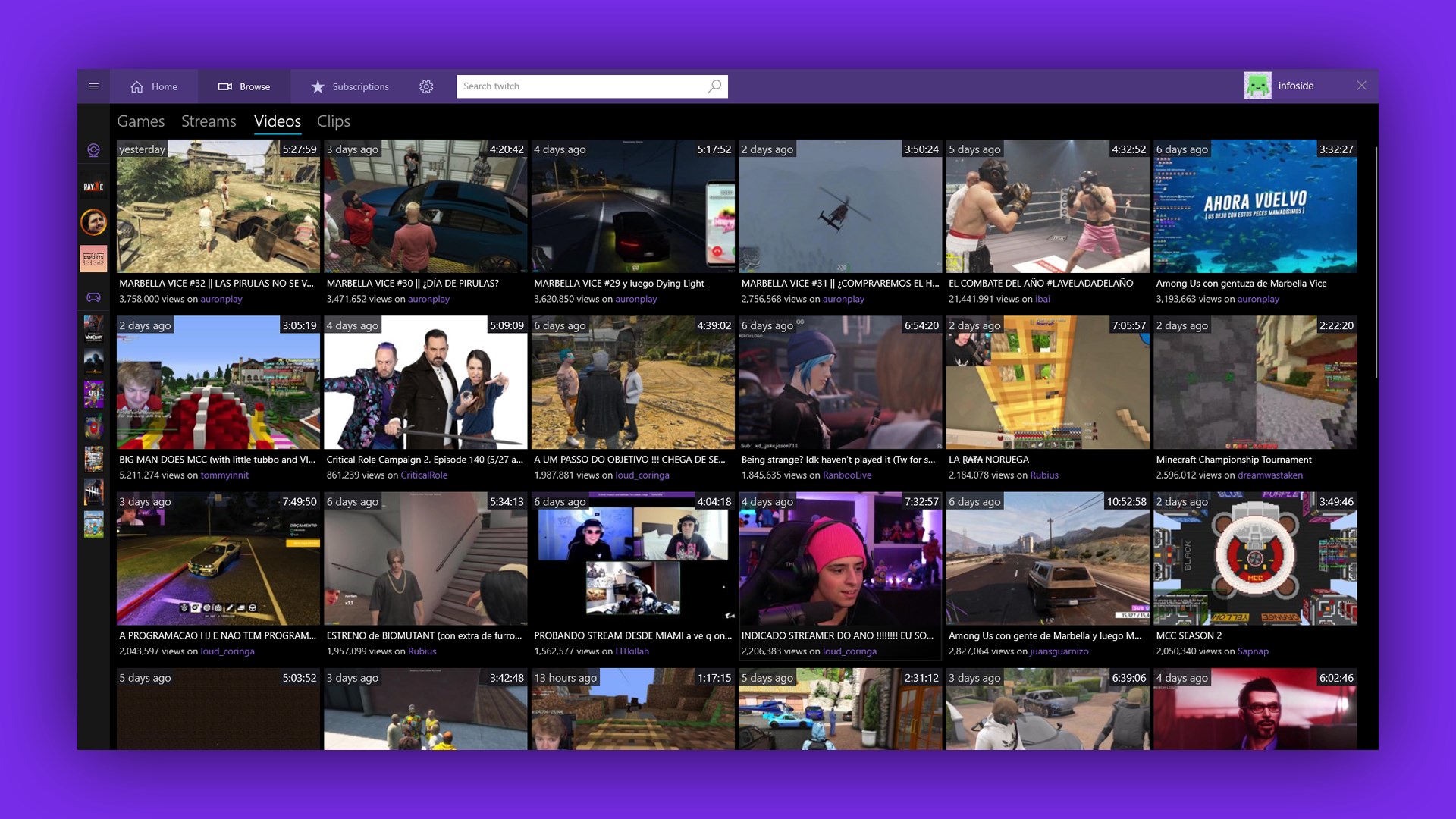
TW PLAY's interface feels like a well-organized living room—bright, inviting, and easy to navigate. With thoughtfully designed layouts, users can quickly access trending streams, recommended channels, or search for specific content without getting lost in clutter. The app maintains a clean aesthetic, ensuring that the focus remains on the content with minimal distractions. During testing, the responsiveness of the design was impressive—scrolling and switching between tabs were smooth and lag-free, reminiscent of gliding across a well-paved highway.
Core Functionality: Personalized Content Discovery & Recommendations
At the heart of TW PLAY is its innovative content discovery engine. Unlike many traditional Twitch apps that rely solely on generic browsing, TW PLAY employs sophisticated algorithms that analyze your viewing habits to tailor recommendations uniquely for you. Whether you're into gaming, music, or just chatting, the app's personalized suggestions feel just right, as if a thoughtful friend is curating content based on your tastes.
This content relevance is a notable distinguishing feature. While similar platforms sometimes bombard users with unrelated streams, TW PLAY's approach to refining recommendations means you're more likely to encounter content that truly interests you—cutting down on the trial-and-error and making your viewing time more enjoyable and efficient.
Streamlined User Experience & Performance
Beyond its smart algorithms, TW PLAY excels in providing a fluid overall experience. Navigating through streams, switching between channels, or managing notifications is effortless, thanks to its optimized operation for Windows environments. The learning curve is gentle; new users can quickly grasp how to customize their preferences and access content without feeling overwhelmed. Additionally, the app's stability was evident during continuous use, with minimal crashes or hiccups—a crucial aspect for a seamless entertainment experience.
Differentiation and Final Recommendations
Compared to other entertainment apps, TW PLAY's strongest appeal lies in its personalized content algorithm and intuitive user interface. While many apps focus on broad content aggregation, TW PLAY sharpens the experience by understanding user preferences deeply. This creates a sense of having a personal streaming assistant who not only fetches popular streams but also intuitively curates content you're most likely to enjoy, enhancing the overall engagement.
For users who frequently watch Twitch on their Windows PCs and seek a more curated, less chaotic viewing experience, TW PLAY is worth trying out. It's particularly suited for audiences who appreciate personalized recommendations and streamlined navigation—think of it as your own digital butler guiding you through the vibrant universe of Twitch.
Final Verdict
TW PLAY for Windows stands out as a thoughtfully designed, user-centric Twitch client. Its unique recommendation algorithm and sleek interface make it a compelling choice for dedicated stream viewers. While it may not replace the need to visit Twitch directly, it significantly enhances how you discover and enjoy streams on your desktop. If personalized content discovery and a smooth browsing experience resonate with you, this app is definitely worth a download—your new favorite streaming assistant awaits.
Pros
- User-Friendly Interface
- Fast Download Speeds
- Wide Game Selection
- Regular Updates
- Secure Payment System
Cons
- Occasional App Crashes
- Limited Regional Content
- Notification Overload
- Slow Customer Support Response
- Occasional Payment Errors










