

- Name Ubisoft Connect - PC
- Category Entertainment
- Developer Ubisoft
- Available on PC
- OS Windows 10 version 0.0 or higher
- languages Chinese (Simplified), Chinese (Traditional Chinese), Czech, Danish, English, English (Canada), Finnish, French, German, Hungarian, Italian, Japanese, Korean, Norwegian, Polish, Portuguese, Portuguese (Brazil), Russian, Spanish, Swedish, Thai
Ubisoft Connect for Windows: Your Gateway to a Seamless Gaming Ecosystem
Ubisoft Connect for Windows is a dedicated gaming hub designed to unify Ubisoft titles, community features, and exclusive rewards into one accessible platform, making it a must-have for dedicated players seeking streamlined access and personalized content.
Introduction and Basic Info
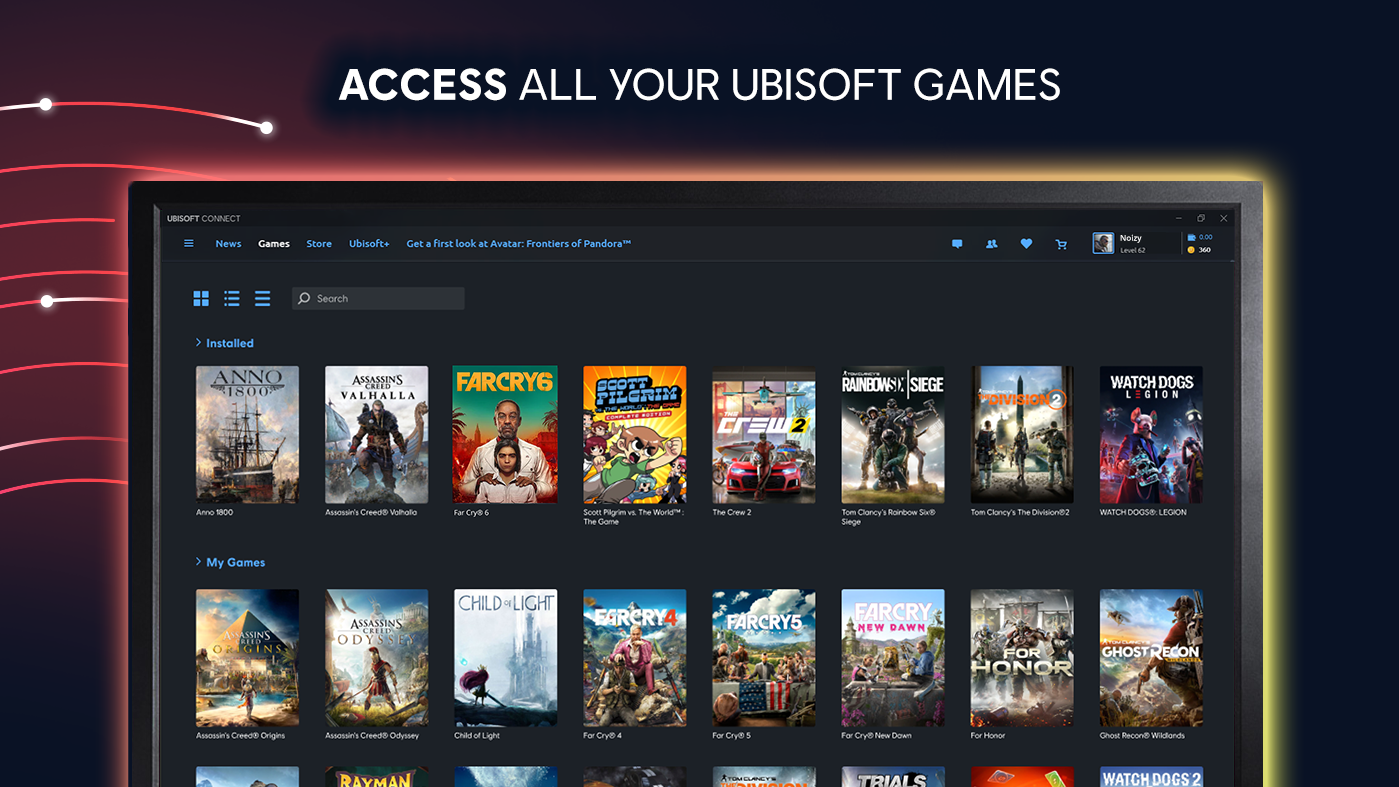
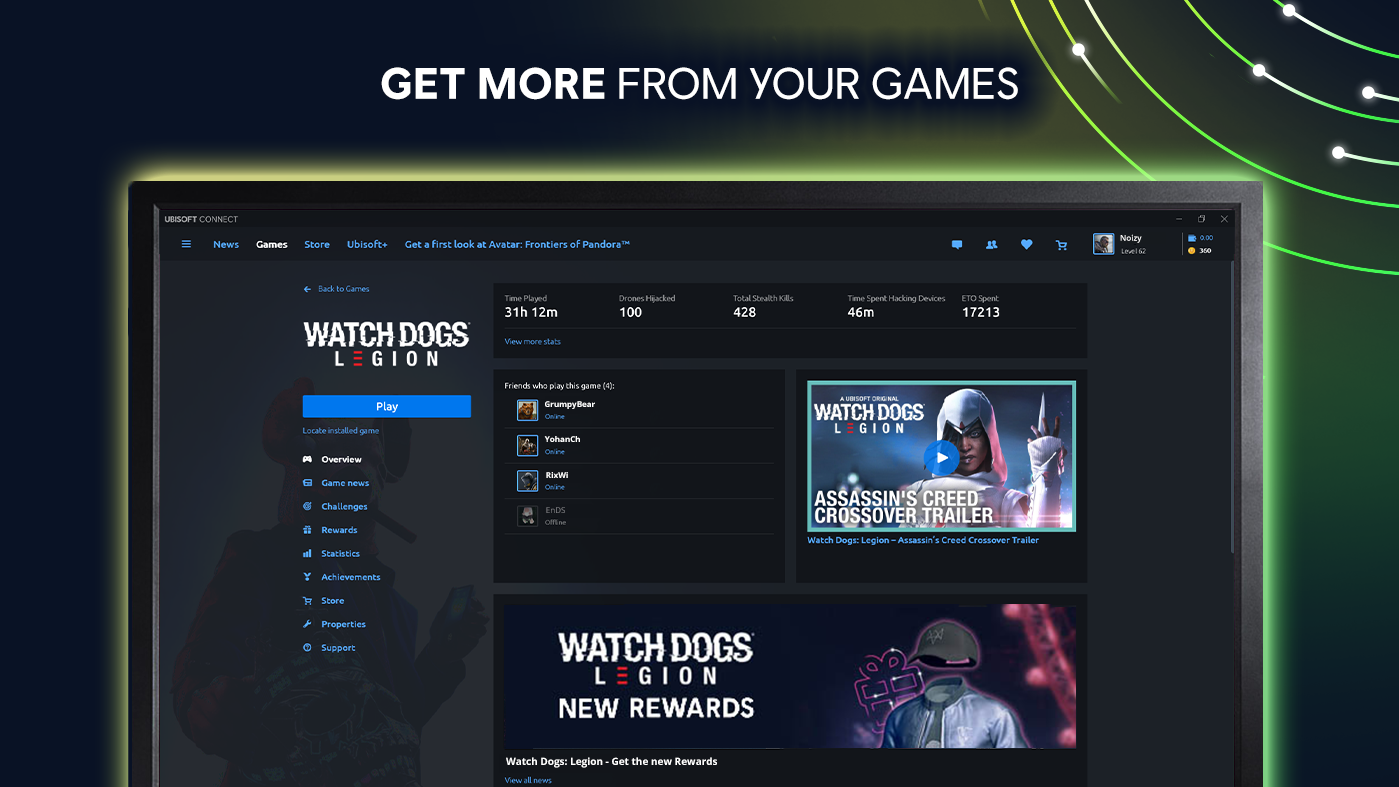
Launched as Ubisoft's official digital platform for PC gamers, Ubisoft Connect aims to replace traditional game launchers with a more integrated experience. Developed and published by Ubisoft, this application serves as a centralized hub for game management, social interaction, and reward redemption. Major features include a comprehensive game library management system, tailored in-game progression rewards, and personalized content discovery that keeps players engaged. Its primary target audience comprises PC gamers who play Ubisoft titles regularly, from casual players to dedicated enthusiasts seeking enriched engagement and seamless content access.
Engaging and Intuitive Game Hub
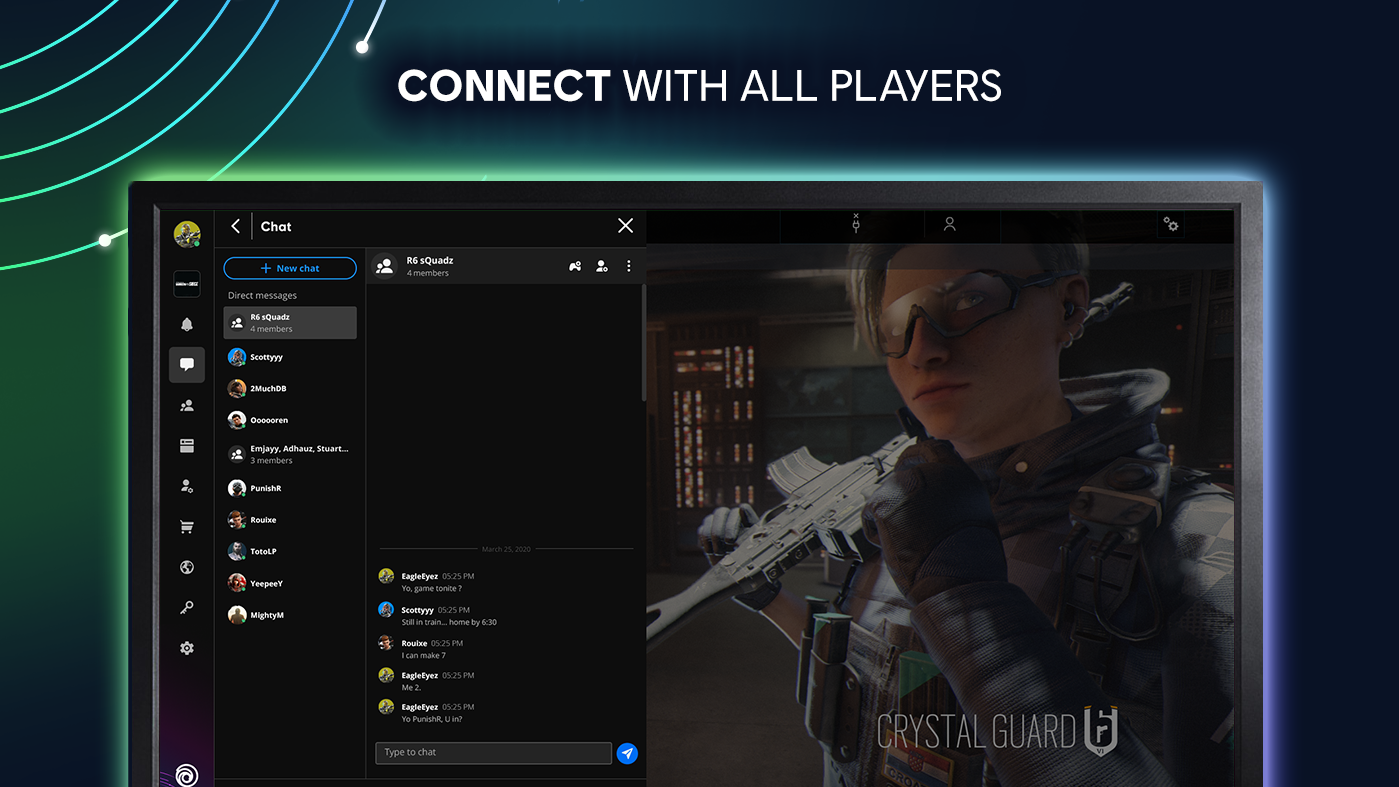
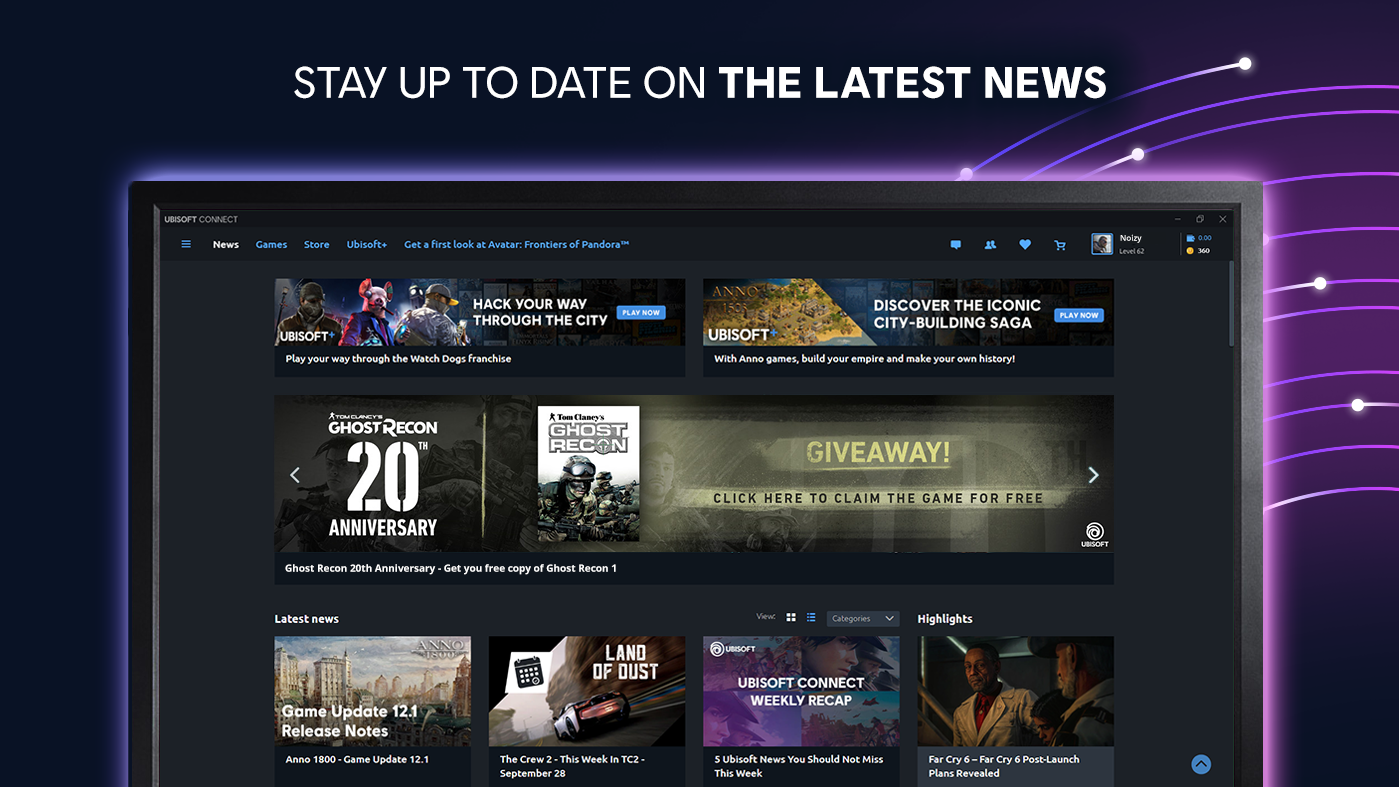
From the moment you open Ubisoft Connect, you're greeted with a sleek, visually appealing interface that feels like entering a well-organized digital gaming lounge. The layout is intuitive, with clearly demarcated sections for your library, rewards, friends, and news updates. Navigating between them is smooth—like sliding open the neatly arranged drawers of a high-tech cabinet. The interface balance between informative and clutter-free ensures users are not overwhelmed, making it accessible even to newcomers. The platform's gameplay library synchronization is fast, allowing for quick access and launching of titles without frustrating loading lags.
Personalized Content and Reward System
What sets Ubisoft Connect apart from peers like Steam or Epic Games Store is its exceptional focus on integrating player progression and rewards into the platform. The app employs a sophisticated content discovery algorithm that tailors in-game and platform recommendations based on your gaming history and preferences. For example, if you're a fan of open-world adventure games, it will highlight upcoming updates or discounts on similar titles, acting like a knowledgeable friend guiding your gaming journey. The platform's reward system—offering Ubisoft Connect Credits, exclusive items, and early access—rewards consistent engagement, turning casual players into active community members eager to unlock new incentives. This personalized content curation underpins a sense of community and loyalty that many competitors lack.
Performance and User Experience
Speed is key in a digital hub, and Ubisoft Connect handles it admirably. The application is responsive, with seamless transitions between sections and quick access to game launches or community features. Its learning curve is gentle—think of it as easing into a familiar playlist—thanks to a straightforward interface and helpful onboarding prompts. Nonetheless, some users might find certain advanced features tucked away in menus, requiring a brief exploration. Overall, the app's stability and fluid performance provide a satisfying user experience that encourages regular use without frustrating hiccups.
Unique Strengths and Recommendations
What truly distinguishes Ubisoft Connect is its use of advanced content discovery algorithms that analyze your gaming habits to surface highly relevant recommendations. Unlike many platforms that bombard users with generic suggestions, Ubisoft Connect's personalized approach creates a curated experience that feels both natural and engaging. Additionally, its focus on rewarding player loyalty with exclusive perks and early access features fosters a committed community atmosphere.
Based on its features and user feedback, I'd recommend Ubisoft Connect primarily to dedicated Ubisoft fans who value content personalization and reward-based engagement. Newcomers might find its tailored suggestions a bit overwhelming at first, but with continued use, it becomes a game-enhancing companion that adds value beyond mere game launching.
In conclusion, Ubisoft Connect for Windows is a well-crafted, user-centric platform that moves beyond simple game management to foster a connected gaming community. Its intelligent recommendation system and rewarding feedback loop are its standout features, making it an excellent choice for loyal Ubisoft enthusiasts seeking a personalized, streamlined experience.
Pros
- Seamless Ubisoft game library access
- Regularly updated game library
- Integrated social features
- Cross-platform account sync
- User-friendly interface
Cons
- Occasional login issues
- Limited in-app purchase options
- Download speeds can vary
- Occasional interface bugs
- Limited regional content availability











