


- Name Tubi - Free Movies and TV
- Category Entertainment
- Developer Tubi, Inc.
- Available on PC, Xbox console
- OS Windows 10 version 19041.0 or higher
- languages English (United States)
Introducing Tubi - Your Free Streaming Companion for Windows
Tubi offers a wide array of free movies and TV shows, delivering entertainment straight to your Windows device without any subscription fees. Think of it as your personal theater, always ready to turn any moment into a cinematic escape.
About the Developer and Core Features
Developed by Tubi, Inc.
As a dedicated streamer committed to accessibility, Tubi, Inc. has crafted this platform to bring high-quality entertainment to audiences worldwide.
Key Advantages of Tubi
- Extensive Content Library: Thousands of movies, TV series, and genres, all free and readily available.
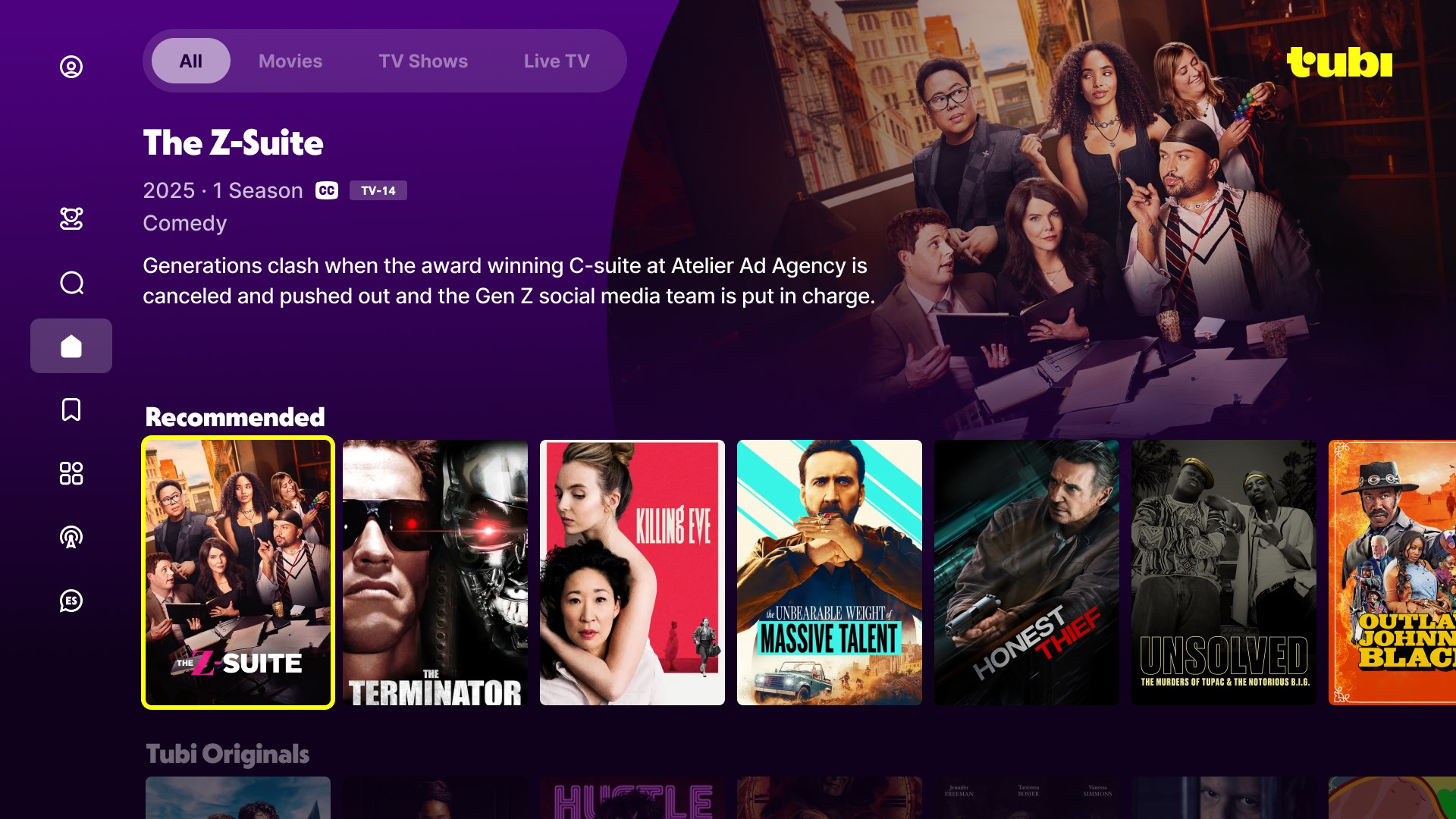
- Smart Content Discovery: Advanced algorithms recommend titles tailored to your viewing habits, making discovery effortless.
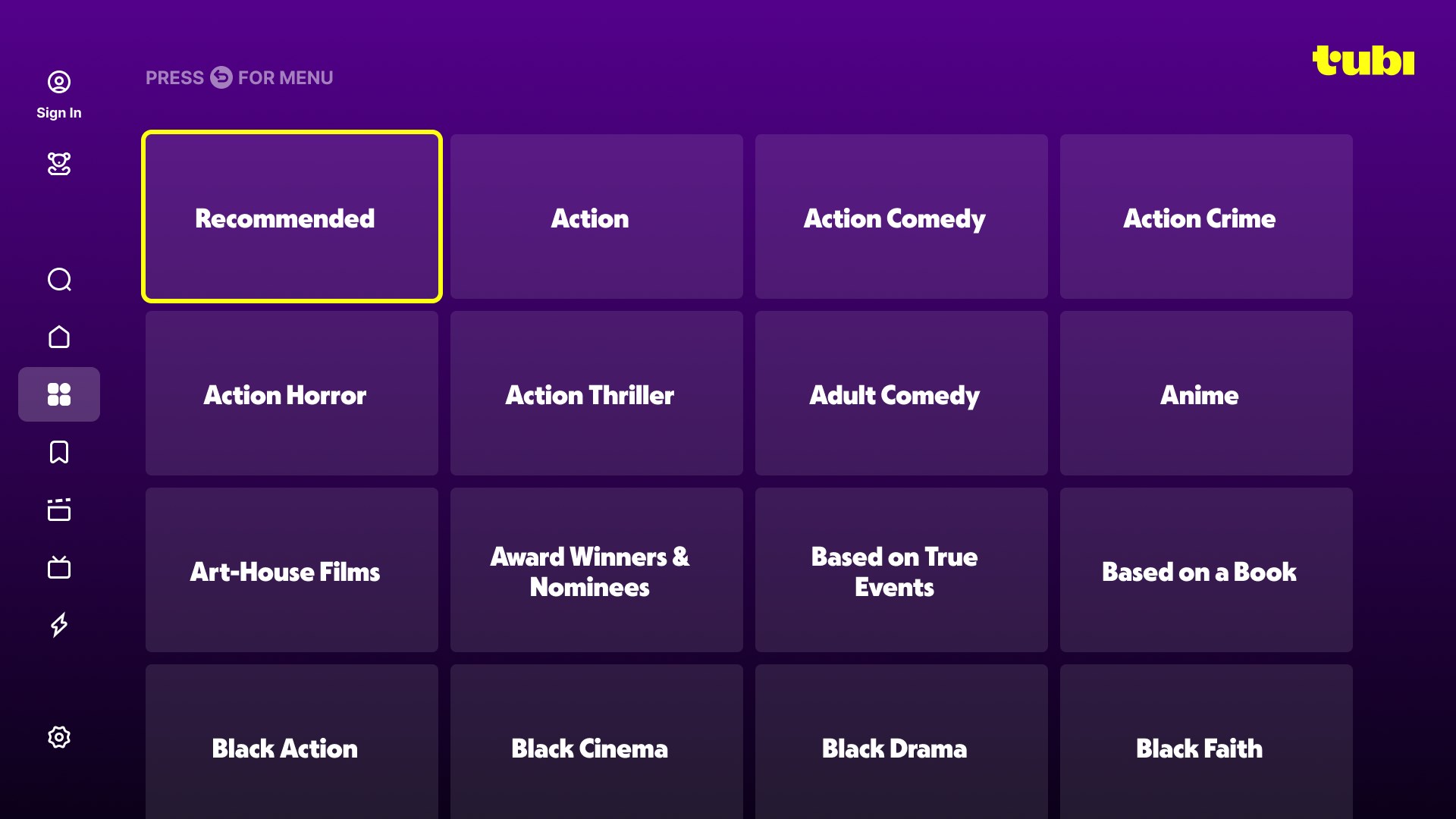
- User-Friendly Interface: Clean, intuitive design ensures smooth navigation, even for first-time users.
- Ad-Supported Free Streaming: Enjoy ad-supported content that doesn't disrupt your experience.
The app targets audience groups including casual viewers, budget-conscious consumers, and anyone seeking easy access to a broad entertainment selection without financial commitment.
A Fun and Functional Streaming Experience
Imagine settling into your favorite cozy spot and finding a treasure trove of films and shows just a click away—that's what Tubi promises. Its lively interface greets you with vibrant thumbnails and neatly organized categories, making browsing feel like flipping through a well-curated magazine. From the moment you launch the app, it's evident that simplicity meets sophistication: finding your next binge-watching session is just a couple of taps away.
Content Discovery and Personalized Recommendations
One of Tubi's standout features is its intelligent content discovery engine. Unlike many free streaming apps, Tubi doesn't just randomly throw titles at you; it learns your preferences over time. Whether you're into thrillers, comedies, or documentaries, the app curates personalized playlists that feel like a playlist made just for you. This level of personalization minimizes the endless scrolling and helps you jump straight to what you like. It's akin to having a knowledgeable friend who always knows the perfect film to recommend.
User Interface and Experience
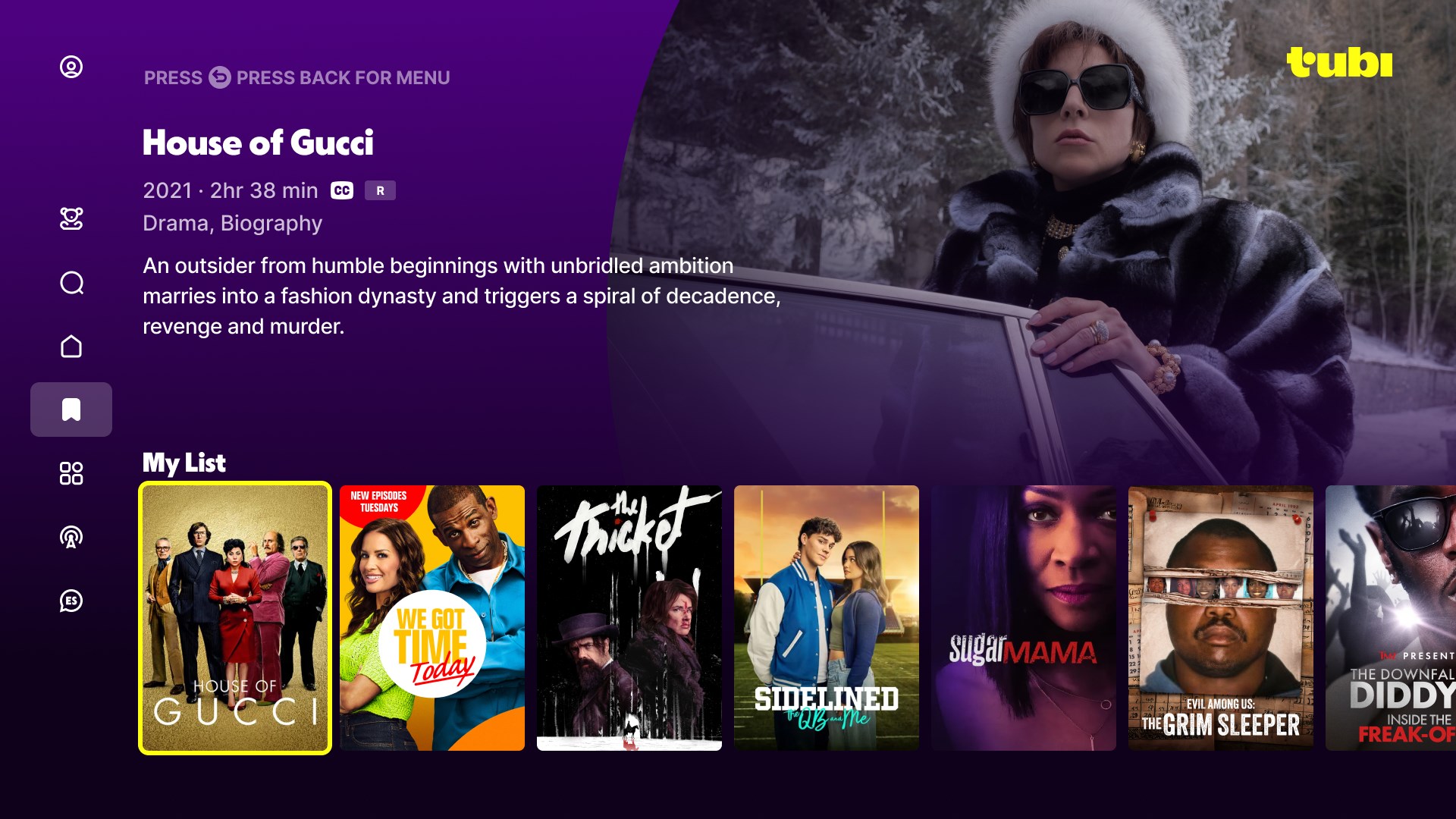
The app's design is like a well-organized bookshelf—everything's in its place, yet easy to browse. Navigation is smooth, with quick loading times and responsive controls, ensuring you spend more time watching and less time fiddling with menus. The learning curve is gentle; even newcomers can quickly master how to search, filter, and manage their watchlist. The visuals are crisp, and the app runs seamlessly on Windows, mirroring the quality you might expect from paid services, but without the price tag.
What Makes Tubi Stand Out?
While many entertainment apps focus heavily on content quantity, Tubi's real distinction lies in its content recommendation system. Its sophisticated algorithms analyze your viewing patterns to deliver highly relevant suggestions. This personalized approach enhances user engagement and makes the app feel more like a curated experience rather than just a streaming platform. The app's ability to adapt and evolve its recommendations based on your evolving tastes sets it apart from competitors like Pluto TV or IMDb TV, which rely more on static showcases.
Final Thoughts and Recommendations
If you're seeking a free, reliable, and intelligently curated streaming platform, Tubi is a noteworthy choice. It's particularly appealing for viewers who want personalized content suggestions without the clutter of ads or subscription costs. The app's standout feature—the smart content recommendation engine—is especially valuable for discovering hidden gems tailored to your preferences.
For casual viewers or those exploring new genres, I'd confidently recommend giving Tubi a try. Its user interface and personalization make it effortless and enjoyable to find new favorites. Just keep in mind that since it's ad-supported, occasional commercials are part of the experience, reminiscent of traditional TV but seamlessly integrated into the app.
In summary, Tubi excels at turning your Windows device into a personalized movie theater, making entertainment accessible and engaging without the usual barriers. Whether you're looking for a weekend binge or a quick movie break, this app deserves a spot on your digital entertainment shelf.
Pros
- Vast Content Library
- Free Access
- User-Friendly Interface
- Supported on Multiple Devices
- Regular Content Updates
Cons
- Ad Interruptions
- Limited Content in Certain Genres
- Video Quality Variability
- Lack of Offline Download
- Regional Content Restrictions











