
- Name TriPeaks Solitaire (Free)
- Category Card & board
- Developer GASP Mobile Games Inc
- Available on PC, Mobile, Surface Hub, HoloLens
- OS Windows 10 version 10240.0 or higher
- languages English (United States)
TriPeaks Solitaire (Free): A Fresh Spin on a Classic Card Game
TriPeaks Solitaire (Free) for Windows offers players an engaging twist on the timeless solitaire genre, blending traditional gameplay with modern touches to keep things lively and entertaining.
Developed by GASP Mobile Games Inc., a team dedicated to mobile-friendly fun
Created by GASP Mobile Games Inc., this app reflects a focus on providing accessible, enjoyable card experiences optimized for desktop users, emphasizing smooth gameplay and user engagement.
Key Features That Make It Stand Out
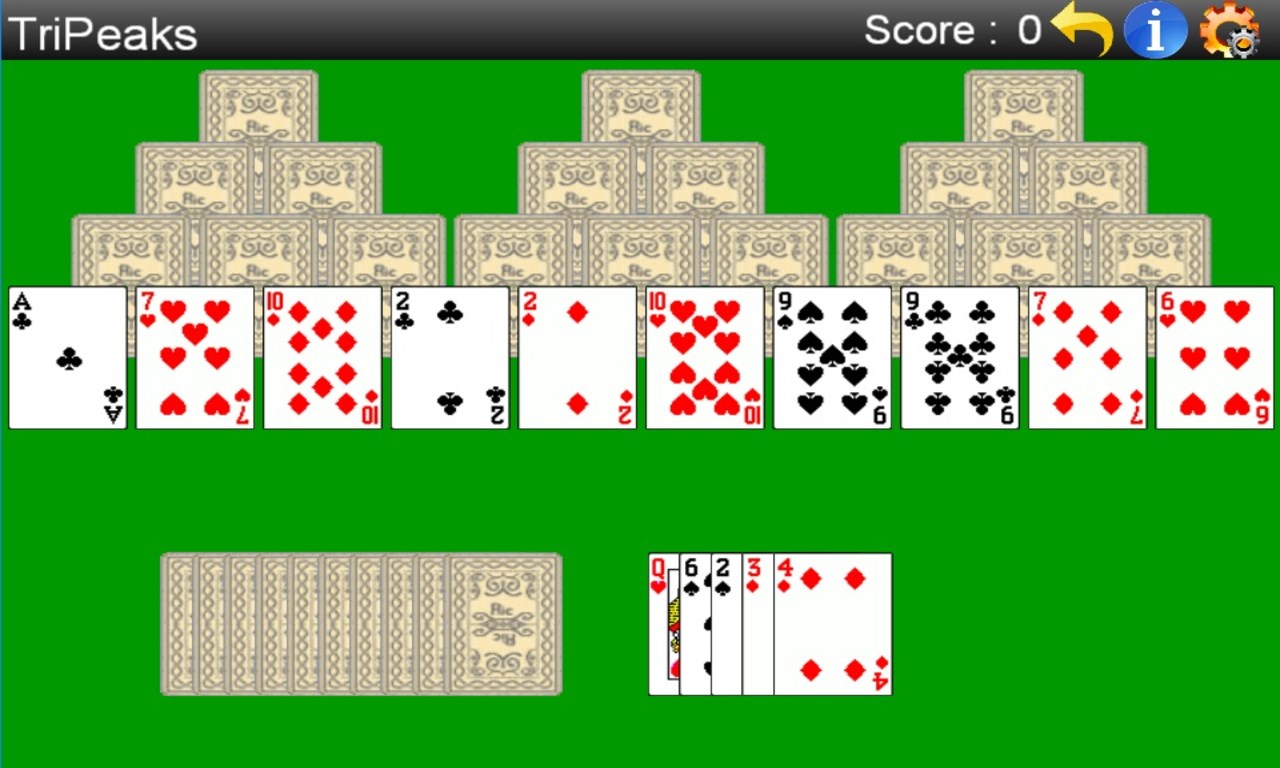
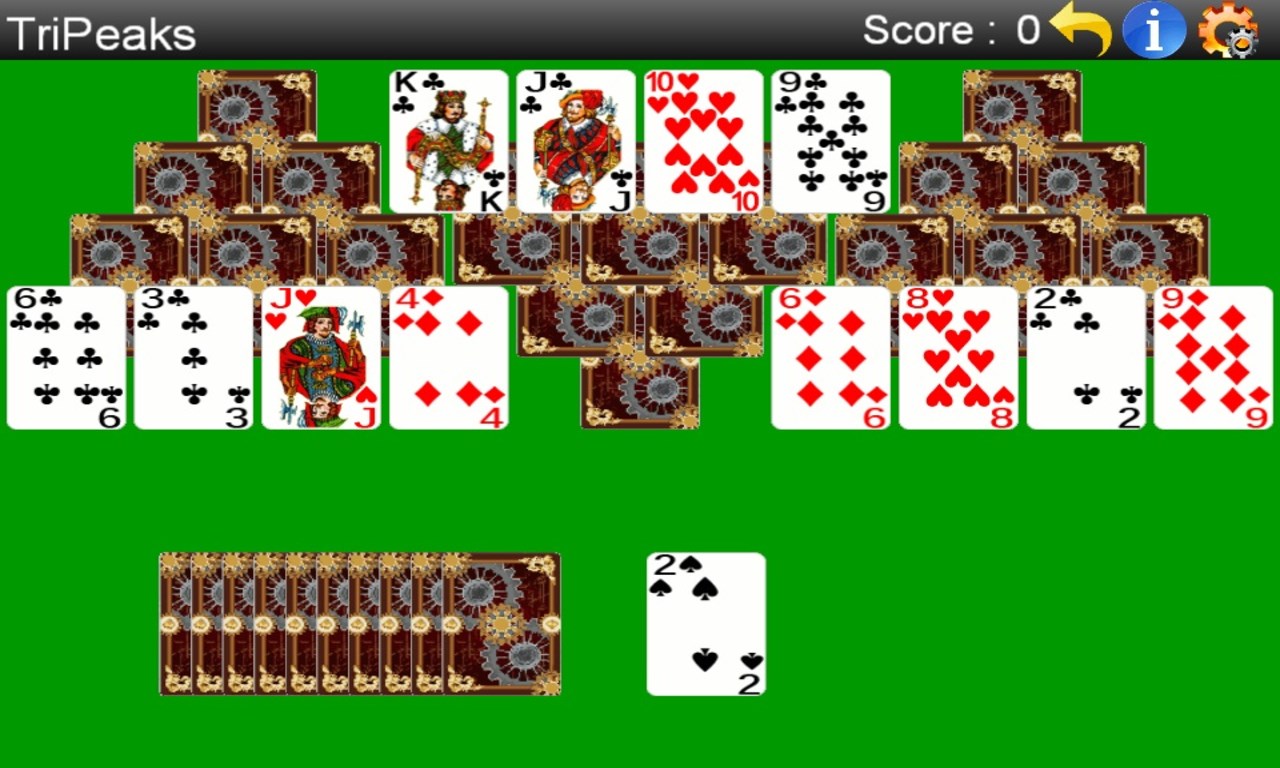
- Dynamic TriPeaks Layout: The game features a beautifully designed three-peaks tableau that creates a visually appealing and logical structure for card matching.
- Intuitive Drag-and-Drop Mechanics: Smooth, responsive controls make selecting and moving cards effortless, reducing frustration and enhancing fluid gameplay.
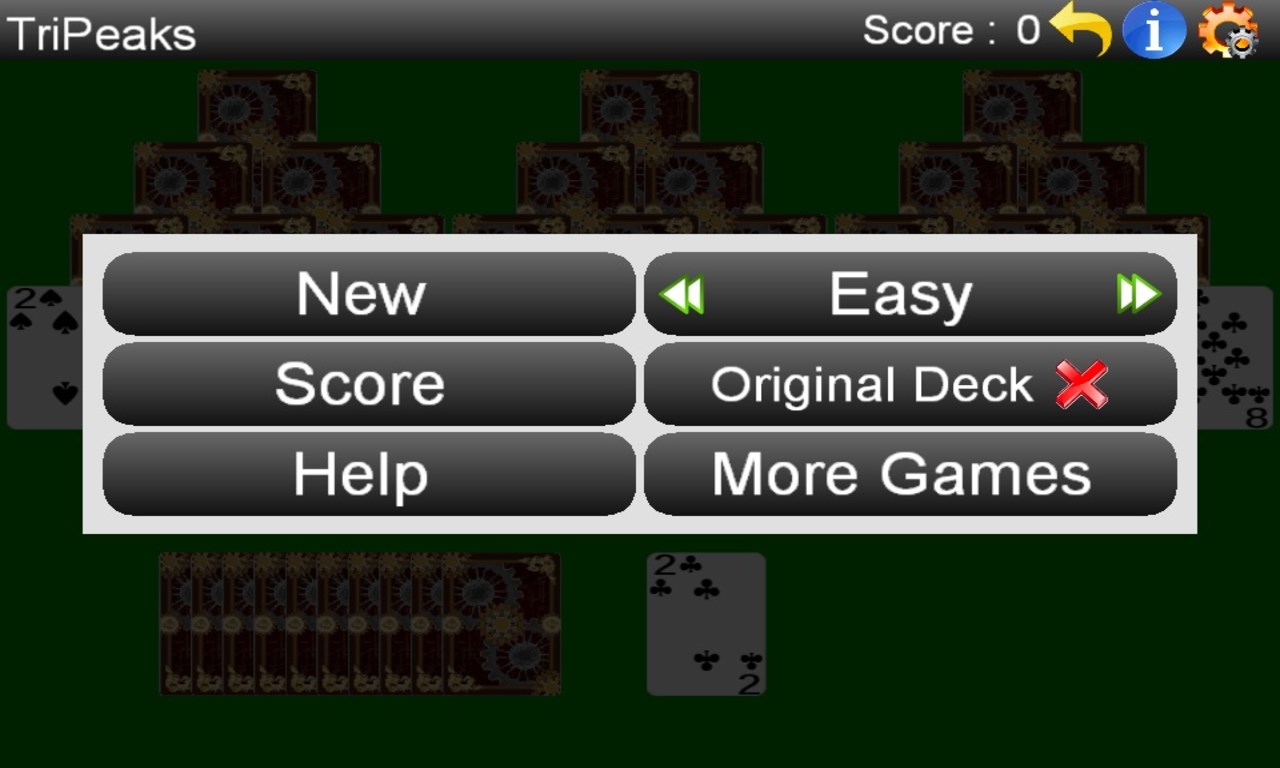
- Customizable Themes & Settings: Players can personalize their experience with different card backs, background themes, and difficulty levels, adding a layer of personal expression.
- Daily Challenges & Rewards: Engaging daily missions keep the game fresh, rewarding players with bonuses and encouraging regular play.
Vivid and Playful Interface
The game's design resembles a friendly game table come to life, with bright, lively colors and clear card design that makes it easy for players to distinguish cards at a glance. The interface is clean and clutter-free, allowing focus on gameplay without distraction. The layout adapts seamlessly to different window sizes, making it adaptable whether you're on a small laptop or a large monitor.
Seamless Gameplay & User Experience
Navigation within the app strikes a perfect balance — intuitive enough for newcomers to pick up instantly, yet nuanced enough for seasoned players to appreciate. Dragging and dropping cards is silky smooth, thanks to optimized responsiveness. The learning curve is gentle; basic rules are quickly grasped, while advanced strategies emerge as players become more familiar with the game's nuances.
What Sets TriPeaks Solitaire Apart from Other Card Games
Unlike traditional Klondike or FreeCell solitaire, TriPeaks combines the mental challenge of memory and planning with an engaging layout that resembles ancient mountain peaks. Its most unique feature is the "Three Peaks" structure, which introduces strategic depth—players must decide the best sequence of moves to clear all cards efficiently. Additionally, the game incorporates a rewarding progression system with daily challenges that motivate players to improve their skills over time. This combination of thoughtful gameplay and aesthetic appeal helps it shine in a crowded market of card apps.
Final Verdict: A Friendly Recommendation
If you're seeking a polished, thoughtfully designed card game that offers both relaxing moments and gentle mental challenges, TriPeaks Solitaire (Free) deserves a spot on your desktop. Its standout features—particularly the intuitive controls and engaging layout—make it stand apart from many similar apps. Whether you're a casual player wanting a quick distraction or a dedicated solitaire fan looking for a new twist, this game provides a satisfying experience. We recommend it for anyone interested in a visually appealing, well-crafted card game that emphasizes ease of play without sacrificing depth.
Pros
- User-friendly interface
- Free to download and play
- Ad-supported with optional removal
- Multiple game modes and customization options
- Regular updates and bug fixes
Cons
- Ads can be intrusive
- Limited offline functionality
- Lack of advanced analytics
- No multiplayer mode
- Graphics could be more dynamic











