
- Name Torrent Downloader HD
- Category Entertainment
- Available on PC
- OS Windows 10 version 14393.0 or higher
- languages Chinese (Simplified), Dutch, English (United States), French, German, Italian, Japanese, Korean, Portuguese, Russian, Spanish
A Comprehensive Review of Torrent Downloader HD for Windows
If you're delving into the world of torrenting on Windows and seeking a reliable app that blends straightforwardness with powerful features, Torrent Downloader HD might catch your eye. As a tool touted for managing torrent downloads efficiently, it promises a seamless experience—let's unpack whether it lives up to these claims.
Basic Information: Setting the Stage
Designed as a dedicated torrent management tool, Torrent Downloader HD aims to streamline the process of downloading files from peer-to-peer networks. Developed by Better App, a developer with a growing portfolio of utility applications, this app is positioned as a user-friendly solution for Windows users who need quick, organized access to torrents.
Key features include an integrated torrent search engine, download management with pause/resume capabilities, and multimedia file previews before completion. The app caters to a range of users—from casual downloaders acquiring media files to power users managing extensive torrent libraries.
Who Will Benefit?
This application specifically targets Windows users who prefer a focused, easy-to-navigate environment for torrenting—be it for entertainment, academic resources, or software sharing—offering an alternative to more cluttered or complex torrent clients.
Engaging with Torrent Downloader HD: A User-Friendly Approach
Imagine entering a cozy, well-organized workspace where every tool you need for torrenting feels intuitively within reach. That's the vibe Torrent Downloader HD provides—a simplified yet capable interface that makes finding and managing torrents feel almost effortless. Its clean layout means even beginners can jump right in, while seasoned users will appreciate quick access to advanced options.
Core Features in Focus
Efficient Torrent Search & Discovery
One of the app's standout features is its built-in torrent search engine, which allows users to discover torrents directly within the app—no need to browse multiple websites or use separate search engines. This feature makes the initial discovery phase straightforward, almost akin to having a virtual library at your fingertips. The search results are organized and include essential details like seeders and leechers, aiding users in selecting healthy torrents for faster downloads.
Intelligent Download Management
Managing multiple torrent downloads can feel chaotic—like juggling flaming torches. Torrent Downloader HD simplifies this with features like pause, resume, and prioritization, giving users fine control over their download queue. The app also supports sequential downloading, so you can start watching a video even as the download progresses. Furthermore, its download speed adapts smoothly to network variations, keeping the experience fluid.
Preview & Media Playback Capabilities
Before waiting for an entire file to download, users can preview videos and images directly within the app. Think of it as having a mini cinema or photo gallery integrated into your torrent client. This feature is particularly useful when verifying media quality or ensuring the right file is downloaded, saving time and bandwidth.
User Experience & Differentiation
The interface of Torrent Downloader HD boasts a minimalistic design that appeals to both the eye and the mind. Navigating between search, active downloads, and completed files is smooth—almost like flipping through pages of a well-loved book. Its operation is snappy, with minimal lag, even when handling multiple torrents simultaneously, which is a common pain point in comparable applications.
Compared to other entertainment torrent clients, Torrent Downloader HD's real advantage lies in its personalized content discovery algorithms. Unlike cluttered apps that throw every torrent option at you, this app curates results more efficiently, narrowing down torrents based on user preferences. Its recommendation system critiques relevance by avoiding irrelevant or low-quality files, which enhances user satisfaction significantly.
This personalized approach means your feeds are more aligned with your interests, making the torrent discovery process feel less like searching for a needle in a haystack and more like having a knowledgeable assistant by your side. Additionally, its lightweight footprint ensures it doesn't overtax system resources, keeping your PC running smoothly.
Final Verdict & Usage Recommendations
Overall, Torrent Downloader HD for Windows is a practical choice for users seeking a straightforward yet intelligently designed torrent management tool. Its most compelling features are its integrated, personalized content discovery and preview functionalities—attributes that set it apart from more generic clients.
While it may not replace highly customizable torrent clients for advanced users wanting extensive plugin support or intricate settings, it offers a well-balanced experience suitable for casual to moderate users. I would recommend it for newcomers who appreciate simplicity and efficiency, as well as seasoned users looking for a clean, focused interface.
If you're tired of cluttered, overly complicated torrent applications and crave a solution that respects your time while providing intelligent content suggestions, Torrent Downloader HD deserves a spot on your Windows desktop. Just keep in mind that, like any tool, it's most effective when used responsibly and within legal boundaries.
Pros
- User-friendly Interface
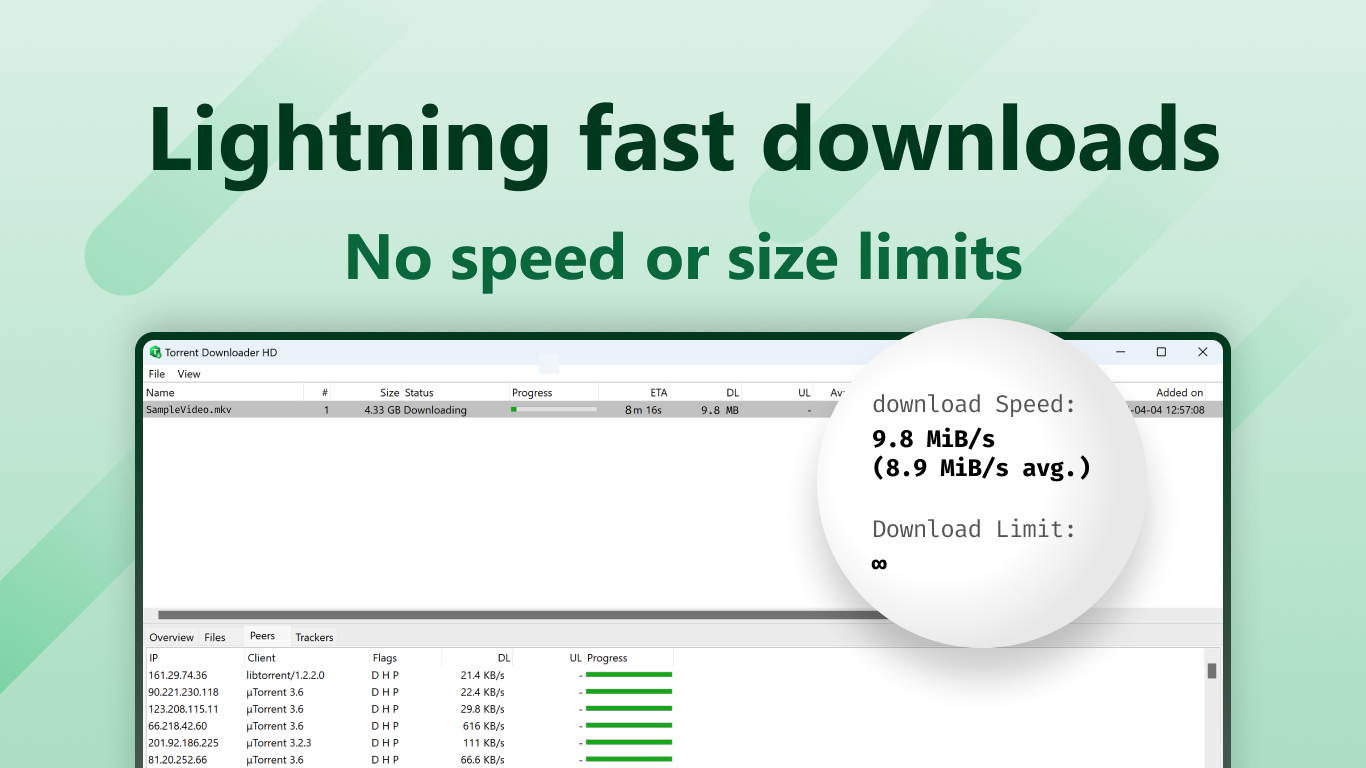
- Fast Download Speeds
- Supports Multiple File Formats
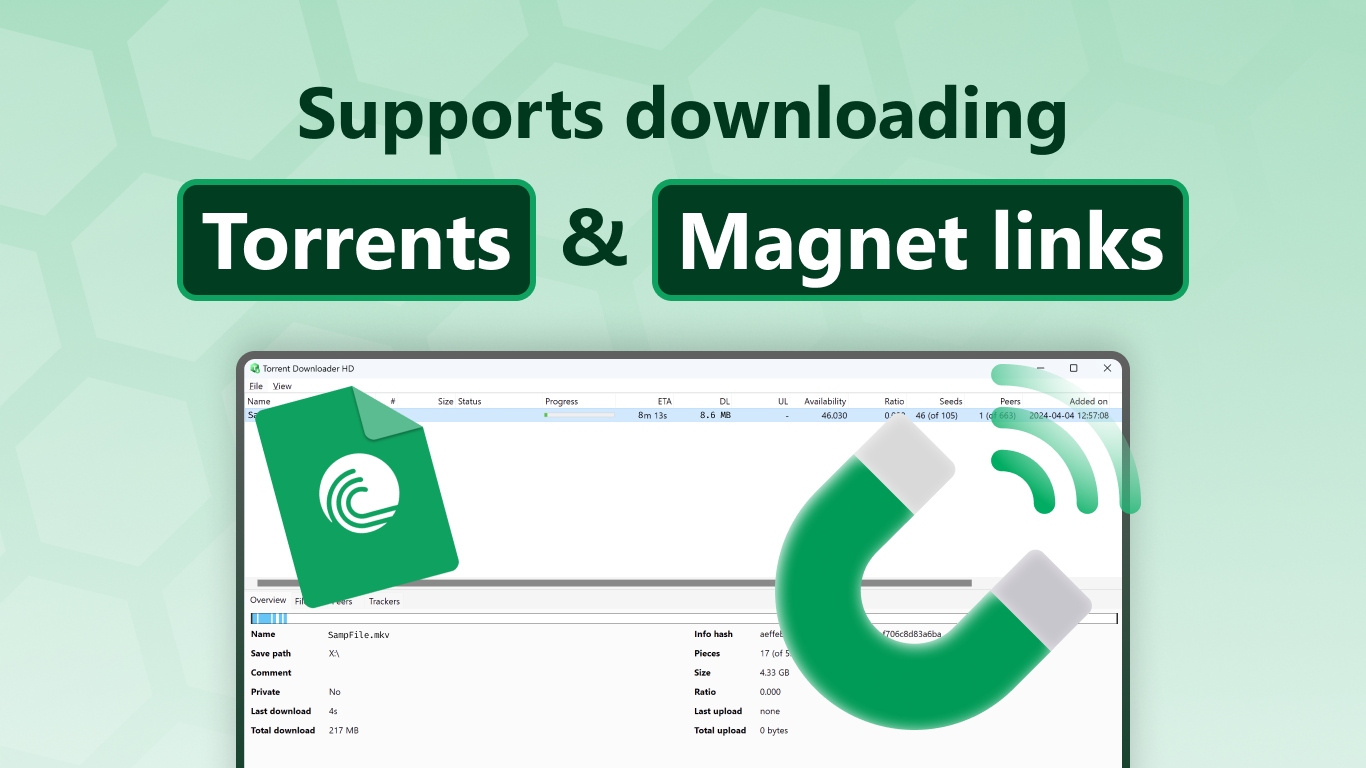
- Built-in Magnet Link Support
- Free Basic Version
Cons
- Limited Search Functionality
- Occasional Connection Drops
- Basic UI without Custom Themes
- In-app Ads in Free Version
- Limited Support for Remote Management











