

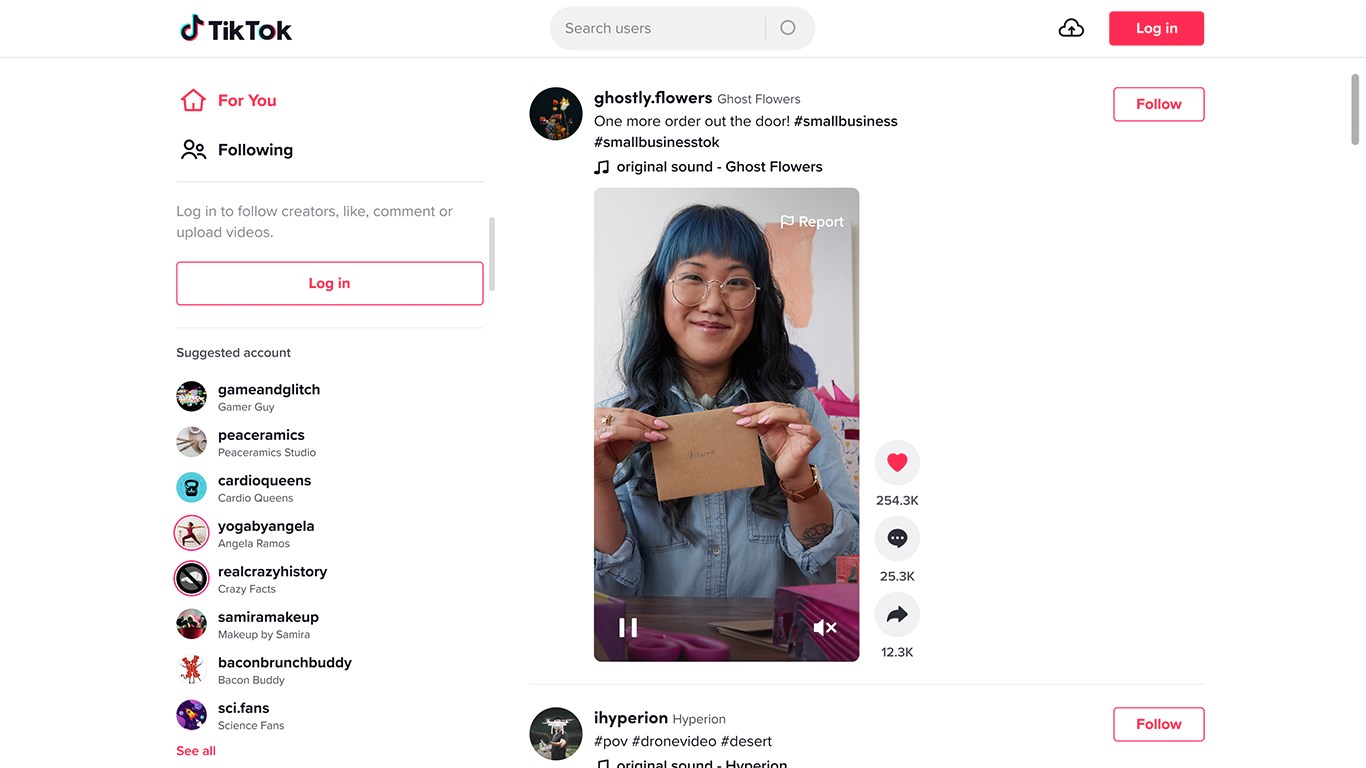
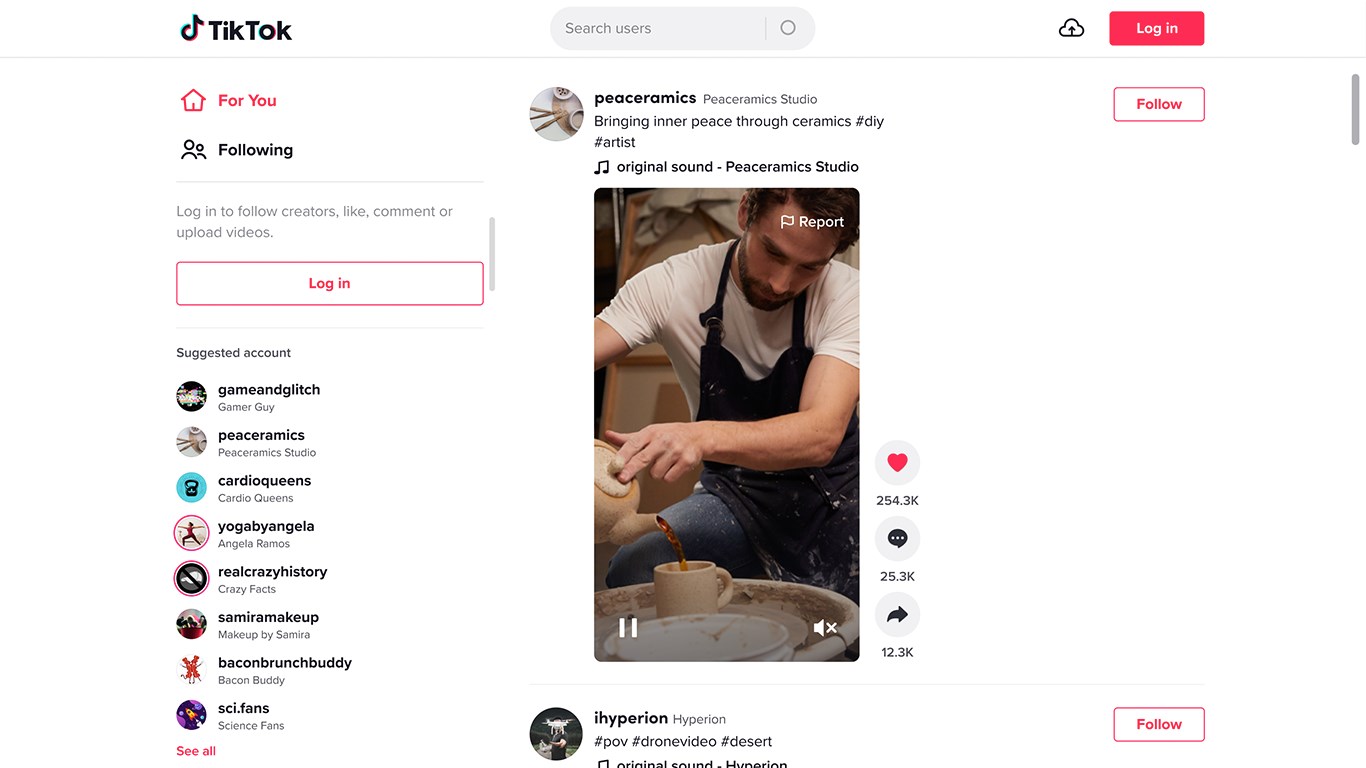
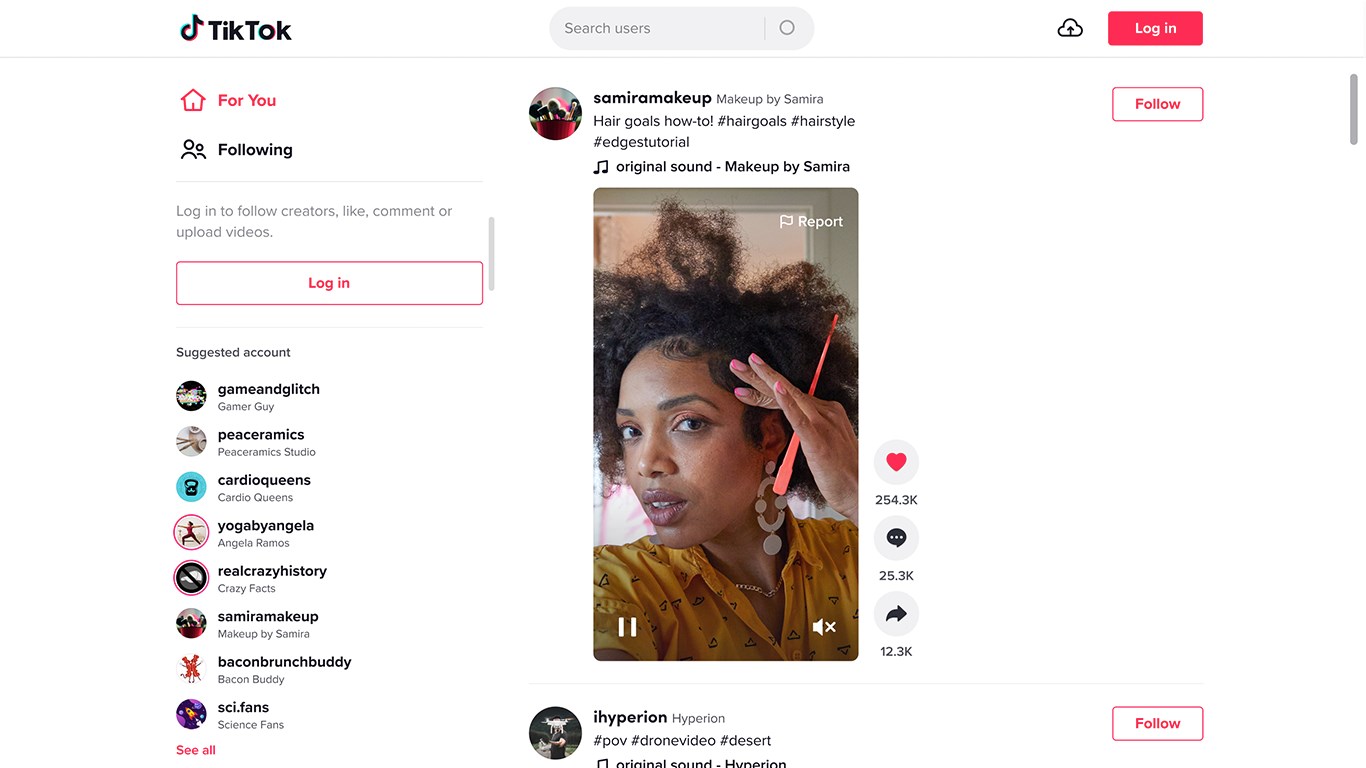
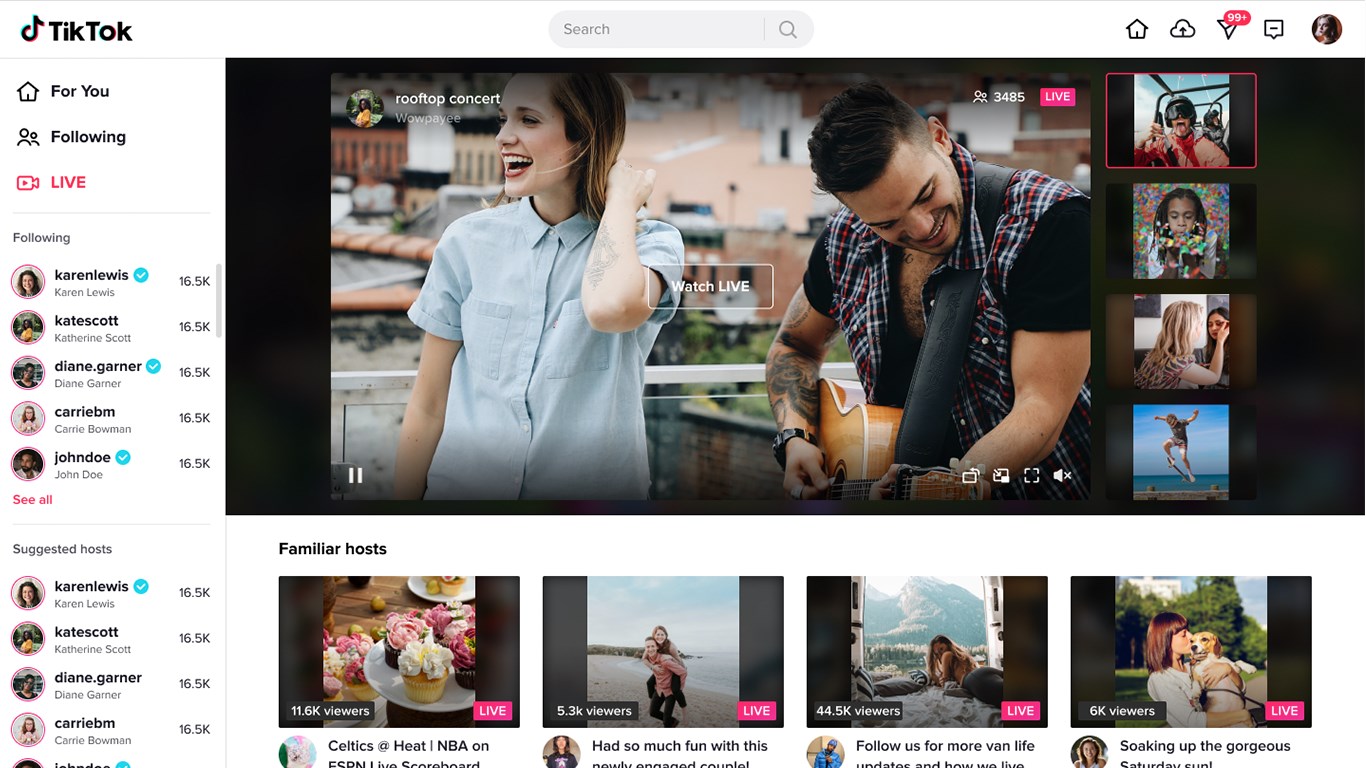
- Name TikTok
- Category Entertainment
- Available on PC, Mobile, Surface Hub, HoloLens
- OS Windows 10 version 19041.0 or higher
- languages English (United States)
Introducing TikTok for Windows: Bringing the Hottest Short-Form Videos to Your Desktop
TikTok for Windows is a dedicated desktop application designed to deliver the addictive short-form video experience directly onto your PC, making it easier to browse, create, and enjoy viral content without hopping onto a mobile device.
Who's Behind the App?
Developed by TikTok Pte. Ltd., a subsidiary of the global social media giant ByteDance, this application leverages the company's expertise in content discovery and user engagement to optimize the desktop experience for TikTok enthusiasts.
Main Features and Highlights
- Seamless Video Browsing: An intuitive interface that allows users to scroll effortlessly through endless streams of trending videos.
- Enhanced Creative Tools: Access to TikTok's familiar editing features directly on the desktop, empowering users to craft and upload content with ease.
- Optimized Recommendation Algorithm: Personalized video suggestions that adapt based on user interactions, providing a tailored entertainment journey.
- Multi-Device Sync: Keep watching where you left off across mobile and desktop platforms without missing a beat.
Vivid First Impressions and User Experience
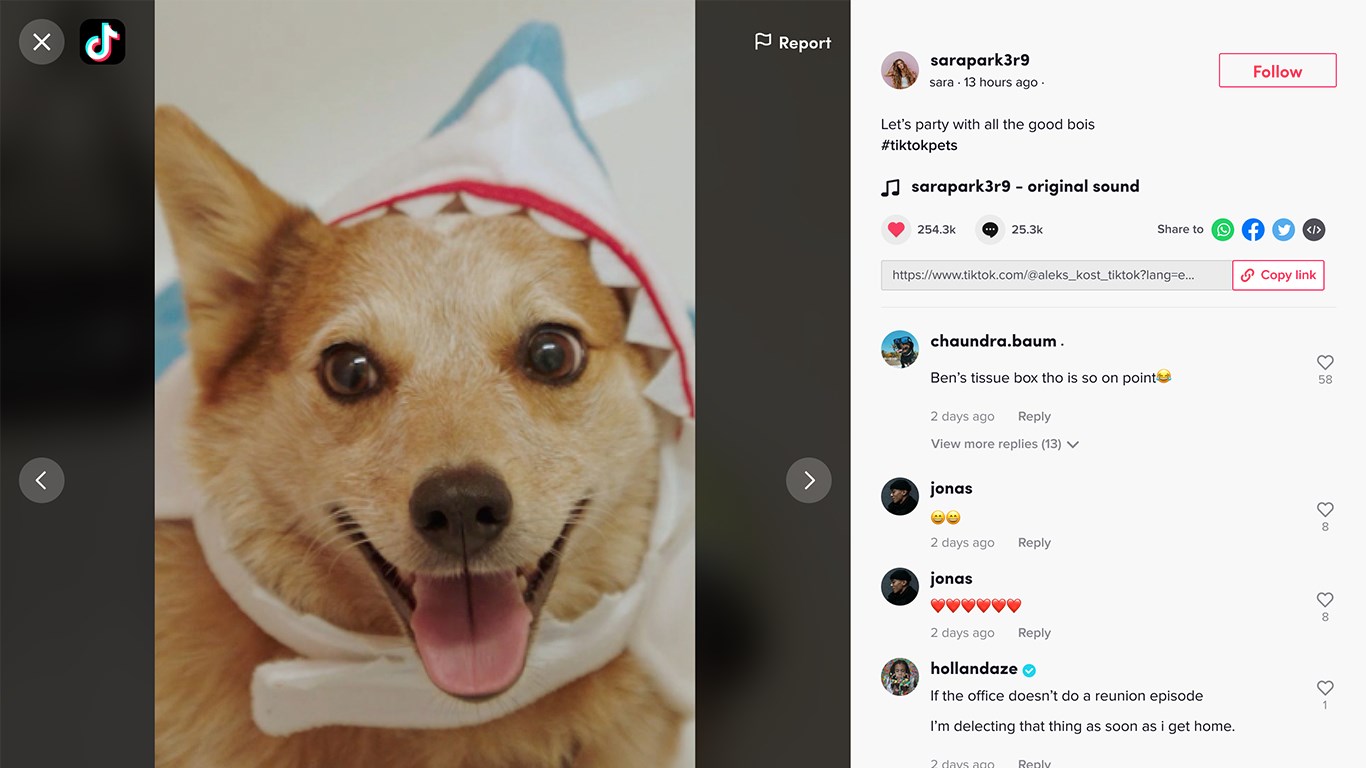
Imagine sitting at your desk, a cup of coffee steaming beside your keyboard, and suddenly being transported to a universe of viral dances, hilarious sketches, and breathtaking visuals—all on your bigger screen. TikTok for Windows captures the very essence of its mobile counterpart but adapts beautifully for the desktop realm. Its clean design, crisp visuals, and responsive controls make it feel like a cozy corner where entertainment unfolds smoothly—much like flipping through a vibrant magazine, only this one is alive with movement and sound.
Core Functionality Deep Dive
Streamlined Content Discovery
The core of TikTok for Windows excels in content discovery. Its algorithm, which learns from your interactions—likes, shares, watch time—acts like a thoughtful friend suggesting videos tailored to your taste. Unlike many entertainment apps that flood your feed with generic content, this app's personalized recommendations feel surprisingly relevant, drawing you into a vortex of entertainment precisely aligned with your preferences. The video feed loads swiftly, and the autoplay feature keeps the energy flowing without you needing to lift a finger—perfect for a quick mood lift during work breaks.
Powerful and User-Friendly Editing Tools
For creators, TikTok for Windows isn't just a passive viewer—it's also a solid editing hub. You can easily record videos, add effects, insert music, and customize your clips with tools that mimic its mobile features. The interface's design resembles a familiar workspace, which means new users can pick up editing swiftly, even if they're new to content creation. The real charm is how seamlessly you can switch between browsing and editing modes, making content creation feel like a natural extension of your entertainment experience.
Immersive Interface and Performance
Navigation feels fluid and gentle, much like flipping through a deck of cards at a relaxed speed. The interface sports a dark, sleek aesthetic that reduces eye strain during late-night sessions. Loading times are minimal, and the app's responsiveness ensures scrolling through hundreds of videos feels like a smooth ride—no stuttering or lag to disturb the flow. Its learning curve is gentle; even those new to TikTok will find the layout intuitive, with clear icons guiding their journey from discovery to creation.
What Makes TikTok for Windows Stand Out?
While many entertainment apps focus purely on content delivery, TikTok for Windows elevates the experience by honing in on personalized content discovery. Its recommendation engine stands out by analyzing both user behavior and content trends to serve videos that genuinely resonate. Unlike some competitors whose suggestions can feel hit-or-miss, TikTok's algorithm consistently refines its predictions, making your feed uniquely yours. This specialized content curation creates a sense of discovery—much like having a personal DJ handpick every song based on your taste.
Should You Give It a Try?
All signs point to yes, especially if you enjoy consuming or creating TikTok videos and prefer a larger screen than a mobile device. The app offers a well-balanced blend of entertainment and creative tools, all wrapped in an interface that's approachable and sleek. For casual viewers, the targeted recommendations and smooth scrolling make it a delightful way to unwind. For aspiring creators, it unlocks editing capabilities and seamless sync with your existing TikTok account. Therefore, I recommend it to anyone familiar with TikTok's mobile version and looking to elevate their experience at their desk.
Pros
- Intuitive and user-friendly interface
- Extensive content variety
- Advanced video editing tools
- Strong community engagement
- Effective content recommendation algorithm
Cons
- Content moderation inconsistencies
- Battery and data consumption
- Privacy and data concerns
- Limited parental controls
- Potential addictive usage











