

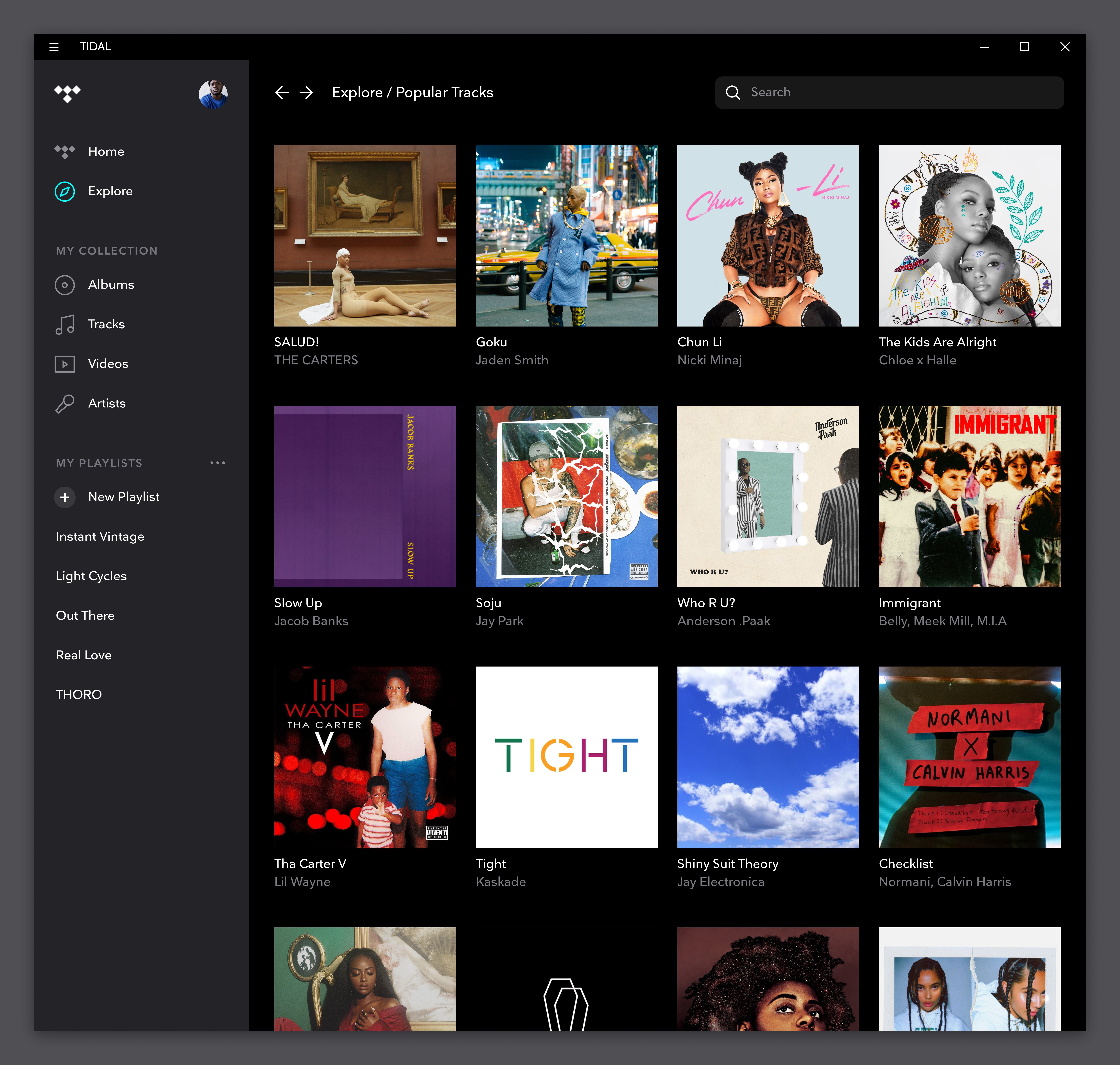
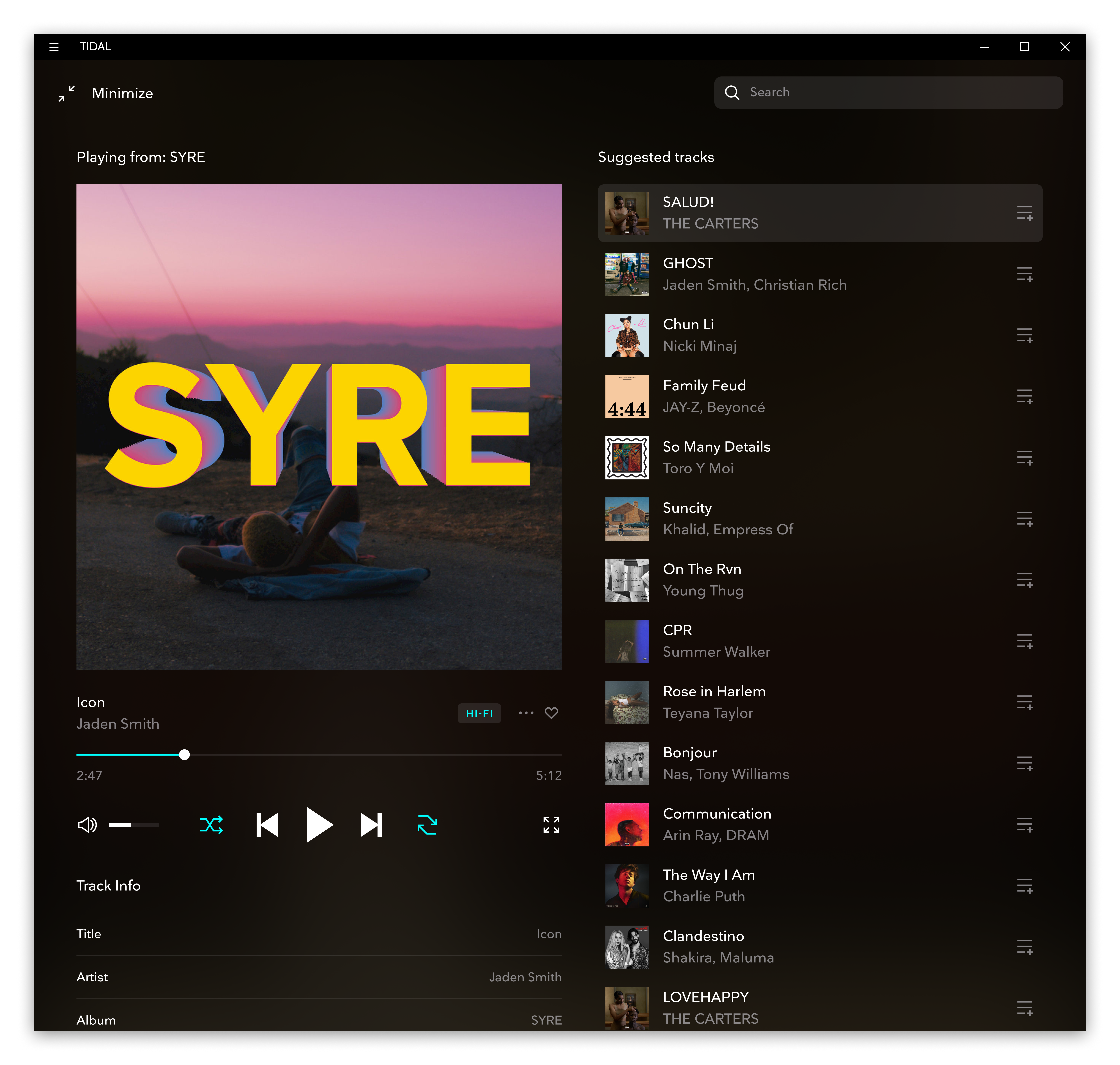
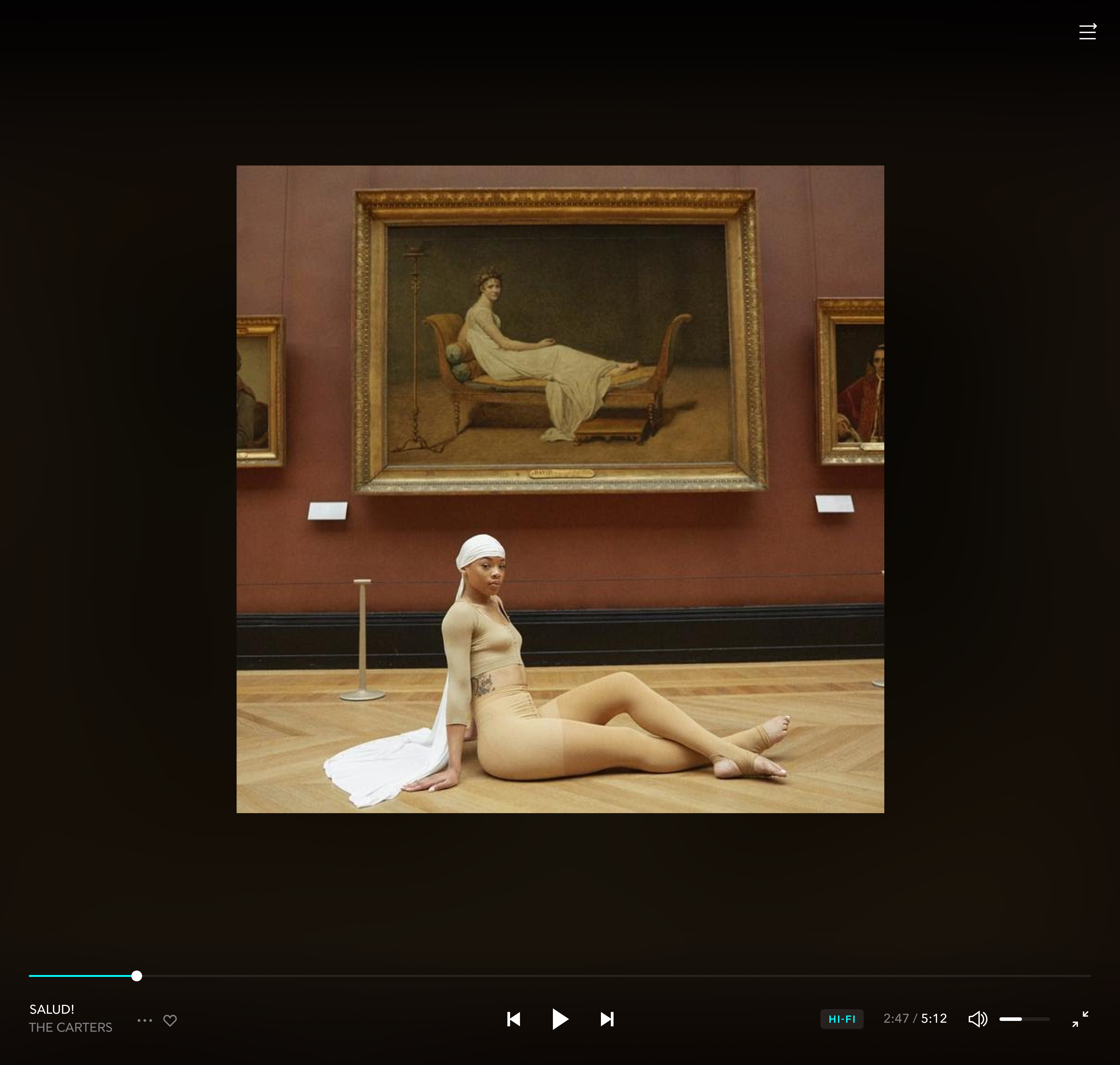

- Name TIDAL - Music Streaming
- Category Music
- Developer TIDAL Music AS
- Available on PC
- OS Windows 10 version 14316.0 or higher
- languages Bulgarian, Croatian, Danish, English (United States), French, German, Italian, Norwegian (Bokmål), Polish , Portuguese (Brazil), Portuguese (Portugal), Serbian (Latin), Slovenian (Slovenia), Spanish (Mexico), Spanish (Spain), Swedish, Turkish
Introducing TIDAL on Windows: A Premium Music Streaming Experience
Embarking on a musical journey with TIDAL on Windows offers an elevated listening experience distinguished by high-fidelity sound quality and exclusive content. Whether you're an audiophile or a casual listener, TIDAL aims to deliver studio-quality audio coupled with a vast library—making it a compelling choice in the crowded world of music apps.
About the App: Who's Behind the Score?
Developed and published by TIDAL Music AS, a company renowned for its dedication to delivering high-quality audio streaming and exclusive content, TIDAL on Windows is part of their broader ecosystem. The company's focus has long been on providing a premium listening experience, catering to music enthusiasts who demand more than standard streaming services.
The app's main features include:
- Lossless and Master Quality audiostreaming for audiophiles craving crystal-clear sound.
- Offline listening mode, allowing users to download tracks and playlists for on-the-go enjoyment.
- Exclusive access to high-profile releases and curated playlists curated by industry experts.
- Intuitive integration with Windows, offering seamless access directly from your desktop.
Targeting music aficionados, audiophiles, and casual listeners who appreciate high-fidelity sound, TIDAL's Windows application intends to bridge premium content with user-friendly design.
A Fresh Take on Sound: The Core Features
Exceptional Audio Quality and Fidelity
One of TIDAL's crown jewels is its unparalleled commitment to sound quality. The Windows version supports lossless FLAC streams and even MQA (Master Quality Authenticated) recordings, offering a listening experience akin to a live concert or high-end studio playback. Imagine sitting in your favorite cozy nook, but instead of a speaker, you're enveloped in a concert hall's acoustics—thanks to TIDAL's high-resolution streaming. This feature stands out amid competitors that often only offer standard MP3 or AAC streams.
Curated Content and Exclusive Releases
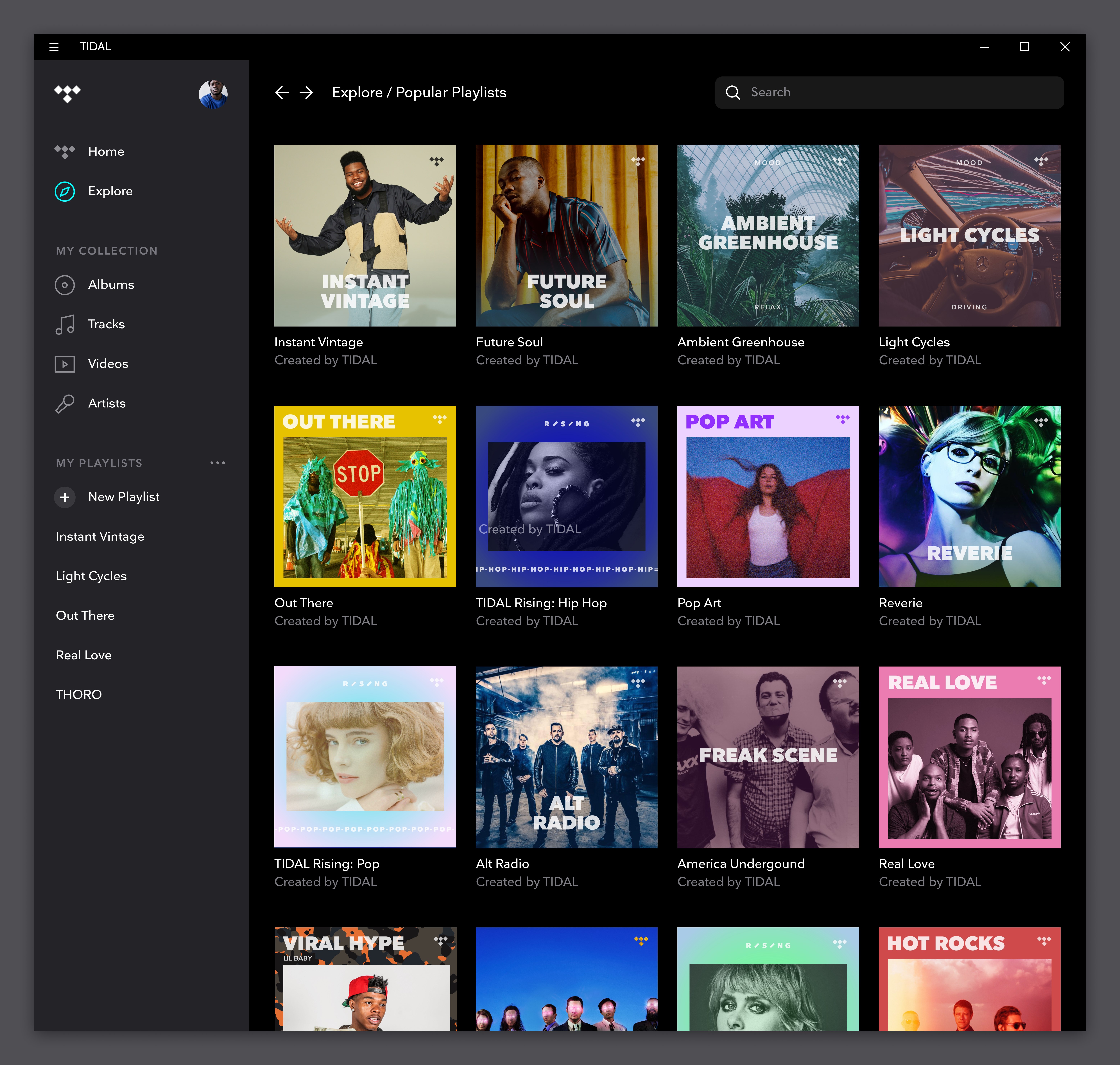
Another feature not to overlook is TIDAL's rich library of exclusive and early-release content. Whether it's a fresh album by a top artist or curated playlists designed for specific moods, TIDAL provides content that isn't readily available elsewhere. This is particularly appealing for users who enjoy discovering new music or accessing special editions—a true treasure trove for dedicated fans or collectors.
Seamless and User-Friendly Interface Design
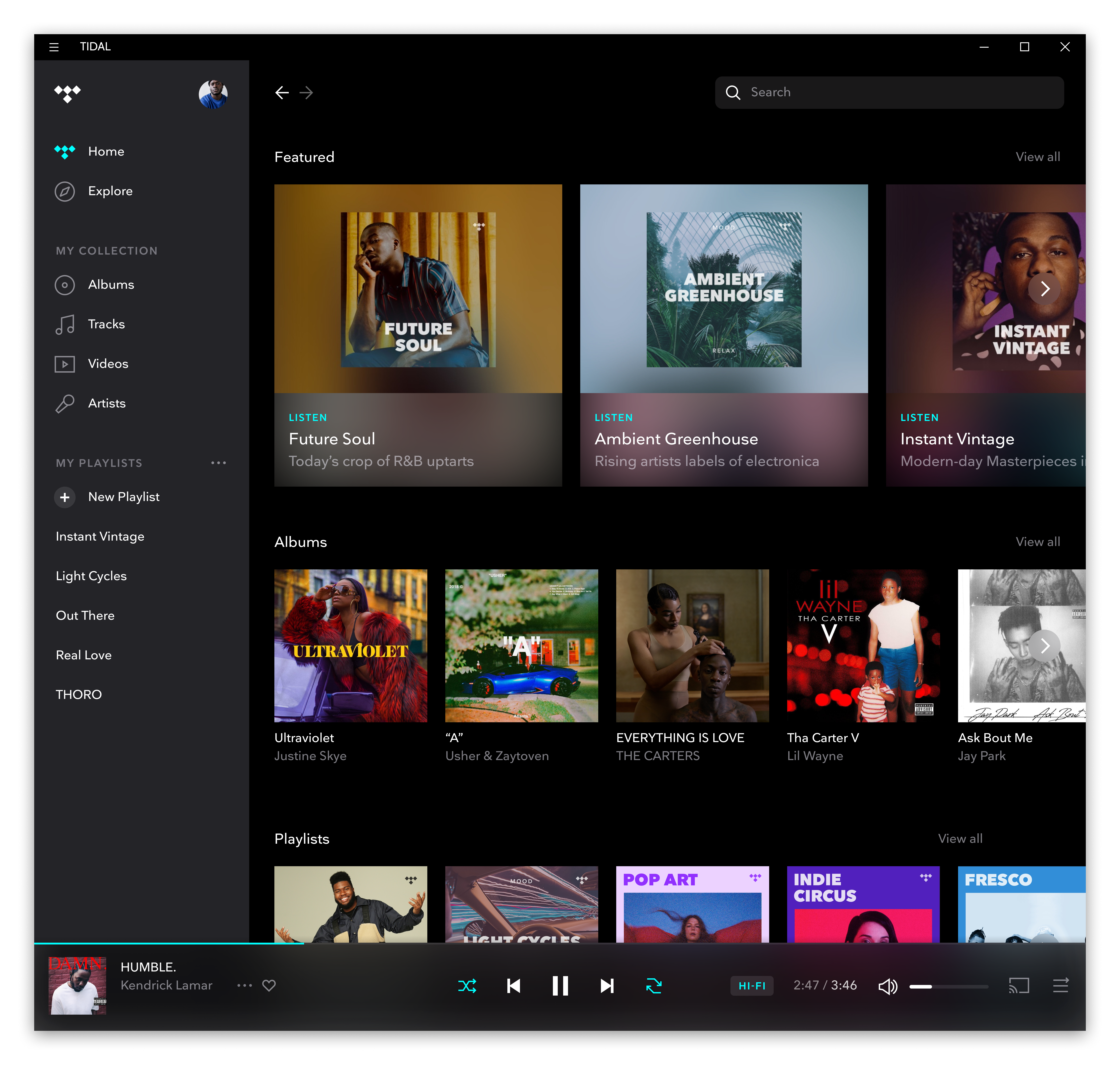
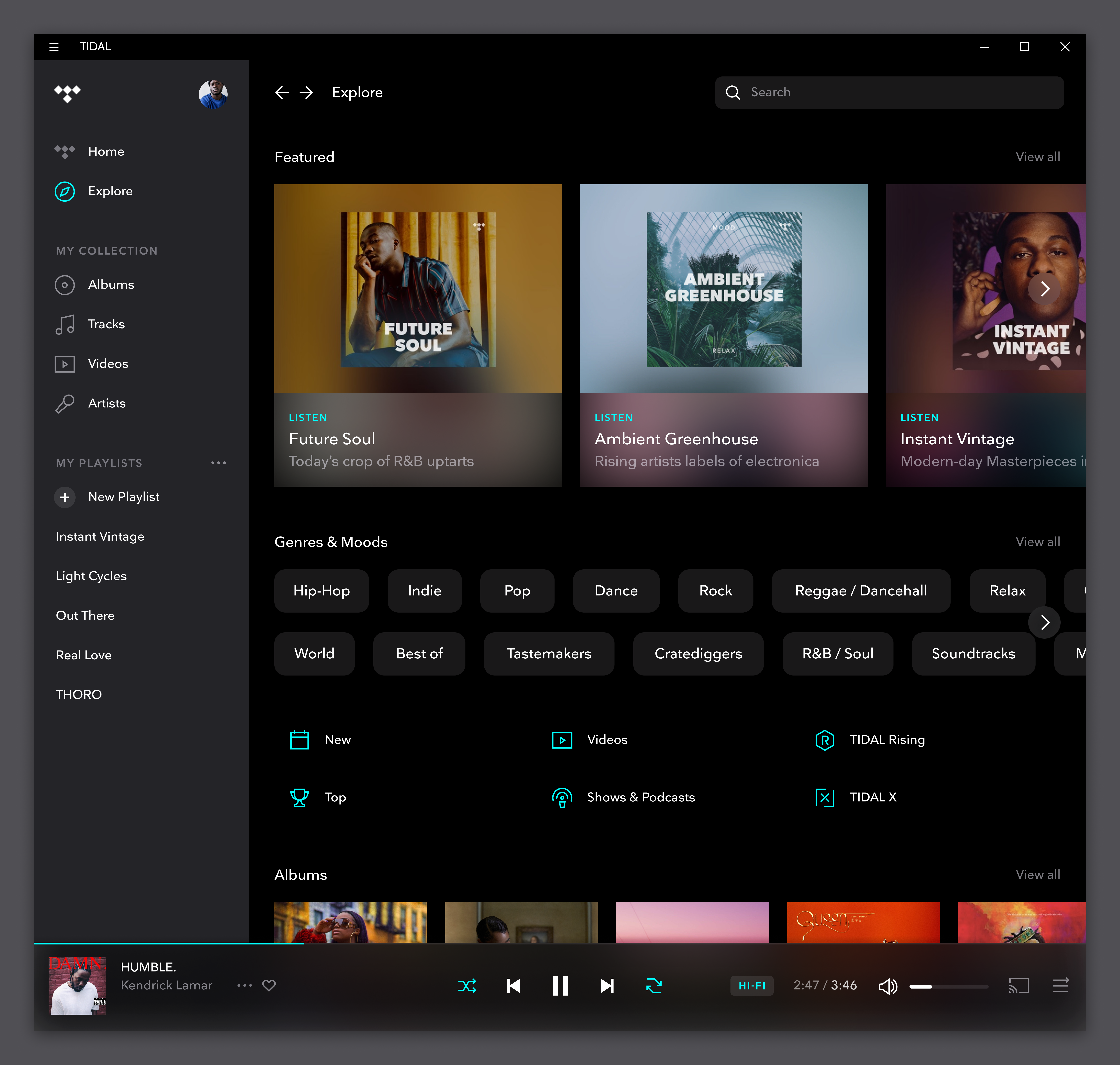
The app boasts a clean, modern interface that feels both familiar and inviting. Navigating through genres, playlists, and artist pages is intuitive, almost like flipping through a well-organized music magazine. Responsiveness is smooth, with minimal lag, making the streaming experience feel natural and immersive. The design complements Windows' aesthetic, enabling a fluid transition from browsing to playback with just a few clicks, even for those who are less tech-savvy.
Assessing User Experience: Beyond the Sound
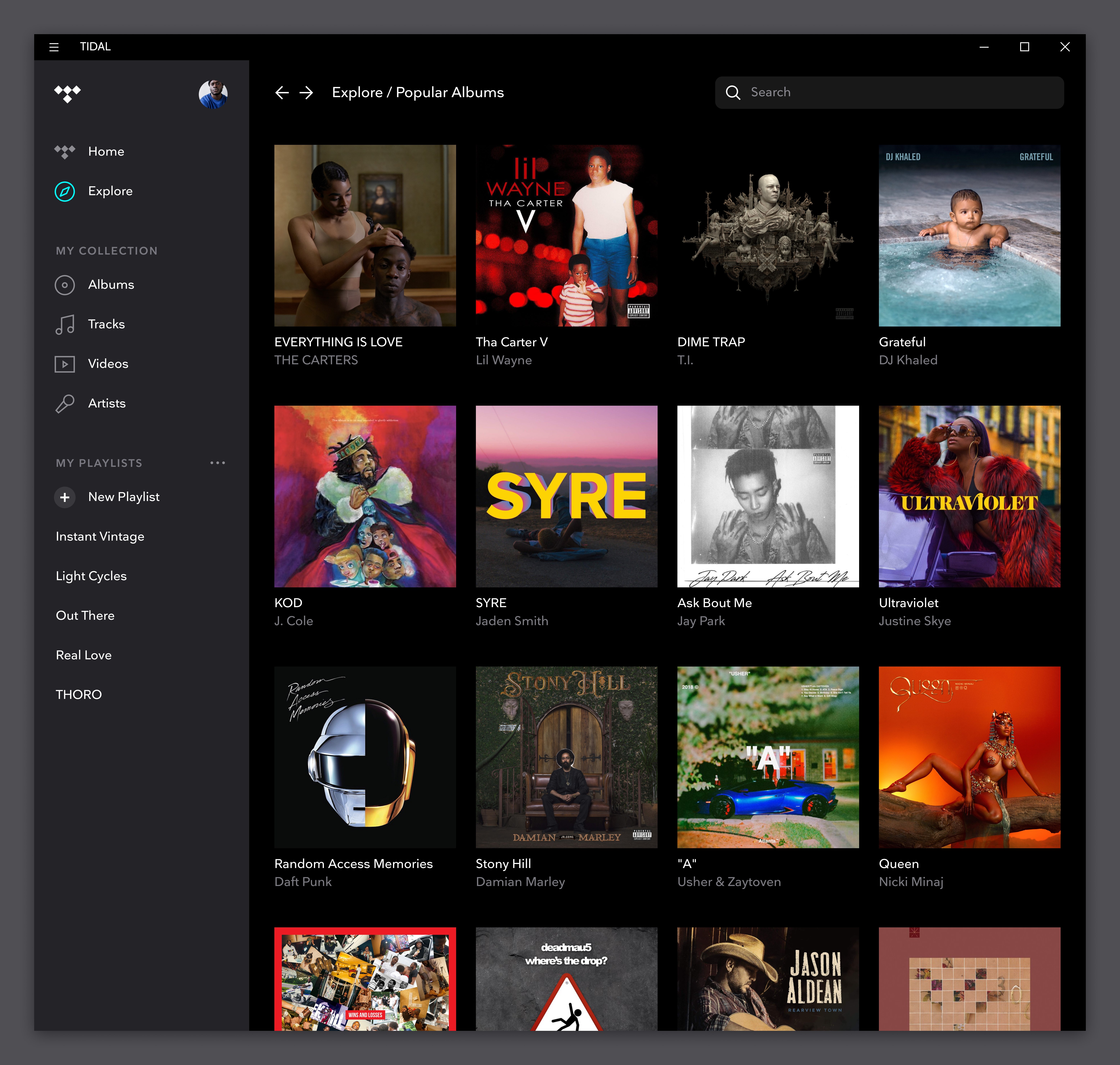
Using TIDAL on Windows is akin to opening a high-end hi-fi system—everything feels crafted for clarity and ease. The interface's layout resembles a well-arranged record shelf, with album art front and center. Transitioning between features is seamless, thanks to thoughtful menu placements and fast load times. For new users, the learning curve is gentle, with straightforward navigation and helpful prompts guiding them through setup and customization.
Comparatively, TIDAL's focus on maximum sound quality and exclusive content sets it apart from mainstream streaming services like Spotify or Apple Music. While the latter may prioritize social sharing and playlist discovery, TIDAL services the audiophile's desire for pristine audio and exclusive insights into artists' worlds. Its assessment of rhythm pattern variety and input latency tolerance ensures that the temporal aspects of music—like beat accuracy and rhythm consistency—are preserved, making it a favorite for diligent listeners and musicians alike.
From a technical perspective, TIDAL's optimized streaming algorithms minimize interruptions and allow quick switching between tracks. This reliability enhances the overall immersion, especially in genres like classical or jazz, where subtle nuances are vital.
Final Verdict and Usage Recommendations
If you're someone who appreciates high-quality sound, exclusive content, and a streamlined Windows experience, TIDAL on Windows is highly recommended. It provides a platform where music is not just heard but experienced with clarity and depth. For casual users, the app's ease of use ensures that enjoying your favorite tunes remains simple and pleasurable. For audiophiles and professionals, its technological edge—particularly in input latency tolerance and rhythm pattern analysis—makes it a valuable tool for detailed listening and analysis.
In conclusion, TIDAL's Windows application stands out as a sophisticated and reliable music streaming platform. It is especially suited for users who prioritize audio fidelity and exclusive content, offering an experience that's both rich and refined. Consider giving it a try if you're looking to elevate your musical journey and explore the nuances of sound like never before.
Pros
- High-Quality Audio Streaming
- Extensive Music Catalog
- Offline Listening Capability
- Curated Playlists and Exclusive Content
- Intuitive User Interface
Cons
- Higher Subscription Cost
- Limited Free Tier
- Occasional App Performance Issues
- Smaller User Community
- Limited Cross-Platform Features











