

- Name The Spades
- Category Card & board
- Available on PC
- OS Windows 10 version 14393.0 or higher
- languages English, English (United States)
Introducing The Spades for Windows: A Modern Twist on Classic Card Games
Imagine gathering around a cozy table with friends, laughter bubbling up as cards are shuffled and played—The Spades for Windows brings that warm, social feeling right into your digital space, offering a fresh and user-friendly take on a beloved classic.
Developer and Core Features
Developed by UNBALANCE corp., The Spades for Windows is a thoughtfully crafted digital adaptation designed to deliver an engaging multiplayer experience. Its primary features include real-time online gameplay, customizable game settings, and an intuitive interface that welcomes both seasoned players and newcomers alike. The app's focus on social interaction, combined with its polished design, makes it stand out among similar card applications.
Who's This App For?
This game is ideal for casual card players looking to reconnect with friends or meet new people through online matches. It's perfect for those who enjoy strategic gameplay but prefer a relaxed environment over high-stakes competition. Whether you're a seasoned spades veteran or just curious about learning, The Spades for Windows caters to a broad audience seeking straightforward, enjoyable gameplay.
A Warm Welcome to the Digital Card Table
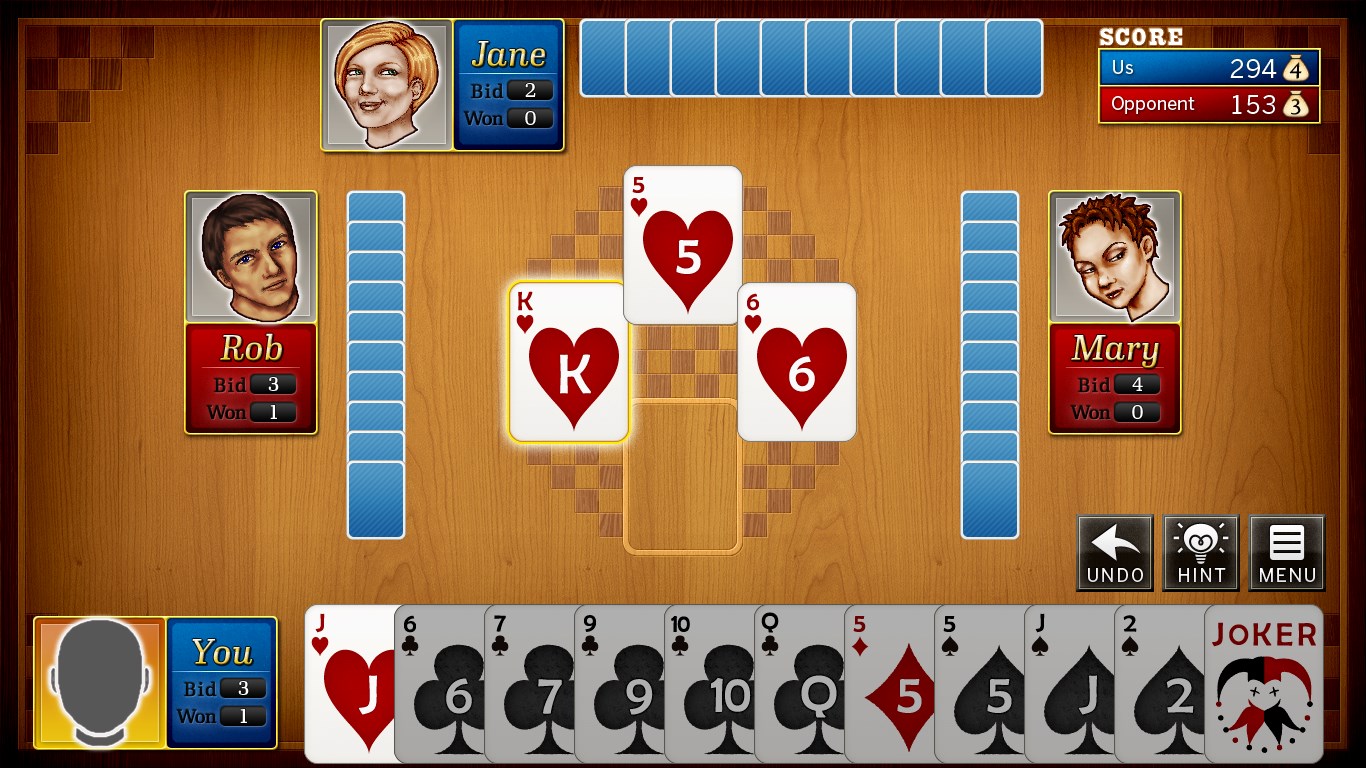
Stepping into The Spades for Windows feels like entering a vibrant, digital card room—friendly, inviting, and buzzing with anticipation. The app combines the charm of traditional spades with modern technology, ensuring you can focus on the game and social fun without fumbling through complicated menus or clunky controls. Every hand feels like a mini adventure, making each game session eagerly anticipated—whether you're competing with friends or testing your skills against strangers.
Core Functionality Deep Dive
Seamless Multiplayer Experience
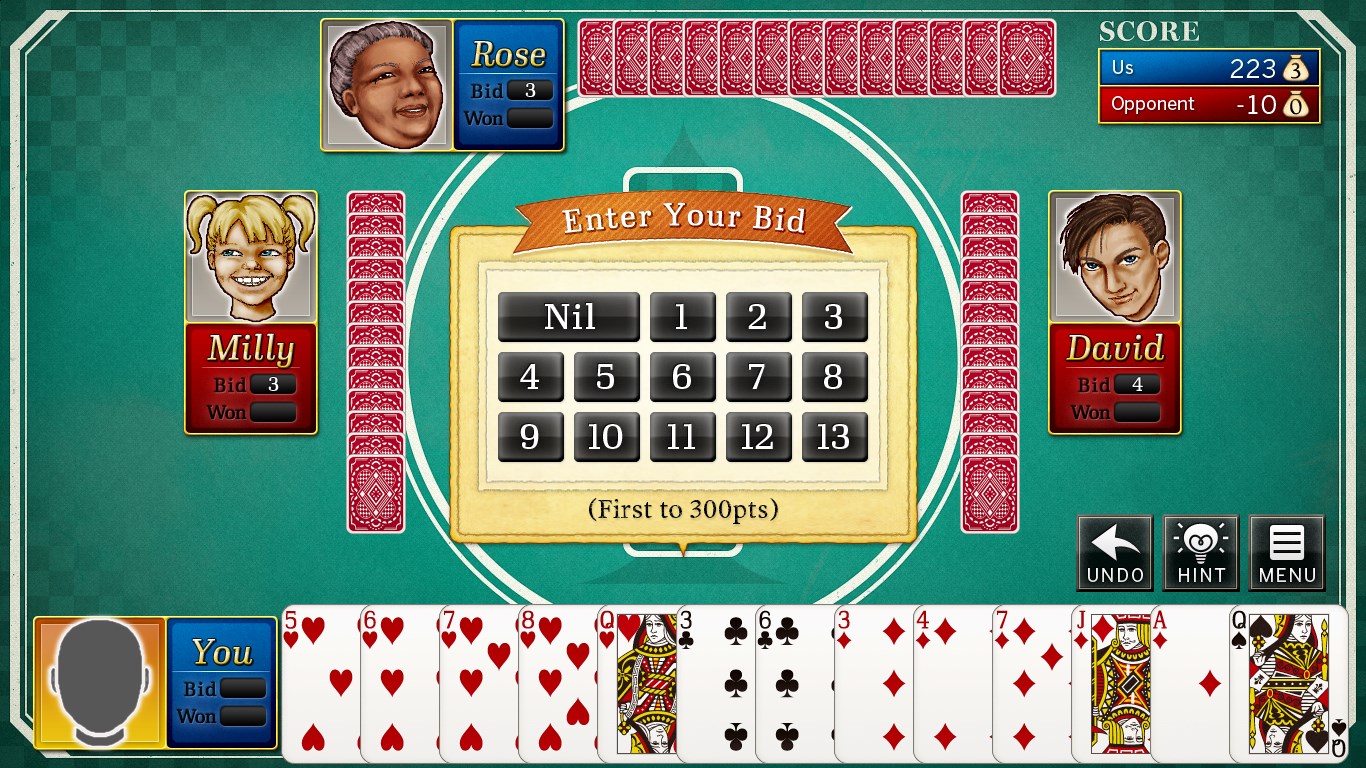
At its heart, The Spades for Windows excels in providing real-time multiplayer gameplay. Multiple online rooms are available, supporting both casual matches and more competitive environments. The app leverages smooth synchronization technology, so players see moves instantly, fostering a sense of shared space despite being miles apart. The duel of minds and bluffing tactics unfold naturally, thanks to a reliable, low-latency network infrastructure.
Customization and Game Settings
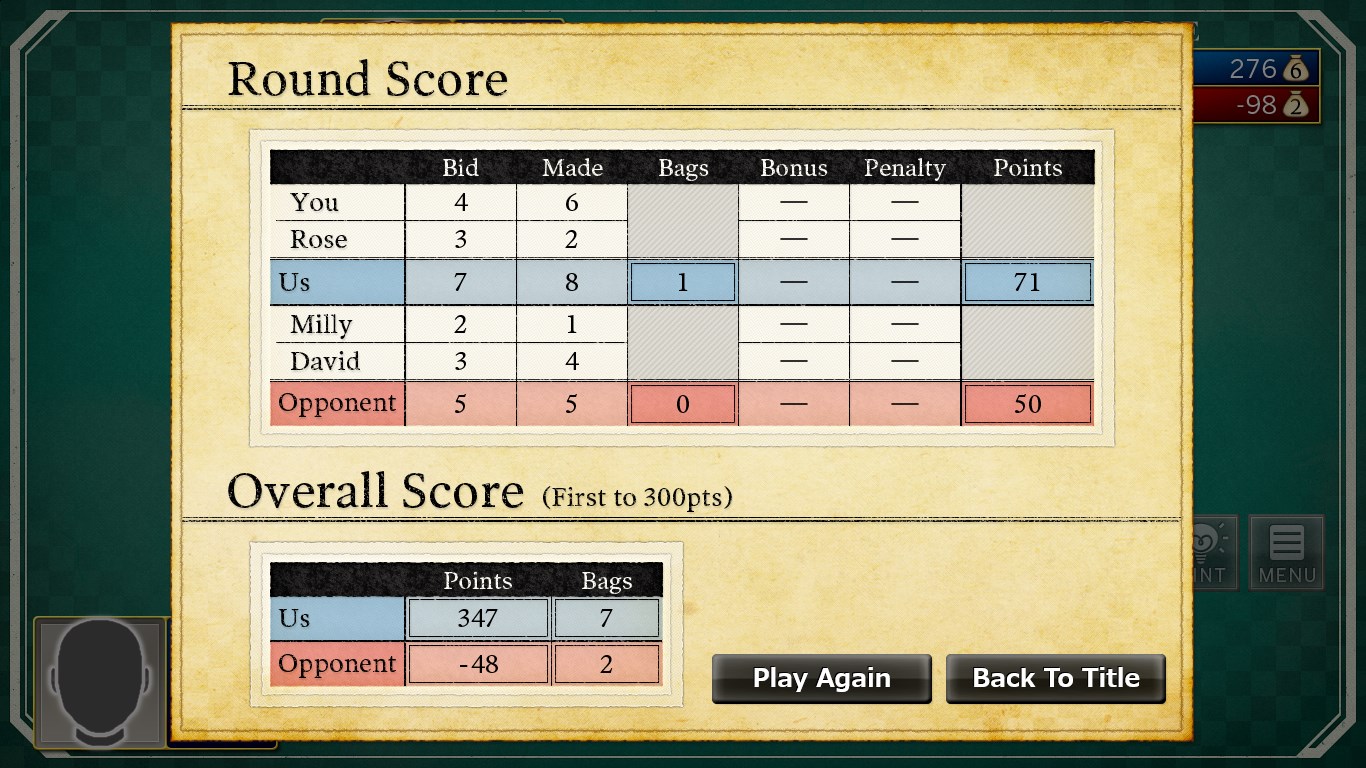
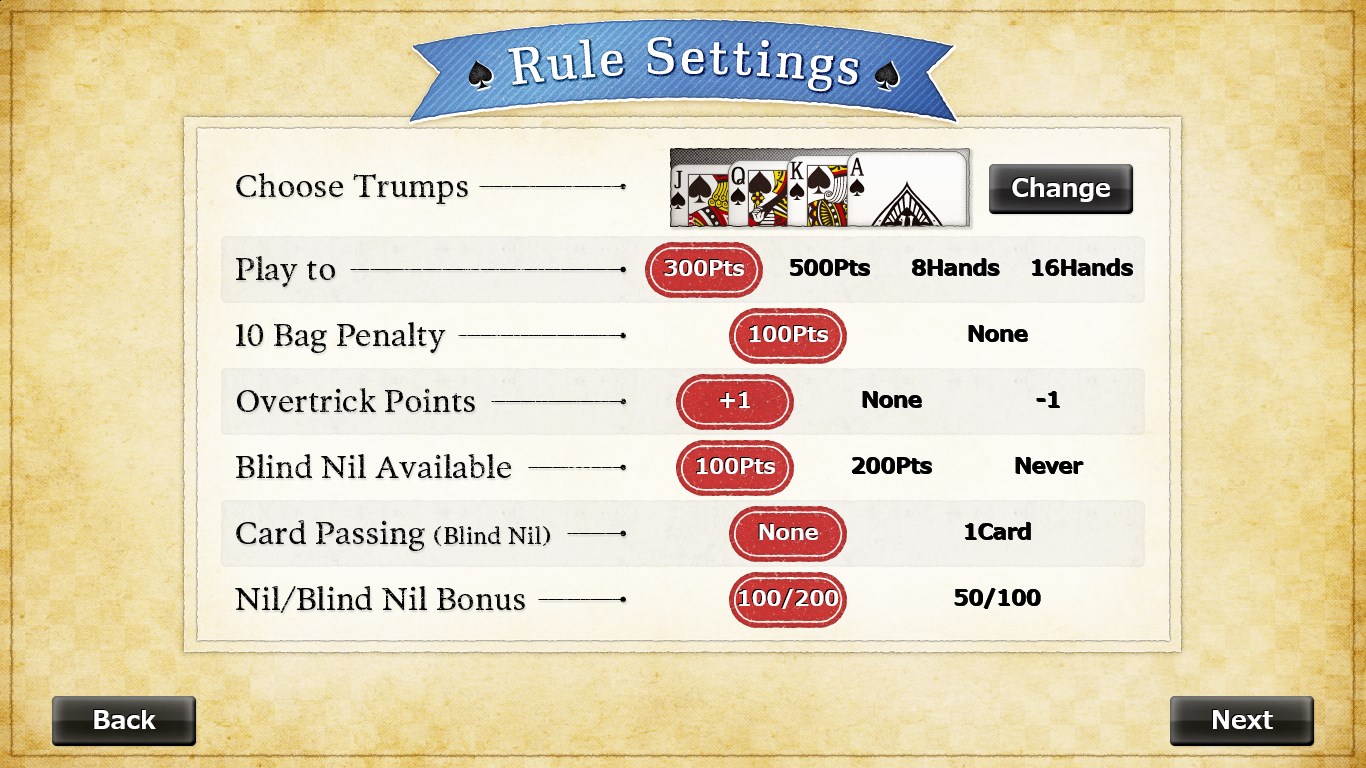
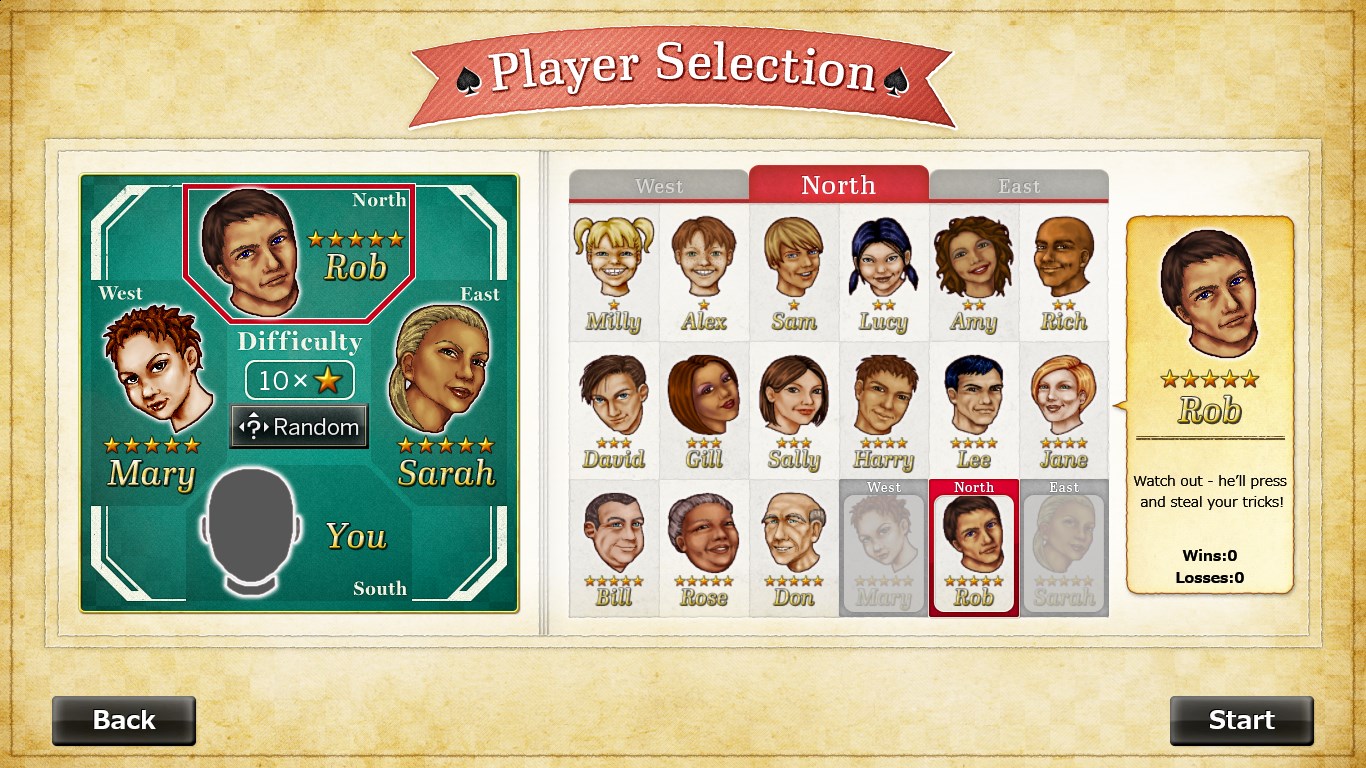
One of the most notable features is its flexible customization options. Players can tailor rules according to their preferences—adjusting bids, scoring systems, and game length. This versatility makes the app appealing to different groups, from traditionalists to creative rule-setters. Additionally, players can personalize avatars and chat options, enhancing the social aspect of play and making each game feel personalized and lively.
Design and User Experience
The interface strikes a balance between elegance and simplicity. The colorful, card-themed visuals are easy on the eyes, with clear icons and straightforward menus that reduce learning curve. Gameplay is fluid; animations are quick but smooth, ensuring the game feels responsive. On-screen instructions and tooltips assist new players, making the transition from novice to experienced participant seamless. The overall experience is akin to having a good, familiar game companion—reliable and easy to navigate.
What Sets It Apart?
While many card apps offer similar features, The Spades for Windows distinguishes itself through its focus on social customization and real-time communication. Its chat system and avatar personalization foster a more interactive, community-driven environment compared to more solitary or generic implementations. Moreover, the app's rule flexibility caters to a wider array of playing styles, giving it a unique edge. The blending of traditional gameplay with modern social features positions it as an appealing choice for those who want more than just a game—they seek a virtual gathering.
Final Verdict and Recommendations
Overall, I'd rate The Spades for Windows as a solid choice for casual and social card players alike. Its user-friendly design, combined with customizable gameplay options and a lively online community, provides a well-rounded experience. If you enjoy classic card games but want the convenience of playing anytime, anywhere—with the option to chat and customize—this app is a particularly strong candidate.
My suggestion? Dive in with an open mind and a desire to connect. It's especially recommended for players looking for a friendly, engaging environment without a steep learning curve. Keep in mind that, like any multiplayer game, connectivity stability depends on your network, so a good internet connection enhances your experience. Overall, The Spades for Windows is a well-balanced, thoughtfully designed app deserving of attention among digital card fans.
Pros
- Intuitive User Interface
- Engaging Gameplay
- Multiplayer Functionality
- Customizable Settings
- Regular Updates
Cons
- Limited Offline Play
- Occasional Lags
- In-App Purchases
- Learning Curve for New Players
- Limited Language Support











