


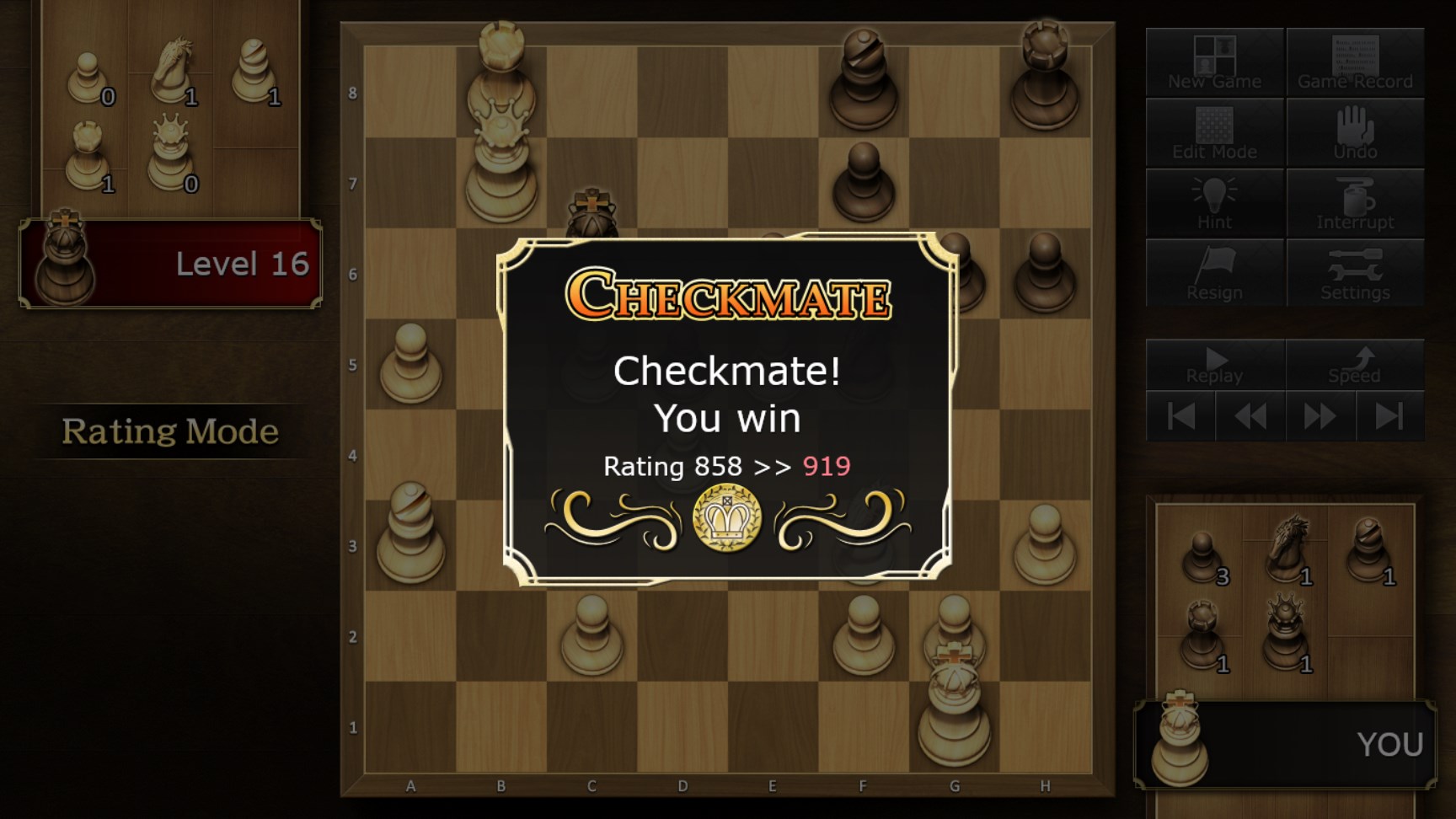
- Name The Chess Lv.100
- Category Card & board
- Available on PC
- OS Windows 10 version 14393.0 or higher
- DirectX Version 10
- languages English (United States), French, German, Japanese, Portuguese (Brazil), Portuguese (Portugal), Spanish (Argentina), Spanish (Spain)
Introduction to The Chess Lv.100 for Windows
Imagine having a friendly yet challenging chess companion right on your computer—that's precisely what The Chess Lv.100 offers. With intuitive design and strategic depth, this application caters to both casual players and seasoned chess enthusiasts eager to improve their game or simply enjoy a relaxing match.
About the Developer and Core Features
Developer Background
Published by UNBALANCE corp., a team dedicated to creating engaging and accessible digital board games, ensuring polished gameplay and user-friendly experiences.
Key Features & Highlights
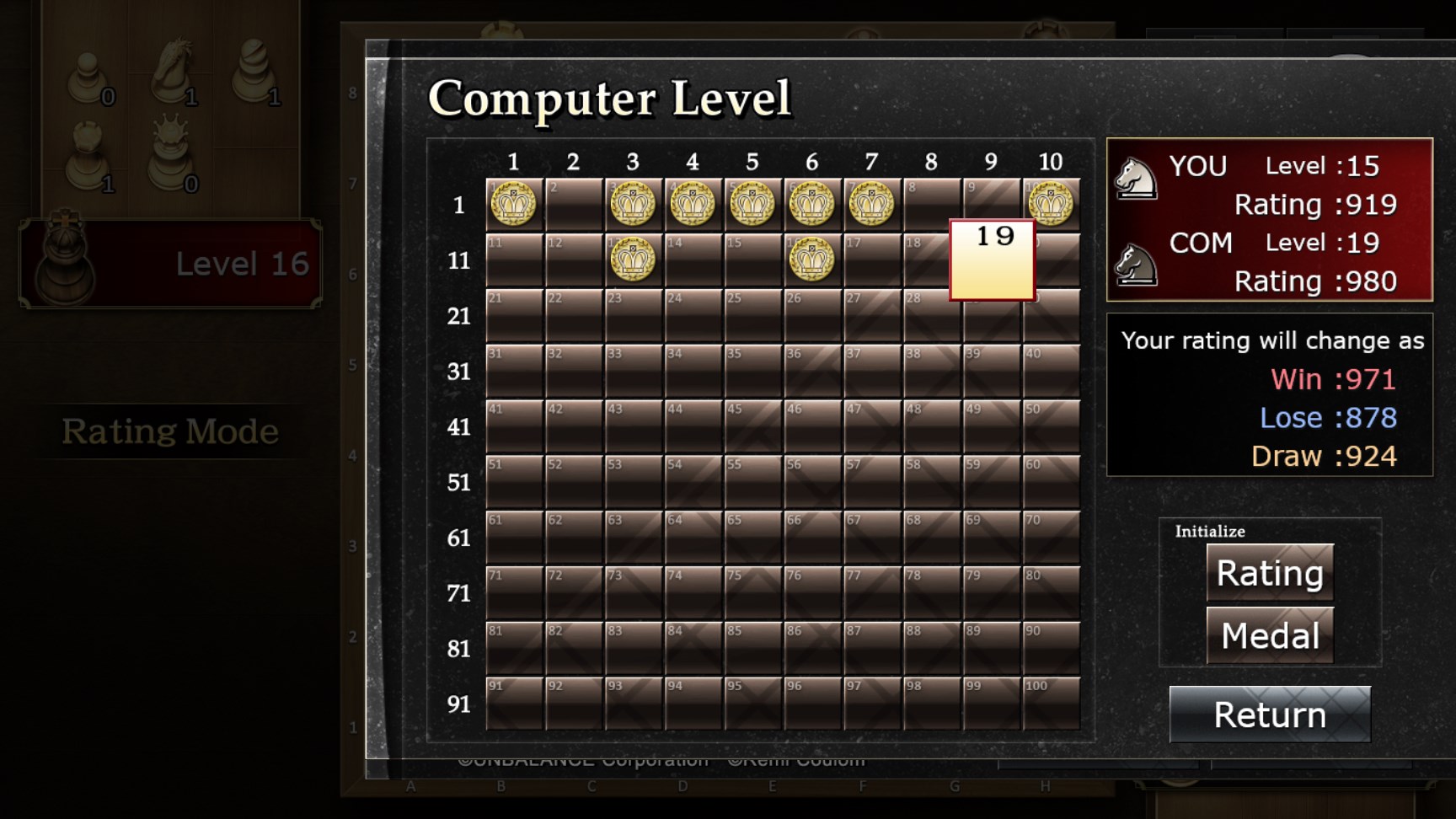
- Difficulty Level Customization: From absolute beginners to advanced players, the app provides adjustable difficulty settings that help players steadily improve while enjoying a manageable challenge.
- Multiple Game Modes: Includes standard single-player, vs. AI, and possibly online multiplayer options (if available)—giving players diverse ways to enjoy chess.
- Smart, Intuitive Interface: Clean design coupled with smooth operation makes navigating the game seamless, even for new users.
- Educational Support: Offers hints and move suggestions for learning and improving strategies.
Targeted at chess lovers of all levels—whether you're just starting, looking to sharpen your skills, or wanting a quick game during your coffee break—this app fits a broad spectrum of users.
Step Into the Chess Realm: Engaging and User-Friendly Design
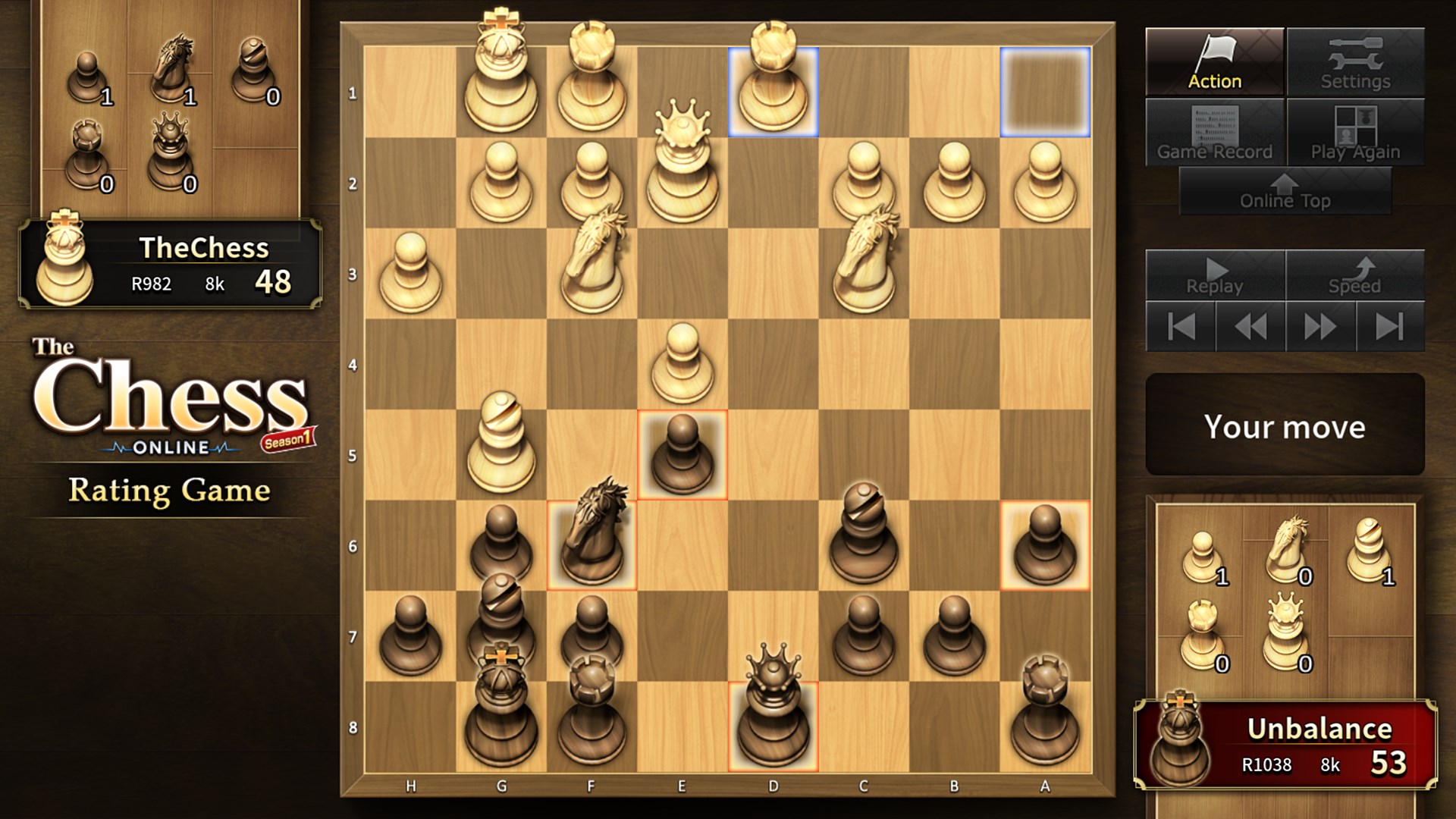
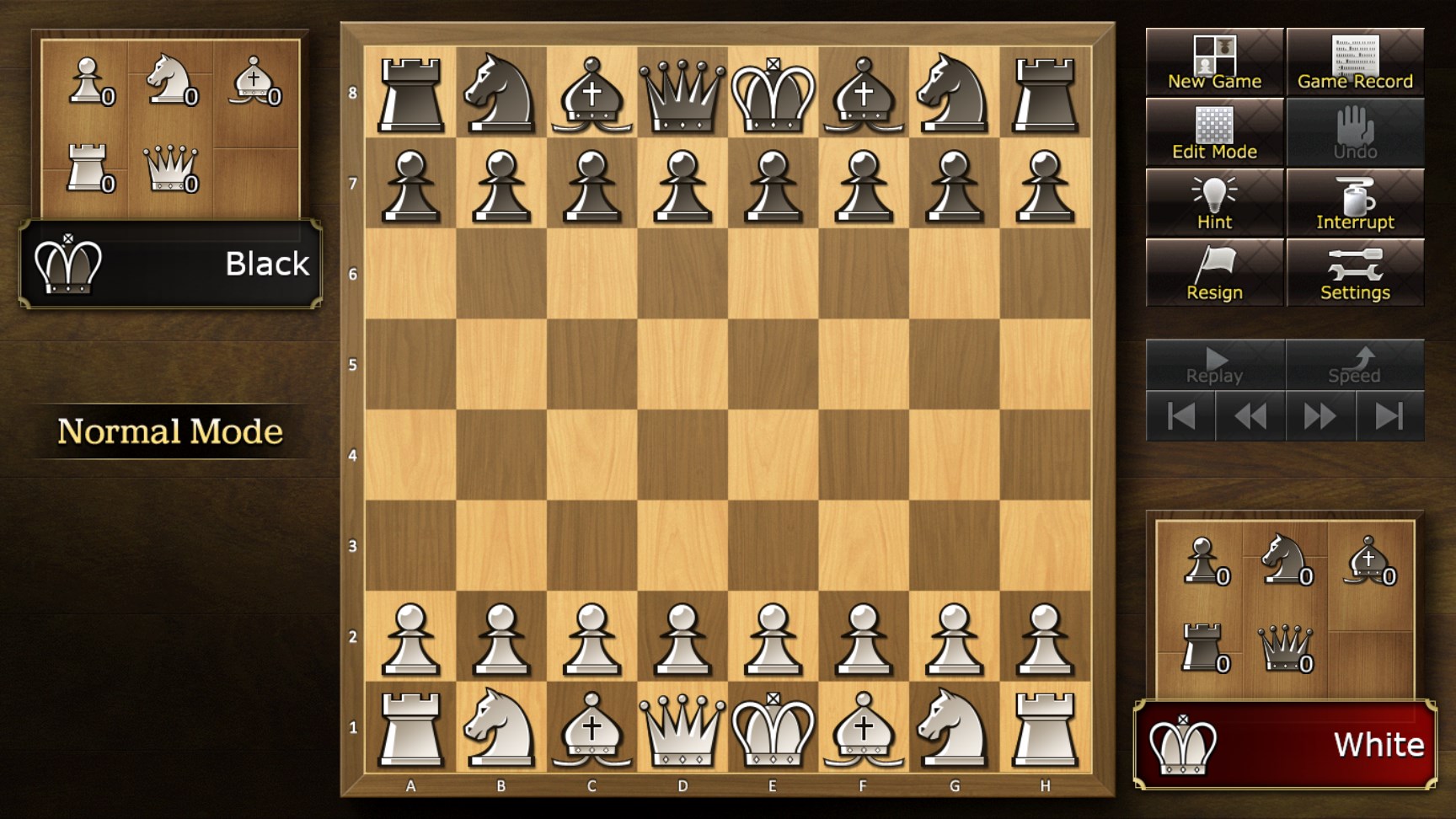
Launching The Chess Lv.100 feels like stepping into a cozy, well-lit chess club. The interface boasts a sleek, minimalistic design that emphasizes clarity: crisp chess pieces contrasting with a subtle board background. Navigating through the menus is as smooth as a knight's leap—responsive and intuitive, making it easy for beginners to get playing immediately.
Core Functionality That Keeps You Coming Back
Adaptive Difficulty and Learning Aids
The standout feature here is the adaptive difficulty level—think of it as a wise mentor who wisely adjusts their advice based on your skill. Whether you're a novice or an expert, the app scales challenge appropriately, ensuring every game remains engaging. Additionally, the built-in hints and move suggestions are like having a friendly coach whispering strategic tips in your ear, helping you learn as you play without overwhelming you.
Multiple Modes for Varied Play Styles
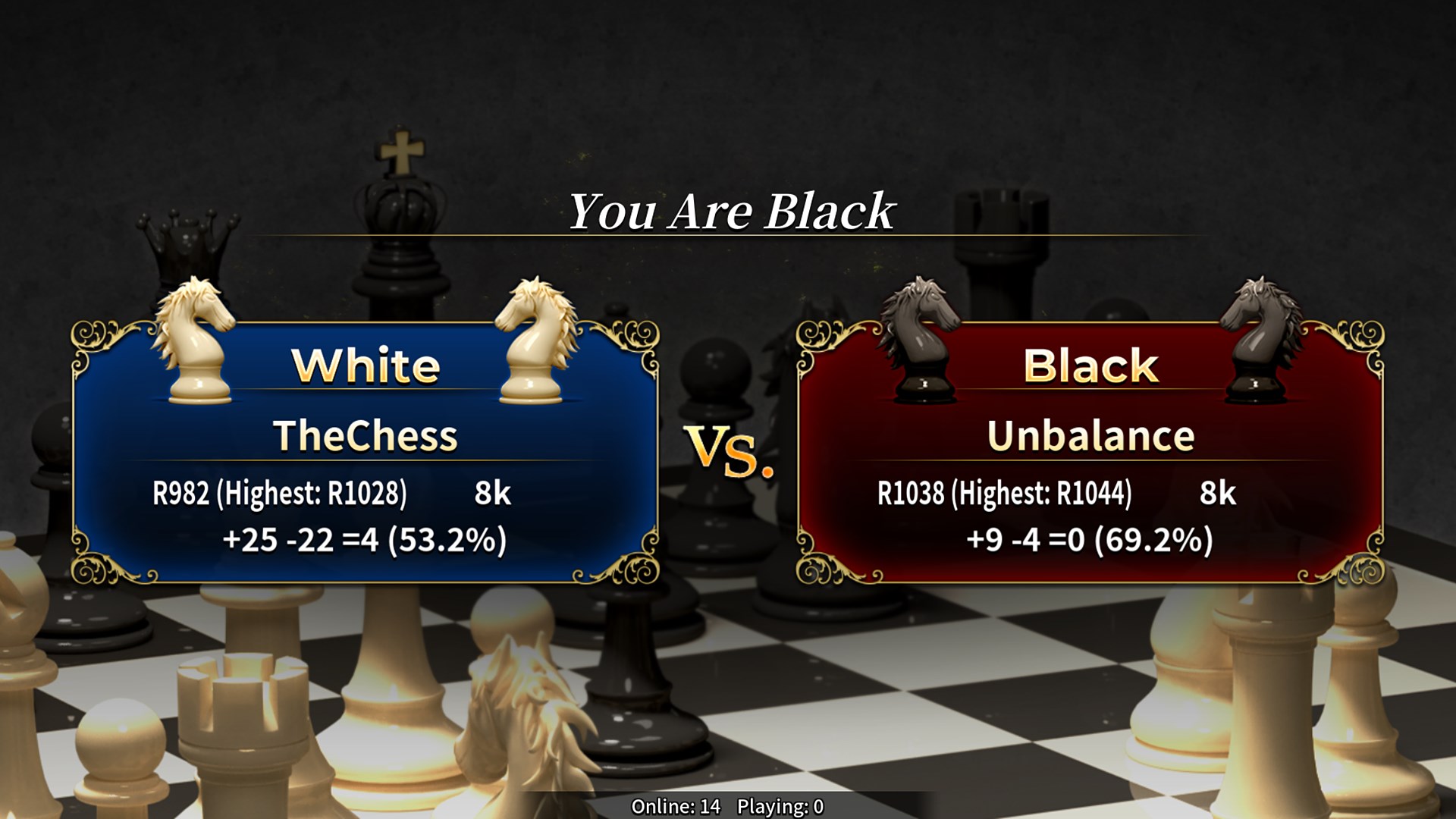
Whether you prefer a solo practice session or competing against friends, The Chess Lv.100 caters to all. Its single-player mode offers a realistic AI opponent that mimics human thinking, providing an authentic chess experience. If online multiplayer is supported, it opens avenues for competitive play, challenges, and social interaction—transforming your solitary game into a lively tournament.
User Experience & Differentiation from Other Chess Apps
The application's interface design is notably polished, striking a balance between aesthetic appeal and practicality. Its learning curve is gentle, making it accessible for newcomers while still satisfying seasoned players seeking challenges. The seamless operation and minimal lag ensure that gameplay remains fluid, akin to a well-rehearsed symphony.
Compared to other chess applications, The Chess Lv.100's primary advantage lies in its intelligent difficulty scaling paired with educational features—it's not just a game but a personal coach in disguise. While many apps focus solely on gameplay, this app emphasizes gradual skill development, making it ideal for users committed to improving their chess prowess without feeling overwhelmed.
Final Verdict and Recommendations
I would recommend The Chess Lv.100 for Windows to anyone looking for a balanced, approachable, and educational chess app. Its thoughtful design and smart features serve both casual players and those eager to upskill. If you enjoy a clean interface, adaptive gameplay, and integrated learning tools, this app is a worthy addition to your digital chess library.
For best results, beginners can use it as an interactive coach, while more experienced players can capitalize on its challenging AI to sharpen their tactics. Overall, it's a well-crafted tool that makes chess accessible, engaging, and educational—worthy of a spot on your desktop for both leisure and learning.
Pros
- User-friendly interface
- Advanced AI opponent levels
- Offline mode available
- Regular updates and improvements
- Multi-language support
Cons
- Limited tutorials for beginners
- Occasional AI unpredictability at higher levels
- Customization options are somewhat restricted
- Ads appear during gameplay
- Limited multiplayer features











