

- Name The Backgammon
- Category Card & board
- Available on PC
- OS Windows 10 version 14393.0 or higher
- DirectX Version 10
- languages English, English (United States), Japanese
Introducing Backgammon for Windows: Classic Strategy with a Digital Twist
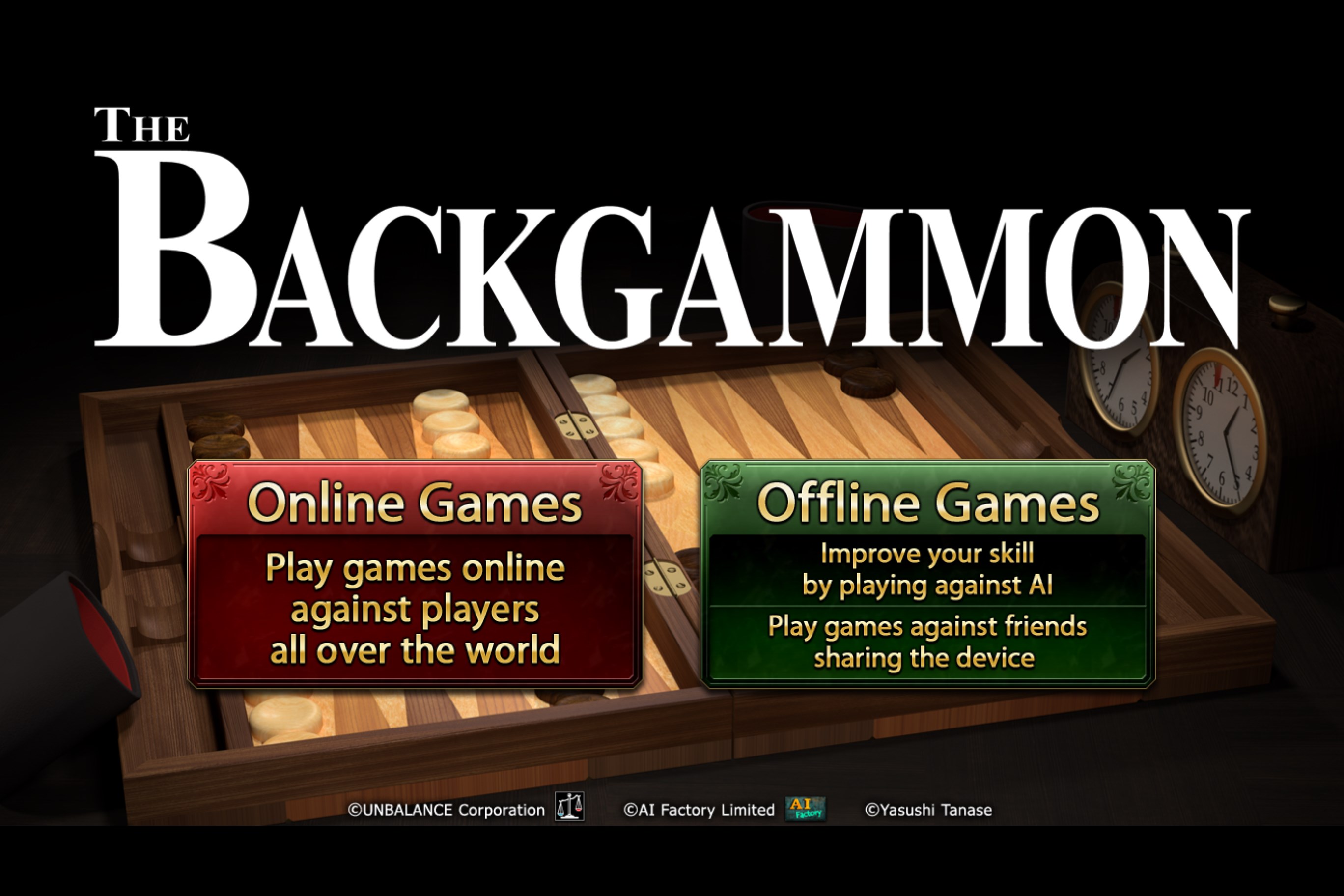
Backgammon for Windows by UNBALANCE Corp. is a digital adaptation of one of the oldest and most strategic board games, offering enthusiasts an accessible way to enjoy this timeless pastime on their PCs.
About the Developer: Crafting a Digital Backgammon Experience
Developed by UNBALANCE Corp., a firm known for creating engaging casual and classic games, this application aims to bring the essence of traditional backgammon into the modern digital world, maintaining the core charm while integrating user-friendly features.
Key Highlights of the App
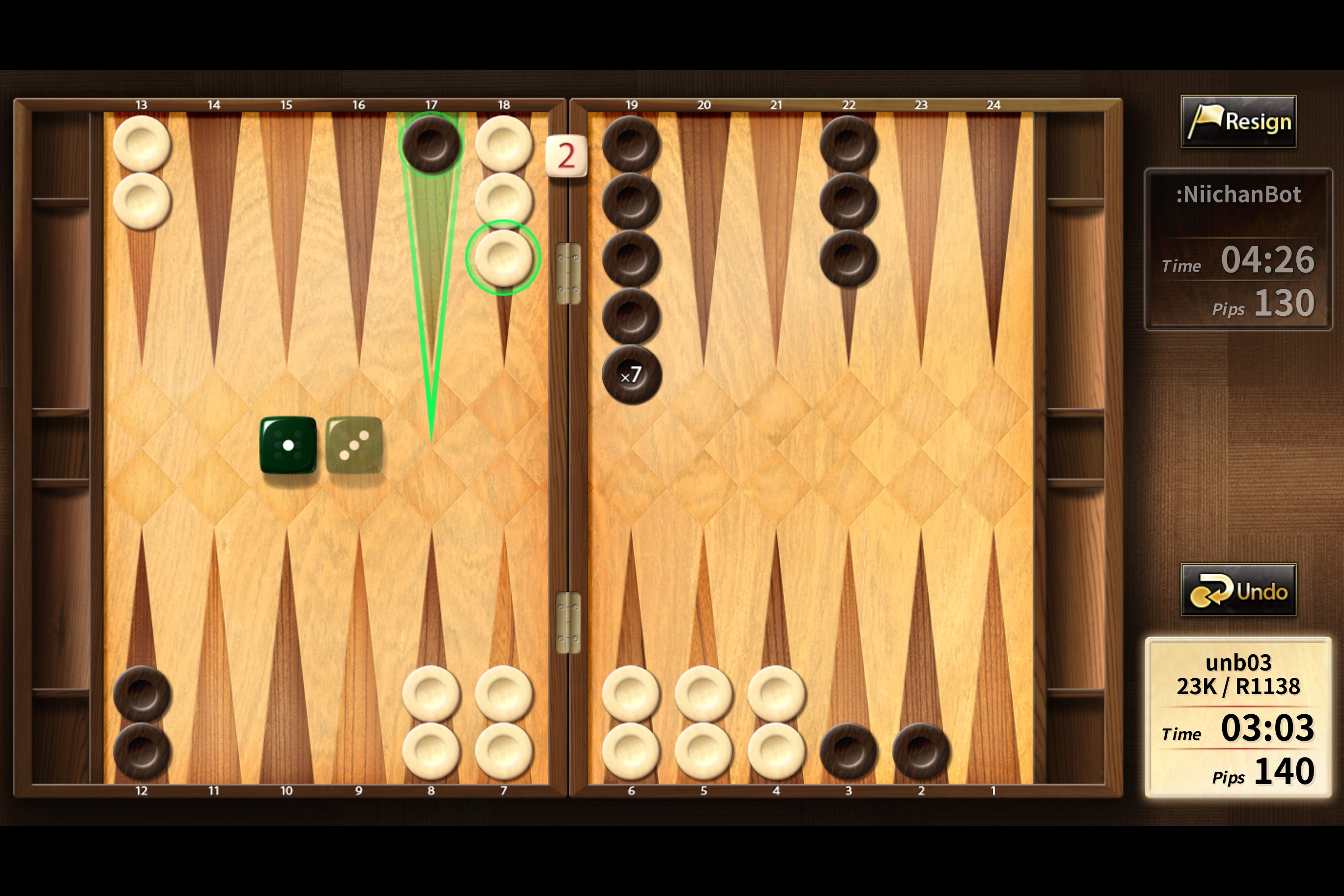
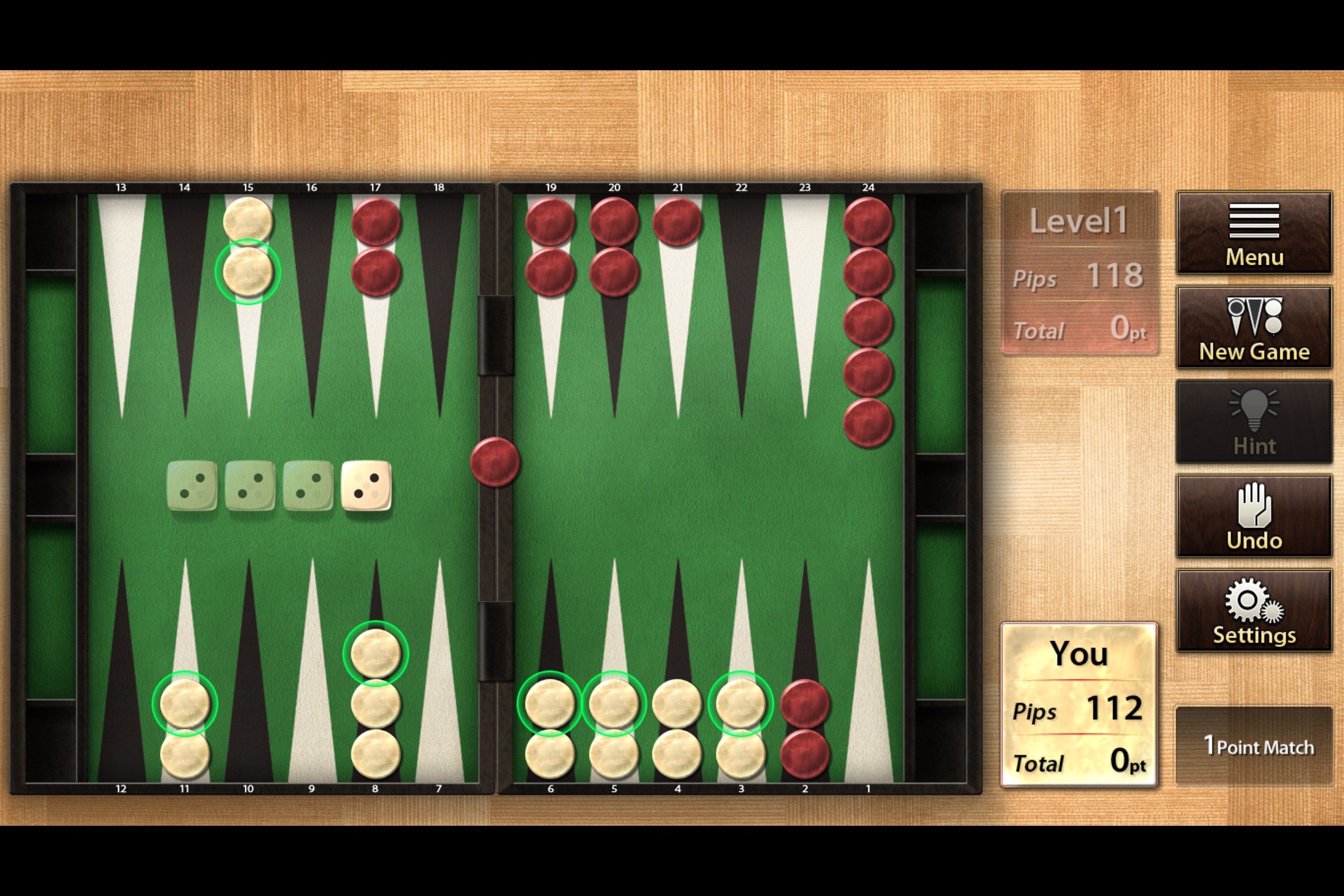
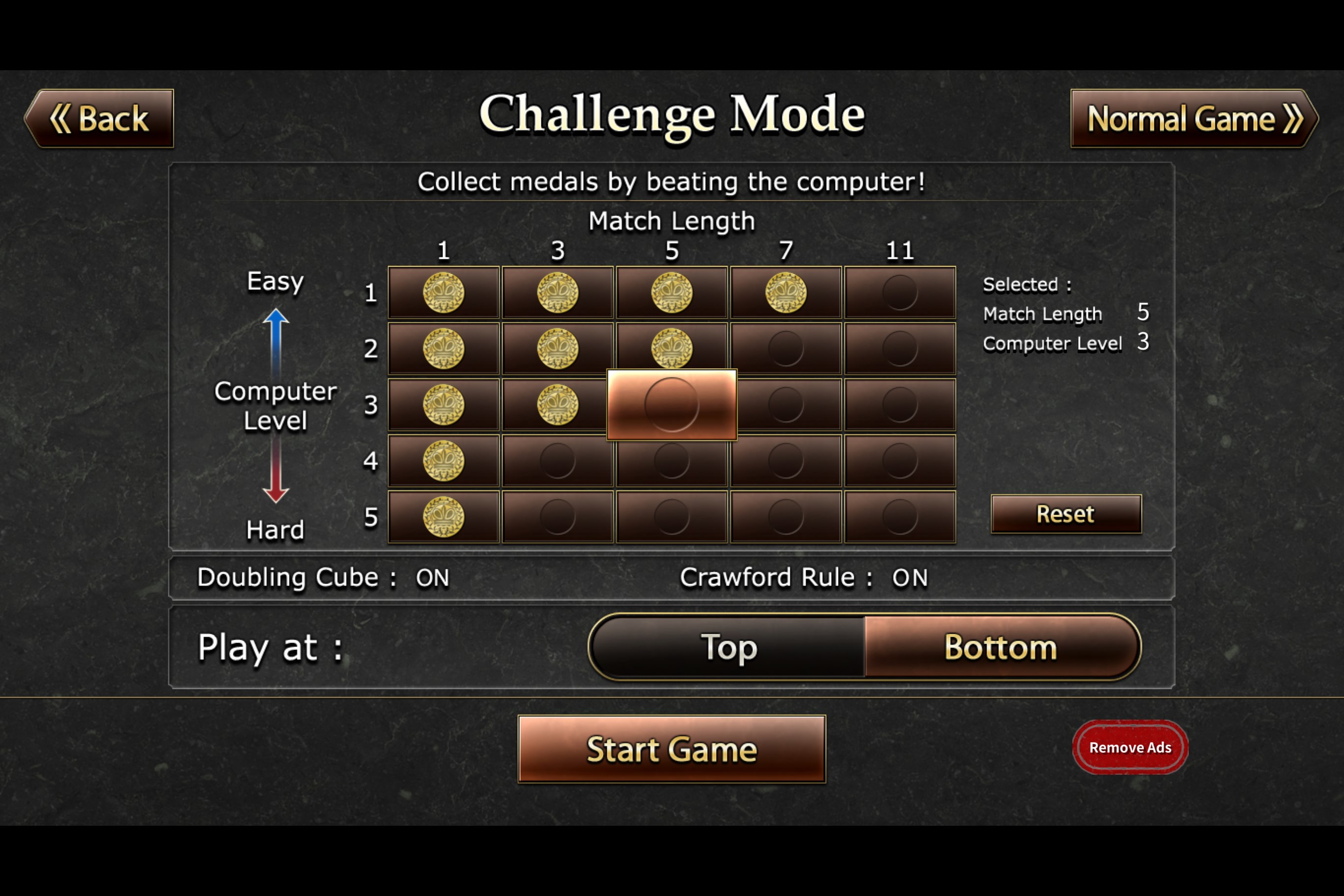
- Realistic and Intuitive Gameplay: The app faithfully reproduces the classic rules, with smooth animations and AI opponents for varied difficulty levels.
- Customizable Board and Theme Options: Users can personalize the look of their game, selecting different boards and themes, enhancing visual appeal.
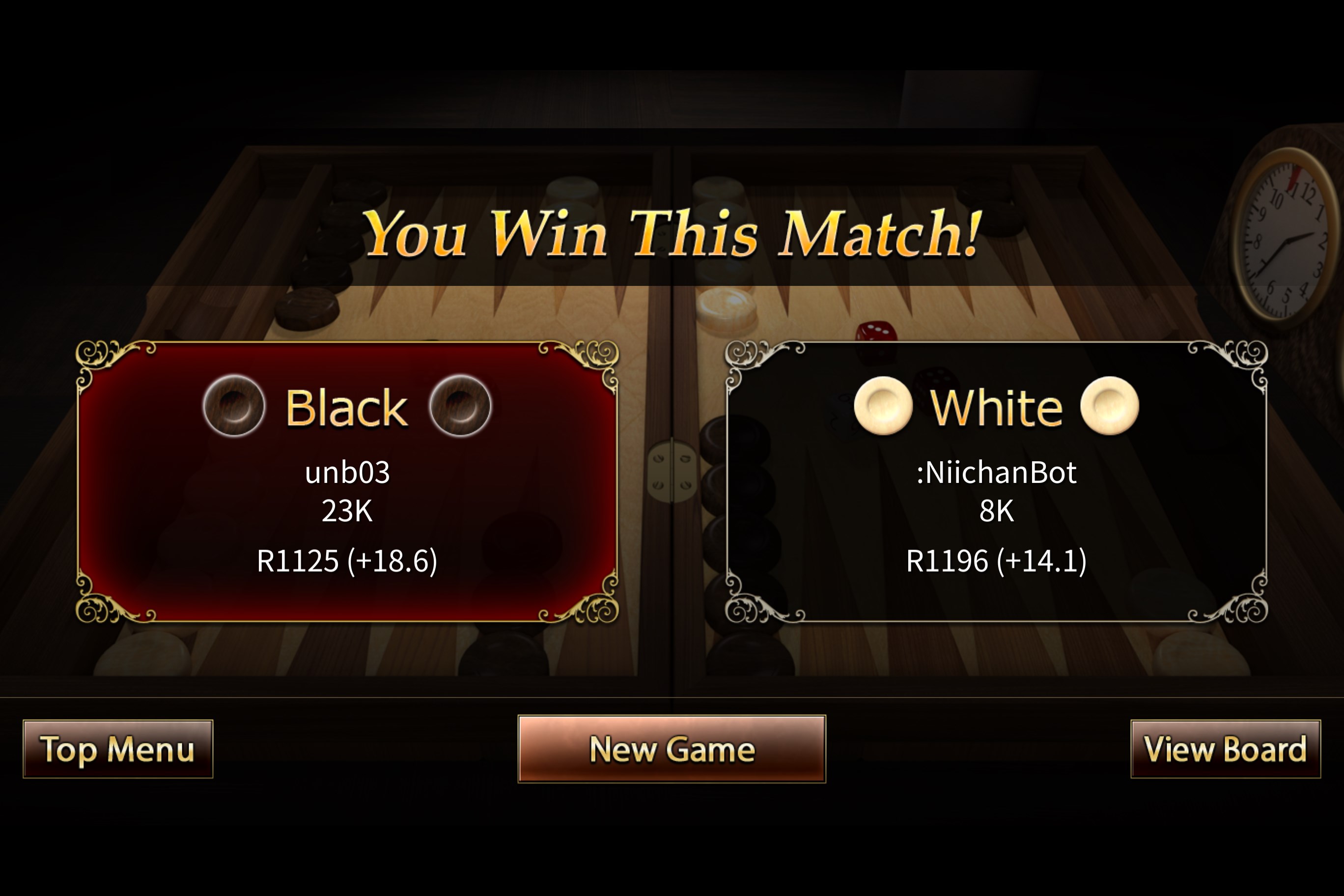
- Online Multiplayer Functionality: Play with friends or random opponents worldwide, adding a social layer to the strategic challenge.
- In-Game Tutorials and Tips: Especially friendly for beginners, with guided instructions to help learn the game or sharpen skills.
A Journey into the World of Digital Backgammon
Imagine opening a gateway back in time where the clacking of dice and the strategic dance of checkers fill the air — now, with Backgammon for Windows, this nostalgic experience is just a click away. Whether you're a seasoned strategist or a curious newcomer, this app invites you to test your wit against AI or friends, all within a sleek digital environment that feels both familiar and fresh.
Gameplay Mechanics: Faithful Replication with a Modern Touch
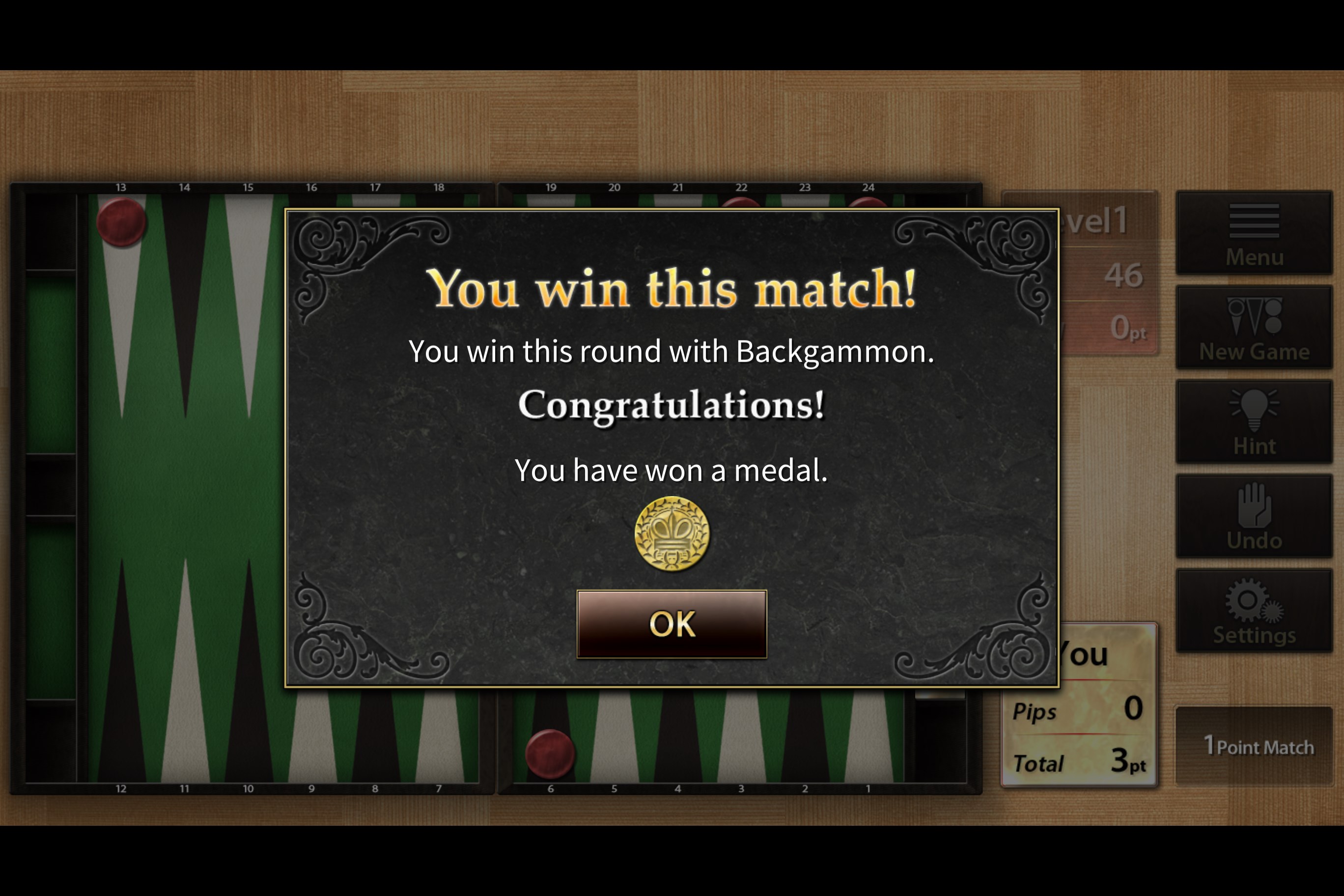
This application excels in capturing the essence of traditional backgammon. The gameplay mechanics are carefully reimagined: dice rolls have a natural feel, with realistic animations that heighten anticipation. The AI opponents are well-designed, offering a spectrum from beginner-friendly to ace-level adversaries, ensuring ongoing challenge regardless of skill level. The game pacing is smooth, with minimal lag or disruptions, making every move satisfying and fluid.
Design and User Interface: Simple, Elegant, and Customizable
The interface combines visual clarity with aesthetic flexibility. The boards are clear and easy to read, with options to switch between classic wooden themes or vibrant modern styles. The buttons and controls are logically laid out, making gameplay intuitive for newcomers yet unobtrusive for seasoned players. The design balances elegance with functionality, providing an immersive experience that minimizes distraction and maximizes focus on the game itself.
Unique Features: Standing Out in the Crowd
The most remarkable aspect of this app is its **customizable board themes and online multiplayer integration**. While many digital backgammon games offer either solo play or basic online features, this application combines both with a user-friendly interface. The detailed theme options allow players to tailor their game environment, creating a personalized experience that feels at home. Additionally, the online multiplayer mode not only broadens competition possibilities but also fosters a community of backgammon enthusiasts, setting it apart from more static, single-player-focused apps.
Final Thoughts and Recommendations
Backgammon for Windows from UNBALANCE Corp. is a well-crafted digital rendition of a classic game. Its balanced mix of user-friendly design, customizable aesthetics, and solid gameplay mechanics make it suitable for casual players and strategy enthusiasts alike. The standout features—particularly its theme personalization and robust online multiplayer—offer a unique edge in the crowded digital backgammon space.
We recommend this app to anyone interested in classic board games, whether you're looking to sharpen your strategic thinking or simply enjoy a relaxing game session. Its gentle learning curve and engaging features make it a worthwhile addition to your digital game library. Overall, this app exemplifies a thoughtful blend of tradition and innovation, ensuring hours of strategic fun without overwhelming the user.
Pros
- Intuitive User Interface
- Smooth Gameplay Experience
- Multiple Game Modes
- Offline Play Support
- Regular Updates and Bug Fixes
Cons
- Limited Customization Options
- In-App Purchases Can Be Frequent
- Ads Interrupt Gameplay Occasionally
- Limited Multiplayer Options
- No Tutorial for Beginners











