

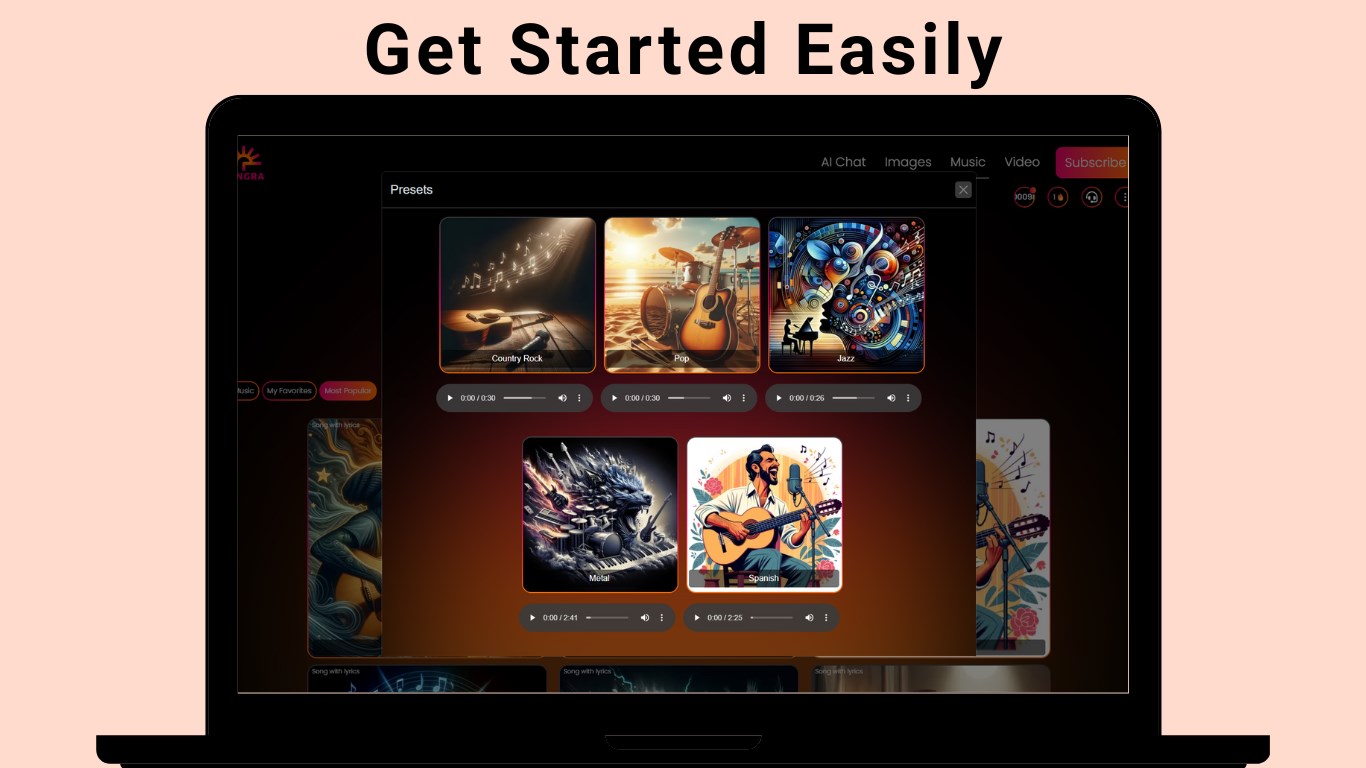
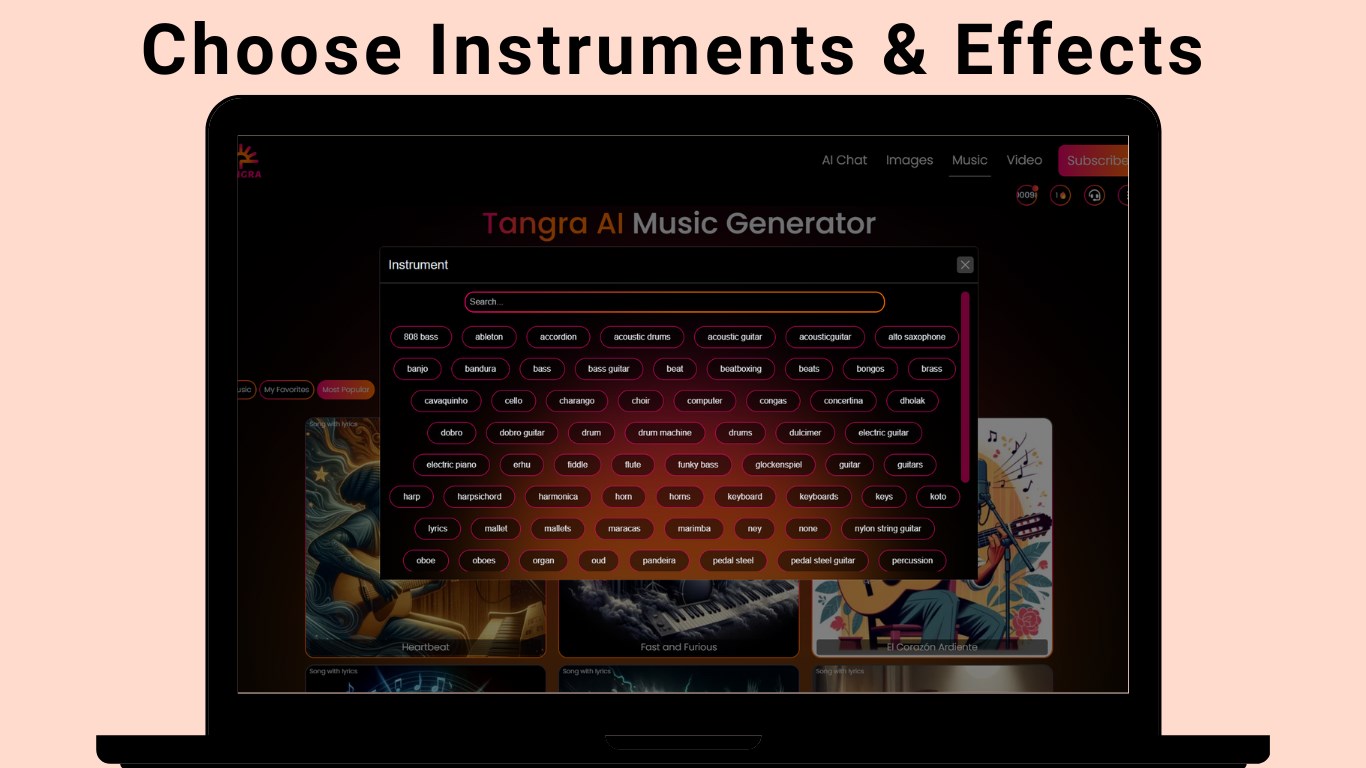
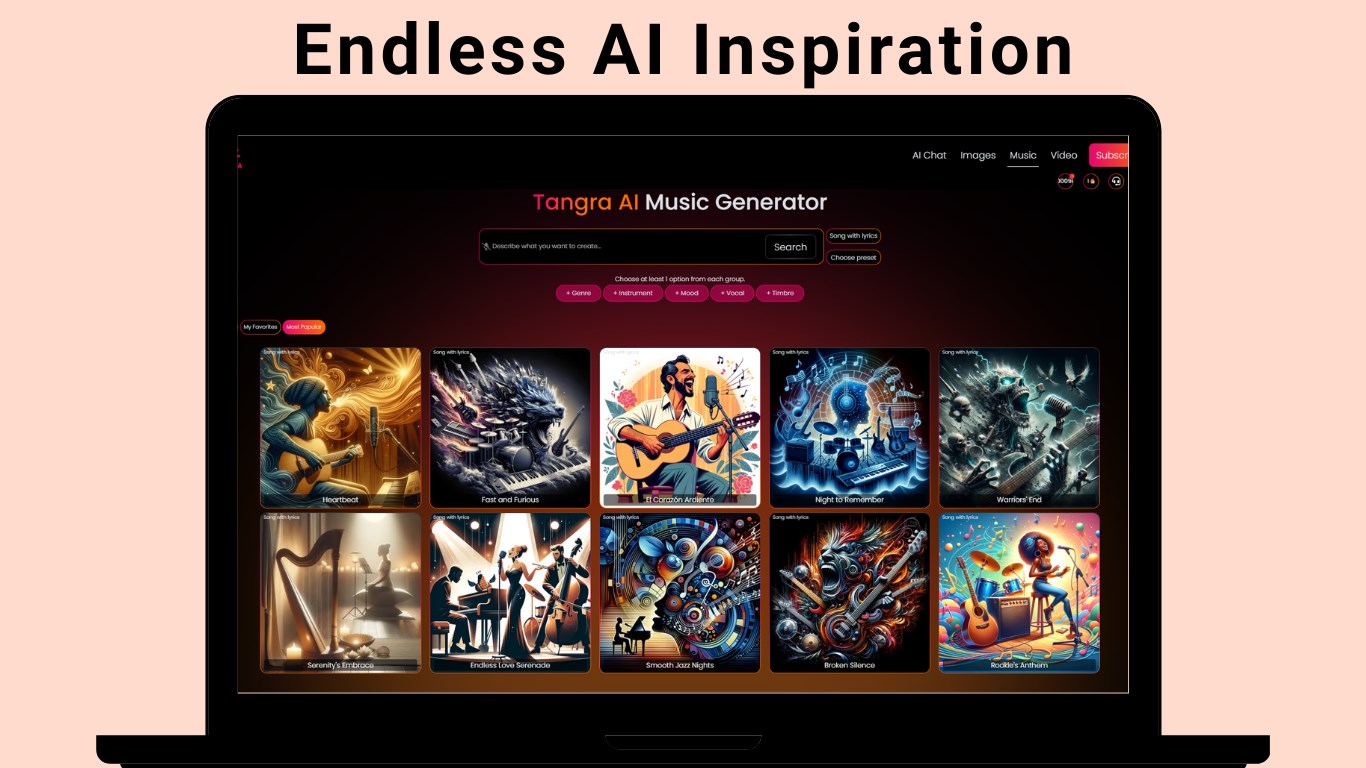
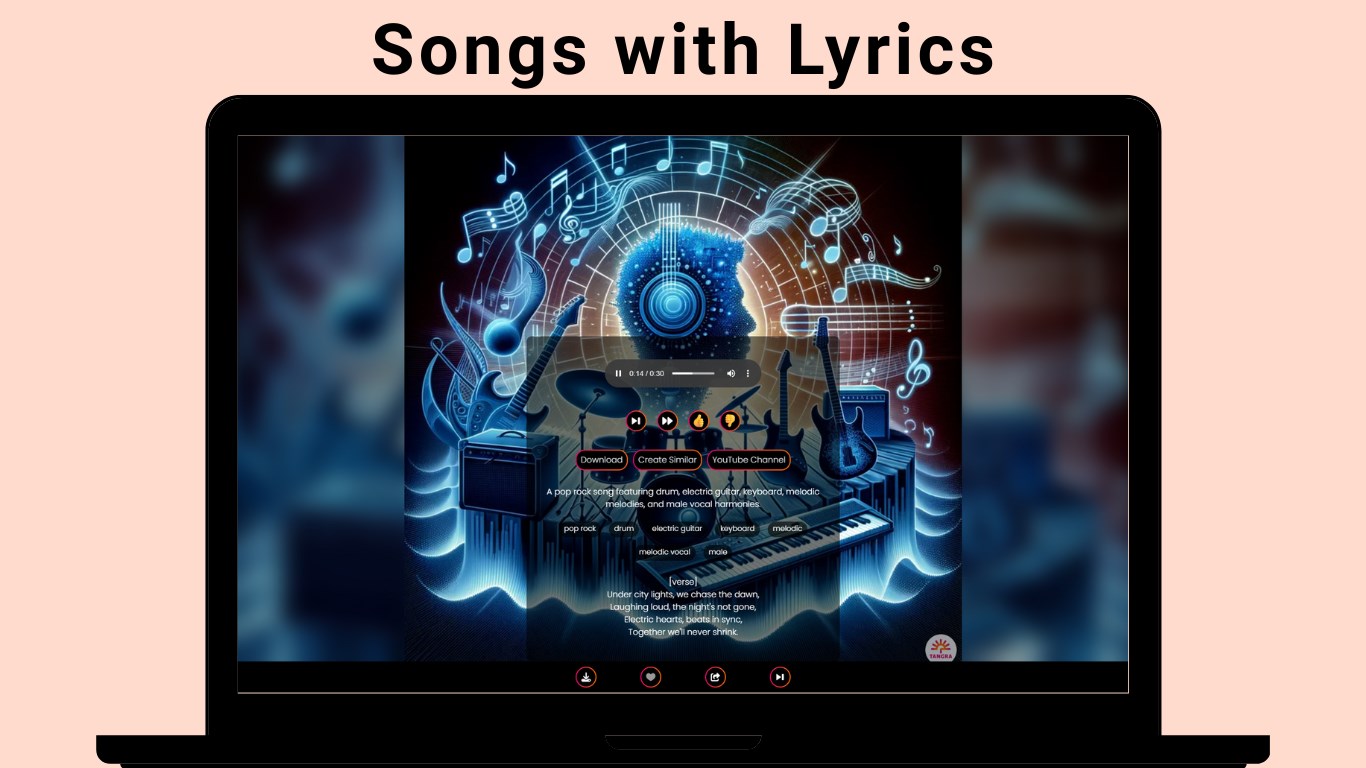
- Name Tangra AI Music
- Category Music
- Available on PC, Mobile, Surface Hub, HoloLens
- OS Windows 10 version 17763.0 or higher
- languages English (United States)
Introducing Tangra AI Music for Windows: A New Spin on AI-Generated Music
Tangra AI Music for Windows, developed by Simply Flows, is an innovative application designed to empower musicians, composers, and enthusiasts with AI-driven music creation tools. Combining artistic creativity with cutting-edge technology, it aims to make music composition more accessible and exciting for a broad audience.
Basic Information and Core Highlights
Developed by Simply Flows, Tangra AI Music leverages artificial intelligence to generate and tailor music tracks effortlessly. Its primary features include intelligent rhythm pattern assessment, adaptive melody generation, and seamless integration within the Windows environment. The app primarily targets amateur musicians, content creators, and anyone interested in exploring AI-assisted music production.
Why Tangra AI Music Stands Out: An Engaging Dive into Its Features
Imagine a creative partner that never gets tired, always ready with a fresh melody or beat at your command—that's the essence of Tangra AI Music. Its interface feels like an intuitive workspace, where technology opens the door to limitless musical possibilities, whether you're a seasoned composer or just starting out.
Core Functionality 1: Rhythm Pattern Variety & Tolerance
One of Tangra AI's standout features is its sophisticated assessment of rhythm pattern variety. Unlike many AI music tools that generate monotonous loops, Tangra intelligently evaluates the user's input and offers a diverse array of rhythm patterns that fit seamlessly. This feature ensures that compositions maintain dynamic and engaging beats, akin to a seasoned drummer improvising on the fly. The app's tolerance for input latency means it can handle slightly imperfect timing, making the music feel more natural, much like jamming with a real band. This ability to adapt to rhythm complexity enhances user creativity, making it easier to craft tracks that are both lively and musically coherent.
Core Functionality 2: AI-Generated Melodies & Customization
Beyond rhythm, Tangra AI excels in melody generation tuned through user preferences. The app employs deep learning models that produce rich, harmonious melodies, which users can further customize. Think of it as having a virtual composer who instantly drafts melodic lines tailored to your genre or mood—whether it's a lively pop hook or a haunting ambient theme. The intuitive controls allow users to tweak parameters effortlessly, making the process feel as natural as adjusting knobs on an analog synthesizer. This feature significantly streamlines the creative process, reducing trial-and-error time and helping users realize their musical ideas faster.
Intuitive User Experience and Design
The interface of Tangra AI Music is clean, modern, and thoughtfully designed. Navigating through features feels like flipping through a well-organized music studio, where everything is within reach. Operation is smooth, with minimal lag, thanks to optimized backend processing. For newcomers, the learning curve is gentle; guided prompts and logical layout make onboarding straightforward. Seasoned users will appreciate the depth of customization options that allow for nuanced control, turning the app into a versatile instrument—much like tuning a guitar to perfection before a show.
Comparative Edge and Final Thoughts
Compared to other AI music apps, Tangra AI's emphasis on rhythm pattern variety and its tolerance for input latency are particularly noteworthy. While many tools generate static outputs or require rigid input timings, Tangra adapts intelligently, making the creation process feel more organic. Its ability to assess and generate diverse rhythm patterns even amid slight timing imperfections gives it a realism that is often missing in other solutions.
Overall, I would recommend Tangra AI Music for Windows to users seeking a reliable, creatively flexible AI music companion. Its unique strengths in rhythm diversity and adaptive melody generation make it stand out in a crowded market. Whether you're a hobbyist exploring new sounds or a professional seeking quick inspiration, this app is worth a try. Just keep in mind that mastering its full potential might take some experimentation, but that's part of the fun!
Pros
- Intuitive AI-powered music composition
- Wide variety of musical styles
- User-friendly interface
- Real-time music generation
- Customizable music parameters
Cons
- Limited free features
- Occasional AI-generated inconsistencies
- Basic editing tools
- Lack of collaborative features
- Performance variability on older devices











