

- Name Super Hero Craft
- Category Entertainment
- Developer COOL CARD GAME
- Available on PC, Mobile, Surface Hub, HoloLens
- OS Windows 10 version 10240.0 or higher
- DirectX Version 10
- languages English (United States)
Introducing Super Hero Craft for Windows
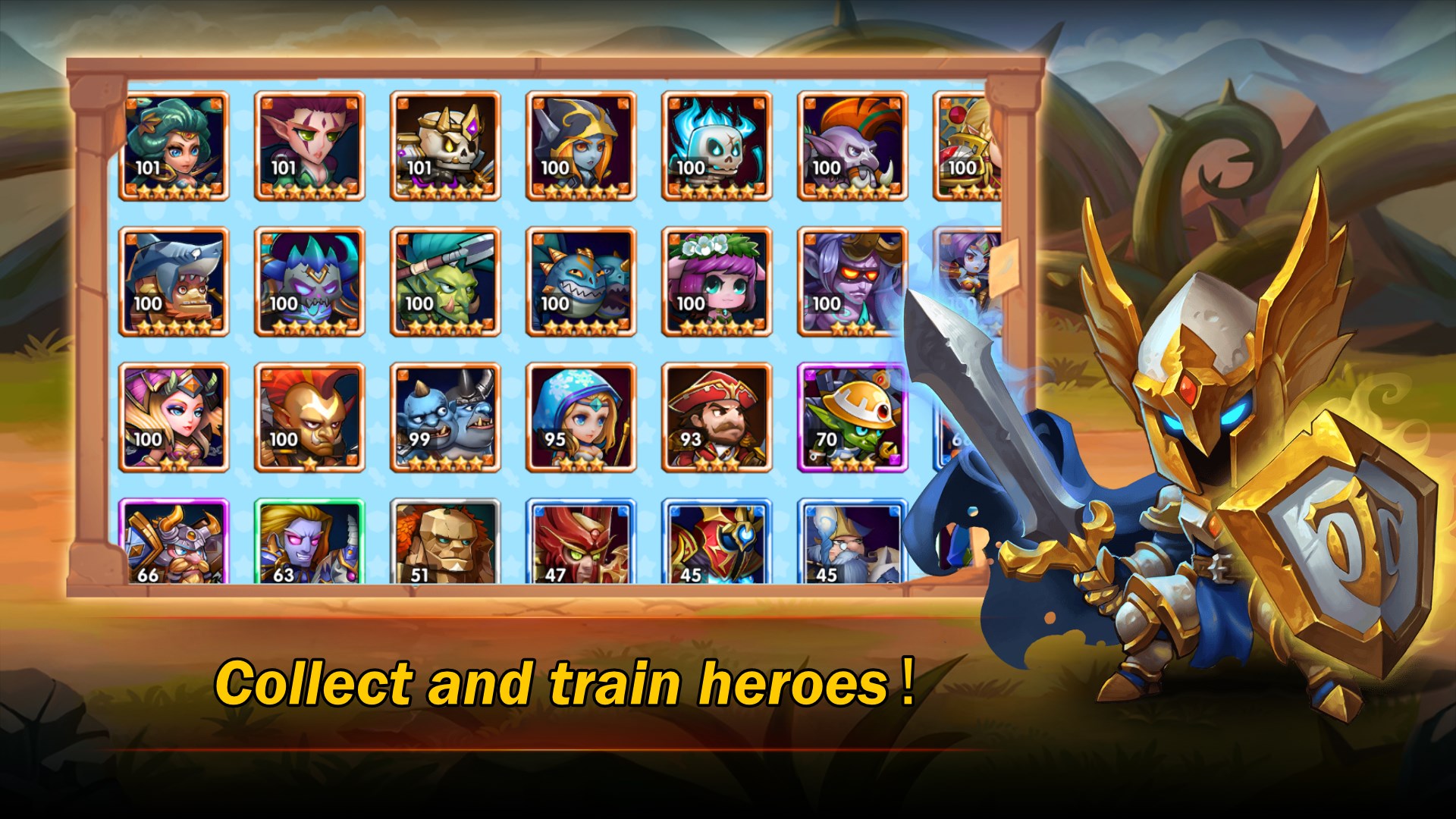
Super Hero Craft for Windows is a creatively themed casual game that invites players to step into a colorful world of superhero adventures and crafting fun, combining elements of building, exploration, and strategy in a vibrant pixel-art style.
About the Developer and Main Features
Developed and published by COOL CARD GAME, this app aims to provide an engaging experience for casual gamers and superhero enthusiasts alike. Its main highlights include:
- Creative Building and Customization: Players can design and personalize their own superheroes and their bases with a variety of customizable options.
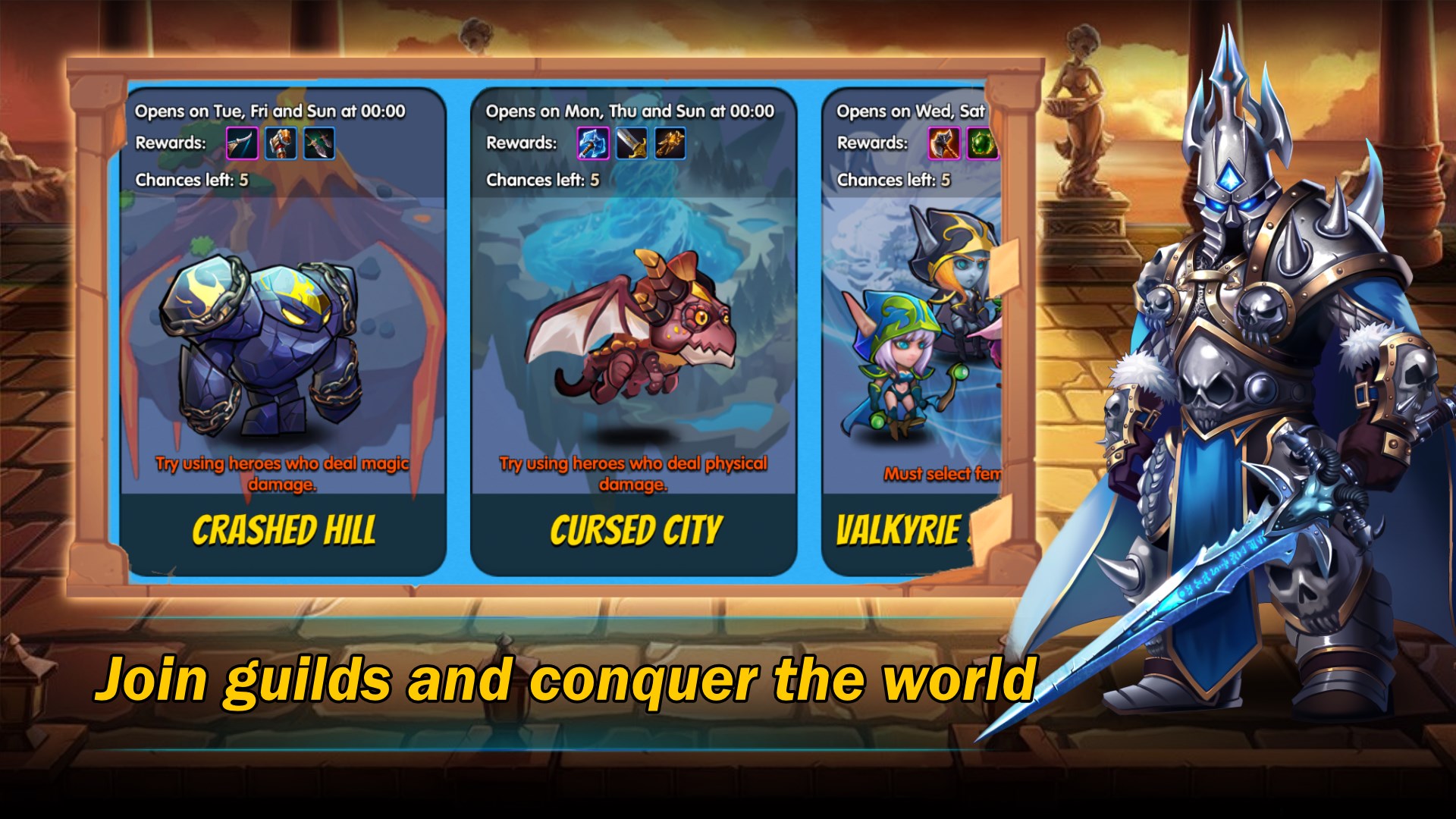
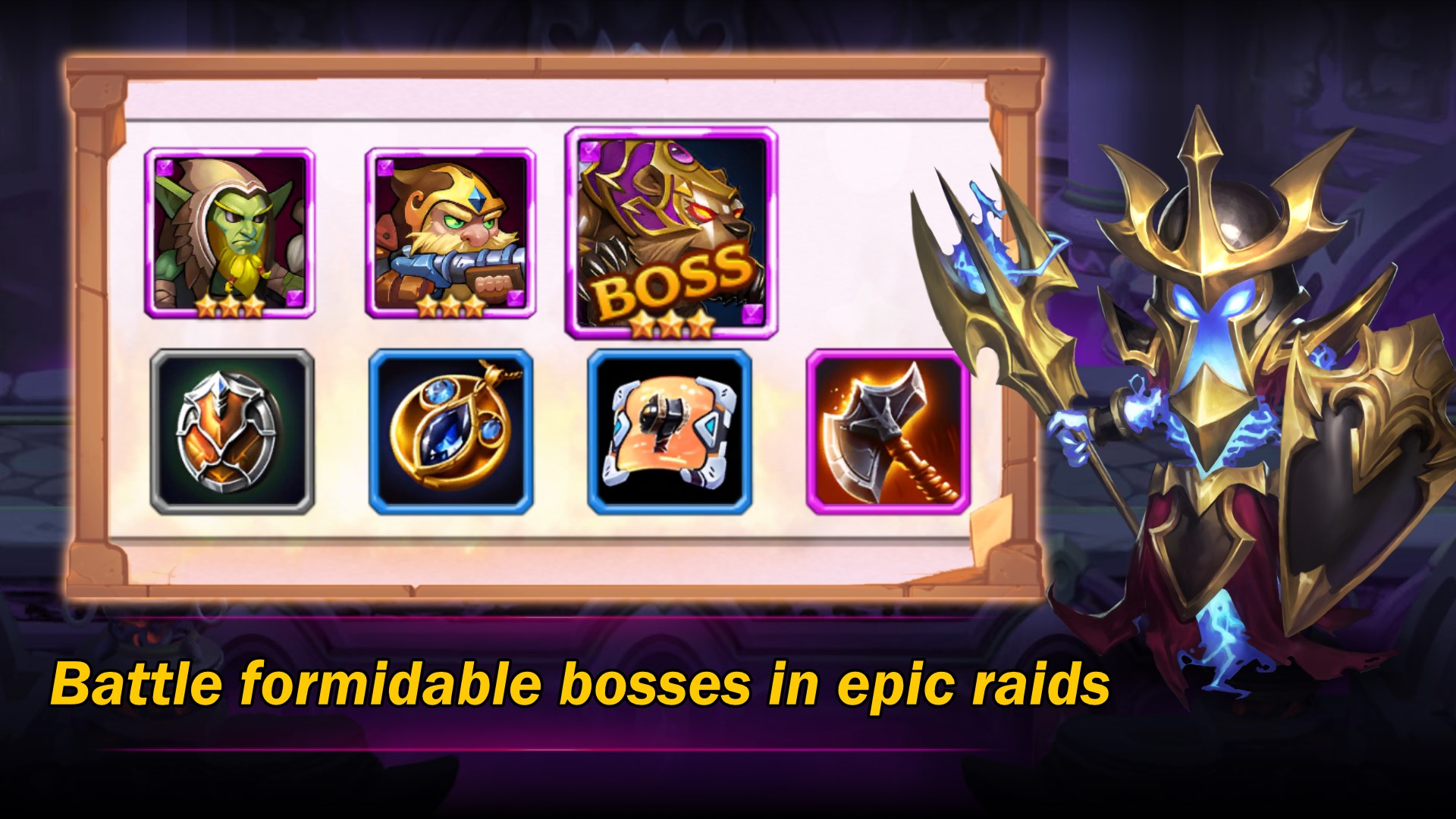
- Exploration and Missions: Venture into different levels and scenarios to complete exciting missions, unlocking new assets and abilities along the way.
- Mini-Games and Challenges: Diverse mini-games that incorporate puzzle-solving and reflex-based tasks to keep gameplay fresh and engaging.
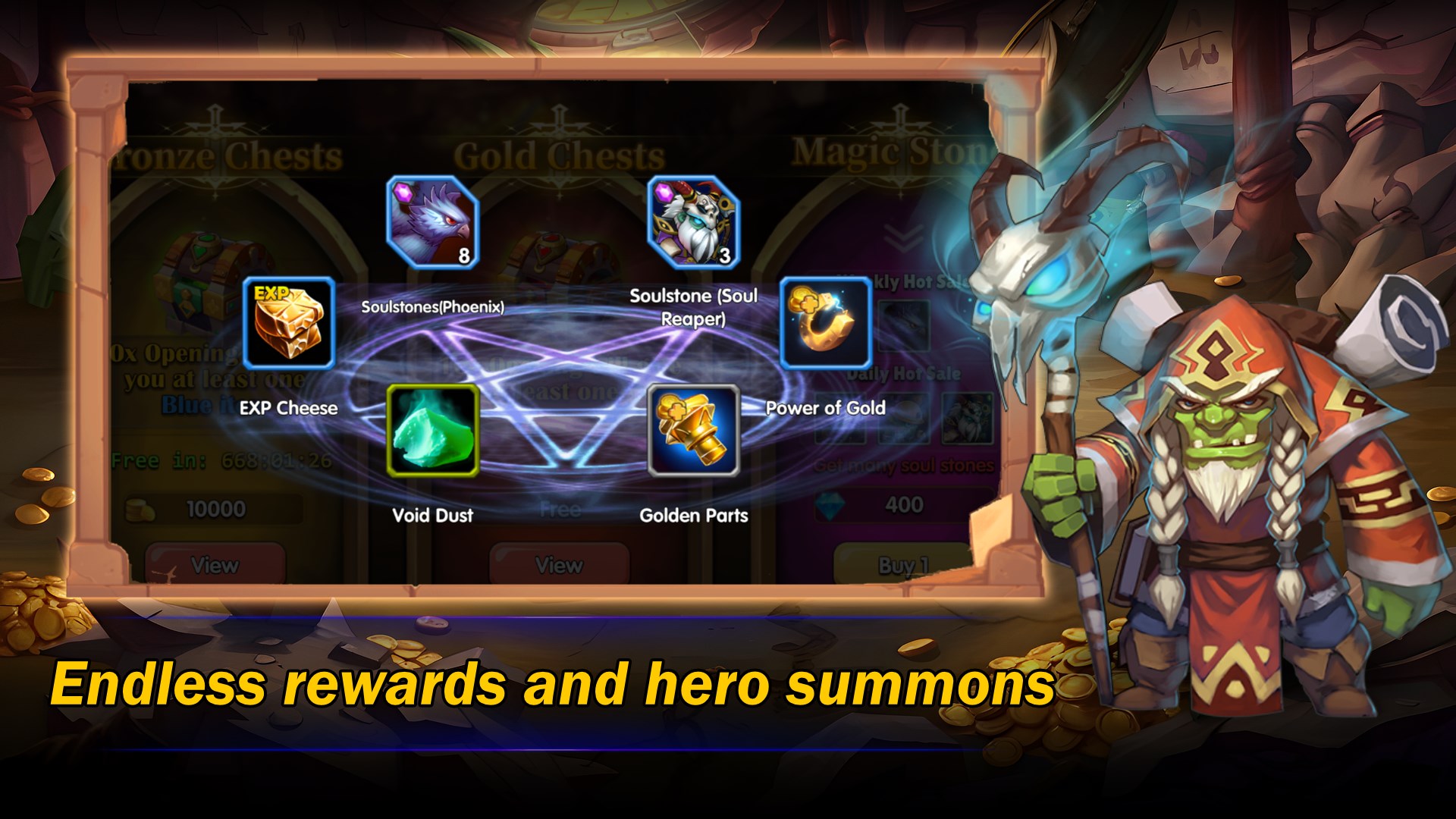
- Personalized Content Discovery: Unique algorithms tailor in-game suggestions and missions based on player preferences, enhancing engagement.
The target audience primarily consists of casual gamers, superhero fans, and children looking for a playful yet reasonably strategic experience.
Vivid Gameplay and User Experience
Imagine flipping through a comic book, each page bursting with vivid colors and dynamic characters—that's the essence of Super Hero Craft on your screen. From the moment you launch the application, you are transported into a lively world brimming with opportunities for creativity and adventure. The user interface exudes a playful yet intuitive design; buttons and menus are thoughtfully laid out, making navigation feel as effortless as flipping the pages of your favorite story.
Design and Interface
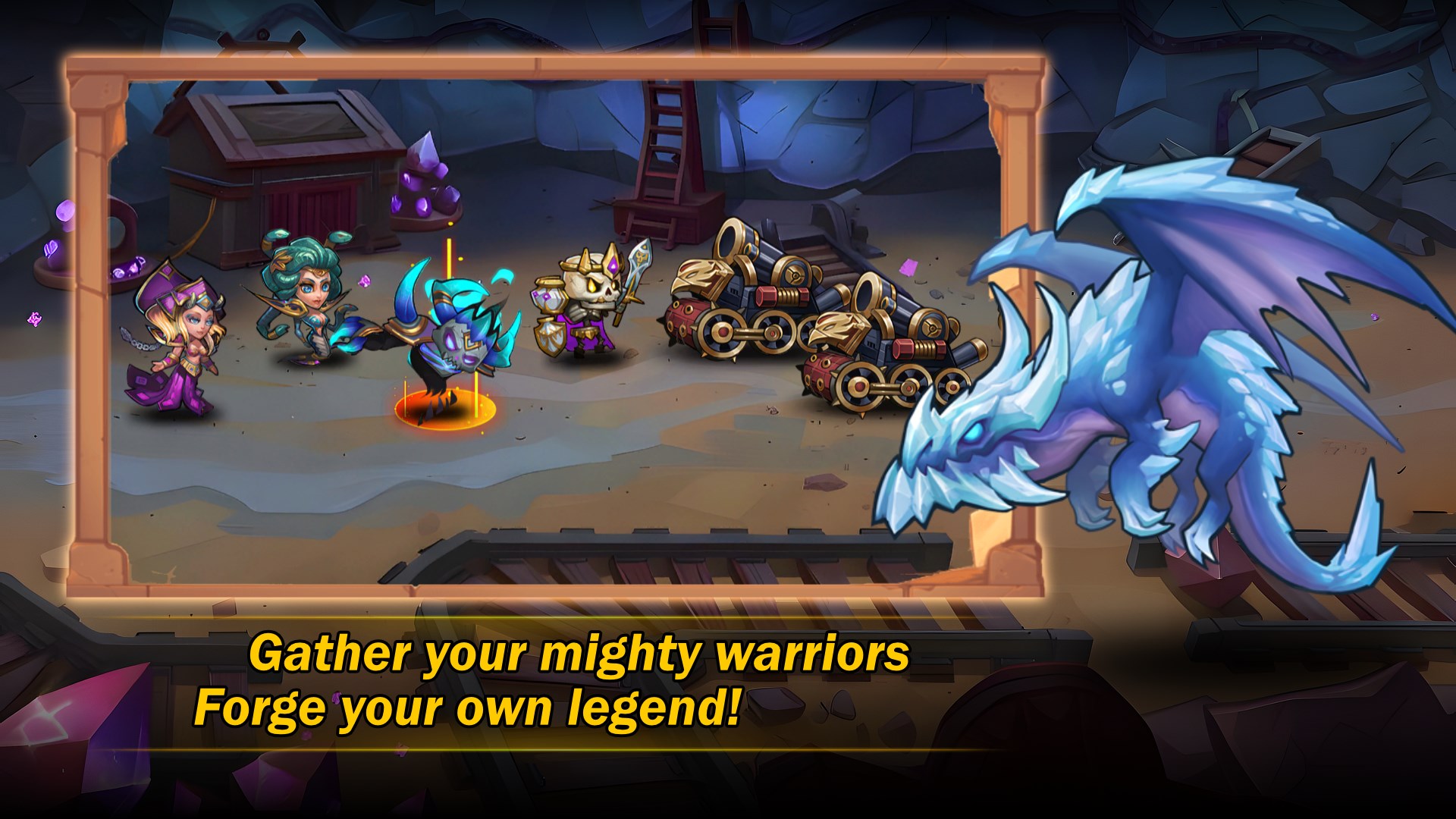
The game employs a charming pixel-art style that balances nostalgia with contemporary aesthetics. The interface is clean, colorful, and accessible, even for first-time players. Icons are clear, and menus are logically structured, enabling players to jump into building or missions seamlessly. This thoughtful design reduces the learning curve, allowing players to focus on creative expression and gameplay rather than deciphering complicated controls.
Gameplay Fluidity and User Engagement
Super Hero Craft offers smooth animations and responsive controls, which is crucial for maintaining immersion—imagine guiding a superhero through a high-speed chase or constructing a fortress with a flick of your finger, all happening seamlessly. The game's transitions are fluid, with minimal lag, fostering a sense of continuity and engagement. The tutorial and guidance cues are well-placed, making it approachable for newcomers while still challenging for seasoned players.
Differentiation from Competitors
Compared to typical entertainment apps that rely heavily on content feeds or static interactions, Super Hero Craft's standout feature lies in its personalized content discovery algorithm. Unlike generic recommendation systems, this app analyzes your gameplay style—whether you prefer building, exploration, or combat—and dynamically surfaces missions and mini-games aligned with your preferences. This tailored approach provides a more relevant and satisfying experience, ensuring that players spend less time sifting through irrelevant content and more time enjoying what they love most.
Overall Recommendation and Usage Suggestions
In summary, Super Hero Craft for Windows is a charming, accessible game that elegantly combines creative freedom with engaging gameplay. Its key strengths are the personalized content suggestions and its smooth, intuitive interface—making it suitable for casual players, young audiences, and superhero fans alike. I recommend giving it a try if you're looking for a light-hearted yet strategic game that doesn't demand hours of commitment but offers enough depth to keep you returning for more. Whether you're building your own superhero universe or embarking on thrilling missions, this app can serve as a delightful digital playground—just don't forget to buckle up for some pixelated adventure!
Pros
- User-Friendly Interface
- Creative Freedom
- Regular Updates
- Engaging Gameplay
- Free to Download
Cons
- Limited Asset Library in Free Version
- Occasional Glitches During Gameplay
- Inconsistent Controls on Certain Devices
- Delayed Customer Support Response
- Limited Multiplayer Options











