
- Name Sudoku Epic
- Category Card & board
- Available on PC, Mobile, Surface Hub, HoloLens
- OS Windows 10 version 10240.0 or higher
- languages English (United States)
Unlock Your Inner Puzzle Master with Sudoku Epic for Windows
If you've ever found yourself losing hours trying to crack a tough sudoku puzzle, Sudoku Epic offers a fresh yet familiar way to indulge your love for numbers. Designed to cater to casual players and seasoned puzzle enthusiasts alike, this app transforms the classic sudoku experience into a sleek, engaging digital journey. With Kristanix Studios AS behind the wheel, expect a blend of user-friendly design and thoughtful features that keep your brain ticking without feeling overwhelmed.
A Brief Overview of the App
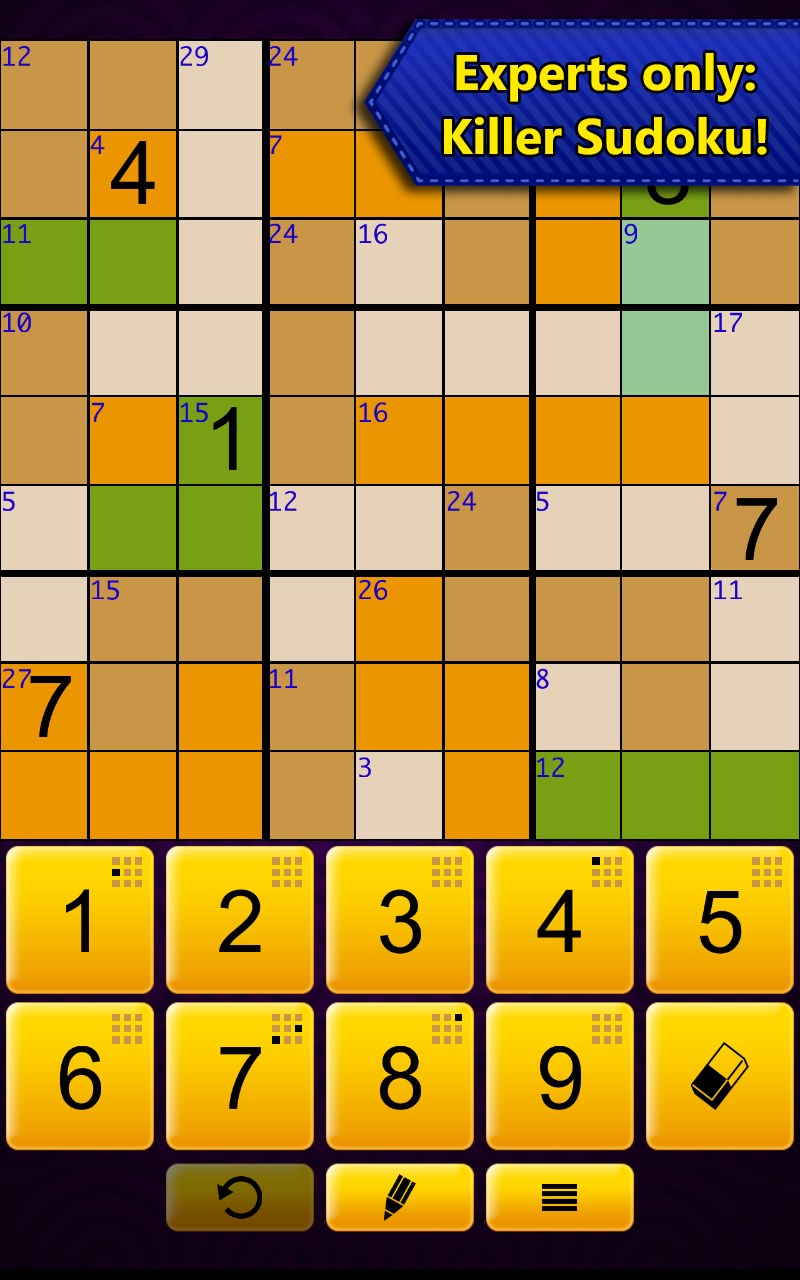
Sudoku Epic for Windows is a classic puzzle game wrapped in an elegant interface, aiming to bring the timeless appeal of sudoku into the digital age. Created by Kristanix Studios AS, a company renowned for their polished casual games, this application emphasizes simplicity, accessibility, and challenging gameplay. Its main standout features include an extensive puzzle library, customizable difficulty levels, and intuitive touch controls. The target audience spans from beginners curious about sudoku to dedicated puzzle solvers seeking a polished, distraction-free environment.
Delving into the Core Features
Endless Puzzles with Varied Difficulty
Sudoku Epic impressively offers a vast collection of puzzles spanning multiple difficulty levels, from breezy initial grids for newcomers to mind-bending challenges for veterans. The app's algorithm ensures each puzzle is uniquely crafted, preventing repetition and maintaining a steady stream of fresh challenges. This variability ensures players stay engaged over long periods without feeling stuck or bored. Whether you have five minutes during a break or an hour on a weekend, there's an appropriate puzzle waiting.
Seamless User Experience & Elegant Interface
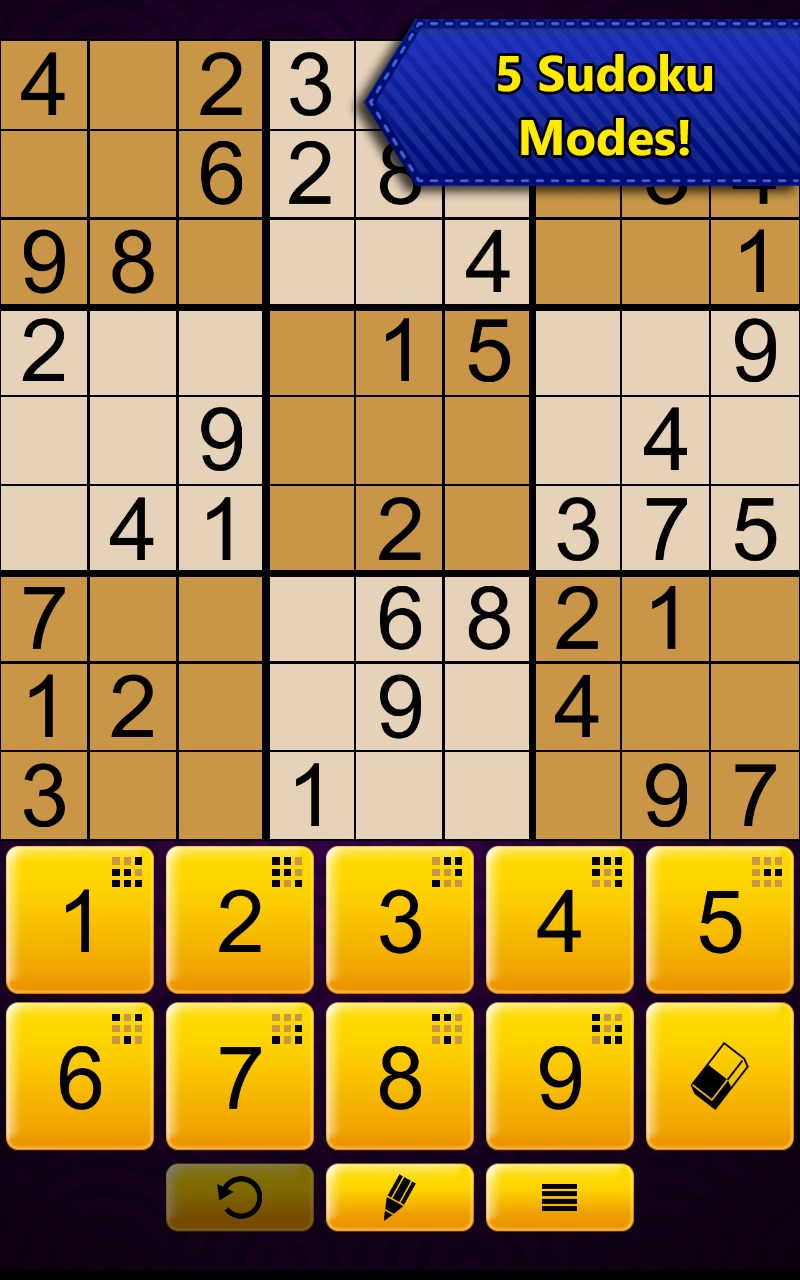
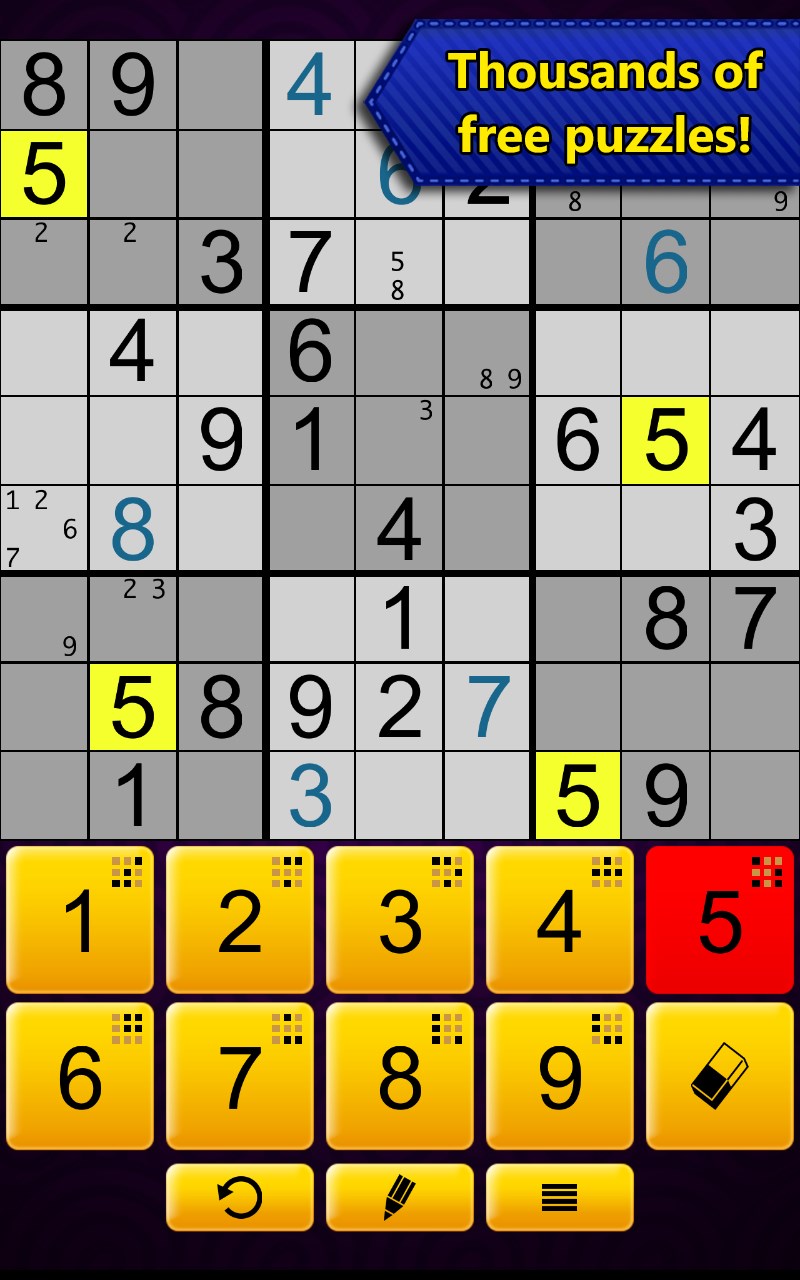
The app's design philosophy is centered around clarity and ease of use. The interface feels like a well-organized desk: clean, unobtrusive, and intuitive. Navigating between puzzles, settings, and hints is effortless, with smooth animations that give the game a polished feel. Touch controls respond swiftly, making number input as natural as scribbling on paper. The learning curve is gentle—new players can quickly grasp the interface, while advanced users can appreciate efficient tools and shortcuts, enhancing overall satisfaction.
Unique Features that Make Sudoku Epic Stand Out
One of the key differentiators is the app's "Hint" system, which cleverly offers hints that guide players without revealing the entire solution. This feature is perfect for learners or those stuck on tough puzzles, providing subtle nudges instead of heavy-handed spoilers—like having a friendly puzzle buddy whispering tips. Another highlight is the “Custom Puzzle Mode,” which allows users to create and share puzzles, turning the game into a community-driven experience. This bridge between casual entertainment and creative engagement is where Sudoku Epic truly shines, setting it apart from more generic sudoku apps.
Final Thoughts and Recommendations
Overall, Sudoku Epic for Windows earns a solid recommendation for puzzle lovers seeking a clean, well-designed sudoku app that balances challenge with accessibility. Its vast puzzle library, combined with thoughtful user interface choices, makes it suitable for both quick distractions and immersive puzzle sessions. If you appreciate apps that handle complexity with grace without overwhelming, this is an excellent choice. Whether you're a sudoku veteran or a curious newcomer, Sudoku Epic offers a compelling digital playground—proof that even the simplest games can offer layers of depth when crafted with care.
Pros
- Intuitive interface
- Variety of difficulty levels
- Daily challenges and streak rewards
- Automatic error detection
- Minimal ads with optional premium features
Cons
- Limited puzzle customization
- Occasional app crashes on older devices
- No offline hints available
- Sound effects cannot be customized or muted separately
- Typographical errors in the tutorial











