

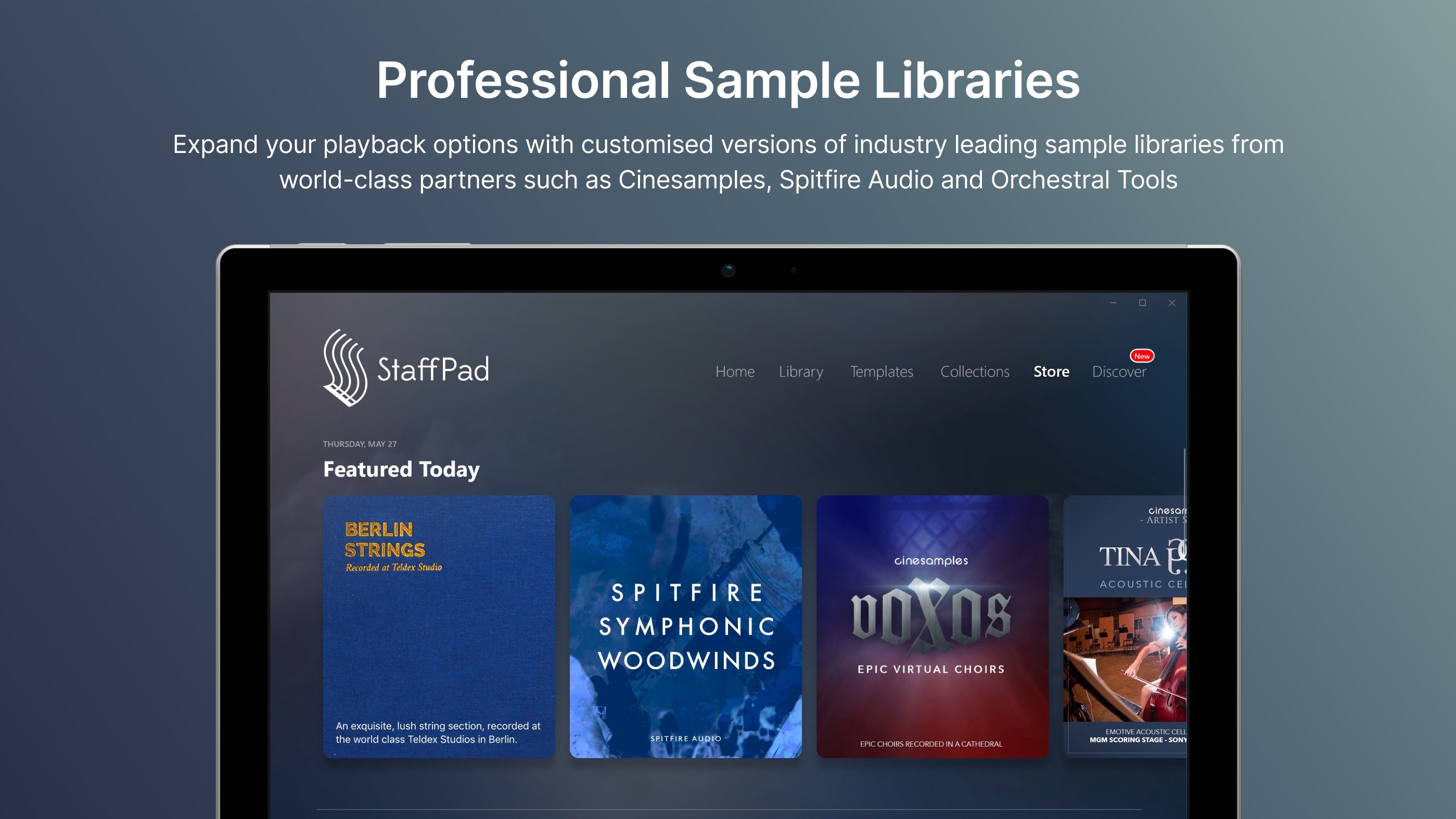
- Name StaffPad
- Category Music
- Developer StaffPad Ltd
- Available on PC, Surface Hub
- OS Windows 10 version 18362.0 or higher
- Memory 2 GB
- languages Arabic, Chinese (Simplified), Chinese (Traditional), English (United States), French, German, Italian, Japanese, Korean , Norwegian (Nynorsk), Polish , Portuguese (Portugal), Russian, Spanish (Spain)
StaffPad for Windows: Revolutionizing Digital Music Composition
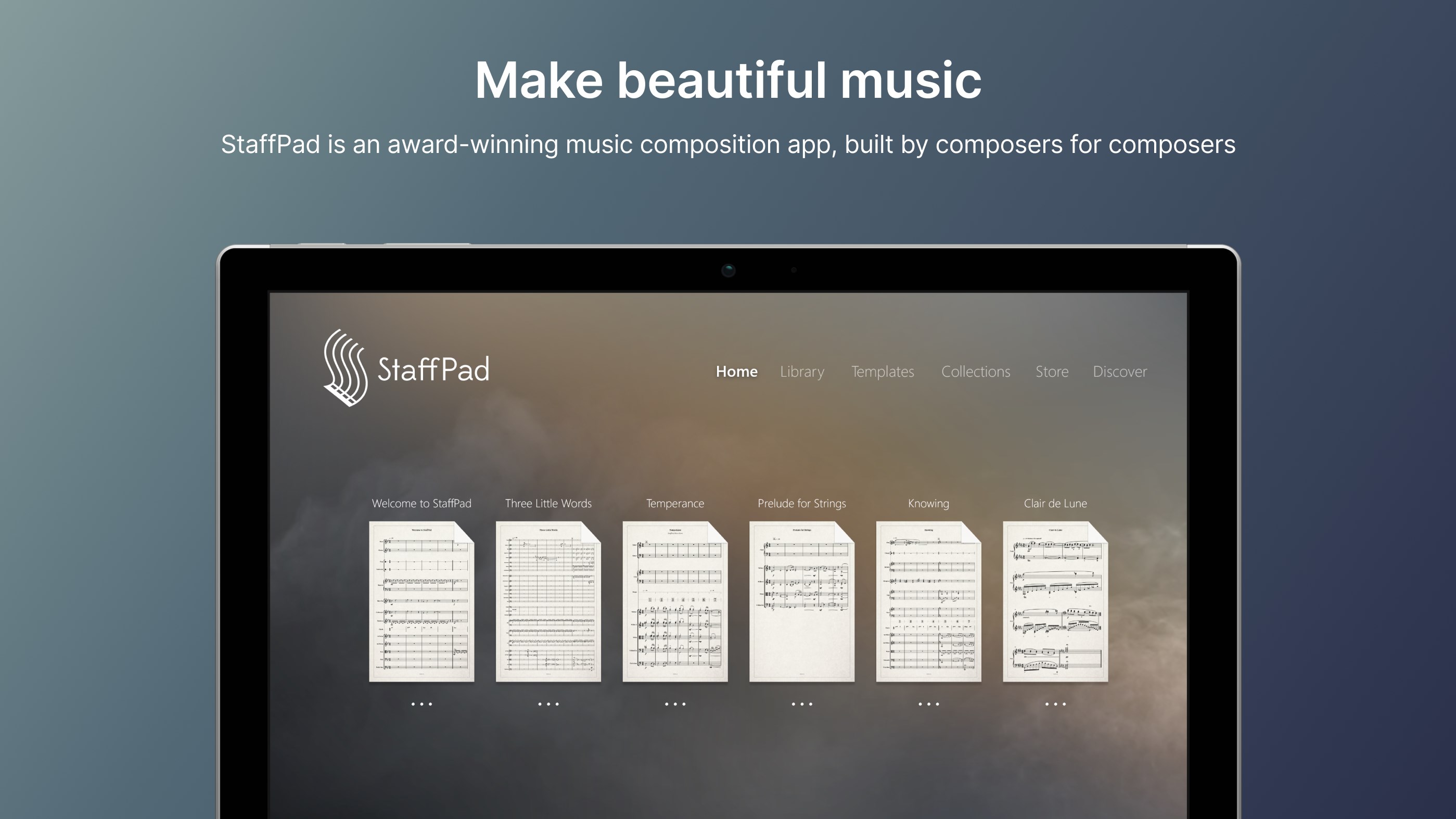
Imagine turning your Windows device into a professional music studio, where composing, editing, and performing become as intuitive as handwriting on paper. StaffPad for Windows offers just that—a seamless blend of traditional notation with modern digital convenience, transforming how musicians and composers approach their craft.
A Brief Overview of StaffPad for Windows
Developed and published by StaffPad Ltd, this innovative app is designed to cater to both amateur enthusiasts and professional musicians who want a powerful yet user-friendly music notation solution. Its key highlights include real-time handwriting recognition, an intelligent playback system, and extensive composition tools tailored for creative flexibility. Whether you're sketching out ideas on a tablet or editing scores on a PC, StaffPad aims to streamline the entire composition process.
Target users encompass composers, music students, arrangers, and performers seeking an efficient digital notation environment that preserves the organic feel of traditional writing while harnessing the power of modern technology.
An Engaging Start: Why StaffPad Stands Out
Picture this: you're in a cozy studio, pen in hand, sketching a new melody when suddenly, your ideas leap off the page—converted seamlessly into digital notation. StaffPad for Windows manages this magic with remarkable finesse, making the transition from paper to digital feel effortless and inspiring. Its intuitive design fosters creativity, whether you're quickly jotting down a motif or meticulously refining a symphony.
Core Features That Elevate Your Composition Experience
Real-Time Handwriting Recognition and Notation
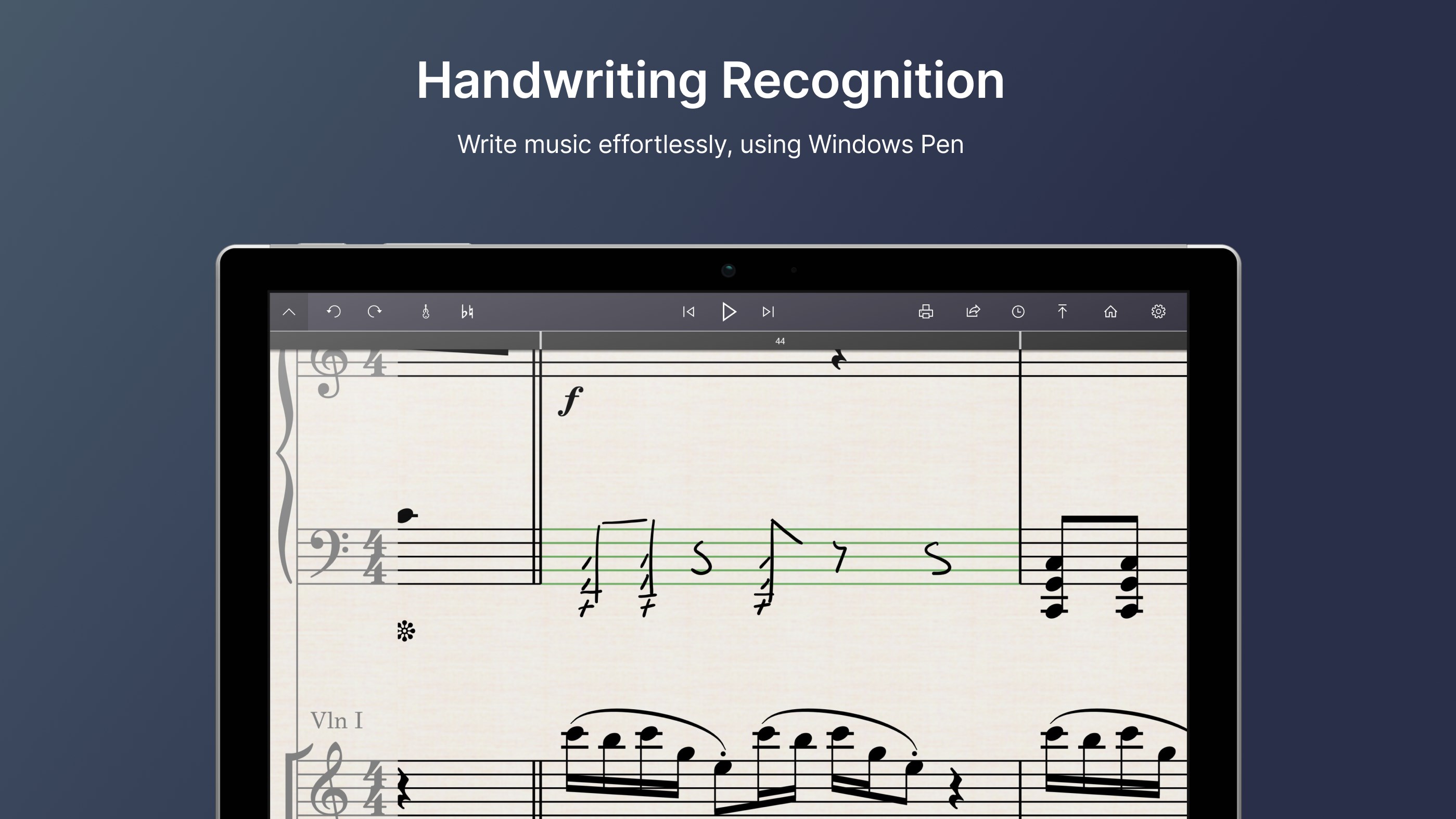
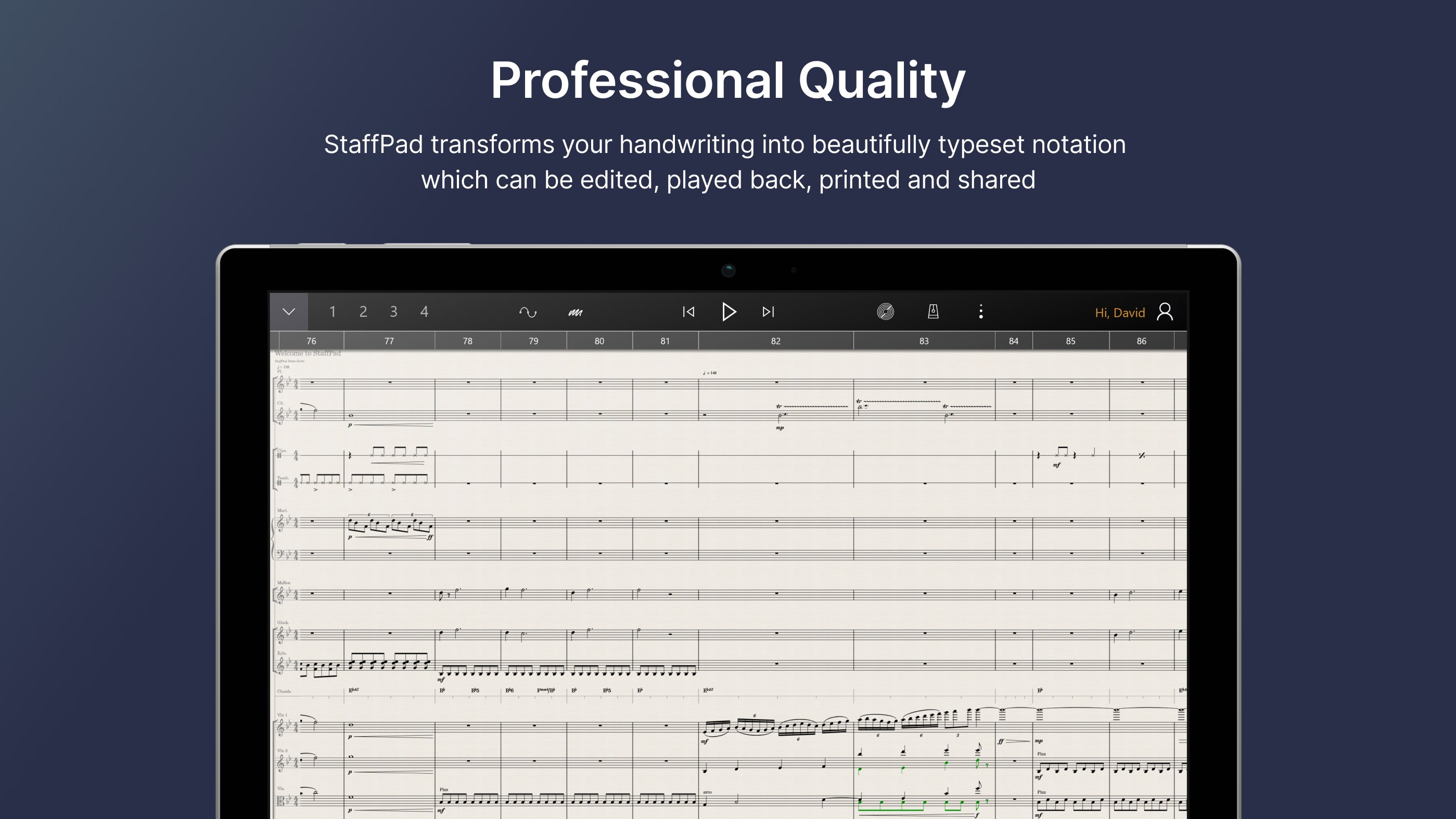
One of StaffPad's most compelling features is its accurate handwriting recognition. Simply write with a stylus or even your finger, and watch your handwritten notes instantly transform into crisp, professional music notation on screen. This natural input method mimics traditional writing, reducing the learning curve for new users. The app intelligently interprets musical symbols, dynamics, and expressions, enabling you to focus more on creativity than on formatting. This feature shines especially in spontaneous sketching sessions or quick idea capture, where traditional typing can feel too cumbersome.
Intelligent Playback and Rhythmic Precision
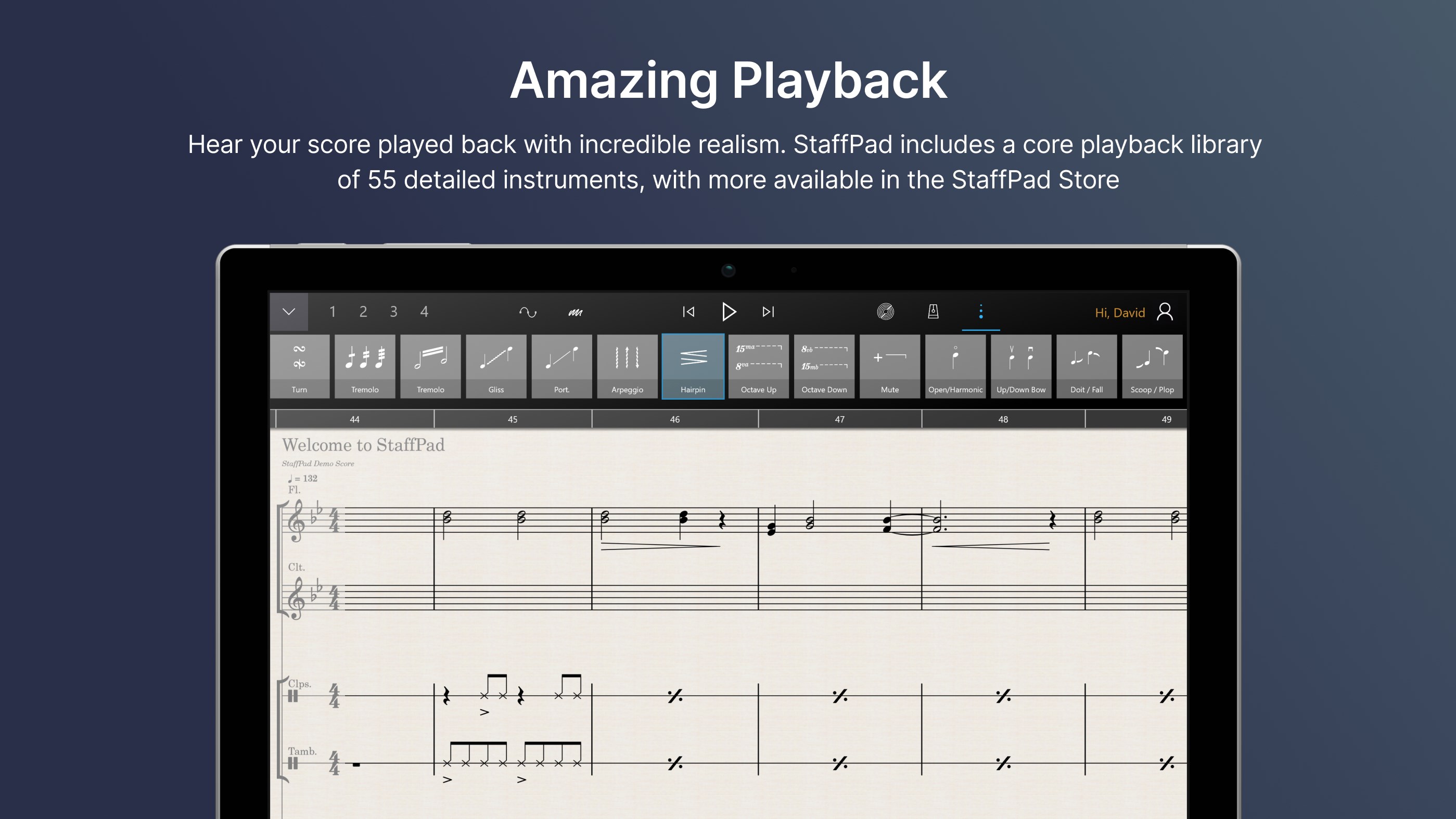
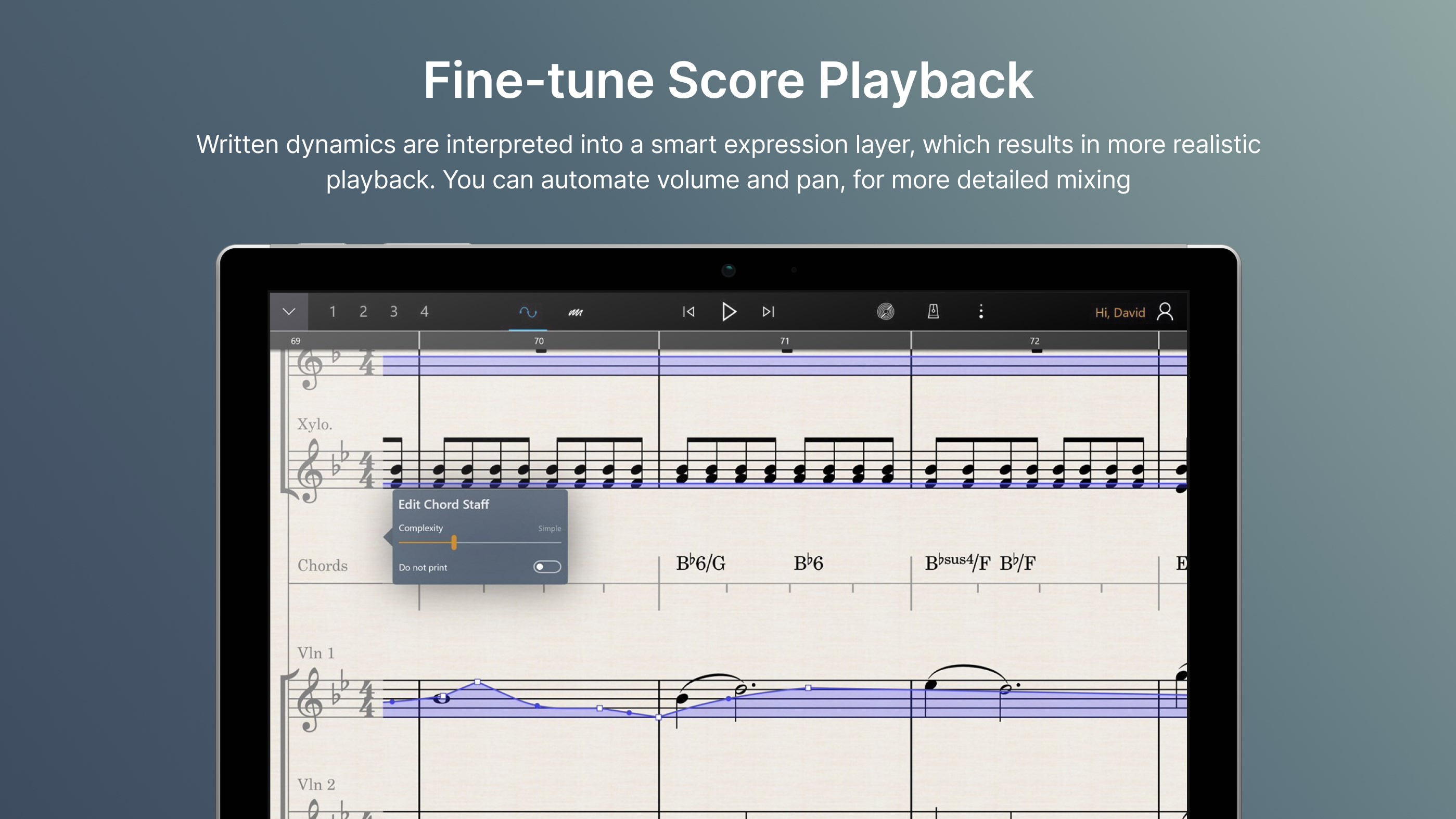
The app's playback engine intelligently interprets your notation, providing realistic sound reproduction of various instruments. Notably, it excels in assessing rhythm pattern variety and test input latency tolerance—a crucial aspect for performers and composers alike. StaffPad's dynamic playback adapts to complex rhythm changes, offering performers an authentic experience akin to rehearsing with a live ensemble. This accuracy allows composers to fine-tune tricky passages and rhythmic nuances with confidence, setting it apart from other digital notation tools that often struggle with complex patterns or timing issues.
Comprehensive Composition and Editing Tools
Beyond handwriting, StaffPad offers an array of editing features—adding lyrics, articulations, and annotations with ease. Its visual interface is akin to a well-organized workspace: a clean sheet of digital paper with intuitive menus and action buttons. The app operates smoothly, with minimal lag, even on devices with modest specs. Its learning curve is gentle, especially for users familiar with traditional music notation; new users will find guided tutorials handy for mastering more advanced features. The fluidity of the interface ensures that switching between tasks feels natural, like flipping pages in a well-worn notebook.
Unique Advantages and Differentiation
Compared to other music apps in the market, StaffPad's standout qualities lie in its handwriting recognition precision and rhythmic assessment capabilities. Unlike traditional score editors that rely on mouse and keyboard inputs, StaffPad engages the user in a more organic and intuitive process, closely mirroring actual composing behaviors. Its ability to assess test input latency tolerance ensures that performances remain tight, even with rapid or complex rhythmic passages. Additionally, the app's focus on rhythm pattern variety allows composers to experiment confidently with diverse musical ideas, knowing that playback fidelity accurately reflects their input.
Final Thoughts: Is StaffPad Suitable for You?
Considering its innovative features and user-friendly design, I recommend StaffPad for Windows to those who value a natural, expressive approach to composition combined with professional-grade capabilities. It's especially suitable for musicians seeking a seamless transition from traditional handwriting to digital notation or for creatives who thrive on spontaneous idea capture. For users who prioritize detailed editing and intricate rhythmic work, StaffPad's intelligent playback and input recognition make it a particularly compelling choice.
In summary, StaffPad for Windows is a thoughtfully designed application that bridges the gap between analog and digital music creation, making it a noteworthy tool for modern musicians and composers. Its most distinctive features—handwriting recognition and rhythmic accuracy—set it apart from conventional notation software, offering an engaging and efficient workflow. Whether you're sketching out a quick motif or finalizing a complex score, StaffPad provides a versatile platform that encourages creativity without sacrificing precision.
Pros
- Intuitive notation input
- High-quality audio playback
- Customizable interface
- Export options support multiple formats
- Robust handwriting recognition
Cons
- Learning curve for new users
- Limited plugin support
- Occasional lag during complex score editing
- Exported files sometimes require formatting adjustments
- Battery consumption on tablets is relatively high











