

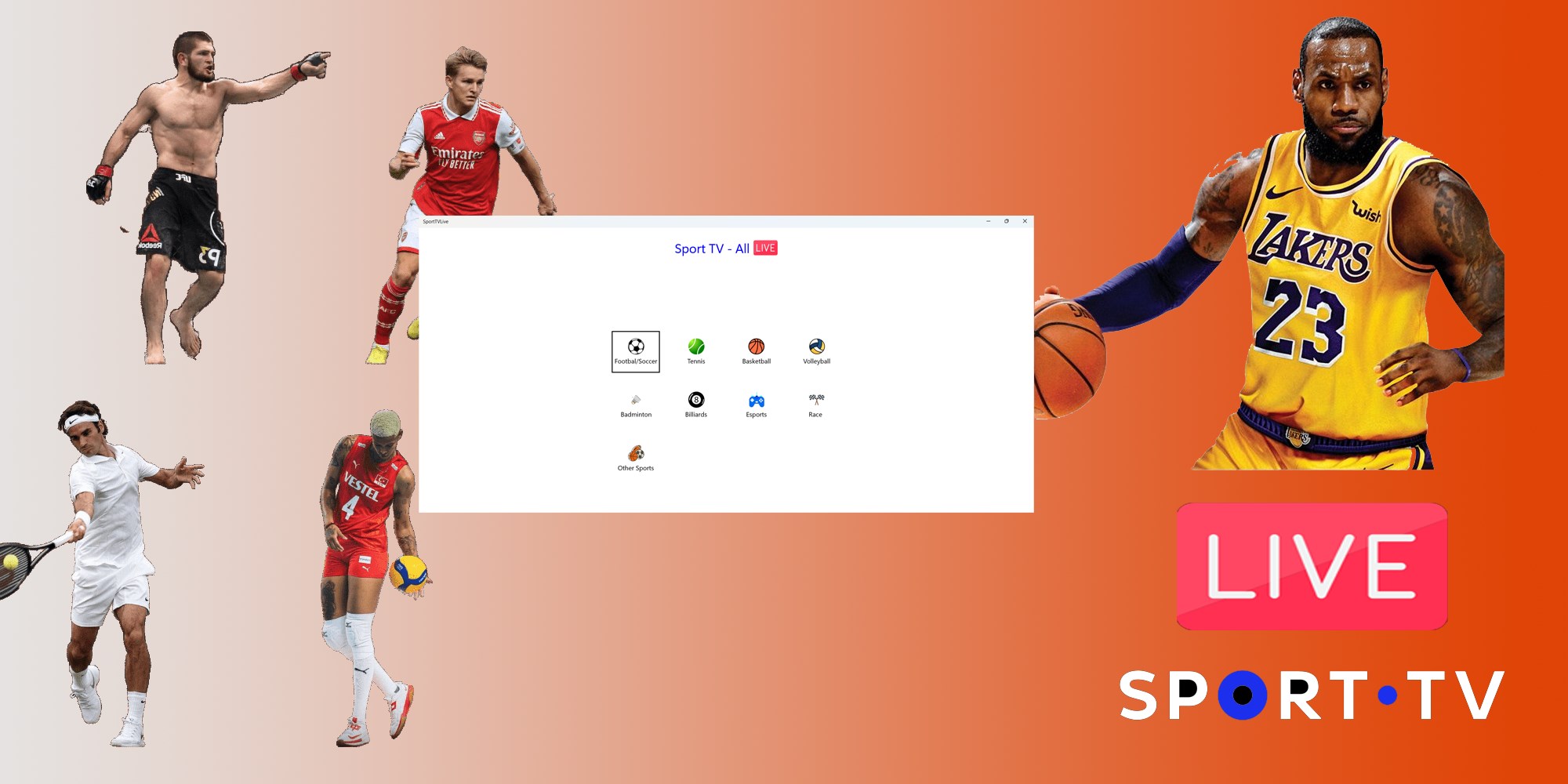



- Name Sports TV - All Sports Live
- Category Entertainment
- Developer LibreApps
- Available on PC, Mobile, Surface Hub, HoloLens
- OS Windows 10 version 17763.0 or higher
- languages English (United States)
Introducing Sports TV - All Sports Live for Windows
Sports TV - All Sports Live is a comprehensive streaming application designed for sports enthusiasts who want to catch live games across various disciplines directly on their Windows devices. Its straightforward interface and focus on live content make it a handy tool for sports fans seeking real-time updates and coverage.
Who is Behind the Stream?
The app is developed and published by LibreApps, a team known for creating lightweight yet functional entertainment applications that aim to bring various media content to users with simplicity and efficiency.
Core Features That Hit the Spot
- All-in-One Sports Streaming: Provides access to a wide range of live sports events, including football, basketball, tennis, and more, all within a single app. No need to juggle multiple platforms.
- Real-Time Live Coverage: Delivers real-time streaming with minimal latency, ensuring users don't miss crucial moments—think of it as having a front-row seat from your living room.
- User-Friendly Interface: Simplified navigation allows users to find their favorite sports and matches quickly, even if they're not tech-savvy.
- Personalized Content Recommendations: Uses an advanced content discovery algorithm to suggest matches and sports based on your viewing history, making your sports journey feel tailored and intuitive.
Evaluating User Experience and Design
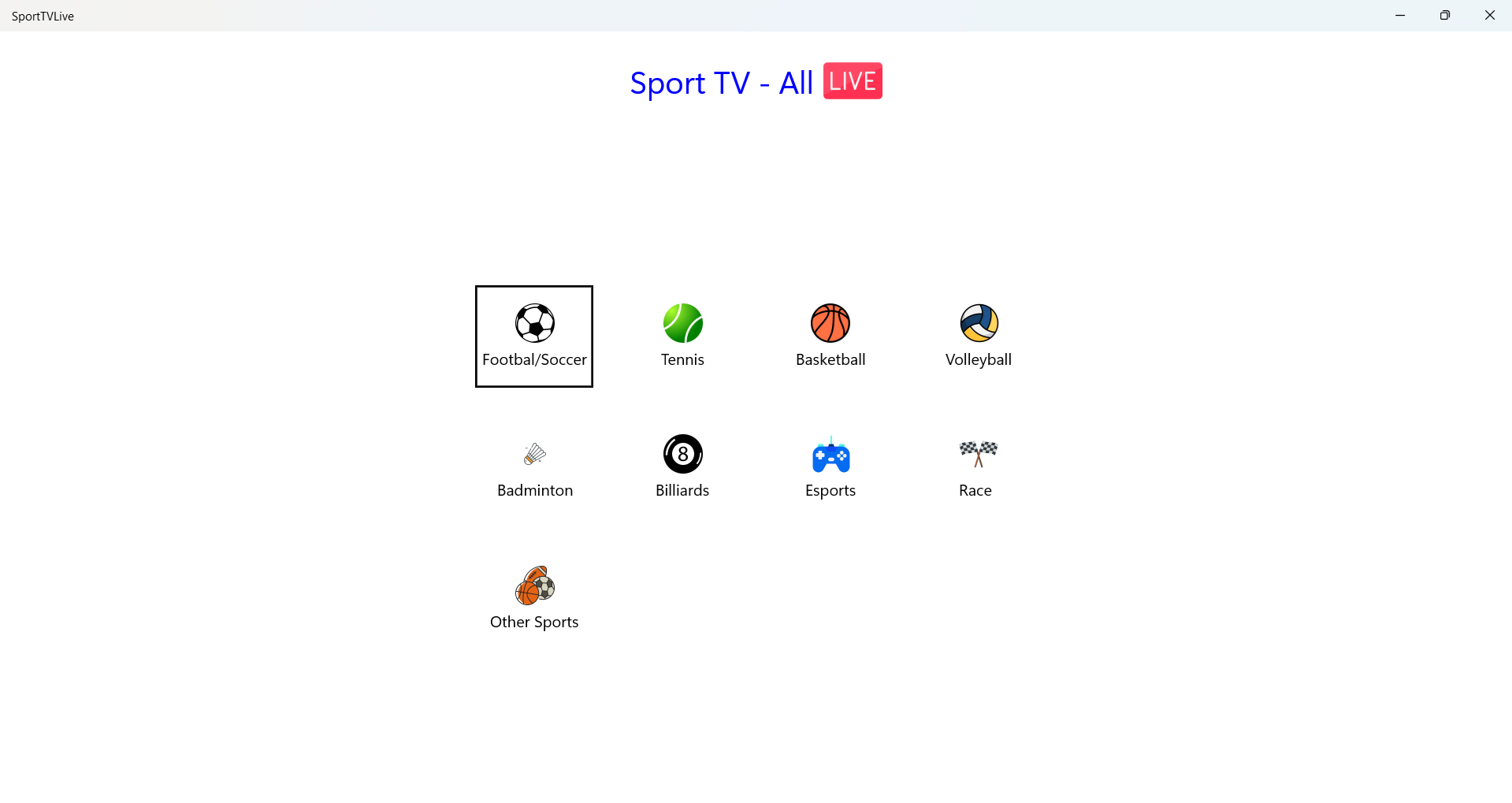
The application sports a sleek, intuitive interface reminiscent of a well-organized sports scoreboard, where navigation feels natural. From the moment you open the app, you're greeted with a clean layout that categorizes sports, leagues, and ongoing matches, making it straightforward to find your game of choice. The streaming process is smooth; switching between channels or sports categories feels seamless, akin to flipping through channels on a well-tuned TV.
Operational stability is impressive, with minimal buffering or lags during peak hours, which enhances the sense that the app is a reliable companion during key sporting moments. Its learning curve is gentle—users can dive in headfirst without needing to read a manual, as the interface and icons intuitively guide actions like searching, selecting, and watching.
Unique Selling Points in a Crowded Market
Compared to other entertainment apps, Sports TV - All Sports Live distinguishes itself particularly through its sophisticated content discovery algorithms. Unlike typical streaming apps that offer generalized recommendations, this app dynamically assesses your viewing habits to highlight live events that align with your interests. This personalized focus ensures that you spend less time hunting for matches and more time enjoying them, which is especially valuable during busy schedules or when following niche sports.
Moreover, the app's minimalistic yet effective interface acts like a personal sports curator—streamlined, relevant, and easy to navigate. This sets it apart from more cluttered platforms that bombard users with an overwhelming array of choices without context.
Final Verdict and Usage Tips
Overall, Sports TV - All Sports Live is a practical choice for Windows users who want a straightforward, reliable way to stay connected with their favorite teams and sports. It shines brightest when personalized recommendations significantly enhance content relevance, reducing browsing time. However, because the app relies on internet stability and may have regional content restrictions, users should consider their network conditions.
For sports aficionados looking for a dedicated, easy-to-use streaming tool that intelligently adapts to their preferences, this app merits a recommendation. Whether you're a casual fan or a dedicated follower, give it a try—particularly if personalized content discovery appeals to your streaming style.
Pros
- Comprehensive Sports Coverage
- High-Quality Streaming
- User-Friendly Interface
- Real-Time Updates and Notifications
- Multi-Device Compatibility
Cons
- Limited Free Content
- Occasional Stream Delays
- Regional Restrictions
- Limited Commenting Features
- App Stability Sometimes Affects Experience











