



- Name Spite & Malice!
- Category Card & board
- Developer North Sky Games Inc
- Available on PC, Mobile, Surface Hub, HoloLens
- OS Windows 10 version 10240.0 or higher
- DirectX Version 10
- languages English (United States)
Introducing Spite & Malice! for Windows: A Strategic Card Game with a Classic Twist
Spite & Malice! for Windows offers an engaging digital adaptation of the beloved competitive card game, blending strategic gameplay with vibrant visuals. Designed for casual gamers and seasoned card enthusiasts alike, this app transforms classic tabletop fun into an accessible experience on your PC.
About the Developer and Core Features
Developed and published by North Sky Games Inc, Spite & Malice! for Windows brings a polished rendition of the traditional game that has captivated players for decades. The application's primary highlights include:
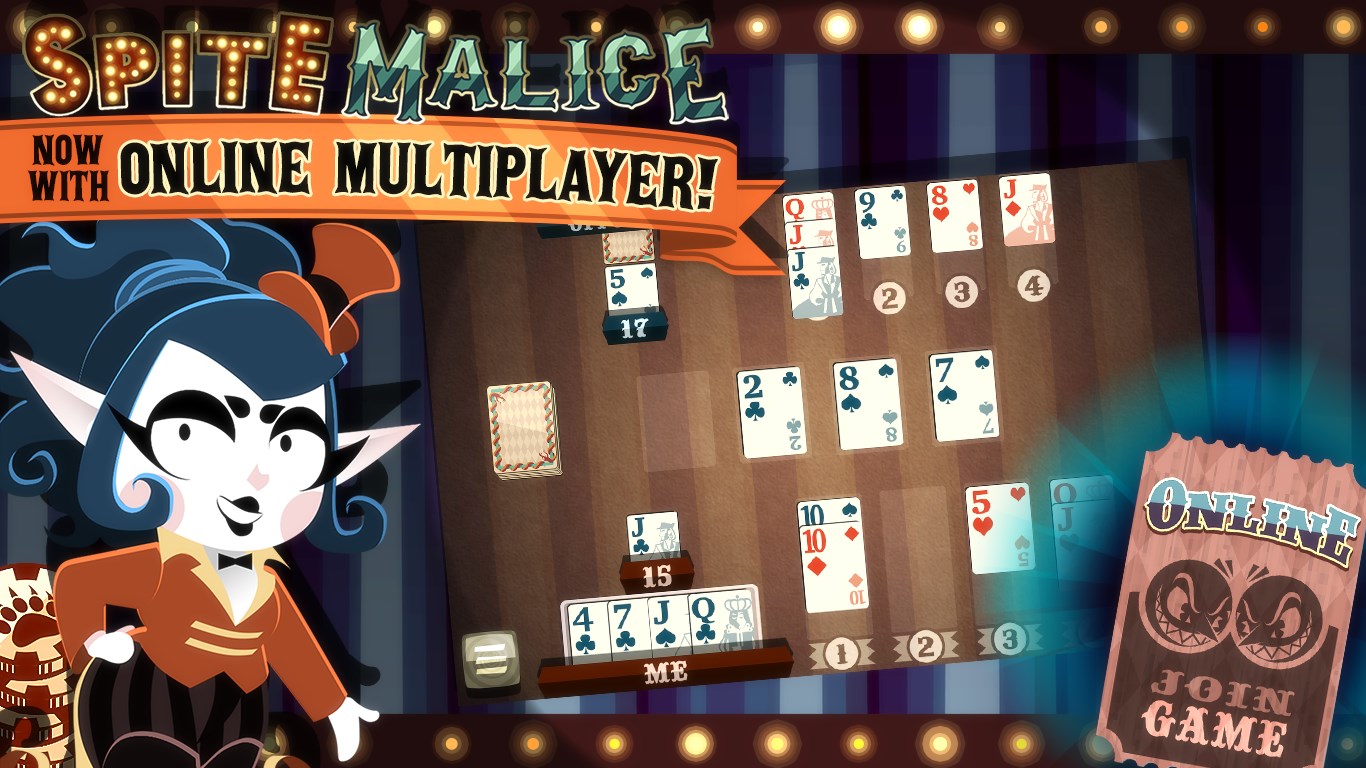
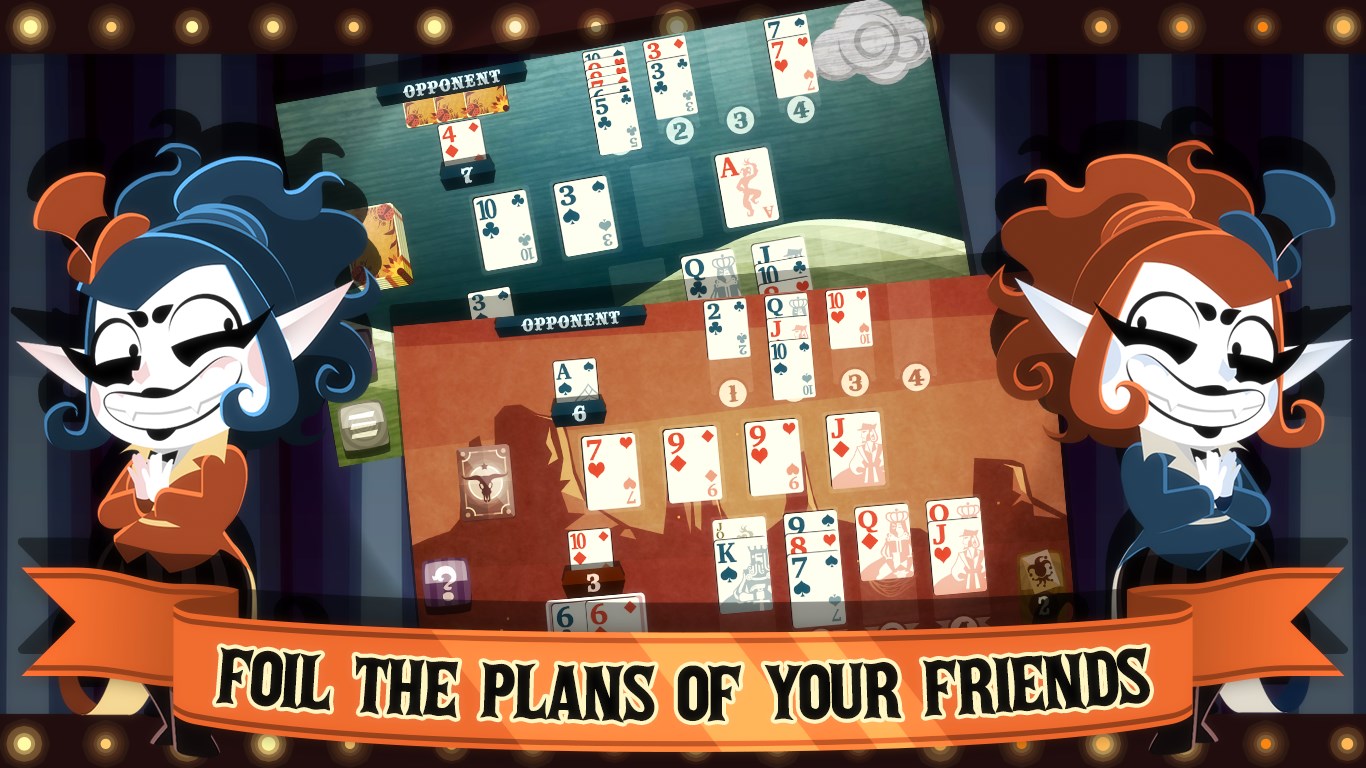
- Intuitive Multiplayer Mode: Play against AI or challenge friends locally or online, fostering competitive fun.
- Customizable Game Settings: Adjust the rules, deck configurations, and difficulty levels to tailor the experience to your preferences.
- Rich Visual Interface: Bright, detailed artwork and animations that mimic the look and feel of physical cards, enhancing immersion.
- Learning and Training Tools: Built-in tutorials and practice modes help newcomers grasp strategies quickly.
Suitable for card game enthusiasts, casual players, or anyone seeking a quick mental workout, the app caters to a broad audience interested in strategic but accessible gameplay.
Gameplay Experience: Fun, Fluid, and User-Friendly
Spite & Malice! for Windows welcomes players into a colorful, lively gaming environment that's as inviting as a well-lit card table in a cozy cafe. The interface design strikes a good balance—neither overly simplistic nor cluttered—making navigation intuitive even for first-timers. Playing the game feels smooth; animations flow seamlessly, akin to shuffling and dealing an actual deck, which helps maintain immersion without lag. The learning curve is gentle; tutorials are well-placed, allowing new players to pick up strategies gradually while veterans can jump right into more complex plays, thanks to adjustable difficulty settings.
Unique Selling Points: Standing Out in the Card Game Crowd
While many digital card games aim to imitate physical counterparts, Spite & Malice! for Windows distinguishes itself through its detailed customization options and multiplayer versatility. Its most notable feature is the ability to tailor game rules—such as deck composition and play pace—making every session feel personalized, almost like designing your own card game. Additionally, its smooth online multiplayer experience set against appealing visuals creates a lively yet competitive atmosphere absent in some counterparts that favor minimalistic design.
Compared to other digital adaptations of classic card games, this app's focus on user-controlled rules and engaging multiplayer modes provides a refreshing departure from rigid, one-size-fits-all versions. This makes it especially appealing to players who enjoy tweaking game parameters or seeking varied competitive experiences.
Overall Recommendation and Tips for Use
Considering its user-friendly interface, engaging gameplay, and customizable features, I'd recommend Spite & Malice! for Windows to both new players curious about card strategies and seasoned players looking for a digital alternative to traditional gameplay. Whether you're taking a quick break or settling in for an evening of competitive fun, this app offers a reliable and enjoyable experience. For best results, start with the tutorial mode to familiarize yourself with the rules, then customize game settings to match your skill level and preferences. As you grow more confident, try multiplayer matches to sharpen your skills and enjoy the social aspect of the game.
In conclusion, North Sky Games Inc has crafted a well-rounded digital version of Spite & Malice that combines authenticity, flexibility, and visual appeal. It's a strong choice in the card game genre that deserves a spot on your Windows device if you're seeking strategic fun with a touch of customization.
Pros
- Engaging Gameplay
- Intuitive User Interface
- Multiple Difficulty Levels
- Offline Play Support
- Regular Updates
Cons
- Limited Tutorial
- Minor Bugs Reported
- Limited Customization Options
- Sound Effects Could Be Improved
- No Multiplayer Mode Currently











