

- Name Spider Solitaire Mobile
- Category Card & board
- Developer © 2012-2022 G Soft Team. All rights reserved.
- Available on PC, Mobile, Surface Hub, HoloLens
- OS Windows 10 version 10240.0 or higher
- languages English
A Classic Card Game with a Modern Twist
Spider Solitaire Mobile for Windows reimagines the timeless card game, bringing its strategic elegance to your desktop with a clean interface and smooth gameplay. Designed by G Soft Team, this app aims to offer a seamless and engaging experience for solitaire enthusiasts and casual players alike.
Sleek Interface and Intuitive Design
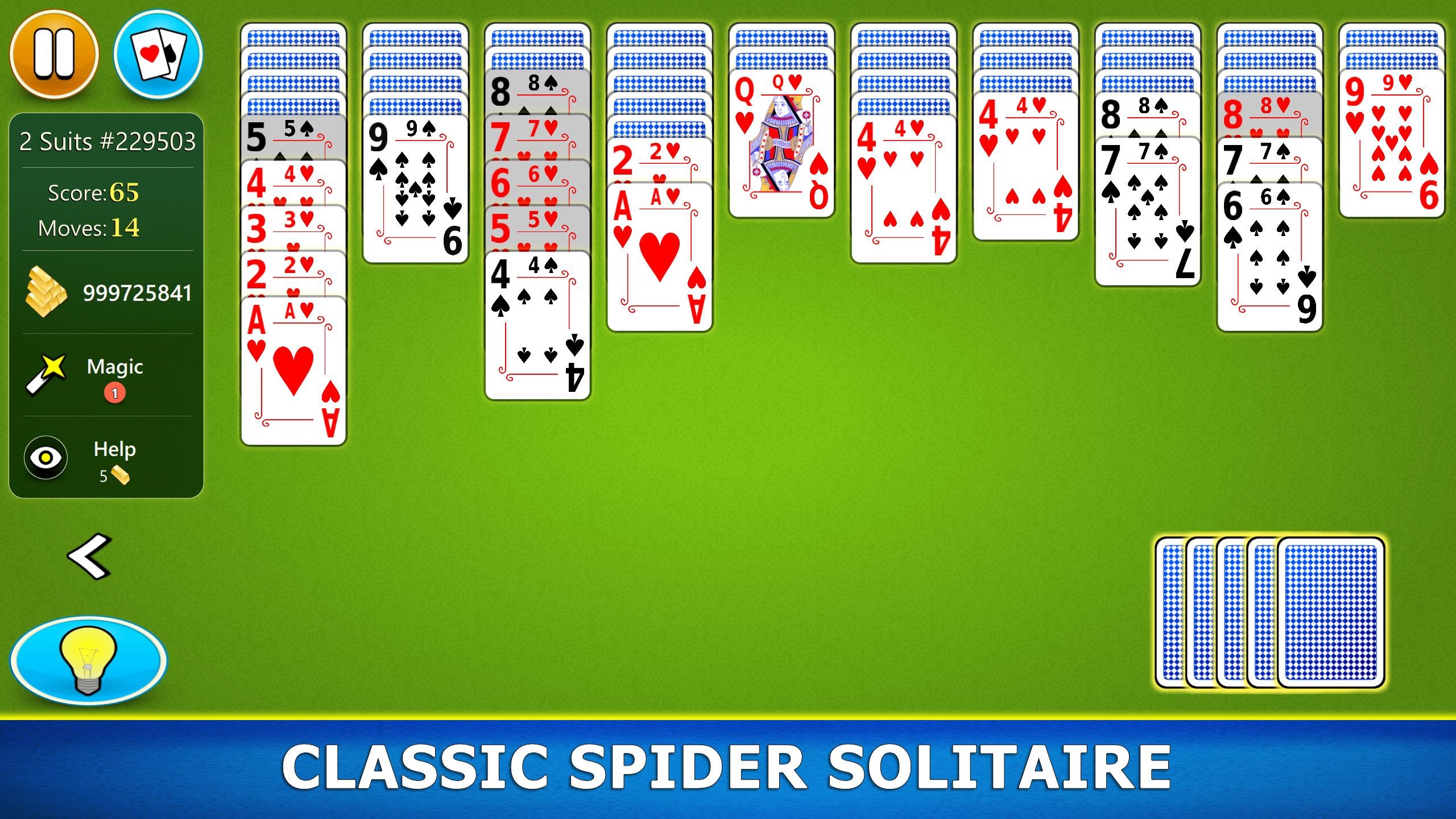
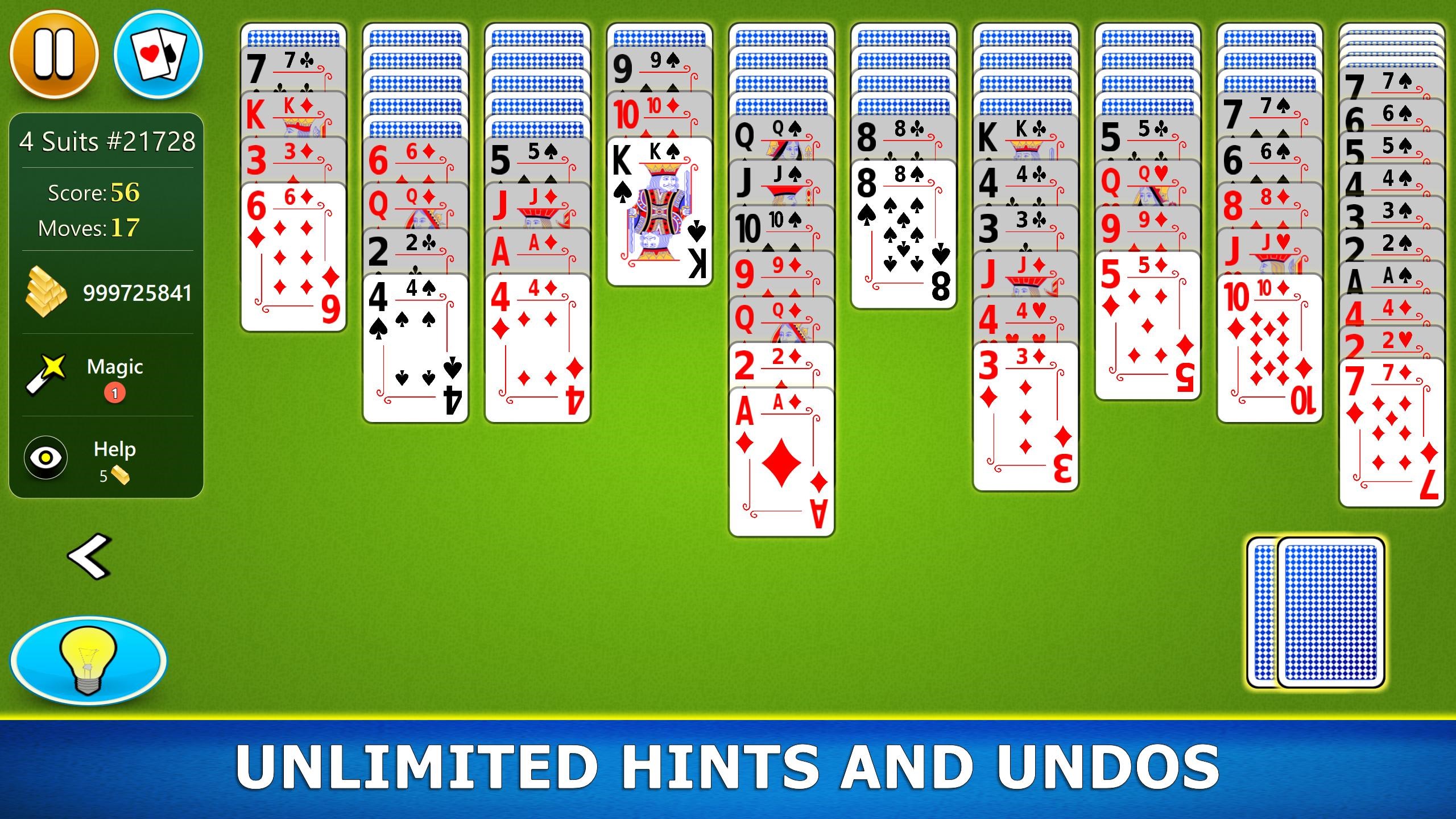
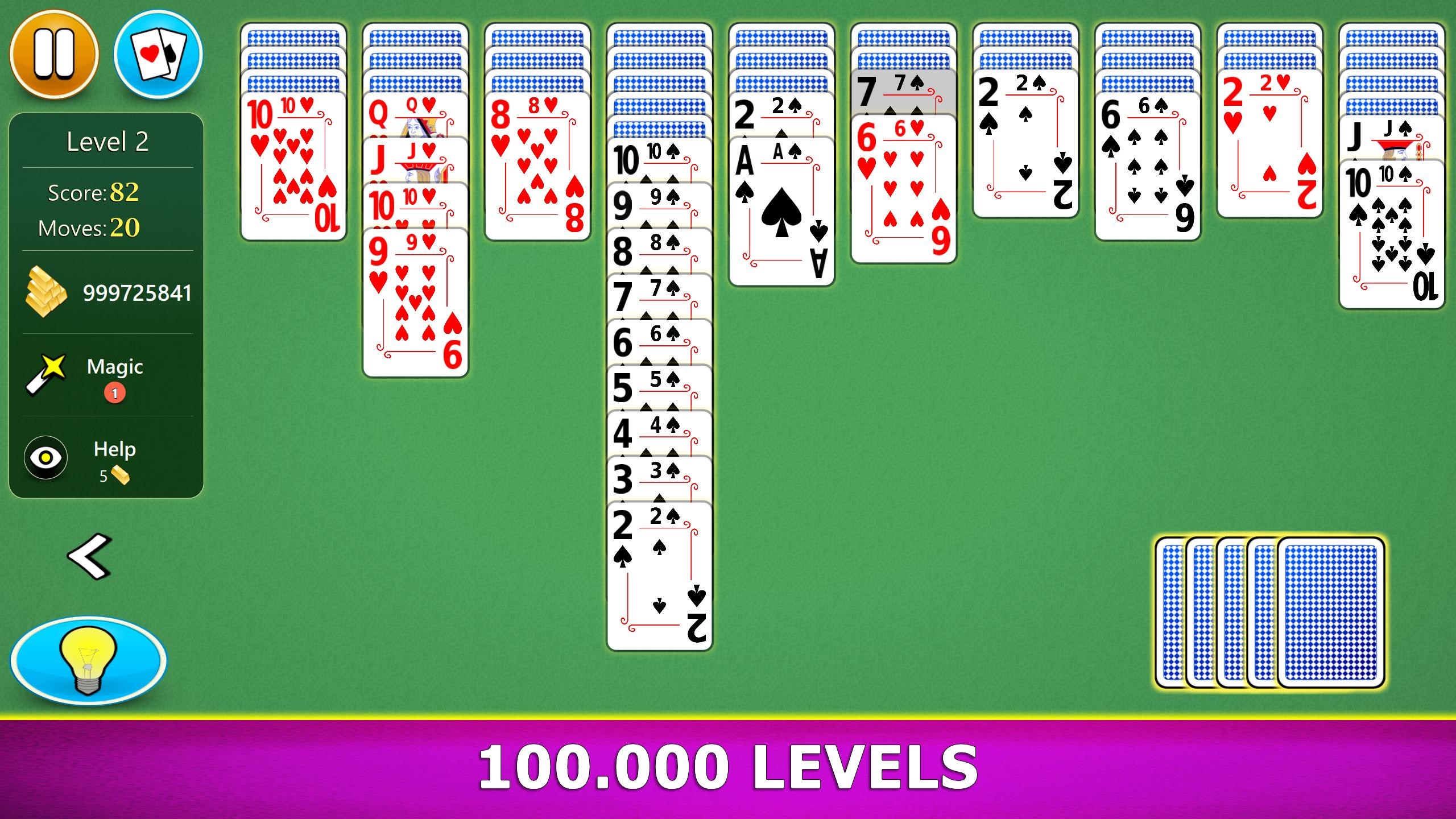
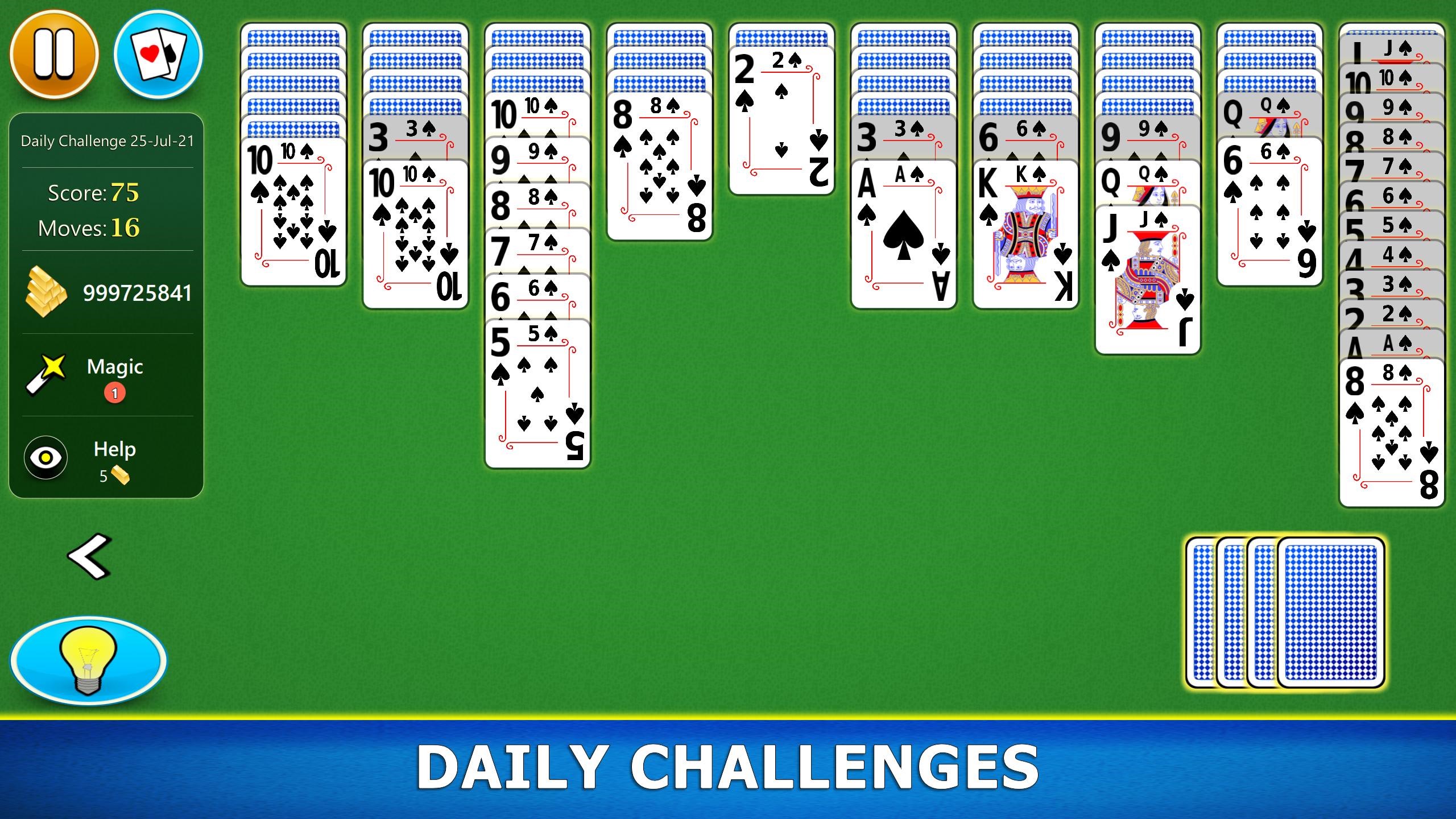
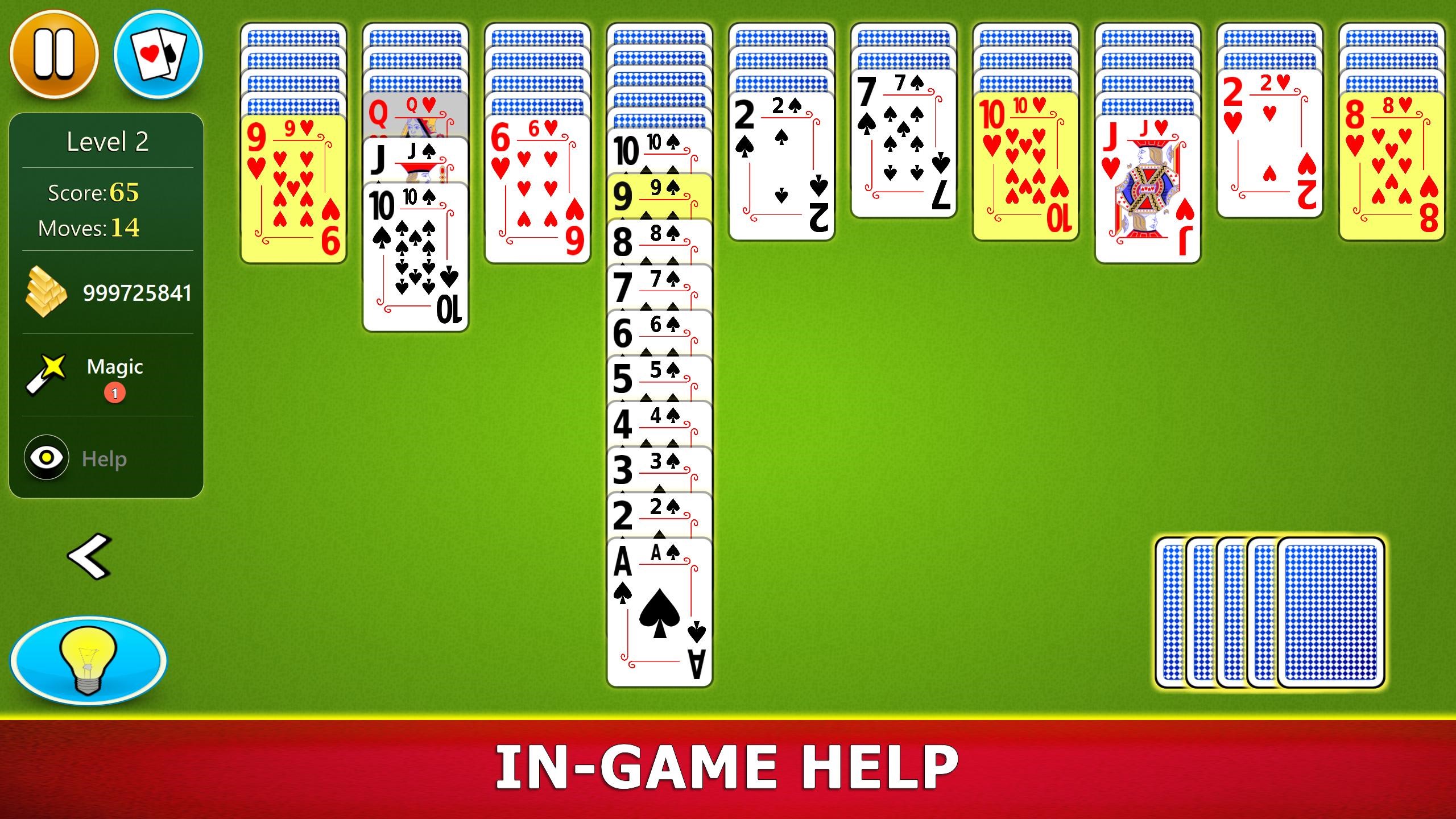
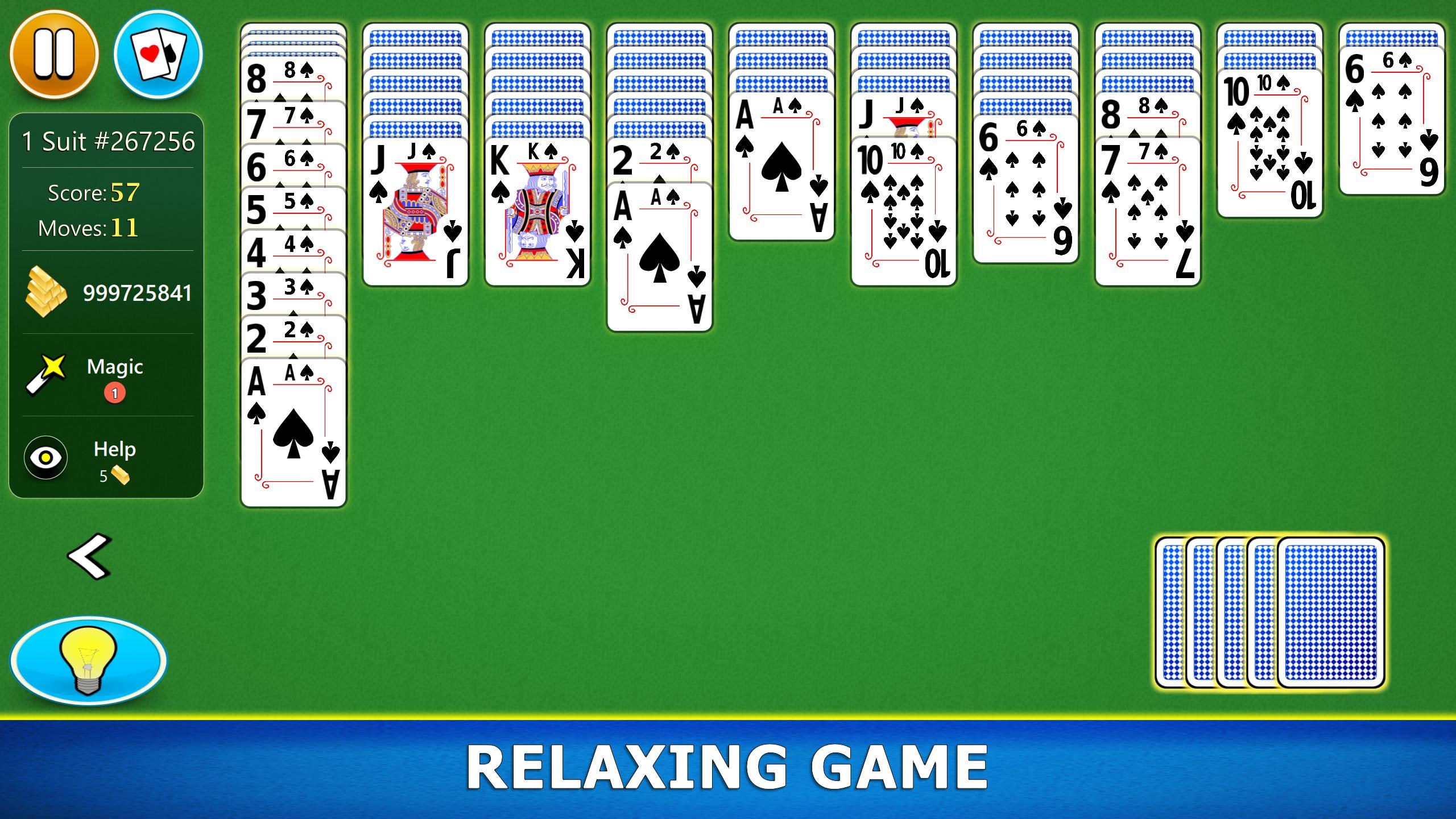
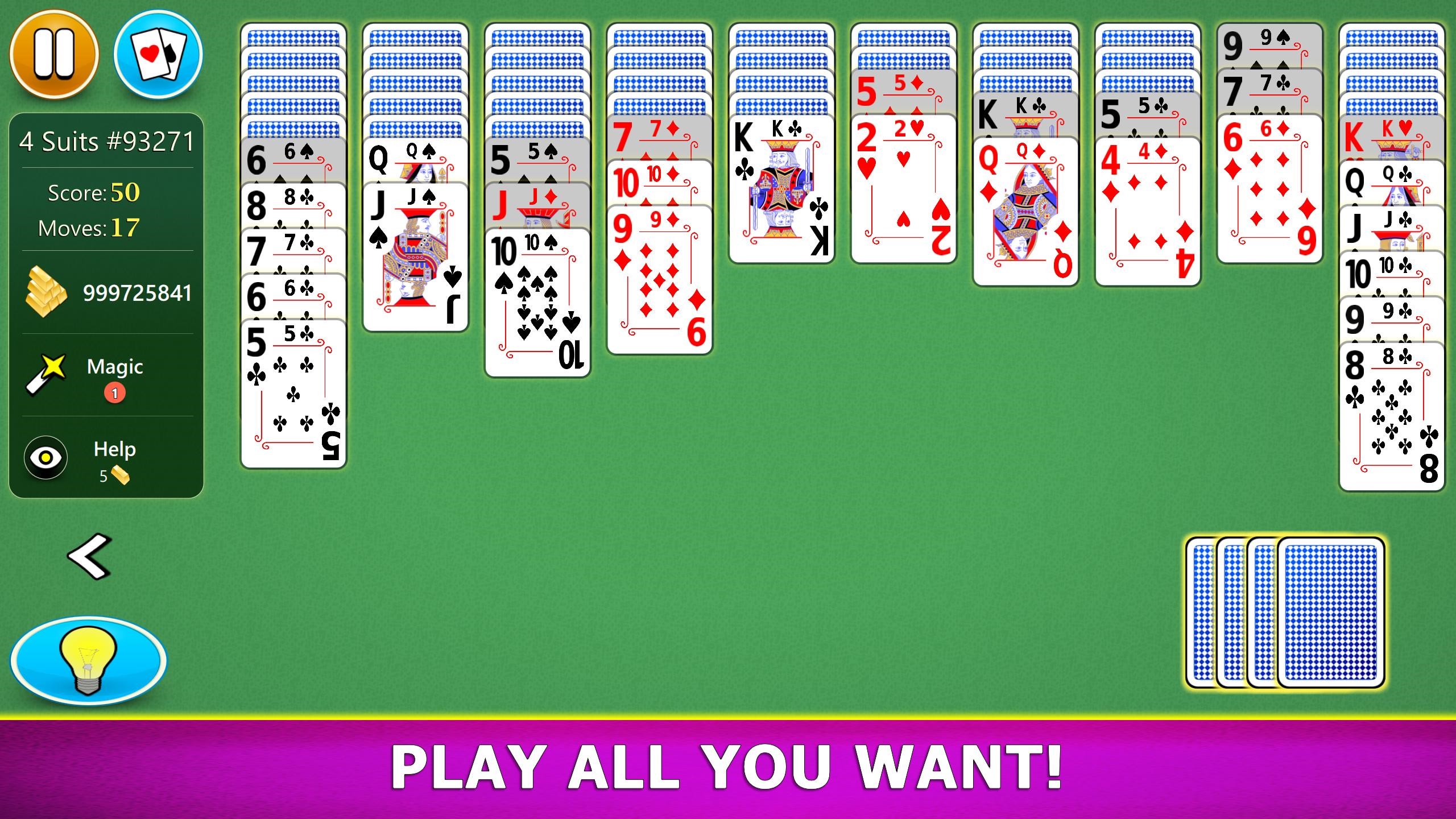
From the moment you launch Spider Solitaire Mobile, you're greeted with a streamlined, visually appealing layout. The design echoes traditional card tables, but with a modern touch—crisp graphics, clear card faces, and a minimalistic background that doesn't distract. The interface is thoughtfully organized, making navigation feel natural, whether you're starting a new game or reviewing your stats.
The game's operation is remarkably smooth, with transitions and animations fluidly executed thanks to optimized performance. Even during intense puzzle-solving sessions, the app maintains stability, ensuring a frustration-free experience. The learning curve is gentle; new players can grasp the rules quickly, and seasoned players will appreciate the subtle depth of the game's mechanics.
Two Pillars of Gameplay Excellence
Variety in Game Modes and Difficulty Levels
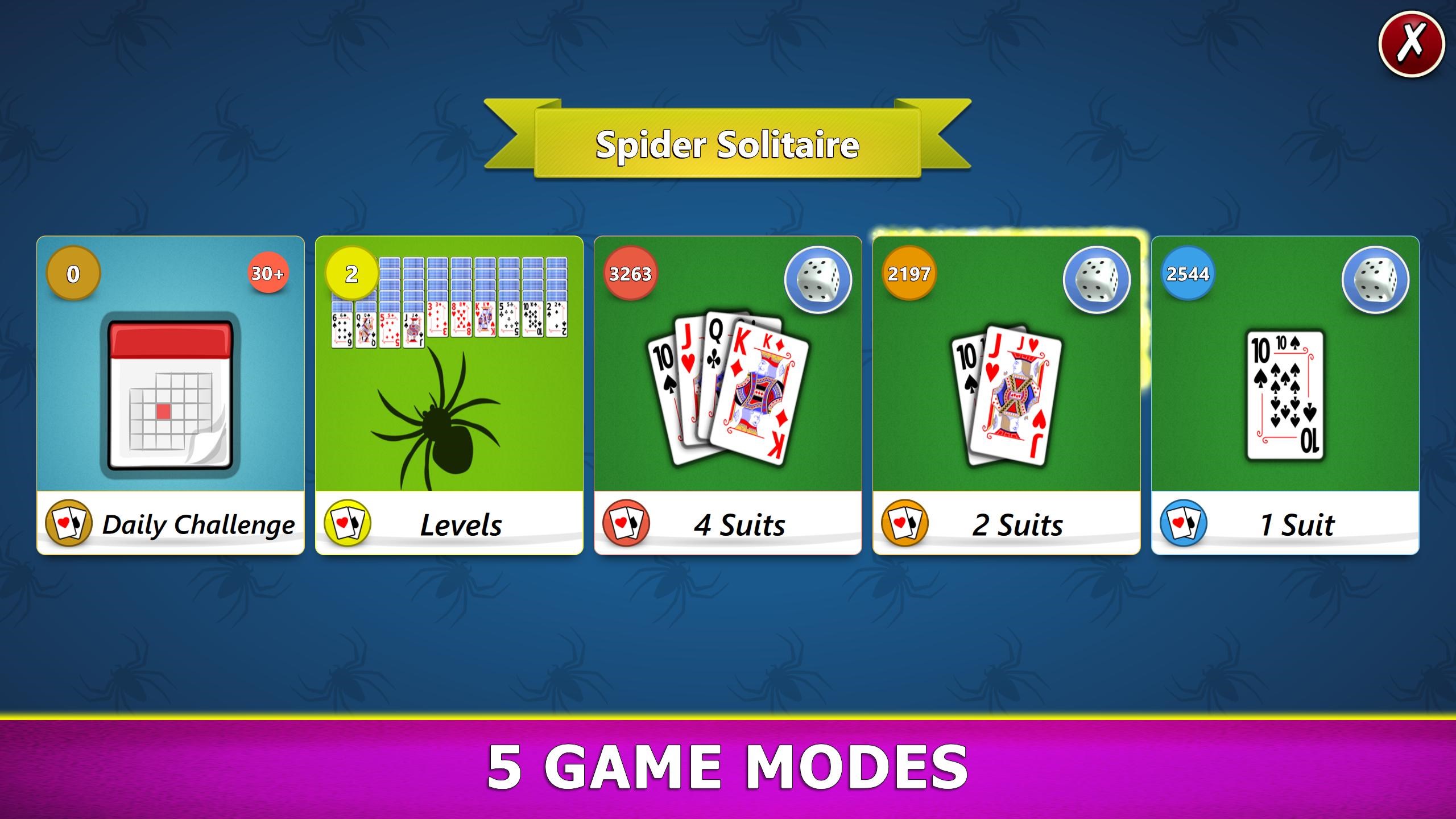
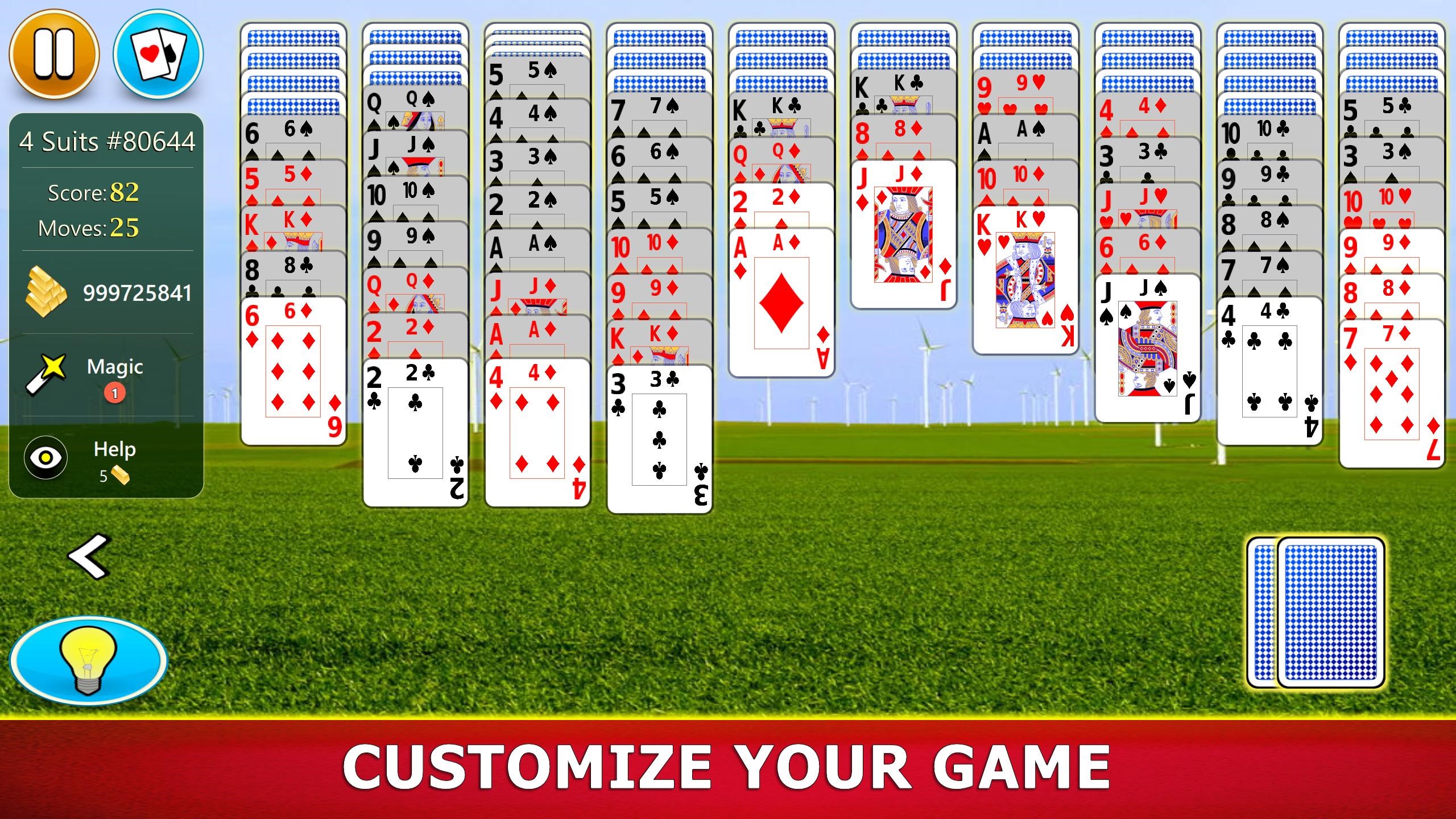
The app offers different levels of challenge, from simpler beginner setups to the more complex, multi-suit games that test your strategic planning. This versatility ensures that whether you're just starting out or a seasoned card strategist, there's always a suitable challenge. Furthermore, the option to customize game settings adds a personalized layer, allowing players to adjust the number of suits or difficulty to match their skill level.
Card Management and Undo Features
Spider Solitaire's core mechanic revolves around organizing cards into complete suits. The app excels here with responsive drag-and-drop controls, making it easy to move stacks or individual cards without lag. Notably, the inclusion of an undo button is a significant advantage—it allows players to experiment freely and learn from mistakes, reducing frustration especially during complex puzzles. This feature fosters a learning curve that is forgiving while maintaining the game's strategic integrity.
What Sets It Apart from Other Card & Board Games?
One of the most distinctive aspects of Spider Solitaire Mobile is its focus on authentic, classic gameplay while providing a polished digital experience. Unlike many digital card games that prioritize flashy effects or game-wide themes, this app emphasizes the purity of solitaire. Its multi-suit mode (especially the 4-suit variant) sets it apart, offering a challenging experience that mimics real-life competition. Additionally, the app's thoughtful move-tracking and statistics help players monitor their progress over time—motivating continuous improvement.
Another unique feature is the ability to save and resume interrupted games seamlessly, ensuring that players can pick up right where they left off without hassle—a boon for busy schedules or spontaneous bursts of gameplay.
Final Thoughts: A Solid Choice for Card Enthusiasts
Spider Solitaire Mobile for Windows stands out with its elegant interface, practical features like undo and save, and customizable game modes. Its focus on delivering a true-to-life solitaire experience with modern responsiveness makes it an excellent choice for both beginners and veteran players. While it doesn't boast overly complex graphics or intrusive advertisements, its core strengths lie in smooth gameplay and strategic depth.
Overall, I would recommend this app to anyone looking to enjoy classic Spider Solitaire on their desktop with a trustable, well-designed tool. Whether you're seeking a quick mental break or a challenging puzzle to master over time, Spider Solitaire Mobile offers a reliably enjoyable experience that respects the game's roots while giving players the tools to hone their skills.
Pros
- User-Friendly Interface
- Smooth Gameplay Performance
- Offline Mode Availability
- Multiple Game Variations
- Regular Updates and Bug Fixes
Cons
- Limited Customization Options
- Presence of Ads
- No Difficulties Settings
- Limited Social Features
- Possible Battery Drain on Long Sessions











