
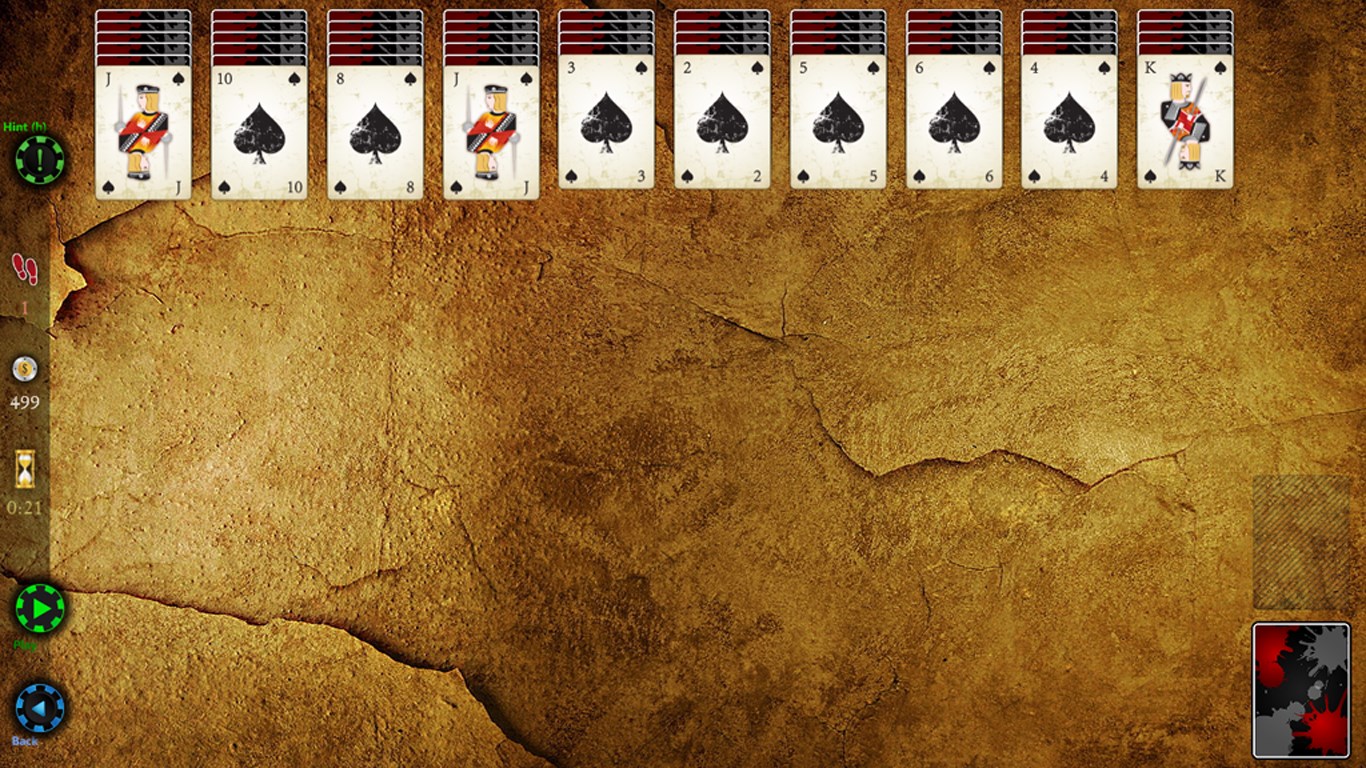
- Name Spider Solitaire HD
- Category Card & board
- Available on PC, Mobile
- OS Windows 10 version 17763.0 or higher
- languages English (United States)
Introducing Spider Solitaire HD for Windows: A Fresh Take on a Classic Game
Spider Solitaire HD for Windows offers a sleek, modern reimagining of the timeless card game, blending familiar gameplay with crisp visuals and intuitive controls, making it a delightful choice for both casual players and dedicated solitaire enthusiasts.
Developed by Bernardo Zamora: A Focused Creator with a Passion for Card Games
Crafted by Bernardo Zamora, an independent developer known for creating engaging and accessible digital card games, Spider Solitaire HD showcases his dedication to delivering polished, enjoyable experiences tailored for Windows users.
Top Highlights: What Makes Spider Solitaire HD Stand Out
- Elegant and Clear Interface: A visually appealing design that simplifies game navigation and keeps the focus on gameplay.
- Multiple Difficulty Levels: Offers various game modes catering to both beginners and experts, enhancing replayability.
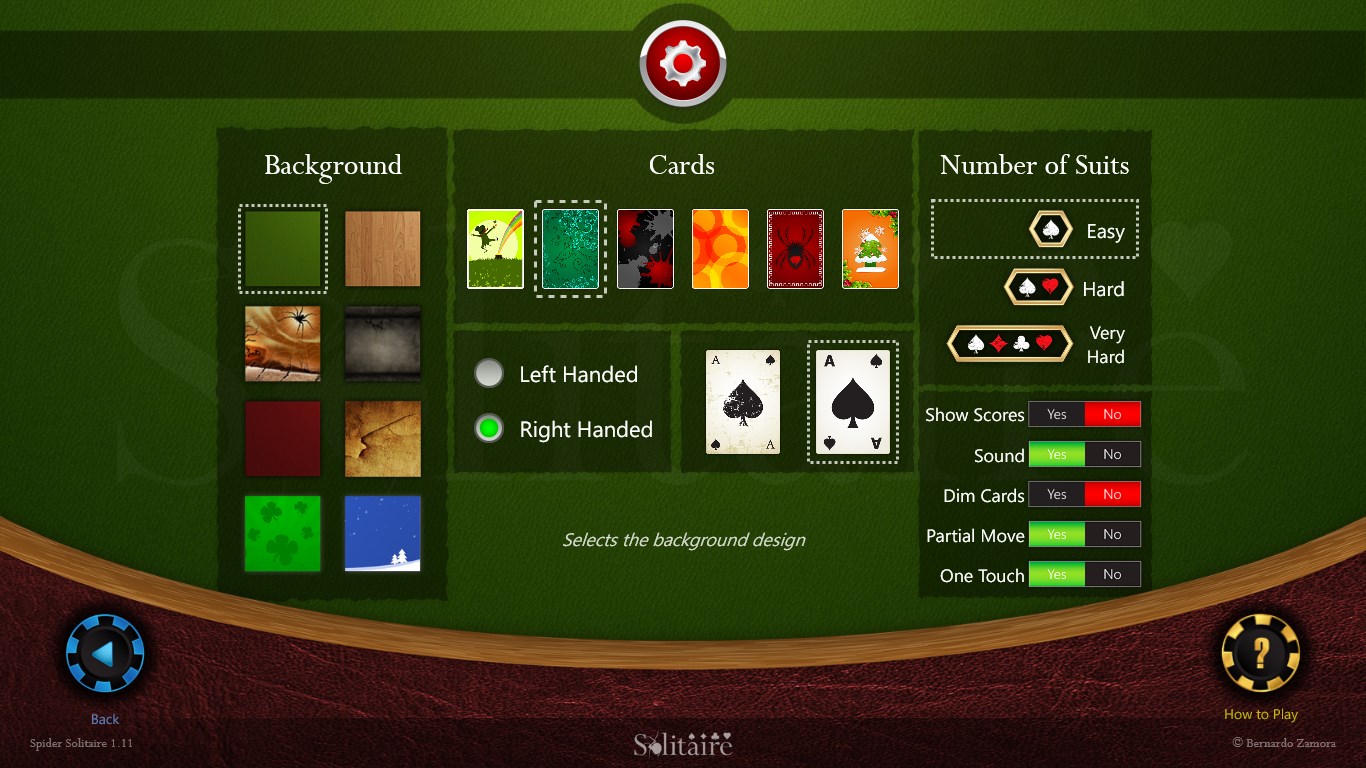
- Adaptive Card Layouts and Customization: Allows players to adjust visuals and settings, making each game personalized.
- Seamless Touch and Mouse Controls: Smooth, responsive input handling ensures enjoyable play whether on a touchscreen or with a mouse.
A Closer Look at Gameplay and User Experience
An Inviting Entrance into a Familiar World
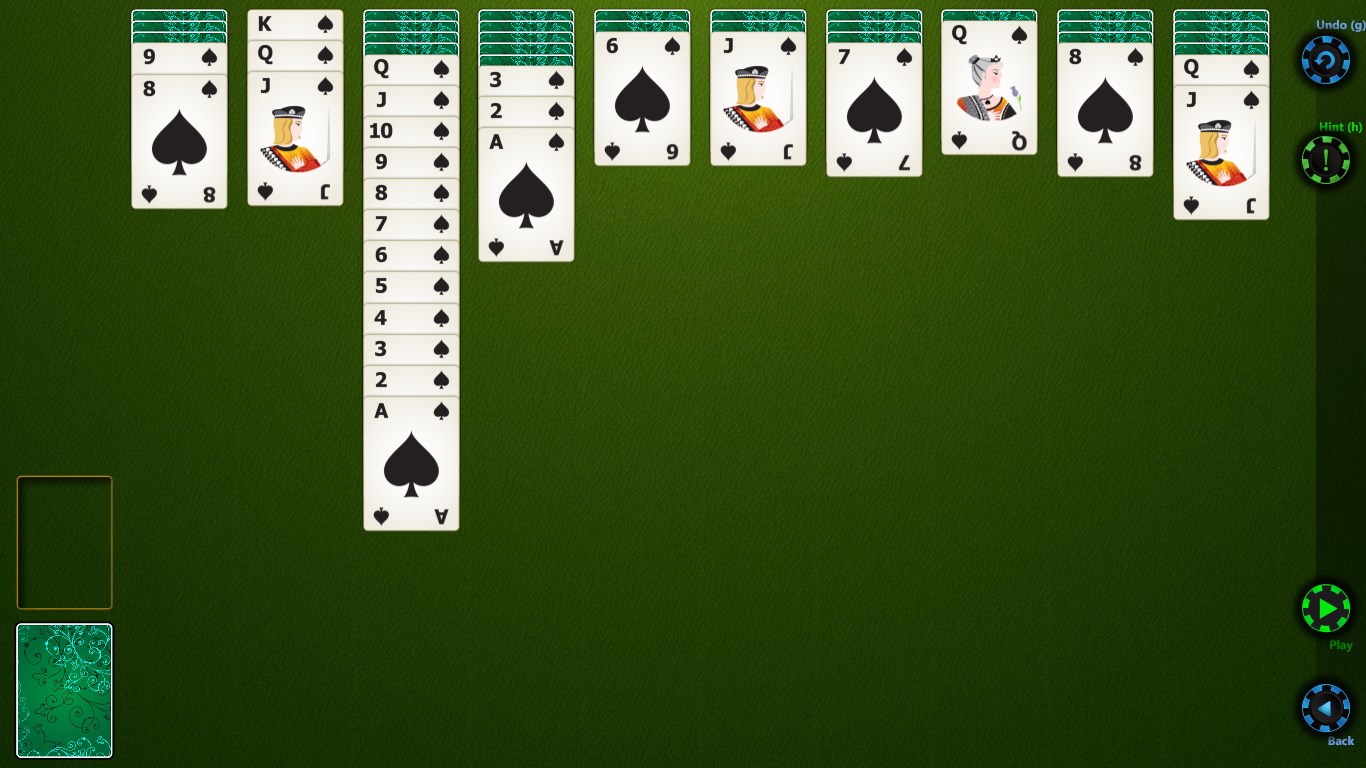
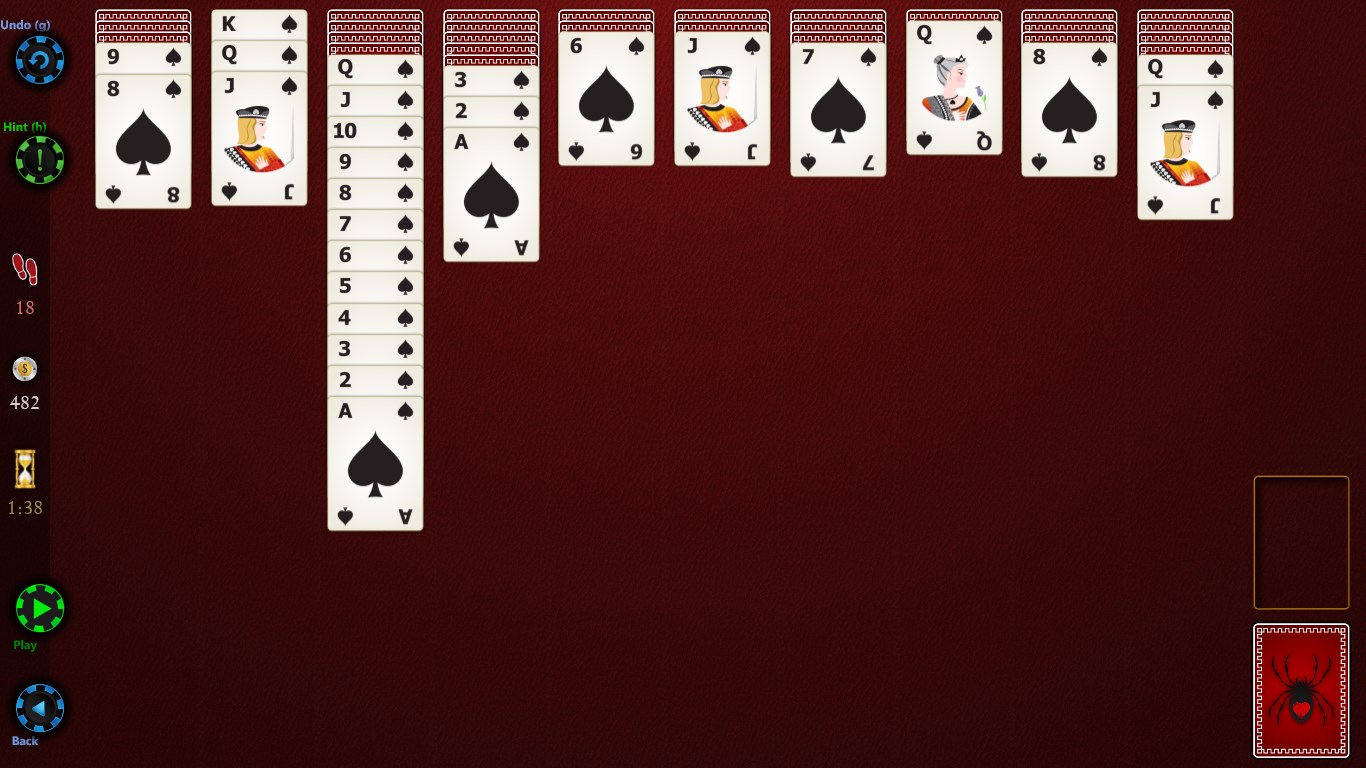
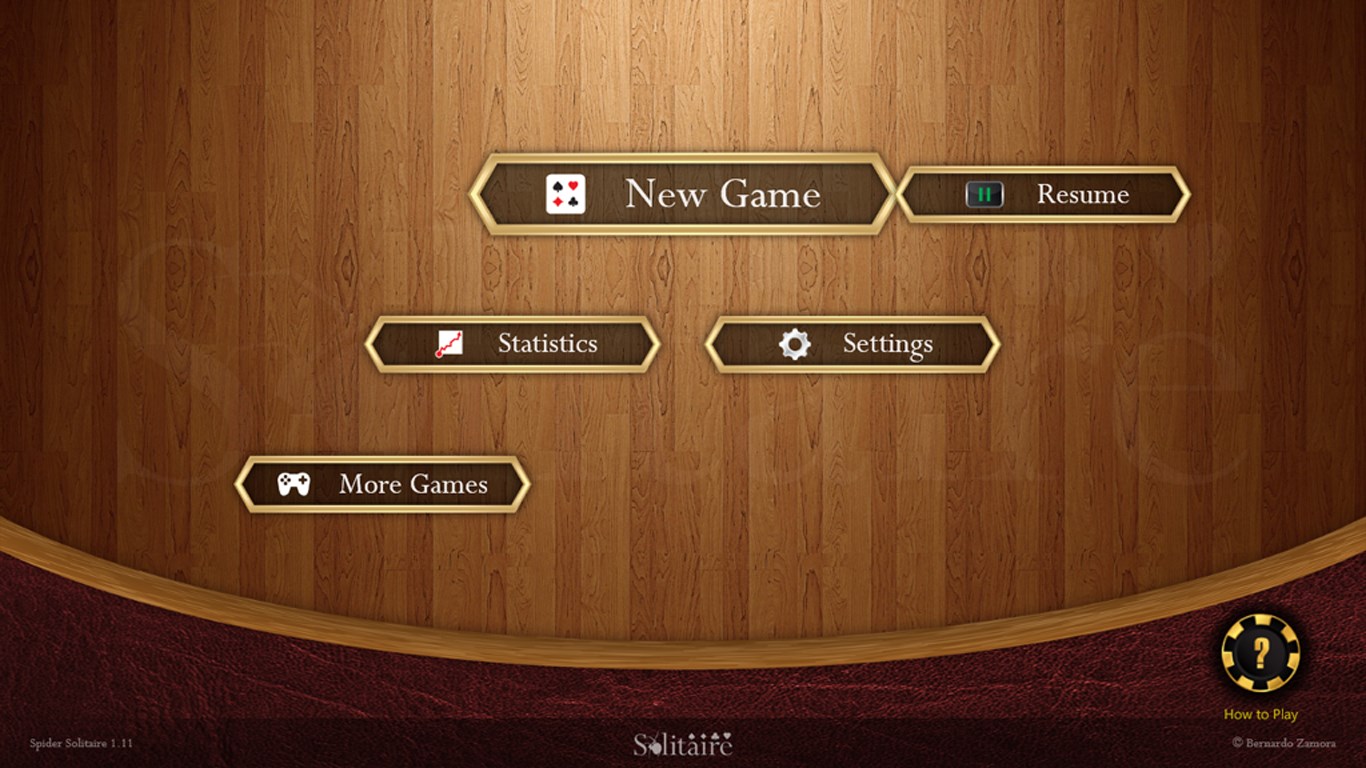
From the moment you launch Spider Solitaire HD, you're greeted with a clean, unobtrusive interface that invites you to dive into the game—like opening a well-kept deck of cards awaiting your strategic mind. The visual design emphasizes clarity, with crisp card graphics and a calming color palette that reduces eye strain during prolonged sessions. The layout feels intuitive, almost as if the game anticipates your moves, guiding your eyes effortlessly from one tableau to the next.
Gameplay Mechanics and Smooth Interactions
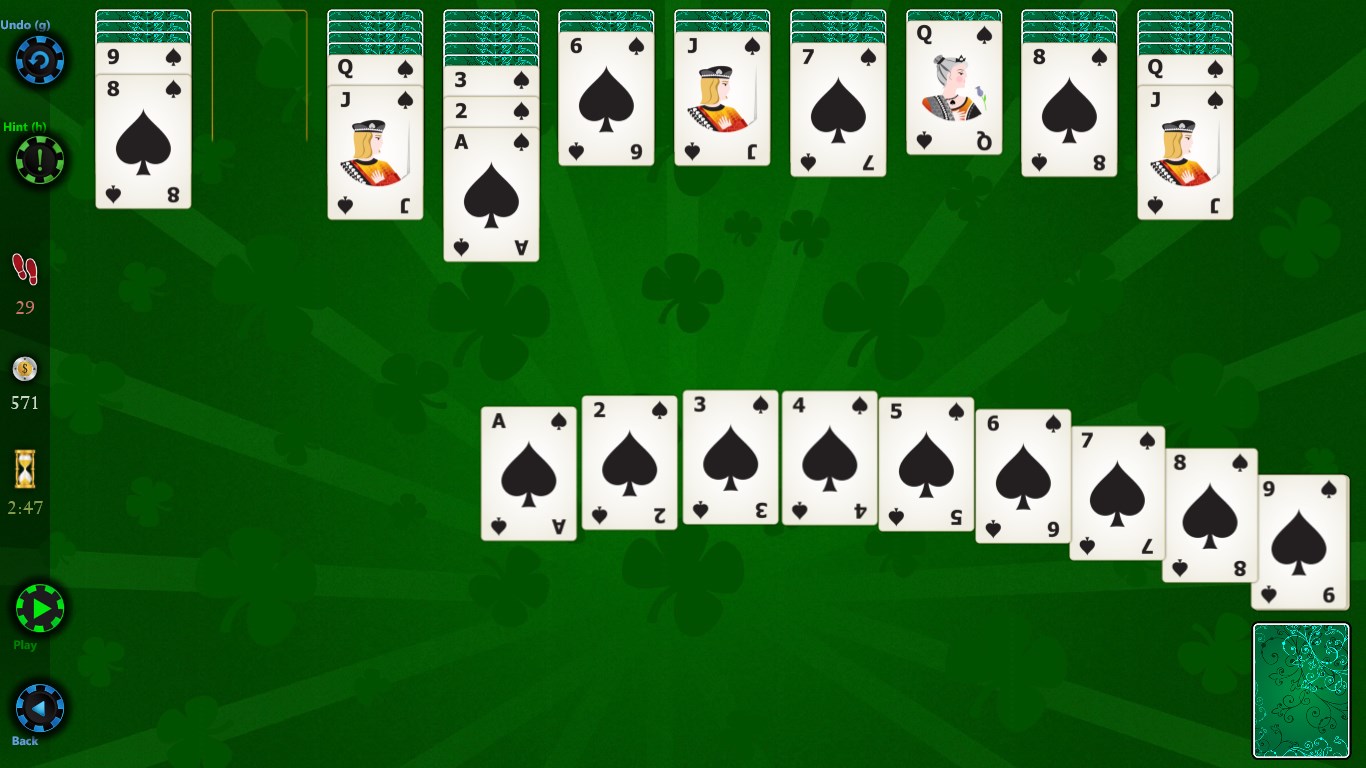
The core gameplay remains faithful to the classic Spider Solitaire rules, with the added bonus of customizable difficulty and number of suits. Moving cards is fluid—drag and drop feels natural, akin to shuffling cards on a polished surface, which makes planning your moves satisfying. The game performs seamlessly, with no noticeable lag, whether on a mouse or a touchscreen device, ensuring your focus stays on solving the puzzle rather than fighting the controls. The learning curve is gentle; even newcomers can quickly grasp the mechanics, while seasoned players will appreciate the optional challenging modes.
Differentiation and Unique Selling Points
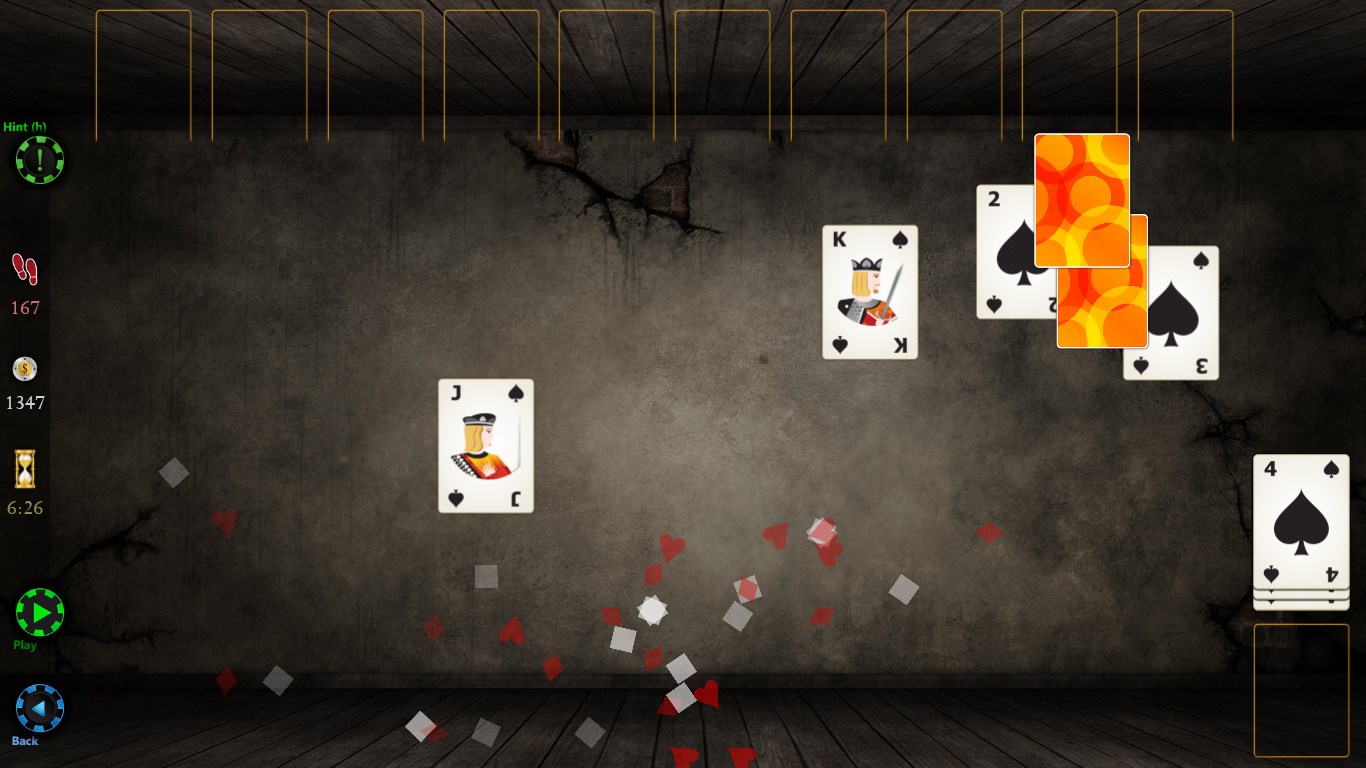
Compared to other digital versions of Spider Solitaire, this app's standout features include its adaptive card layouts and Instagram-like customization options, allowing players to personalize the theme, card backs, and backgrounds. Moreover, the developer's focus on simplicity and responsiveness makes it feel like playing a well-oiled desktop game rather than a clunky app. Unlike cluttered versions with intrusive ads or unnecessary bells and whistles, Spider Solitaire HD keeps the experience minimalistic yet engaging, making it a perfect digital deck in today's cluttered app marketplace.
Final Verdict: A Solid Choice with a Personal Touch
Overall, Spider Solitaire HD for Windows deserves a recommendation for its smooth gameplay, elegant design, and thoughtful features. Whether you're looking to relax during a break or challenge your strategic thinking, this app delivers with ease and style. I suggest it especially for users who appreciate a classic game presented with modern polish, and who value customization and seamless control as keys to an enjoyable experience. If you're fond of card games and seek a refined version of Spider Solitaire on your Windows device, this app is definitely worth a try.
Pros
- Intuitive and smooth user interface
- High-quality HD graphics and animations
- Multiple game modes for varied challenges
- Automatic hints and undo options
- Offline play support
Cons
- Limited customization options
- Occasional slow loading times on older devices
- Ads can be intrusive in free version
- Limited tutorial for new players
- No cloud save feature











