

- Name Spider Solitaire HD Free
- Category Card & board
- Available on PC, Mobile
- OS Windows 10 version 10240.0 or higher
- languages English (United States)
A Clear-Cut Classic with a Modern Touch
Spider Solitaire HD Free for Windows is a sleek, polished digital rendition of the beloved card game, tailored for fans seeking a relaxing yet engaging pastime on their PC. With its crisp visuals and smooth gameplay, it offers a familiar experience with enhanced visual clarity, making it ideal for both casual players and seasoned Solitaire enthusiasts.
Developers and Core Highlights
This game is brought to you by Enless Soft Ltd., a developer known for creating straightforward, user-friendly card games aimed at delivering an undiluted gaming experience. Its main features include:
- High-definition visuals optimized for modern screens, ensuring clarity and sharpness.
- Intuitive drag-and-drop mechanics that emulate the tactile feel of physical playing cards.
- Multiple difficulty levels and customizable game options to cater to various skill levels.
- Seamless gameplay with minimal loading times, encouraging extended gaming sessions.
Engaging and User-Friendly Game Experience
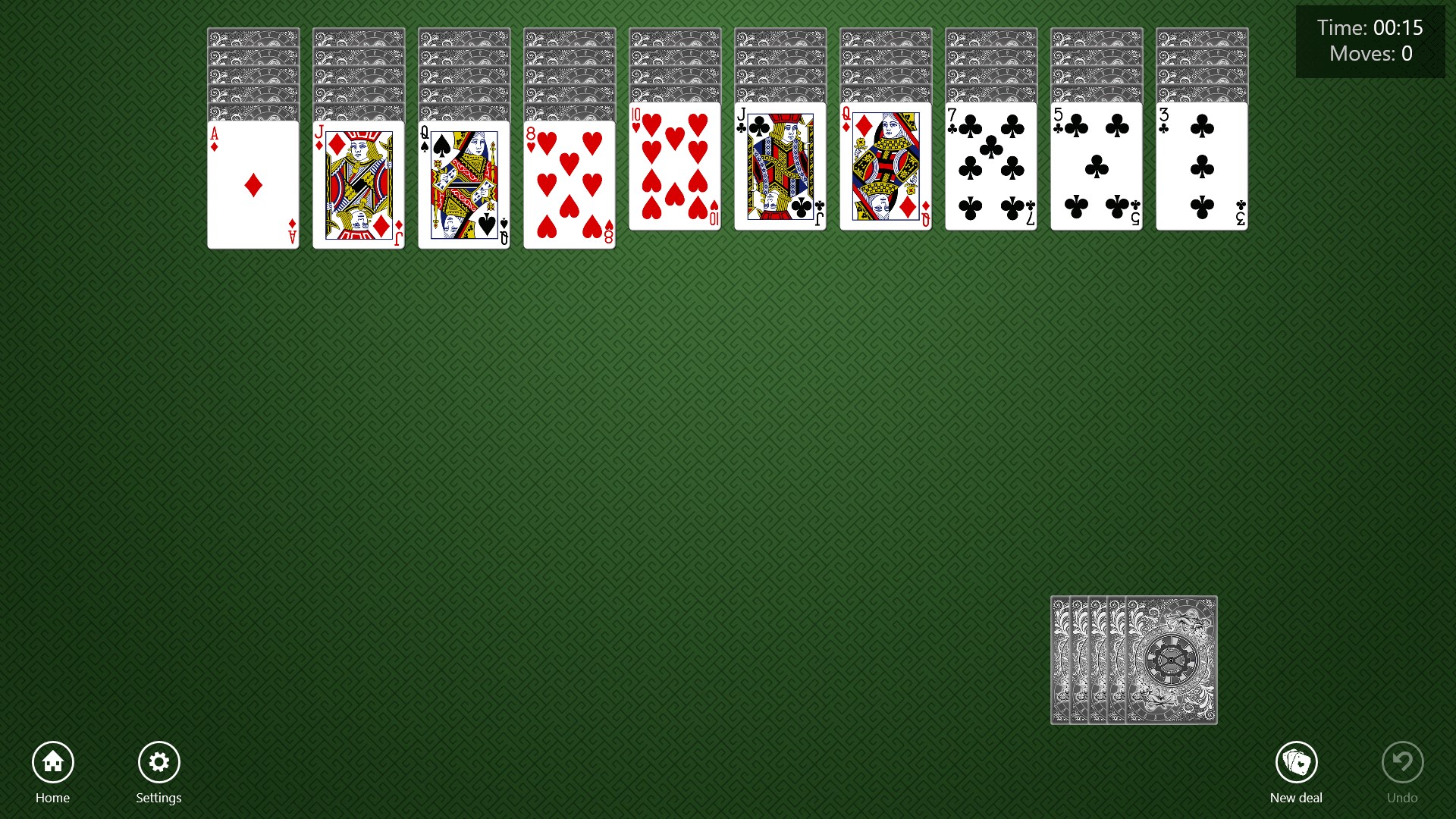
Jim, imagine sitting down after a long day, opening a game that welcomes you with its clean, inviting interface—Spider Solitaire HD Free pulls you in instantly. Its design exudes a sense of nostalgia, yet it's refreshingly modern, with vividly detailed cards and soothing background colors. The intuitive controls make the game accessible even to newcomers; simply clicking and dragging cards feels as natural as shuffling a real deck.
Visuals and Interface
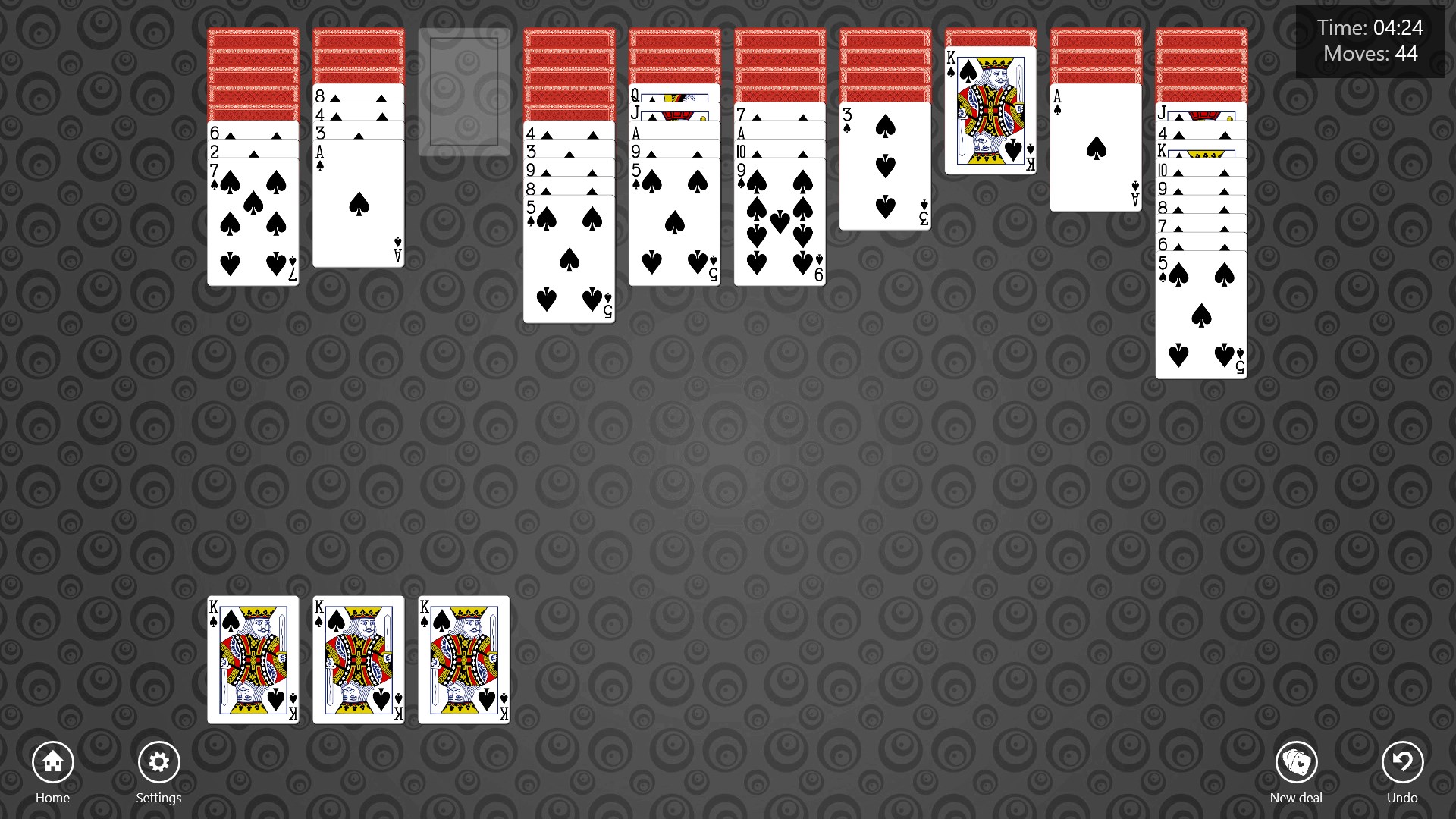
The game's HD graphics stand out, especially when played on high-resolution monitors. Each card is crisp and thoughtfully rendered, providing clear distinction between suits and ranks. The layout is minimalistic but thoughtfully designed, making the entire playing area uncluttered and easy to read. Subtle animations when moving cards add a pleasing touch, enhancing the overall aesthetic without distraction.
Performance and User Experience
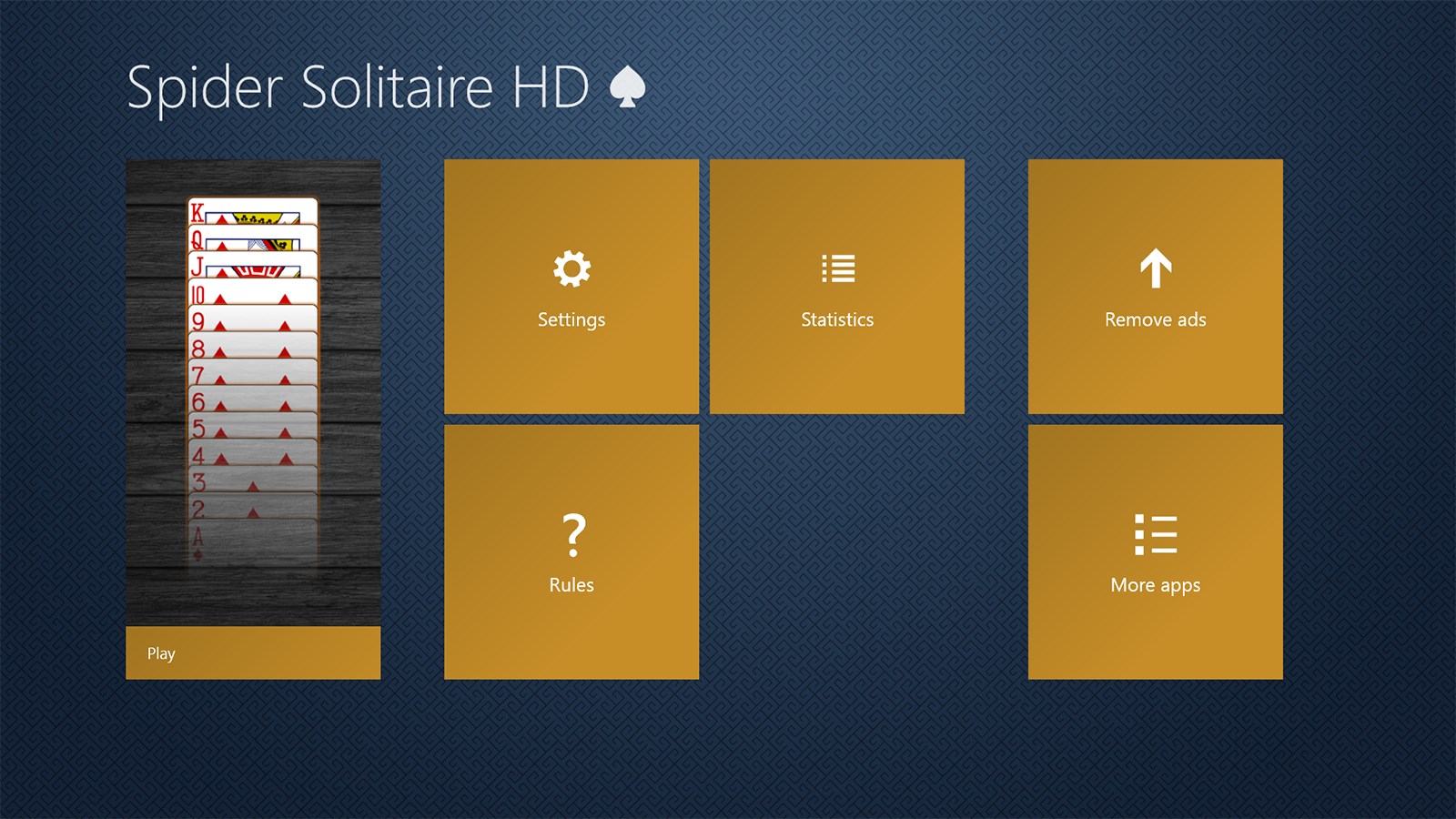
Gameplay flows smoothly, with no noticeable lag—an impressive feat given the game's focus on visual polish. The drag-and-drop mechanism responds seamlessly, creating a tactile feel that mimics holding real cards. The learning curve is gentle: new players can quickly grasp the rules, while seasoned players can dive into advanced options or customize game settings for a more challenging experience. The interface also offers quick access to game stats and reset options, keeping the flow uninterrupted.
What Sets It Apart from the Crowd
While many digital spider solitaire games exist, this version's standout feature is its emphasis on visual clarity paired with smooth, tactile controls. Unlike some counterparts that rely heavily on flashy animations or overly complex interfaces, Spider Solitaire HD Free prioritizes a straightforward, elegant experience—making it especially appealing for purists and those who value a clean aesthetic. Its focus on HD visuals enhances the immersive feel, setting it apart from more basic or cluttered alternatives.
Final Thoughts and Recommendations
Overall, I would rate Spider Solitaire HD Free as a highly recommended app for anyone looking for a refined, accessible, and visually pleasing solitaire experience on Windows. It strikes a nice balance between simplicity and functionality, making it suitable for quick breaks or extended gaming sessions. If you're someone who appreciates clarity, smooth controls, and classic gameplay without unnecessary frills, this game deserves a spot on your desktop.
Pros
- User-friendly interface
- High-quality HD graphics
- Seamless gameplay without lag
- Multiple difficulty levels
- Free offline access
Cons
- Limited game modes
- Ads can be intrusive
- No customization options
- Lack of tutorials for beginners
- Limited achievements and rewards











