
- Name Spider Solitaire Collection Free
- Category Card & board
- Developer TreeCardGames
- Available on PC
- OS Windows 10 version 17763.0 or higher
- languages Chinese (Simplified), Chinese (Traditional Chinese), Czech, Danish, Dutch, English, English (United States), Finnish, French, German, Greek, Hebrew, Hindi, Hungarian, Italian, Japanese, Norwegian (Bokmål), Polish, Portuguese (Brazil), Portuguese (Portugal), Russian, Spanish, Swedish, Thai, Turkish, Ukrainian
An Honest Look at Spider Solitaire Collection Free for Windows
If you're a fan of classic solitaire games but crave a fresh spin, Spider Solitaire Collection Free offers a delightful blend of traditional gameplay with modern touches. With its sleek design and user-friendly interface, it aims to bring the timeless card game to Windows users seeking casual fun or a mental challenge. Developed and published by TreeCardGames, this app positions itself as an accessible yet engaging version of the beloved spider solitaire.
Who's Behind the Magic?
TreeCardGames, a dedicated developer of card and puzzle games, is responsible for crafting this collection. Their focus appears to be on delivering straightforward, enjoyable card games with minimal fuss but enough polish to keep players hooked. With consistent updates and a clear emphasis on user experience, TreeCardGames aims to cater both to casual gamers and solitaire enthusiasts alike.
Top Features That Make a Difference
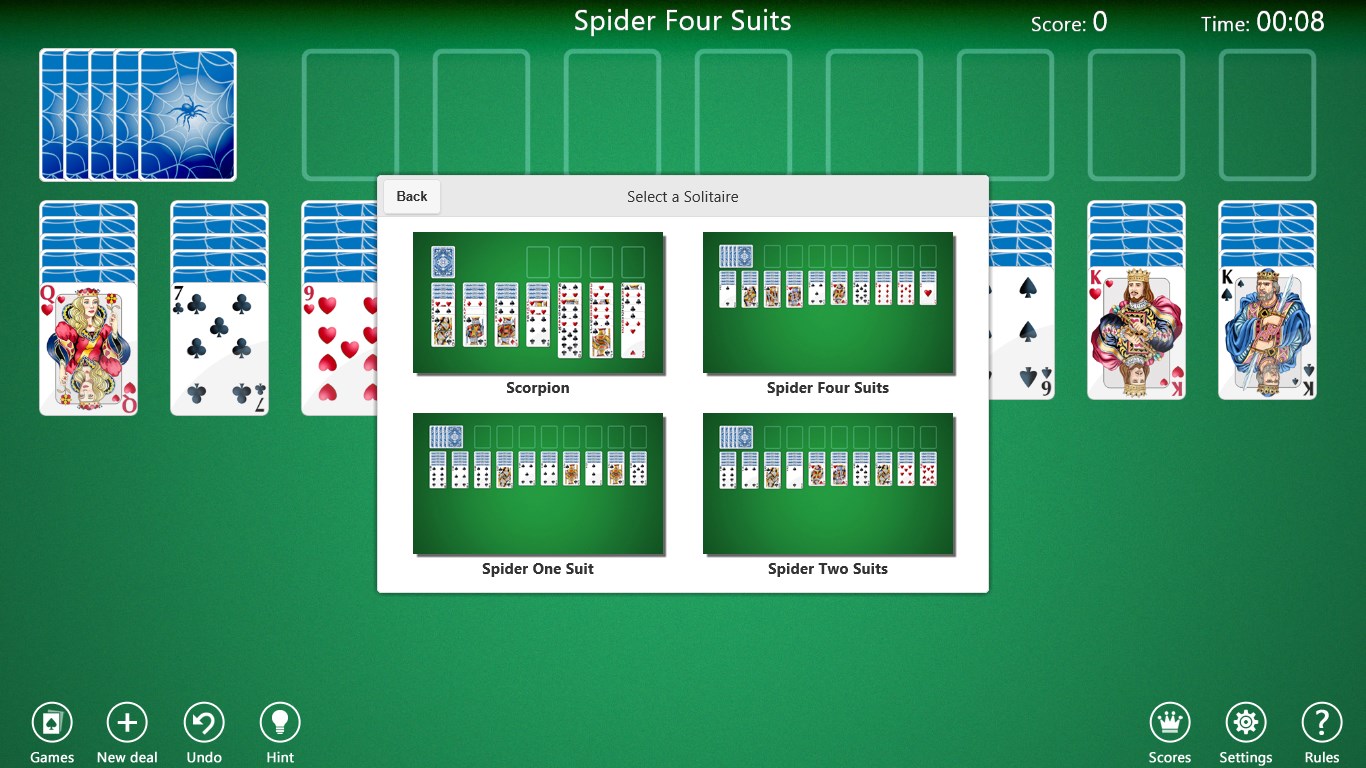
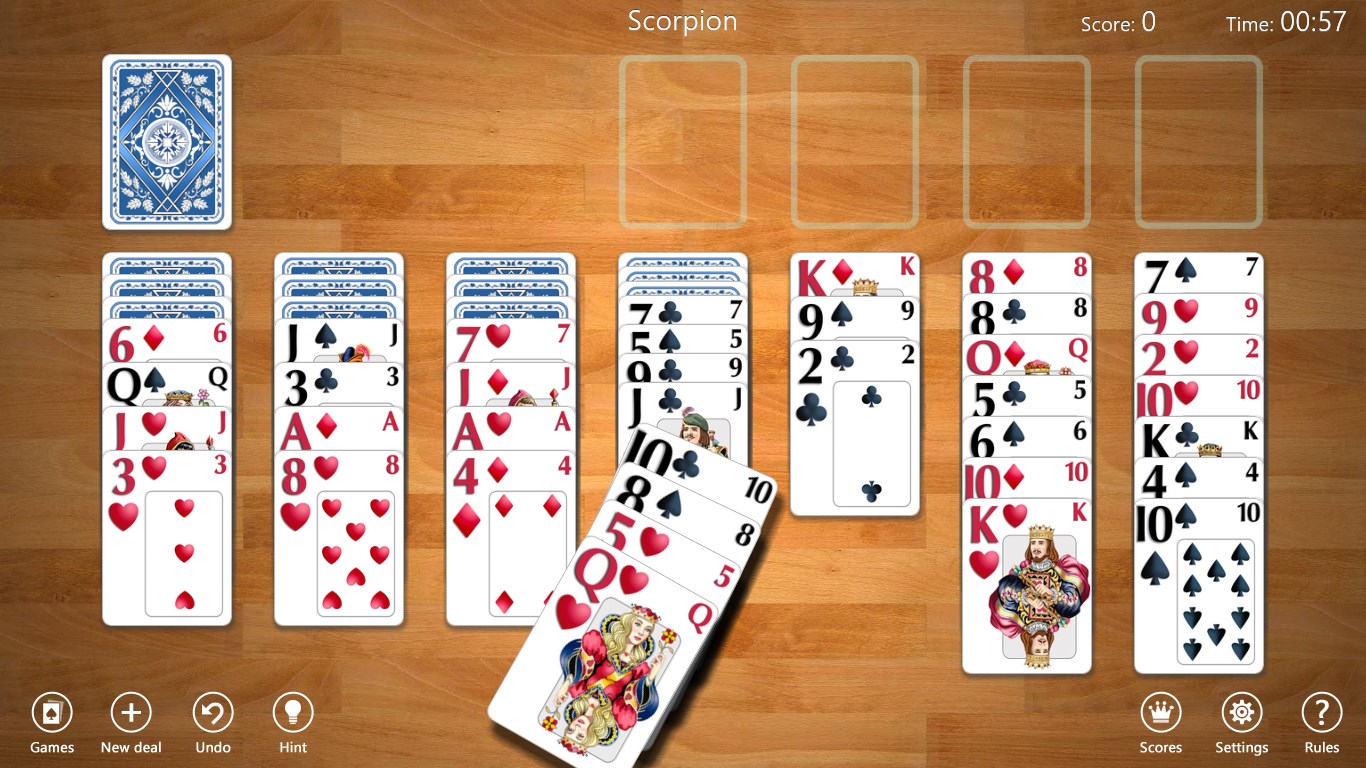
- Multiple Solitaire Variants in One Collection: This app consolidates different levels and variations of Spider Solitaire, catering to both beginners and seasoned players seeking more challenging setups.
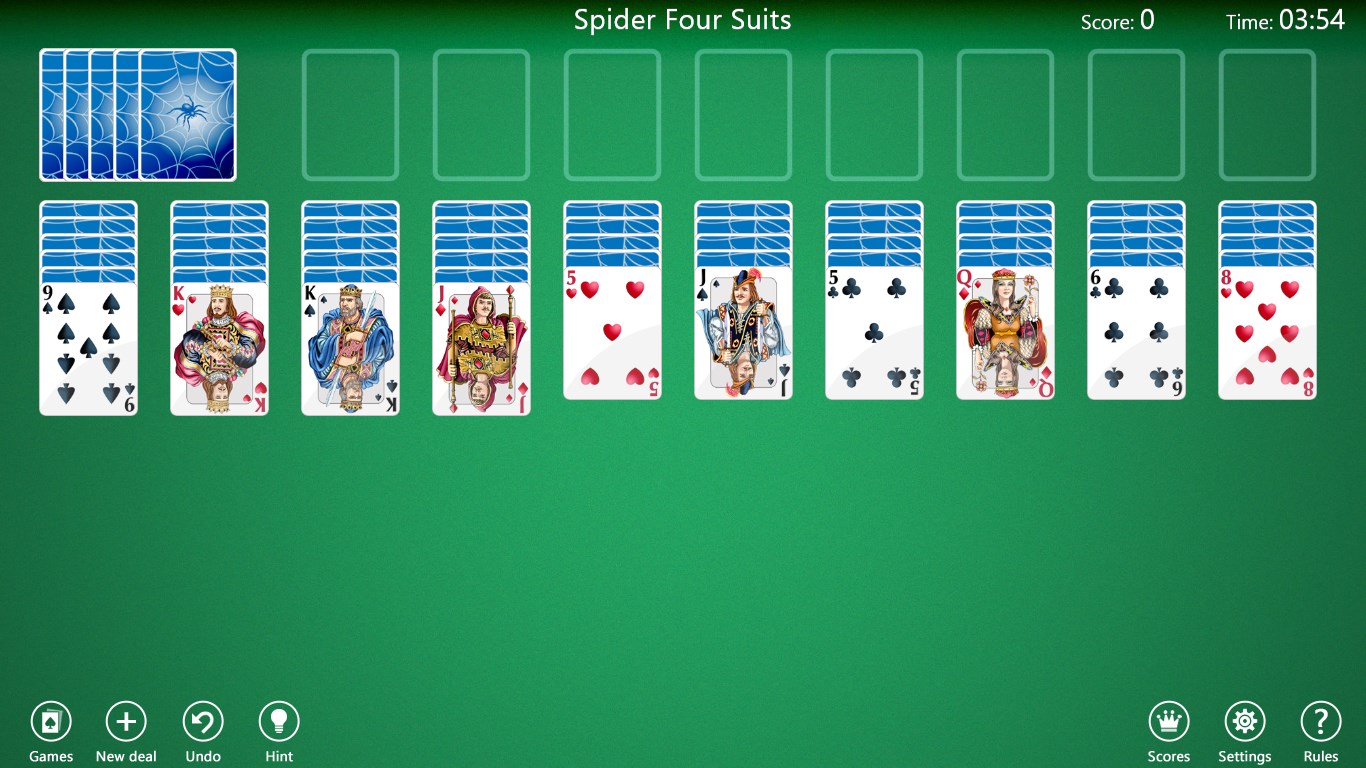
- Clean and Intuitive Interface: The game boasts a minimalistic yet attractive design that places the focus squarely on gameplay, making navigation effortless without unnecessary clutter.
- Automatic Game Saving & Progress Tracking: Forget stressful resets — your current game state is saved automagically, allowing you to pause and resume without losing your progress.
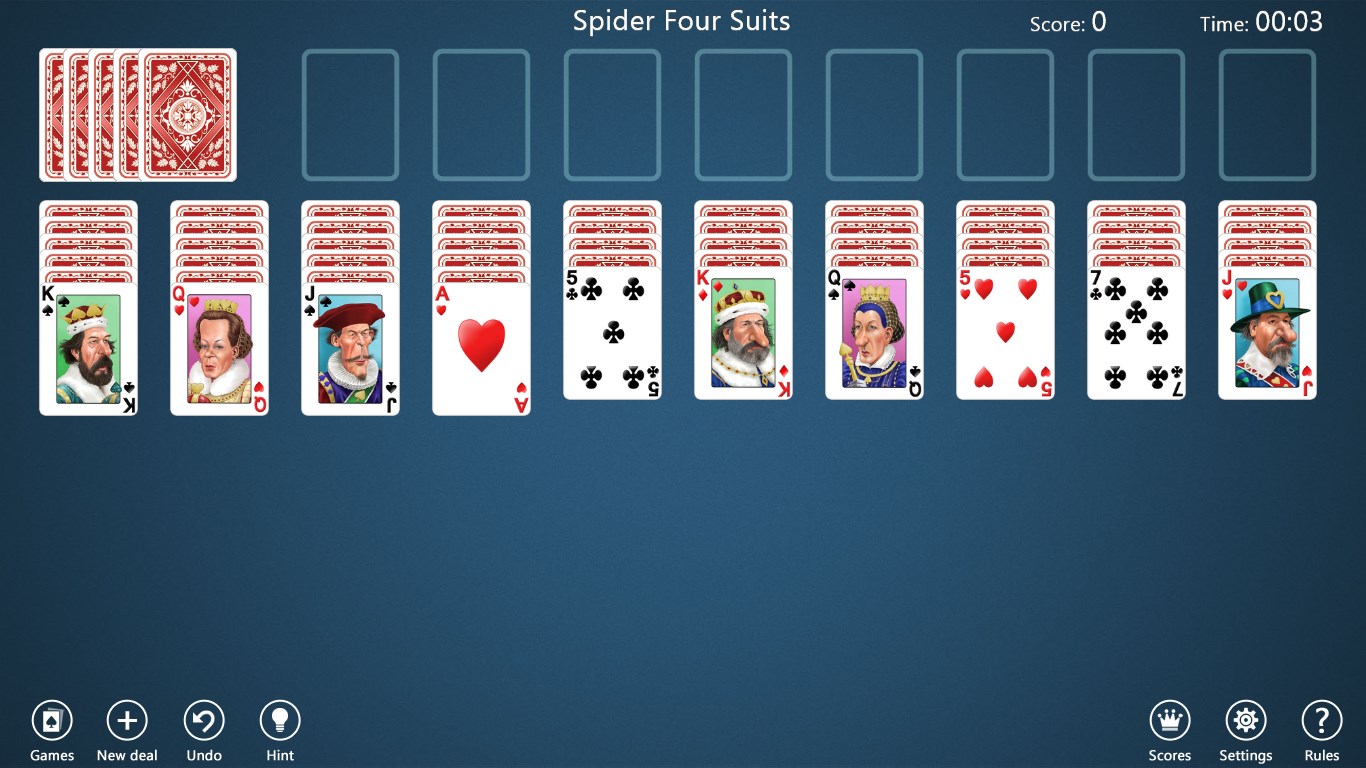
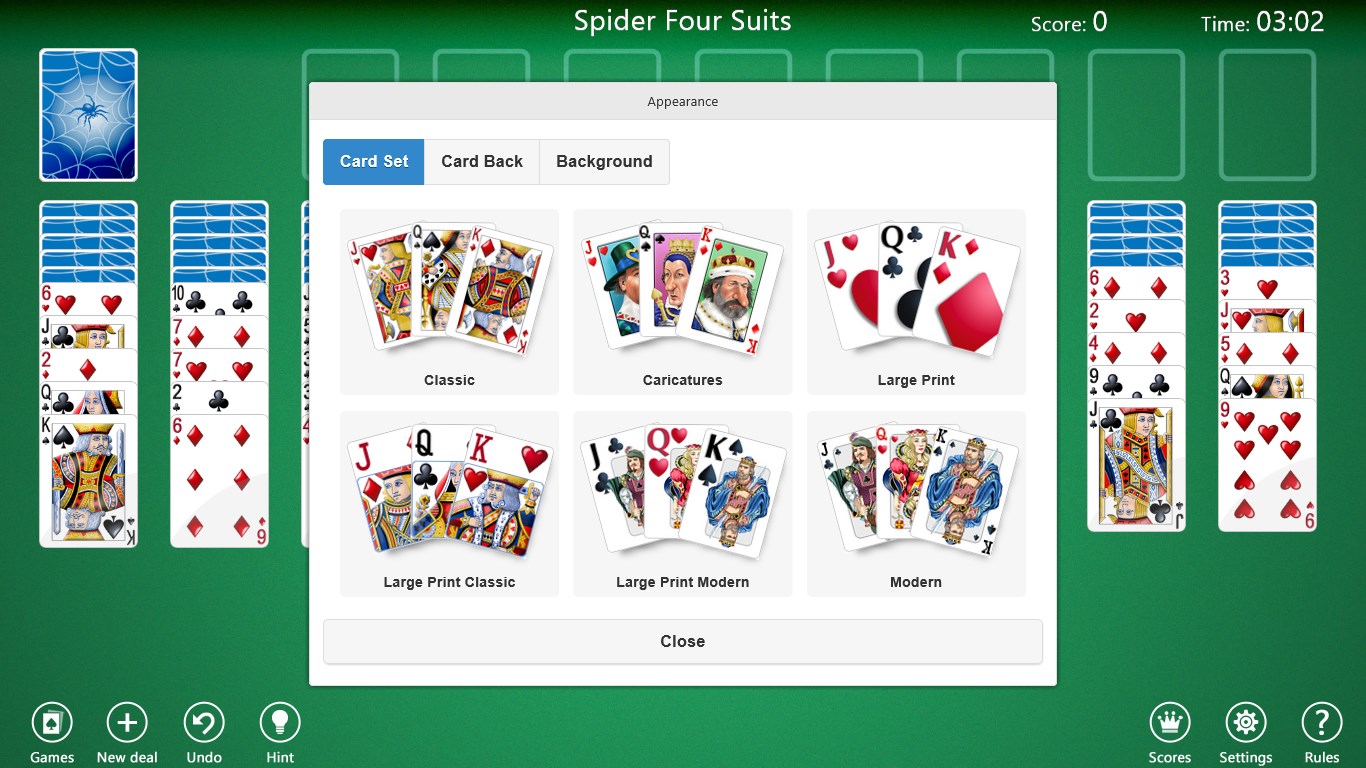
- Dark & Light Themes: Customizable visual themes help reduce eye strain and let you tailor the experience to your taste and environment.
Delving Into the User Experience
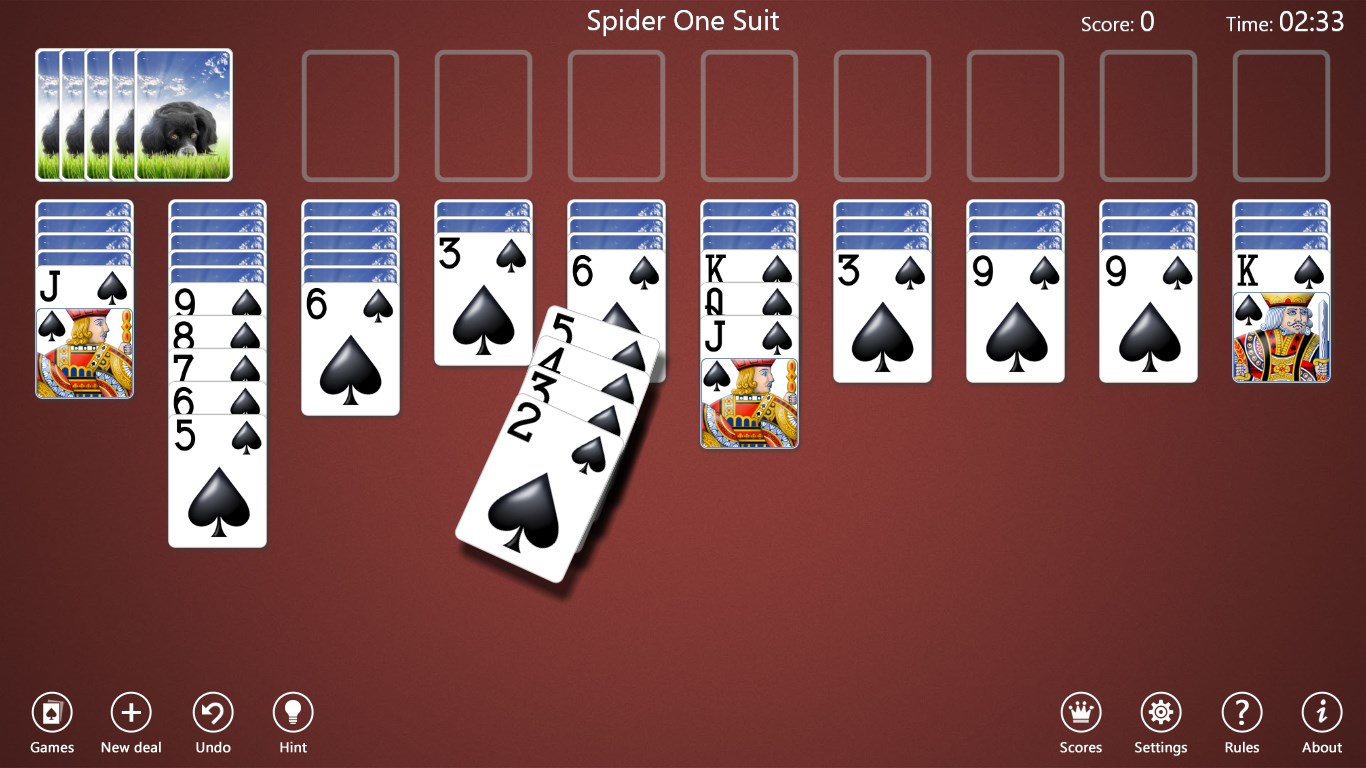
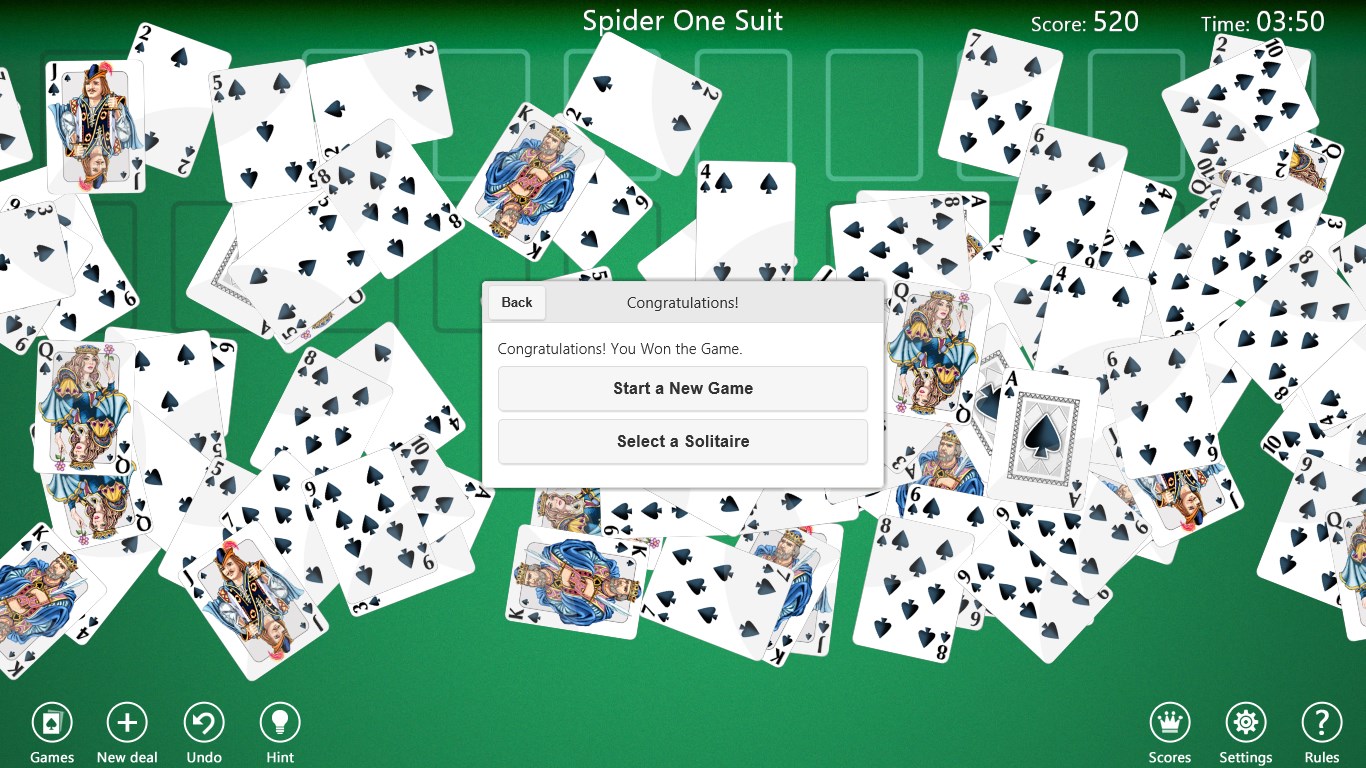
Upon launching Spider Solitaire Collection Free, players are greeted with a crisply designed interface that feels both familiar and refreshed—think of stepping into your favorite cozy library, but with a modern twist. Navigating menus is seamless, with clear options to start a new game or select different variations. The animations are smooth, creating a pleasing flow as cards glide effortlessly during moves, akin to a well-oiled machine making every action satisfying.
The learning curve is gentle; even first-time players can grasp the rules within minutes, thanks to subtle instructional hints available in the menu. For veterans, the game offers enough complexity to challenge strategic thinking, especially in the higher difficulty levels. The gameplay feels responsive, with no lag or hiccups, even during intricate moves that involve multiple card stacks. This responsiveness makes it an enjoyable experience, much like playing a well-made physical card game on your table.
What Sets It Apart in a Crowded Market?
While many solitaire apps exist, Spider Solitaire Collection Free stands out primarily through its focus on offering a polished, distraction-free environment coupled with customization options. The inclusion of multiple variants—like one, two, or four suits—ensures that players can choose their level of difficulty and complexity. This layered approach caters to a wide spectrum of players, from casual fans to competitive strategists.
Another unique aspect is its thoughtful design for touch and mouse inputs, making it versatile for use on PCs and touch-enabled devices alike. The automatic saving feature is also particularly noteworthy—it respects your time and memory, enabling quick pick-up-and-play sessions without worry.
Would I Recommend It?
Absolutely. If you enjoy classic solitaire but want a fresh yet familiar experience on your Windows device, Bird Solitaire Collection Free is worth trying. Its straightforward interface, coupled with the capacity to customize themes and game difficulty, makes it suitable for everyday moments of relaxation or sharp mental exercise. For players looking for a clean, stable, and engaging solitaire app that won't overwhelm with flashy graphics or intrusive ads, this collection strikes a fine balance.
In conclusion, while it may not reinvent the wheel, Spider Solitaire Collection Free offers a solid, dependable, and thoughtfully designed card game experience. It's like having a trusted deck of cards on your screen—reliable, familiar, and ready to entertain whenever you have a few minutes to spare.
Pros
- User-Friendly Interface
- Free to Download and Play
- Multiple Game Variations
- Auto-Save Functionality
- Regular Updates and Bug Fixes
Cons
- Limited Customization Options
- Ads Interrupt Gameplay
- No Offline Mode
- Limited Advanced Features
- Performance Variability on Low-End Devices











