

- Name Spider Solitaire 2020 Classic
- Category Card & board
- Available on PC, Mobile, Surface Hub, HoloLens
- OS Windows 10 version 10240.0 or higher
- languages Chinese (Simplified), English (United States)
Introducing Spider Solitaire 2020 Classic for Windows: A Timeless Card Game Reimagined
Spider Solitaire 2020 Classic for Windows is a digital rendition of the classic patience game, offering players a nostalgic yet refined experience to test their strategic skills and patience. Perfect for casual gamers and card aficionados alike, this app delivers a straightforward, engaging way to enjoy one of the most enduring card games on their Windows devices.
About the Developer: Piano Music Studio
Developed by Piano Music Studio, a team known primarily for their musical applications, this project showcases their versatility beyond melodies. With a focus on clean design and user-friendly interfaces, they seek to bring familiar traditional games into the digital age with simplicity and quality.
Main Features That Shine
- Classic Gameplay with Customization Options: Maintain the traditional Spider Solitaire mechanics, while allowing players to select difficulty modes and customize card decks to enhance their experience.
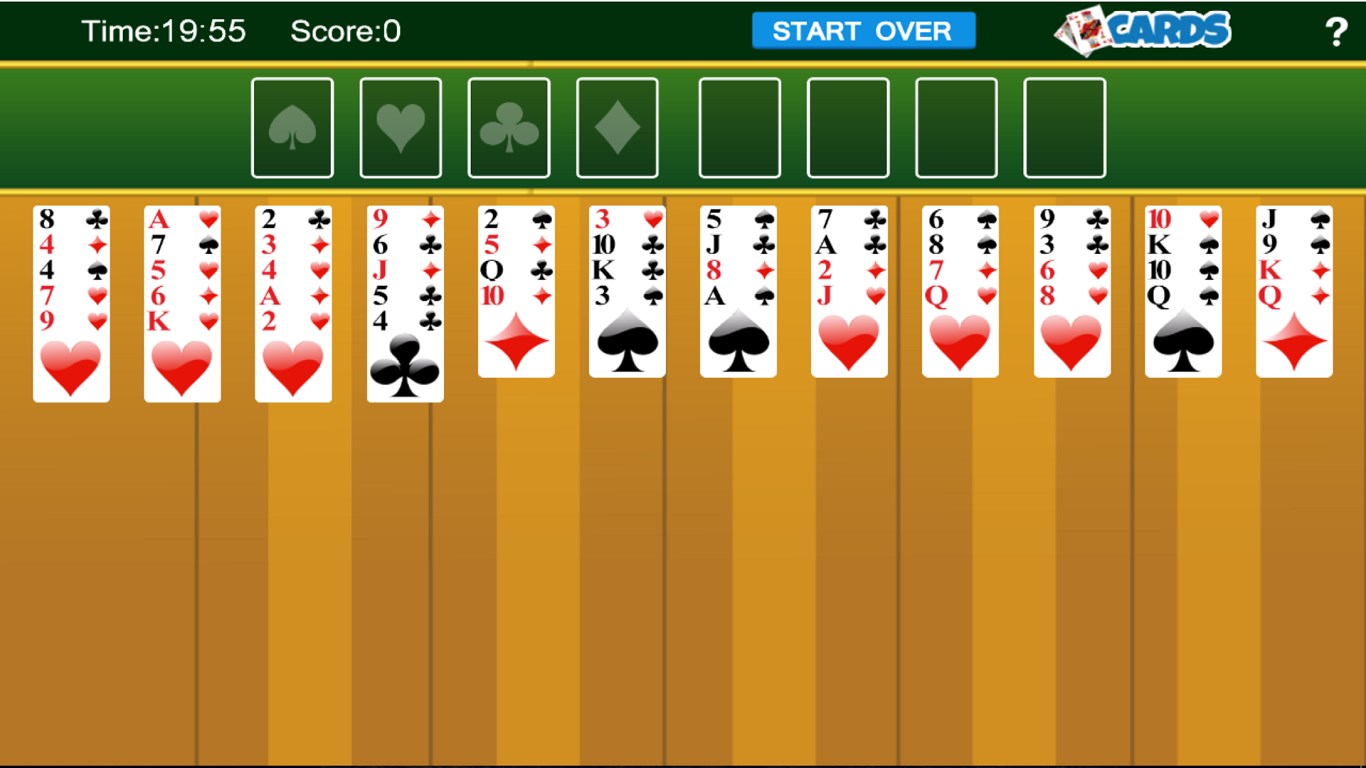
- Intuitive Interface & Graphics: Clear, minimalistic design ensures that players can focus on the game without distraction, with crisp card visuals and smooth animations.
- Progress Tracking & Achievements: Keep track of your game statistics and challenge yourself to beat personal bests, motivating continuous play amid its soothing interface.
- Seamless User Experience: Fast load times, responsive controls, and adaptable window sizing cater to various user preferences.
Engaging and Accessible Design for All Levels
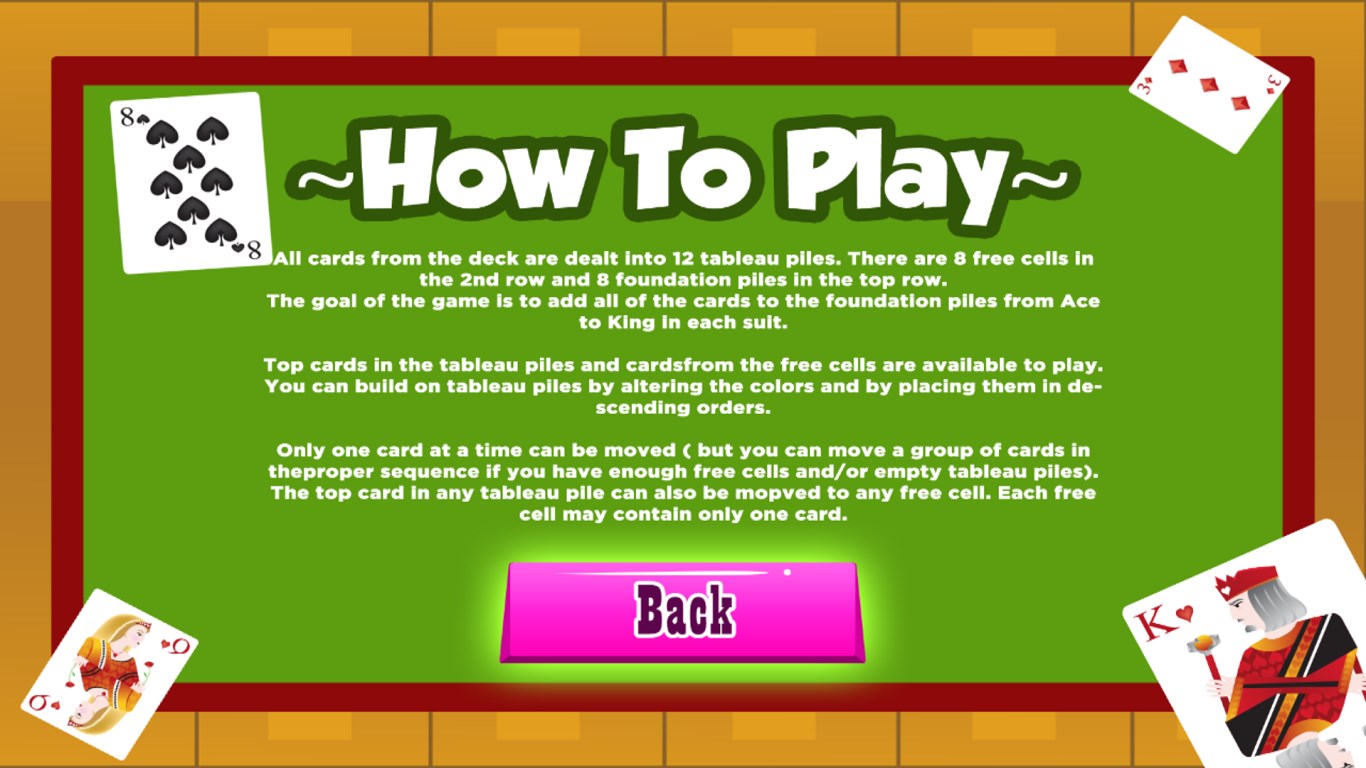
From the moment you launch Spider Solitaire 2020 Classic, the interface greets you with a clean, uncluttered layout — much like stepping into a well-organized card room. The visuals are sleek but familiar, evoking the tactile feel of a well-shuffled deck. Navigating through the game is a breeze; dragging cards is fluid, making moves feel natural, almost like shuffling a real deck. The app's learning curve is gentle enough for beginners, yet it offers enough depth and challenge to keep seasoned players engaged. For newcomers, tutorials or hints are minimal but helpful, acting more as gentle nudges rather than instructions to memorize.
Core Functionality: A Deck of Features Keeping Players Hooked
1. Customizable Gameplay & Difficulty Modes
Unlike some apps that stick rigidly to one game mode, Spider Solitaire 2020 Classic allows you to choose between one, two, or four suits, adjusting the difficulty and complexity to suit your mood. Whether you're just starting out or a seasoned veteran aiming for a perfect game, this flexibility keeps the experience fresh. The ability to toggle between classic and modernized layouts gives players a sense of control, making each session feel tailored and personal.
2. Visual & User Interface Design
The design philosophy prioritizes clarity and ease of use. Cards are displayed with elegant, high-contrast visuals that make them easy to distinguish at a glance, even on smaller screens. Animations are smooth, adding a sense of fluidity to moves without smearing the experience with unnecessary flashiness. The interface's simplicity means there are no distracting ads or clutter, letting players focus solely on the game, much like a traditional card table in a quiet corner.
3. Tracking Progress & Achievements
This feature adds a dash of motivation, turning casual play into a subtle competition against oneself. The app keeps detailed statistics of wins, losses, and time taken per game, which can be viewed in a clean dashboard. Achievements unlocked through various milestones encourage prolonged engagement and offer a sense of accomplishment—an essential element for keeping players coming back for more.
Comparison & Unique Edge: Why Choose This Version?
Many digital versions of Spider Solitaire are available, but what sets Spider Solitaire 2020 Classic apart is its focus on authenticity combined with modern usability. Unlike versions that lean heavily on flashy graphics or intrusive ads, this app honors the traditional gameplay, akin to playing with a deck in your hand, but with the ease and comfort of digital controls. Its adaptability in difficulty levels and clean aesthetic make it suitable for quick breaks or longer strategic sessions. For players seeking a pure, unembellished spider game experience, this app stands out as a reliable choice.
Final Verdict & Recommendations
I would consider Spider Solitaire 2020 Classic a solid, trustworthy pick for fans of card games and those looking for a classic experience in a modern format. Its simplicity, coupled with thoughtful features like customizable difficulty and progress tracking, makes it both accessible and engaging. If you're after a no-frills, smooth, and nostalgic card game that respects the timeless appeal of Spider Solitaire without unnecessary distractions, this app is highly recommended. Perfect for quick sessions to clear your mind or deep dives into strategic planning, it's a digital deck worth shuffling regularly.
Pros
- User-Friendly Interface
- Classic Gameplay Experience
- Smooth Performance
- Multiple Difficulty Levels
- Offline Access
Cons
- Limited Customization Options
- Basic Graphics Design
- Lack of Tutorial for Beginners
- Limited Undo Options
- Ads Interrupt Play (if free version)











